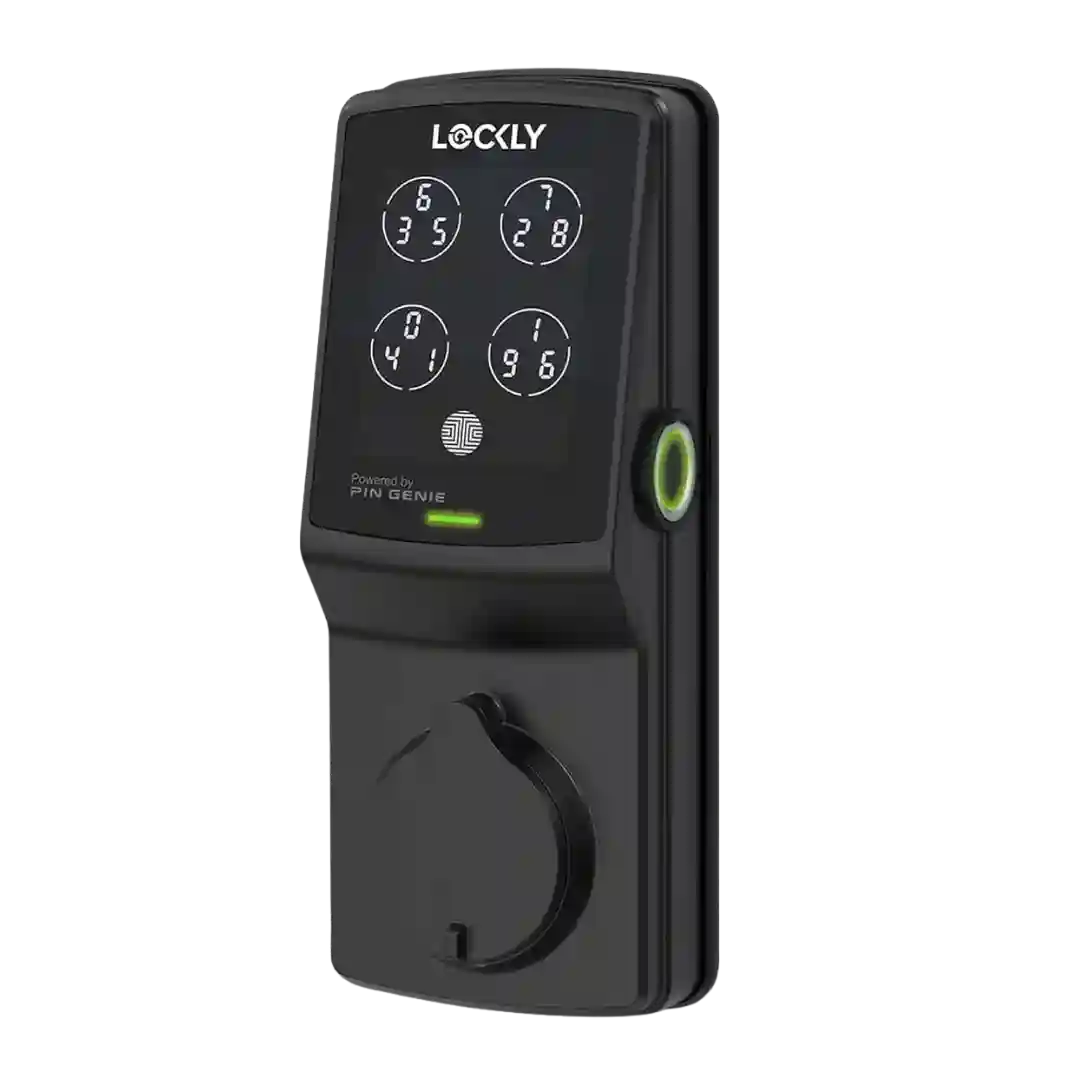
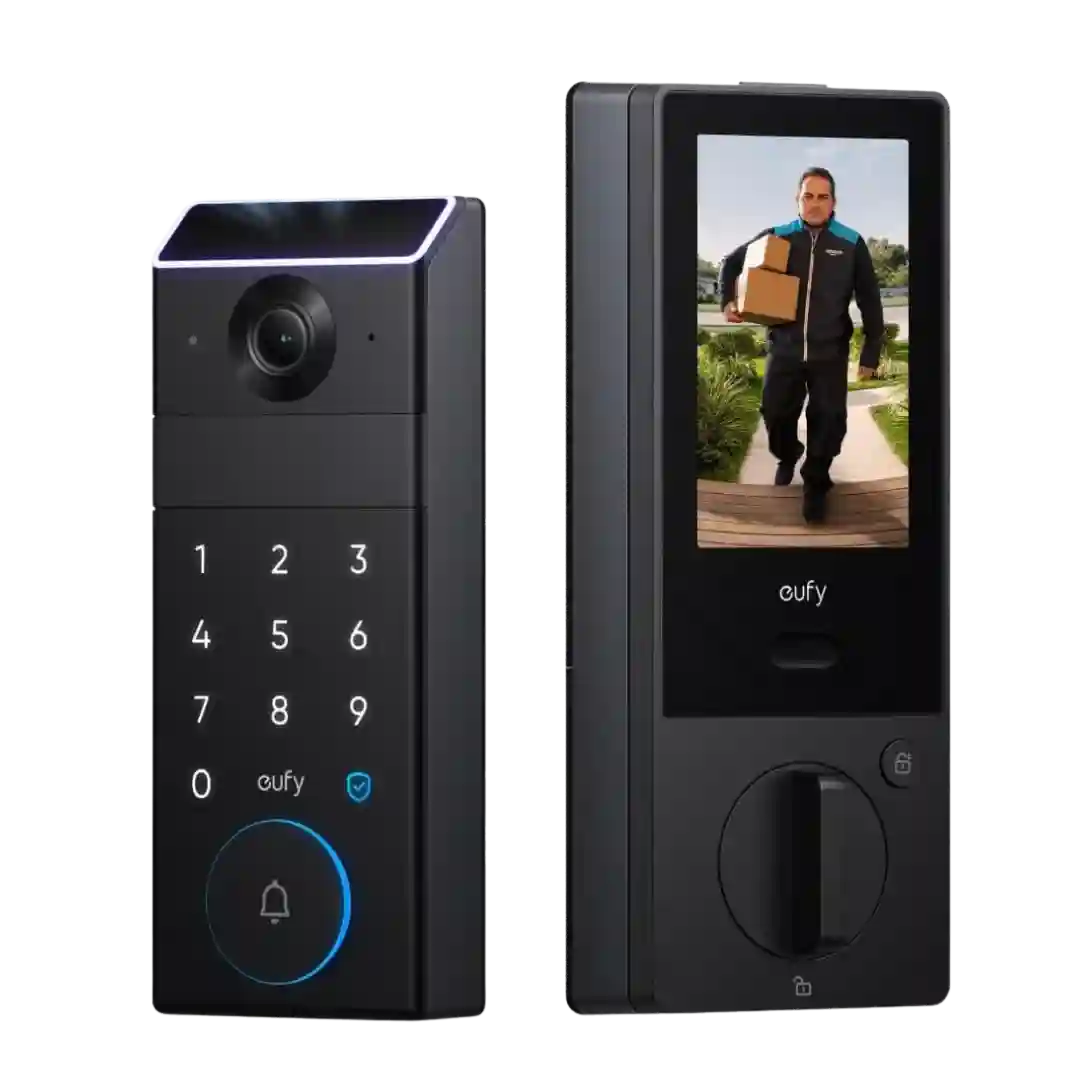
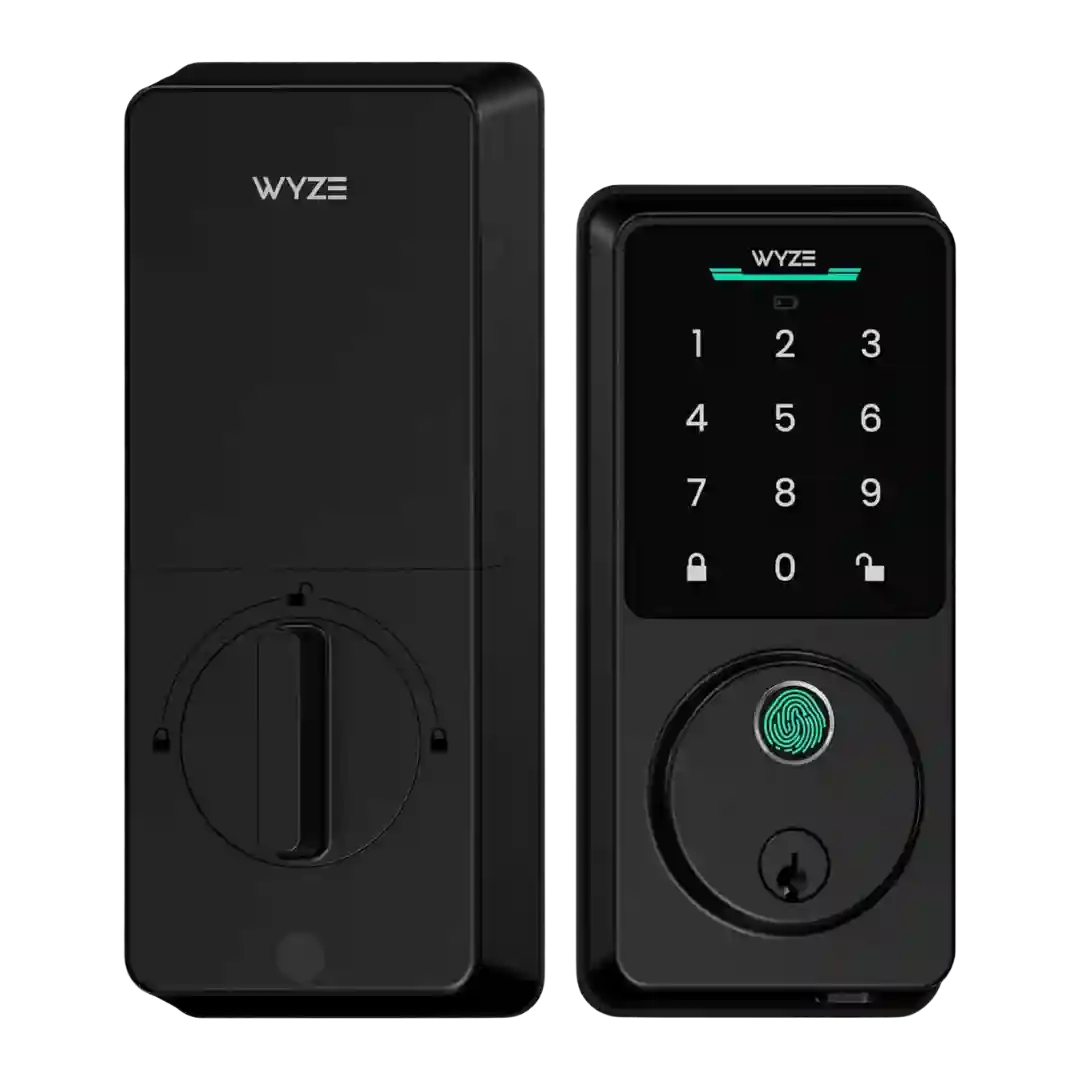
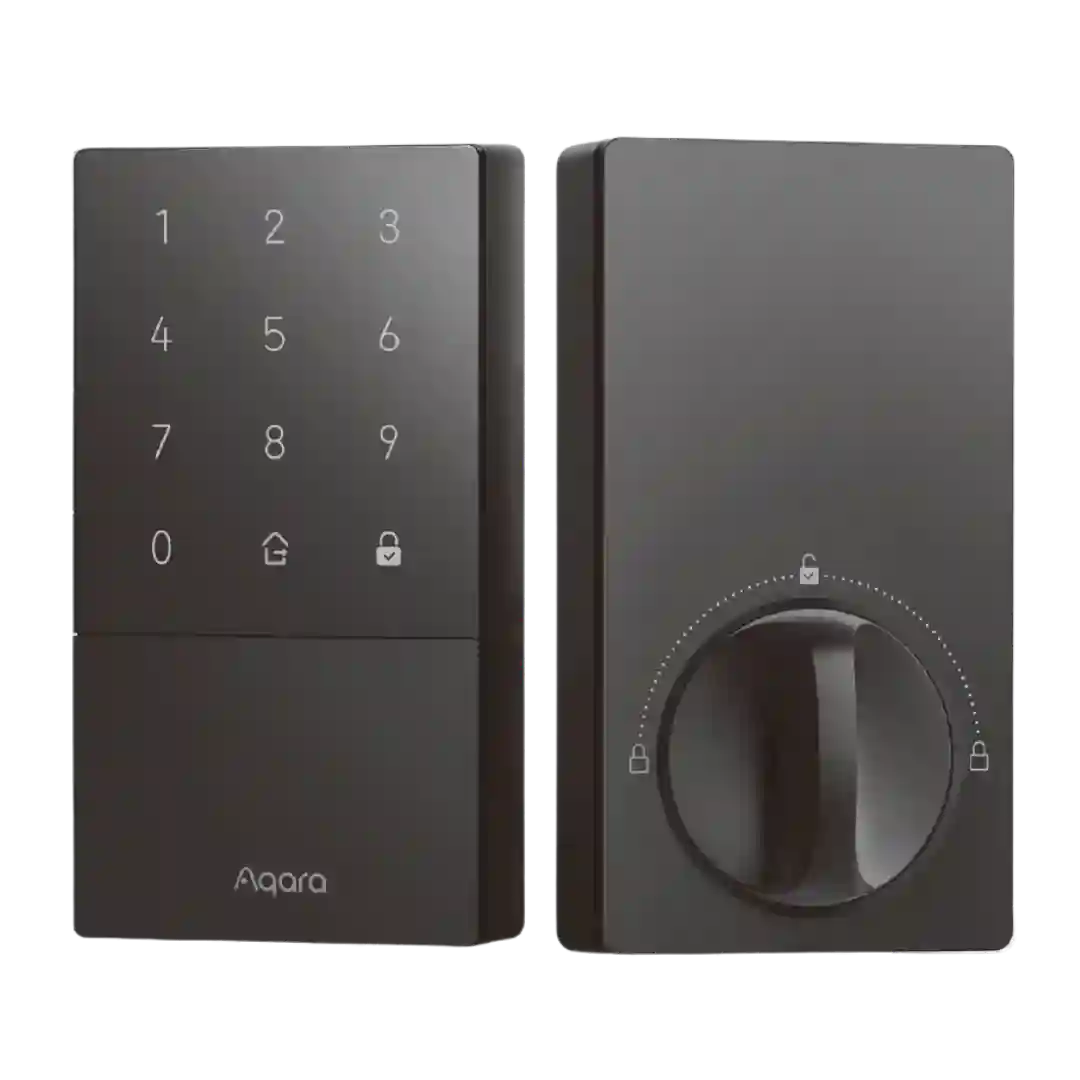
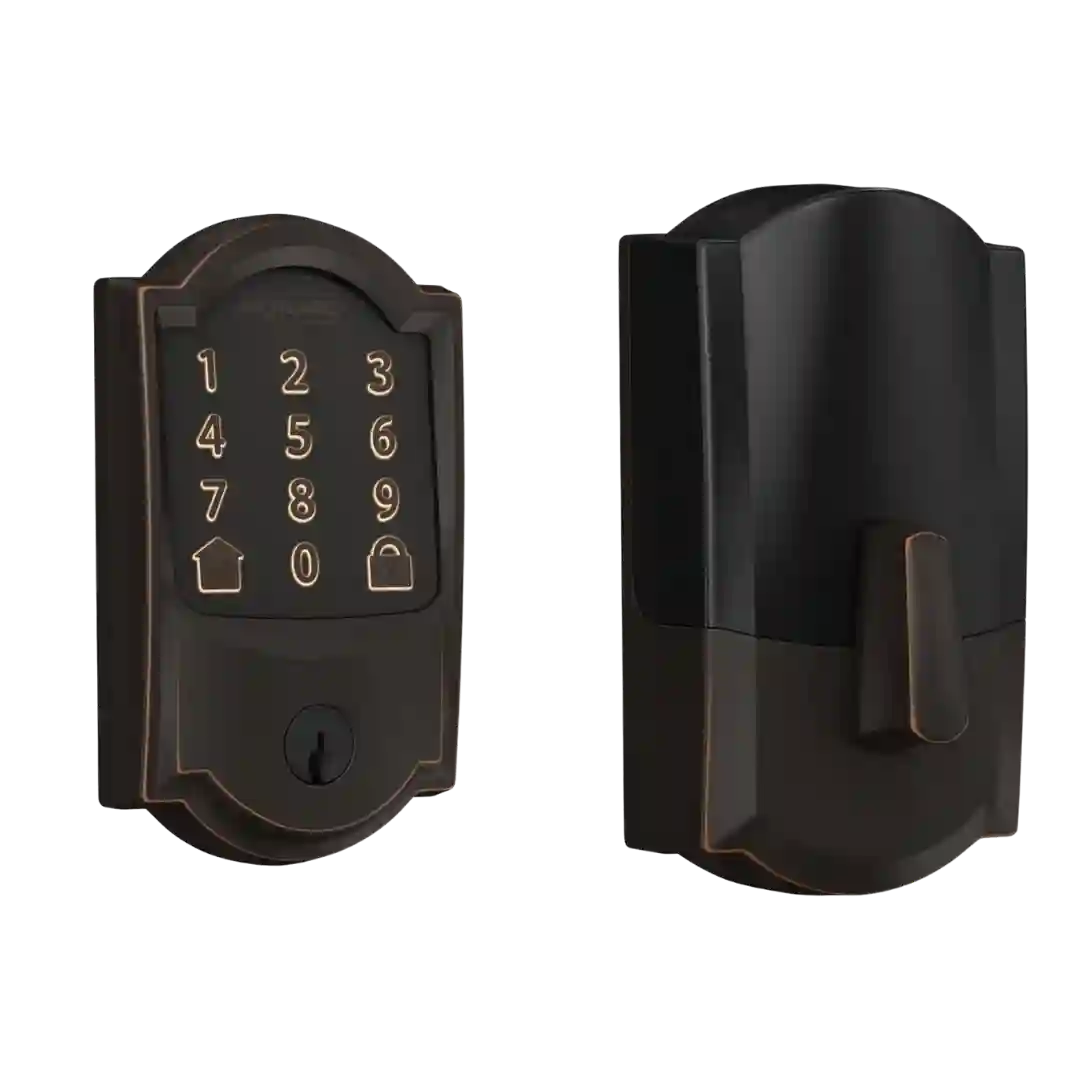
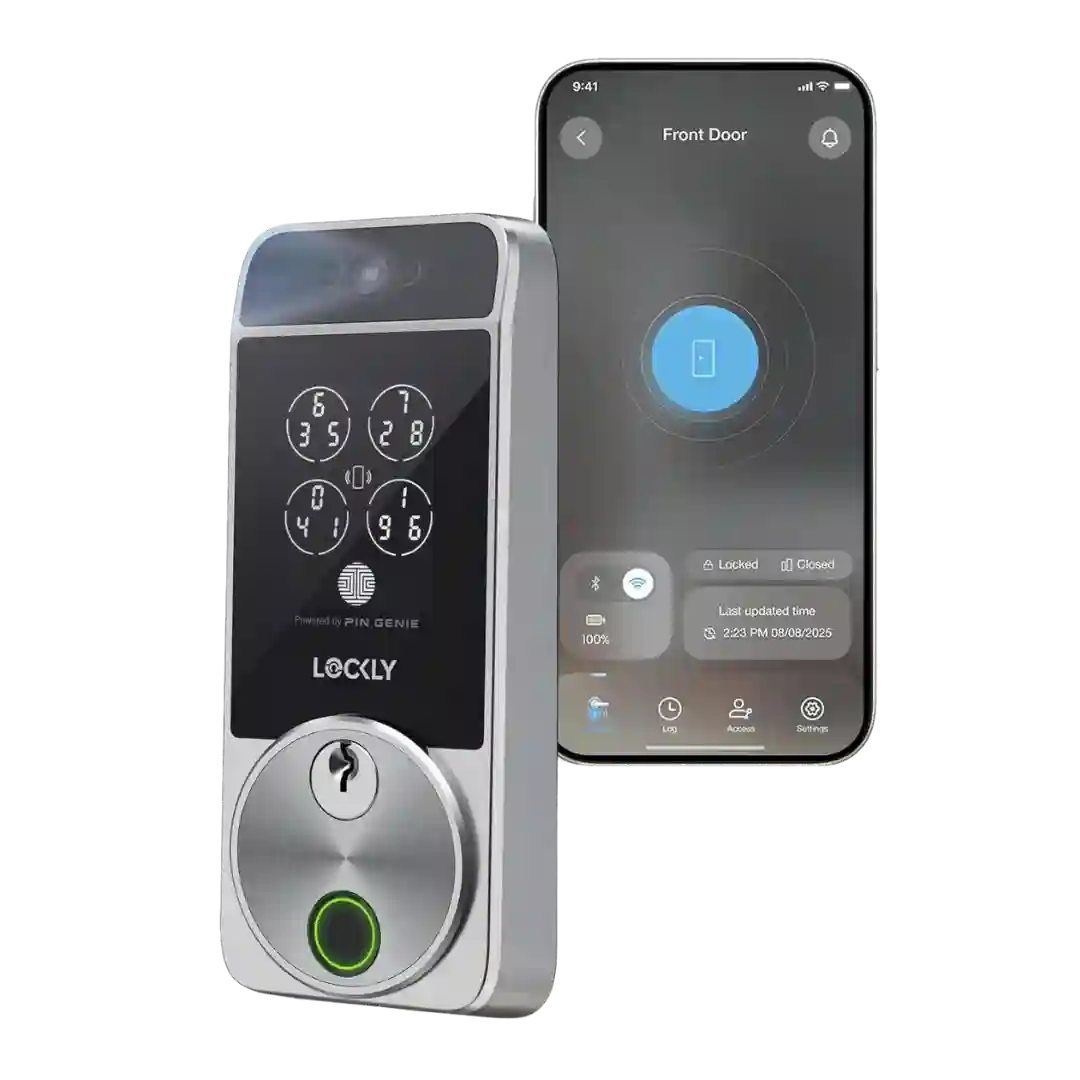
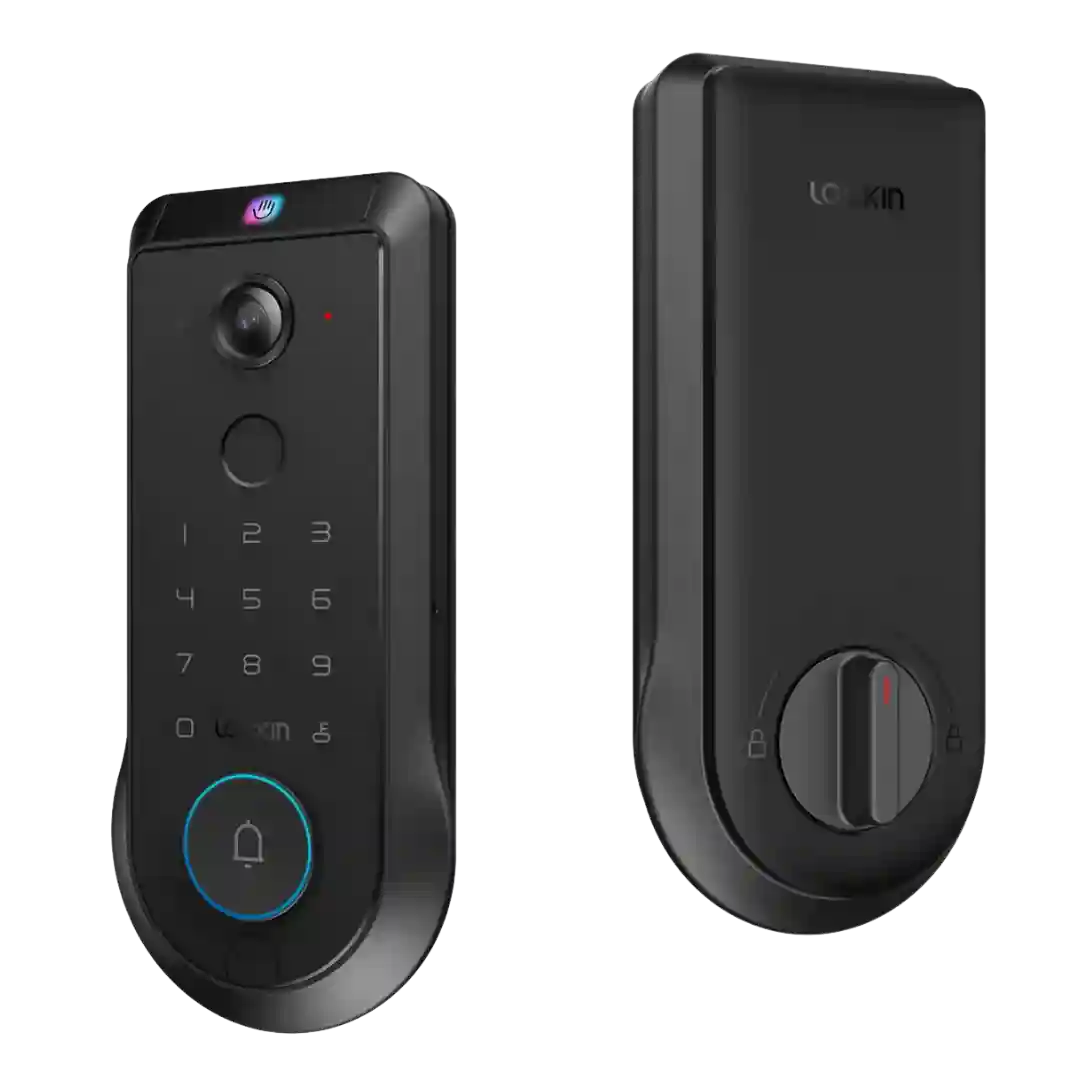
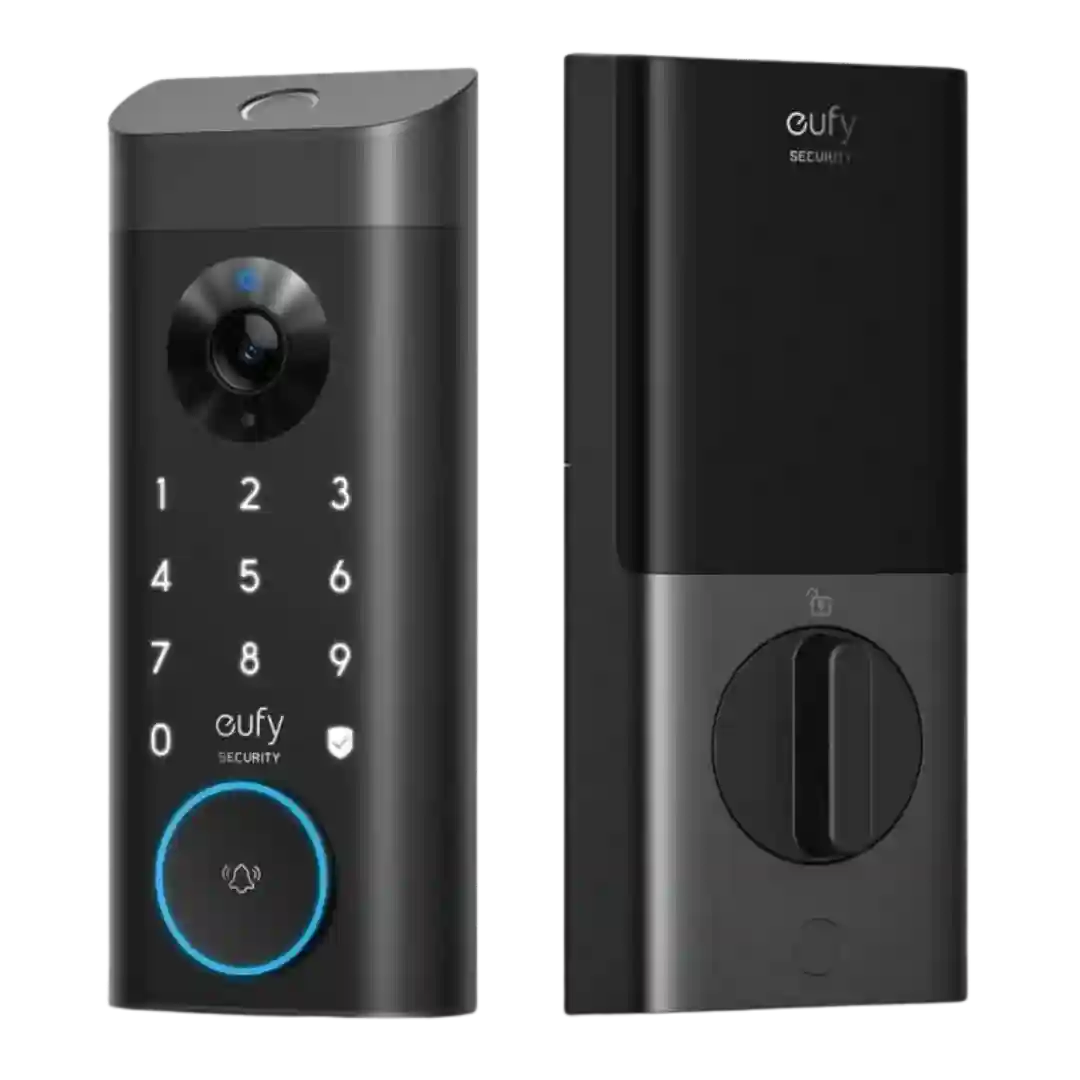
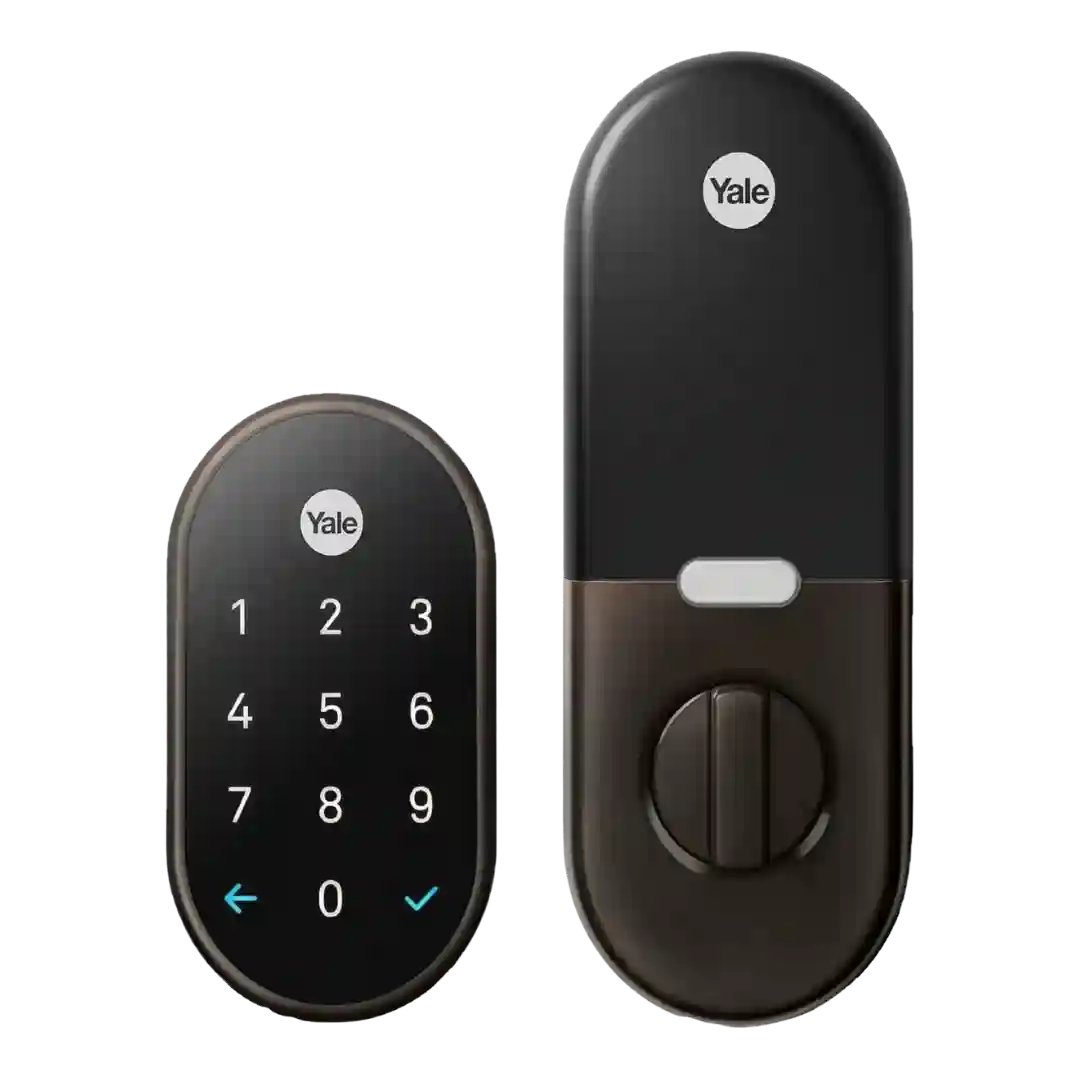
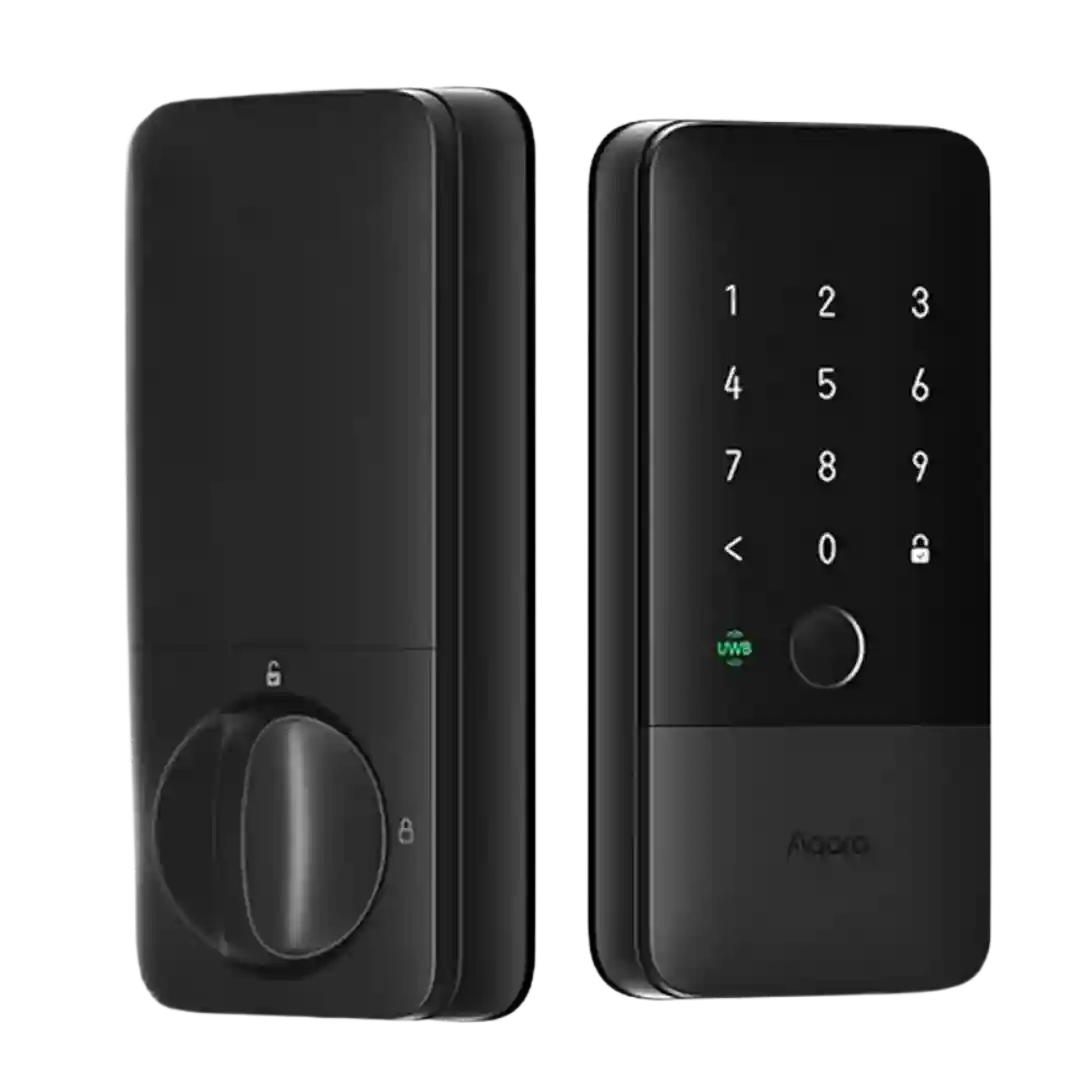
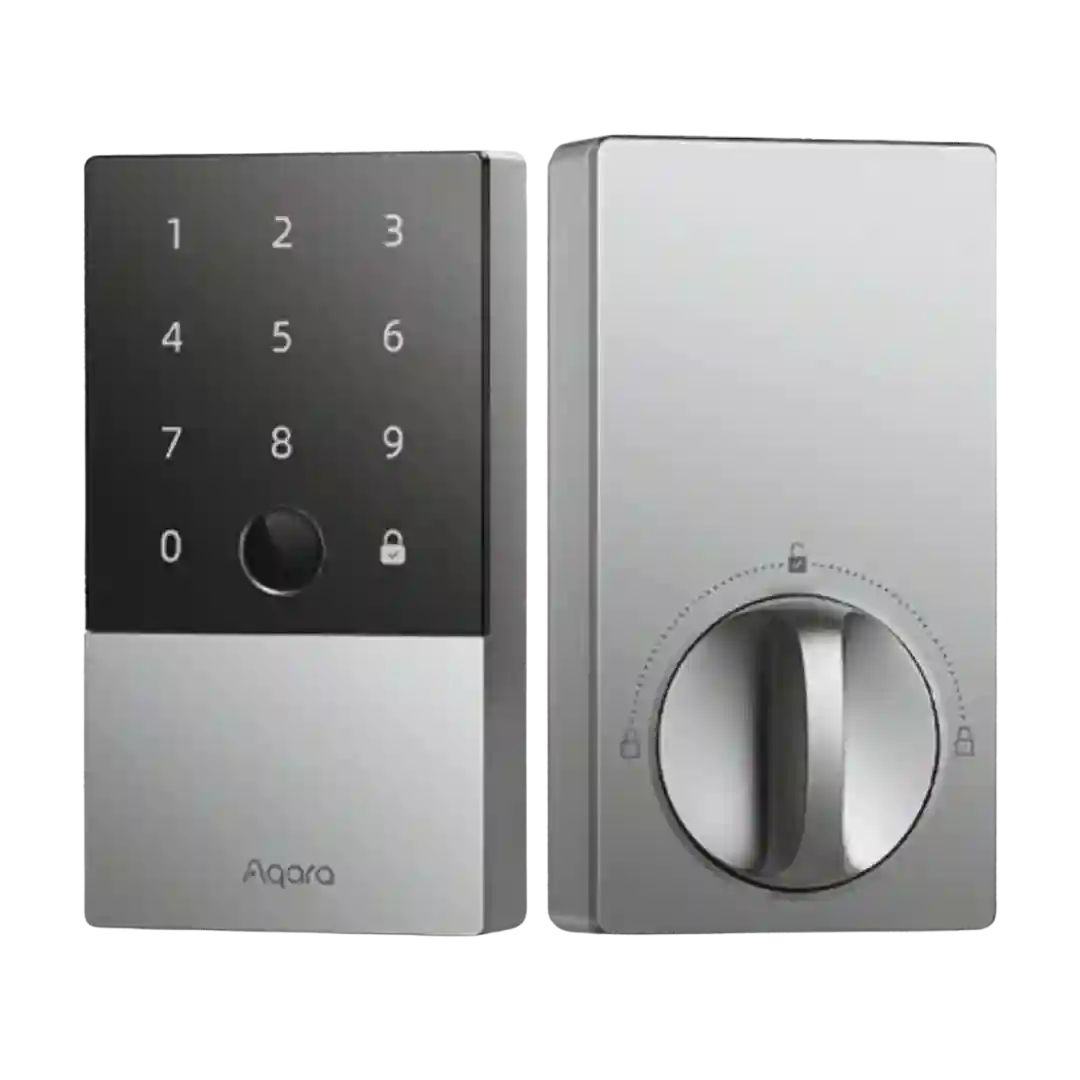
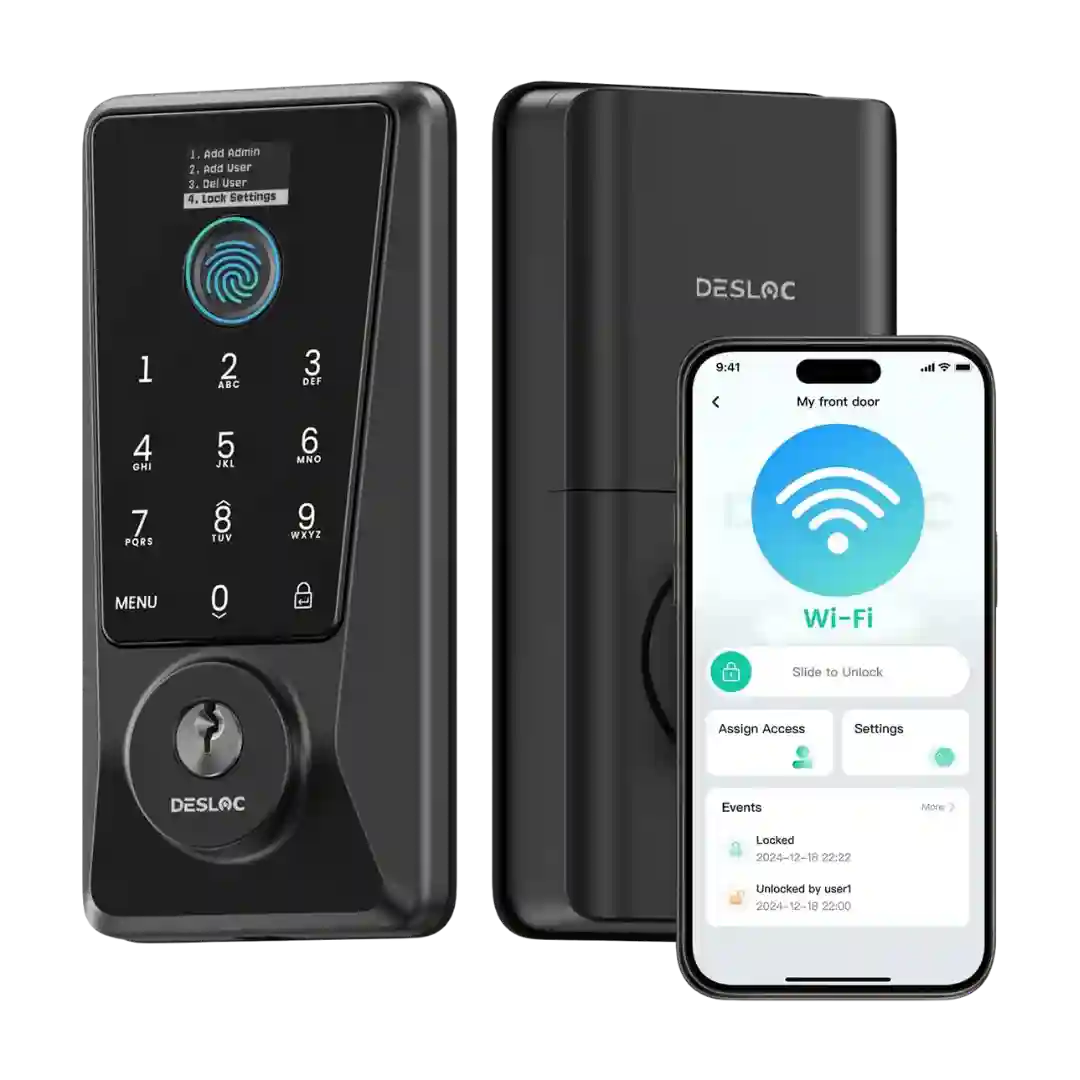
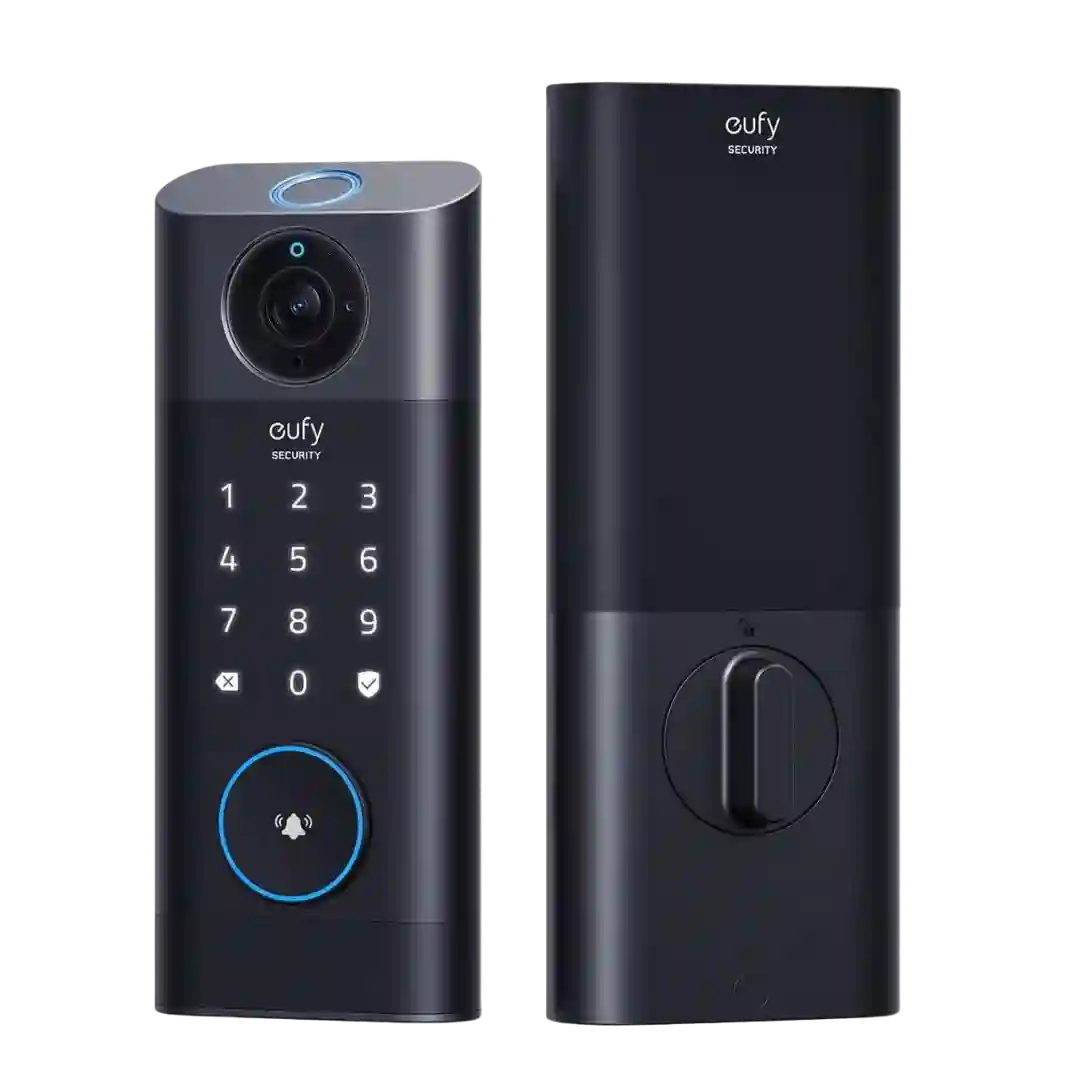
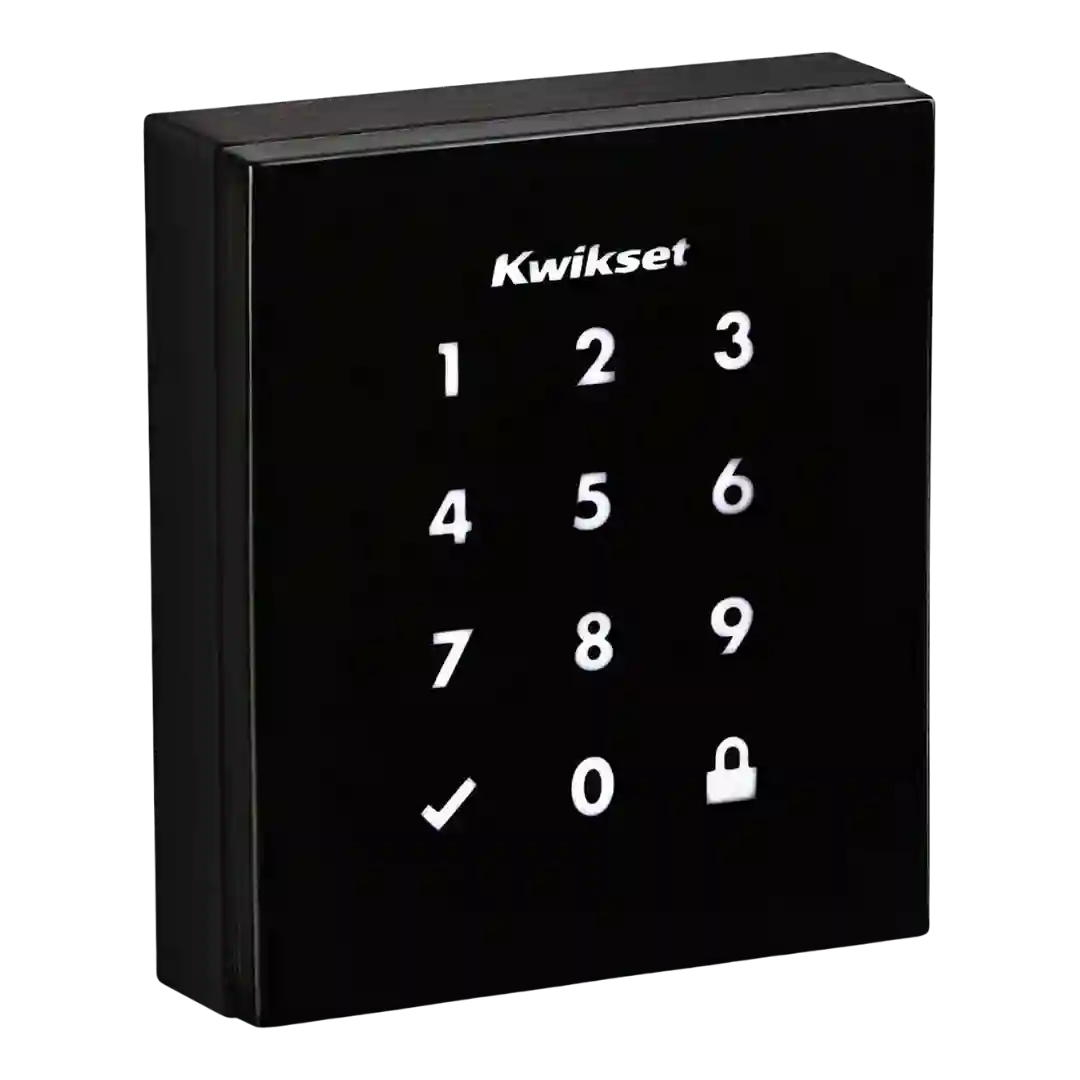
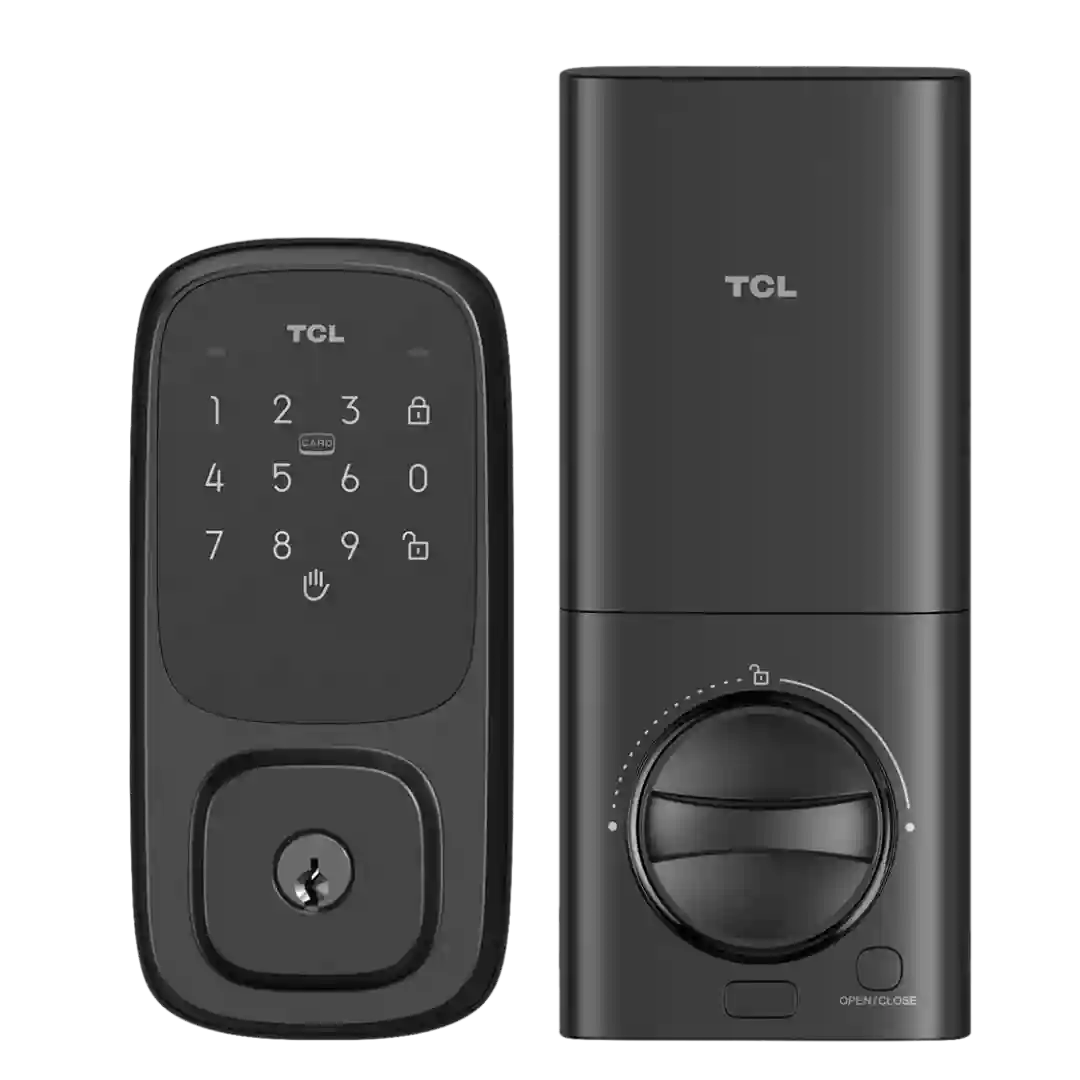
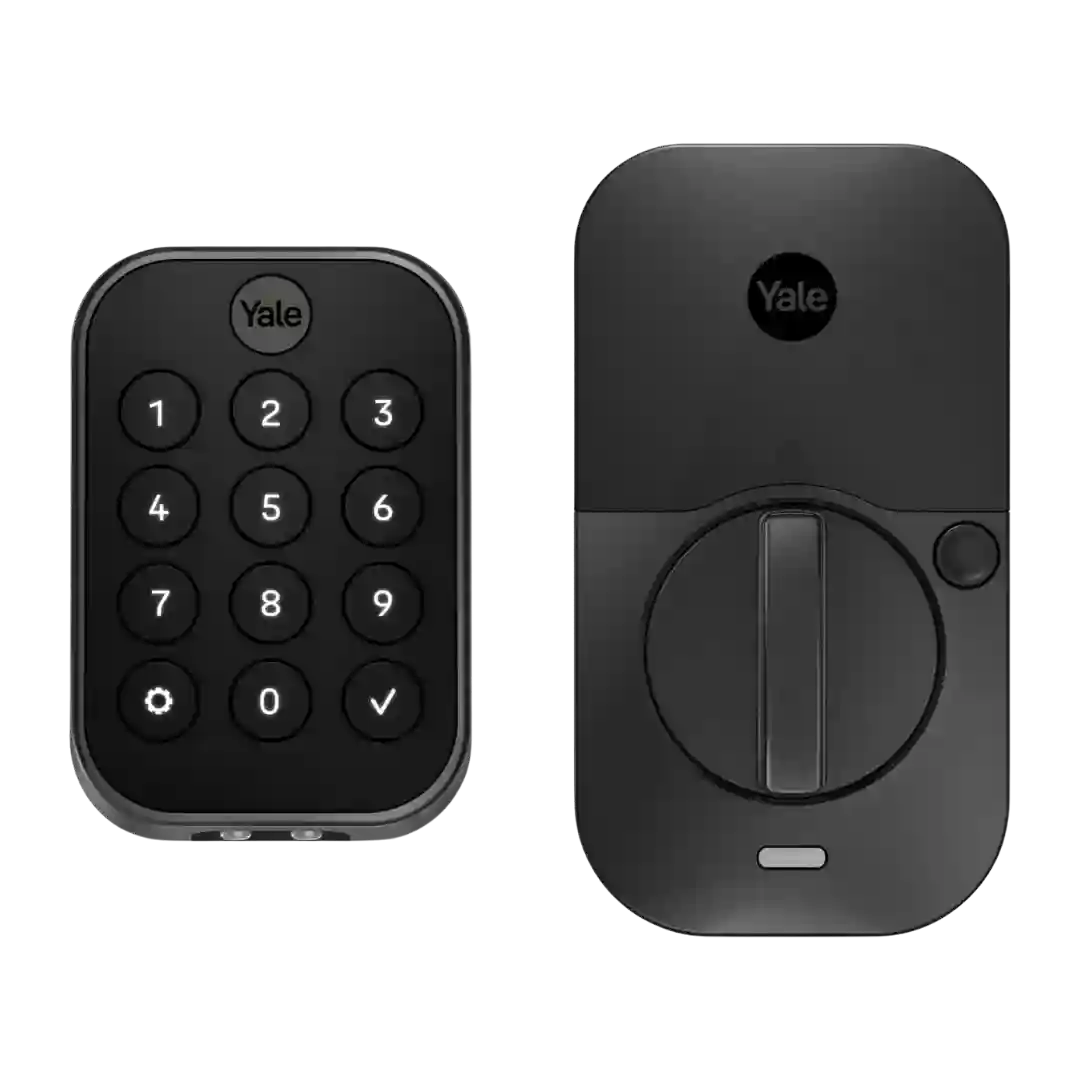
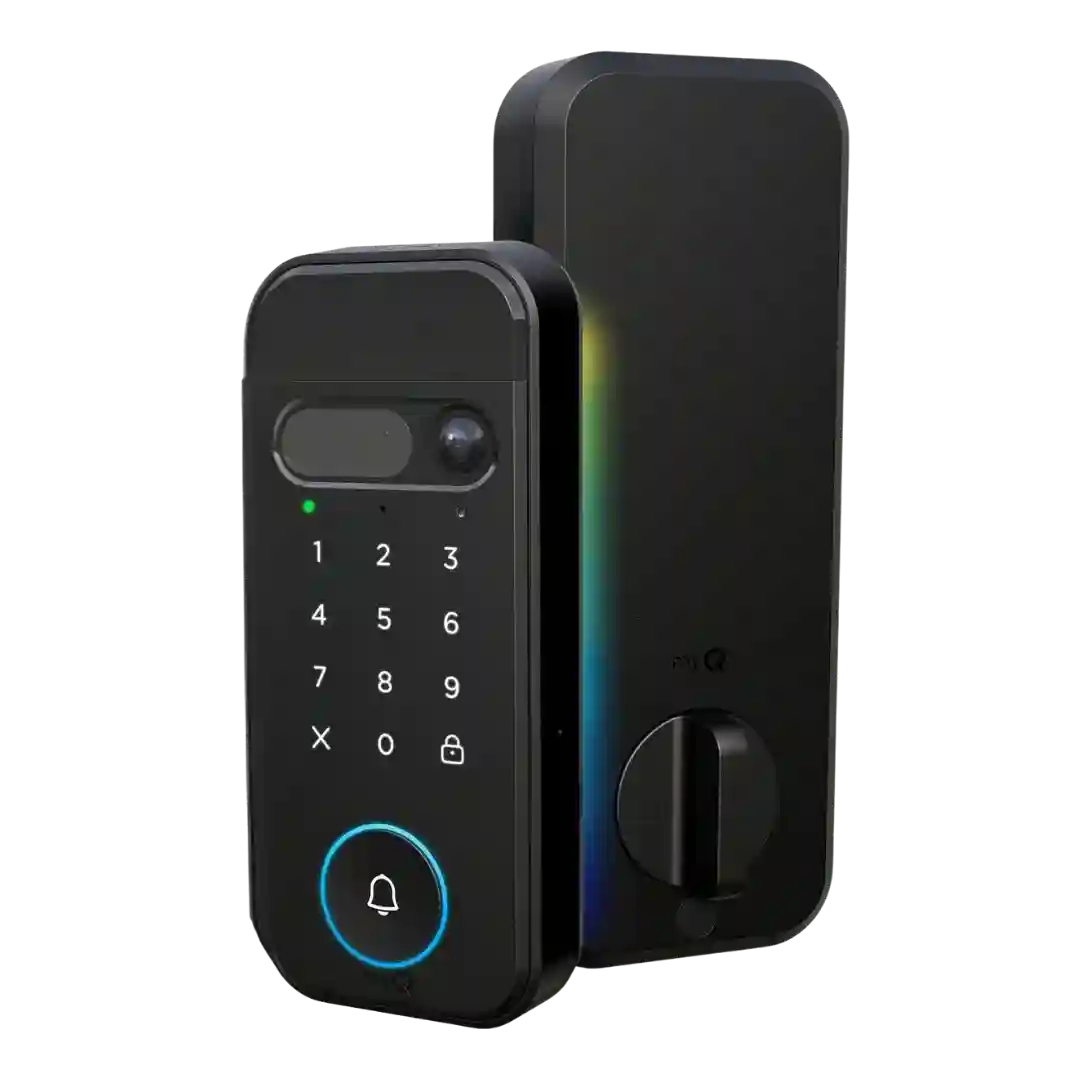
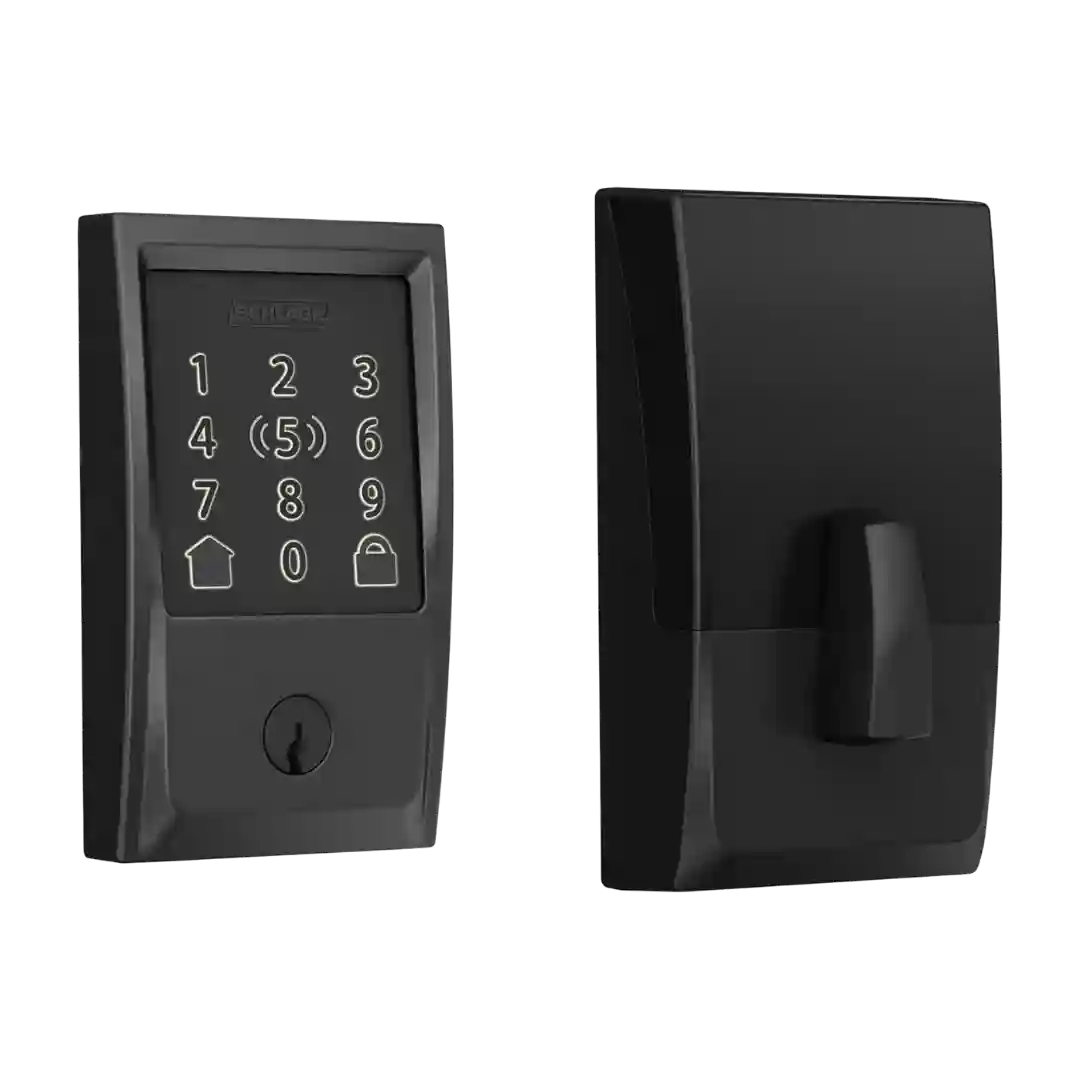
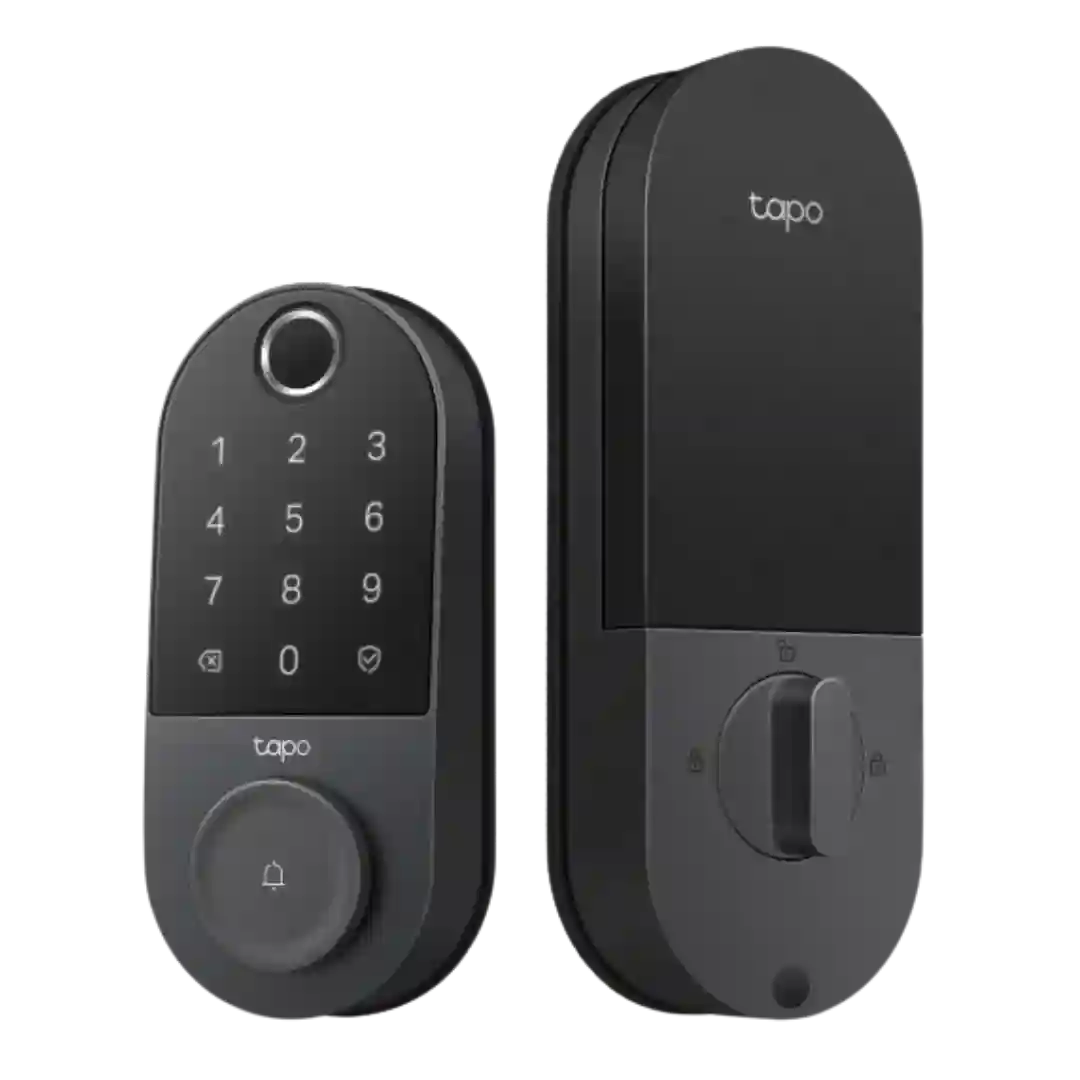
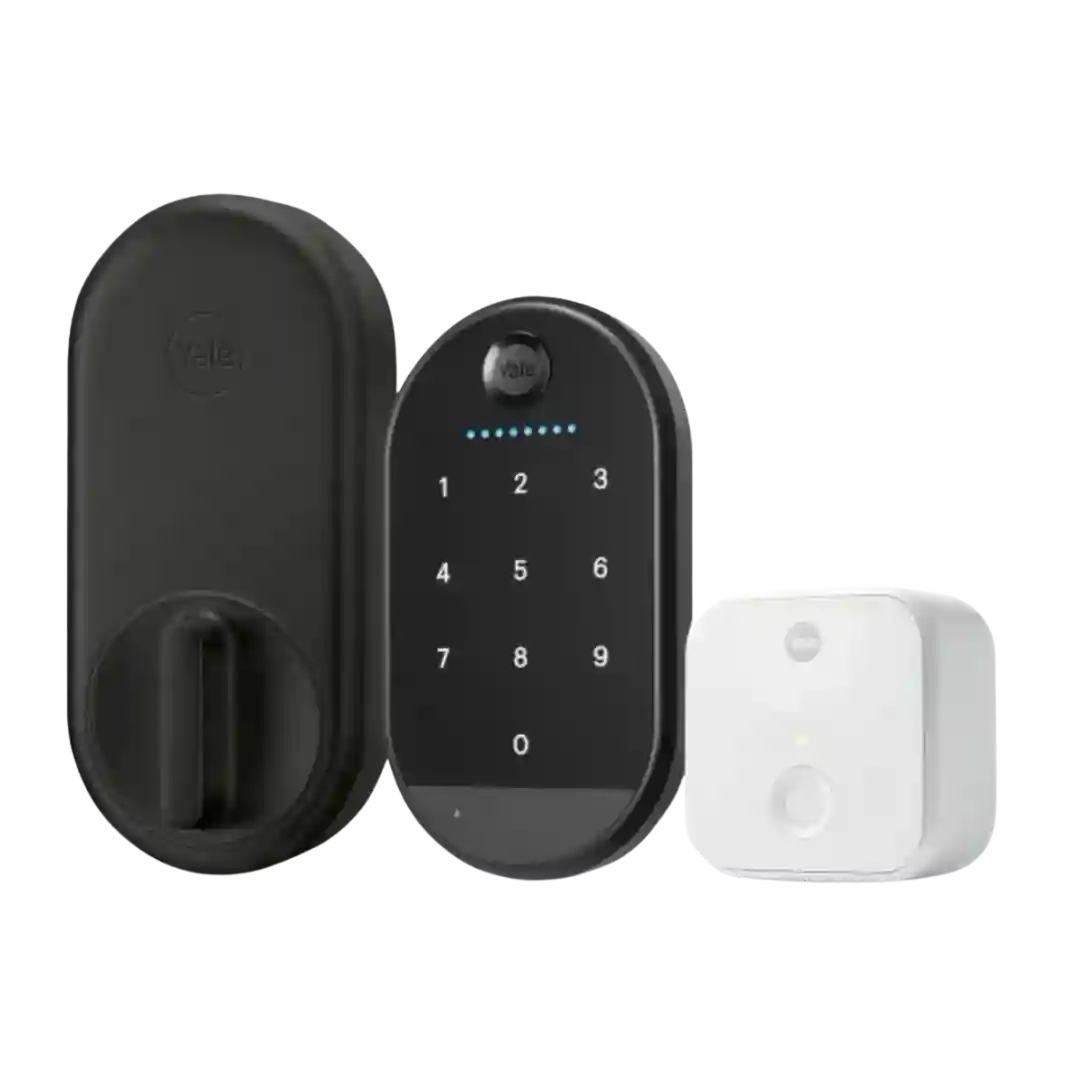
The touchscreen is generally responsive and easy to read, but its glossy surface can show fingerprints; its main value is supporting the dynamic PIN layout.
The touch interface and capacitive keypad lighting are repeatedly praised for responsiveness and visibility, making PIN entry and one-touch actions easy at the door.
The tempered-glass touch surface is framed as a meaningful design upgrade, improving visibility and modernizing the exterior compared with the earlier version.
Touch interface is generally responsive and designed to reduce visible smudge patterns; several reviewers note it is not a phone-like glass touchscreen but works reliably in varied conditions.
The touch interface is often described as responsive and modern, with some praise for smudge resistance; however, visibility/UX issues (fish-eye video framing noted elsewhere, and unlit button behavior) can reduce ease of use at night.
The touchscreen keypad is commonly praised for a sleek look and illumination on touch, and multiple reviewers say it works with gloves and resists fingerprint smudges. Some find the touch interaction inconsistent or lacking feedback depending on settings.
As a touch interface, the hidden keypad generally works well, but wake-up responsiveness is a recurring minor quirk across reviews. Once active, entering codes is typically smooth and reliable.
The touch interface is generally sensitive and satisfying, with a matte finish that helps readability and reduces fingerprint marks. Night visibility is typically strong thanks to the backlight.
Touch controls and illumination are generally well liked, but responsiveness can vary, with one hands-on review calling the interface sluggish to wake.
Touch controls are usually described as responsive and backlit, but at least one expert review reported needing multiple taps to wake the dark touchscreen at times.
The glossy, minimalist touch surface looks premium on modern doors but can smudge; SecureScreen and anti-fingerprint coatings help reduce obvious fingerprint trails.
Touchscreen input (where present) is generally responsive, but size constraints can make number entry fiddly for some users. Menu navigation on-device can also be confusing during pairing steps.
Touchscreen designs look sleek and respond well once awake, but glare and sunlight readability remain recurring complaints, and some users want it to wake more reliably with a single touch anywhere on the pad.
The touch interface is convenient and modern, but a few reviewers want stronger feedback (physical buttons or clearer confirmation). Backlight quality is a common tweak request.
The front interface is generally a touch-to-wake experience; at least one reviewer wishes it had a motion/wake sensor so it would light up automatically without needing an initial touch.
Touch controls and visibility vary by keypad version and environment. Several reviews mention sunlight readability issues or missed taps, while others highlight backlighting and adaptive brightness as positives.