Best for Wi-Fi
Wyze Auto-Lock Bolt v2 Smart Lock
5.0 feature score
Highest scored product for this feature based on supporting review evidence.
Highest scored product for this feature based on supporting review evidence.
Balances feature score, supporting reviews, and overall product strength.
Has the broadest review evidence for this feature.
Strongest overall product among items with scored evidence for this feature.
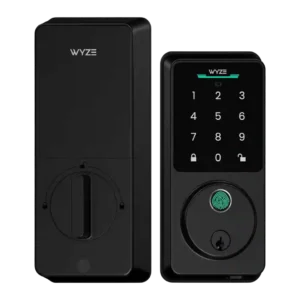
Wi-Fi is framed as a major upgrade that makes the lock more powerful while preserving the low price.
Pros: Lock/unlock speed, Keypad
Cons: Door-sense, Battery
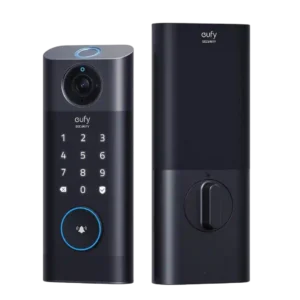
Wi-Fi performance had limited but strong evidence, with one reviewer reporting no live-view latency.
Pros: Lock/unlock speed, Wi-Fi
Cons: Jam detection, Door compatibility (deadbolt fit)
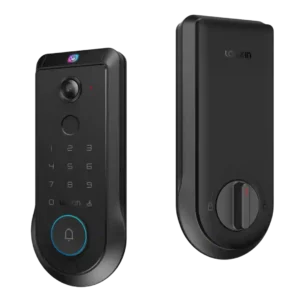
Wi-Fi setup receives limited but positive evidence from a reviewer who said the lock connected immediately.
Pros: Lock/unlock speed, Wi-Fi
Cons: Feature additions via updates, Warranty and support
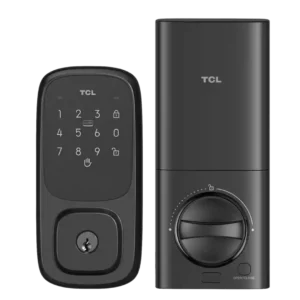
Wi-Fi evidence is limited but positive, tied to built-in connectivity that enables remote control without extra accessories.
Pros: Wi-Fi, Hub requirement
Cons: Door-sense, Geofencing
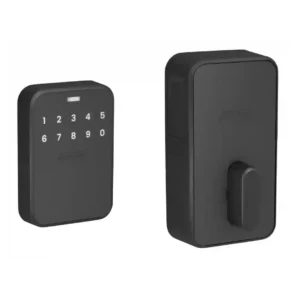
Built-in Wi-Fi provides direct remote connectivity and useful backup alongside Matter over Thread. Reviewers viewed this as an advantage over locks that require a separate hub for out-of-home control.
Pros: Door compatibility (deadbolt fit), Locking motor
Cons: Door-sense, Facial recognition
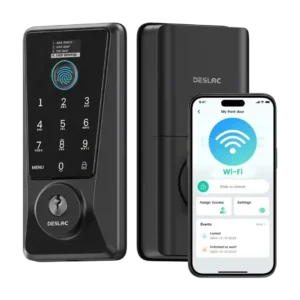
Built-in Wi-Fi was praised for direct connectivity and remote use, and one follow-up noted updates that improved Wi-Fi stability and power use.
Pros: Feature additions via updates, Locking reliability
Cons: Door-sense, Auto-relock after failed attempts
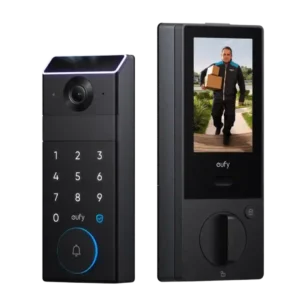
Wi-Fi performance was positive overall, with quick setup, steady connectivity, and claimed responsiveness from Wi-Fi 6 support.
Pros: Lock/unlock speed, Locking reliability
Cons: Door compatibility (deadbolt fit), Hub requirement
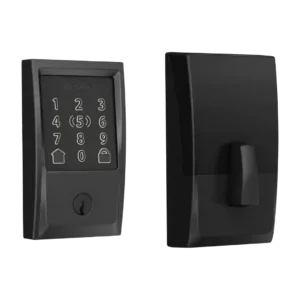
Wi-Fi performed well in the reviews that tested it, and integrated Wi-Fi was praised for reducing bridge dependence, though Apple users may still need a hub for remote features.
Pros: Locking reliability, Lock/unlock speed
Cons: Weather resistance, Door-sense
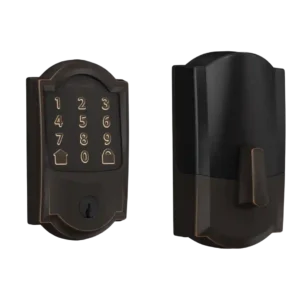
Wi-Fi was strongly valued for direct remote control without extra hardware, though battery drain and one weak connection were caveats.
Pros: Bluetooth, Hub requirement
Cons: Door-sense, Fingerprint
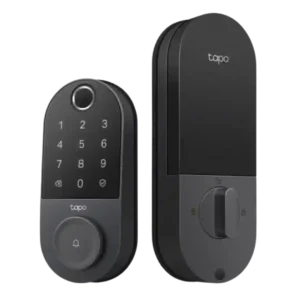
Wi-Fi received positive but narrower evidence, with reviewers praising reliable connectivity and useful power-saving scheduling.
Pros: Value and Price, Lock/unlock speed
Cons: Existing hardware reuse, Door compatibility (deadbolt fit)
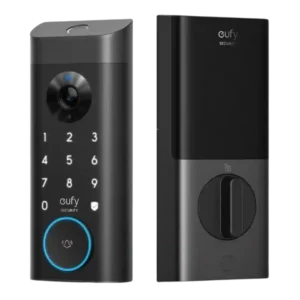
Wi-Fi was mixed-positive: one reviewer saw fast alerts even on weak 2.4GHz Wi-Fi, while another warned experience depends on network strength.
Pros: Lock/unlock speed, Security features (encryption)
Cons: Door-sense, Keyway quality
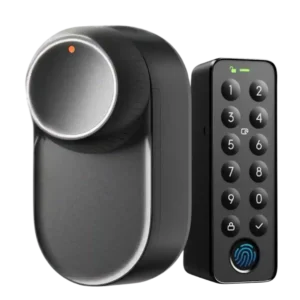
Wi-Fi evidence focused on hub bridging and connection quality; setup could be fast, but app responsiveness depends on hub Wi-Fi quality.
Pros: App, Battery
Cons: Geofencing, Jam detection
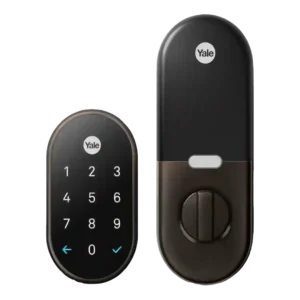
Wi-Fi evidence was mixed: setup could be seamless through Nest Connect, but weak signal or Connect problems could disable remote app access.
Pros: Weather resistance, Notifications
Cons: Door-sense, Bluetooth
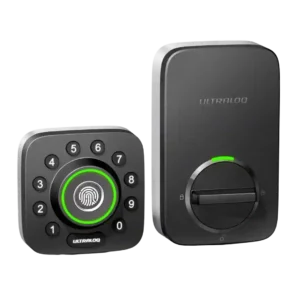
Wi-Fi was the biggest technical split: built-in Wi-Fi and remote access were praised, but 2.4 GHz requirements, pairing trouble, and slower cloud response drew criticism.
Pros: Locking reliability, Build quality and durability
Cons: Two-factor authentication availability, Backset compatibility
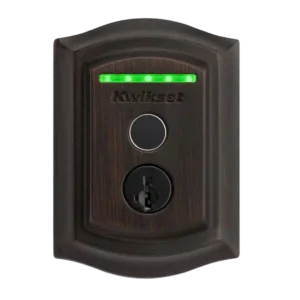
Wi-Fi was useful for no-hub control and remote operation, but reviewers noted limitations such as factory-resetting for network changes and needing a dedicated 2.4GHz network.
Pros: Lock/unlock speed, Locking reliability
Cons: Auto-relock after failed attempts, Door compatibility (deadbolt fit)
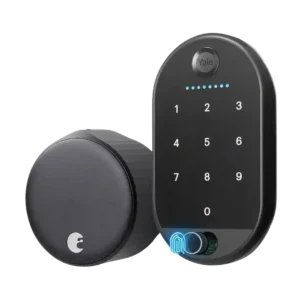
Built-in Wi-Fi was praised for freshness, range, and eliminating a bridge, but reviewers tied it to battery drain and one reported mesh/Wi-Fi frustration.
Pros: Locking motor, Physical attack resistance
Cons: Fingerprint, Battery
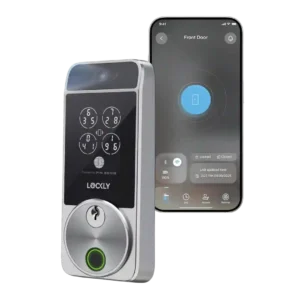
Wi-Fi was a recurring caveat, including failed syncing, 2.4GHz-only support, spotty remote access, and battery-drain tradeoffs.
Pros: Touchscreen, Hub requirement
Cons: Camera and doorbell performance, Door-sense
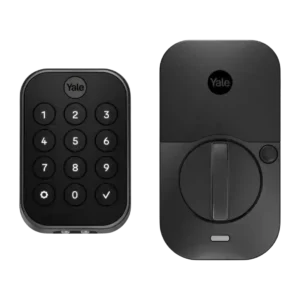
Wi-Fi added valuable remote control and ecosystem support, but reviewers repeatedly connected it with battery drain, slow or spotty connectivity, and setup annoyances.
Pros: Lock/unlock speed, Guest Codes and Access
Cons: Backset compatibility, Warranty and support
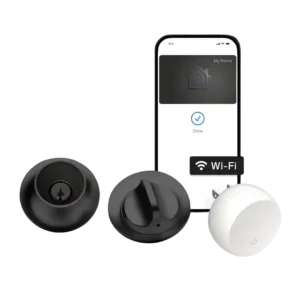
Wi-Fi was useful when included through Connect, but reviewers disliked the lack of direct Wi-Fi and the dependence on a bridge or alternate hub.
Pros: Industrial design, Build quality and durability
Cons: Pick/drill resistance (if rated), Keyway quality
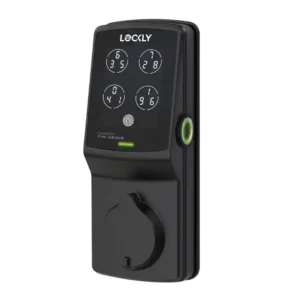
Wi-Fi is mixed: the lack of built-in Wi-Fi is criticized, but one review found hub-connected Wi-Fi response very fast.
Pros: Auto-lock, Touchscreen
Cons: Notifications, Smart-home integration (Alexa
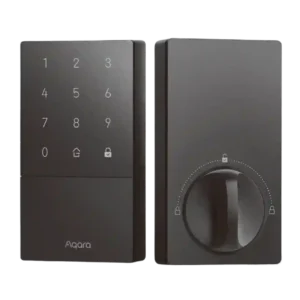
Wi-Fi was a recurring limitation because the U50 lacks built-in Wi-Fi and needs a hub for remote access and fuller smart-home features.
Pros: Access logs, Value and Price
Cons: Warranty and support, Wi-Fi
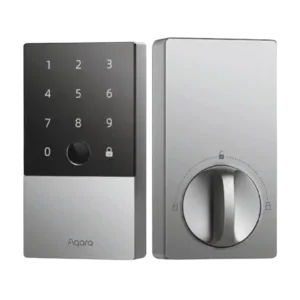
The lack of built-in Wi-Fi was a recurring limitation because remote control and long-distance features require a hub or router workaround.
Pros: Lock/unlock speed, Fingerprint
Cons: Keyway quality, Wi-Fi
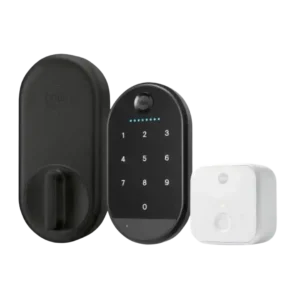
Wi-Fi was a recurring weak point because the separate bridge had pairing, range, or signal issues and reviewers wanted more native connectivity.
Pros: Key override reliability, Remote access
Cons: Warranty and support, Bluetooth
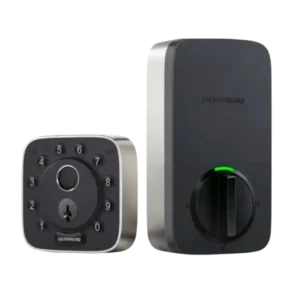
Wi-Fi was polarizing: built-in Wi-Fi was a major idea, but one reviewer had severe reliability failures and another criticized a Matter version for lacking built-in Wi-Fi.
Pros: Weather resistance, User access management
Cons: Locking motor, Remote access