
Media controls were praised through positive comments about the rotary wheel, dedicated controls, and customizable knob behavior.
Pros: cable quality, typing comfort
Cons: portability, switch options
Media controls were praised through positive comments about the rotary wheel, dedicated controls, and customizable knob behavior.
Pros: cable quality, typing comfort
Cons: portability, switch options

Media controls were praised through the clickable knob, including satisfying quick mute behavior and a nice click-down control.
Pros: build quality, extra gaming features
Cons: switch options, hot-swappable switches
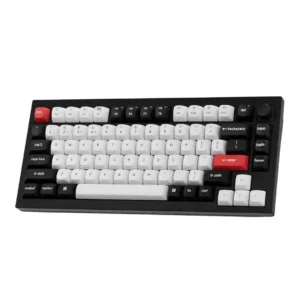
The programmable knob was praised as useful for volume and more complex functions, especially for editing workflows.
Pros: key stability, frame rigidity
Cons: profile management, reliability
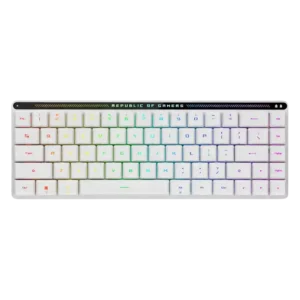
Media controls are widely praised as useful and space-efficient, though a few reviewers found the touch panel less useful or only moderately responsive.
Pros: reliability, typing comfort
Cons: cable quality, wrist rest quality
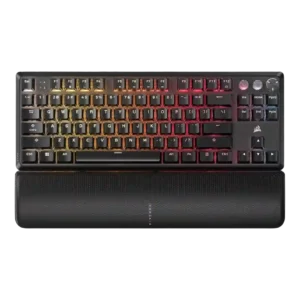
Media controls were mostly praised for convenience, dedicated buttons, and immediate usefulness, though one TKL review found the buttons unresponsive.
Pros: per-key lighting control, key responsiveness
Cons: ease of switch replacement, battery life
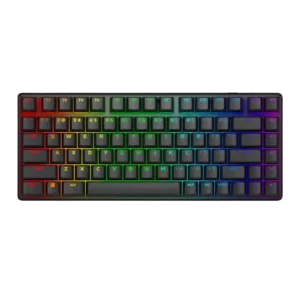
Media controls were generally useful and accessible, especially given the compact layout, though they are not as full-featured as a wheel or dial.
Pros: key stability, backlight brightness
Cons: rapid trigger support, wrist rest quality
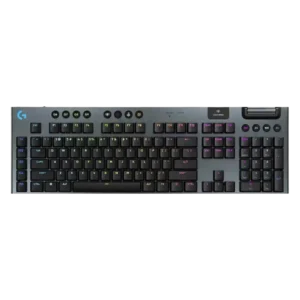
Media controls were usually praised, especially the dedicated top controls, though some reviewers found them wasteful or less tactile than main switches.
Pros: stabilizer quality, latency
Cons: ease of switch replacement, hot-swappable switches
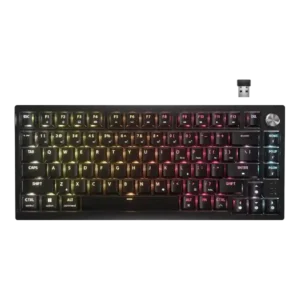
The control dial was generally liked for volume, scroll, zoom, and brightness, but several reviewers wanted deeper remapping or noted slight wobble.
Pros: latency, durability
Cons: legend visibility, rapid trigger support
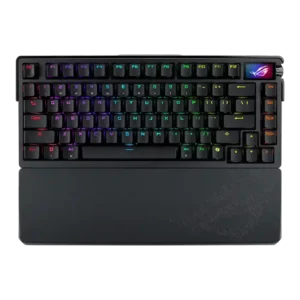
Media controls were generally liked for tactile or improved knob control, though one reviewer wanted a more tactile feel.
Pros: key spacing, reliability
Cons: rapid trigger support, analog input support
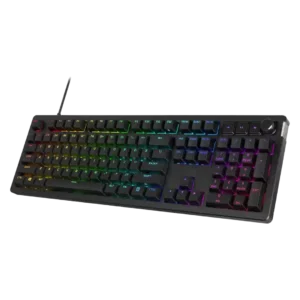
Media controls are mixed: reviewers often praise tactile dedicated buttons, but Tom's Hardware finds onboard controls limited and TechRadar finds the buttons cheap.
Pros: compatibility, legend visibility
Cons: wrist rest quality, cable quality
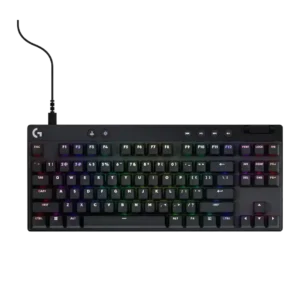
Media controls are useful when dedicated, but placement and limited customization create mixed opinions across models.
Pros: durability, per-key lighting control
Cons: noise level, sound dampening
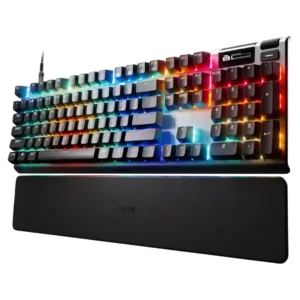
Media controls were mixed: OLED and volume controls were useful, but small wheels, cumbersome processes, and missing buttons drew complaints.
Pros: key responsiveness, durability
Cons: passthrough features, analog input support
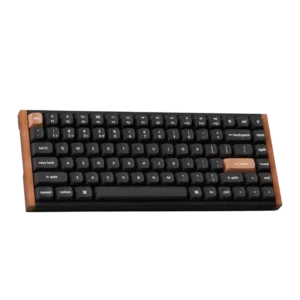
Media controls were a recurring weakness because reviewers wanted a knob or dedicated controls, despite remapping and function-row workarounds.
Pros: wrist rest quality, onboard memory
Cons: per-key lighting control, switch options
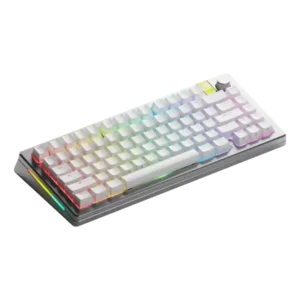
Media controls scored low because one reviewer could not remap the knob press to play/pause as intended.
Pros: materials quality, customization options
Cons: reliability, actuation consistency
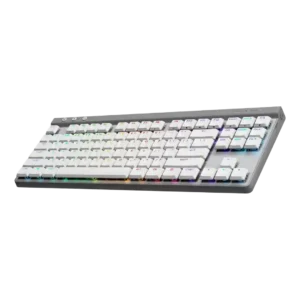
Media controls were one of the most repeated weaknesses because reviewers missed dedicated buttons and disliked relying on function-key shortcuts.
Pros: latency, wireless performance
Cons: rapid trigger support, ease of switch replacement