Best for media controls
Keychron Q6 HE
4.8 feature score
Highest scored product for this feature based on supporting review evidence.
Highest scored product for this feature based on supporting review evidence.
Balances feature score, supporting reviews, and overall product strength.
Has the broadest review evidence for this feature.
Strongest overall product among items with scored evidence for this feature.

Media controls were praised for practical usefulness, especially quickly muting or stopping music while working.
Pros: key stability, frame rigidity
Cons: portability, switch options
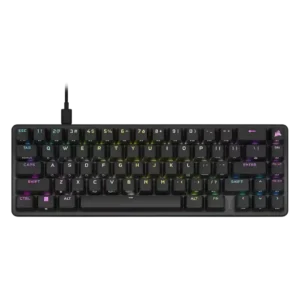
Media controls were praised as easy to access through the Fn layer and useful despite the compact layout.
Pros: volume control, key responsiveness
Cons: wireless performance, wrist rest quality
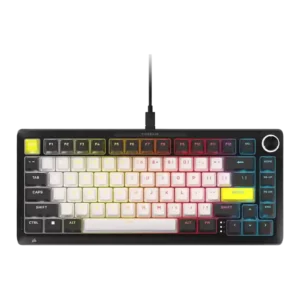
Media-control evidence was positive where reviewers praised the knob's broad functions and creative-control usefulness.
Pros: per-key lighting control, durability
Cons: portability, noise level

Media controls were praised through positive comments about the rotary wheel, dedicated controls, and customizable knob behavior.
Pros: cable quality, typing comfort
Cons: portability, switch options

Media controls were praised through the clickable knob, including satisfying quick mute behavior and a nice click-down control.
Pros: build quality, extra gaming features
Cons: switch options, hot-swappable switches
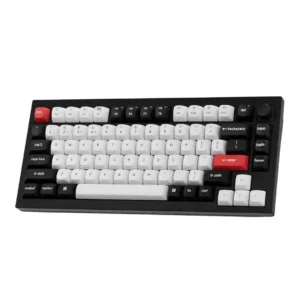
The programmable knob was praised as useful for volume and more complex functions, especially for editing workflows.
Pros: key stability, frame rigidity
Cons: profile management, reliability
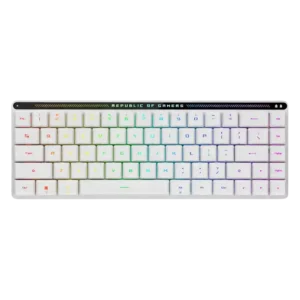
Media controls are widely praised as useful and space-efficient, though a few reviewers found the touch panel less useful or only moderately responsive.
Pros: reliability, typing comfort
Cons: cable quality, wrist rest quality
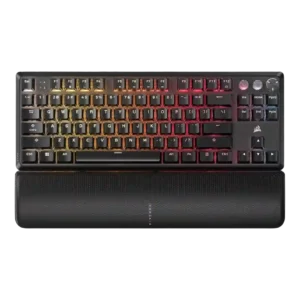
Media controls were mostly praised for convenience, dedicated buttons, and immediate usefulness, though one TKL review found the buttons unresponsive.
Pros: per-key lighting control, key responsiveness
Cons: ease of switch replacement, battery life
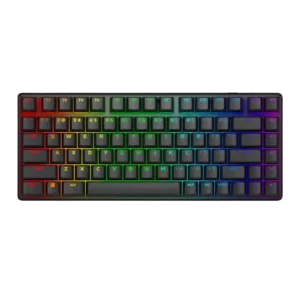
Media controls were generally useful and accessible, especially given the compact layout, though they are not as full-featured as a wheel or dial.
Pros: key stability, backlight brightness
Cons: rapid trigger support, wrist rest quality
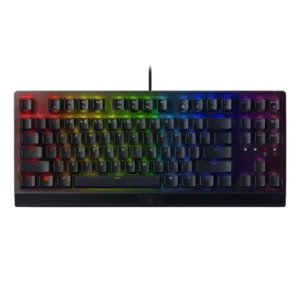
Media controls were mostly liked, with reviewers praising the roller/button convenience even when some preferred dedicated media keys.
Pros: latency, durability
Cons: sound dampening, passthrough features
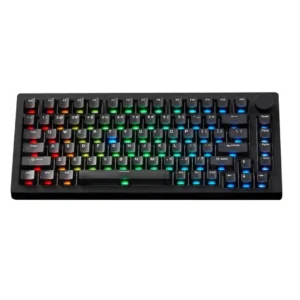
Media controls are useful through the knob and software remapping, but one reviewer found the knob's default usefulness limited.
Pros: switch options, hot-swappable switches
Cons: portability, cable quality
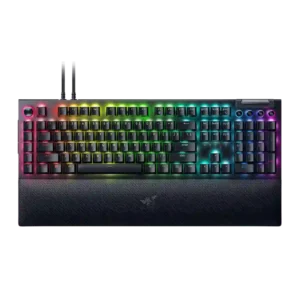
Media controls were mostly liked for convenience and productivity, though some reviewers disliked the awkward height or difficult-to-see legends.
Pros: key stability, ease of switch replacement
Cons: compatibility, battery life
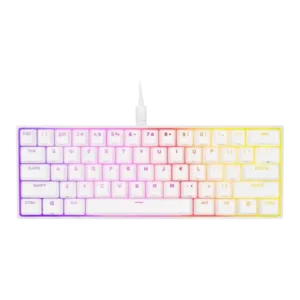
Media controls were considered useful and reachable despite being secondary-layer functions.
Pros: desk space efficiency, frame rigidity
Cons: sound dampening, ease of switch replacement
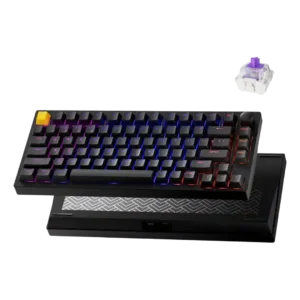
Media controls were viewed positively thanks to the customizable knob and reprogrammable dial.
Pros: frame rigidity, stabilizer quality
Cons: per-key lighting control, RGB customization
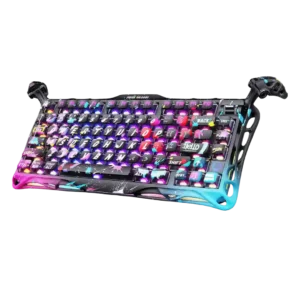
Media controls were received positively as tactile and useful, especially for editing and day-to-day use.
Pros: legend visibility, key responsiveness
Cons: connectivity, cable quality
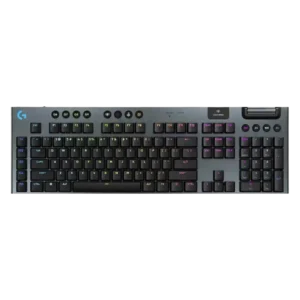
Media controls were usually praised, especially the dedicated top controls, though some reviewers found them wasteful or less tactile than main switches.
Pros: stabilizer quality, latency
Cons: ease of switch replacement, hot-swappable switches
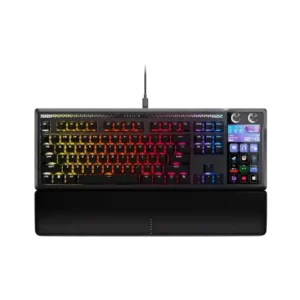
Media controls are convenient through the Stream Deck, dials, and hardware shortcuts. Reviewers call out Spotify, playback, audio controls, and quick-access shortcuts as everyday benefits.
Pros: customization options, ease of switch replacement
Cons: reliability, analog input support
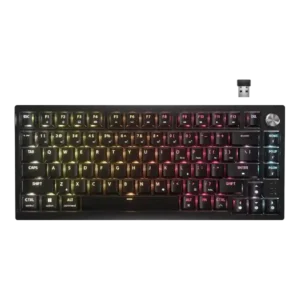
The control dial was generally liked for volume, scroll, zoom, and brightness, but several reviewers wanted deeper remapping or noted slight wobble.
Pros: latency, durability
Cons: legend visibility, rapid trigger support
Media controls are generally valued, though some reviewers criticize the rubber buttons as mushy, cheap, or inconsistent at the edges.
Pros: latency, polling rate
Cons: passthrough features, cable quality
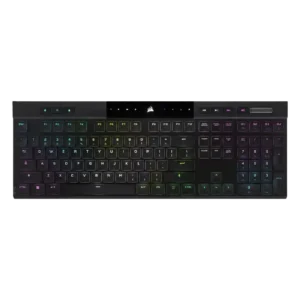
Dedicated media controls were well received as handy, convenient, and welcome.
Pros: backlight brightness, actuation consistency
Cons: sound dampening, stabilizer quality
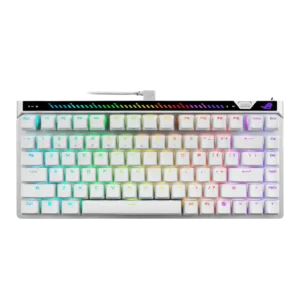
Media controls were useful and clever for some reviewers, but the rear touchbar placement was awkward for another.
Pros: key responsiveness, latency
Cons: analog input support, wrist rest quality
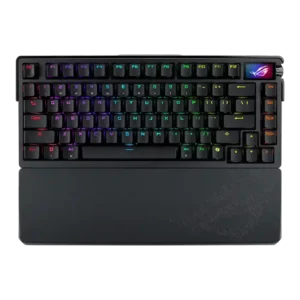
Media controls were generally liked for tactile or improved knob control, though one reviewer wanted a more tactile feel.
Pros: key spacing, reliability
Cons: rapid trigger support, analog input support
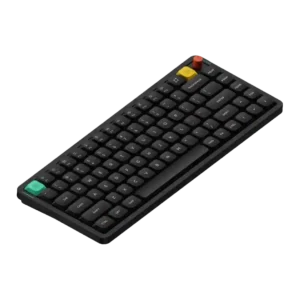
Media controls had limited but positive evidence around the programmable knob’s tactile twist and press.
Pros: key responsiveness, typing feel
Cons: per-key lighting control, legend visibility
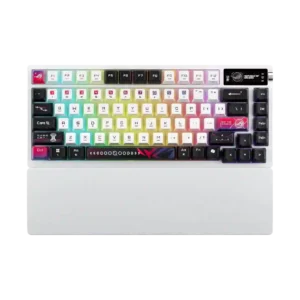
Media controls were generally useful through the OLED and knob, but some reviewers wanted a more conventional or more satisfying control.
Pros: latency, wireless performance
Cons: rapid trigger support, analog input support
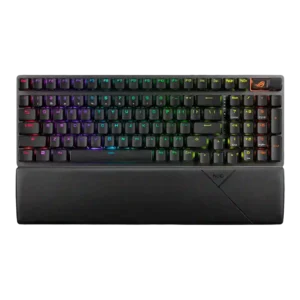
Media controls are useful and flexible for many reviewers, but one reviewer considered the compact wheel-and-button setup lacklustre.
Pros: per-key lighting control, wireless performance
Cons: rapid trigger support, analog input support
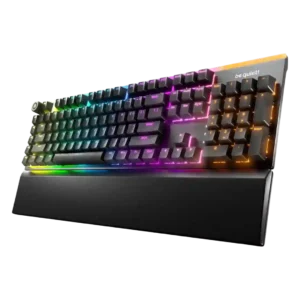
Media controls are mostly praised for easy access and satisfying operation, though one review finds the knob somewhat wobbly.
Pros: ease of switch replacement, acoustics
Cons: rapid trigger support, analog input support
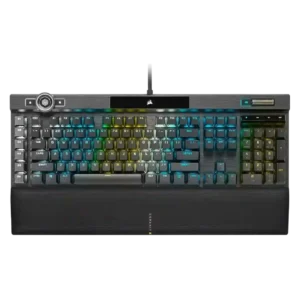
Media controls are mostly praised for dedicated keys, a metal scroll wheel, and usable feedback, although some buttons feel odd or less satisfying.
Pros: actuation consistency, key stability
Cons: hot-swappable switches, switch options
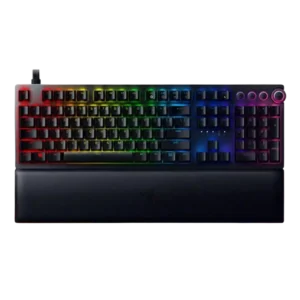
Media controls were generally liked for convenience and feel, but some reviewers criticized dark symbols or awkward-looking controls.
Pros: per-key lighting control, wrist rest quality
Cons: polling rate, portability
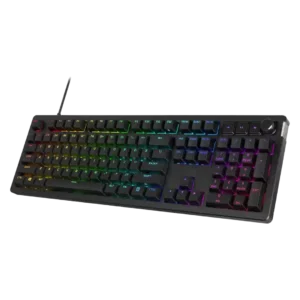
Media controls are mixed: reviewers often praise tactile dedicated buttons, but Tom's Hardware finds onboard controls limited and TechRadar finds the buttons cheap.
Pros: compatibility, legend visibility
Cons: wrist rest quality, cable quality
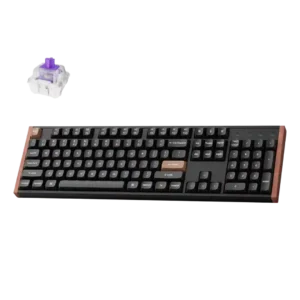
Media controls received a positive feature mention through the function shortcuts used to control media.
Pros: wireless performance, key responsiveness
Cons: switch options, desk space efficiency
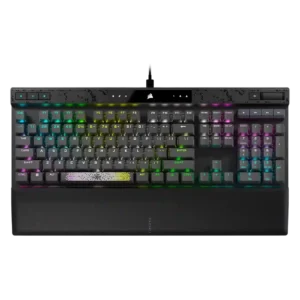
Media controls were usually appreciated, especially dedicated keys, though one reviewer found some buttons stiff or spongy.
Pros: reliability, key responsiveness
Cons: desk space efficiency, wireless performance
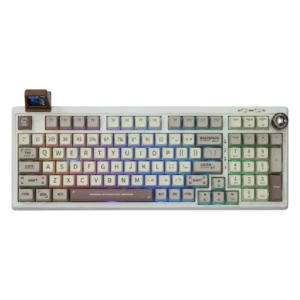
Media controls are useful overall, though the knob design and feel range from excellent tactile feedback to cheap-looking plastic.
Pros: noise level, acoustics
Cons: rapid trigger support, actuation consistency
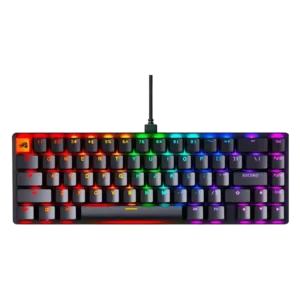
Media controls were functional but somewhat limited because control relies on function shortcuts rather than a physical knob or roller.
Pros: compatibility, key responsiveness
Cons: wrist rest quality, key spacing
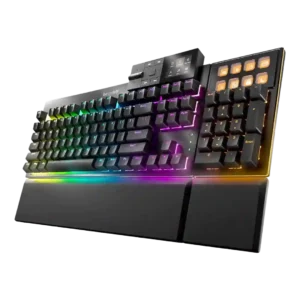
Media controls were mixed: reviewers liked the dock concept and utility, but many criticized shallow buttons, mushy feel, confusing navigation, or limited flexibility.
Pros: key stability, per-key lighting control
Cons: analog input support, wireless performance
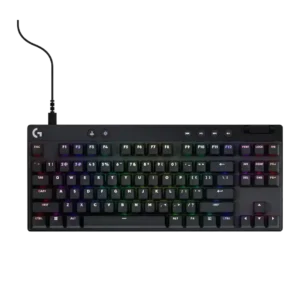
Media controls are useful when dedicated, but placement and limited customization create mixed opinions across models.
Pros: durability, per-key lighting control
Cons: noise level, sound dampening
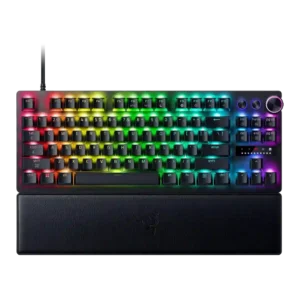
Media controls were mixed: some reviewers liked the dial and buttons, but others found buttons stiff, unclear, awkward, or unsatisfying.
Pros: key responsiveness, actuation consistency
Cons: switch options, hot-swappable switches
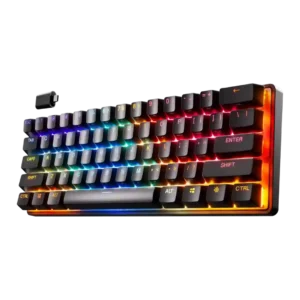
Media controls were mixed: one reviewer found secondary media toggles clunky in the 60-percent layout, while another successfully mapped play/pause behavior.
Pros: latency, key responsiveness
Cons: hot-swappable switches, ease of switch replacement
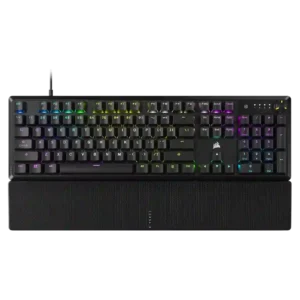
Media controls were mixed: reviewers liked the multifunction dial, but criticized registration issues, limited programmability, and lack of dedicated media keys.
Pros: per-key lighting control, compatibility
Cons: ease of switch replacement, hot-swappable switches
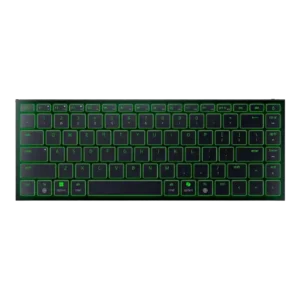
Media controls worked through function layers and were reachable for some, but other reviewers found their placement awkward or annoying.
Pros: frame rigidity, size and form factor
Cons: sound dampening, per-key lighting control
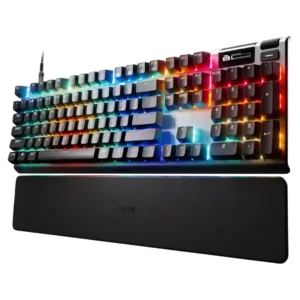
Media controls were mixed: OLED and volume controls were useful, but small wheels, cumbersome processes, and missing buttons drew complaints.
Pros: key responsiveness, durability
Cons: passthrough features, analog input support
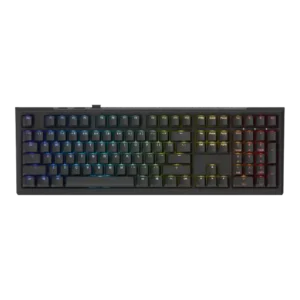
Media controls were mixed: some liked Ducky’s simple media-key approach, while others missed playback controls or broader dedicated buttons.
Pros: typing feel, key stability
Cons: profile management, wrist rest quality

Media controls are a compromise. The board still has regular media keys, but reviewers note that the dial and dedicated multi-function controls from pricier variants are gone.
Pros: polling rate, RGB customization
Cons: key stability, typing comfort
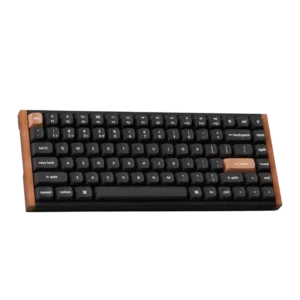
Media controls were a recurring weakness because reviewers wanted a knob or dedicated controls, despite remapping and function-row workarounds.
Pros: wrist rest quality, onboard memory
Cons: per-key lighting control, switch options
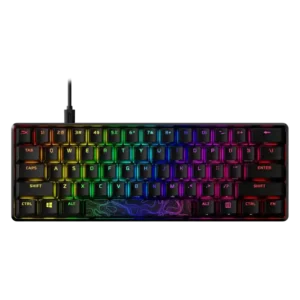
Media controls are adequate through function layers, but reviewers repeatedly wished for separate or dedicated media keys.
Pros: latency, actuation consistency
Cons: ease of switch replacement, reliability
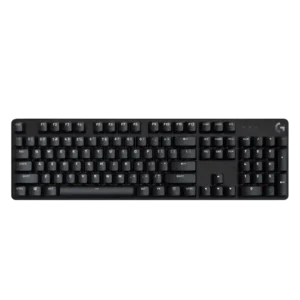
Media controls are mixed: some reviewers appreciate function-layer controls, while others criticize the lack of dedicated media keys.
Pros: durability, desk space efficiency
Cons: switch options, onboard memory
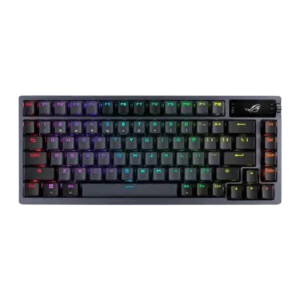
Media controls were mixed: reviewers liked having control options but criticized the screen/knob system as awkward or overly sensitive.
Pros: durability, wireless performance
Cons: passthrough features, onboard memory
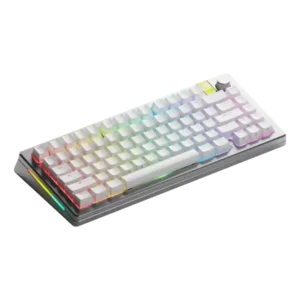
Media controls scored low because one reviewer could not remap the knob press to play/pause as intended.
Pros: materials quality, customization options
Cons: reliability, actuation consistency
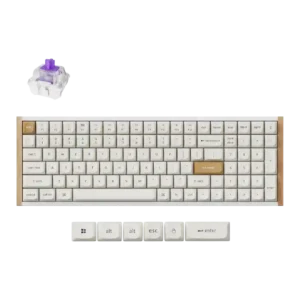
Media controls were a limitation because a reviewer missed easily accessible dedicated media keys.
Pros: durability, rapid trigger support
Cons: per-key lighting control, stabilizer quality
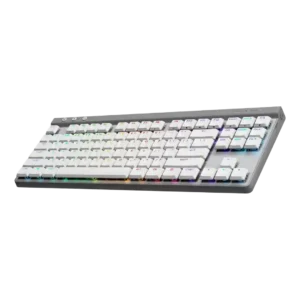
Media controls were one of the most repeated weaknesses because reviewers missed dedicated buttons and disliked relying on function-key shortcuts.
Pros: latency, wireless performance
Cons: rapid trigger support, ease of switch replacement
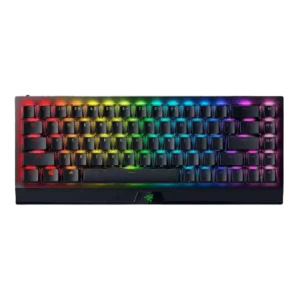
Media controls were a drawback for reviewers who wanted dedicated keys and missed full-size media/function controls.
Pros: per-key lighting control, backlight brightness
Cons: passthrough features, compatibility