#1

Good if you want a premium full-size Hall Effect keyboard with smooth switches, quiet sound, and deep customization. Skip it if you need a portable, budget-friendly board or broad switch...
Pros: key stability, frame rigidity
Cons: portability, switch options
#2
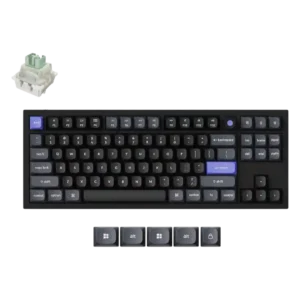
Best for competitive wired gaming, strong metal build, high-speed magnetic switches, and deep web customization. Skip it if you need broad switch compatibility, wireless convenience, lighter portability, or evidence-backed battery...
Pros: key responsiveness, polling rate
Cons: switch options, portability
#3
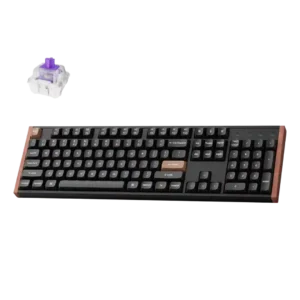
Good if you want a refined full-size Hall Effect board with fast gaming response, creamy sound, and deep customization. Skip it if desk space, portability, offline software, shine-through legends, or...
Pros: wireless performance, key responsiveness
Cons: switch options, desk space efficiency
#4
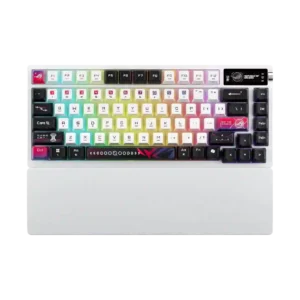
Best for premium mechanical typing, bold RGB styling, long battery life, and strong wireless convenience. Skip it if price, Hall effect features, or lighter software matters most.
Pros: latency, wireless performance
Cons: rapid trigger support, analog input support
#5
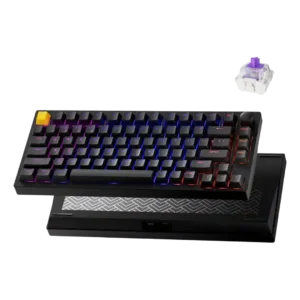
Good if you want a premium-feeling Hall-effect keyboard with responsive gaming controls, smooth typing, and strong value. Skip it if you need advanced per-key RGB, effortless Mac layout support, or...
Pros: frame rigidity, stabilizer quality
Cons: per-key lighting control, RGB customization
#6
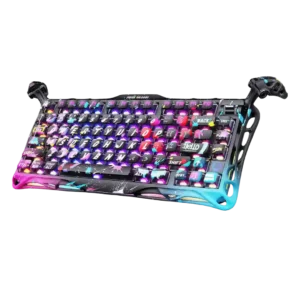
Best for a bold, heavy, fast Hall-effect keyboard with strong RGB and customization. Skip it if you want wireless travel use, understated looks, softer keycaps, broader switch choices, or the...
Pros: legend visibility, key responsiveness
Cons: connectivity, cable quality
#7
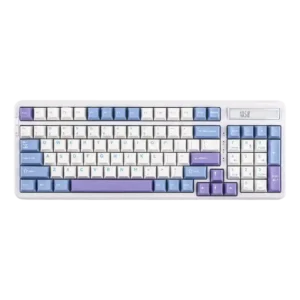
Choose the Epomaker Cypher96 if you want a compact numpad keyboard with cushioned typing, strong customization and a handy calculator. Skip it if body flex, limited stock switch variety, or...
Pros: ease of switch replacement, typing feel
Cons: key spacing, layout options
#8
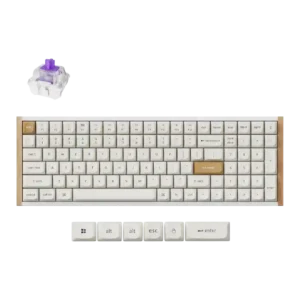
Best for Hall Effect gaming power, premium feel, flexible wireless use, and easy customization. Skip it if you need spacious keys, bright shine-through RGB, 8,000Hz polling, or broad mechanical switch...
Pros: durability, rapid trigger support
Cons: per-key lighting control, stabilizer quality
#9
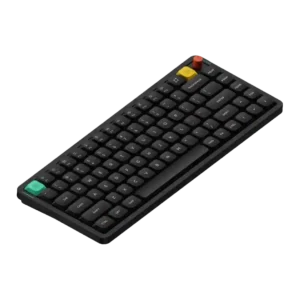
Best for premium low-profile typing, strong battery life, Mac-friendly controls, and rich customization. Skip it if a stable knob, deep modding, quietest possible keys, or the widest switch choice matters...
Pros: key responsiveness, typing feel
Cons: per-key lighting control, legend visibility
#10
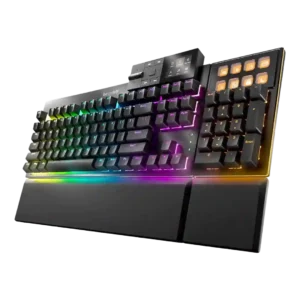
Choose the Dark Mount if you want a quiet, premium modular keyboard with strong typing feel and deep customization. Skip it if you need wireless, elite esports features, lower pricing,...
Pros: key stability, per-key lighting control
Cons: analog input support, wireless performance
#11
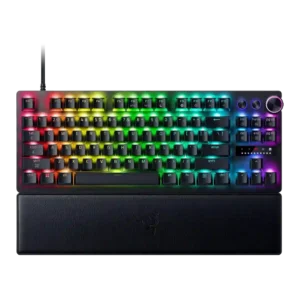
Best for competitive FPS play, rapid-trigger tuning, and premium Razer customization. Skip it if you need a quiet daily typing board, plush wrist rest, wireless flexibility, or the best value.
Pros: key responsiveness, actuation consistency
Cons: switch options, hot-swappable switches
#12
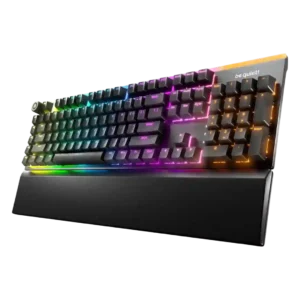
Choose the Light Mount for quiet mechanical typing, vivid RGB, and comfortable full-size use. Skip it if you need wireless, compact layouts, or esports features like rapid trigger and adjustable...
Pros: ease of switch replacement, acoustics
Cons: rapid trigger support, analog input support
#13
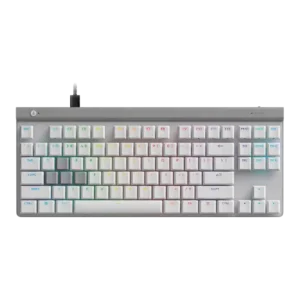
Best for low-profile competitive gaming, quiet switches, and deep actuation control. Skip it if you want wireless convenience, dedicated media controls, or a firmer typing feel.
Pros: key responsiveness, ergonomics
Cons: wireless performance, volume control
#14
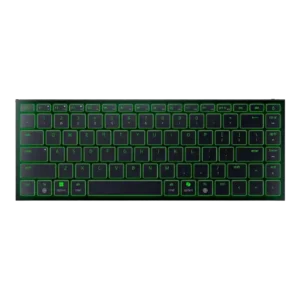
Good if you need a premium, ultra-slim travel keyboard with Mac-friendly shortcuts, sturdy build, and quiet typing. Skip it for competitive gaming, mechanical feel, adjustable ergonomics, or better value.
Pros: frame rigidity, size and form factor
Cons: sound dampening, per-key lighting control
#15
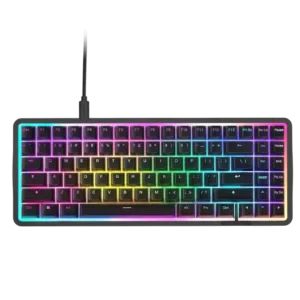
Best for fast Hall effect gaming, rich RGB, sturdy build, and a compact desk-friendly layout. Skip it if you need wireless, a wrist rest, dedicated controls, or better value.
Pros: latency, acoustics
Cons: passthrough features, wireless performance