Best for Touch control responsiveness
Asus ROG Cetra Open
5.0 feature score
Highest scored product for this feature based on supporting review evidence.
Highest scored product for this feature based on supporting review evidence.
Balances feature score, supporting reviews, and overall product strength.
Has the broadest review evidence for this feature.
Strongest overall product among items with scored evidence for this feature.
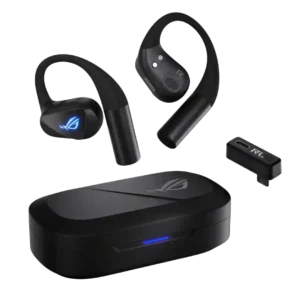
One video describes the controls as responsive and intuitive, giving them a very positive usability assessment.
Pros: Transparency mode quality, Touch control responsiveness
Cons: Noise isolation (passive), Packaging condition
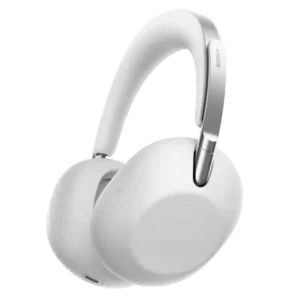
Touch controls are among the best-reviewed features, responding quickly to swipes, taps, and the palm-over-ear gesture.
Pros: Microphone noise reduction, Multipoint connectivity reliability
Cons: Water/sweat resistance rating, Gaming performance
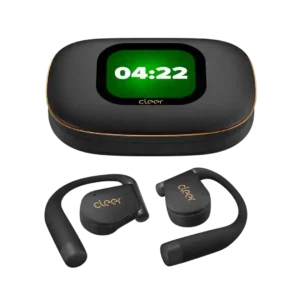
Touch controls are responsive and easy to trigger without many accidental taps. The control scheme may take a day or two to become natural, but customization helps.
Pros: Instrument separation, Multipoint connectivity reliability
Cons: Noise isolation (passive)
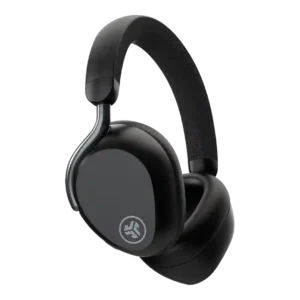
Touch controls were mostly praised as responsive, accurate, and easy to use.
Pros: Award recognition, Audio-video sync accuracy
Cons: ANC sound impact on audio, ANC effect on sound signature
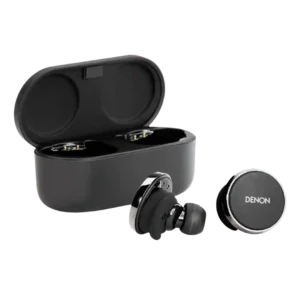
Touch responsiveness is strongly rated, with reviewers describing responsive taps, reliable touchpads, and working commands.
Pros: Audio-video sync accuracy, Multi-platform compatibility
Cons: LDAC, Weight comfort
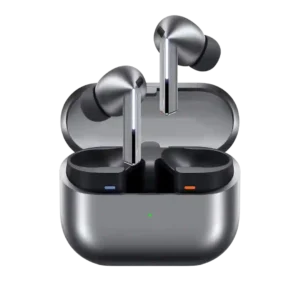
Touch and swipe responsiveness was strong where tested, especially for volume controls that reviewers called responsive, quick, and useful.
Pros: Integrated microphone, Frequency response accuracy
Cons: LDAC, Ear tip size options
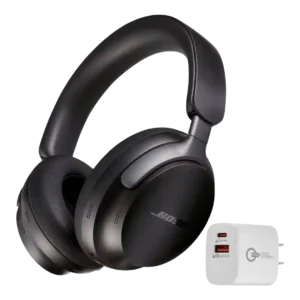
Reviewers were generally positive about touch control responsiveness, though the supporting evidence sometimes included context or small caveats.
Pros: Volume output, Active noise cancellation
Cons: Water/sweat resistance rating, USB-C
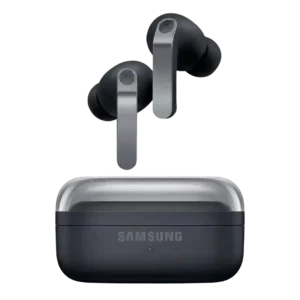
Touch and swipe responsiveness was mostly praised, especially when reviewers could adjust or grab the buds without accidental playback changes.
Pros: Volume output, Comfort during long use
Cons: aptX, LDAC
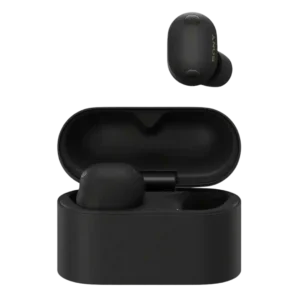
Touch controls were mostly responsive and customizable, though some reviewers disliked accidental triggers or multi-tap volume controls.
Pros: Maximum volume clarity, Audio-video sync accuracy
Cons: Sidetone adjustment quality, Software/setup simplicity
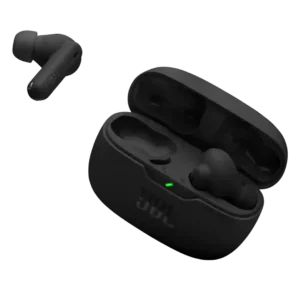
Touch controls were generally seen as functional, easy, and backed by useful feedback.
Pros: Audio-video sync accuracy, Weight comfort
Cons: Sidetone adjustment quality, Microphone noise reduction
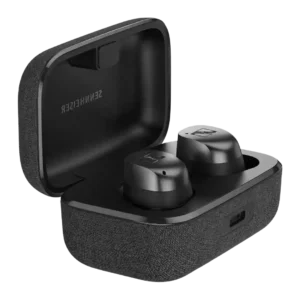
Touch controls are mostly praised as responsive and customizable, but one reviewer found accidental triggers very annoying.
Pros: Maximum volume clarity, Stability
Cons: Spatial audio, Microphone noise reduction
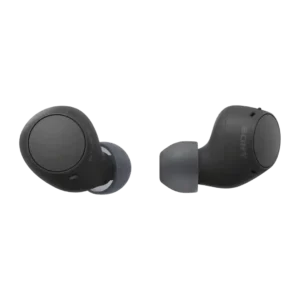
Touch-control evidence is limited to two reviews that describe the controls as responsive or easy, though most other reviews treat the controls as physical buttons.
Pros: Weight comfort, Multipoint connectivity reliability
Cons: aptX, Active noise cancellation
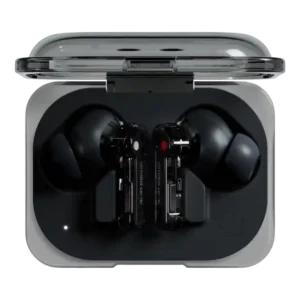
Touch and pinch responsiveness was mostly positive, but advanced gestures could be finicky or create annoying feedback in some use.
Pros: Design and Aesthetics, Software/setup simplicity
Cons: Voice assistant integration, Spatial audio
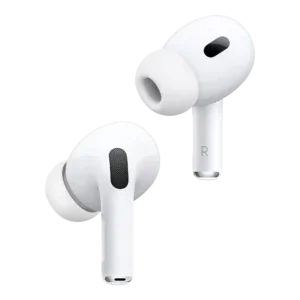
Touch and stem controls were usually praised for convenience and responsiveness, though several reviewers found the volume gesture imperfect or awkward at first.
Pros: Weight comfort, Charging
Cons: Smudge resistance, Android compatibility
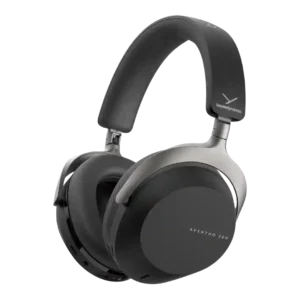
Touch controls are mostly considered reliable and responsive, although accidental activation and occasional misfires are noted.
Pros: Battery, Volume output
Cons: Preset EQ profile quality, Weight comfort
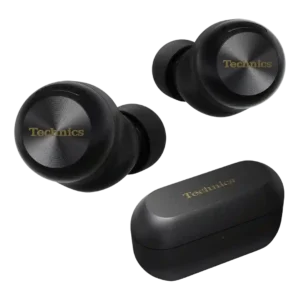
Touch controls are generally responsive and customizable, though sensitivity and personal preference create some mixed reactions.
Pros: Volume output, Maximum volume clarity
Cons: aptX, Auracast support

Touch controls are mostly praised for responsiveness and customization, but some reviewers report missed taps, accidental presses, or awkward use while moving.
Pros: Android compatibility, Bluetooth
Cons: Smudge resistance, Cable quality
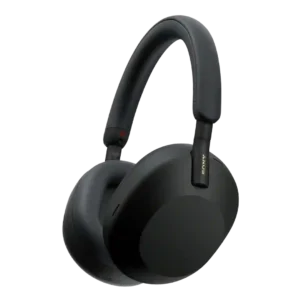
Touch controls were often intuitive and responsive, but some reviewers found them finicky or easy to misfire.
Pros: Sound leakage, Noise isolation (passive)
Cons: Water/sweat resistance rating, Hinge durability

The touch surface is generally responsive and highly customizable. Missed light taps and accidental triggers can occur because the active area is large.
Pros: Maximum volume clarity, Charging
Cons: 3.5mm analog input availability, Cable quality
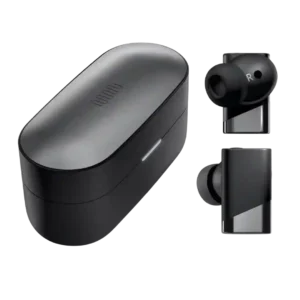
Touch controls are mixed: the large surface and customization are praised, but some reviewers report missed taps, accidental triggers, or prefer buttons.
Pros: Maximum volume clarity, Sound quality
Cons: Spatial audio, Software/setup simplicity
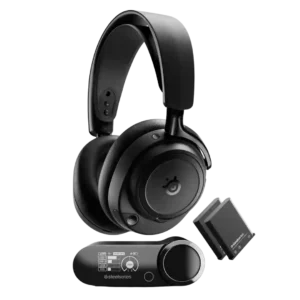
Touch control responsiveness is lightly positive, with the touch-sensitive GameHub button described as easy enough for menu navigation.
Pros: Maximum volume clarity, Multipoint connectivity reliability
Cons: Portability/foldability, USB-C
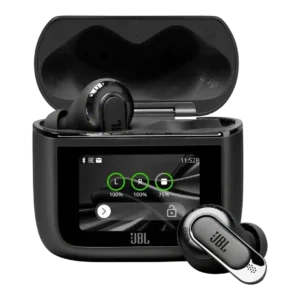
Touch responsiveness was mixed, ranging from reliable sensors and useful controls to laggy or temperamental case/touch behavior.
Pros: Codec support, Dongle
Cons: Sound leakage, Find My
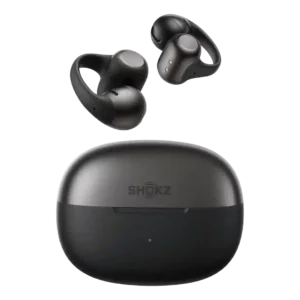
Touch responsiveness is mixed. Some users found taps and pinches worked perfectly after customization, while others still preferred real buttons or noticed occasional touchiness.
Pros: Android compatibility, Multi-platform compatibility
Cons: Auracast support, Active noise cancellation
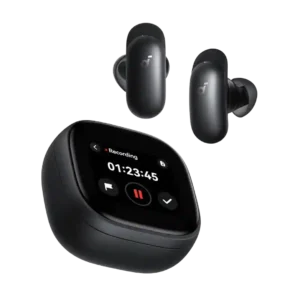
Earbud touch controls are mixed: several found them precise and responsive, while others struggled with accidental slides or awkward tap areas. The case touchscreen also has occasional lag or freezes.
Pros: Microphone noise reduction, Stability
Cons: Lossless audio support, Spatial audio
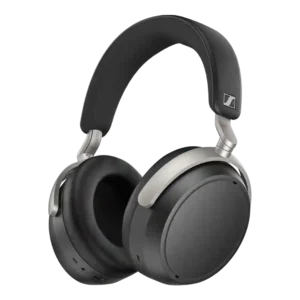
Touch controls split reviewers: some found them responsive and well implemented, while others called them clumsy, inaccurate, or unreliable.
Pros: Instrument separation, Charging
Cons: Xbox compatibility, Water/sweat resistance rating
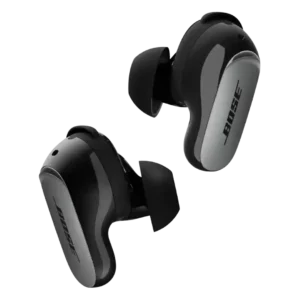
Touch controls split reviewers: some find them responsive, intuitive, and complete, while others call them fussy or hard to use precisely during runs.
Pros: Active noise cancellation, Volume output
Cons: Preset EQ profile quality, Equalizer customization
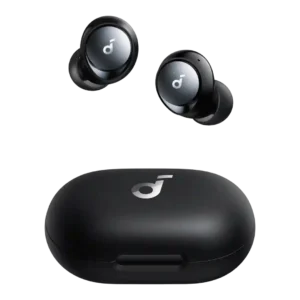
Touch controls were mixed: several reviewers found them responsive and customizable, while others reported delays, missed gestures, or sensitivity issues.
Pros: Interchangeable left/right bud design, Multipoint connectivity reliability
Cons: Sensors, Hinge durability

Touch and stem controls were polarizing: some found them easy or flexible, while others called them fiddly or hard to confirm.
Pros: Volume output, Weight comfort
Cons: Cable quality, Smudge resistance
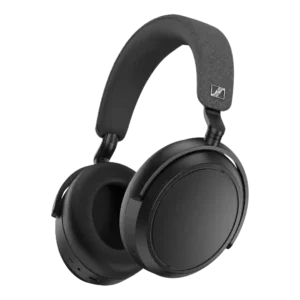
Touch controls were divisive: several reviewers found them intuitive and dependable, while others reported sensitivity, accidental inputs, or startup glitches.
Pros: Award recognition, Battery
Cons: Water/sweat resistance rating, LDAC
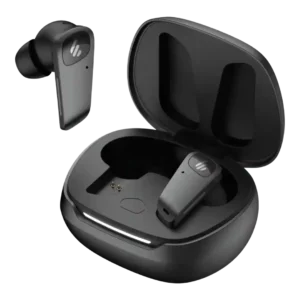
Touch/tap responsiveness is mixed: one reviewer found the controls pretty good, while others said the tap system needs adjustment or works only most of the time.
Pros: Instrument separation, Codec support
Cons: Spatial audio, Volume output
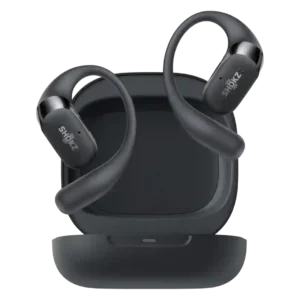
Touch controls are mixed: one reviewer found them finicky, another wanted more customization, and another reported they worked perfectly.
Pros: Microphone noise reduction, Bluetooth
Cons: Active noise cancellation, Codec support
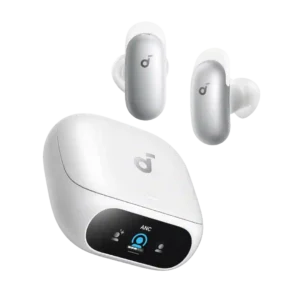
Touch controls are highly mixed. Some owners say taps and slides work well, while others find multi-taps unreliable, overly sensitive, or less convenient than app controls.
Pros: Maximum volume clarity, Noise isolation (passive)
Cons: Apple H2 chip support, Treble clarity

Controls were divisive: some found the tap area responsive and easy, while many others complained about missed taps, limited gestures, or awkward use during runs.
Pros: Android compatibility, Software/setup simplicity
Cons: Active noise cancellation, Noise isolation (passive)
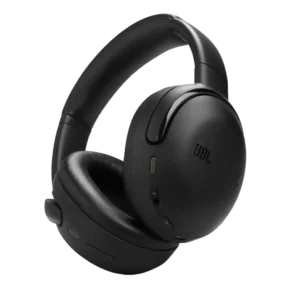
Touch controls were mixed, ranging from responsive and intuitive to oversensitive, limited, or unreliable in some testing.
Pros: Immersive audio quality, ANC background noise level
Cons: Replaceable pads/headband, Replaceable earpads
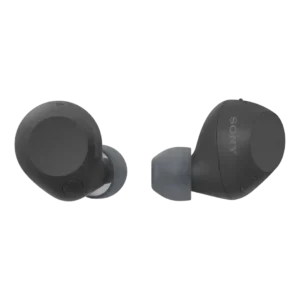
Touch control responsiveness was generally good, but repeated taps and accidental triggers made the control experience uneven.
Pros: Weight comfort, Android compatibility
Cons: Lossless audio support, Ear tip size options
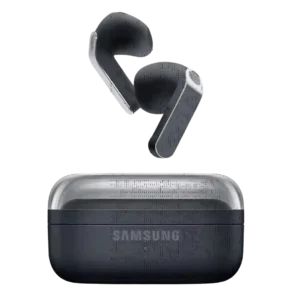
Controls can be responsive, tactile, and easy to customize, but usability varies. Some users find the pinch-and-swipe system awkward, easy to trigger accidentally, or likely to disturb the already fragile...
Pros: Audio-video sync accuracy, Integrated microphone
Cons: Warranty and support service, Ear tip size options
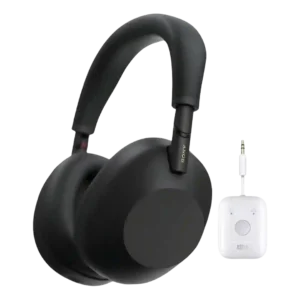
Touch controls divided reviewers: some found them accurate or intuitive, while others called them finicky, easy to nudge, or terrible.
Pros: Smart Pause performance, Award recognition
Cons: Cable quality, USB-C
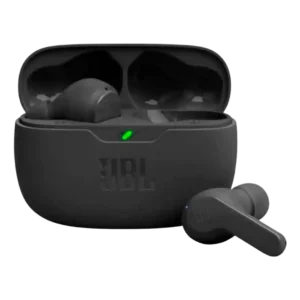
Touch controls are highly inconsistent across reviewers, ranging from very responsive and easy to use to unreliable, confusing, or poorly customized.
Pros: Weight comfort, Button control usability
Cons: Active noise cancellation, Smudge resistance
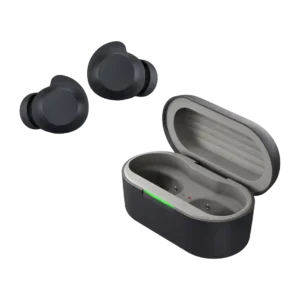
Touch controls are mixed: they can be fast and responsive, but other reviewers reported accidental or phantom taps.
Pros: Charging, Portability/foldability
Cons: aptX, LDAC
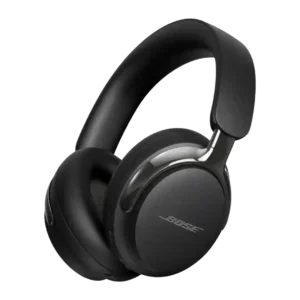
Touch control feedback is mixed: some reviewers find the slider responsive, while others call it imprecise or annoying.
Pros: Award recognition, ANC sound impact on audio
Cons: Water/sweat resistance rating, LE Audio readiness
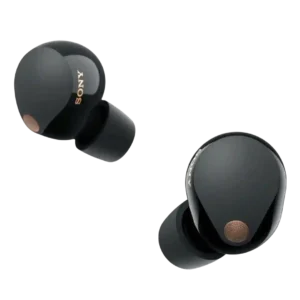
Touch controls were polarizing: reviewers liked the expanded control options, but repeated tapping for volume was often criticized as awkward or intrusive.
Pros: Weight comfort, Noise isolation (passive)
Cons: aptX, Find My
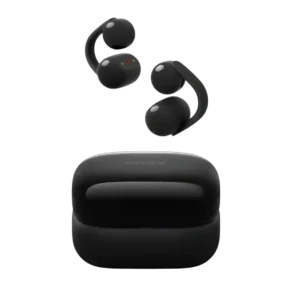
Touch responsiveness is inconsistent across reviews: some found it convenient and responsive, while others called it finicky or poorly executed.
Pros: Transparency mode quality, Maximum volume clarity
Cons: Active noise cancellation, Spatial audio
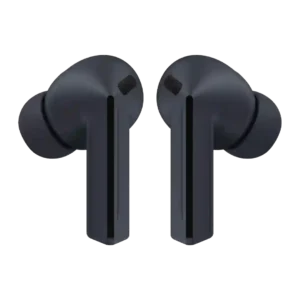
Touch responsiveness is mixed, ranging from fantastic controls to complaints that double and triple taps are finicky.
Pros: Volume output, Audio-video sync accuracy
Cons: Multipoint connectivity reliability, LDAC
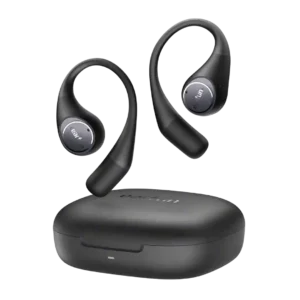
Touch controls were the most divided usability point, with several strong complaints but also multiple reviewers praising customization or responsiveness.
Pros: Codec support, Water/sweat resistance rating
Cons: Noise isolation (passive), Design and Aesthetics
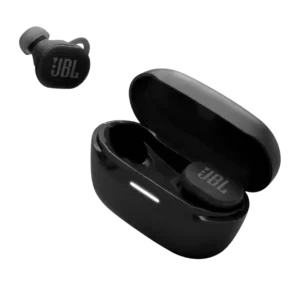
Touch controls were usable outside workouts but weaker for running, sweat, gloves, and slight lag.
Pros: Stability, Battery
Cons: Volume output, Cable quality
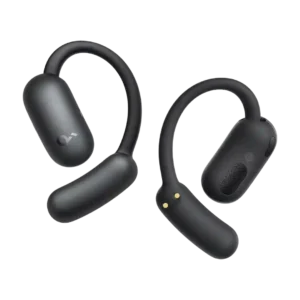
Touch responsiveness is mixed: some reviewers praise low latency, while others complain the surfaces are too sensitive and trigger accidental inputs.
Pros: Software/setup simplicity, AI translation
Cons: Noise isolation (passive), Spatial audio

Touch controls are one of the most divisive areas: some reviewers praise responsiveness, but many criticize missing volume gestures, locked-down customization, or unreliable taps.
Pros: Comfort during long use, Audio-video sync accuracy
Cons: aptX, Lossless audio support
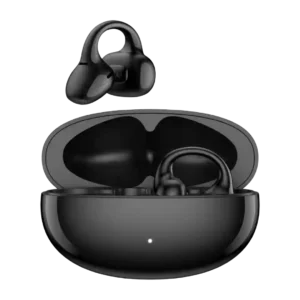
Touch controls are one of the bigger weaknesses: many found them finicky, limited, or misfiring, though one reviewer liked the full-loop tap area.
Pros: Weight comfort, Interchangeable left/right bud design
Cons: Smudge resistance, Voice assistant integration

Touch responsiveness has limited negative evidence, with one reviewer finding gestures stubborn or not very responsive.
Pros: Audio-video sync accuracy, Transparency mode quality
Cons: aptX, LDAC
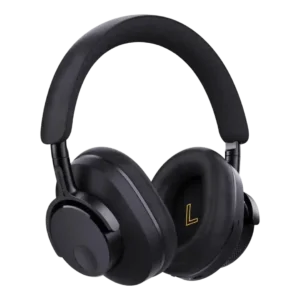
Touch controls were not implemented, and Tom’s Guide treated that absence as a missed opportunity for the earcup design.
Pros: Award recognition, Battery
Cons: Water/sweat resistance rating, Touch control responsiveness