
Profile switching was praised when the reviewer could quickly see or cycle DPI/profile states, though evidence was limited.
Pros: motion consistency, wireless latency
Cons: handedness options, onboard memory
Profile switching was praised when the reviewer could quickly see or cycle DPI/profile states, though evidence was limited.
Pros: motion consistency, wireless latency
Cons: handedness options, onboard memory

Profile switching is useful once configured, with reviewers highlighting game-specific modes and on-the-fly profile changes.
Pros: long-session comfort, sensor performance
Cons: handedness options, software stability

Profile switching was useful for genre changes, device movement, and easily swapping settings.
Pros: skate durability, cross-platform compatibility
Cons: handedness options, click noise
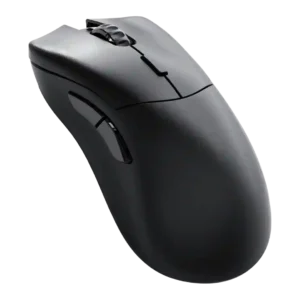
Profile switching was praised where discussed, especially for quickly changing profiles and swapping settings between PCs or games.
Pros: click latency, switch durability
Cons: Bluetooth support, handedness options

Profile switching was praised for making it easy to move between games or setups.
Pros: premium feel, Accuracy and tracking precision
Cons: software stability, FPS gaming suitability

Profile switching has limited positive support from one review that praised software customization of settings and profiles.
Pros: durability over time, sensor performance
Cons: MMO gaming suitability, surface compatibility

Profile switching was polarizing: some liked stored profiles and software-free switching, while others found the underside button odd or awkward.
Pros: motion consistency, sensor performance
Cons: software stability, MMO gaming suitability
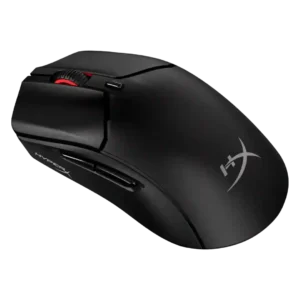
Profile switching was mixed: app-linked presets saved time, but the lack of multiple onboard profiles or a physical profile switch disappointed reviewers.
Pros: long-session comfort, balance and weight distribution
Cons: software stability, firmware reliability

Profile switching was mixed, with convenient profile toggling offset by complaints about the underside DPI/profile button placement.
Pros: Accuracy and tracking precision, sensor performance
Cons: handedness options, tilt gesture controls

Profile behavior was mixed: app-linked settings were useful, but onboard-profile handling was described as confusing in G Hub.
Pros: macro support, fingertip grip comfort
Cons: weight tuning, cable flexibility

Profile switching and DPI access were one of the main pain points because several reviewers disliked the underside DPI button, despite onboard profiles being easy once configured.
Pros: button responsiveness, cable flexibility
Cons: firmware reliability, MMO gaming suitability

Profile switching was a drawback because reviewers noted the single-profile limit or friction when changing scenarios.
Pros: Accuracy and tracking precision, motion consistency
Cons: click noise, onboard memory

Profile switching is the clearest repeated weakness, driven by the missing hardware DPI/profile switch and dependence on software.
Pros: click latency, fingertip grip comfort
Cons: firmware reliability, skate durability