Best for Hub requirement
Schlage Encode Smart Lock
5.0 feature score
Highest scored product for this feature based on supporting review evidence.
Highest scored product for this feature based on supporting review evidence.
Balances feature score, supporting reviews, and overall product strength.
Has the broadest review evidence for this feature.
Strongest overall product among items with scored evidence for this feature.
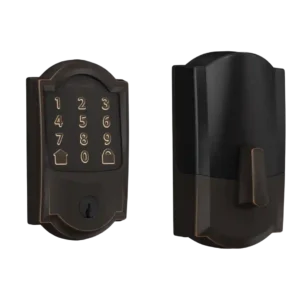
Reviewers strongly agreed that built-in Wi-Fi and no hub, bridge, or adapter is one of the lock’s clearest advantages.
Pros: Bluetooth, Hub requirement
Cons: Door-sense, Fingerprint
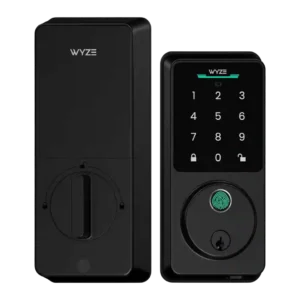
Reviewers praise the lack of a hub requirement because Wi-Fi removes the need for helper devices and puts the lock closer to pricier competitors.
Pros: Lock/unlock speed, Keypad
Cons: Door-sense, Battery
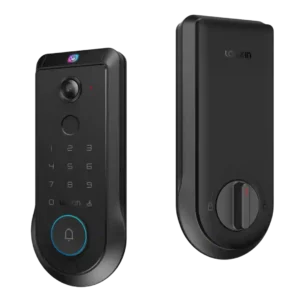
Hub requirement is a strength for local AI and recording features, with one reviewer noting no hub or subscription is needed.
Pros: Lock/unlock speed, Wi-Fi
Cons: Feature additions via updates, Warranty and support
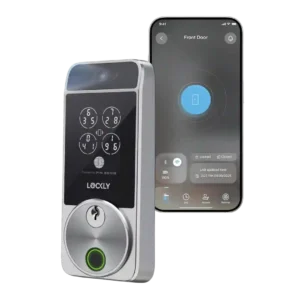
Review evidence for hub requirement was positive: TechRadar specifically liked not needing a separate hub.
Pros: Touchscreen, Hub requirement
Cons: Camera and doorbell performance, Door-sense
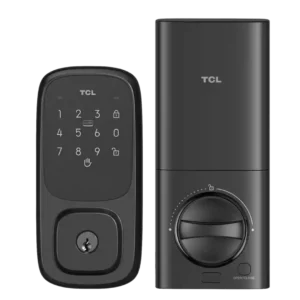
The no-hub design is a positive point, with built-in Wi-Fi removing the need for an external hub.
Pros: Wi-Fi, Hub requirement
Cons: Door-sense, Geofencing
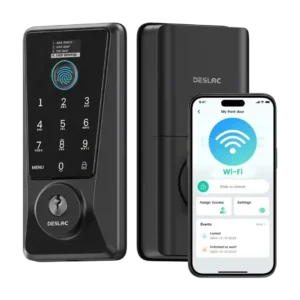
Reviewers consistently liked that no separate hub or gateway is required.
Pros: Feature additions via updates, Locking reliability
Cons: Door-sense, Auto-relock after failed attempts
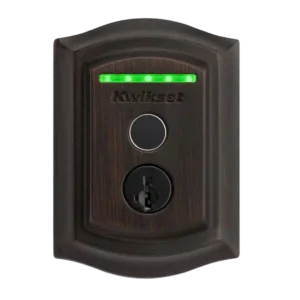
No-hub operation was consistently treated as a plus because Wi-Fi is built in and reviewers did not need an extra bridge or controller for core remote access.
Pros: Lock/unlock speed, Locking reliability
Cons: Auto-relock after failed attempts, Door compatibility (deadbolt fit)
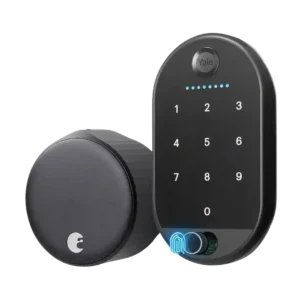
Reviewers liked that built-in Wi-Fi removes the need for an add-on bridge or Connect module.
Pros: Locking motor, Physical attack resistance
Cons: Fingerprint, Battery
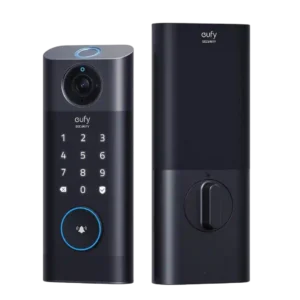
The required bridge/chime was viewed positively when it improved chime, storage, or camera-feed experience.
Pros: Lock/unlock speed, Wi-Fi
Cons: Jam detection, Door compatibility (deadbolt fit)
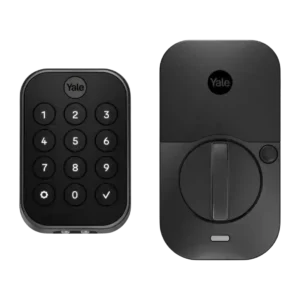
Module-based connectivity and reduced bridge requirements were viewed as flexible strengths, though some features still required a paid module or the right protocol.
Pros: Lock/unlock speed, Guest Codes and Access
Cons: Backset compatibility, Warranty and support
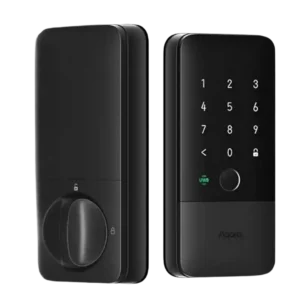
Hub requirements were mixed: reviewers liked avoiding an Aqara hub in Apple Home, but still emphasized the need for a Thread border router for full functionality.
Pros: Locking reliability, Lock/unlock speed
Cons: Bluetooth, Physical attack resistance
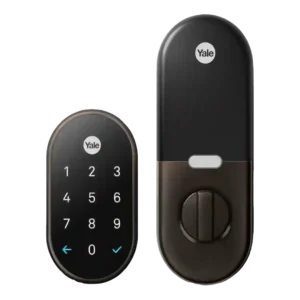
The hub requirement is a tradeoff: Nest Connect or Guard enables remote access and reliability, but it adds cost and sometimes setup/connectivity headaches.
Pros: Weather resistance, Notifications
Cons: Door-sense, Bluetooth
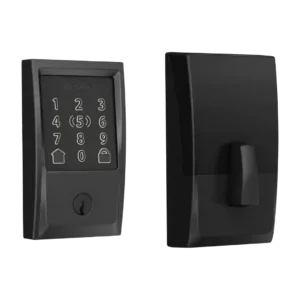
Reviewers liked that the lock can avoid a separate bridge, but Apple/HomeKit users still saw hub requirements as important for remote control, Thread performance, or battery life.
Pros: Locking reliability, Lock/unlock speed
Cons: Weather resistance, Door-sense
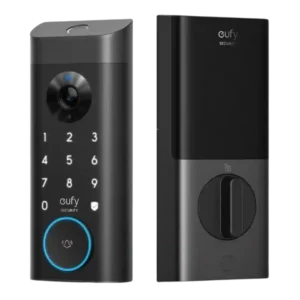
Hub requirement was mixed because the lock can work without a HomeBase, but one reviewer disliked needing a separate chime when used alone.
Pros: Lock/unlock speed, Security features (encryption)
Cons: Door-sense, Keyway quality
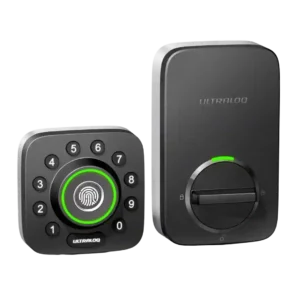
Hub feedback depended on version and setup: built-in Wi-Fi was praised for removing a bridge, while bridge-based versions drew complaints about range and pairing friction.
Pros: Locking reliability, Build quality and durability
Cons: Two-factor authentication availability, Backset compatibility
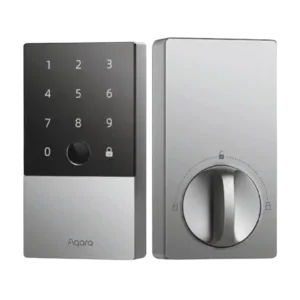
Hub requirements were the biggest ecosystem tradeoff: some saw the bundled hub as a no-brainer, while others disliked needing extra hardware for remote and Matter features.
Pros: Lock/unlock speed, Fingerprint
Cons: Keyway quality, Wi-Fi
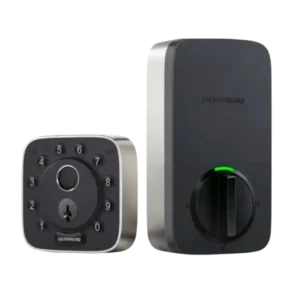
Hub requirements depended on the version and workflow: built-in Wi-Fi avoided a separate bridge for one reviewer, while the Matter model drew criticism for bridge needs.
Pros: Weather resistance, User access management
Cons: Locking motor, Remote access
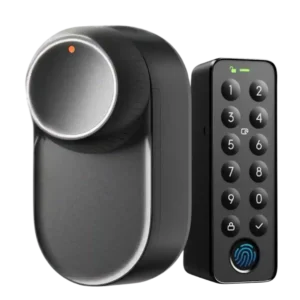
Hub requirement was a common tradeoff: hubs unlock Matter, remote access, and integrations, but several reviewers treated that dependency as a limitation.
Pros: App, Battery
Cons: Geofencing, Jam detection
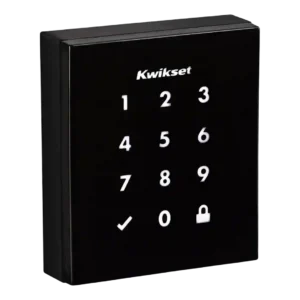
Hub requirements split reviewers: Z-Wave was welcomed by smart-home users, while others treated the required hub as an added burden.
Pros: Existing hardware reuse, Build quality and durability
Cons: Weather resistance, Locking motor
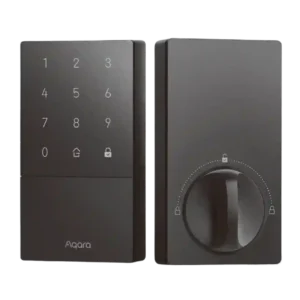
Hub feedback was mixed: some Apple Home users can avoid an Aqara hub, but several reviewers disliked needing one for full features, volume controls, or broader integrations.
Pros: Access logs, Value and Price
Cons: Warranty and support, Wi-Fi
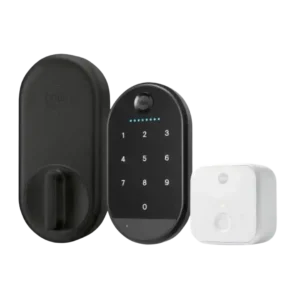
Reviewers frequently disliked needing a separate hub/bridge and outlet, though one reviewer said they personally did not mind it.
Pros: Key override reliability, Remote access
Cons: Warranty and support, Bluetooth
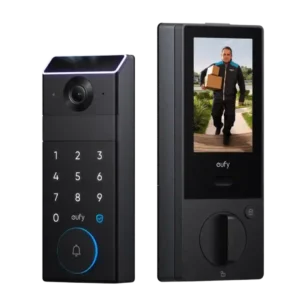
HomeBase dependence was a downside when reviewers wanted facial recognition or the most advanced alerts.
Pros: Lock/unlock speed, Locking reliability
Cons: Door compatibility (deadbolt fit), Hub requirement
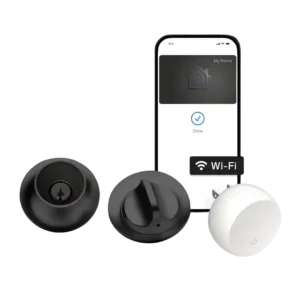
Hub requirements were a recurring drawback, especially the nearby Connect bridge and the need for separate bridging in some ecosystems.
Pros: Industrial design, Build quality and durability
Cons: Pick/drill resistance (if rated), Keyway quality
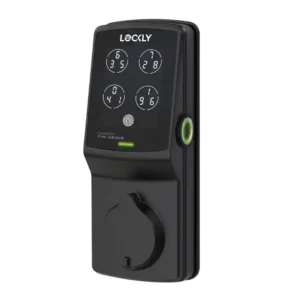
The hub requirement is a drawback because remote and voice features require added hardware and cost.
Pros: Auto-lock, Touchscreen
Cons: Notifications, Smart-home integration (Alexa