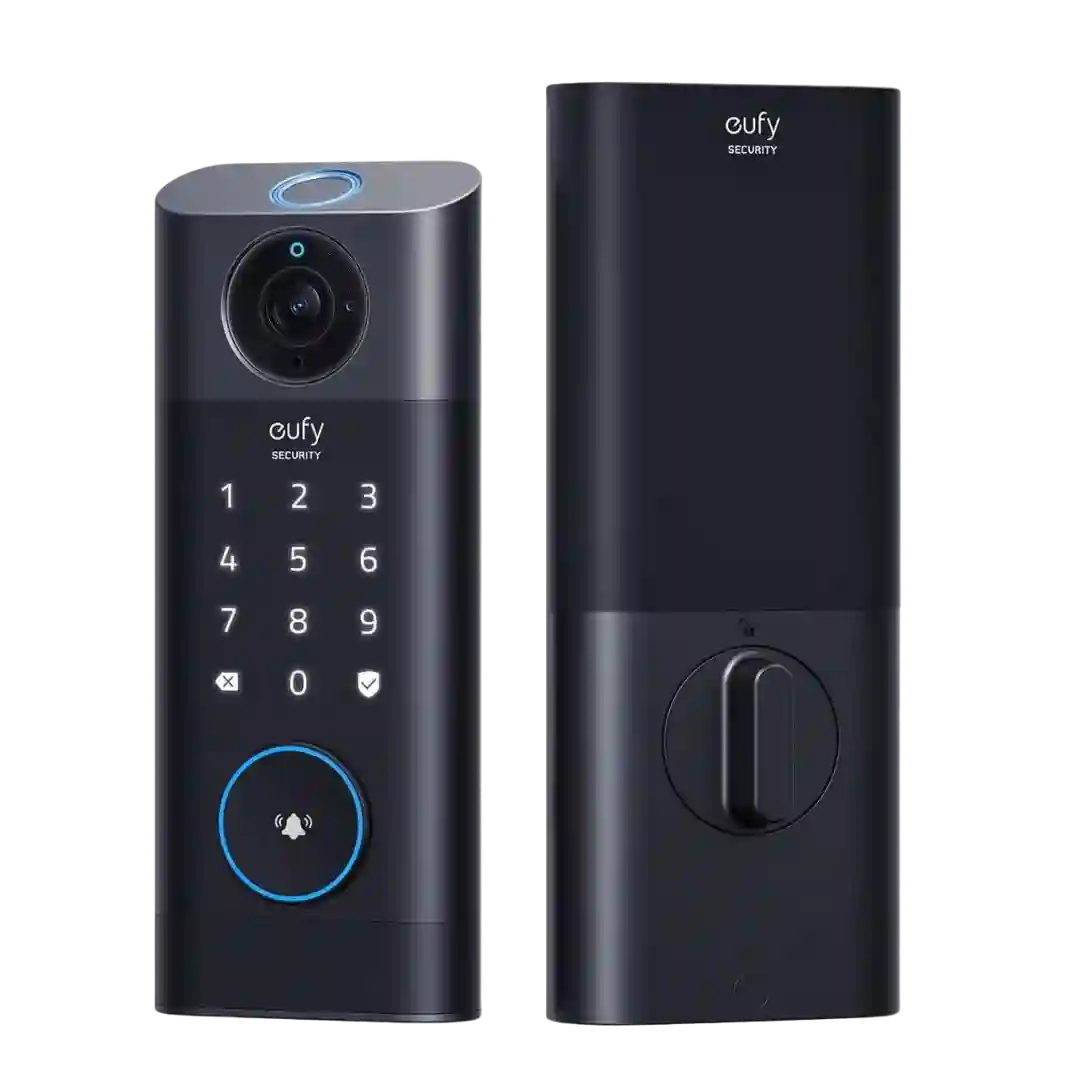
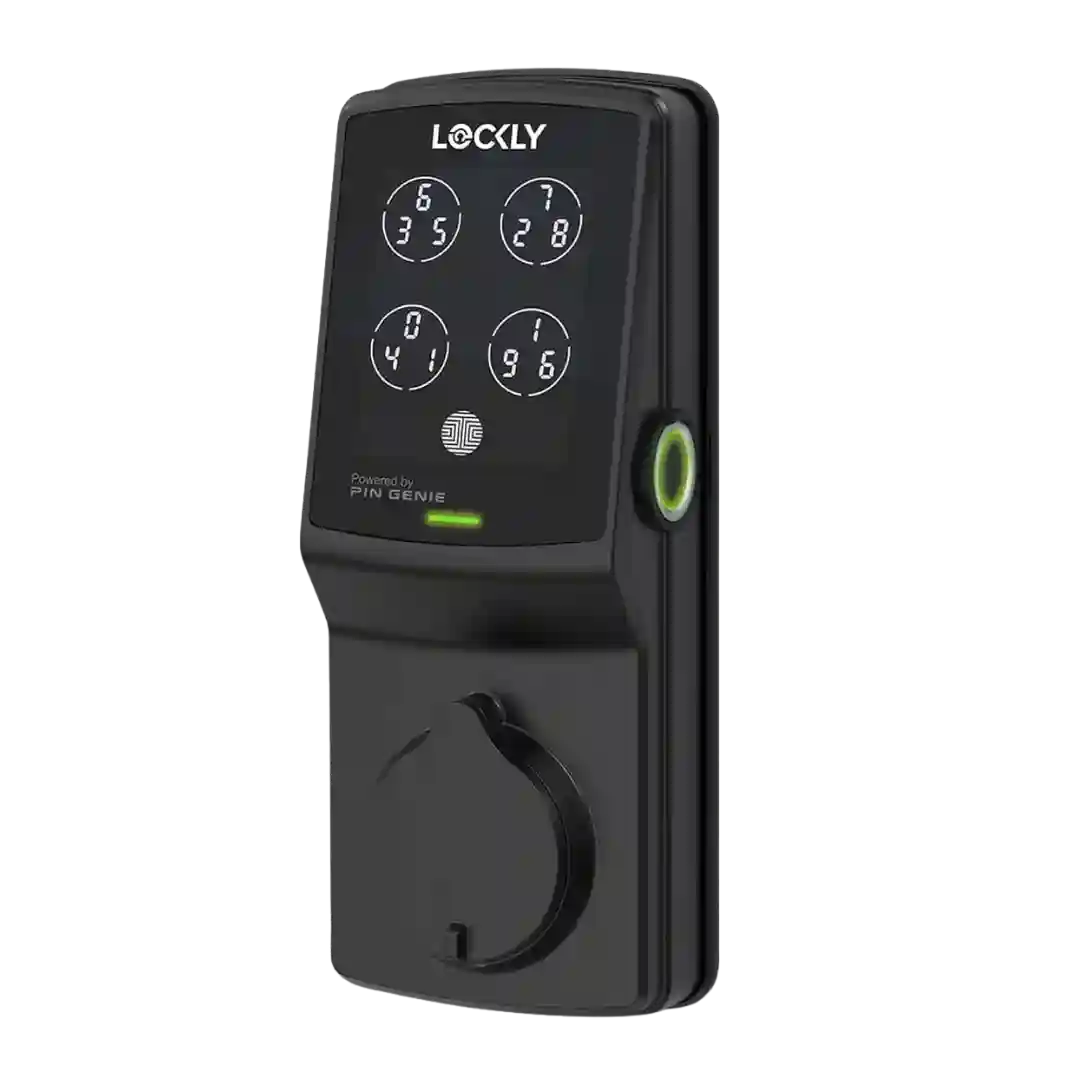
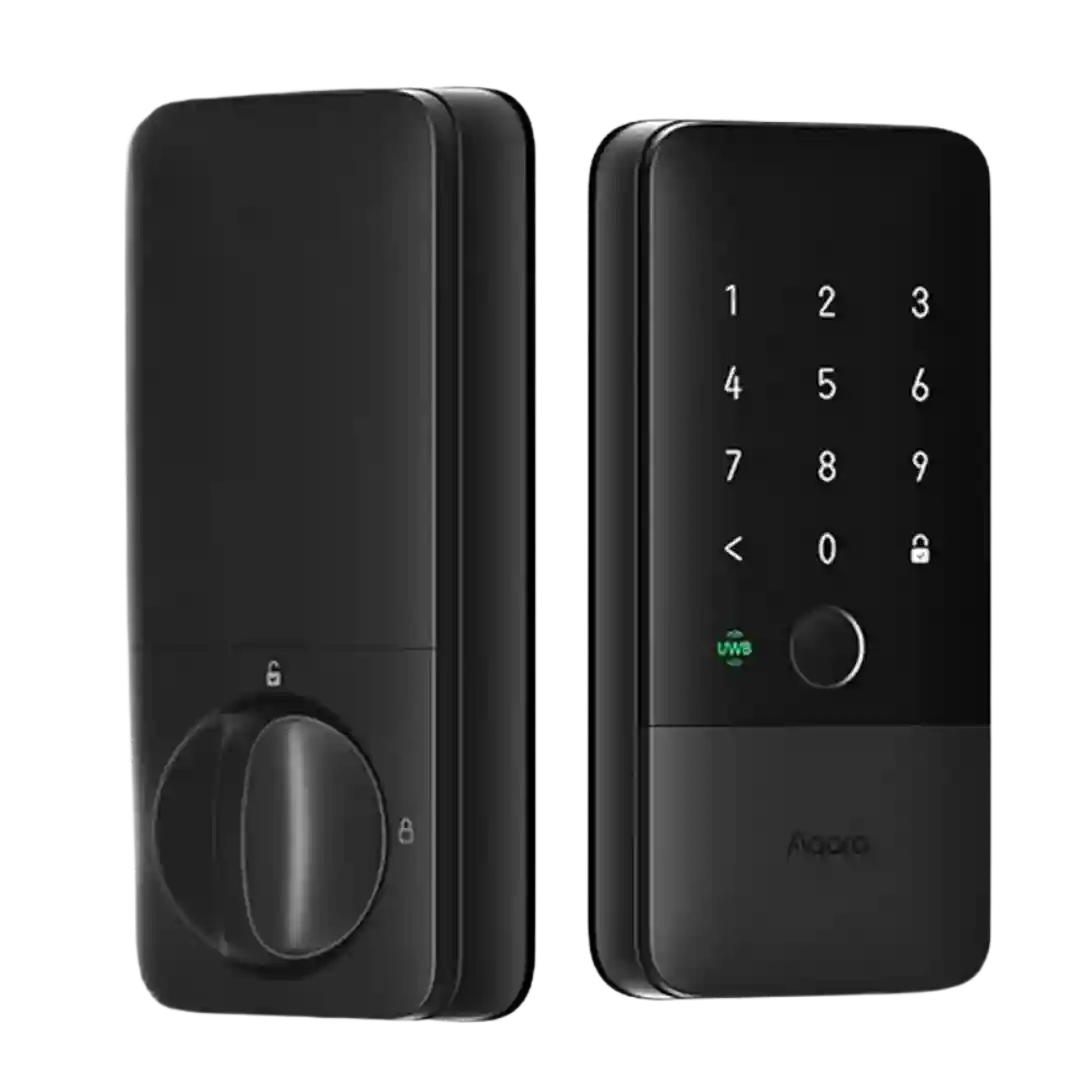
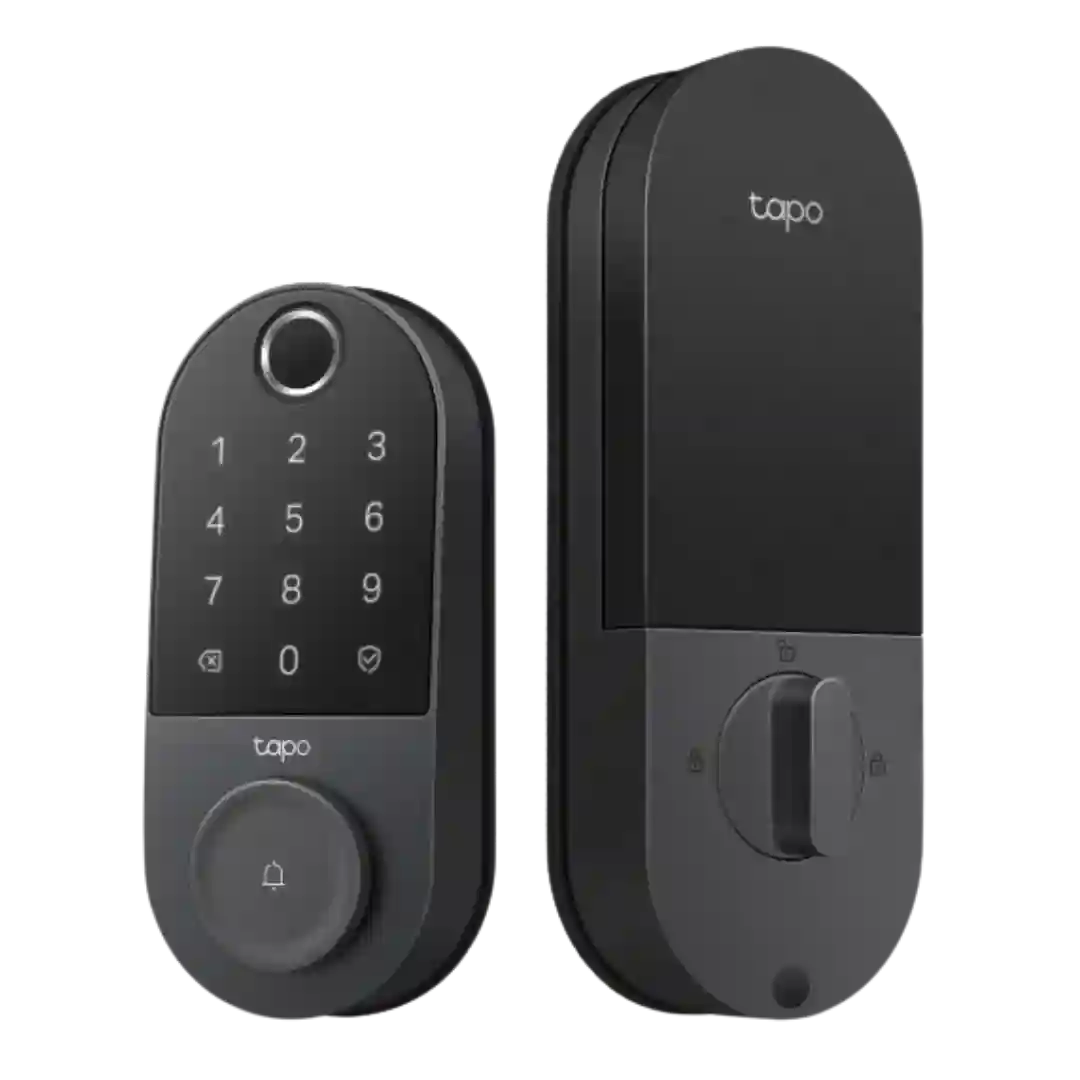
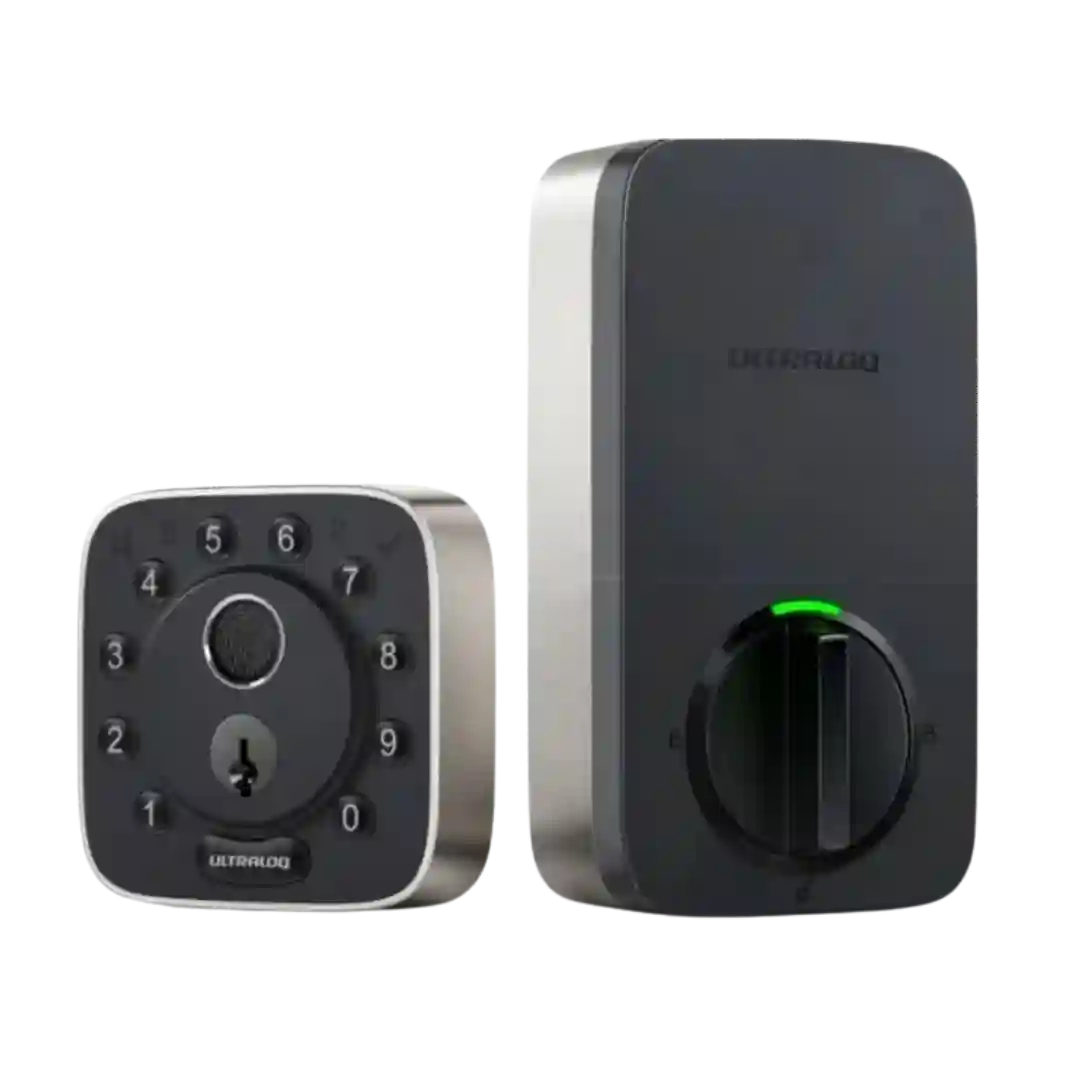
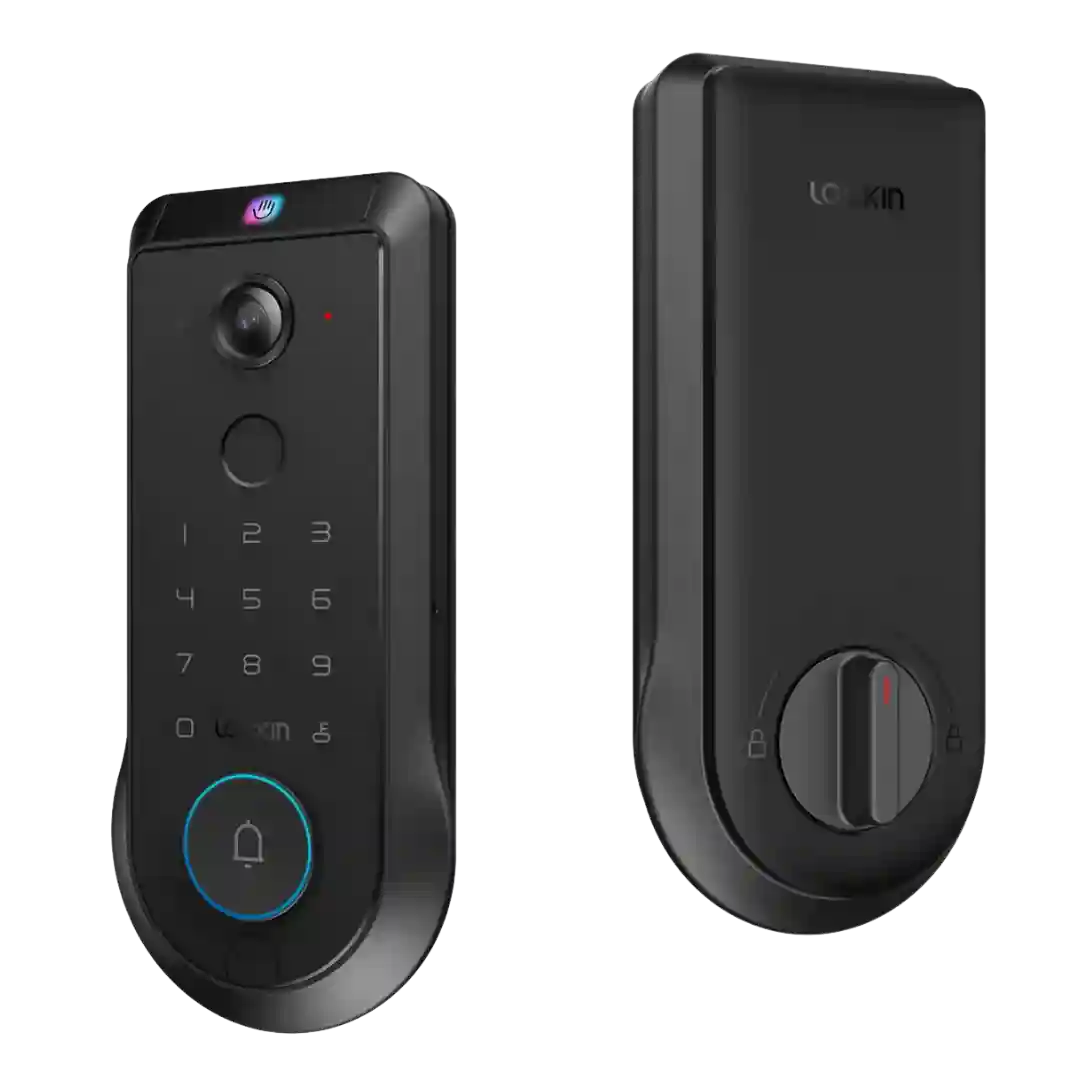
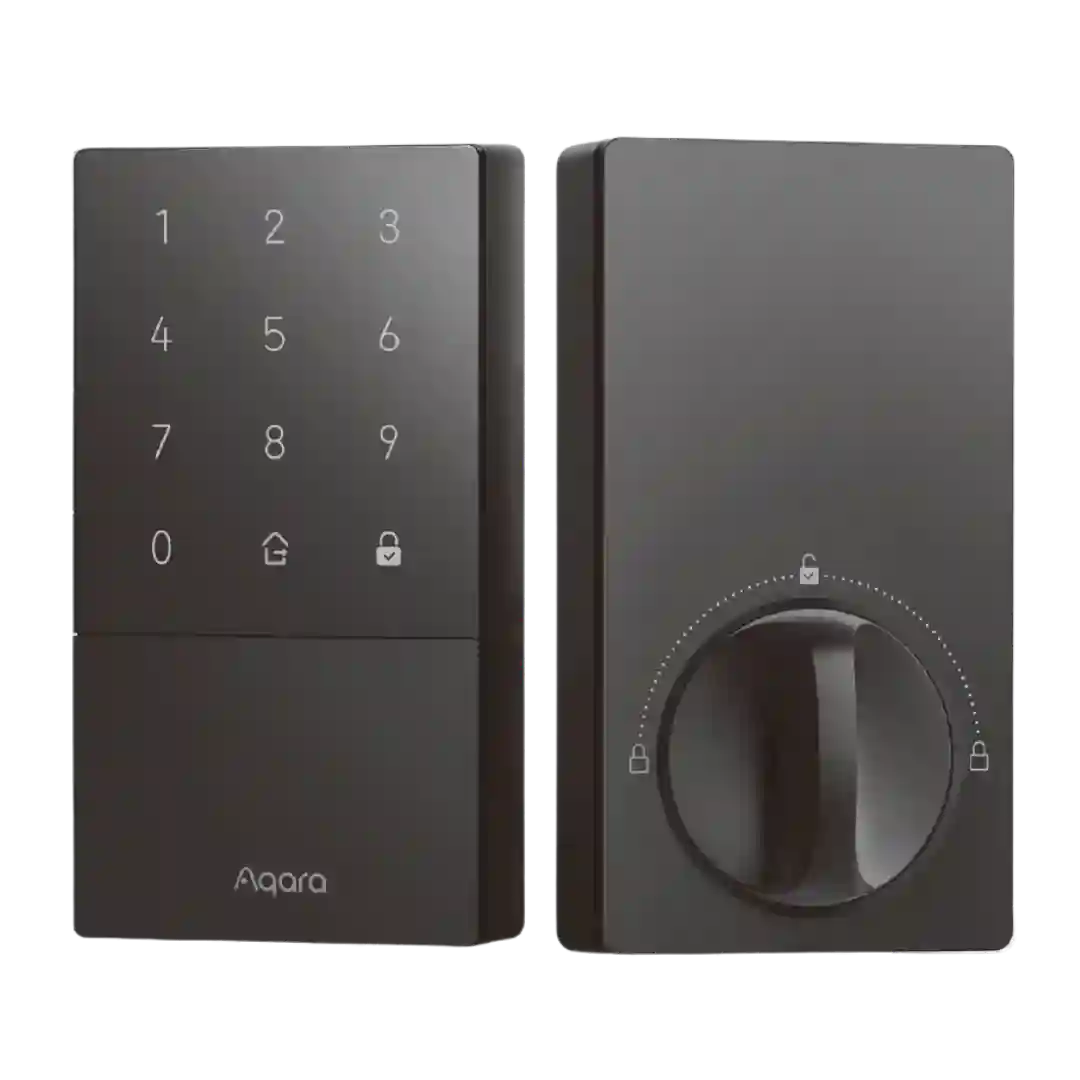
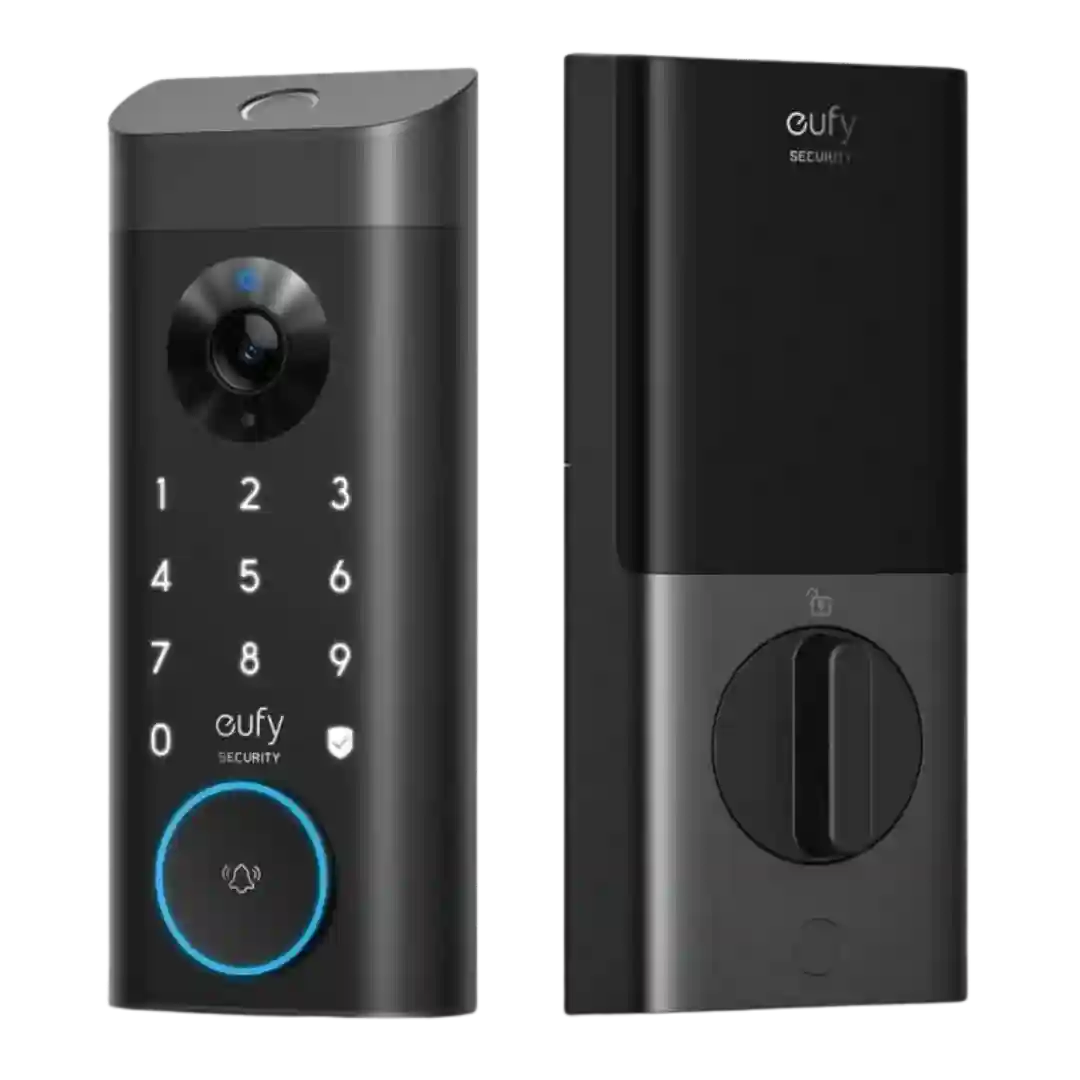
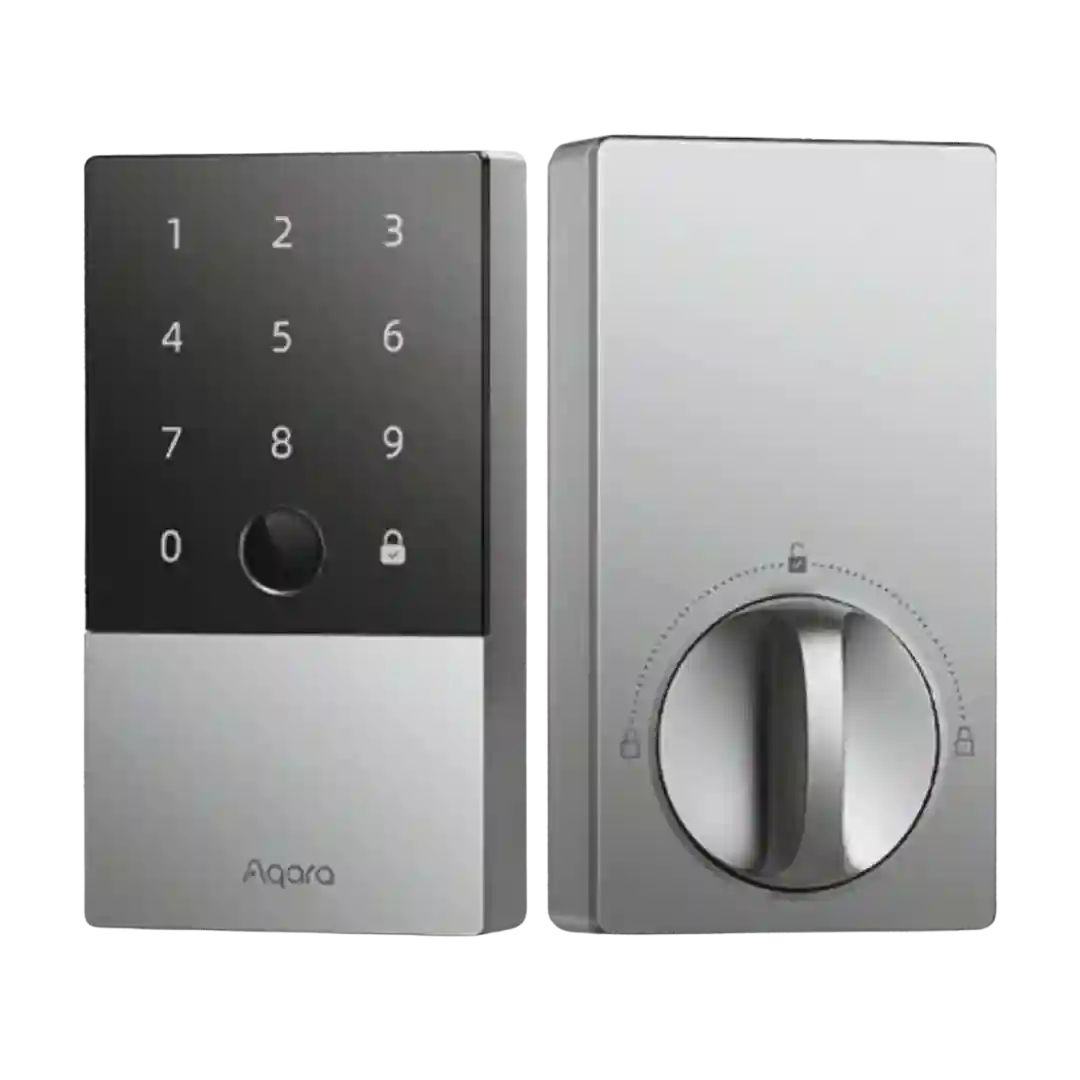
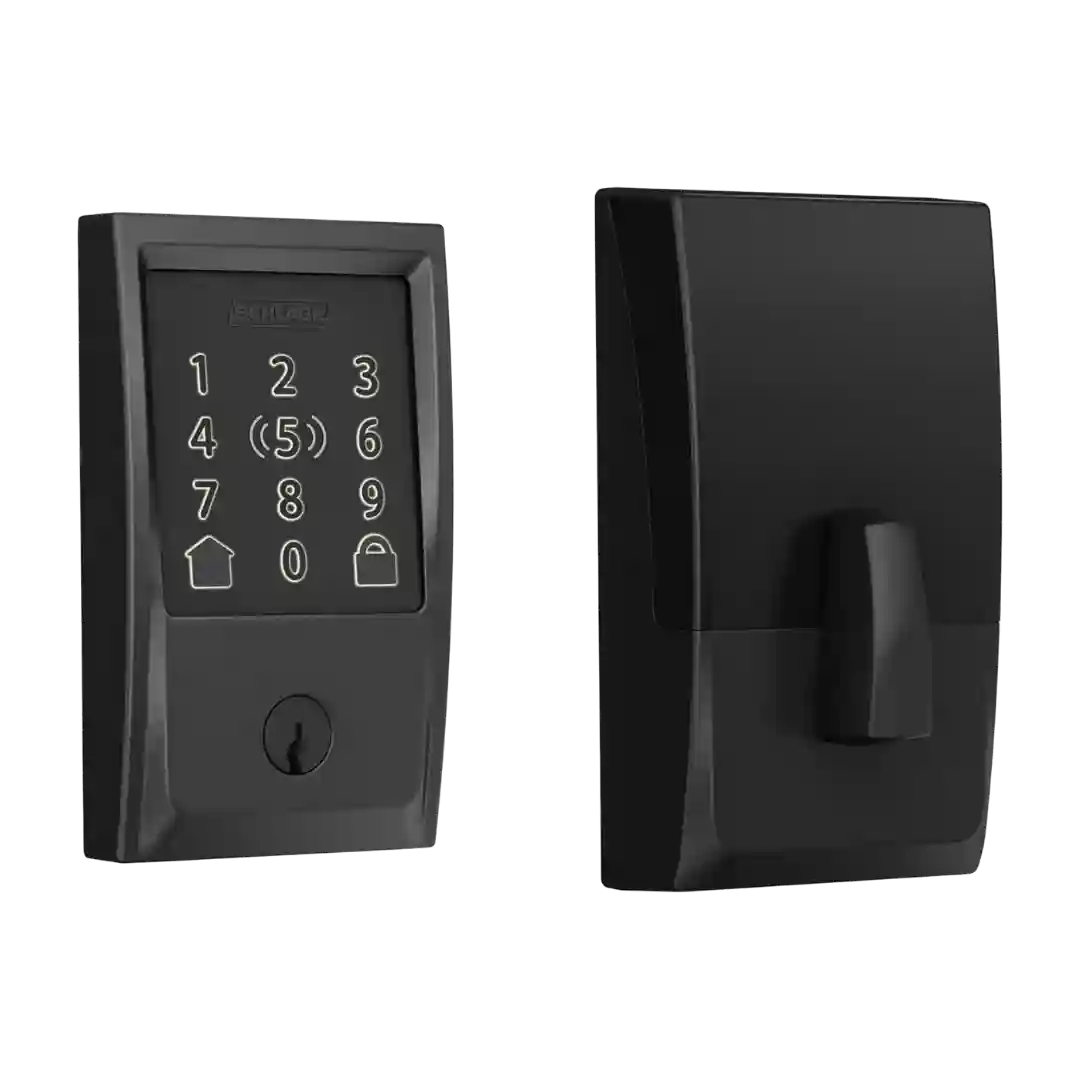
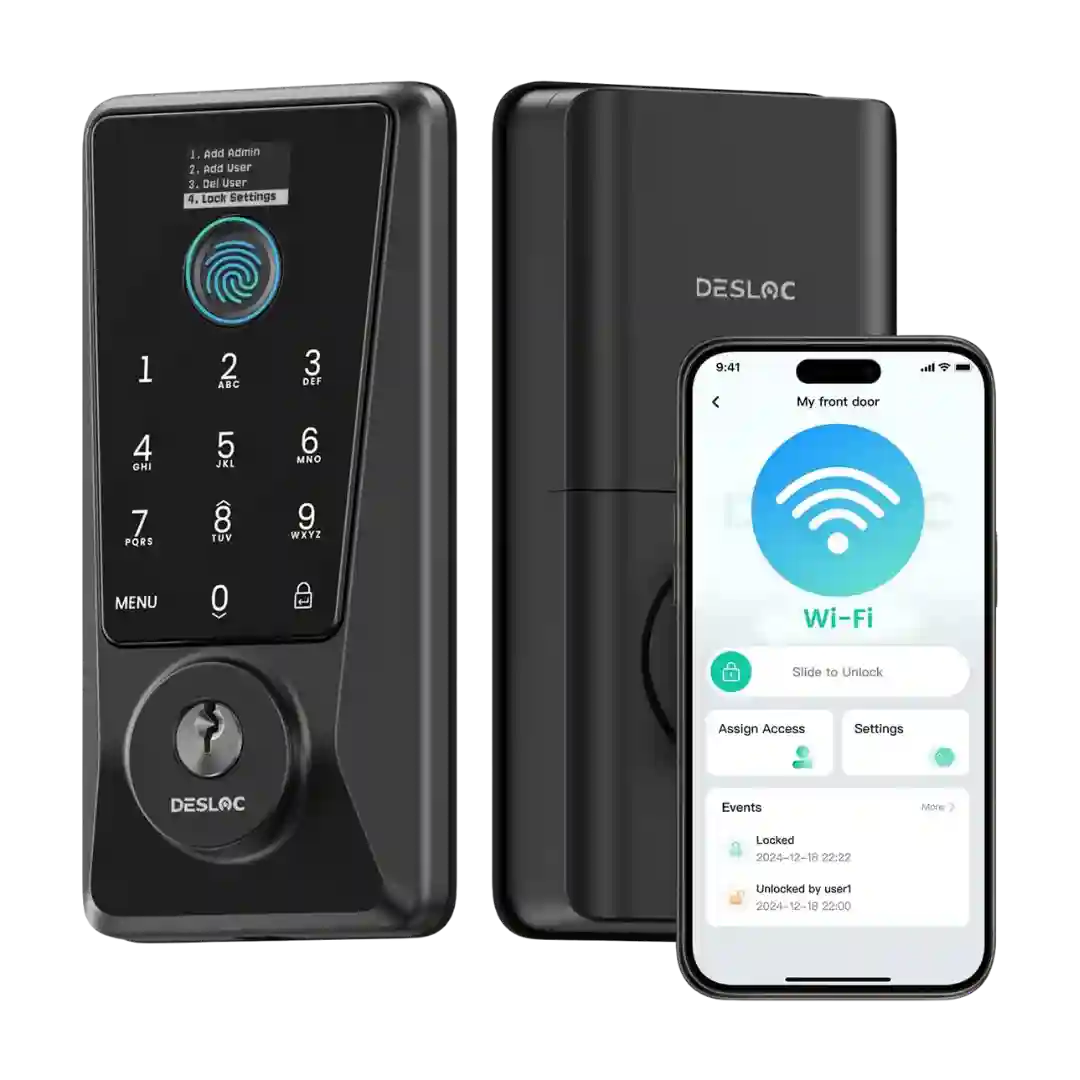
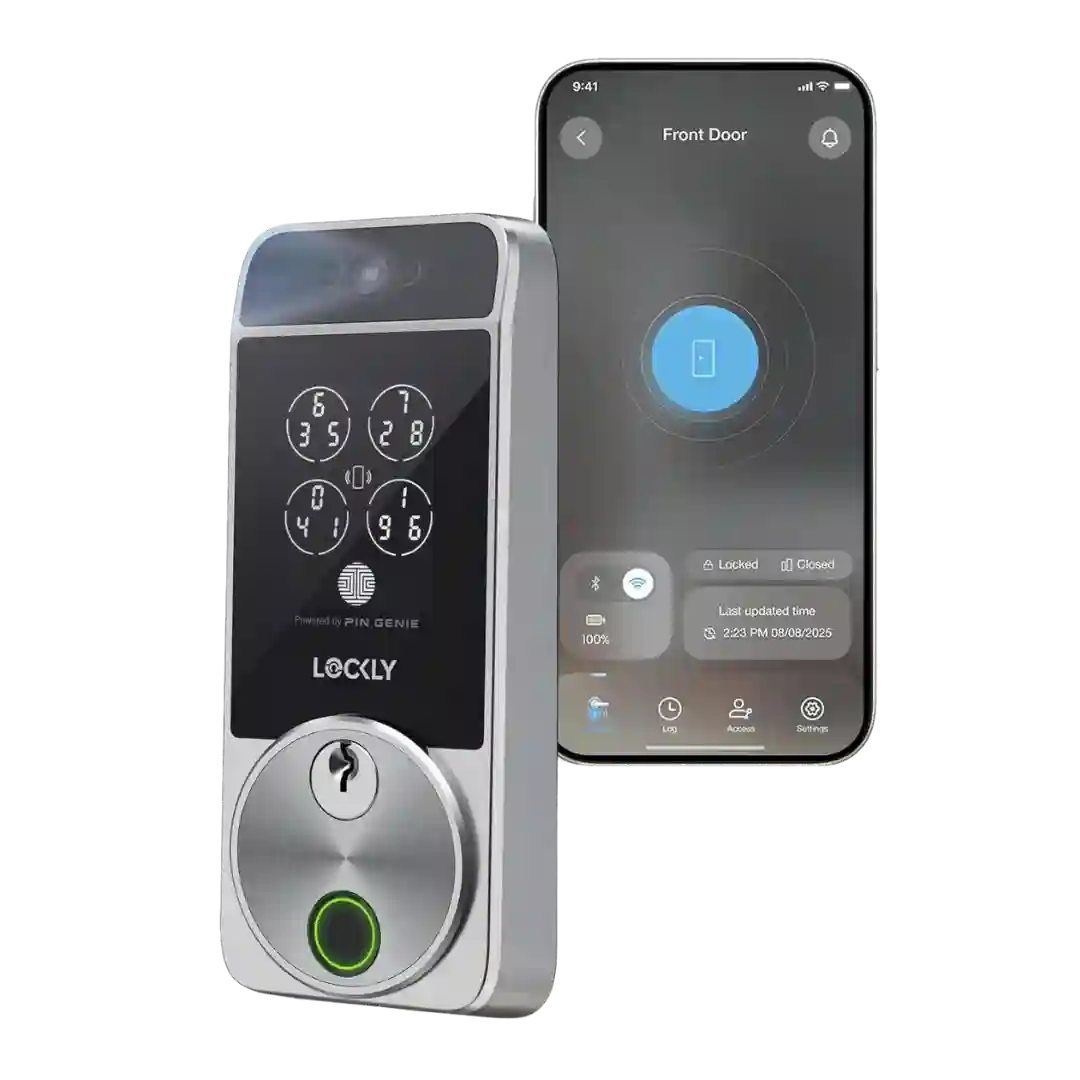
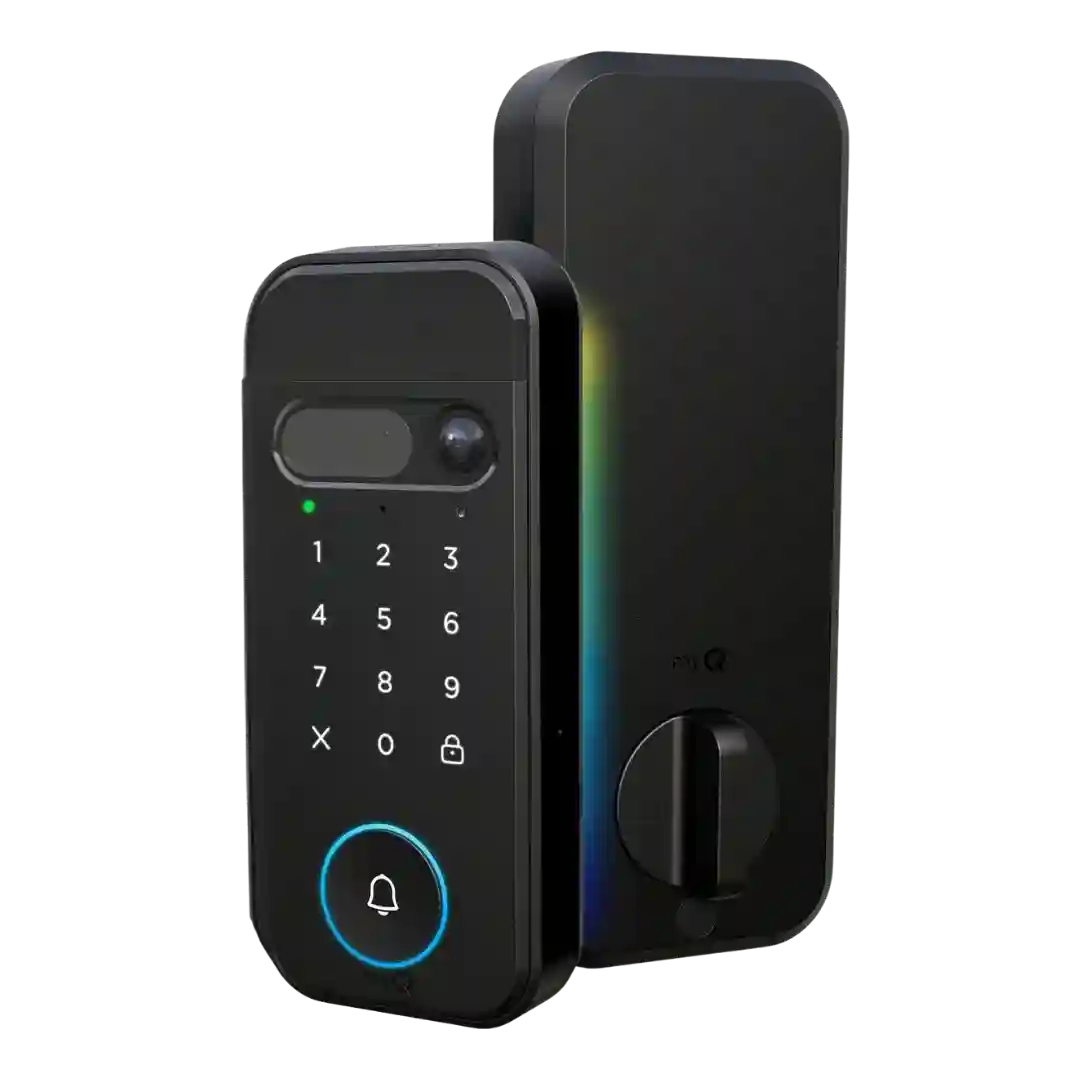
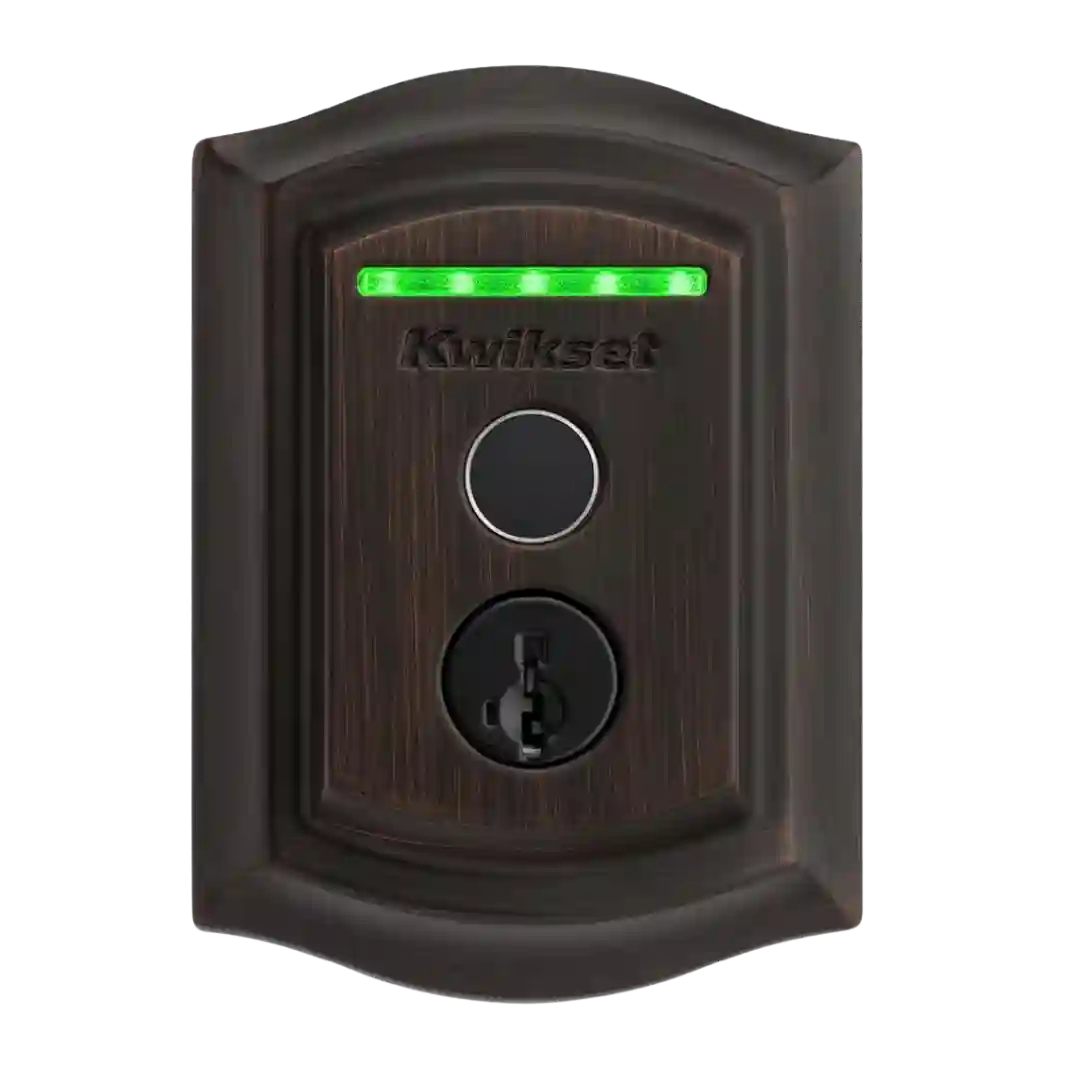
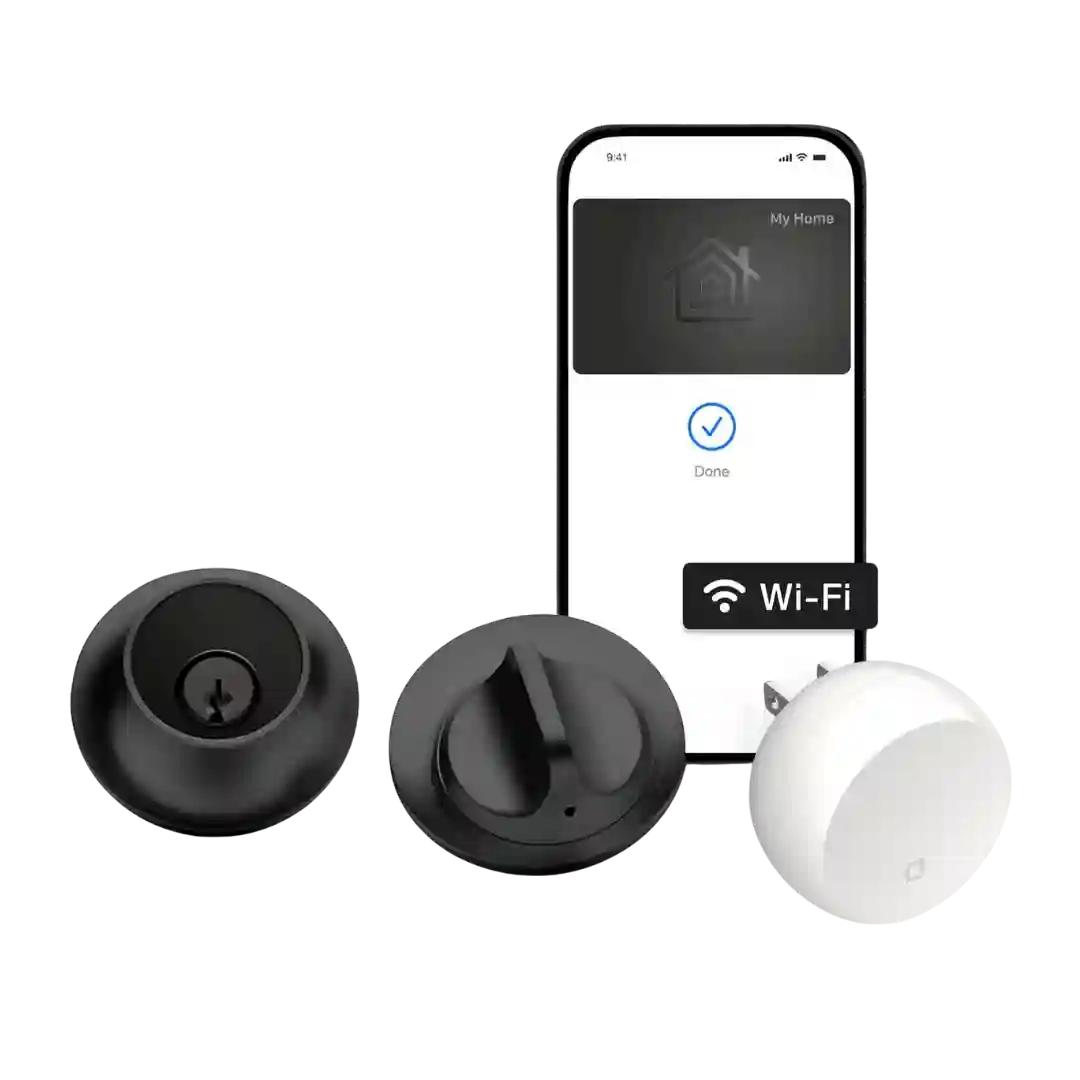
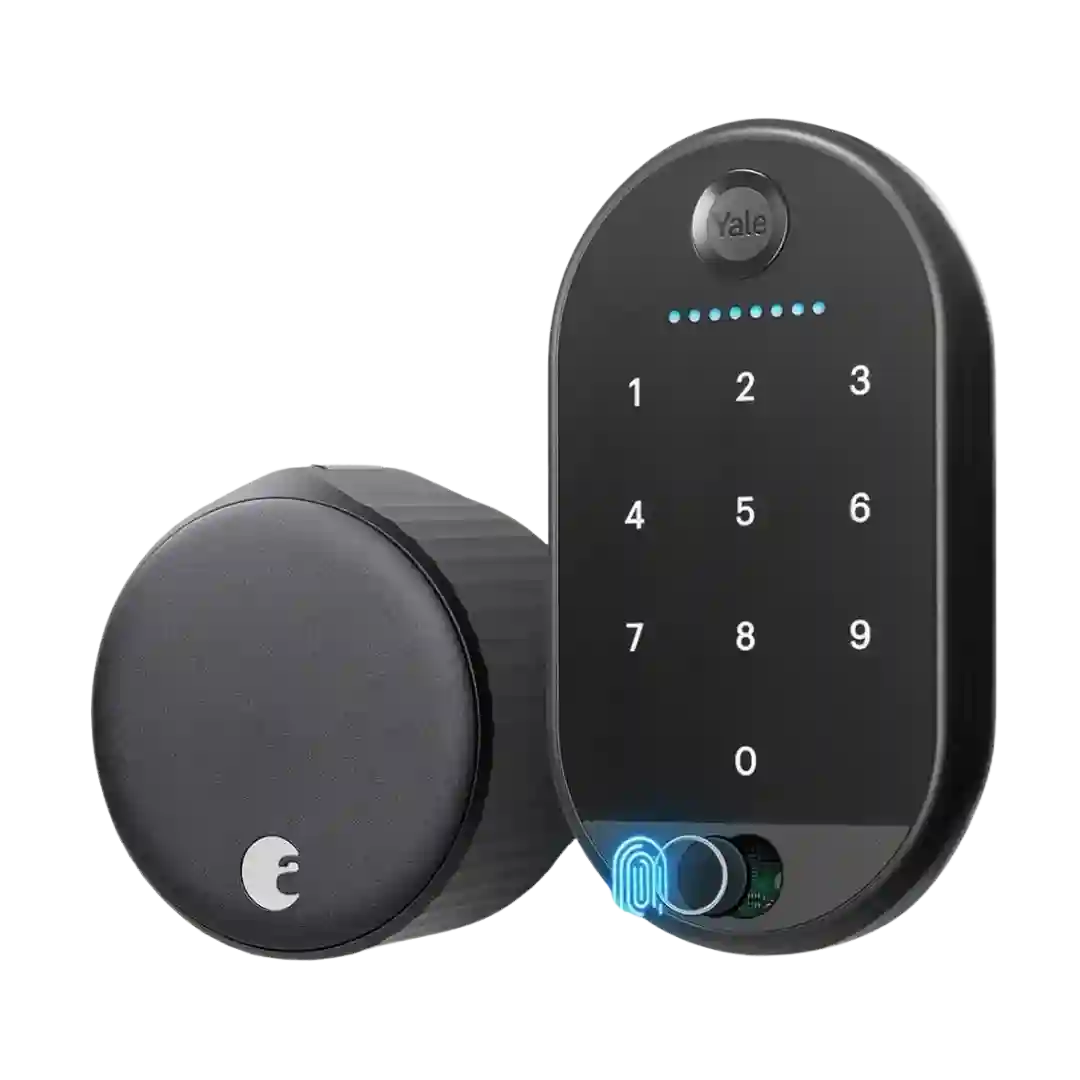
Access/activity logging is a practical strength in real use: reviewers mention seeing who unlocked/locked and, in some cases, which fingerprint/user performed the action.
Reviews highlight detailed event history in the app, with lock/unlock entries tied to user and method; one reviewer notes being able to review long windows of history for shared spaces.
Access logs are highlighted most clearly in app walkthroughs that show event histories for lock/unlock actions and alerts, supporting practical oversight for families and guest access.
Activity/event logs are a consistent strength: reviewers show time-stamped records for lock/unlock events (often tied to a specific user/fingerprint or PIN) and even doorbell presses, making it easy to confirm who accessed the door and when.
Access logs are repeatedly described as detailed, showing who locked/unlocked and which method was used, supporting accountability and household tracking.
Access logs are consistently highlighted as useful and fairly detailed, showing who unlocked the door and by what method (PIN, fingerprint, app/remote, manual). A few experiences note the log view can be limited initially but loads more history as you scroll, making it practical for monitoring kids, guests, or service providers.
Activity history is consistently highlighted as useful and detailed, showing who locked/unlocked, when it happened, and which method was used, with logs available without a subscription in most discussions.
Reviewers consistently highlight the in-app Events timeline as a strong audit trail: it shows lock/unlock actions plus motion and doorbell events with thumbnails, making it easy to see what happened and when.
Logs are generally described as robust, showing an activity timeline that can identify lock events and, in many cases, which method or user was involved. One review notes that actions initiated through certain integrations can be labeled oddly in the timeline.
Event/activity logs are repeatedly mentioned, with reviewers noting access to doorbell and lock/unlock histories and the ability to review event records inside the app.
Access logs are a meaningful benefit in several reviews, showing event history and helping track who unlocked when, with retention commonly described in the weeks-to-month range.
Event history is a consistent strength, with multiple reviewers highlighting detailed lock and camera logs that can identify who unlocked the door by fingerprint or code.
Access logs are frequently mentioned, including local history tracking and identifying who unlocked when credentials are tied to users. Several sources indicate logs can be retained for months, which is useful for monitoring and troubleshooting.
Access logs are consistently praised, offering a clear timeline of lock/unlock events by method and user, and become more informative when DoorSense is installed to add door-open/closed events.
Most reviews highlight a clear history or timeline in the Nest app showing lock/unlock events and, in many cases, which user code was used. A few mention the log is valuable for tracking guests and spotting odd activity.
Activity history is repeatedly described as comprehensive, showing timestamps and the method of entry (app, code, manual). This is highlighted as especially useful for parents, hosts, or anyone tracking comings and goings.
Activity logs are a strong feature, showing who unlocked the door and by which method in many cases. One limitation noted is that HomeKit-related unlocks can appear as a generic HomeKit event rather than the exact method used.
Access history is available in the Schlage app and is frequently cited as useful. More than one review notes the log window may be limited (for example, roughly four weeks).
Activity history is commonly available via an events or logs view showing locks and unlocks, though at least one review noted failed attempts may not always be logged unless a lockout triggers.
History logs show lock events and how the lock was operated (fingerprint, app, voice, auto-lock). However, more than one reviewer reports failed fingerprint attempts may not appear in the history.
Activity logging is available and useful for seeing who unlocked and when, but some reviewers want more detail and better accuracy, and at least one notes that logs can be more accessible when you are within Bluetooth range.
Activity and access logs are generally presented as a clear timeline of lock events and users, but one negative review claims a late-night unlock incident did not appear in the log, raising consistency concerns in edge cases.
Access history is available in some setups (and was highlighted in early coverage), but in practice it can depend on the hub and platform, and not every controller app exposes detailed logs.
Activity history exists in Smart Life, but reviewers disagree on completeness: some see detailed entries with time and user, while others report it may record unlocks only and omit locking and failed attempts. Reliability also depends on stable connectivity when the lock is managed remotely.