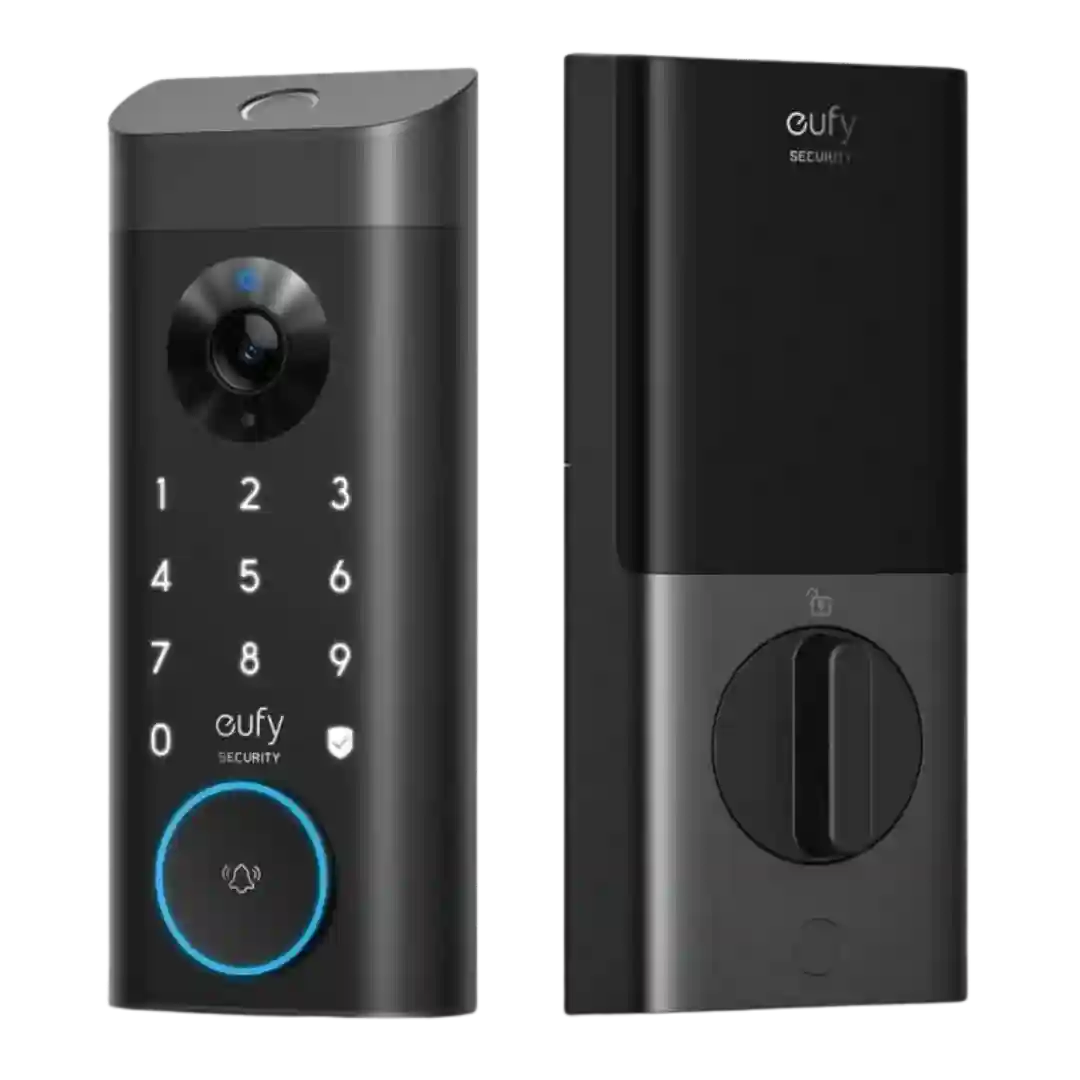
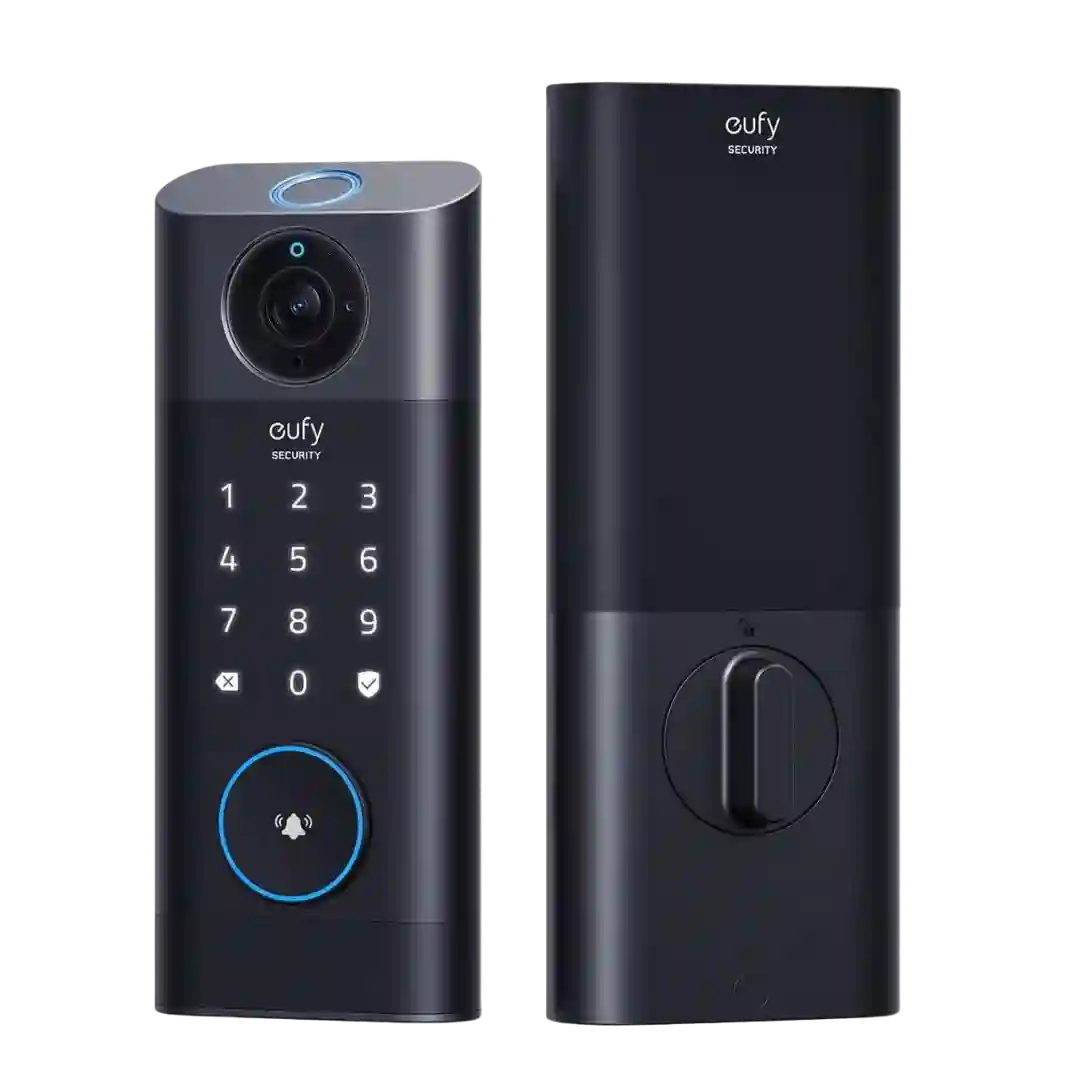
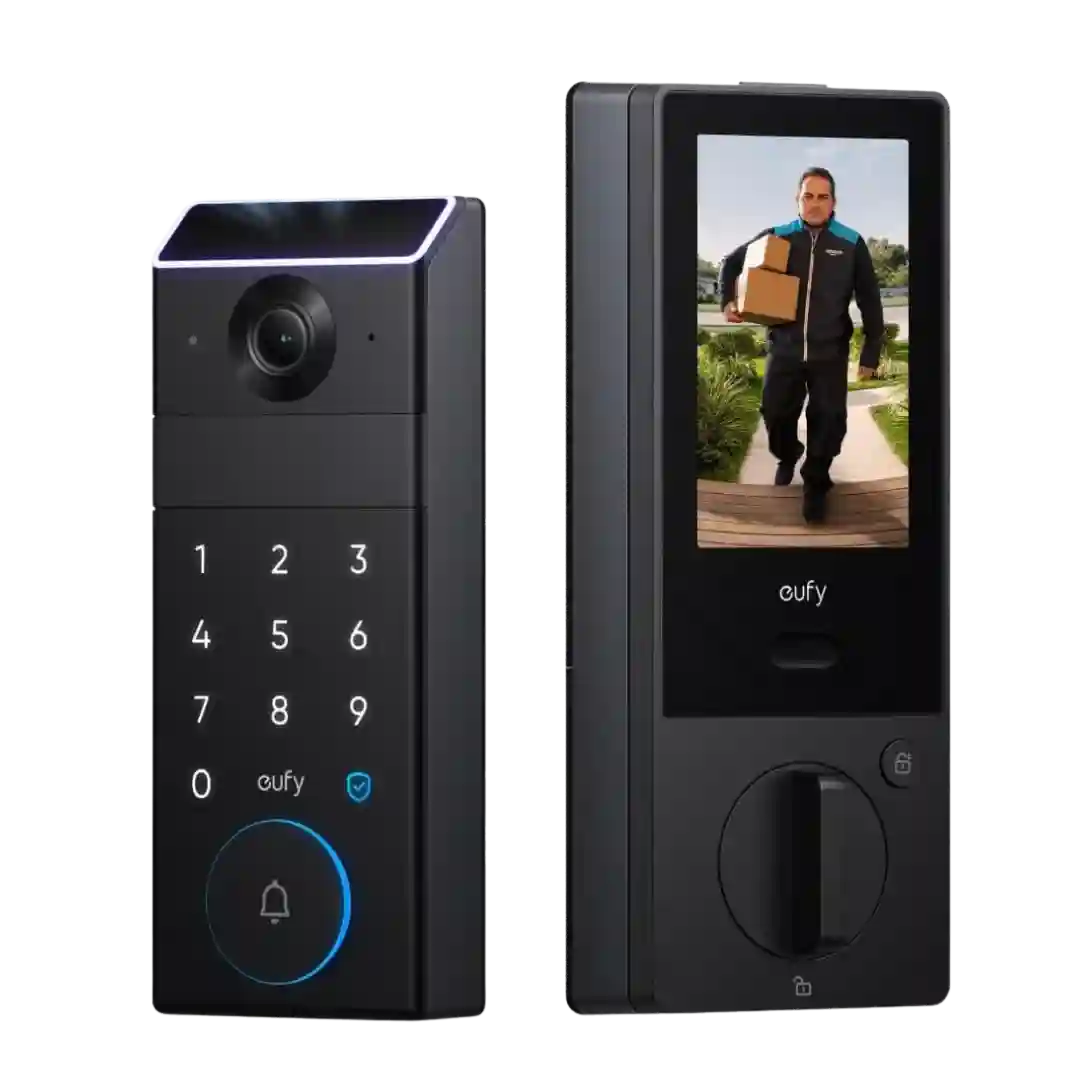
The Eufy app is broadly praised for setup, live view, quick lock controls, access management, and clear event history, with few complaints beyond battery-related settings tradeoffs.
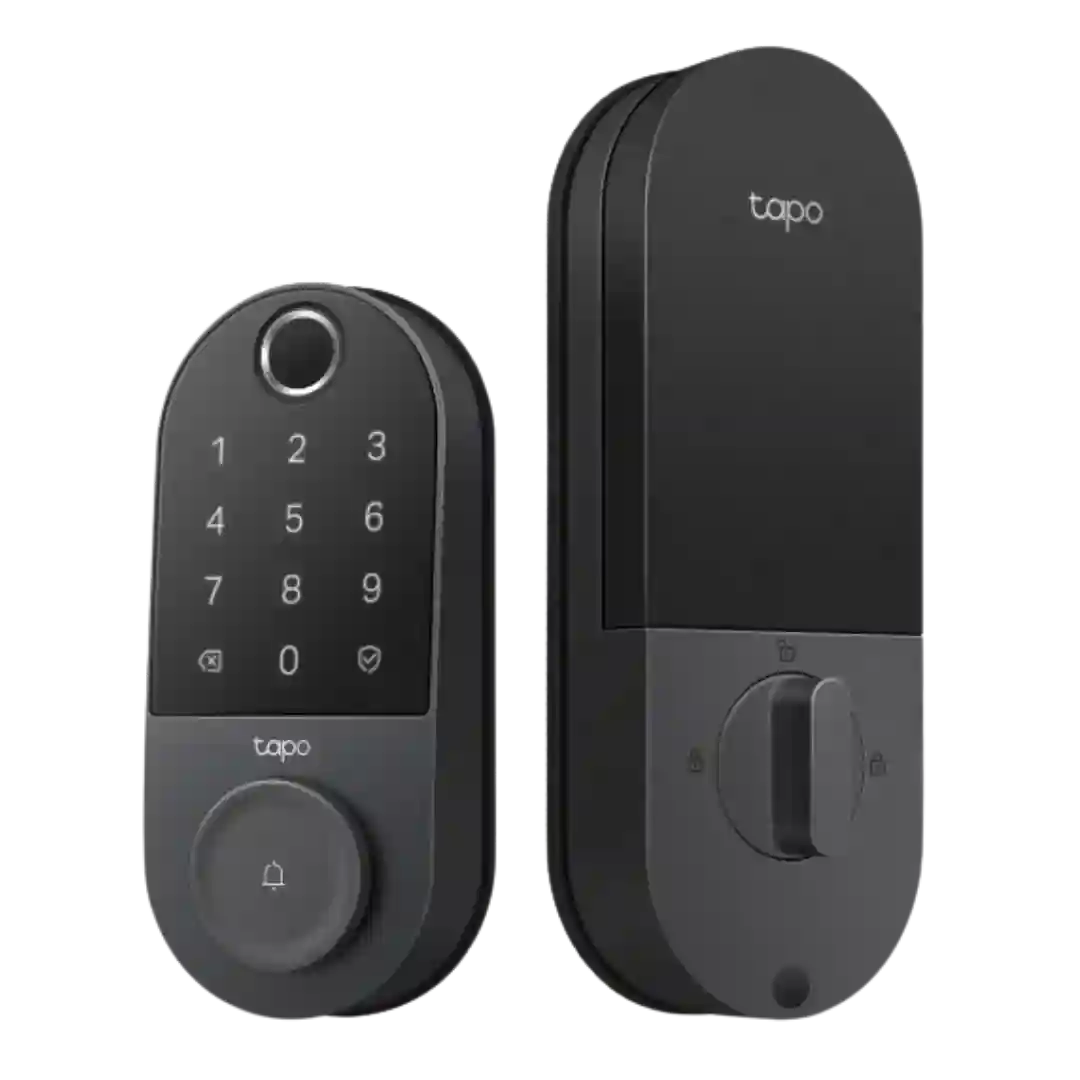
The Tapo app is widely praised for guided setup, a clean layout, and quick access to codes, schedules, logs, and settings like scramble PIN, lockout, notifications, and auto-lock scheduling.
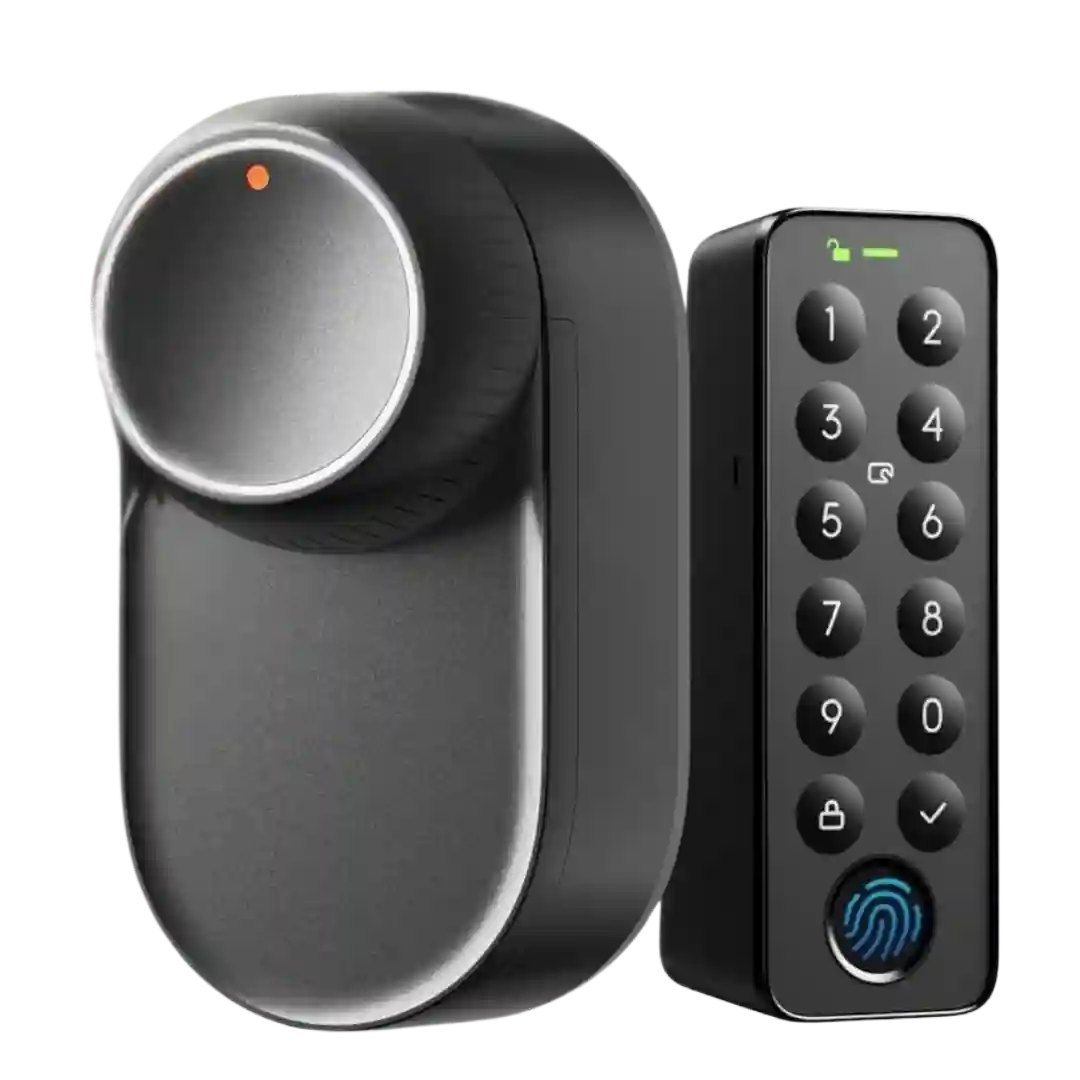
The SwitchBot app is repeatedly praised for an intuitive setup flow, strong configurability (speed, alerts, night modes, scenes), and smoother calibration than earlier models. A recurring nuisance is that some settings are harder to adjust unless the phone is currently connected to the lock.
The app is consistently described as clean and feature-rich, with detailed control over access, detection, notifications, and power modes. A recurring critique is that troubleshooting (especially calibration guidance) could be clearer, and some wanted phone-based tap/NFC unlock.
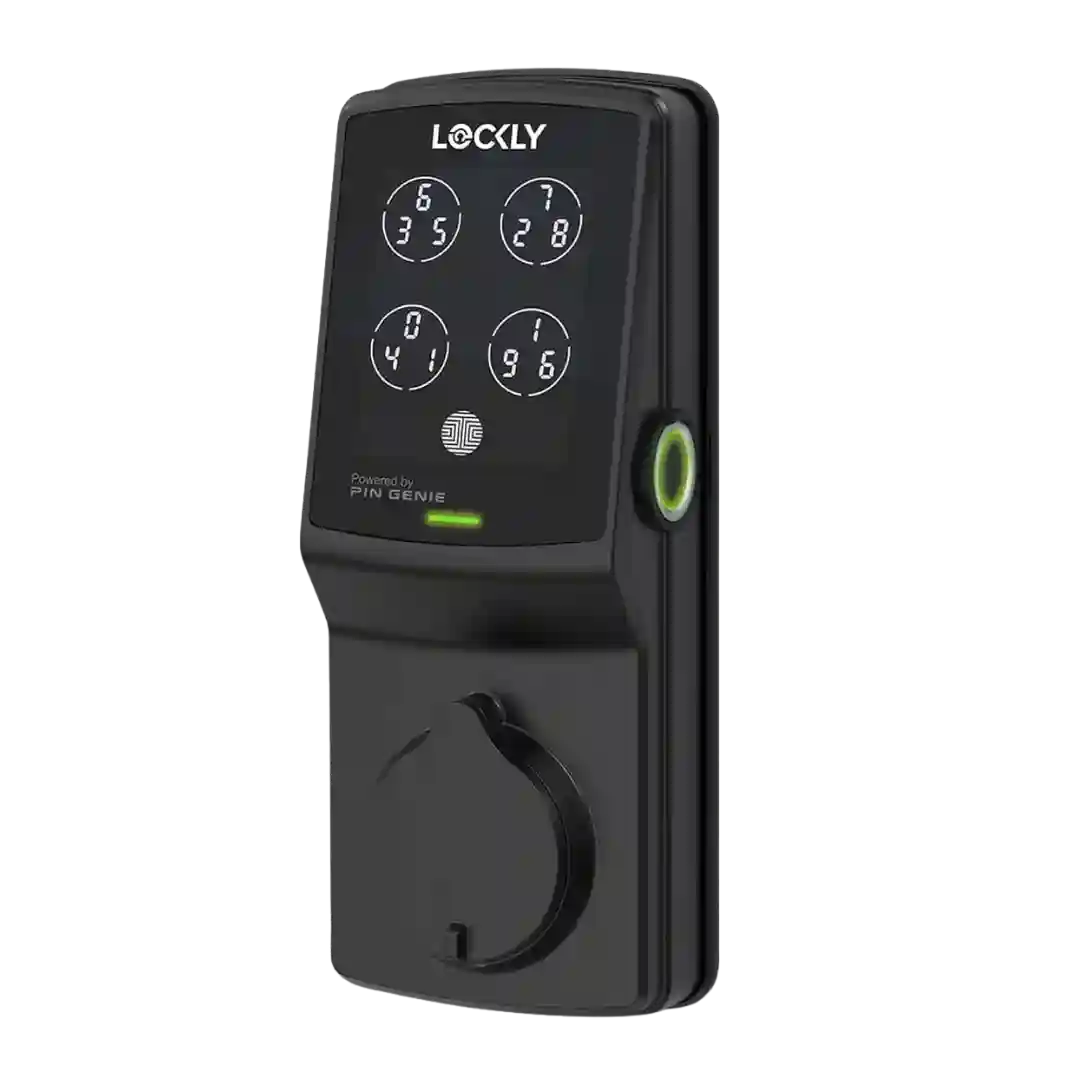
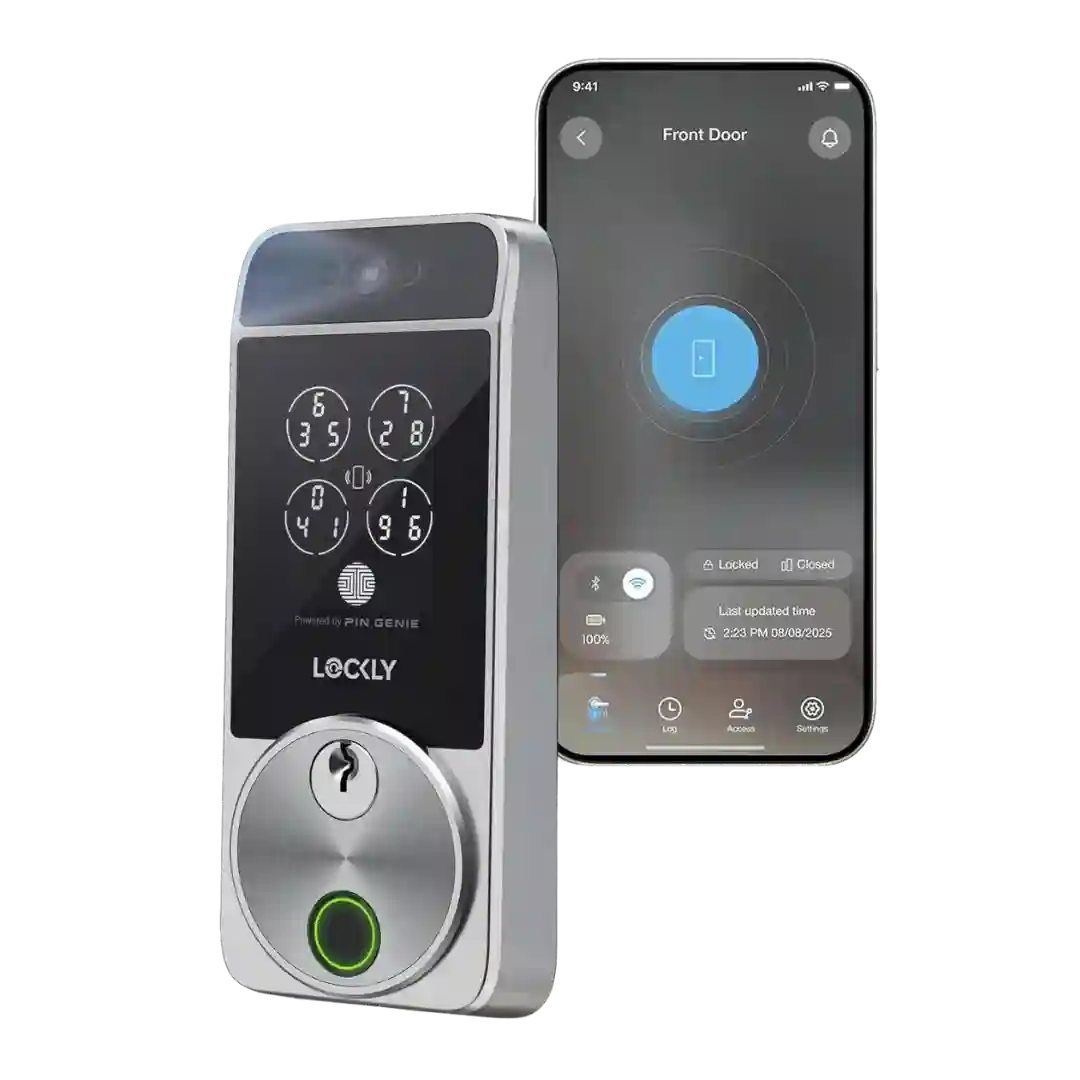
The Lockly app is generally described as clean and responsive for basic lock/unlock, logs, and settings, but some reviewers found PIN and guest workflows overly complicated compared with rivals.
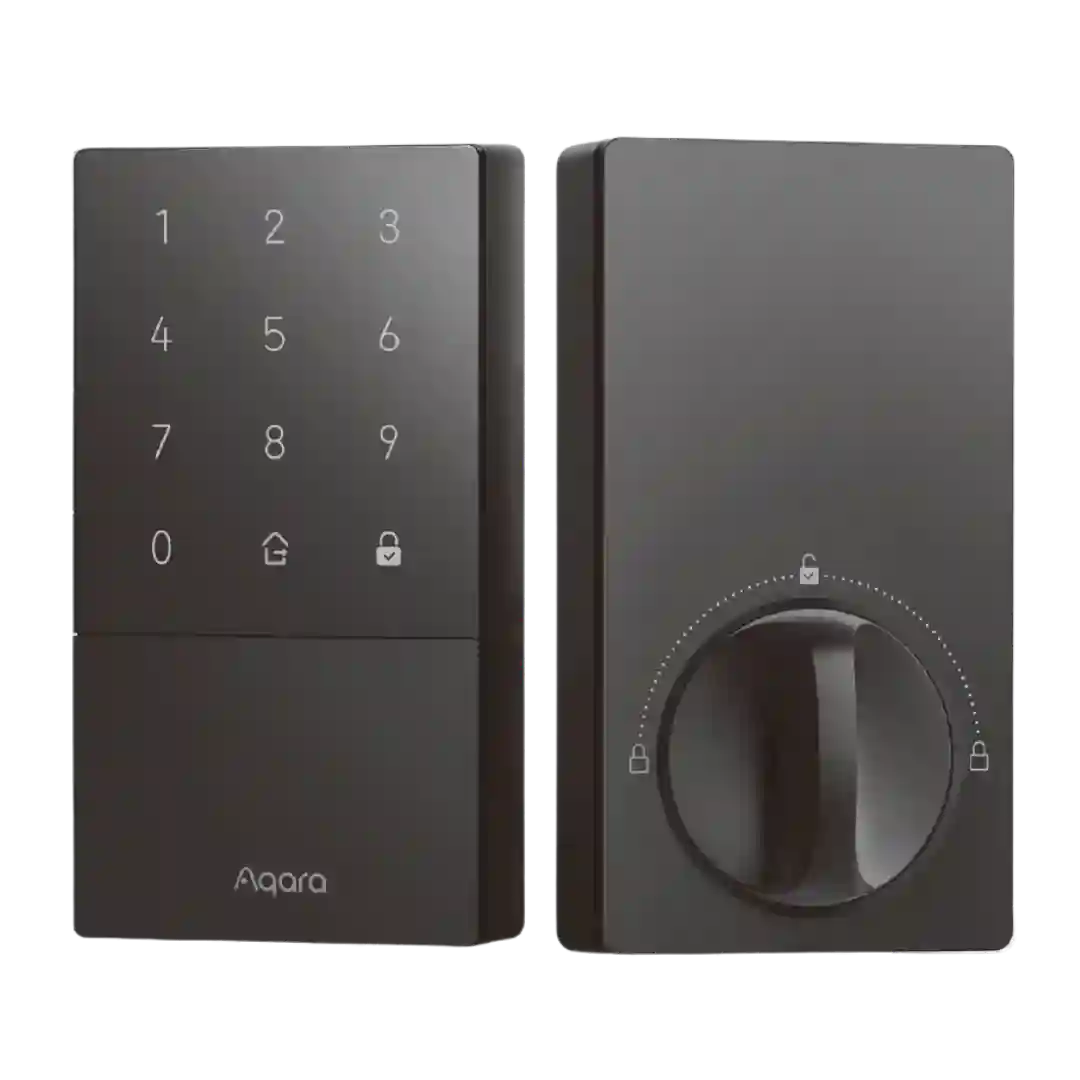
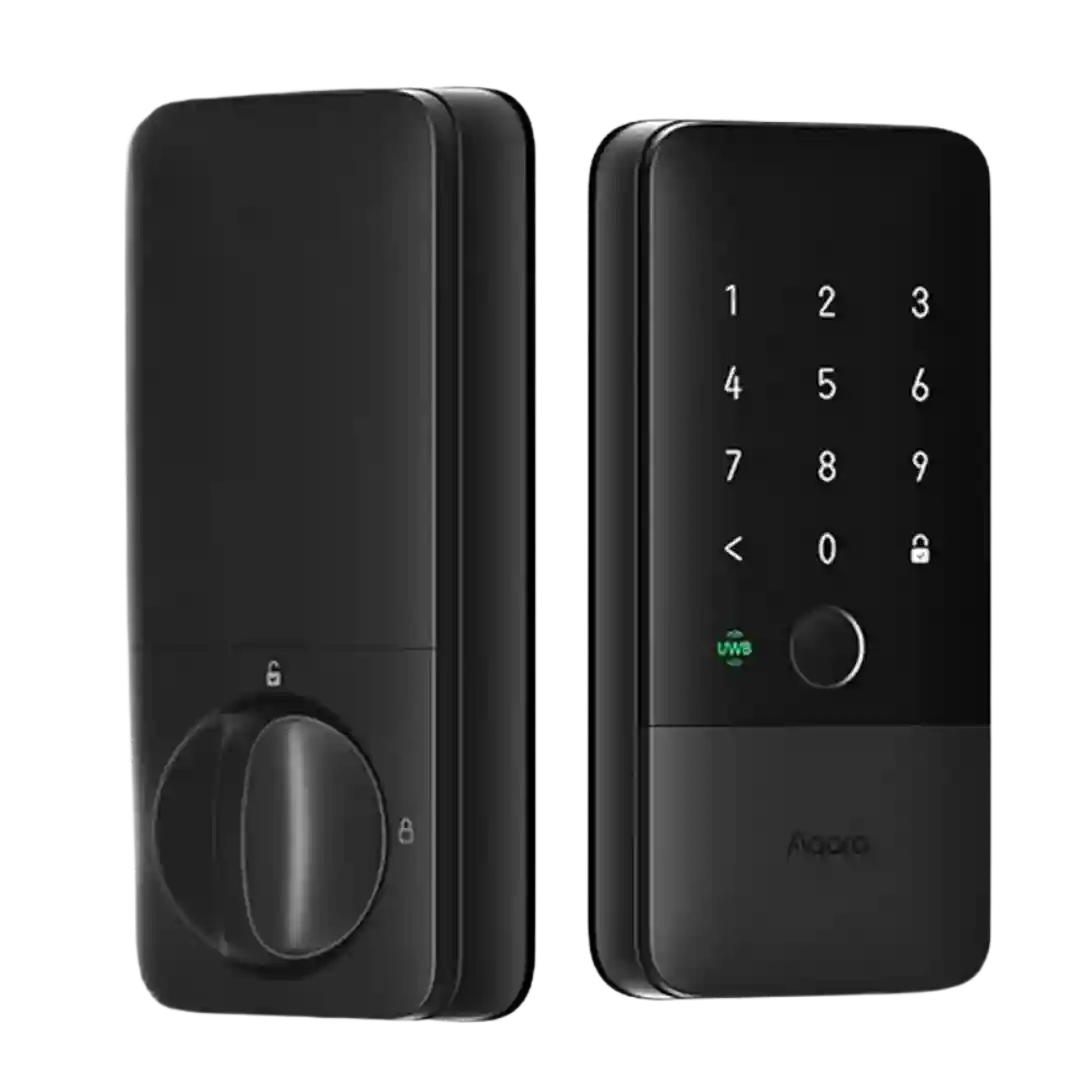
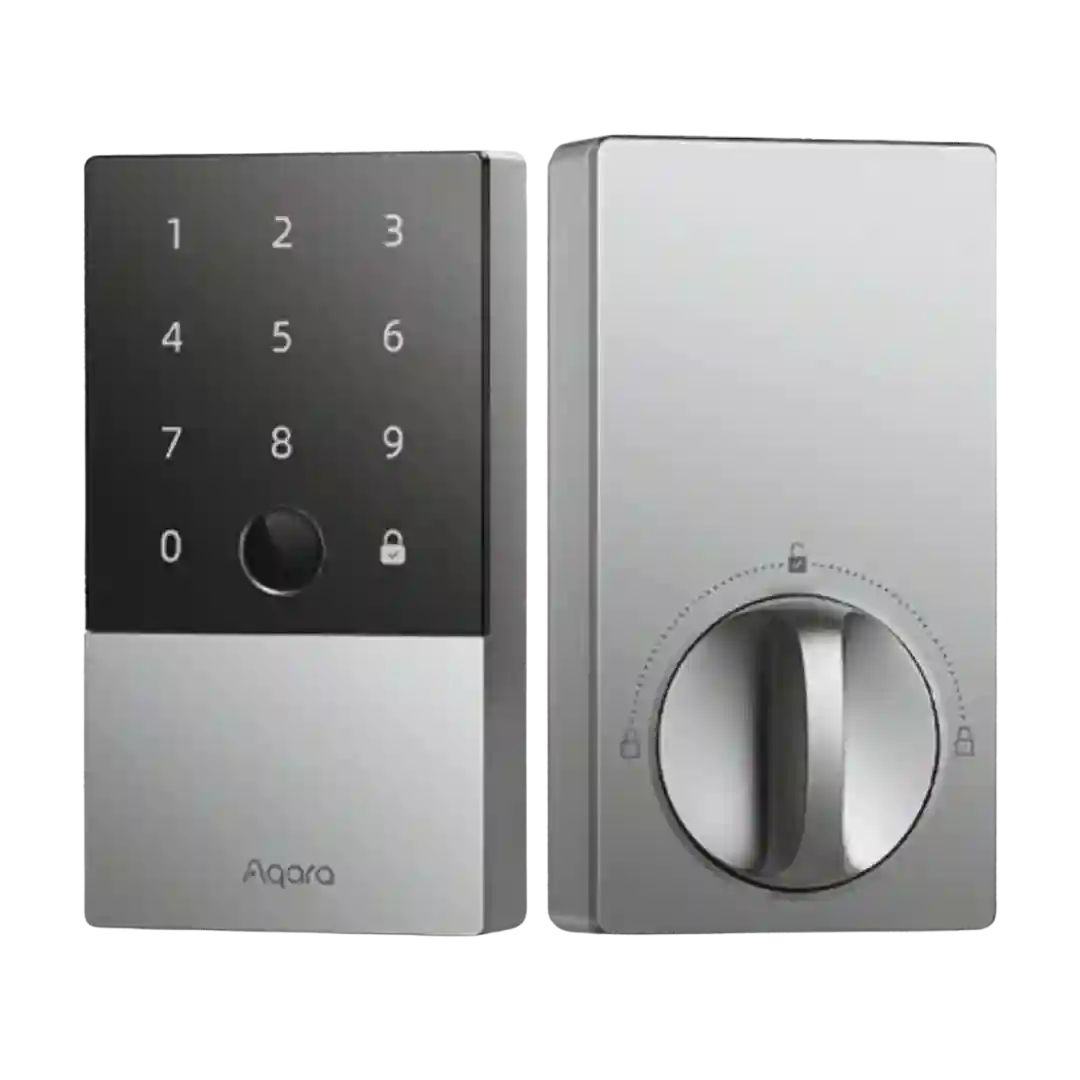
The Aqara app is described as feature-rich for user management, logs, automations, and settings; a recurring complaint is that some controls (like sounds/volume) may require pairing to an Aqara hub.
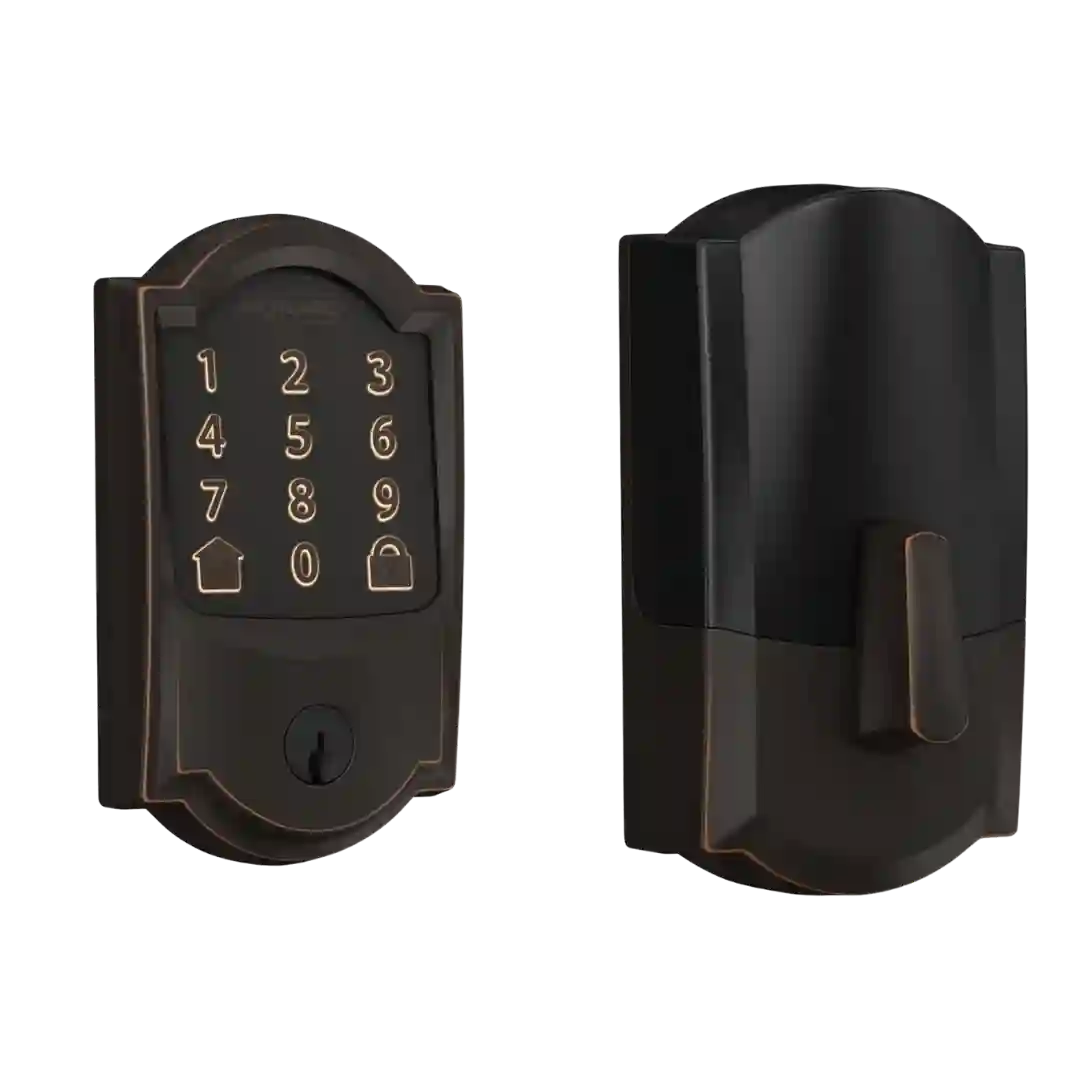
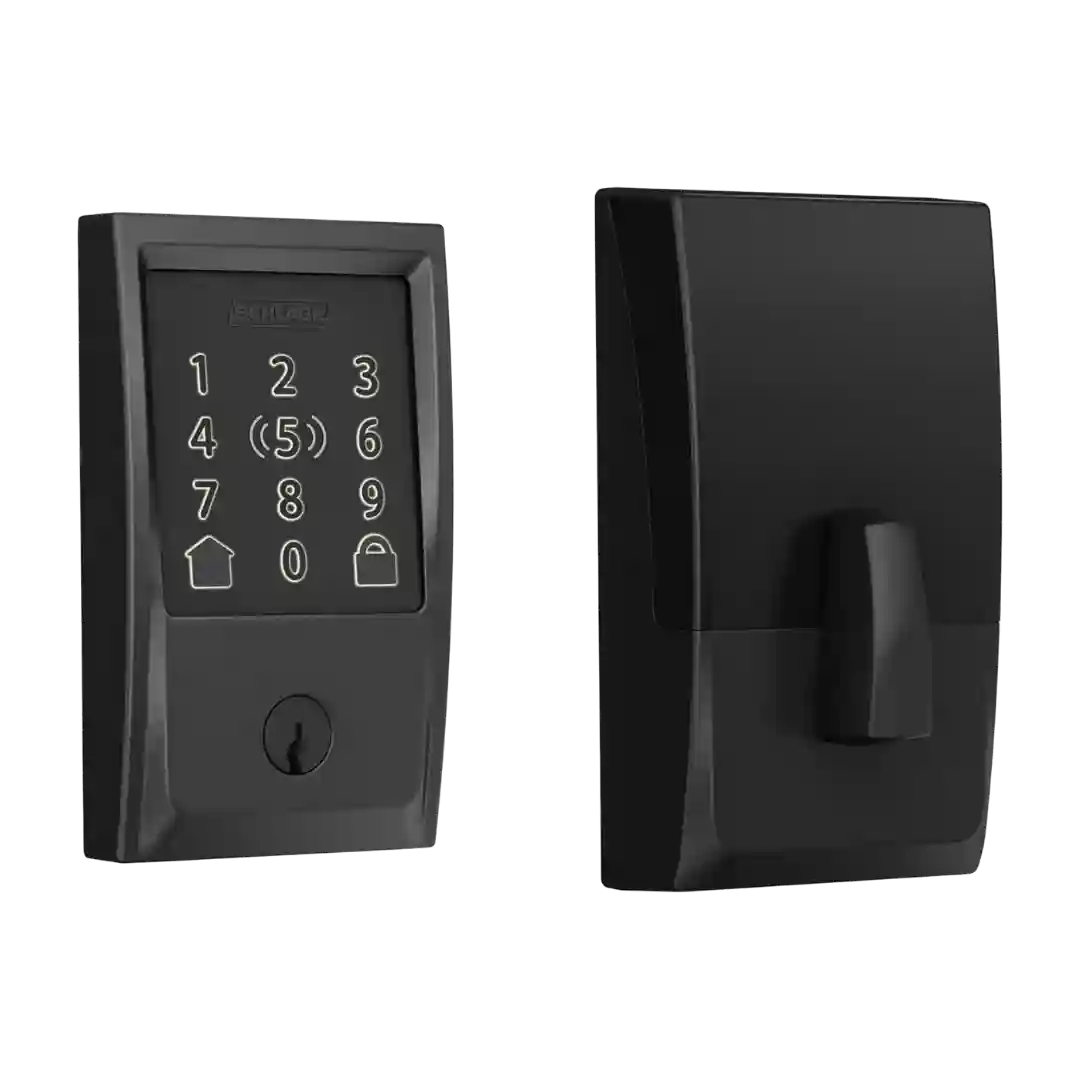
Schlage Home app is widely described as straightforward for everyday locking, code management, schedules, and history; the main complaints are onboarding confusion when pairing with third-party ecosystems or needing multiple apps for Amazon Key/Ring use.
The app is described as feature-rich for access sharing, logs, and automations, but one hands-on review notes clunky device selection and occasional onboarding or calibration retries.
The Eufy app offers deep control (live view, event playback, access rules, power modes, and camera settings) and works reliably, but multiple reviews call it sprawling and time-consuming to learn because it manages many Eufy device categories.
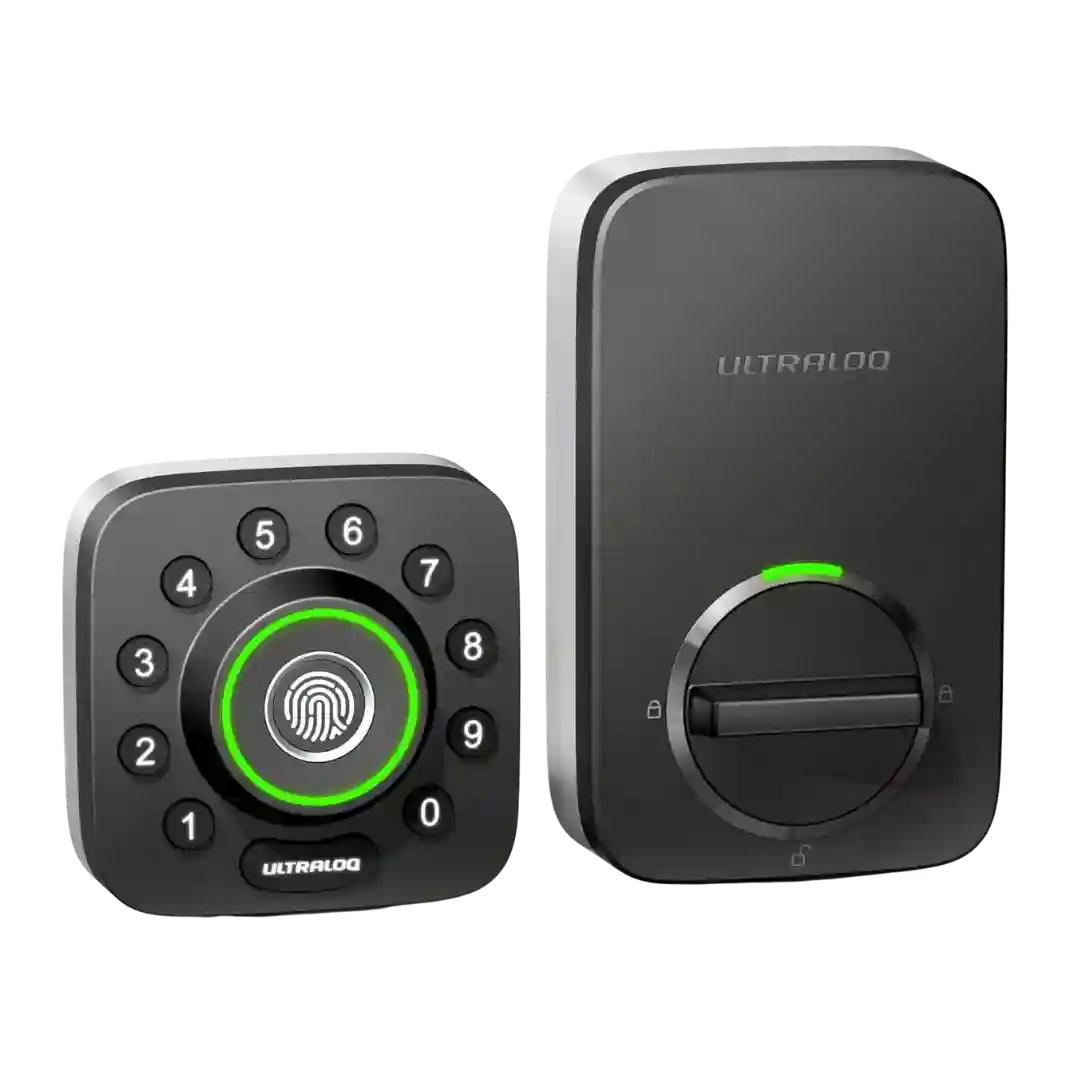
The U home app is often described as easy to navigate for users, codes, and basic settings, but experiences are inconsistent. Multiple reviewers report setup quirks or occasional failures to connect/control the lock, while others report smooth day-to-day control.
The app generally earns good marks for straightforward control, logs, user setup, and modes, but some reviewers wanted clearer or more adjustable advanced settings (notably around lockout behavior and alerts).
The Aqara app is generally described as clean and functional for setup, settings, and firmware updates, and it can unlock extra features. Some reviewers still prefer living in Apple Home day-to-day, and a few mention minor friction (learning curve or occasional platform-specific bugs like code generation).
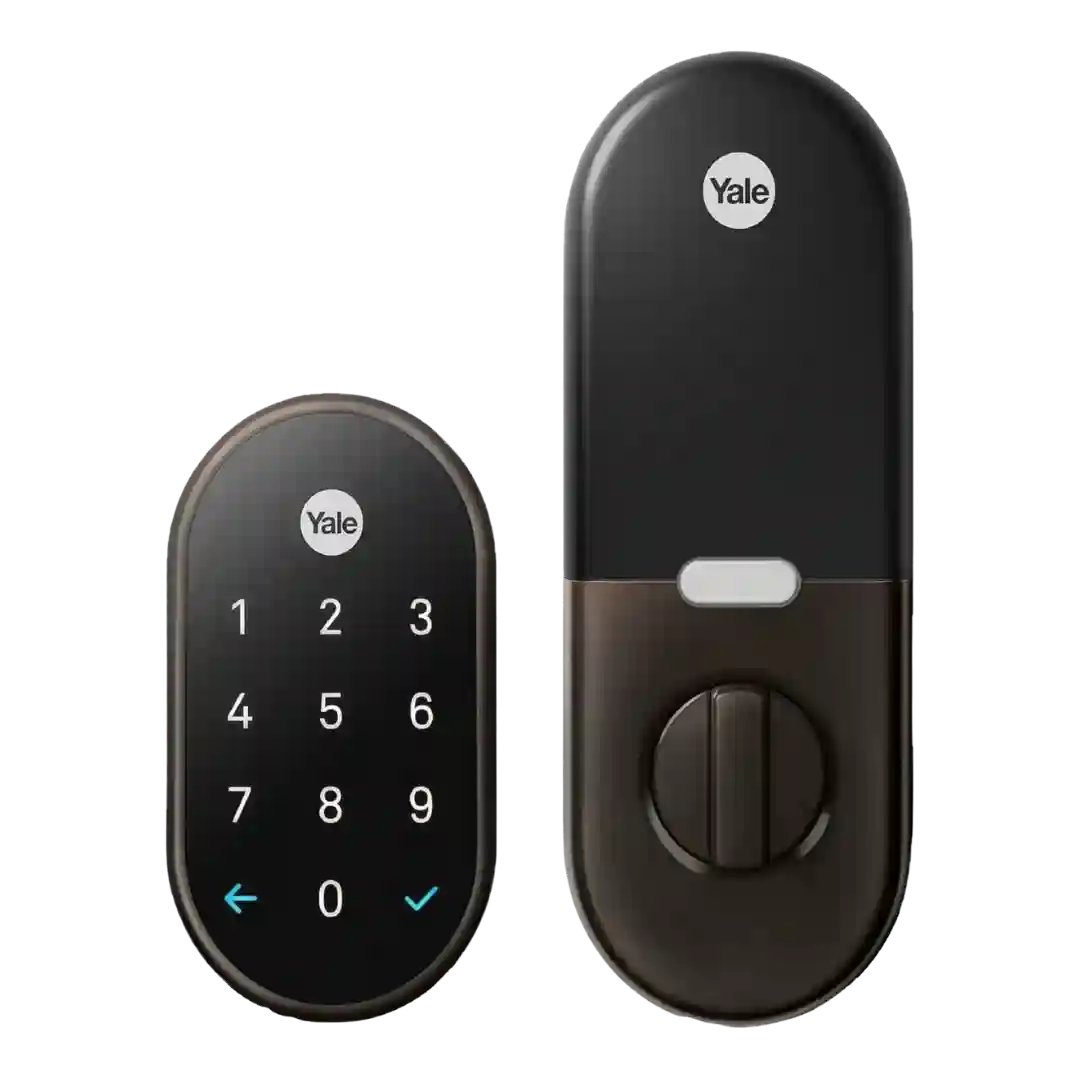
The Nest app experience is usually described as polished and easy for daily lock/unlock, code management, and status checks. Some reviewers report early instability or occasional connectivity/code-generation glitches, especially during setup or when Wi-Fi signal is weak.
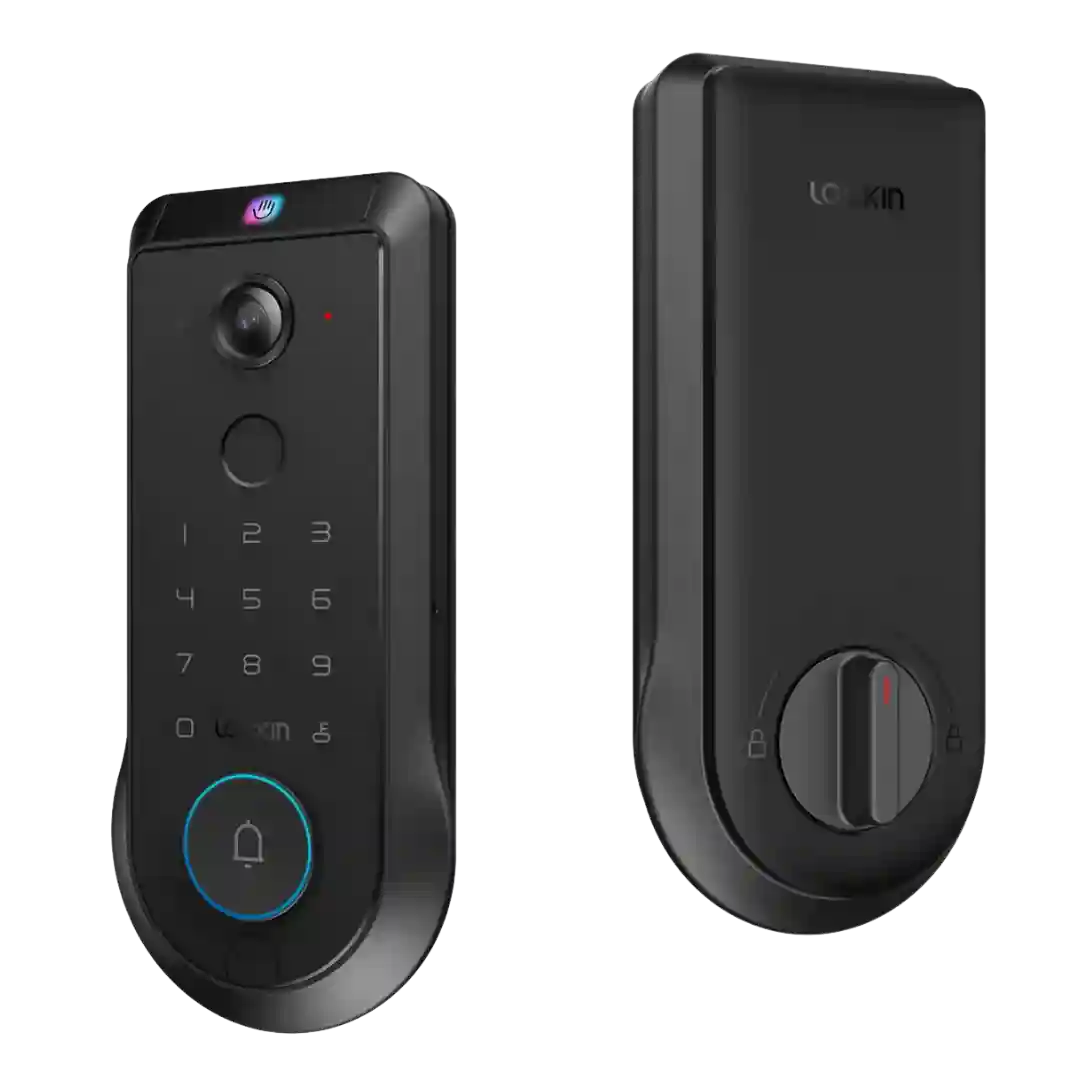
The Lockin app is widely described as feature-packed and customizable (modes, power management, access controls, event viewing), but multiple reviewers also flagged rough edges such as hidden controls, missing/immature video history features at launch, slow clip loading, and occasional troubleshooting or resets.
The app is generally described as intuitive and full-featured (status view, settings, guest management, alerts, and timelines), though one highly negative review reports freezing, connectivity frustration, and inconsistent state reporting.
The Level app is generally seen as capable for setup, sharing, passes, and tuning settings like sound and range, but several reviews note quirks (e.g., firmware update progress) and many Apple-first users rely more on the Home app day to day.
The Aqara app provides deeper control than HomeKit (logs, codes, users, alerts, automations), and the UI is generally considered capable. Some reviewers dislike the firmware update flow, Bluetooth connection wait time, or needing to be near the lock for certain settings.
The app is generally described as easy to set up and feature-rich (users, logs, settings, firmware), but polish varies. Several reviews mention occasional sluggishness or connection hiccups, and Wi-Fi setup can be frustrating on certain networks; standalone/manual programming is also reported as unreliable by at least one reviewer.
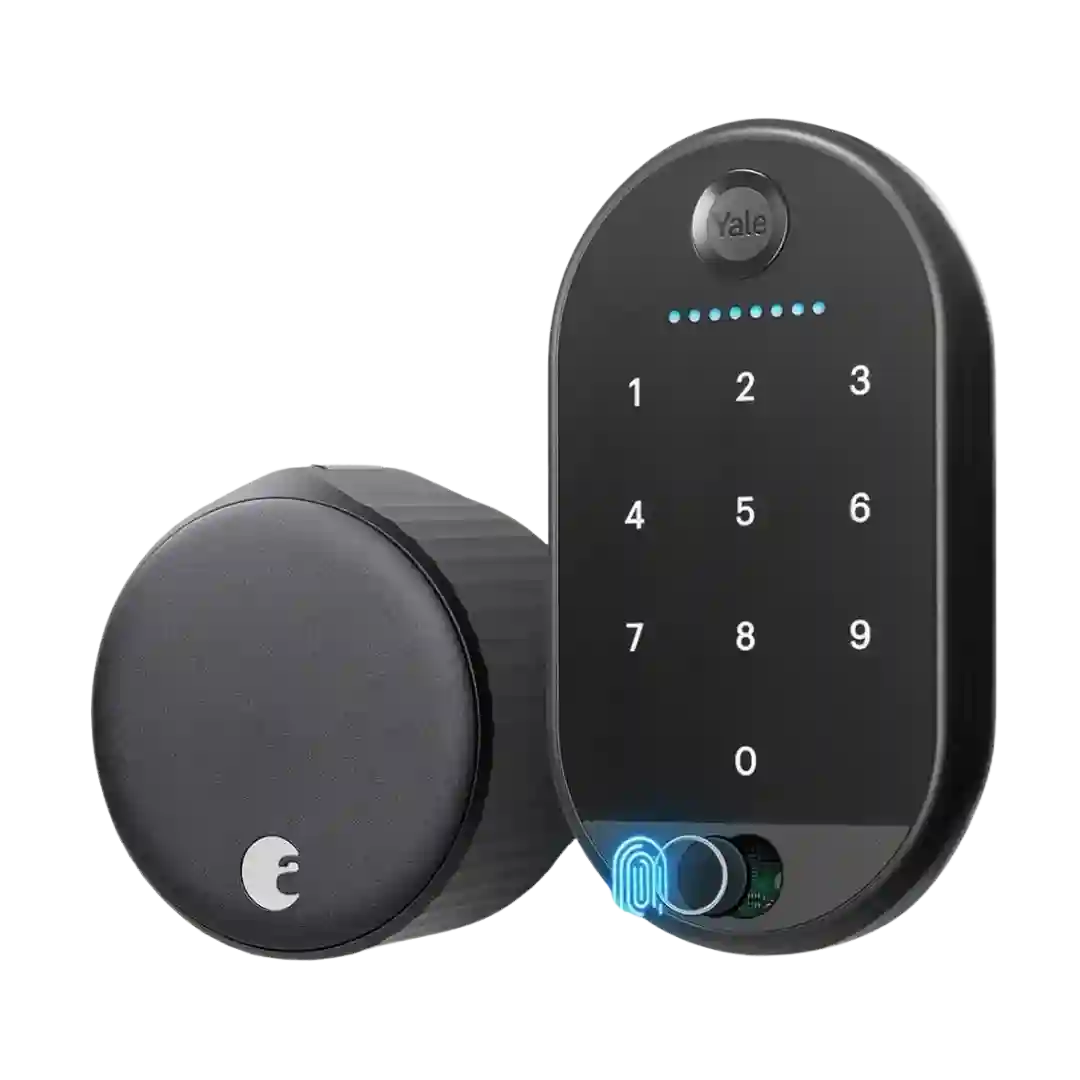
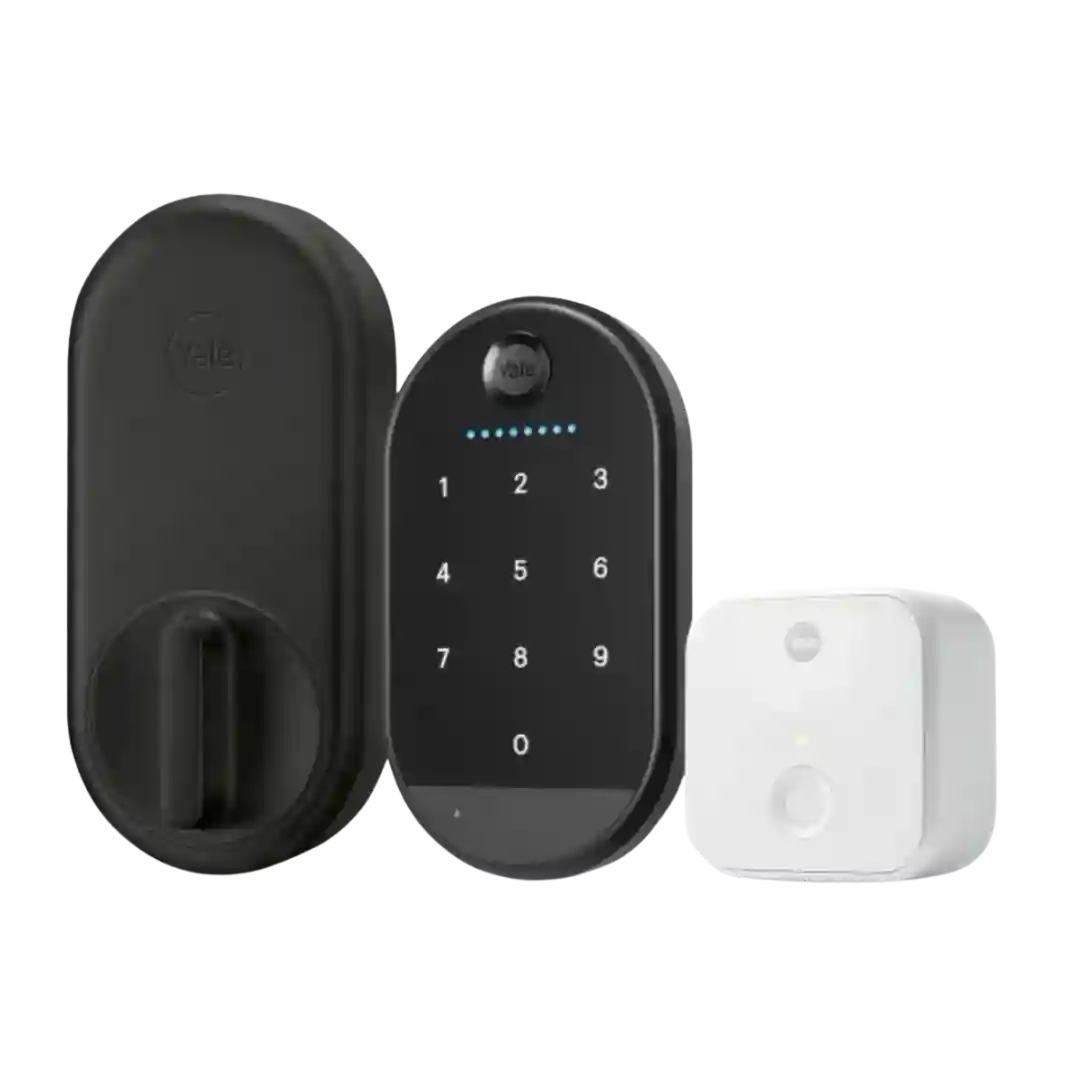
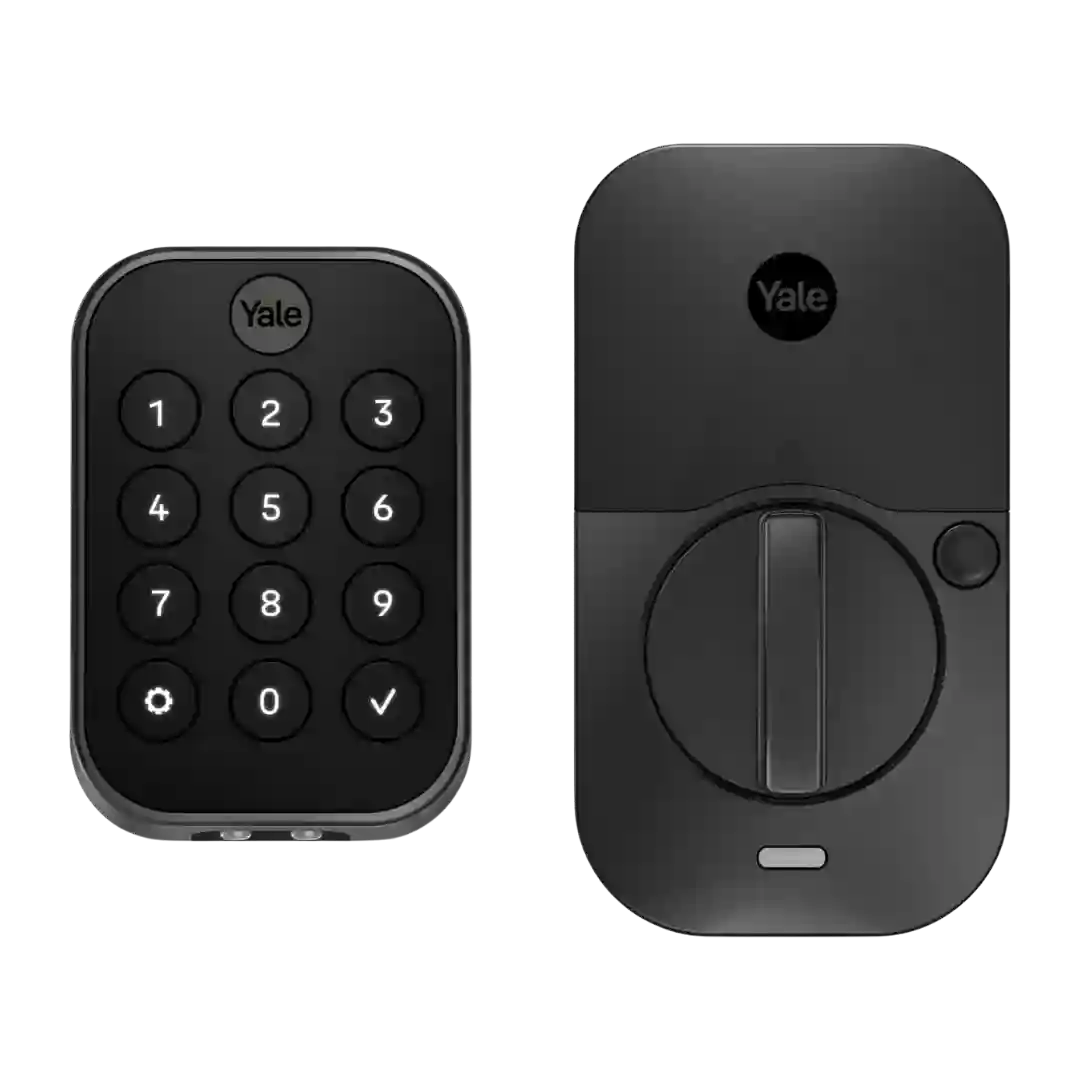
Most reviewers praise the Yale Access app for clear UI, guided setup, and straightforward lock control. Common strengths include activity history and guest management, while recurring complaints include some clunky code workflows, occasional command delay, and missing battery percentage for the lock in the UI.
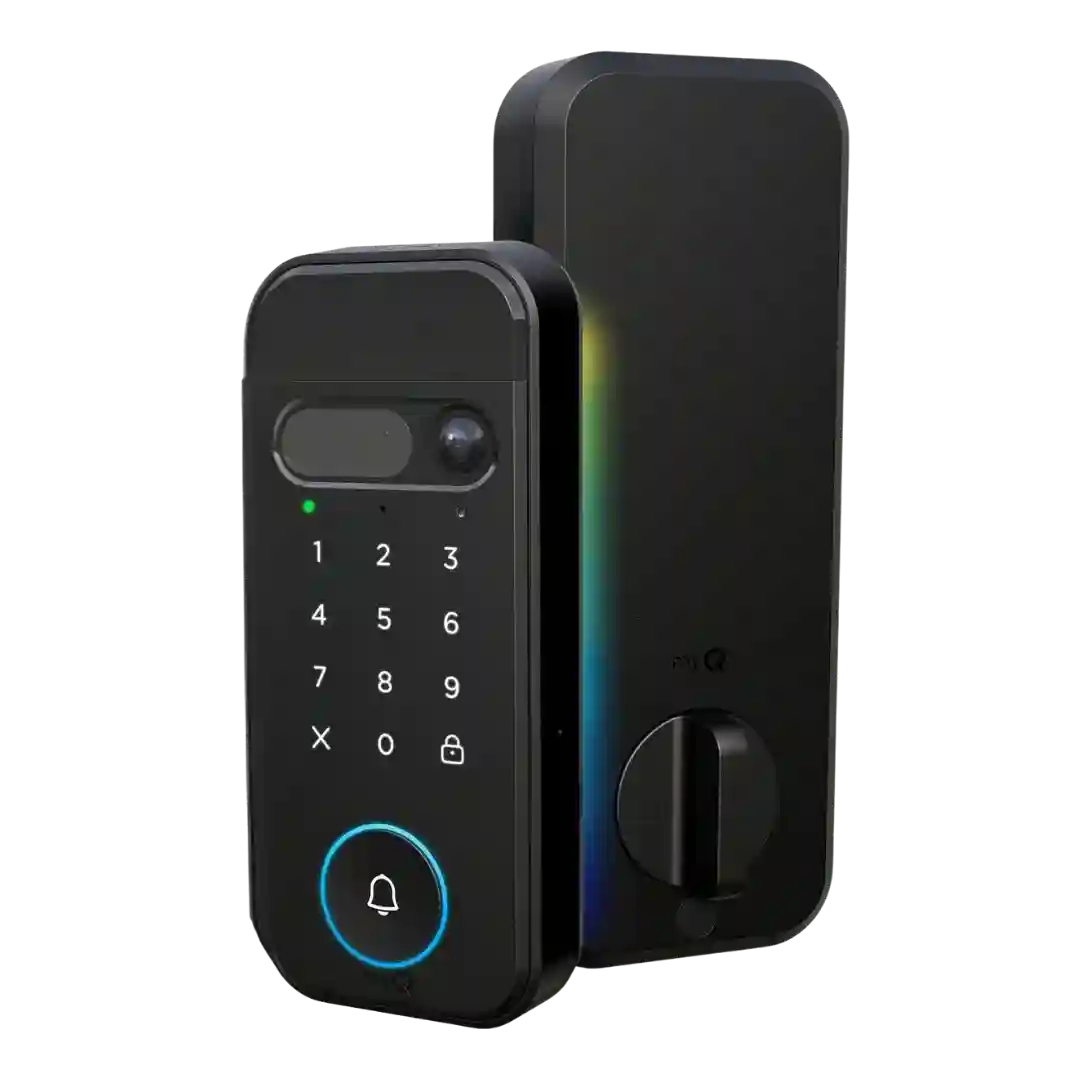
Reviews consistently praise the myQ app for guiding setup, managing PINs/biometrics, and providing remote control; however, multiple reviewers warn that key camera/AI conveniences may be gated by a subscription or altered over time.
The Yale Access app is generally easy to navigate for locking/unlocking, viewing activity, and managing guests, but many reviewers call it dated or slow to load, with some settings only available after a Bluetooth connection and occasional connection hiccups.
The app is easy to understand and includes lock control, people management, and history. Multiple reviews criticize lag or limited polish, while others report quick response and straightforward setup including firmware updates.
Lockly Home offers a cleaner interface than older Lockly apps, but setup and navigation still feel uneven, with some settings hard to find and occasional crashes or quirks reported.
The Schlage app is frequently required for full functionality (alarms, logs, some code management, and settings). A recurring tradeoff is app fragmentation between Apple Home and Schlage, plus occasional code-sync quirks.
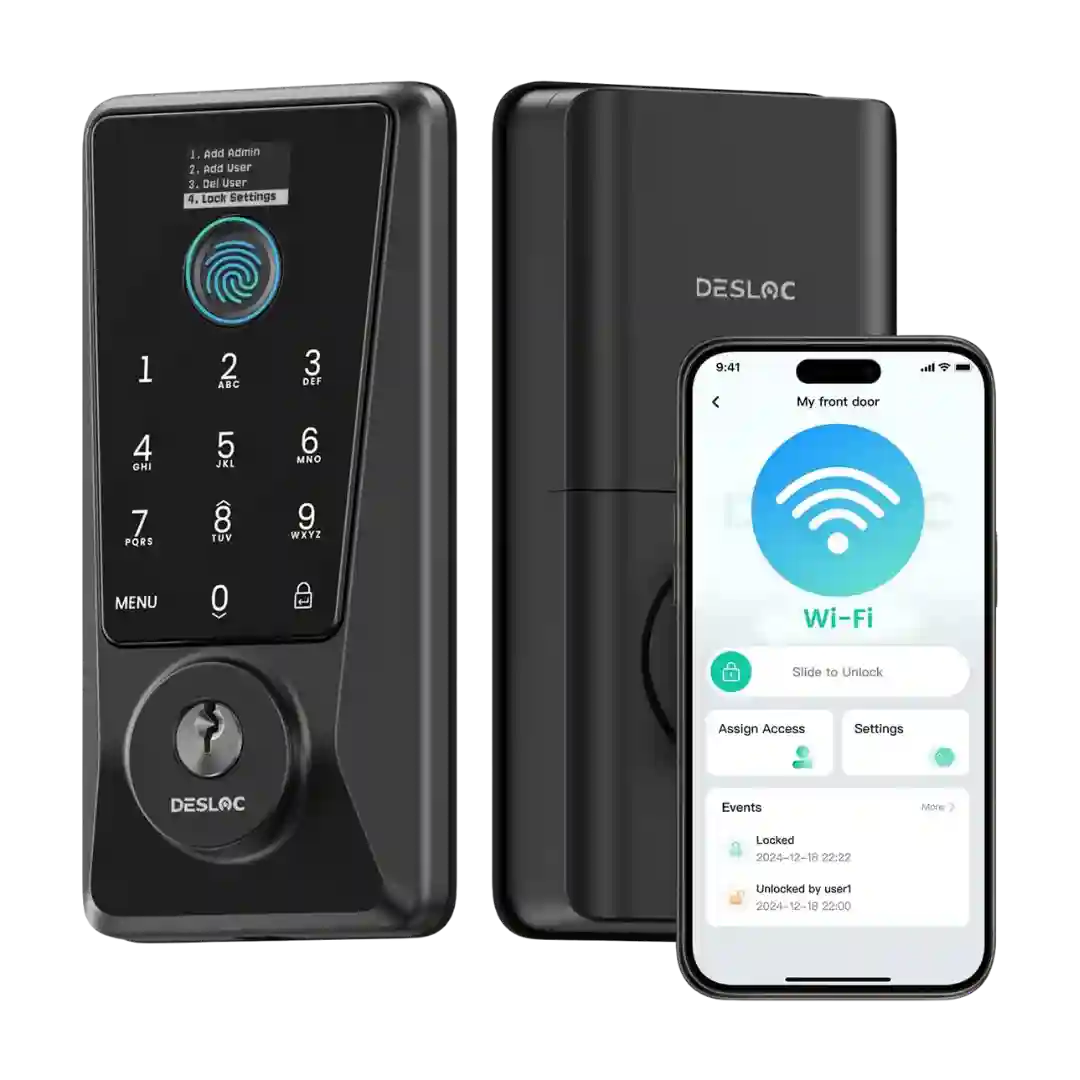
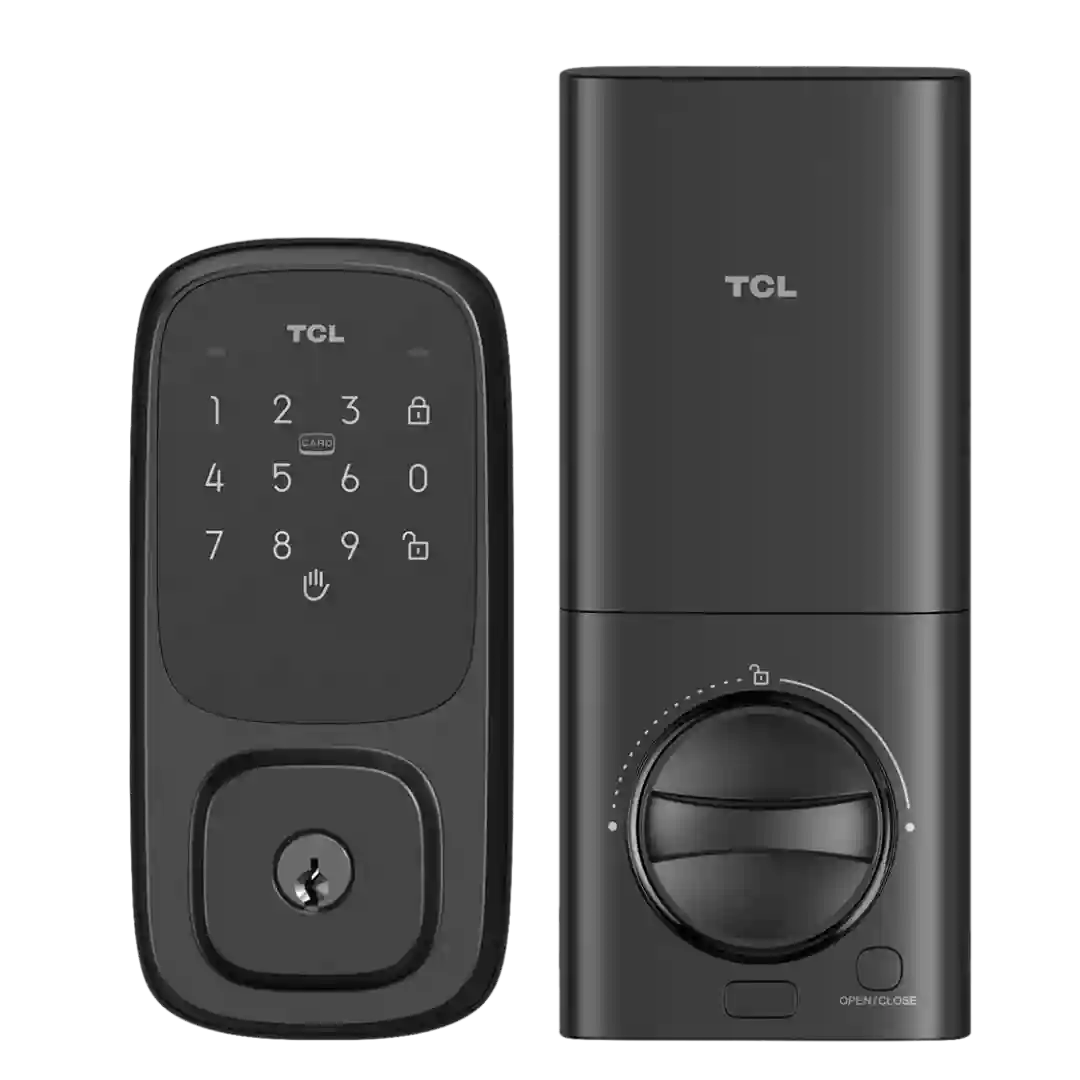
The lock is managed through the Tuya Smart Life app. Multiple reviewers call it outdated, confusing, and poorly organized (settings buried behind odd icons), though basic locking/unlocking and core settings typically work once onboarding is finished.
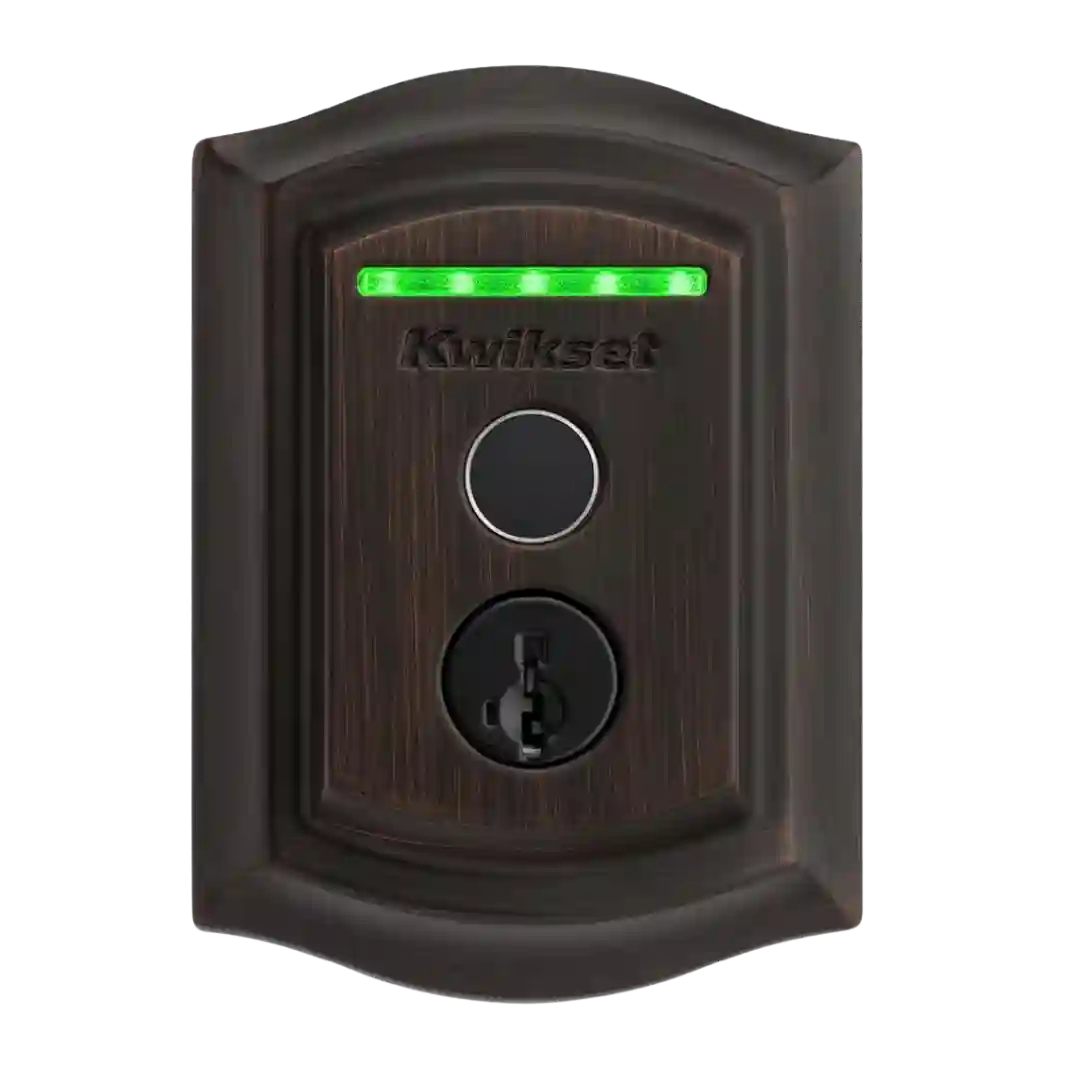
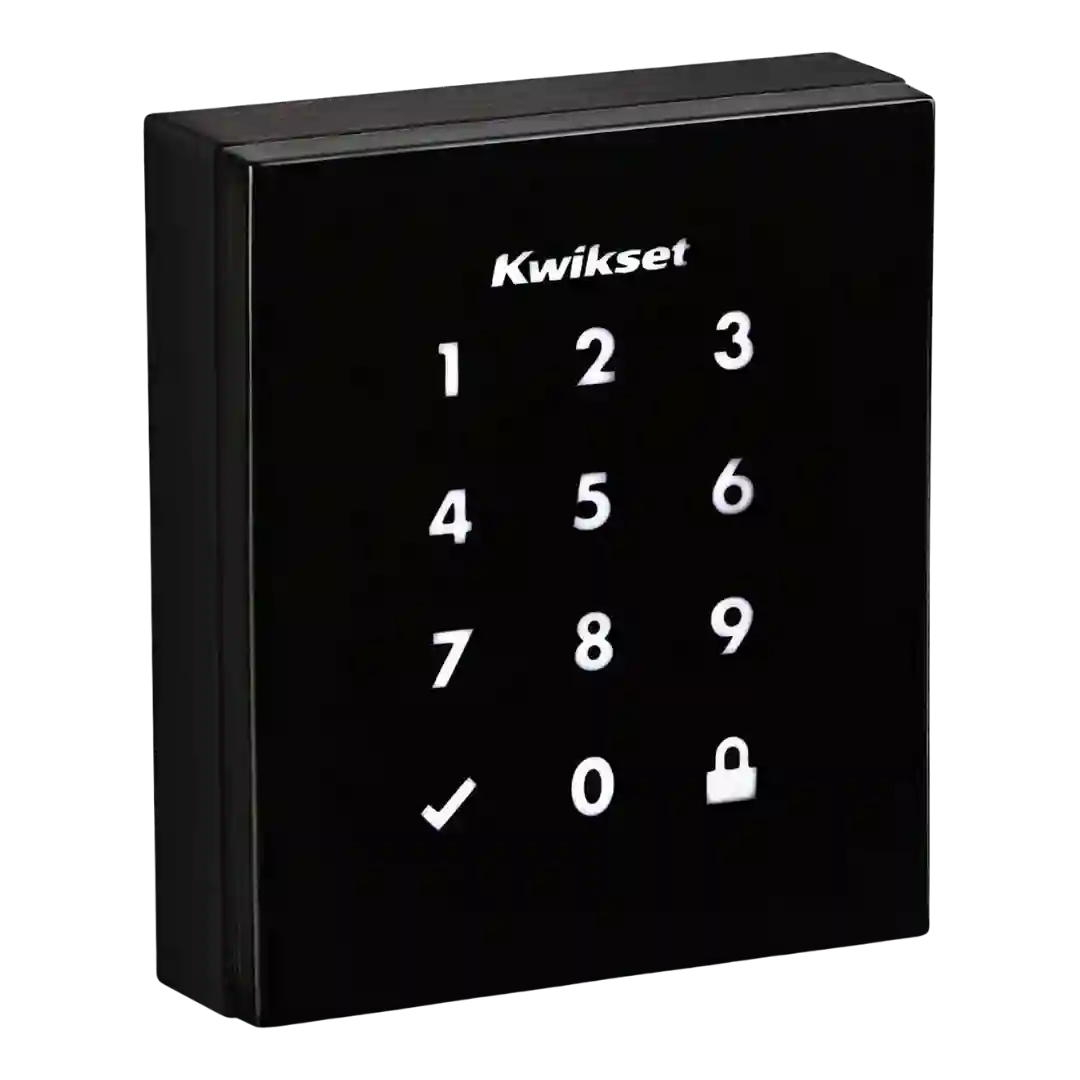
App support is inconsistent: some versions rely on a smart-home hub app rather than a dedicated Kwikset app, which can limit advanced controls like remote code creation on certain platforms.