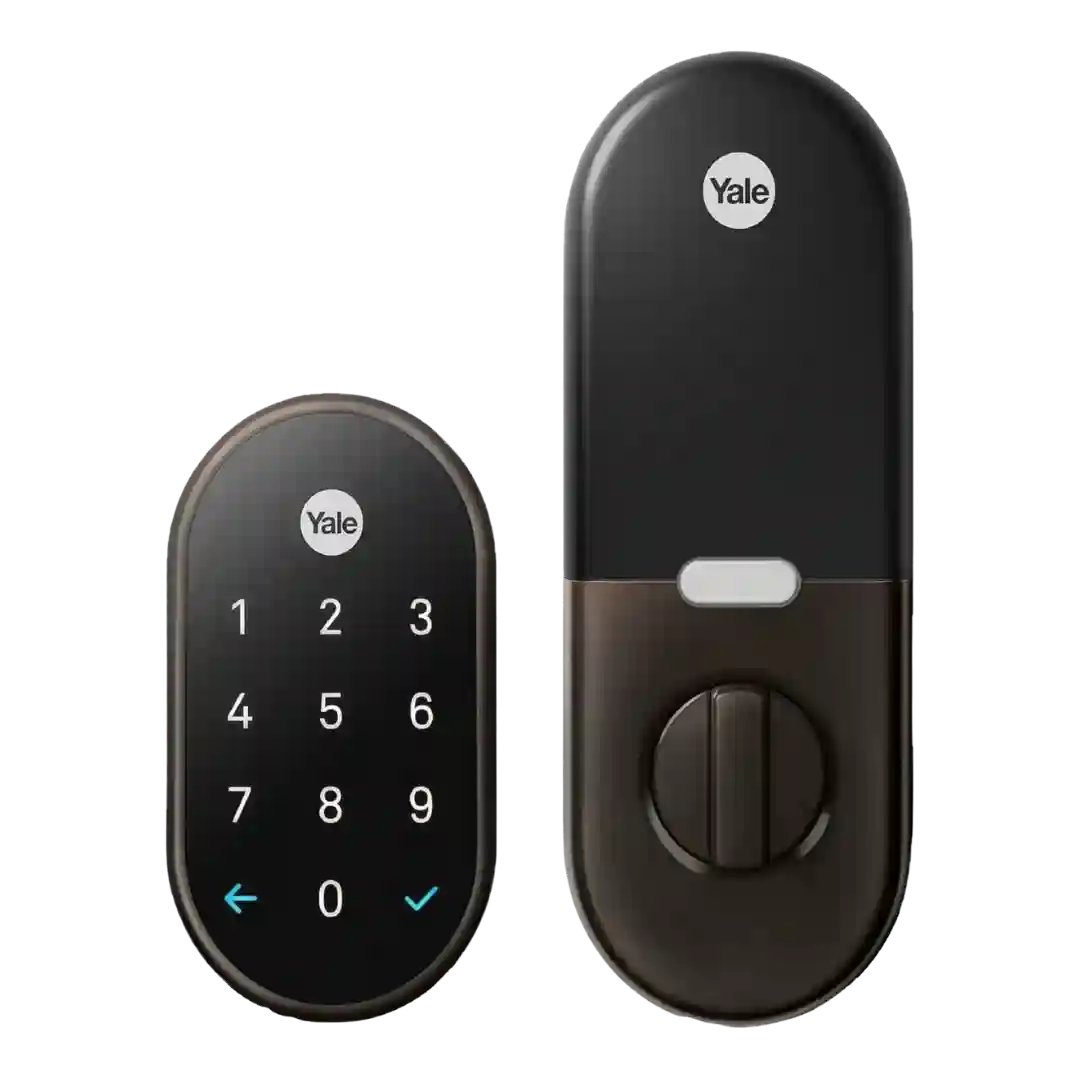
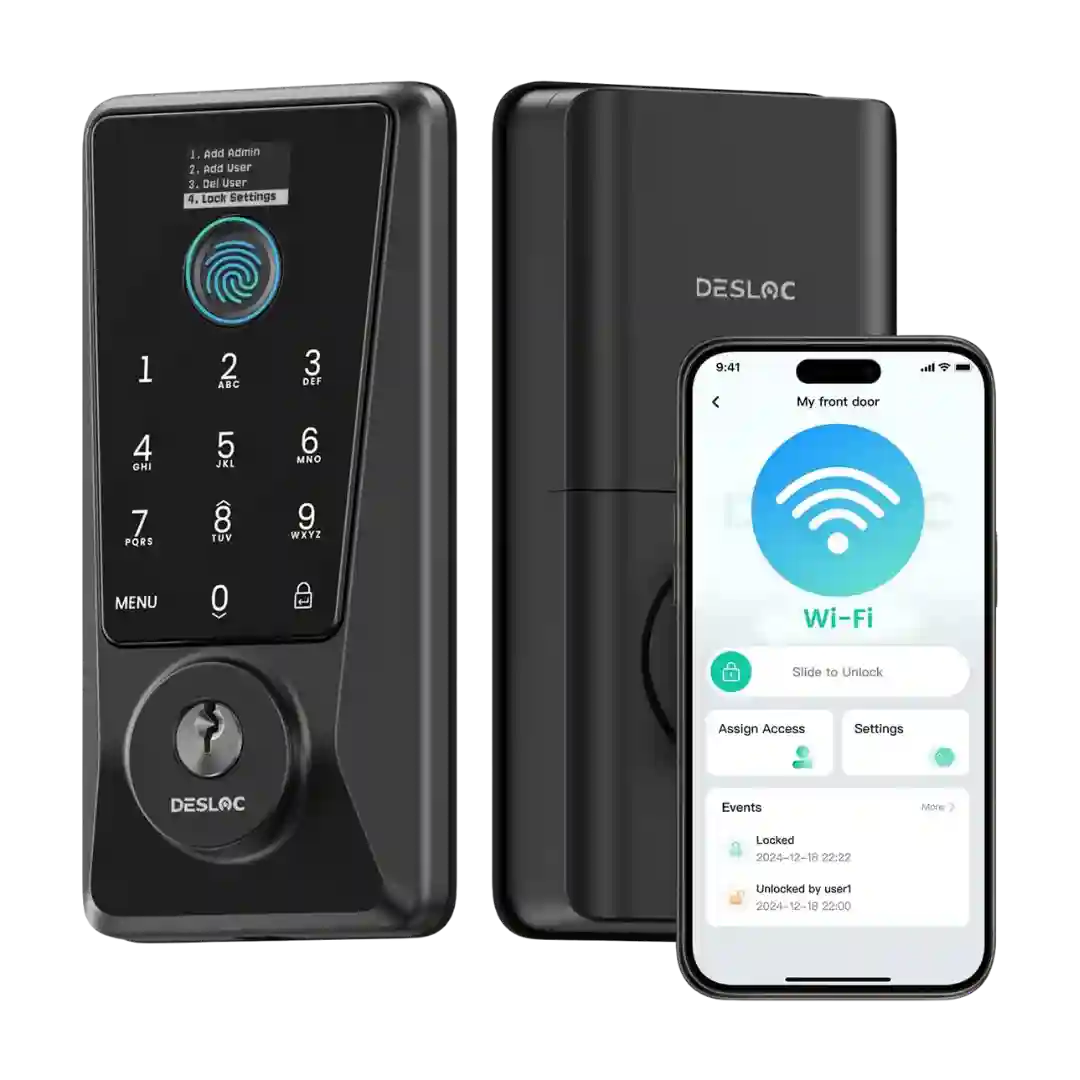
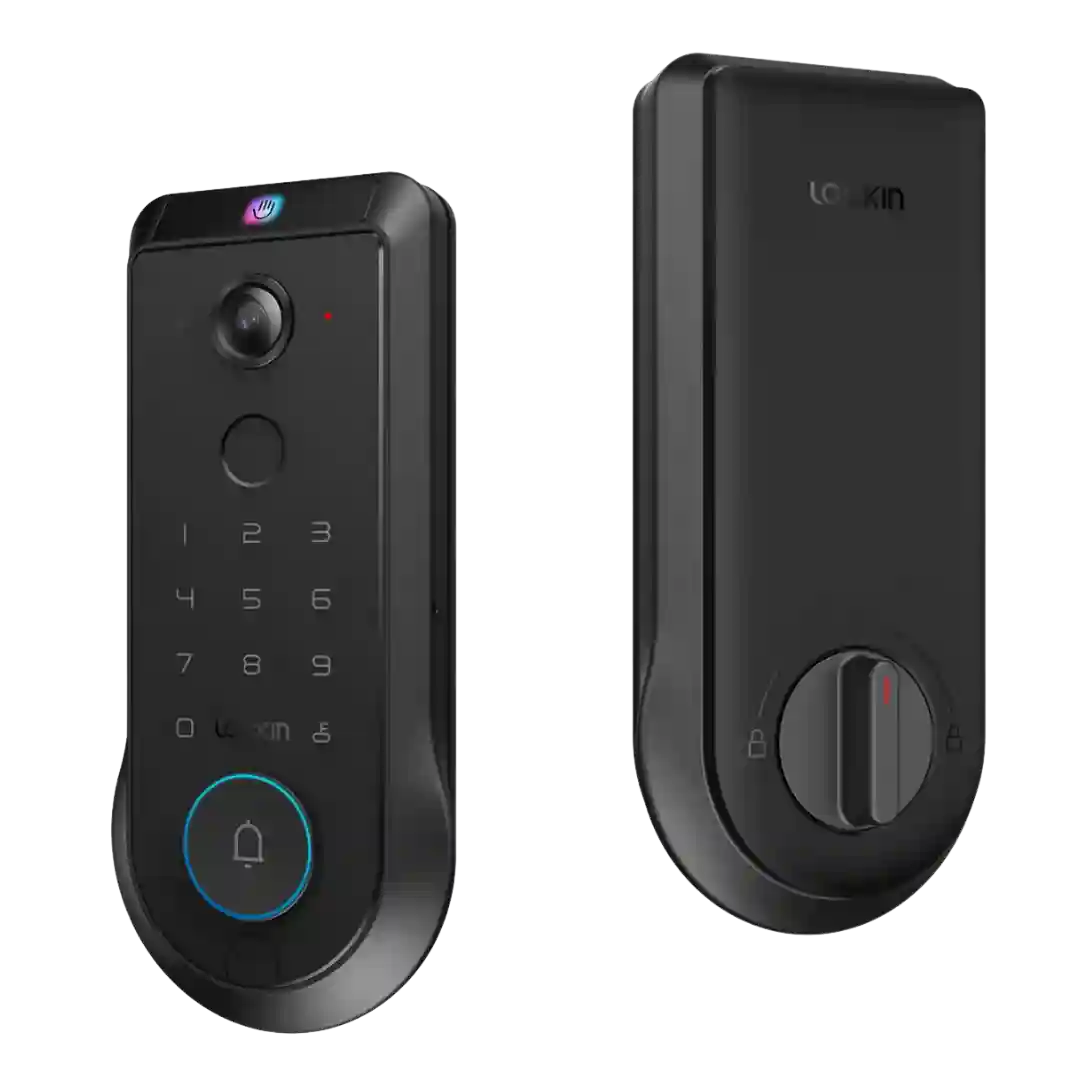
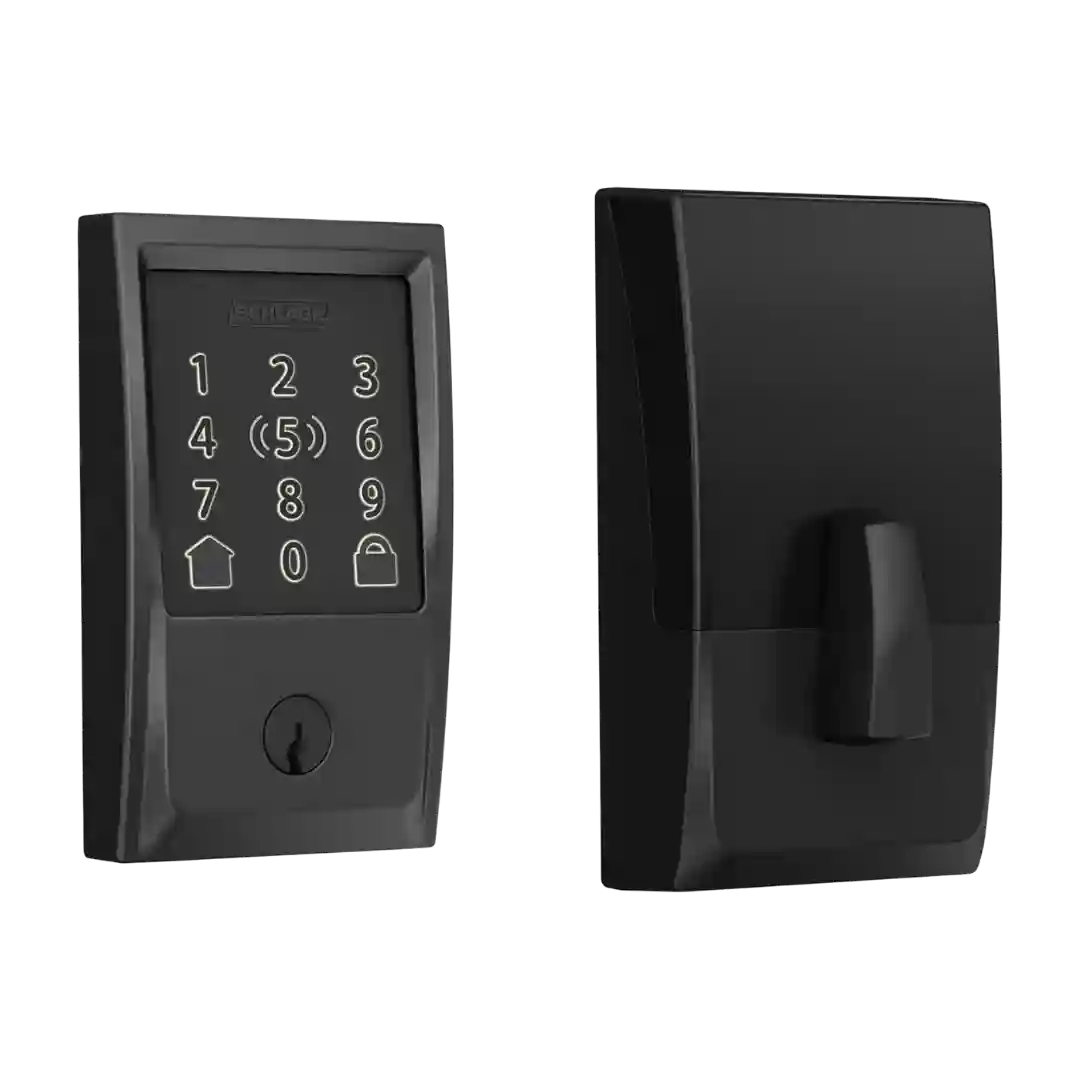
Guest access is described as flexible, with support for one-time, scheduled, recurring, and time-bounded PIN codes. Reviewers frequently cite this as a practical advantage for visitors, neighbors, cleaners, and deliveries.
Guest access is a strong point: reviews cite up to 50 codes, plus one-time and scheduled codes that can expire automatically for visitors and contractors.
Passcode features are repeatedly highlighted, including multiple household codes, guest sharing, one-time use codes, and scheduled codes for regular visitors; some setups enforce longer minimum PIN lengths.
Guest access is a strong point: reviewers demonstrate one-time codes, scheduled/time-window codes, and the ability to create multiple PINs for different people and scenarios.
Encode supports up to about 100 user PINs plus temporary or recurring schedules, making it well-suited for families, guests, and service providers without handing out physical keys.
Guest access is strong on paper and in testing, with support for many PINs, scheduled codes, and multiple palm enrollments, making it suitable for families and frequent visitors.
Guest access options are robust, including temporary or scheduled PIN codes and app-based access. Scramble passcode and other convenience/security options are frequently cited.
Guest access features are a strong point: reviews describe virtual keys, guest lists, temporary or scheduled access windows, and easy sharing (often via text/email), with keypad entry available as an add-on.
Guest access is strong in most accounts, with permanent, temporary, and one-time codes commonly supported, plus emergency/duress-style options in some setups. Some reviewers want more granular scheduling rules (like day-of-week windows) for shared access.
Guest access is repeatedly described as strong: temporary PINs, scheduled access windows, one-time codes, and shareable eKeys are highlighted as ideal for cleaners, dog walkers, and rentals. Logs tied to user identity improve accountability for shared access.
Guest codes are a standout: reviewers highlight easy sharing plus temporary and recurring schedules; capacity is sometimes cited as 250 codes while other reviews describe effectively unlimited code creation depending on setup.
Guest access is a strong area: reviewers mention multiple PINs, temporary/one-time codes, time-limited schedules, and in Apple Home the ability to share Home Key-style access. Some NFC accessories may be optional purchases depending on the setup.
Guest access is robust, including multiple user PINs, time-restricted or one-time codes, and in some cases offline codes or shared digital keys depending on platform.
Access sharing is a strength: reviews mention temporary, scheduled, one-time, offline codes, and app-based sharing options; however, some find the onboarding and messaging flow confusing for casual guests.
Guest access is handled via PINs and temporary passes in the app, aimed at deliveries, pet sitters, and short-term visitors without sharing a physical key.
Guest access is a key strength in many reviews, with support for multiple PINs, scheduling, and expiration for renters or service providers. A notable counterpoint is that some testers saw app errors when trying to generate or share time-constrained codes.
Guest access options commonly include always-on users, scheduled access windows, and one-time or one-pass codes, making it suitable for cleaners, visitors, and rentals.
Guest access features are a highlight: reviewers cite one-time, temporary, and scheduled PIN codes and easy sharing, though some note restrictions (temporary access may be PIN-only, and permission tiers/time restrictions for full users can be limited).
Code-based guest access is a major strength, with up to 100 codes mentioned and options for temporary or scheduled access in the Schlage app. Several reviews note occasional quirks in how codes appear or sync in Apple Home.
Guest access is a strong point on paper: multiple PINs, temporary codes, and other credential types (such as NFC fobs) are supported. Execution can feel clunky in Smart Life, and some temporary access rules are described as unintuitive.
Guest access is flexible with one-time and temporary codes and shareable passes, and HomeKit can also generate guest codes. A recurring day-of-week/time window schedule is a noted limitation in several reviews.
Guest access options include app-based invites, shareable passes, NFC cards/fobs, and keypad PINs if you add the keypad. The main downside is friction when guests must install the Level app, unless you lean on keypad/cards instead.
Guest access is a major strength when paired with the keypad: reviews mention temporary, scheduled, and one-time code options and the ability to invite others to use the app as digital keys. A recurring minor gripe is that code creation can be tucked away in the app UI.
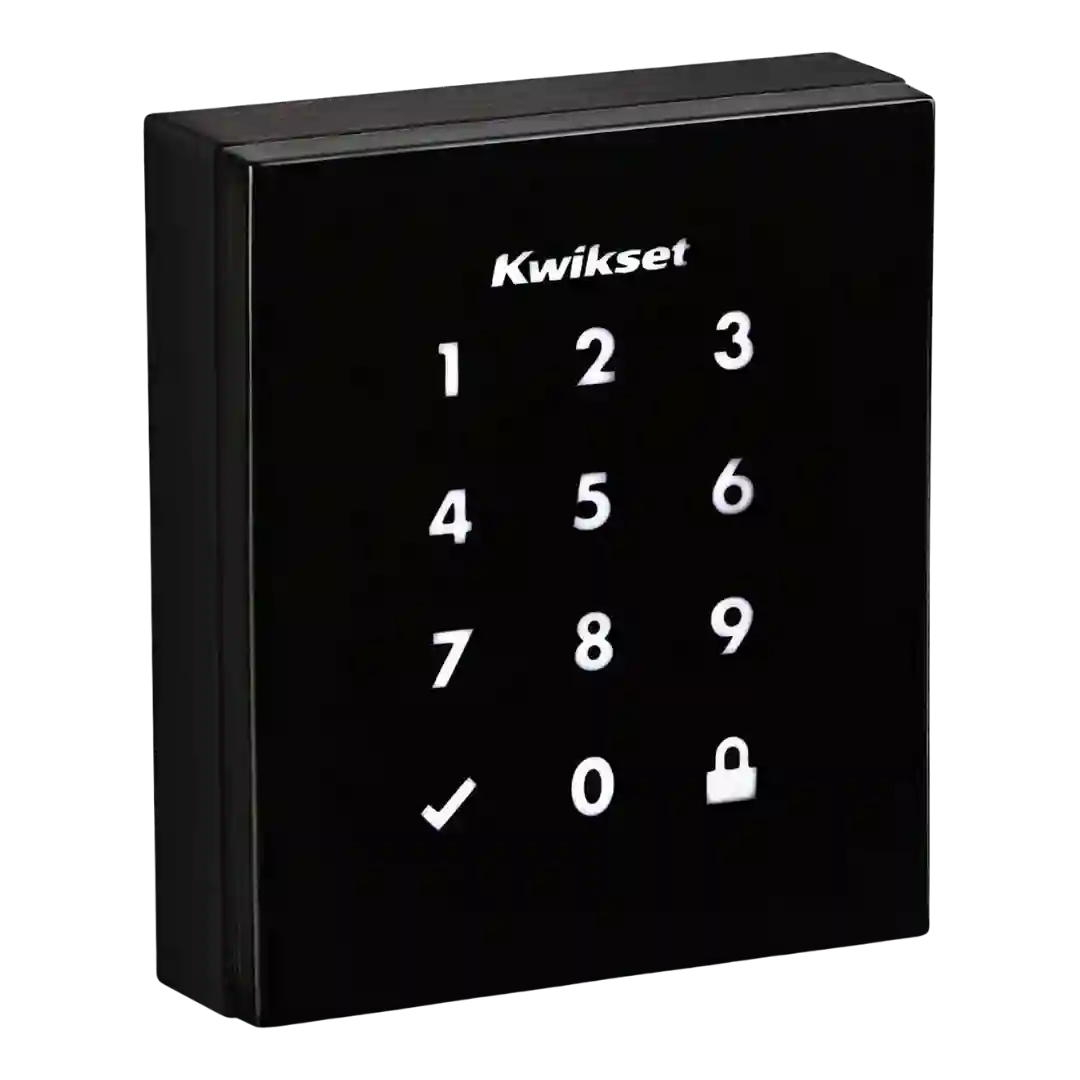
Obsidian stores up to 16 codes on the standalone model and up to 30 codes on connected versions, with 4 to 8 digits per code; code limits and scheduling features vary by model and ecosystem.
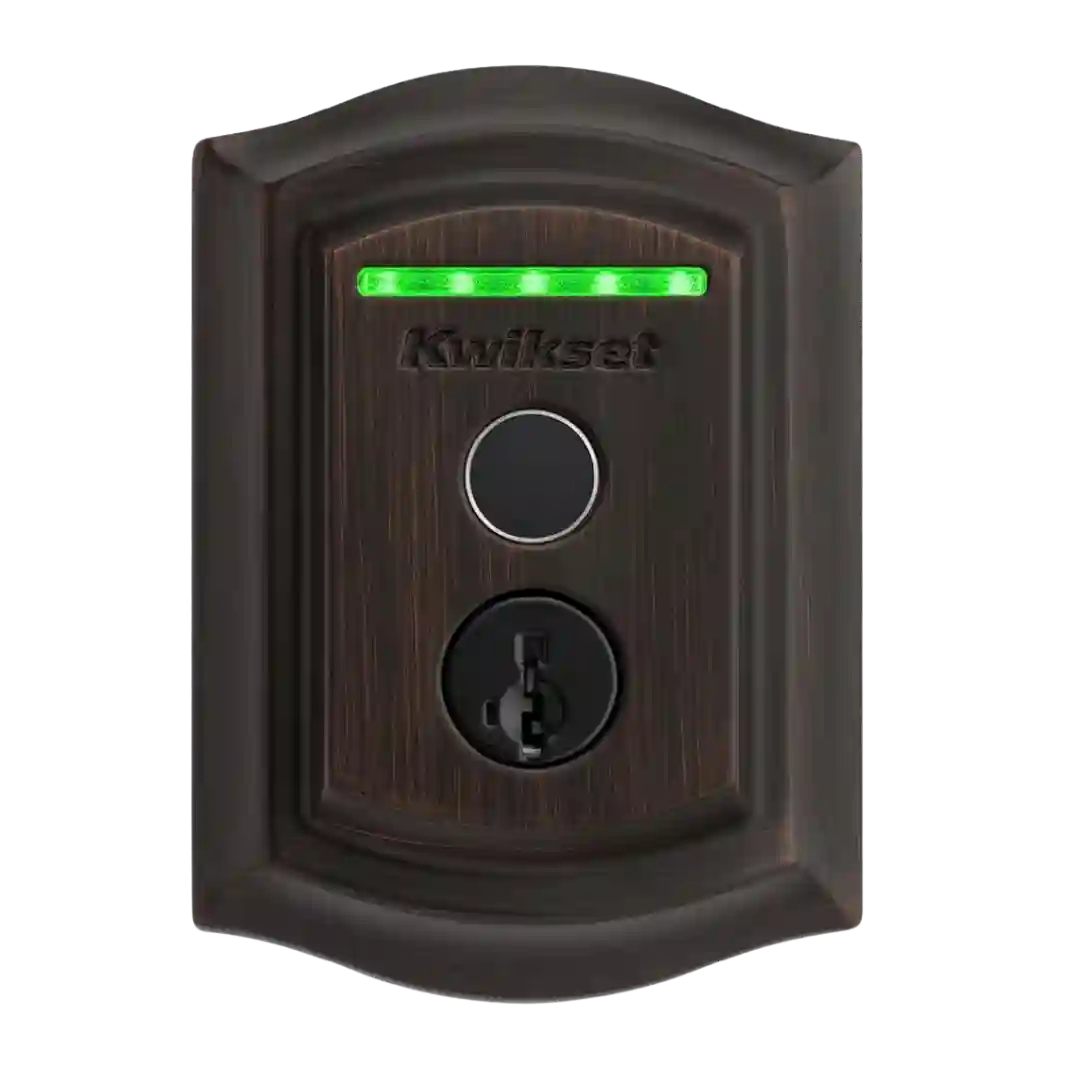
There are no guest PIN codes or keypad codes; guest access is primarily fingerprint enrollment. Reviewers note this can be inconvenient for short-term visitors or rentals if guests cannot enroll in person.