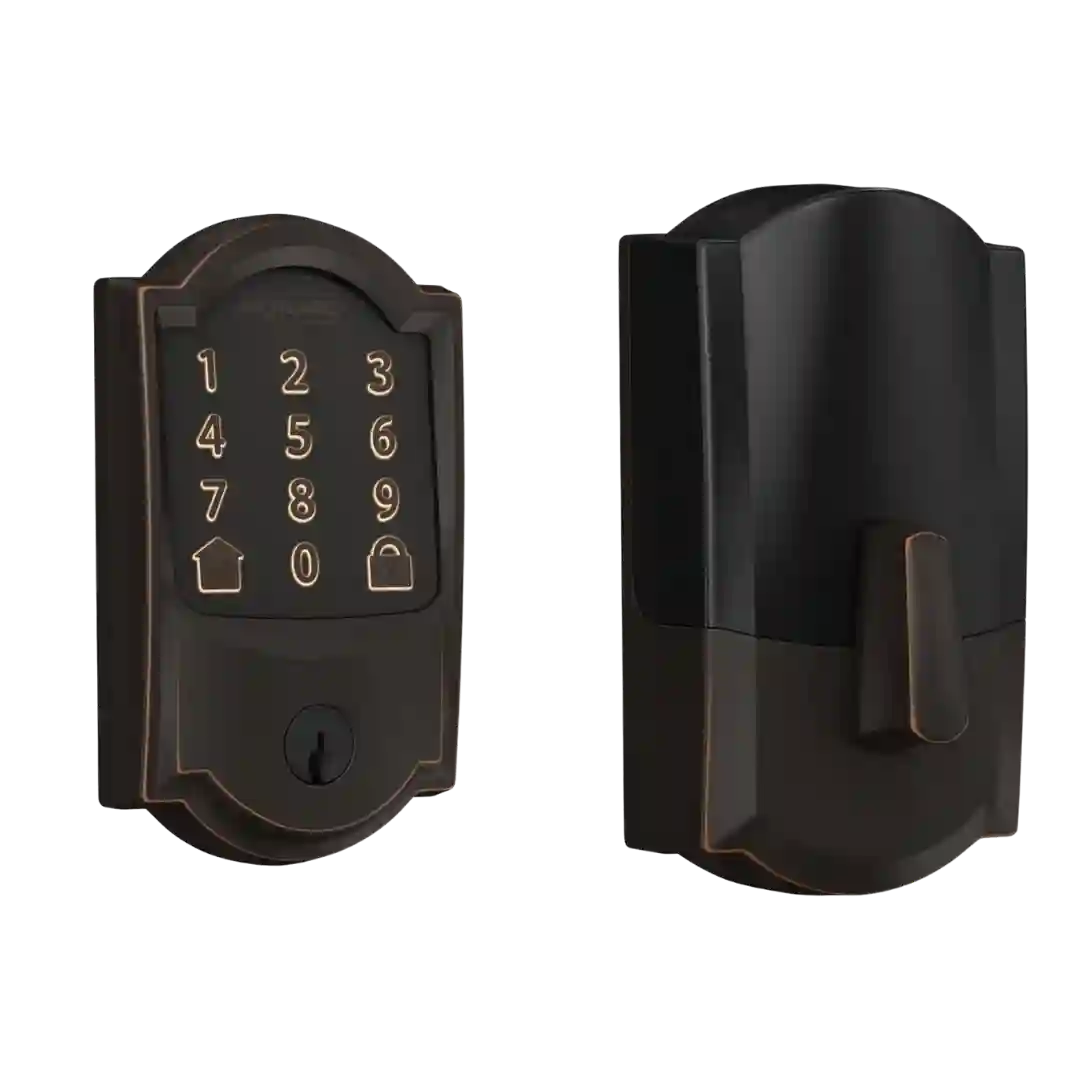
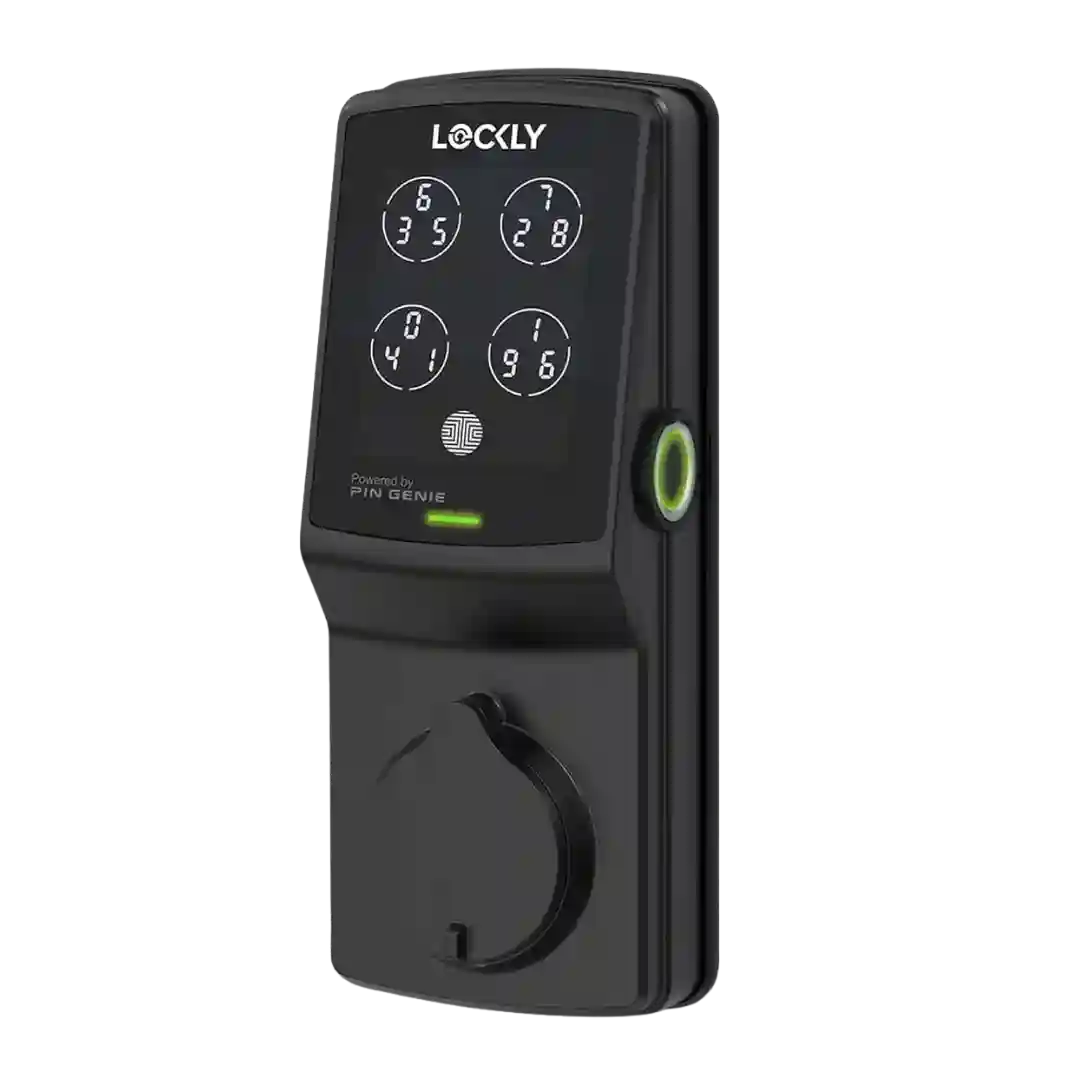
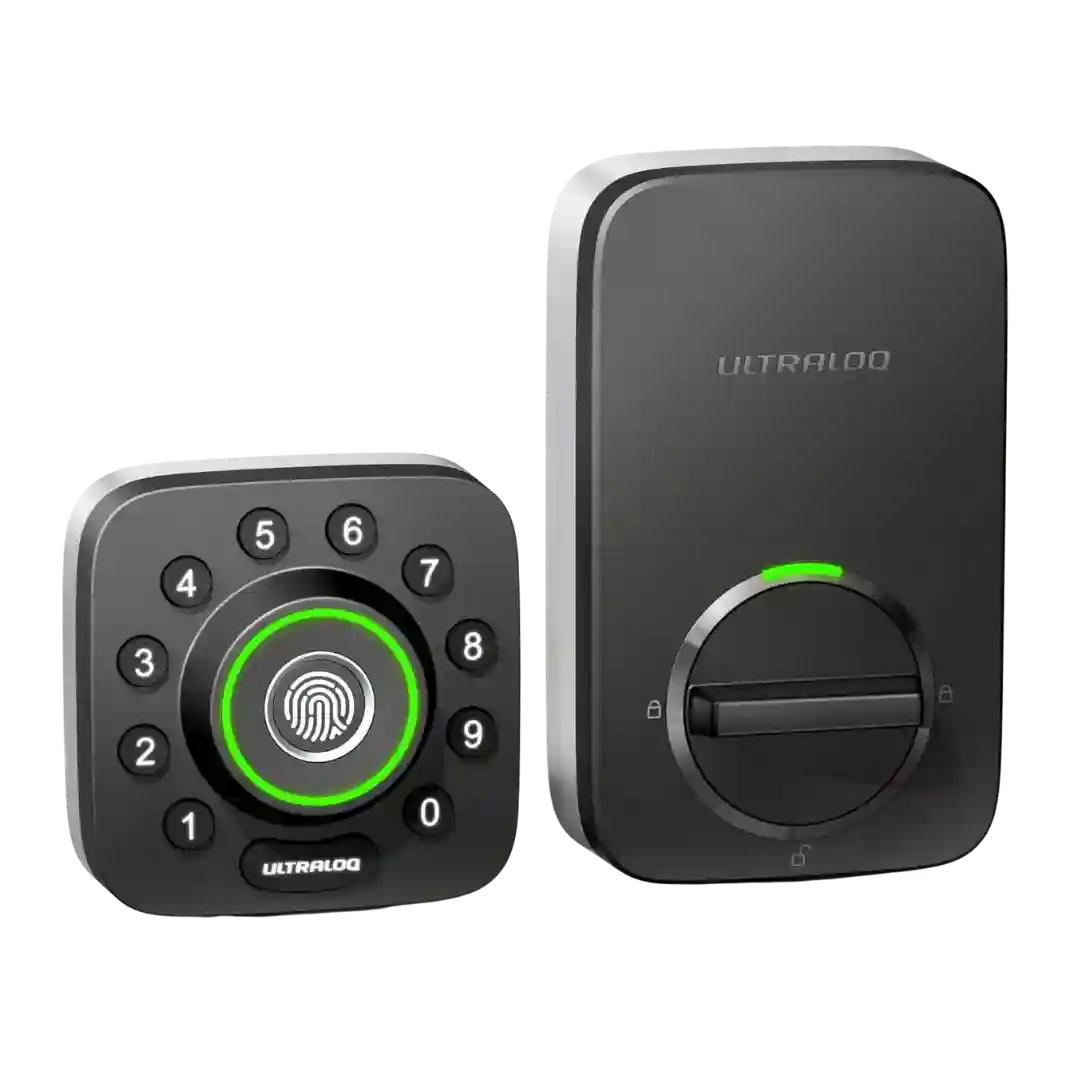
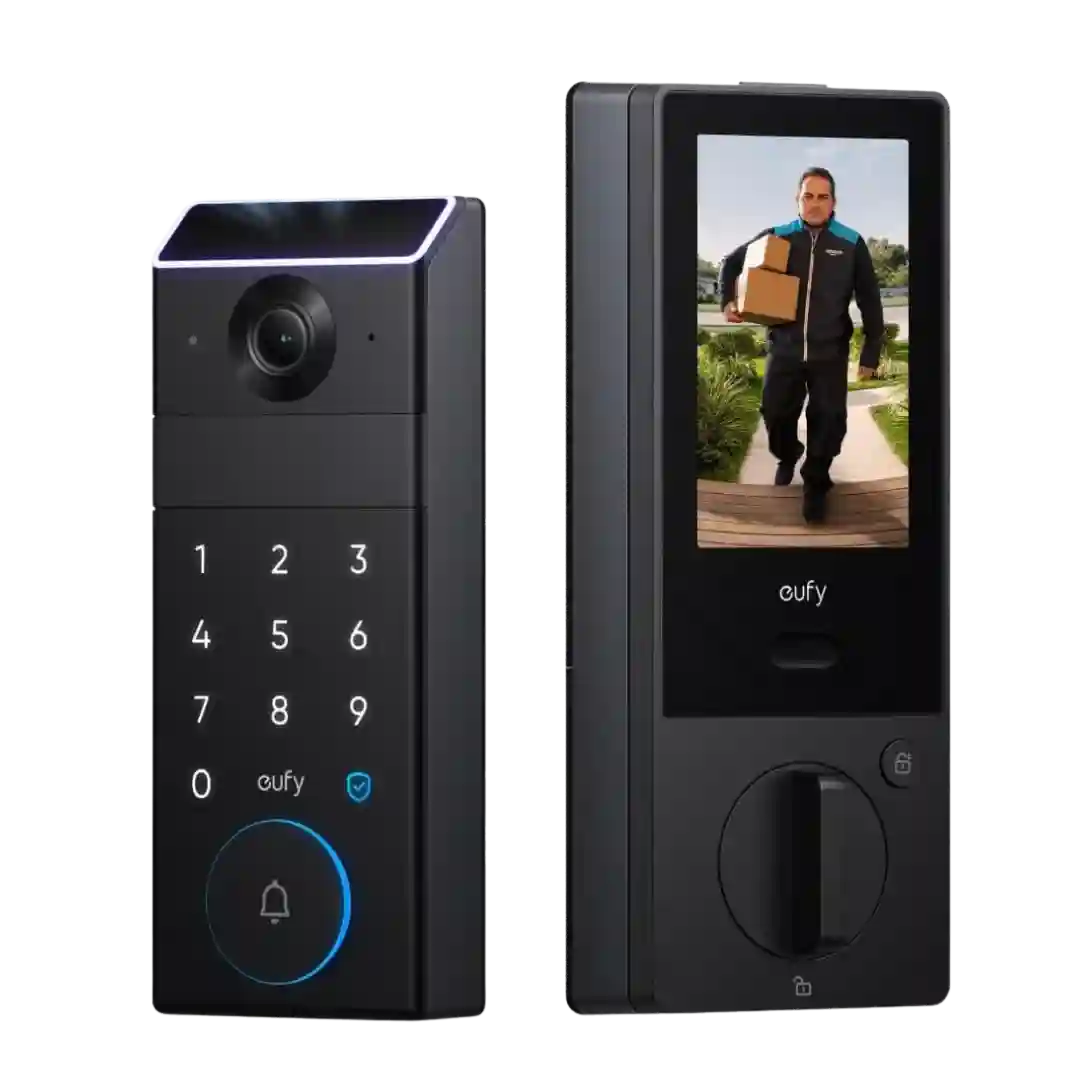
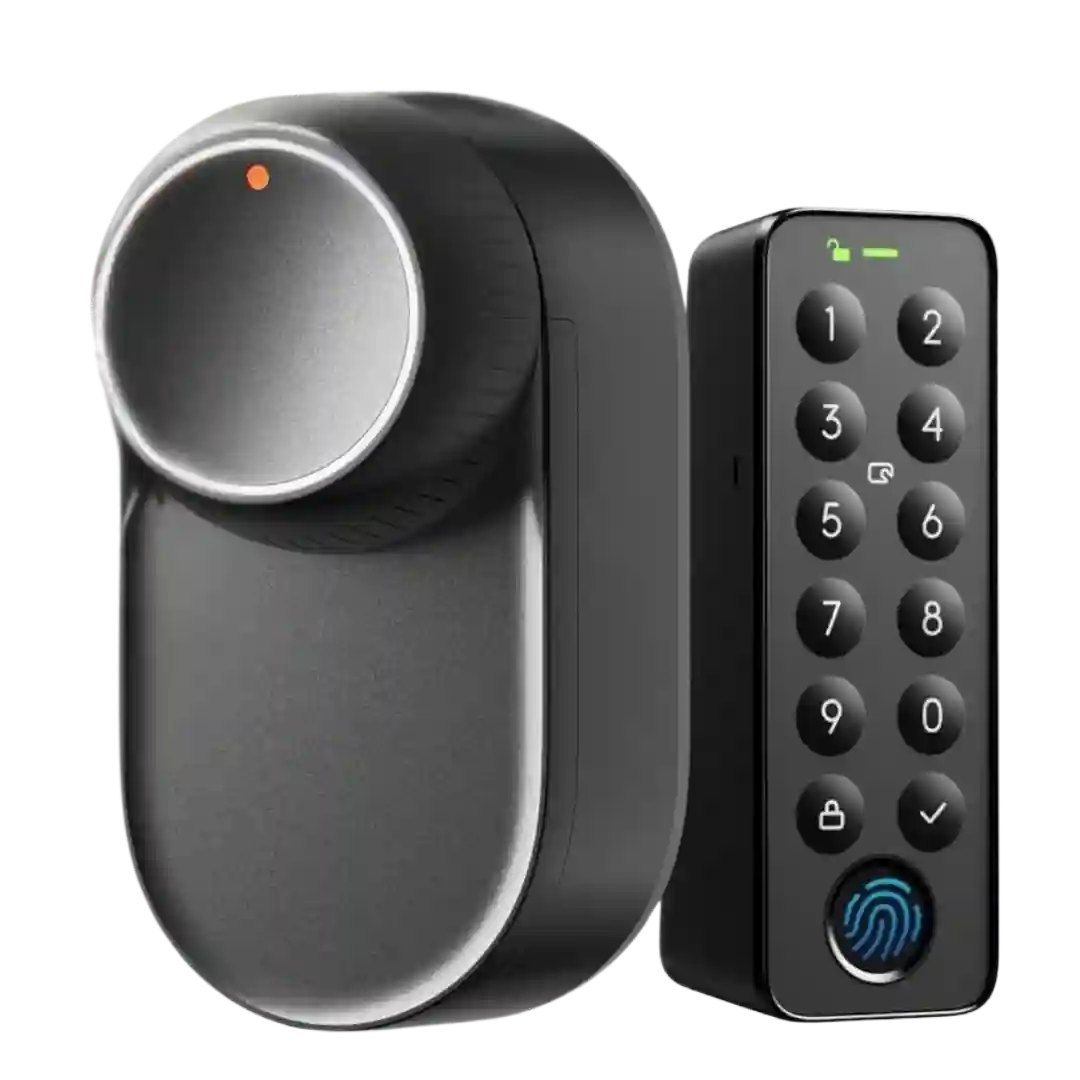
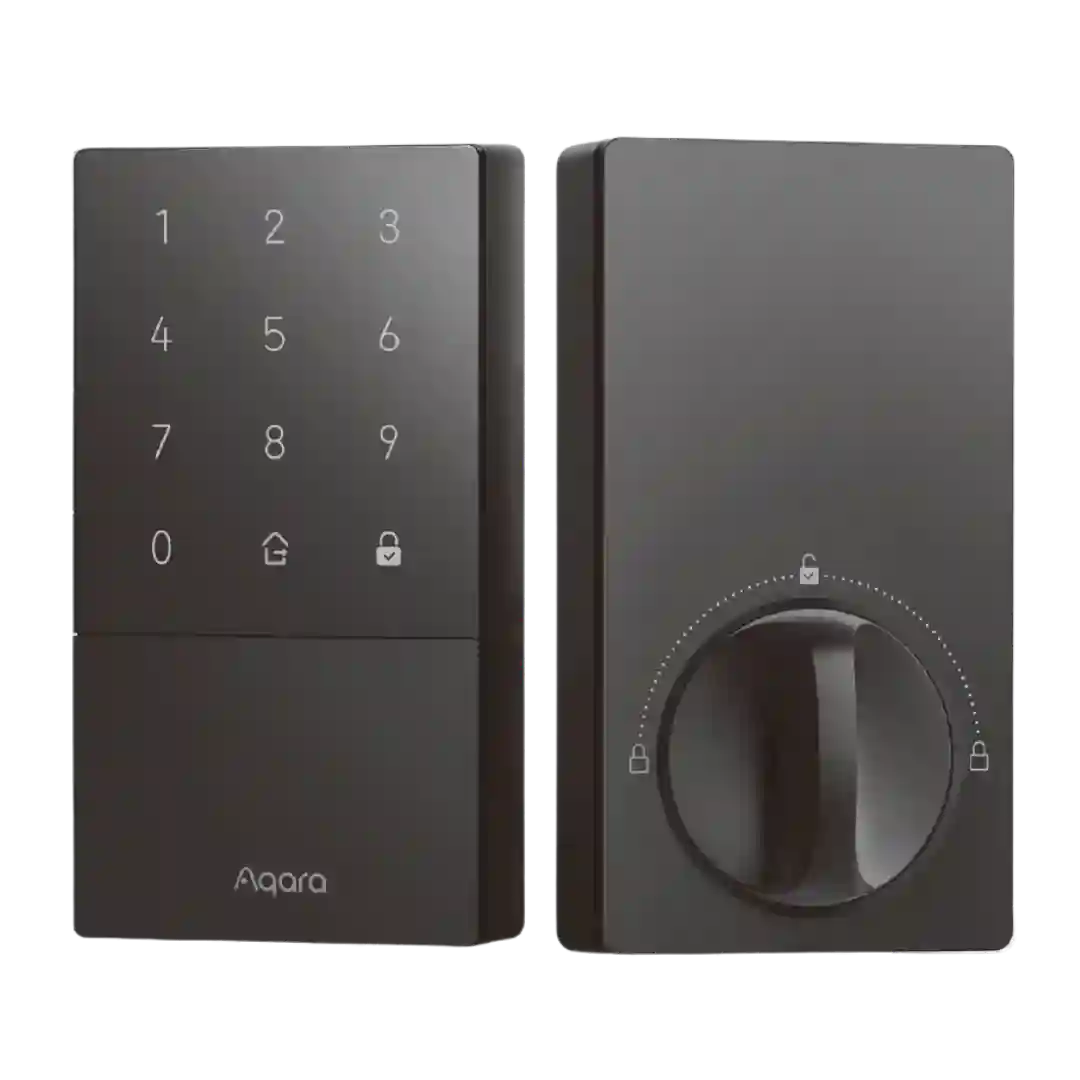
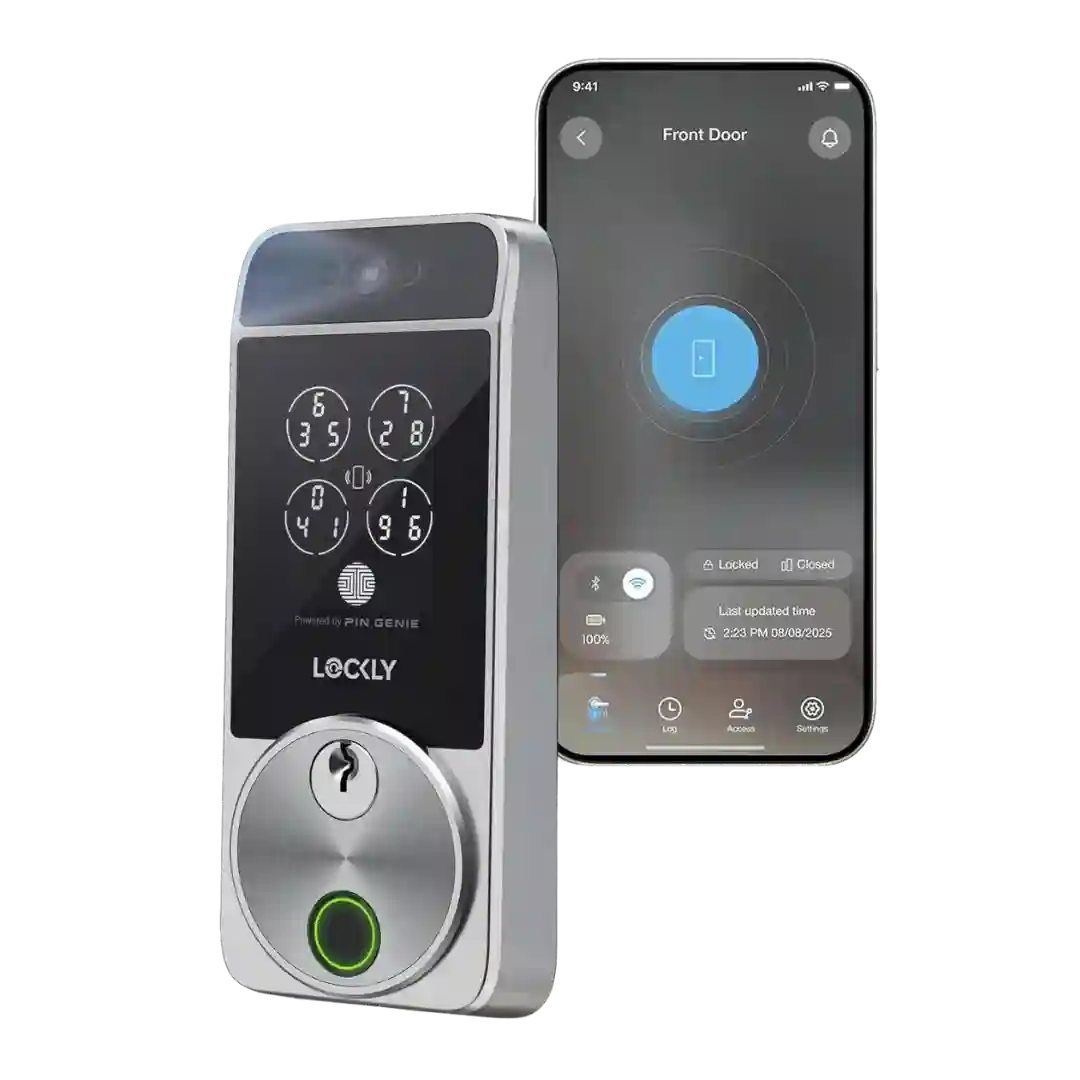
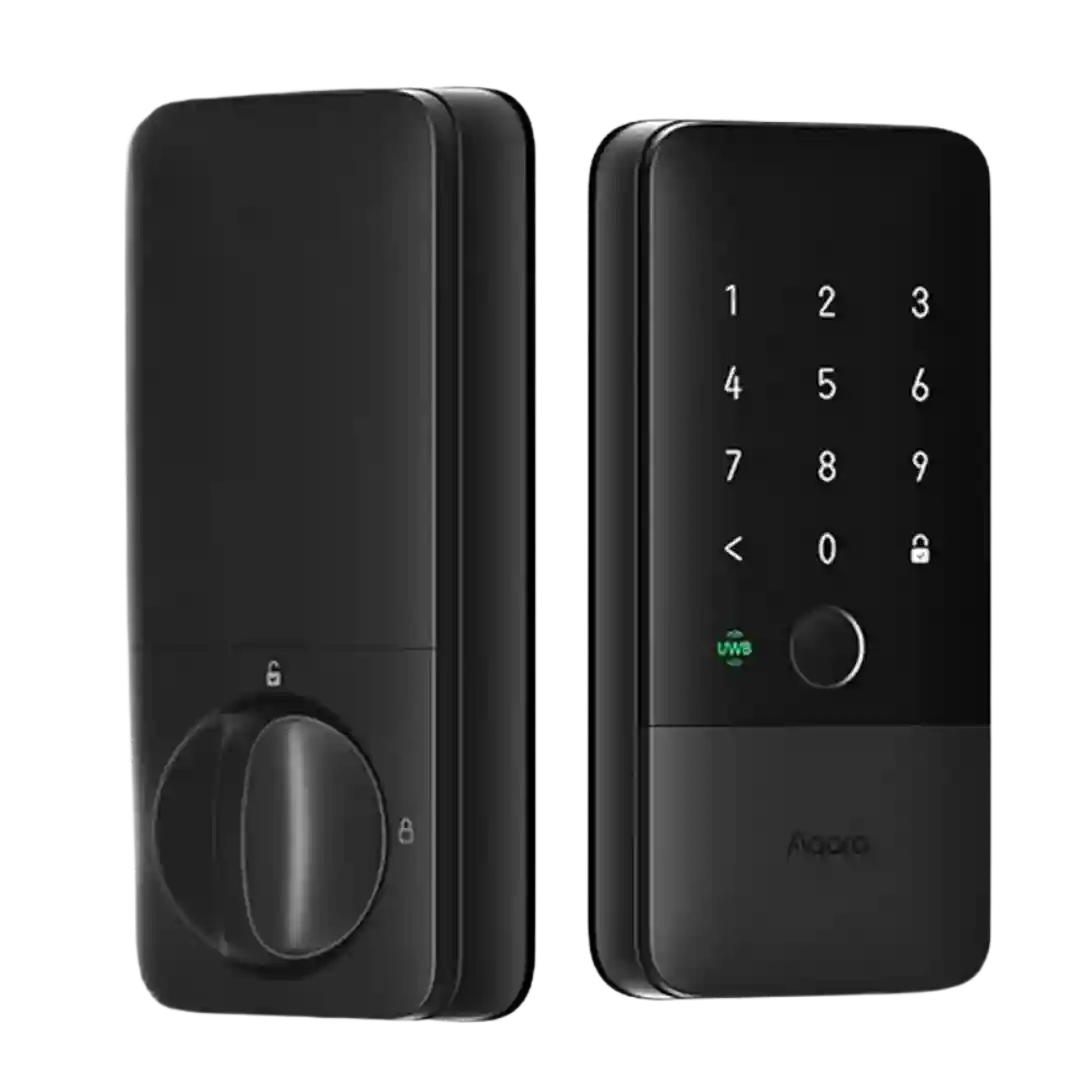
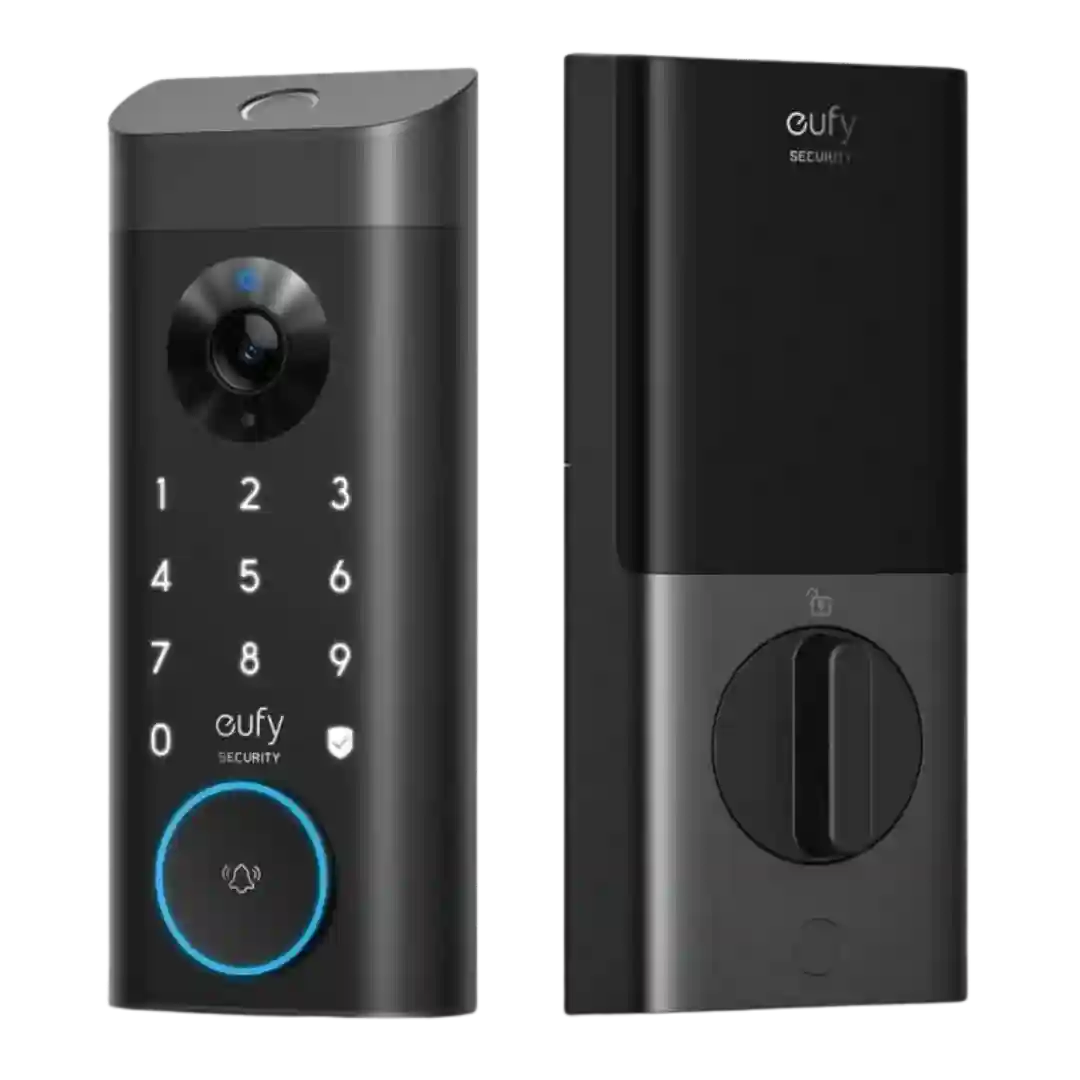
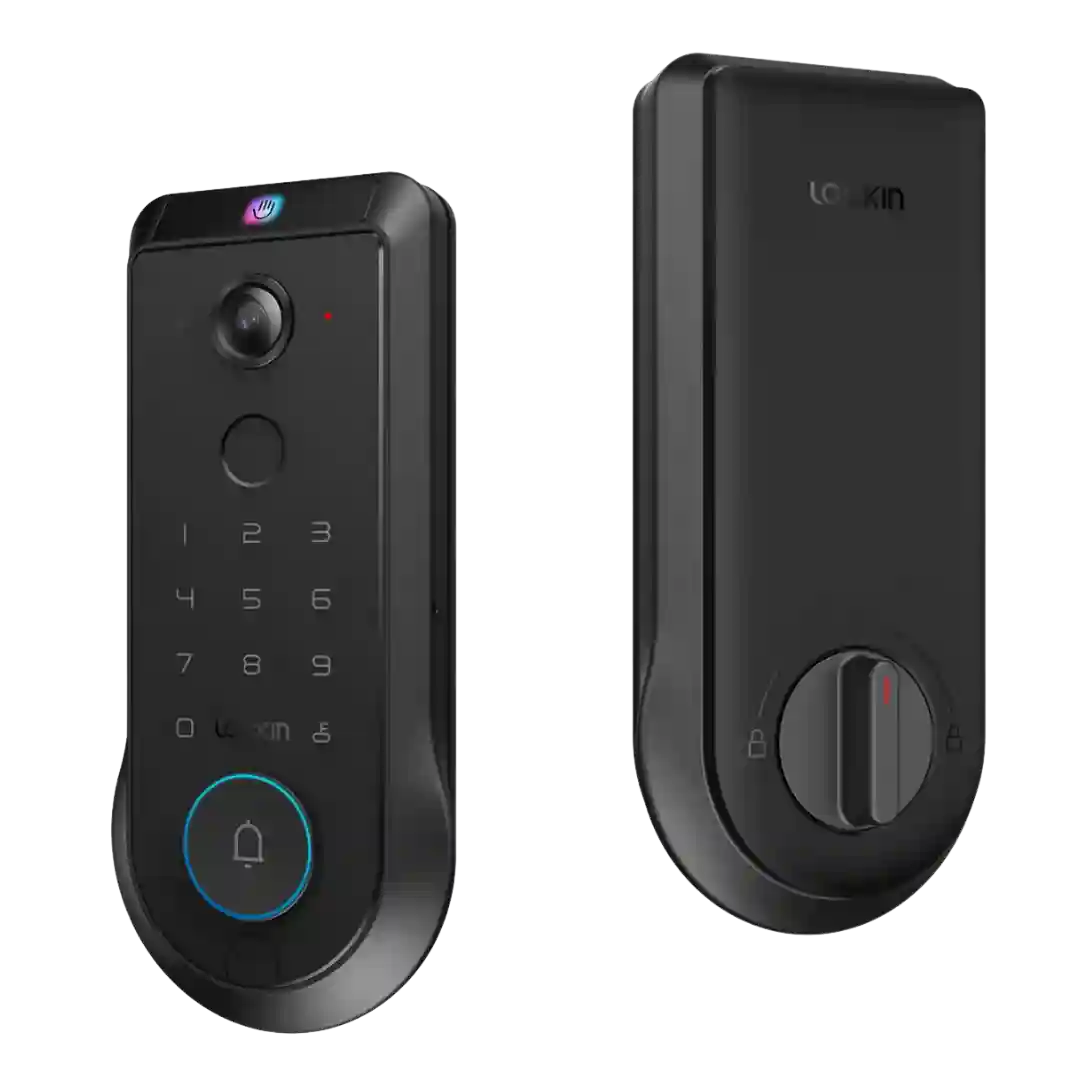
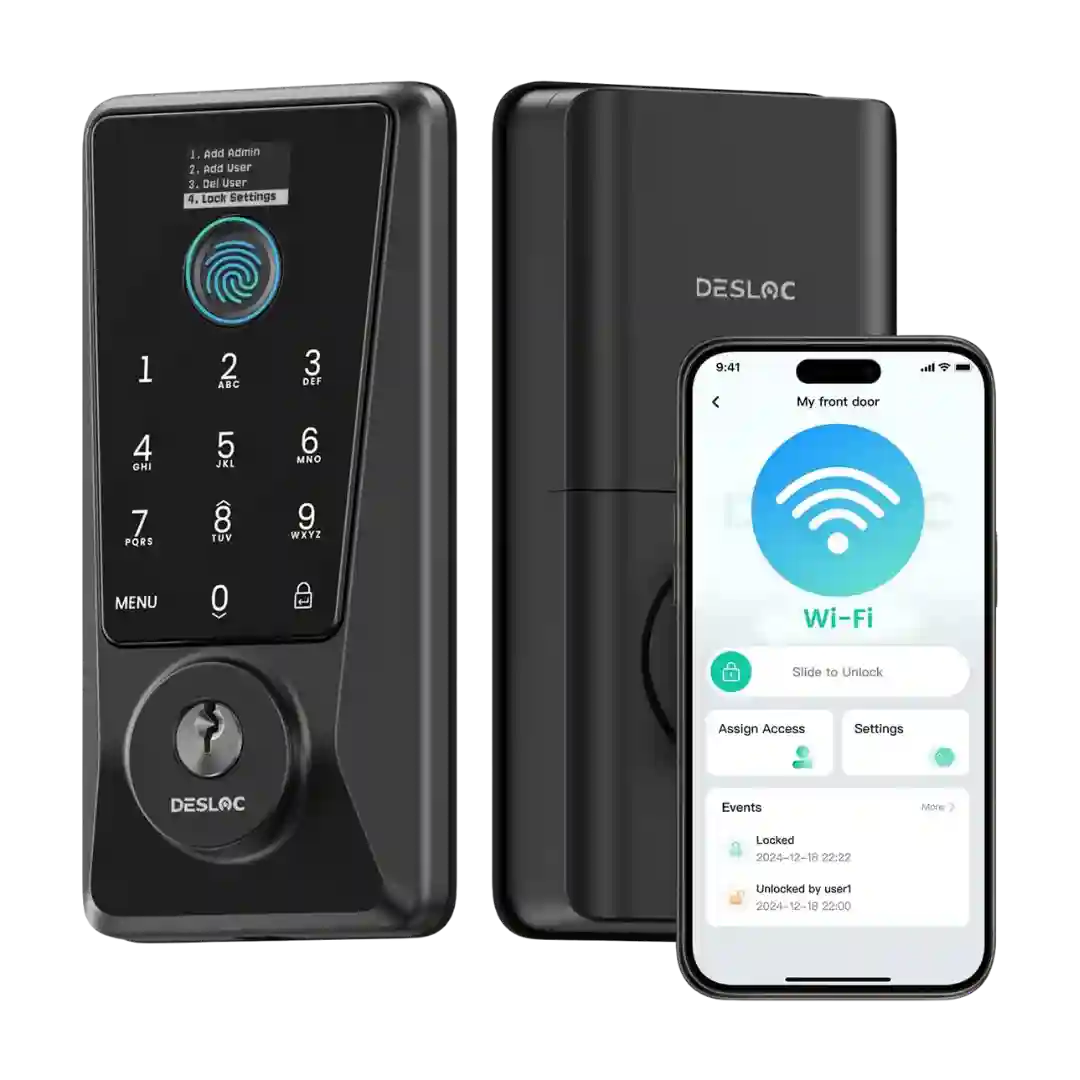
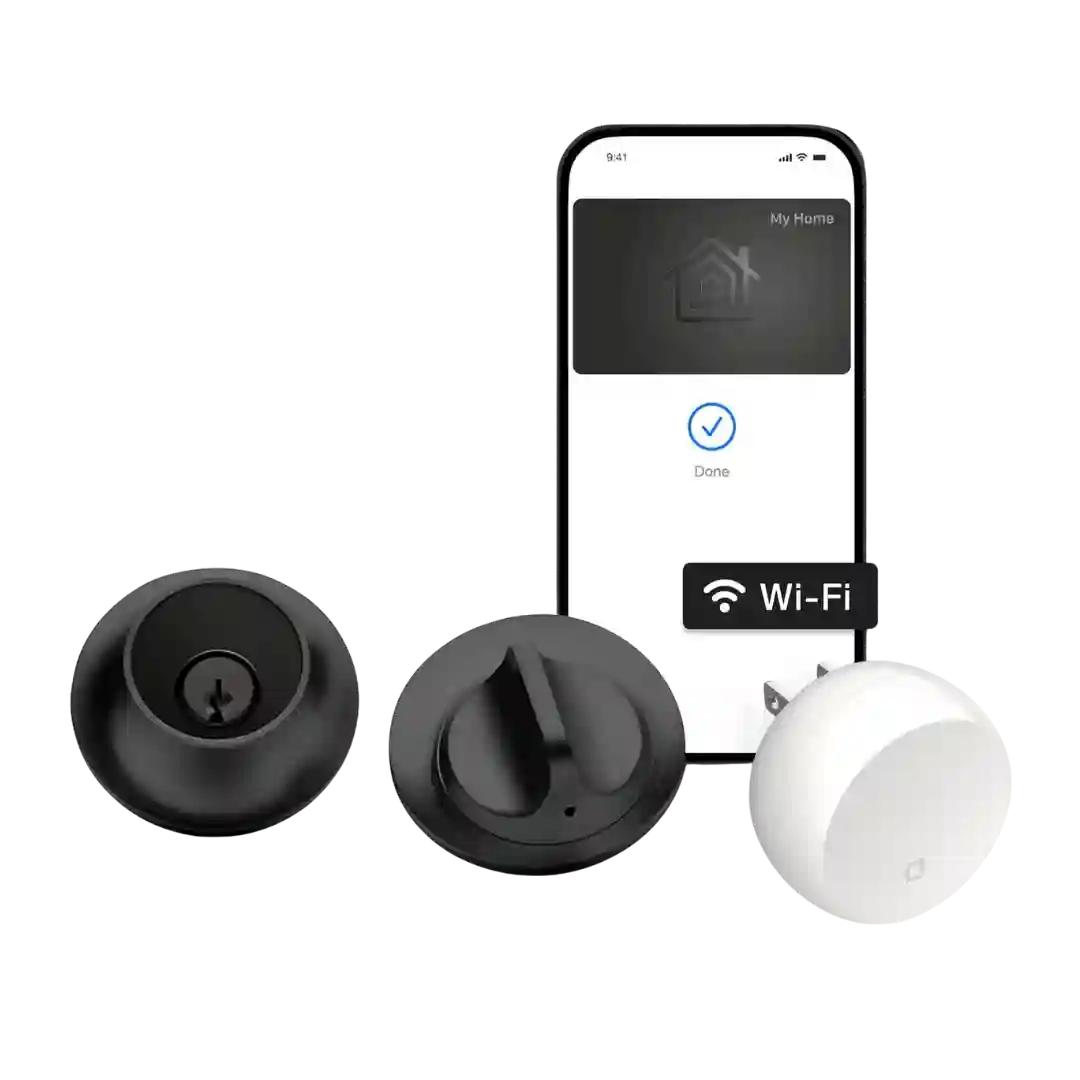
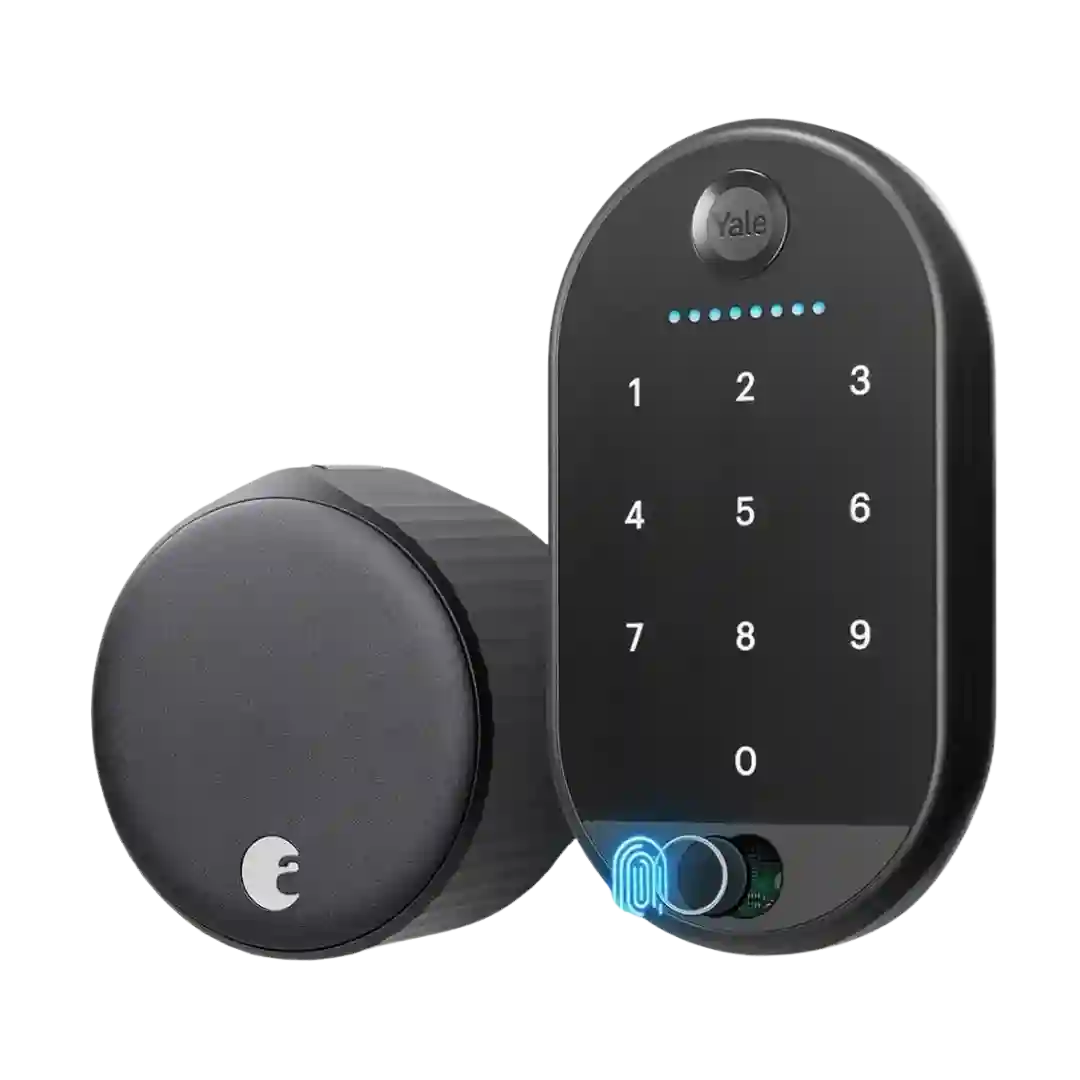
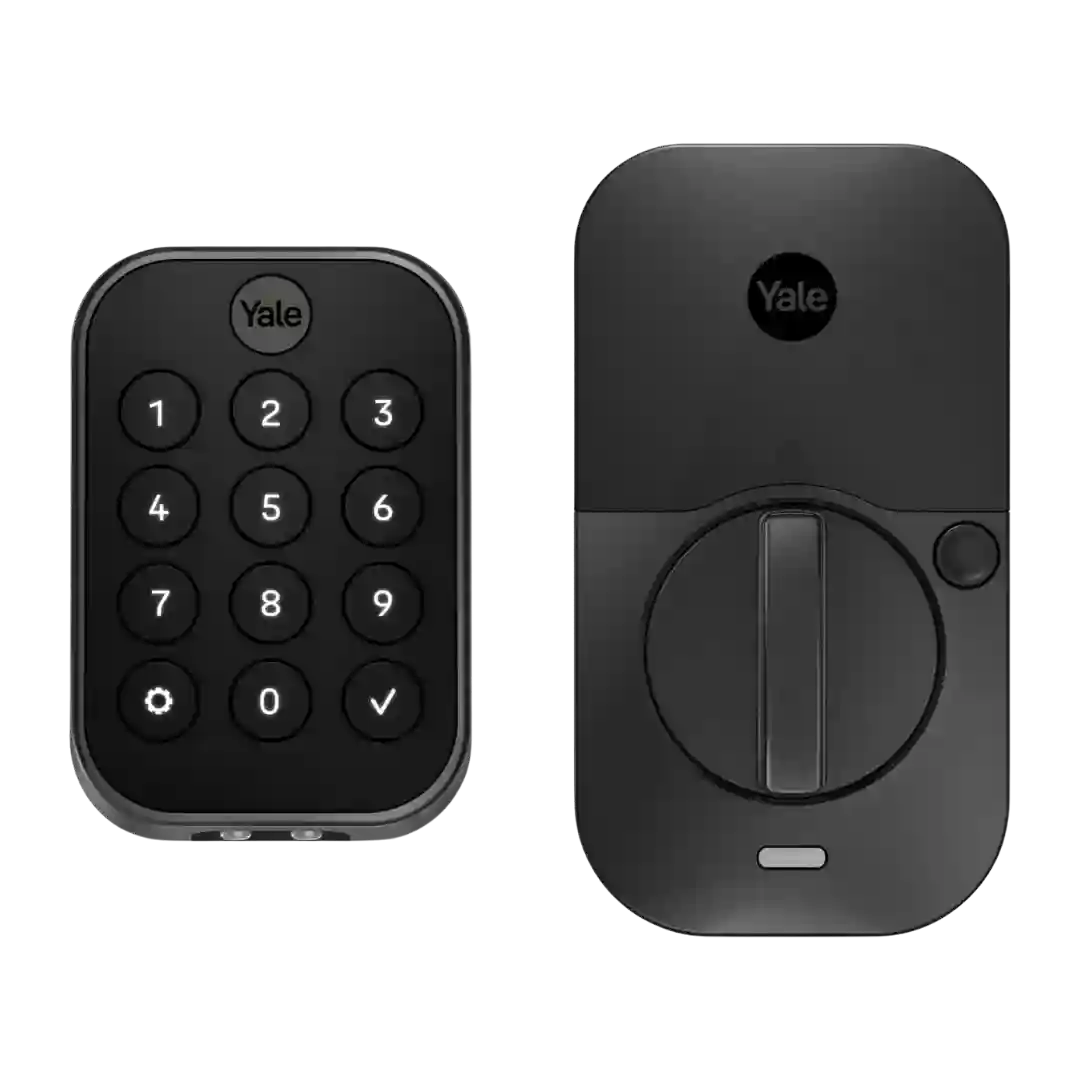
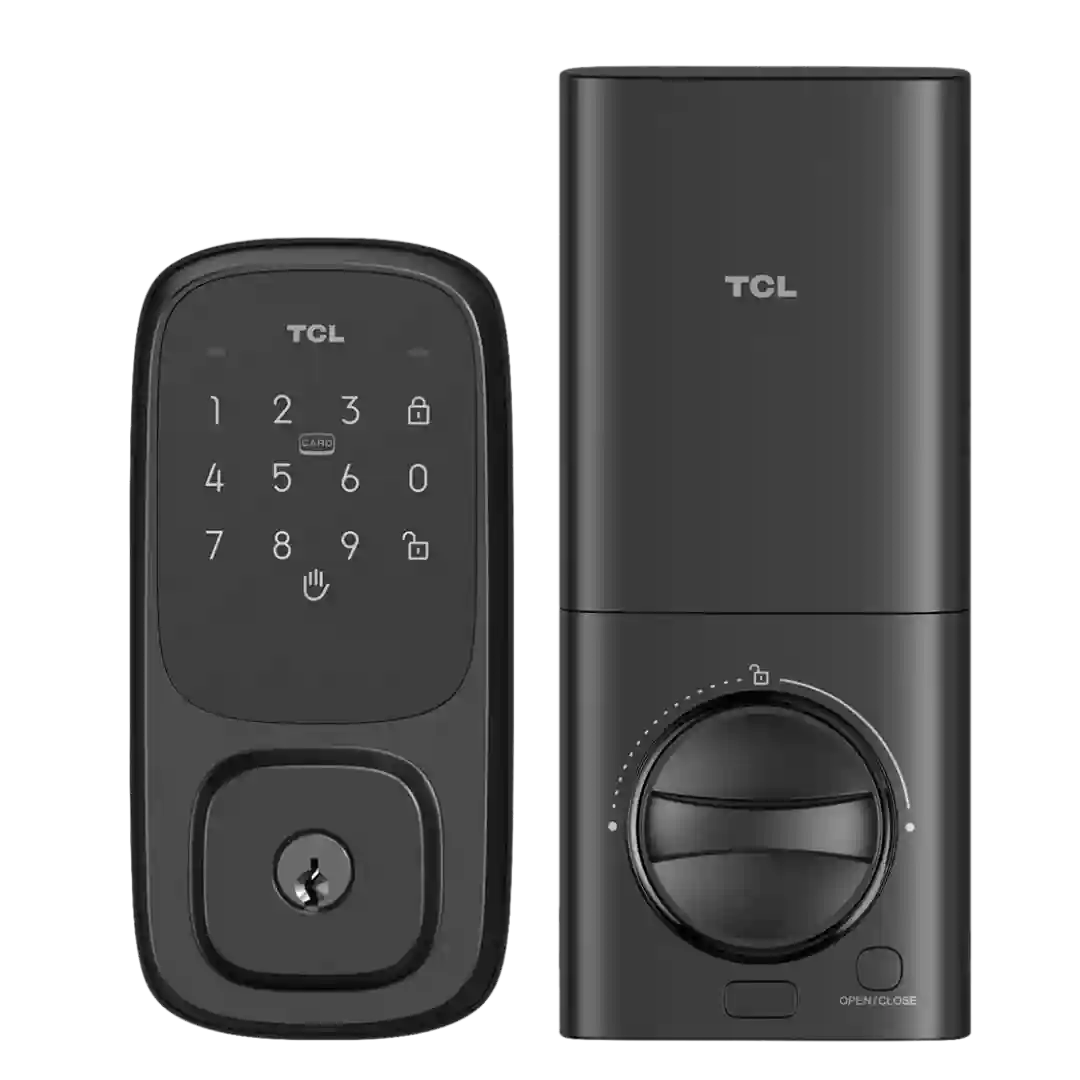
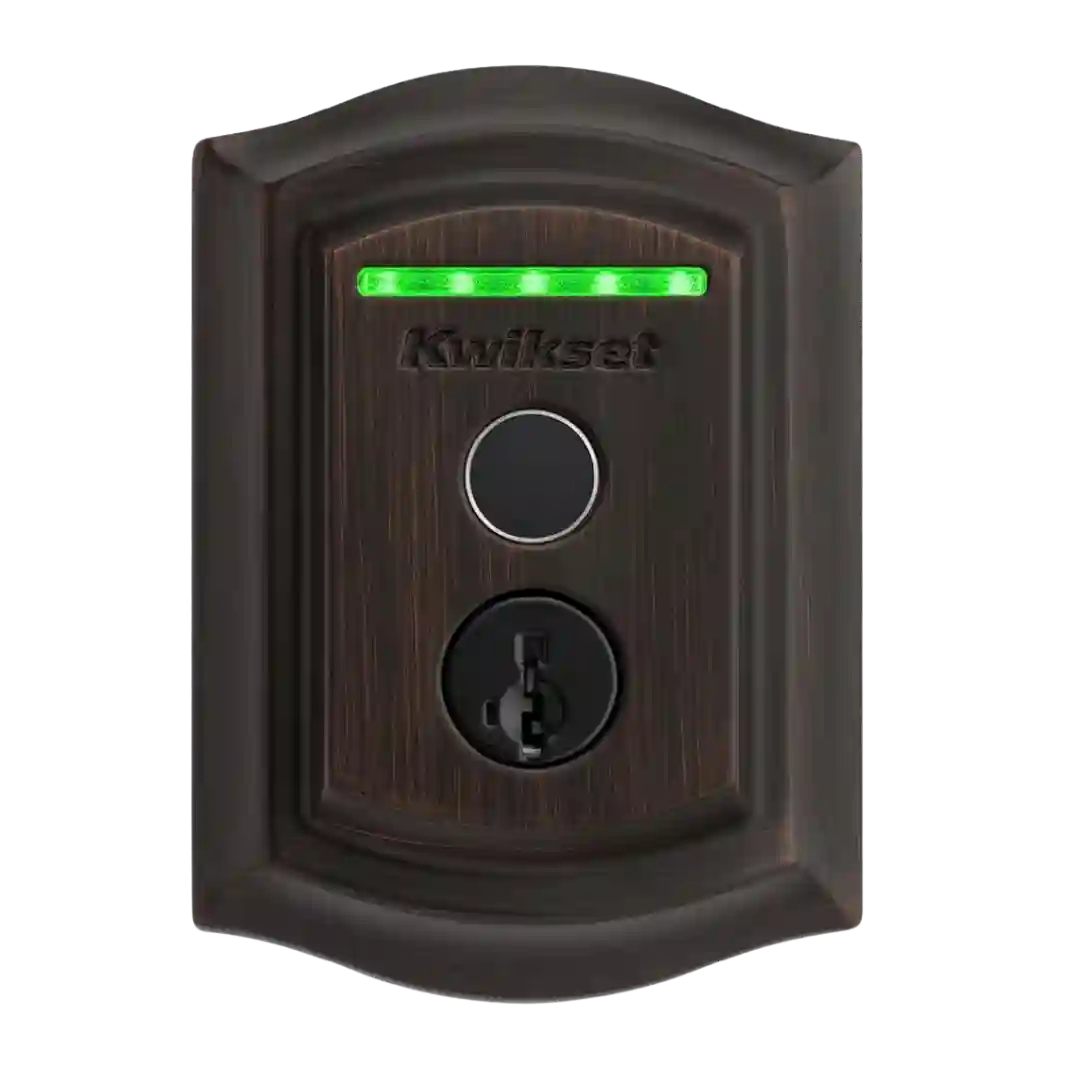
The PIN Genie keypad that shuffles digit positions is consistently praised for improving code privacy, though a reviewer notes it can feel disorienting for people who remember codes by shape.
The keypad is widely liked for being tactile and easy for guests, with an anti-peep approach that allows extra digits before or after the real PIN. It is generally described as responsive and useful when fingerprints are not ideal.
The keypad earns praise for tactile buttons, backlighting, and the anti-peep feature that allows extra digits around the real code. A recurring usability nit is the circular layout, which some find slower than a traditional keypad, but most still consider it dependable and secure.
The keypad is widely viewed as responsive and easy to use, supporting many PINs and guest access patterns. Features like one-touch locking and optional scramble passcodes show up repeatedly as practical day-to-day conveniences.
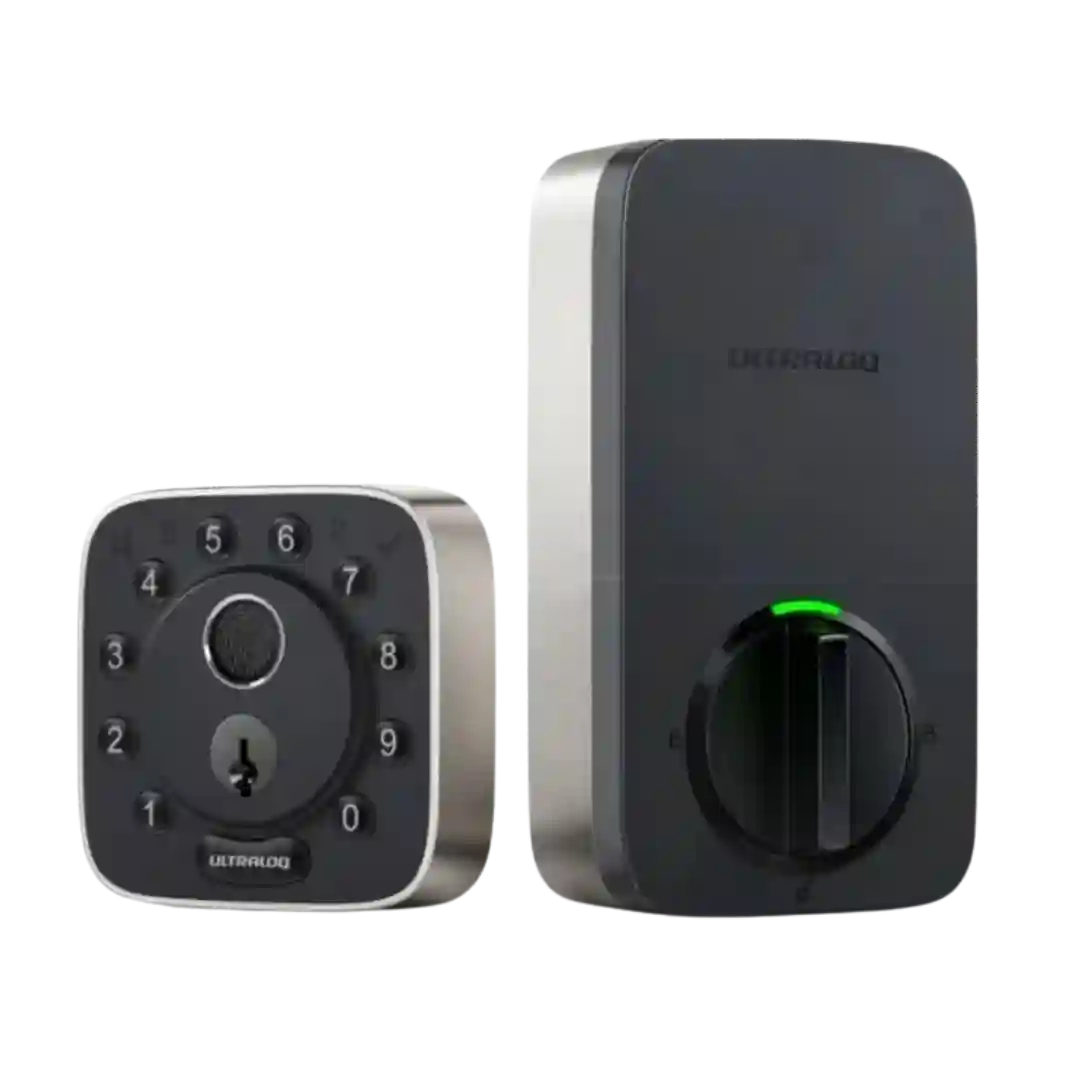
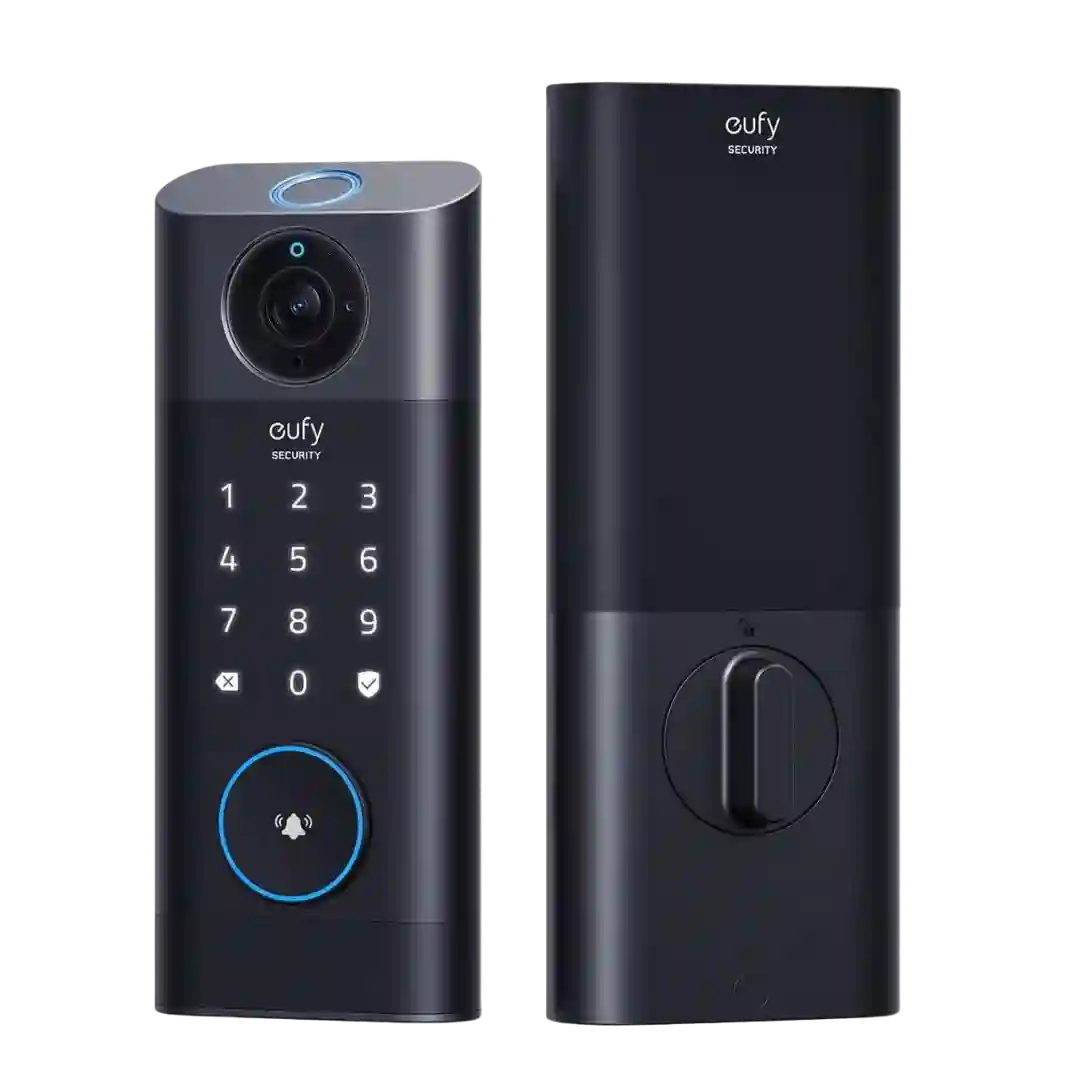
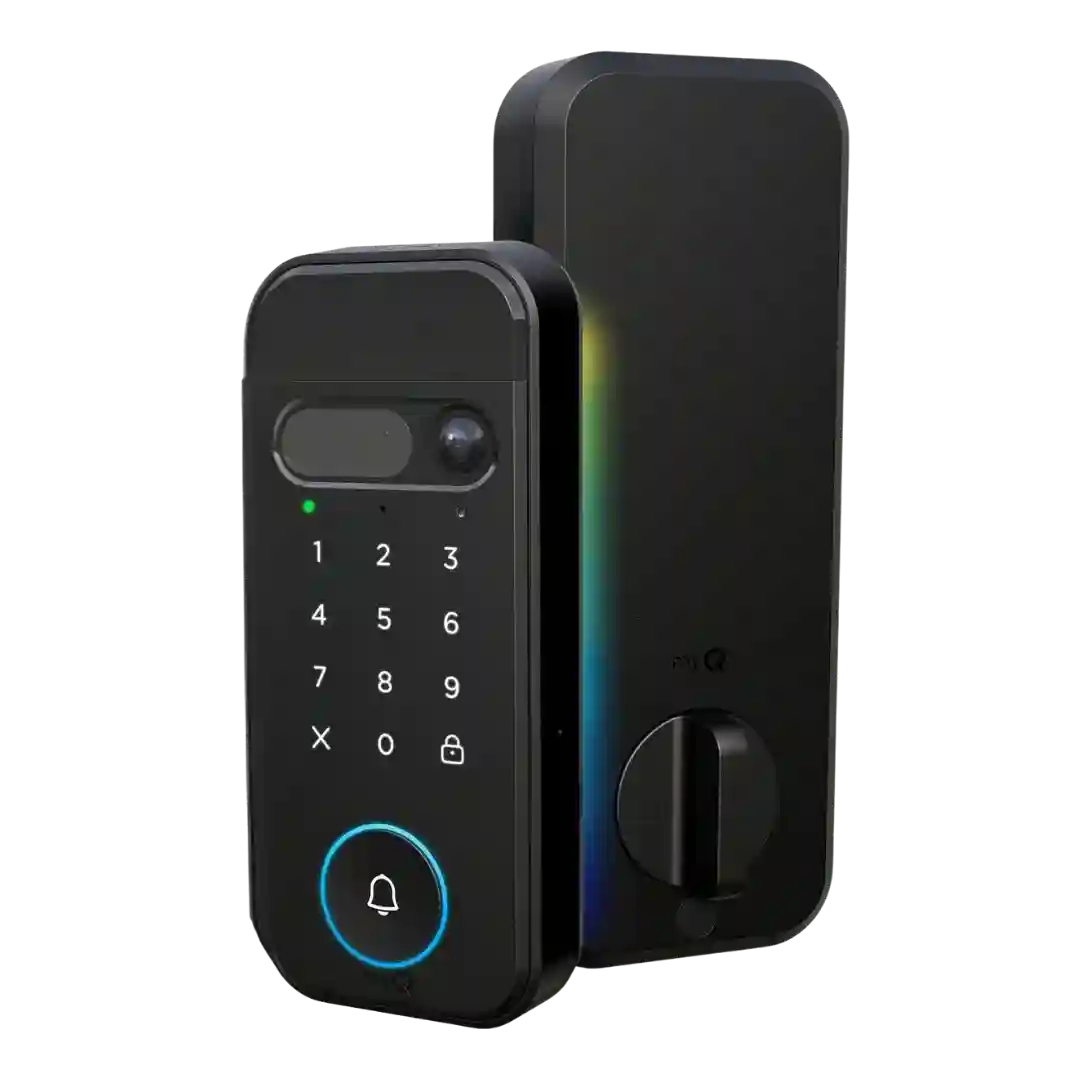
Keypads are repeatedly positioned as essential for the best everyday experience, adding PIN/fingerprint/NFC and, with Vision, face unlock plus extra functions like doorbell/scene triggers. Downsides include added cost, larger outdoor footprint, and occasional biometric finickiness depending on user and conditions.
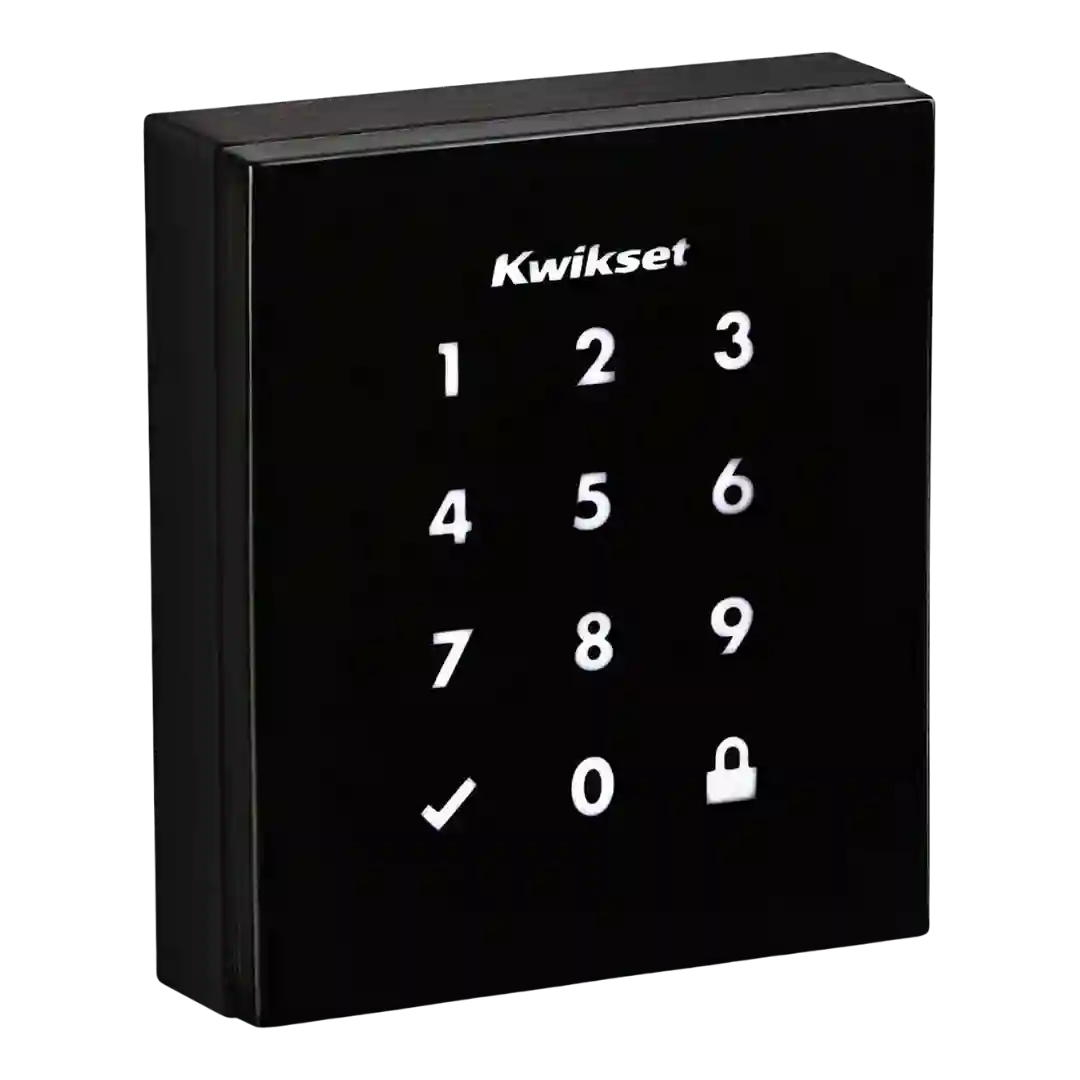
The keypad is widely liked for large, backlit digits and reliable code entry, but it typically needs a wake touch first and some users want the first press to register immediately.
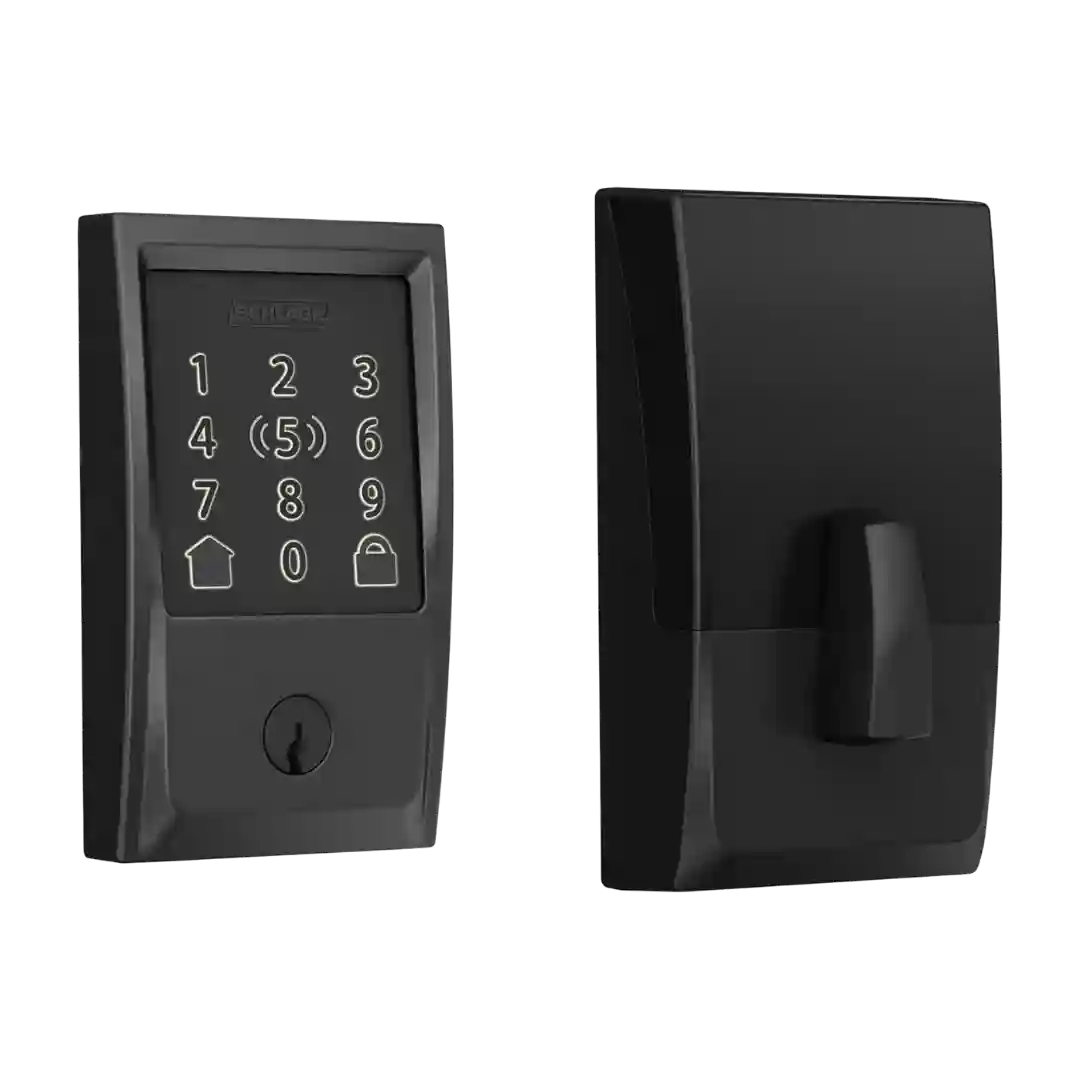
Keypad entry is described as responsive and feature-rich, including scramble/decoy digits and other anti-observation options. Some users note an extra step to wake the keypad before entry depending on settings/model behavior.
The keypad is generally considered easy and reliable for daily use, with extra security options like scramble passcodes. One reviewer noted occasional wake-up/tap sensitivity issues before the keypad became responsive.
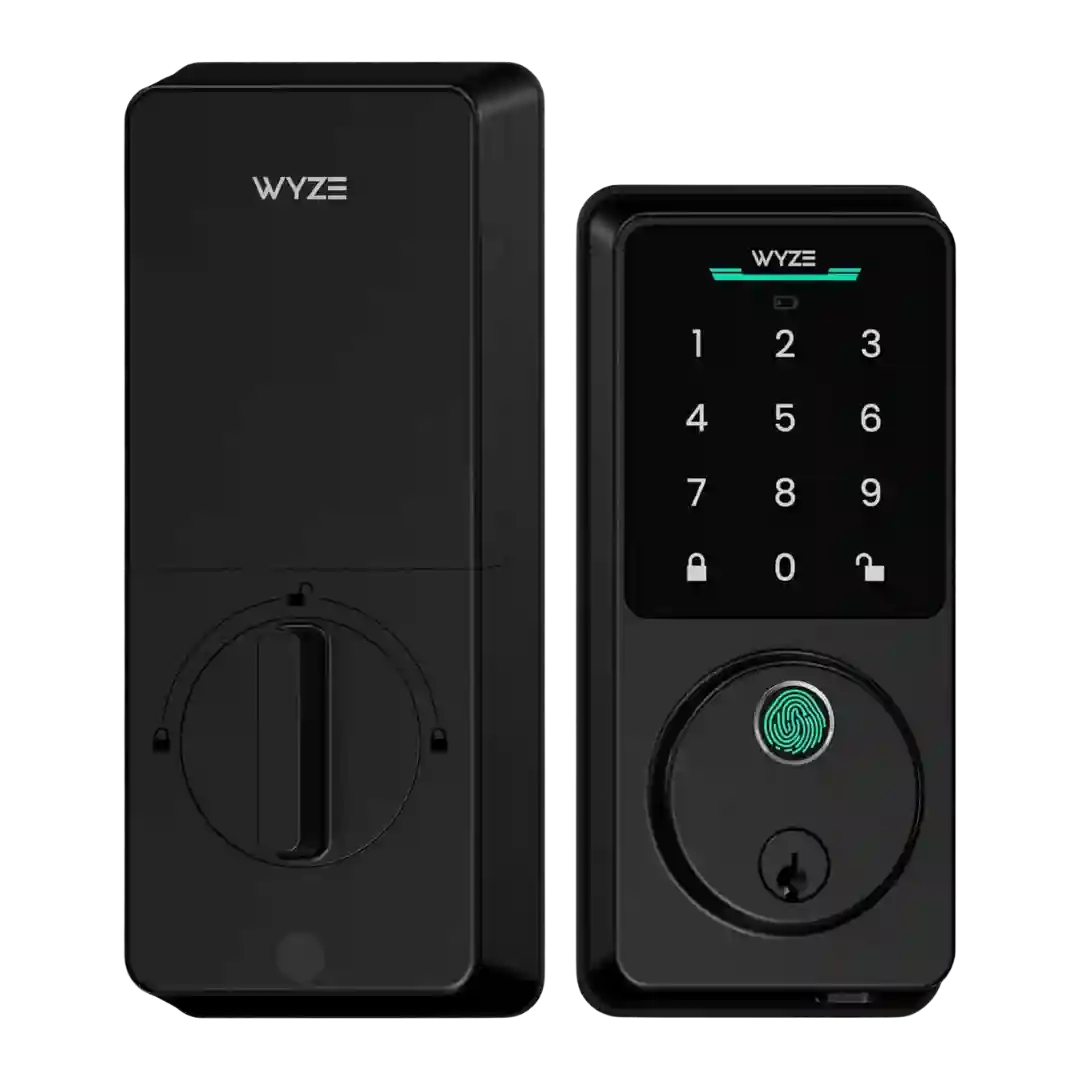
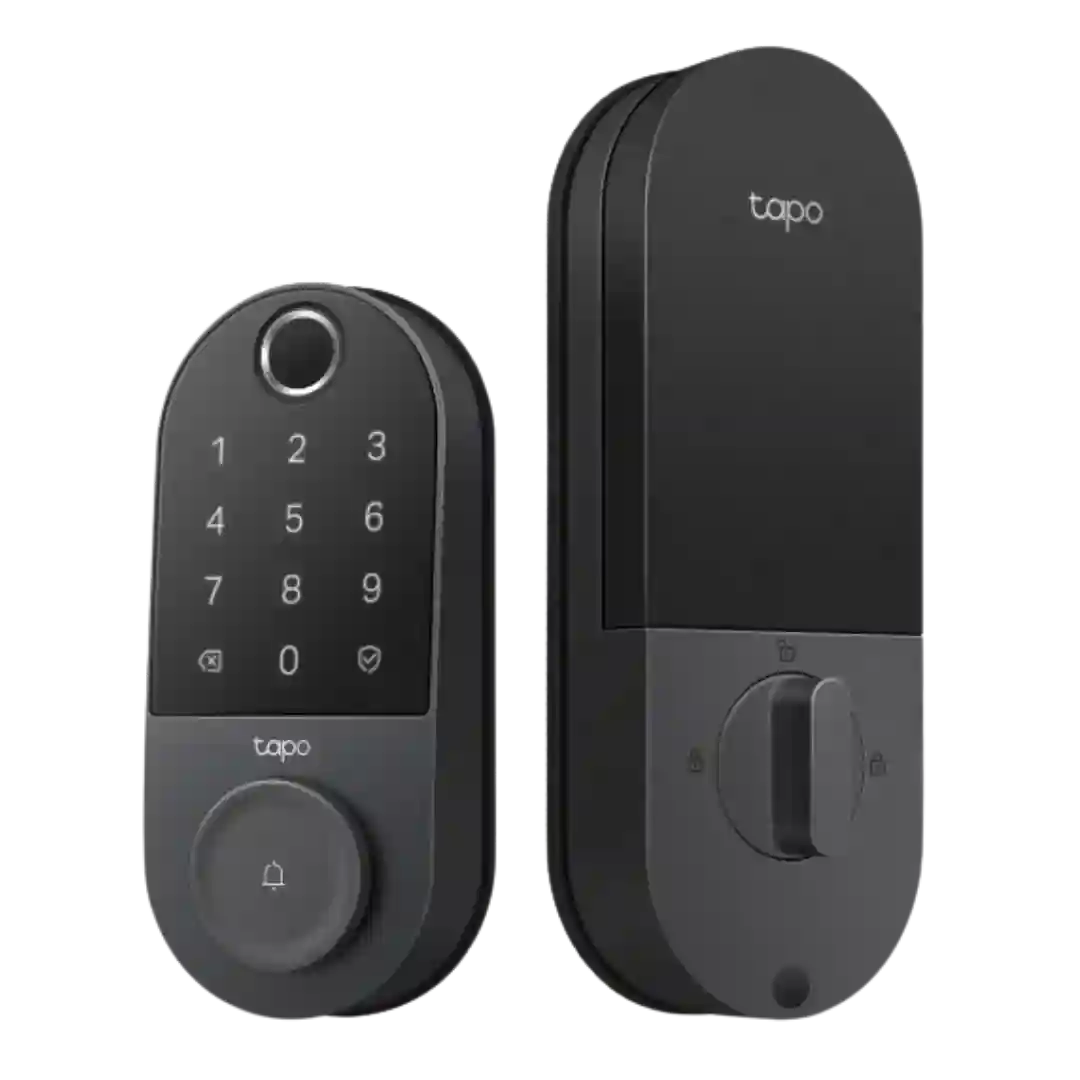
The touchscreen keypad is widely praised for being backlit, responsive, and easy to use for 6-10 digit codes. Minor nitpicks include needing to wake it first and, in some workflows, pressing a confirm/lock button.
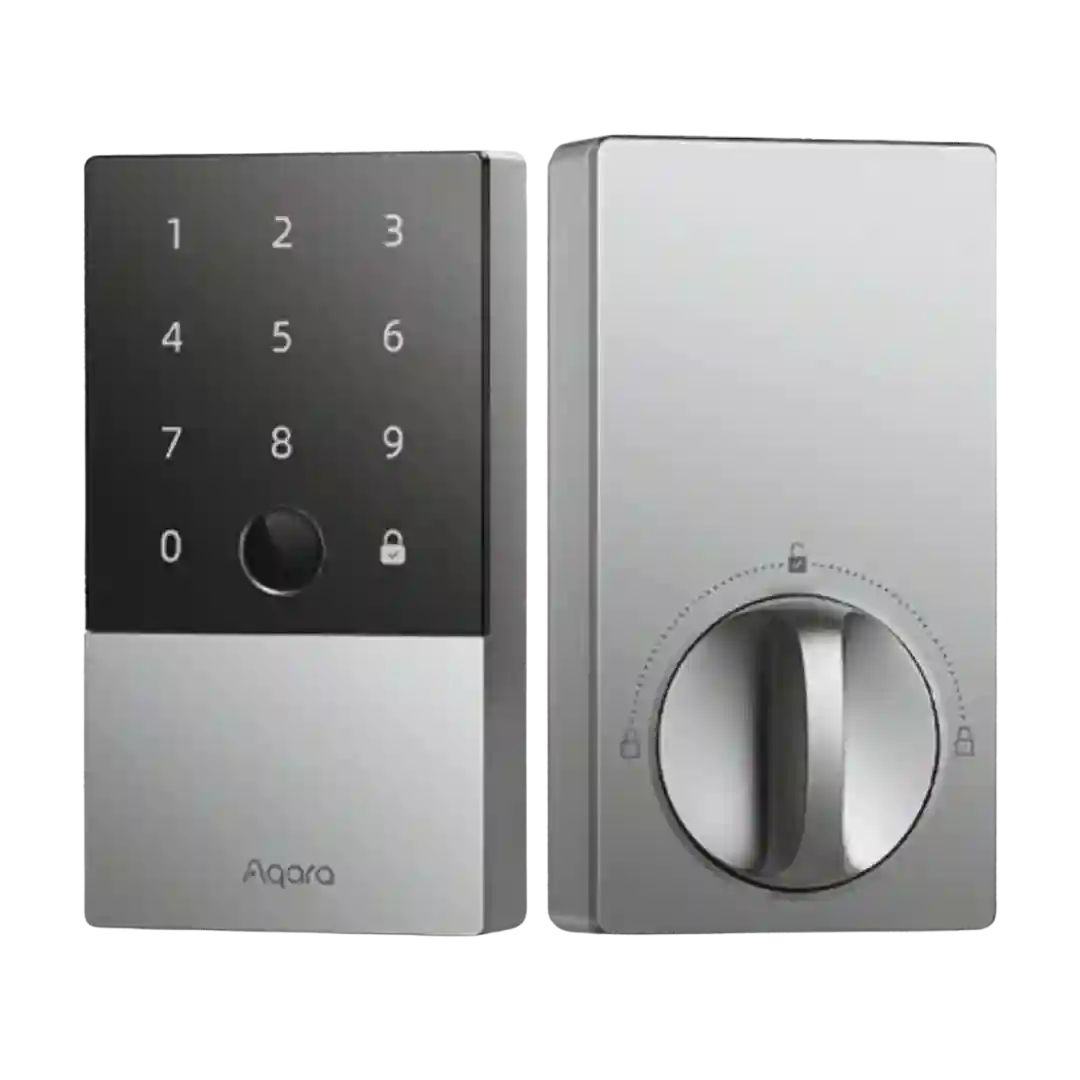
The keypad is commonly praised for a stealth look (numbers hidden until activated) and reliable entry, though multiple reviewers mention occasional wake sensitivity where it may take an extra tap before accepting input.
The keypad is generally seen as useful for kids/guests and as a backup method, but at least one reviewer criticized poor outside usability (a non-illuminated lock button and unclear manual locking cues).
The backlit touchscreen keypad is usually described as clear and usable, and privacy features like anti-peeping or masked digits are appreciated; one review reported slow wake-up behavior requiring extra taps.
The illuminated touchscreen keypad is central to the design and is generally responsive and easy to use, though a few reviewers note it can take multiple touches to wake.
The keypad is generally easy to understand and supports one-touch locking, but repeated complaints include having to press a confirmation checkmark and occasional finicky input. Some reviewers want better feedback (haptic or clearer keypress confirmation).
Keypad responsiveness is often rated well, but visibility and backlighting are recurring criticisms: faint numbers or uneven/jagged lighting make it harder to use in bright conditions for some users. Others report it is bright and easy to read.
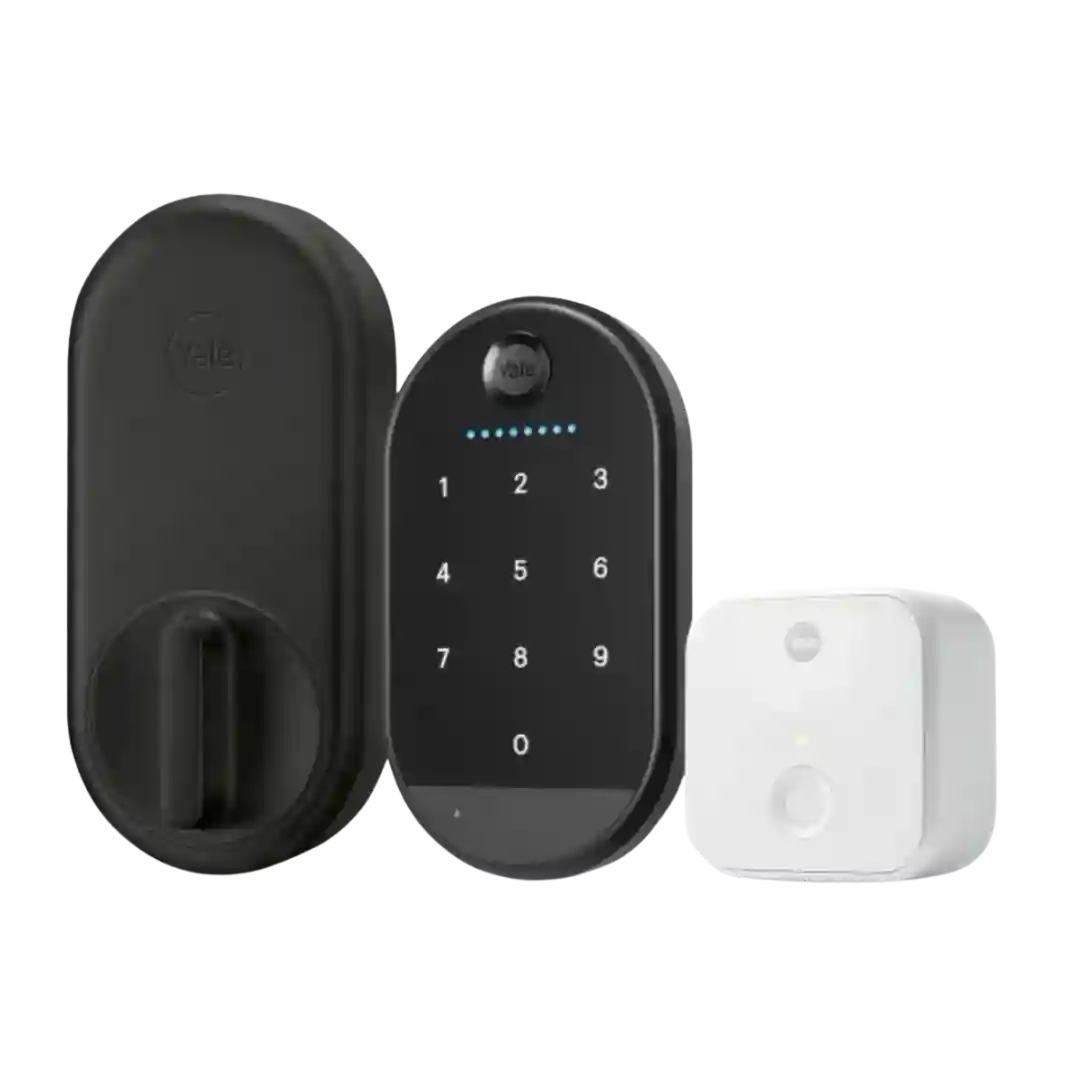
There is no built-in keypad, which is a frequent tradeoff callout. An optional keypad accessory is viewed as useful and flexible to mount, but it adds cost and reduces the stealth aesthetic.
A keypad is available but typically not included; reviewers say it works and is useful for kids or key-free entry, yet it adds cost and some find it small or slightly laggy compared with locks with built-in keypads.
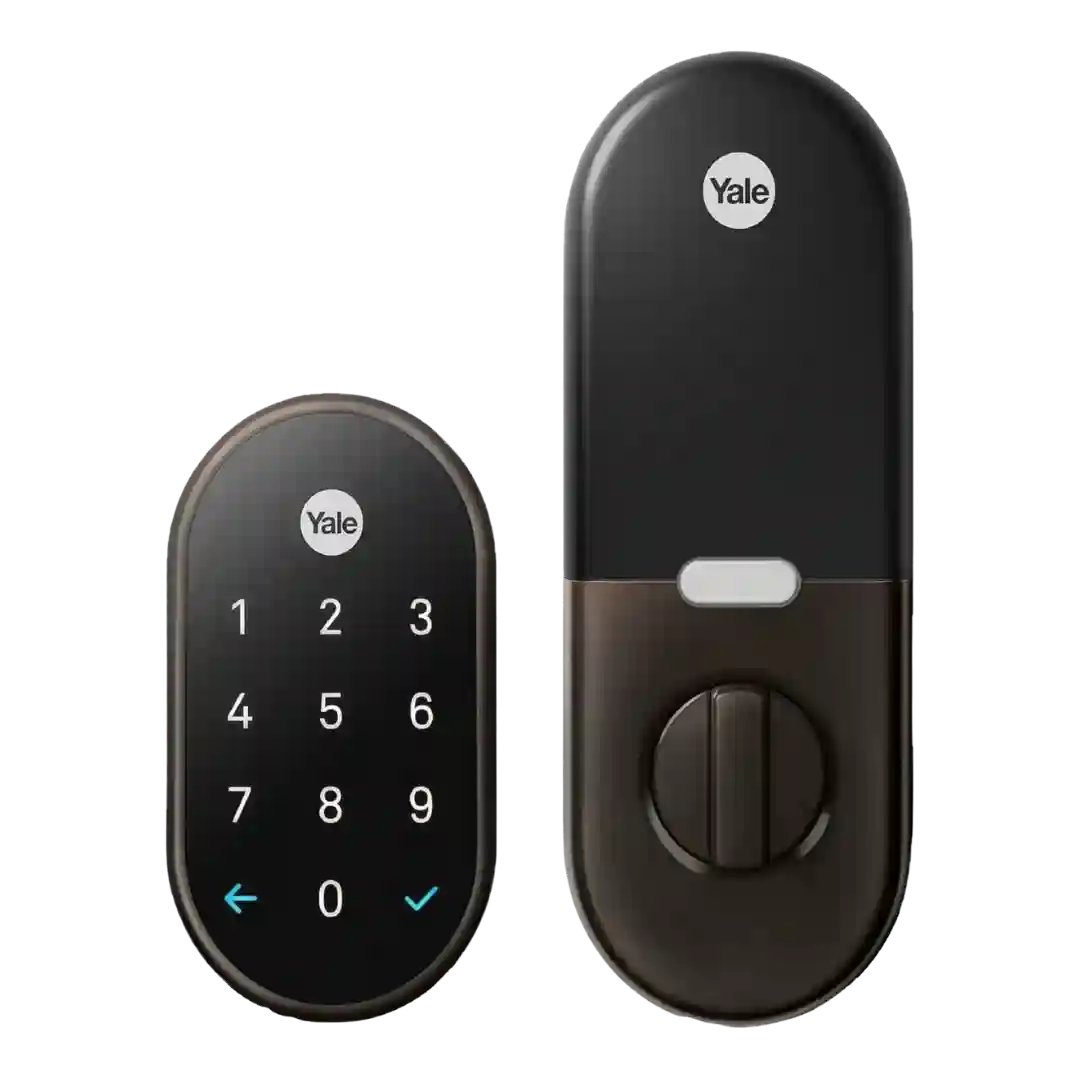
The keypad is easy to use in low light thanks to backlighting, but multiple reviews complain it can be hard to read in direct sunlight and that needing to tap the Yale logo first is not always obvious or convenient.
Keypad usability is mixed: some reviewers find it responsive and well-lit, while others complain the keypad is small and makes mistypes easier. Physical-button versions in the TCL lineup are described as clicky and reasonably quiet.
Keypad opinions are split. Some reviewers like the readability, one-touch locking, and convenience for kids or guests, while others report unresponsive inputs, confusing status feedback, fragile construction, and the need for a flat surface or screws for secure mounting.