Best for Remote access
Wyze Auto-Lock Bolt v2 Smart Lock
5.0 feature score
Highest scored product for this feature based on supporting review evidence.
Highest scored product for this feature based on supporting review evidence.
Balances feature score, supporting reviews, and overall product strength.
Has the broadest review evidence for this feature.
Strongest overall product among items with scored evidence for this feature.
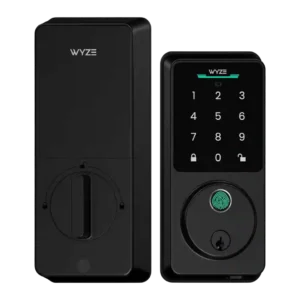
Remote access is a major strength: reviewers praise true remote control, app operation from far away, and full control from anywhere.
Pros: Lock/unlock speed, Keypad
Cons: Door-sense, Battery
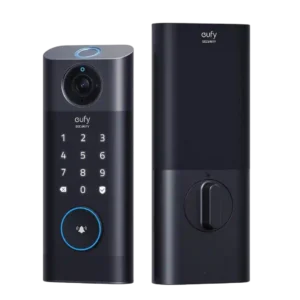
Remote access was a clear strength, with reviewers valuing lock control from the app while away.
Pros: Lock/unlock speed, Wi-Fi
Cons: Jam detection, Door compatibility (deadbolt fit)
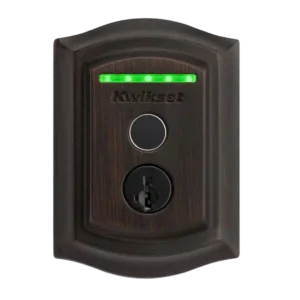
Remote access was praised when Wi-Fi was working, with reviewers reporting control from outside the home or anywhere with internet access.
Pros: Lock/unlock speed, Locking reliability
Cons: Auto-relock after failed attempts, Door compatibility (deadbolt fit)
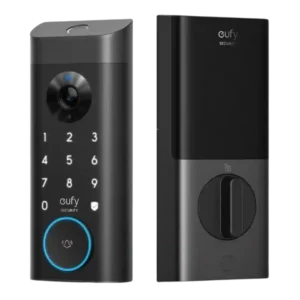
Remote access was rated very highly because reviewers liked being able to view, unlock, greet visitors, or control the lock from the app remotely.
Pros: Lock/unlock speed, Security features (encryption)
Cons: Door-sense, Keyway quality
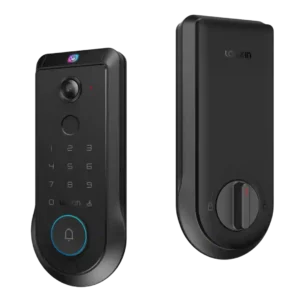
Remote access is praised for convenient app control and seamless management from anywhere.
Pros: Lock/unlock speed, Wi-Fi
Cons: Feature additions via updates, Warranty and support
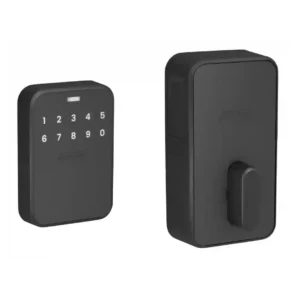
Remote locking, unlocking, and digital visitor access were considered highly useful. Built-in Wi-Fi allows these functions without a separate lock-specific bridge.
Pros: Door compatibility (deadbolt fit), Locking motor
Cons: Door-sense, Facial recognition
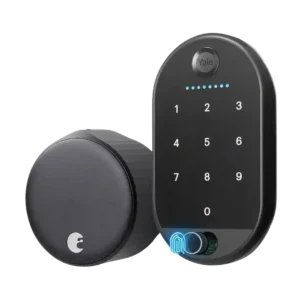
Remote access was praised as convenient for controlling the lock from elsewhere in the house or anywhere with a phone connection.
Pros: Locking motor, Physical attack resistance
Cons: Fingerprint, Battery
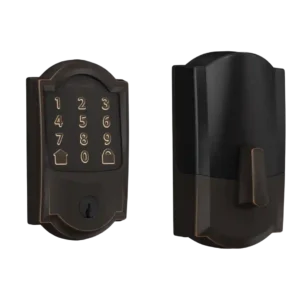
Remote access was strongly praised for checking status, letting people in, locking from away, and fast reliable remote operation.
Pros: Bluetooth, Hub requirement
Cons: Door-sense, Fingerprint
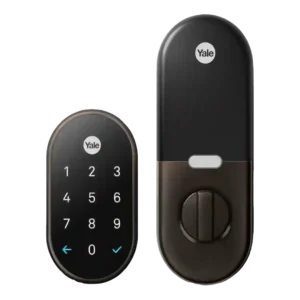
Remote access was one of the most valued strengths, letting reviewers lock, unlock, and grant access from afar through the app.
Pros: Weather resistance, Notifications
Cons: Door-sense, Bluetooth
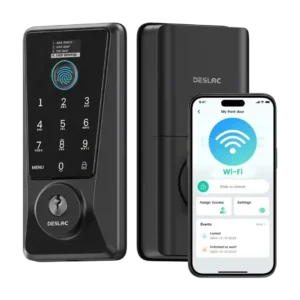
Remote access was a major convenience, especially for managing the lock away from home or unlocking for guests.
Pros: Feature additions via updates, Locking reliability
Cons: Door-sense, Auto-relock after failed attempts
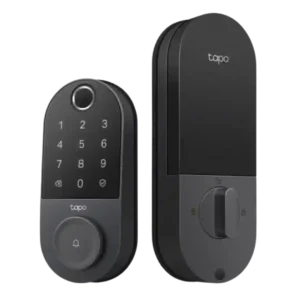
Remote access was a practical highlight, letting reviewers unlock or lock from another location or from a vehicle when someone needed entry.
Pros: Value and Price, Lock/unlock speed
Cons: Existing hardware reuse, Door compatibility (deadbolt fit)
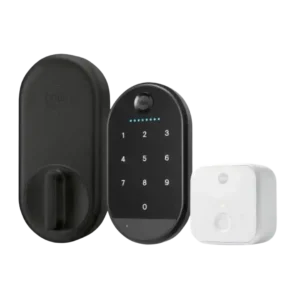
Remote access was praised where tested, with reviewers saying away-from-home checks and remote lock/unlock worked well.
Pros: Key override reliability, Remote access
Cons: Warranty and support, Bluetooth
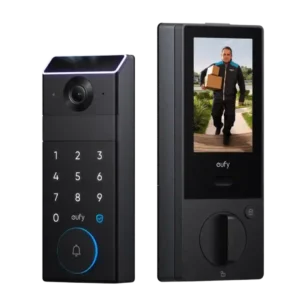
Remote access had limited evidence but was described as quick and reliable.
Pros: Lock/unlock speed, Locking reliability
Cons: Door compatibility (deadbolt fit), Hub requirement
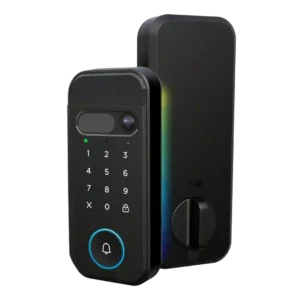
Remote access was praised for letting someone enter without needing a physical key handoff.
Pros: Lock/unlock speed, Locking motor
Cons: Smart-home integration (Alexa, Google
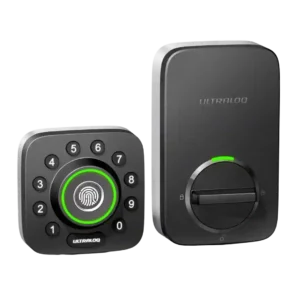
Remote access was a major strength when Wi-Fi or a bridge was working, letting reviewers lock, unlock, and check status away from home; Wi-Fi/cloud latency was the main caveat.
Pros: Locking reliability, Build quality and durability
Cons: Two-factor authentication availability, Backset compatibility
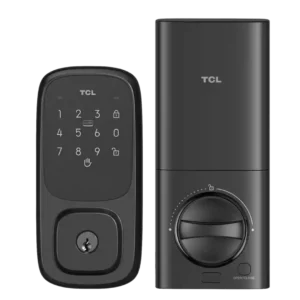
Remote access is viewed positively overall, with reviewers noting remote unlock and app-based lock/unlock control.
Pros: Wi-Fi, Hub requirement
Cons: Door-sense, Geofencing
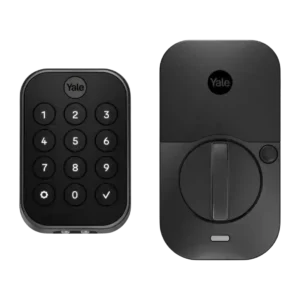
Remote access was a major strength: reviewers valued checking status, controlling the lock away from home, and getting peace of mind from anywhere.
Pros: Lock/unlock speed, Guest Codes and Access
Cons: Backset compatibility, Warranty and support
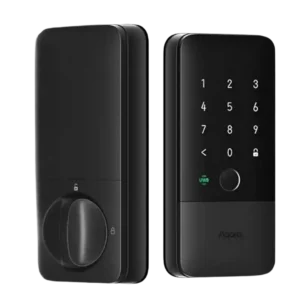
Remote access was useful when configured, with one reviewer praising fast remote unlock and another noting Aqara-app remote control needs an Aqara hub.
Pros: Locking reliability, Lock/unlock speed
Cons: Bluetooth, Physical attack resistance
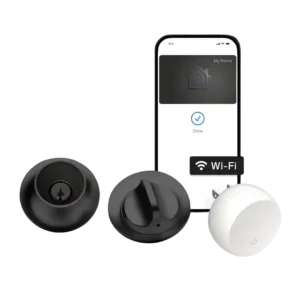
Remote access was useful and sometimes reliable, but it depended on bridges, HomeKit hubs, or Wi-Fi Connect rather than direct lock Wi-Fi.
Pros: Industrial design, Build quality and durability
Cons: Pick/drill resistance (if rated), Keyway quality
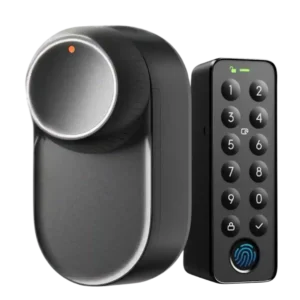
Remote access was useful for visitors and temporary access, but reviewers repeatedly noted that it depends on a hub.
Pros: App, Battery
Cons: Geofencing, Jam detection
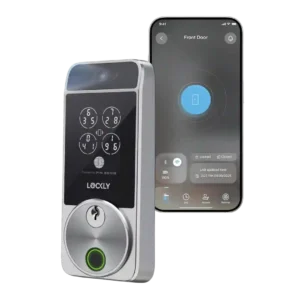
Remote access was divided, with quick on-demand actions in one review and Wi-Fi inaccessibility in another.
Pros: Touchscreen, Hub requirement
Cons: Camera and doorbell performance, Door-sense
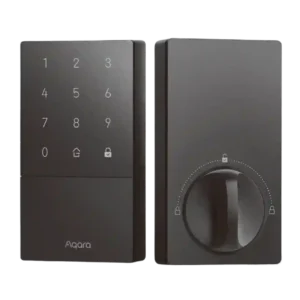
Remote access was mixed: it gave peace of mind when working, but some reviewers disliked Bluetooth limitations or slower Home app control.
Pros: Access logs, Value and Price
Cons: Warranty and support, Wi-Fi
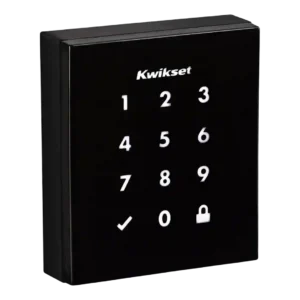
Remote access depended heavily on the platform: it worked well through Wink in one review, but other evidence tied remote control to a more expensive hub-enabled setup.
Pros: Existing hardware reuse, Build quality and durability
Cons: Weather resistance, Locking motor
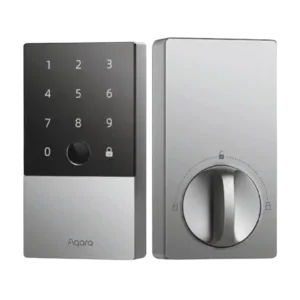
Remote access worked best with an Aqara hub or Apple home hub, but reviewers noted important limitations when controlling settings away from the lock.
Pros: Lock/unlock speed, Fingerprint
Cons: Keyway quality, Wi-Fi
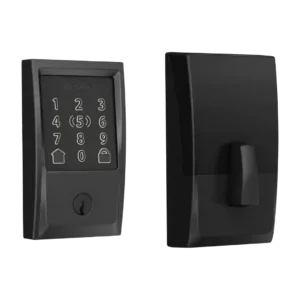
Remote access was limited in Apple Home setups without a hub, which reviewers treated as an important caveat despite the lock's built-in Wi-Fi.
Pros: Locking reliability, Lock/unlock speed
Cons: Weather resistance, Door-sense
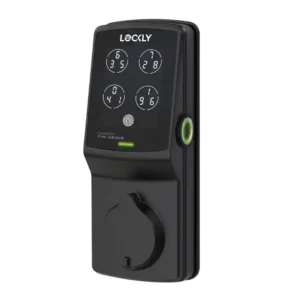
Remote access is a repeated limitation because the lock lacks built-in internet control and needs extra Wi-Fi hardware.
Pros: Auto-lock, Touchscreen
Cons: Notifications, Smart-home integration (Alexa
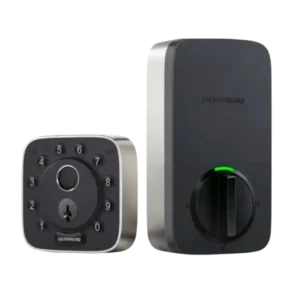
Remote access was a major failure point for one reviewer because unstable Wi-Fi made remote control impossible.
Pros: Weather resistance, User access management
Cons: Locking motor, Remote access