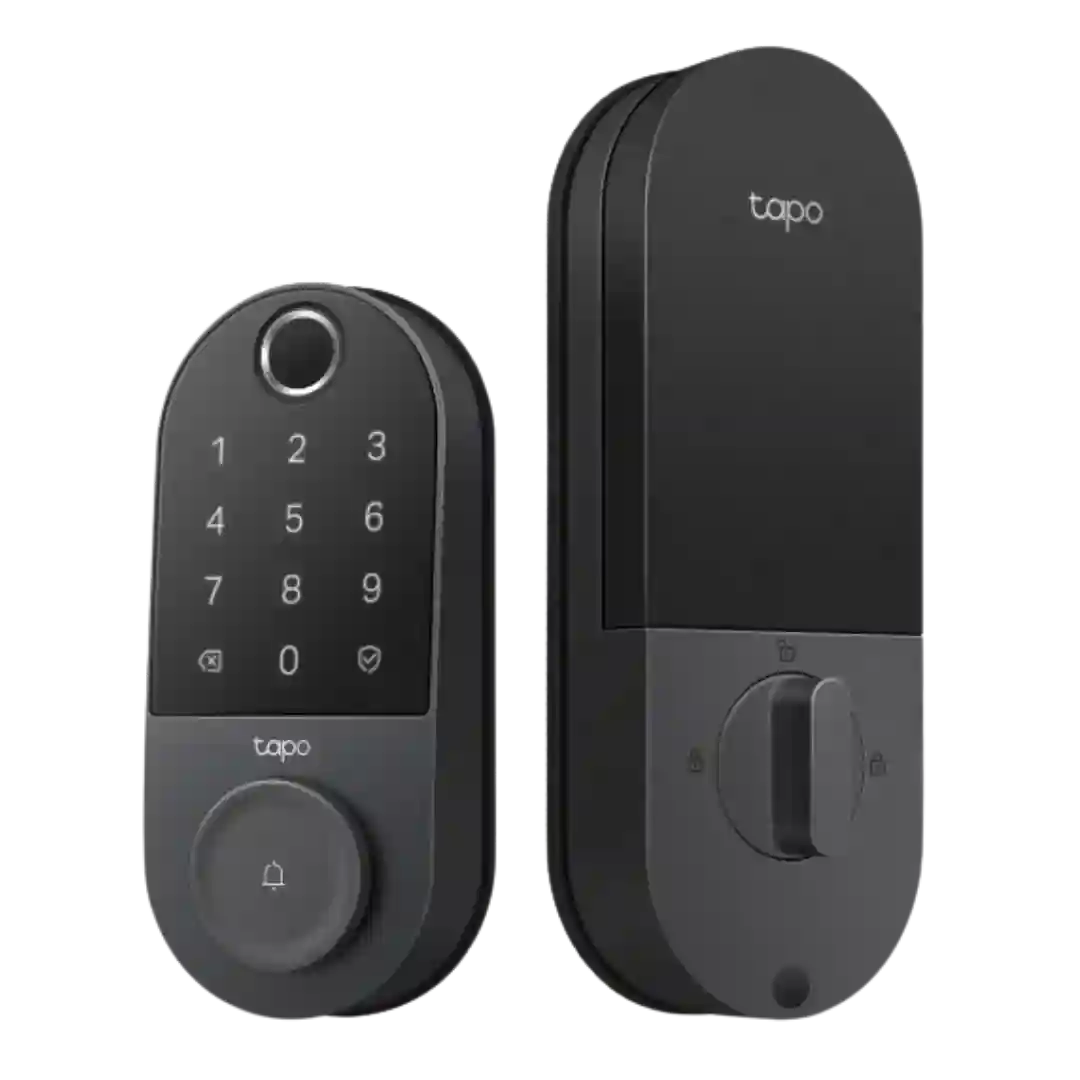
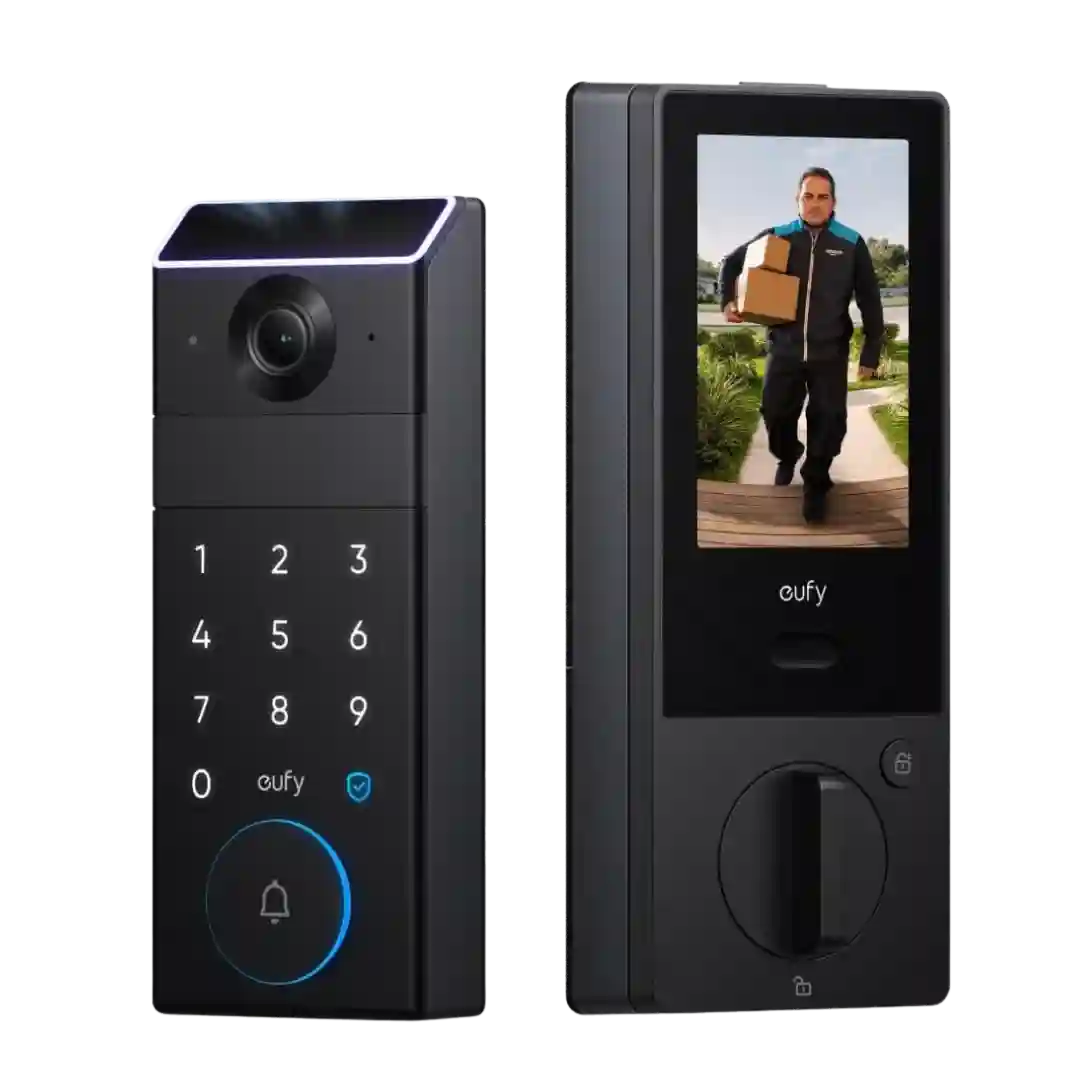
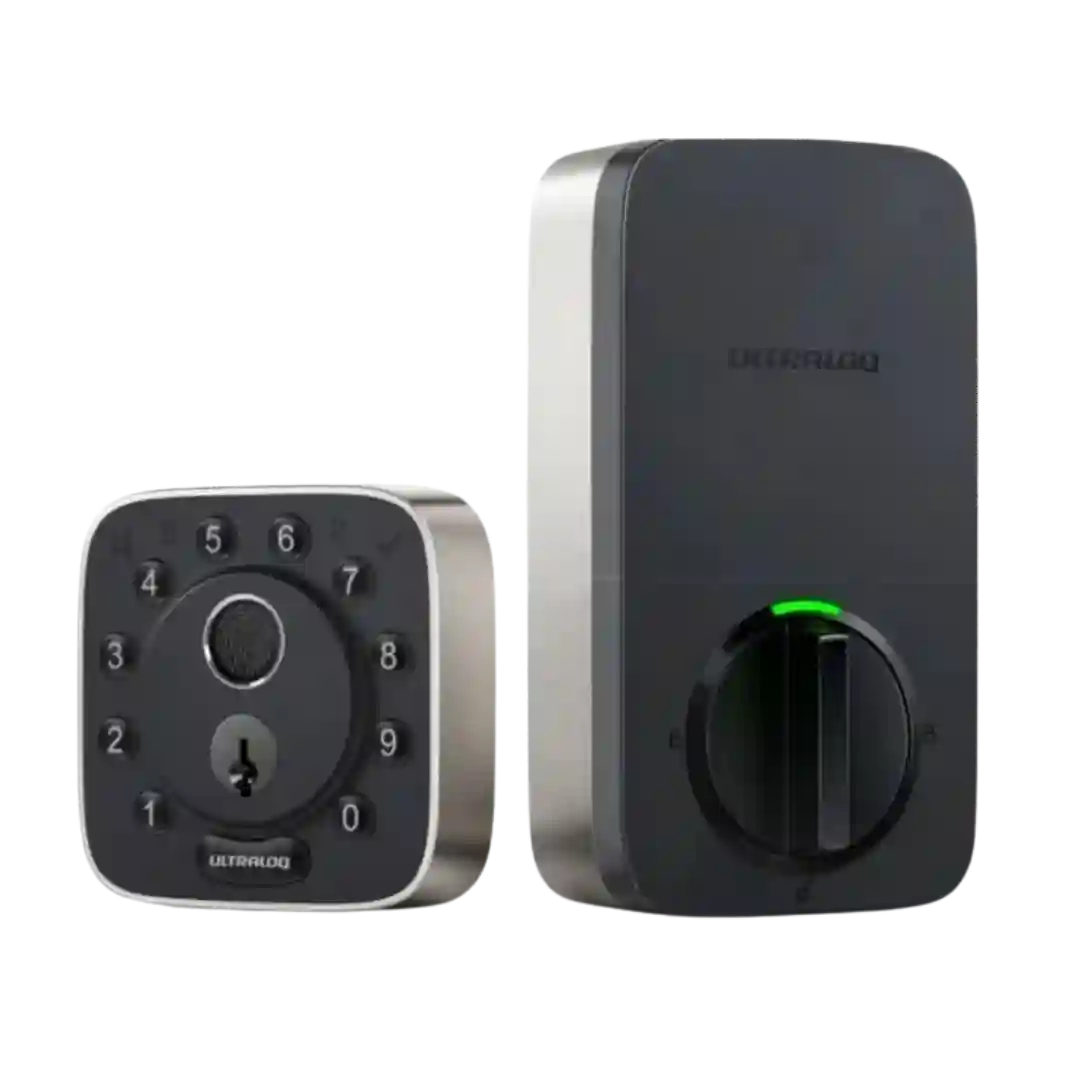
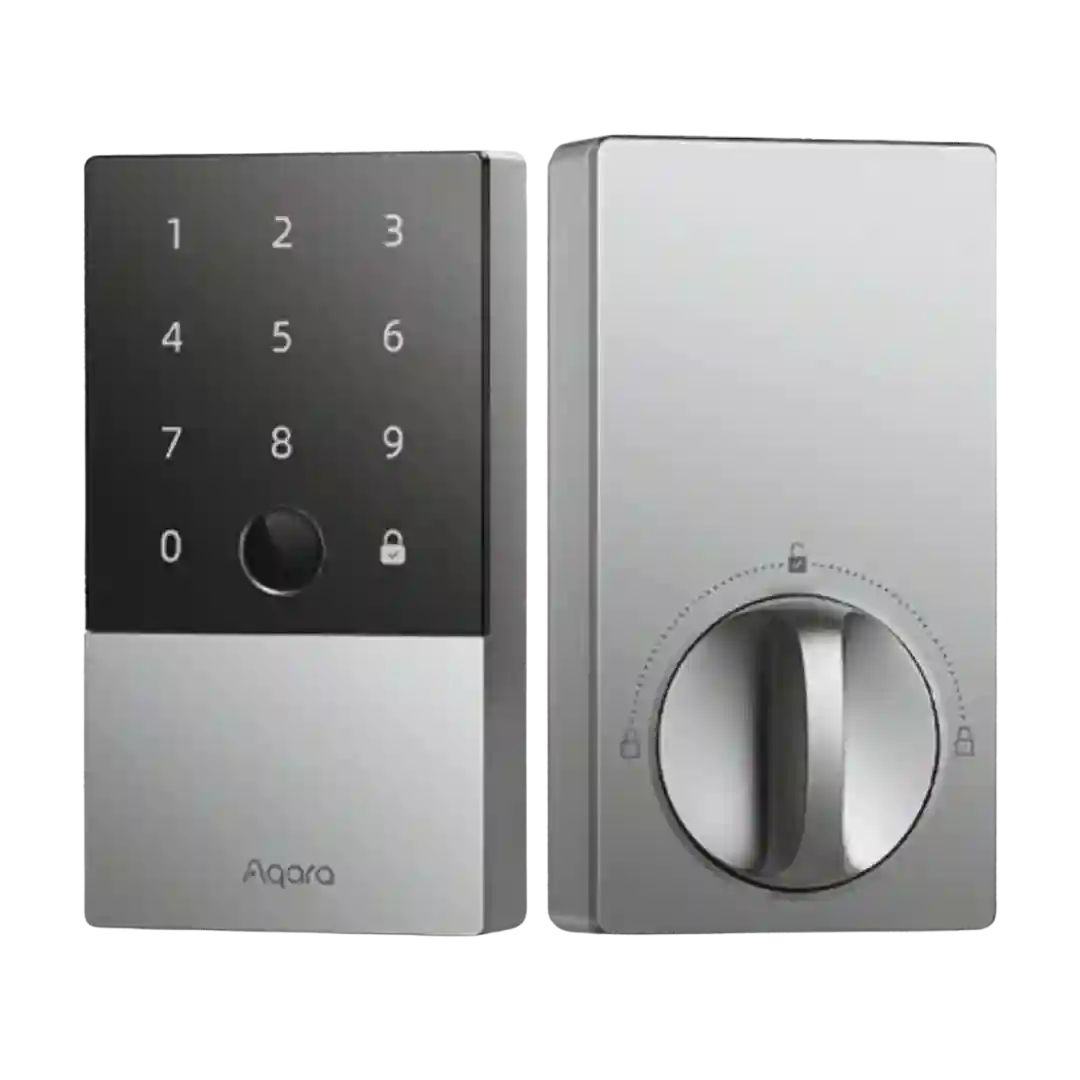
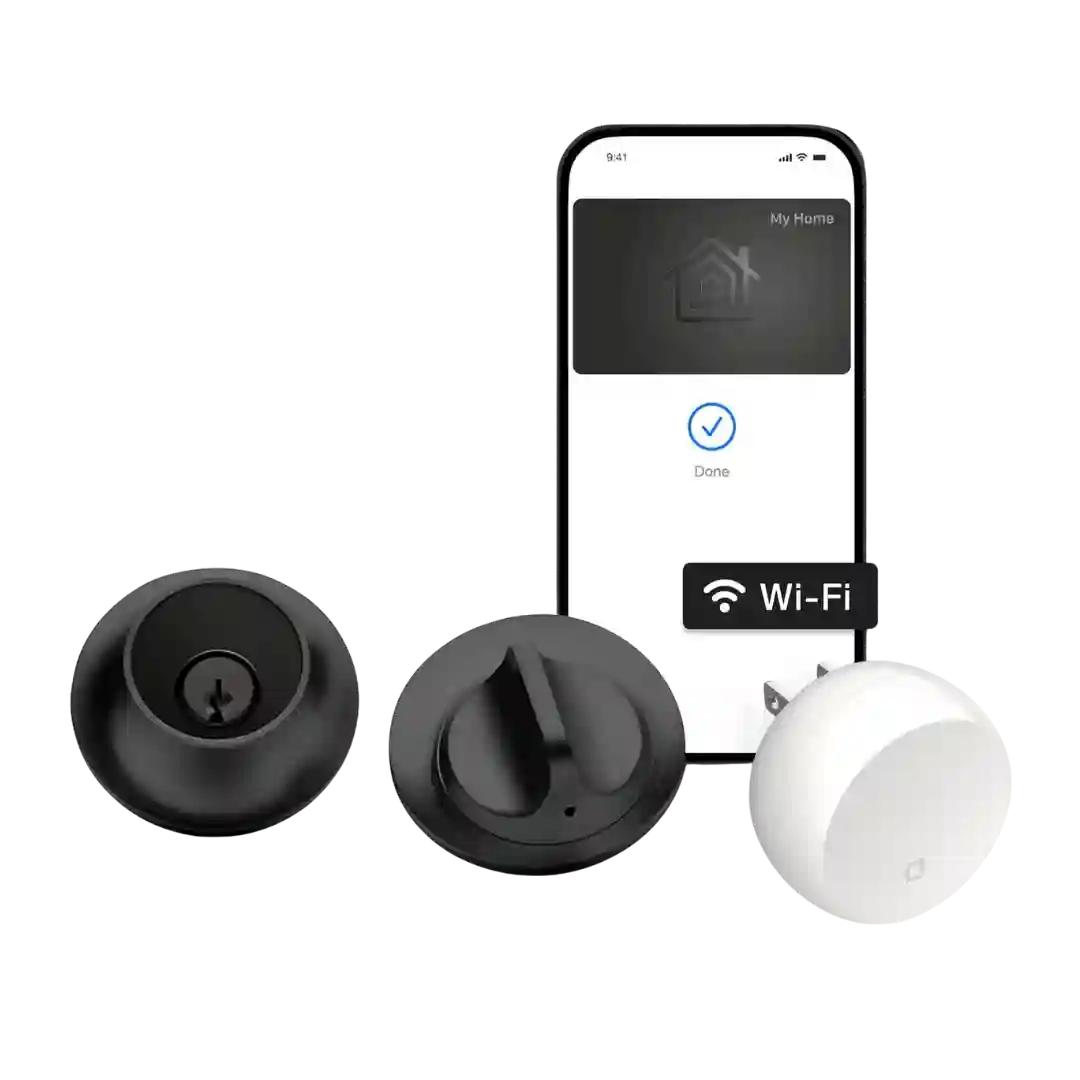
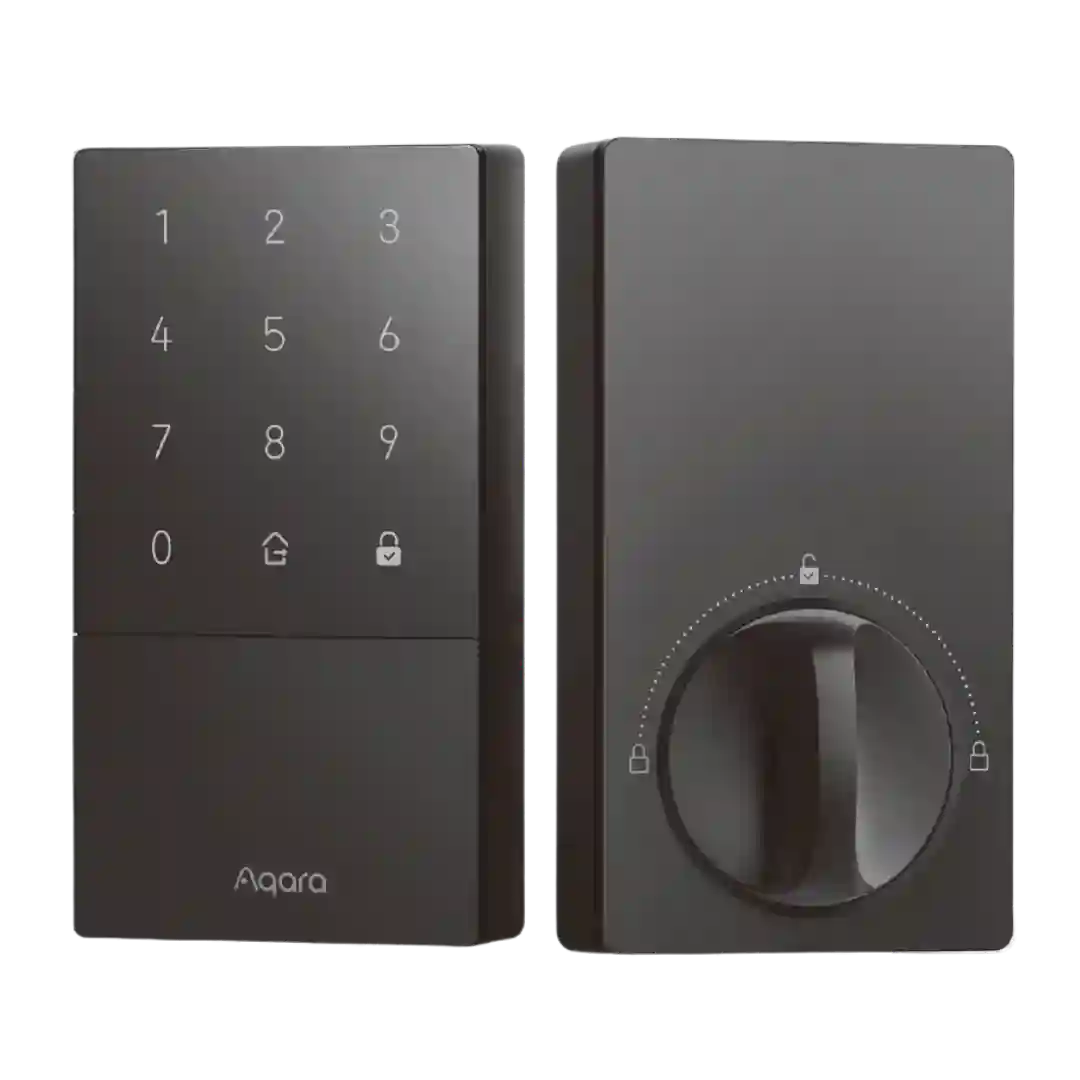
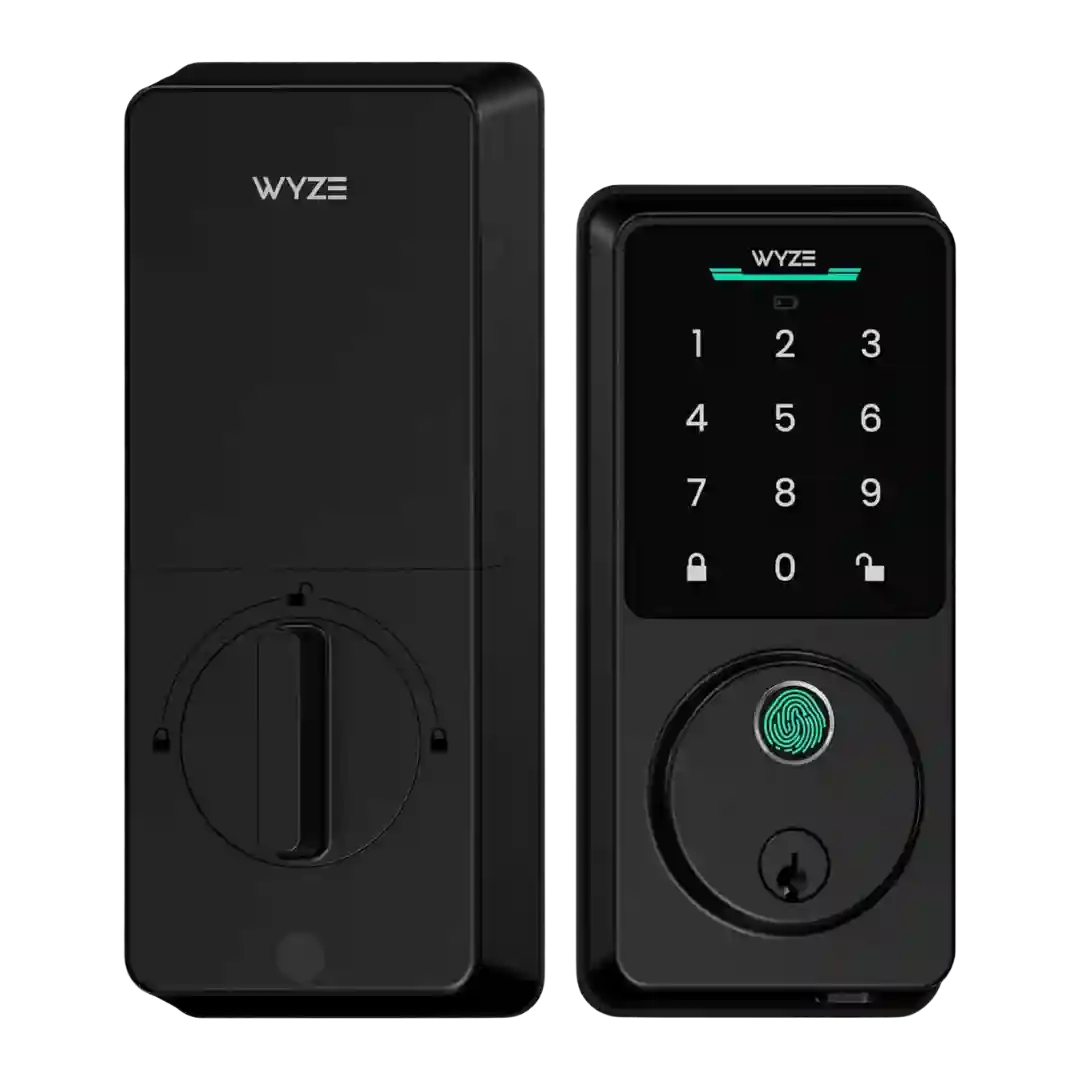
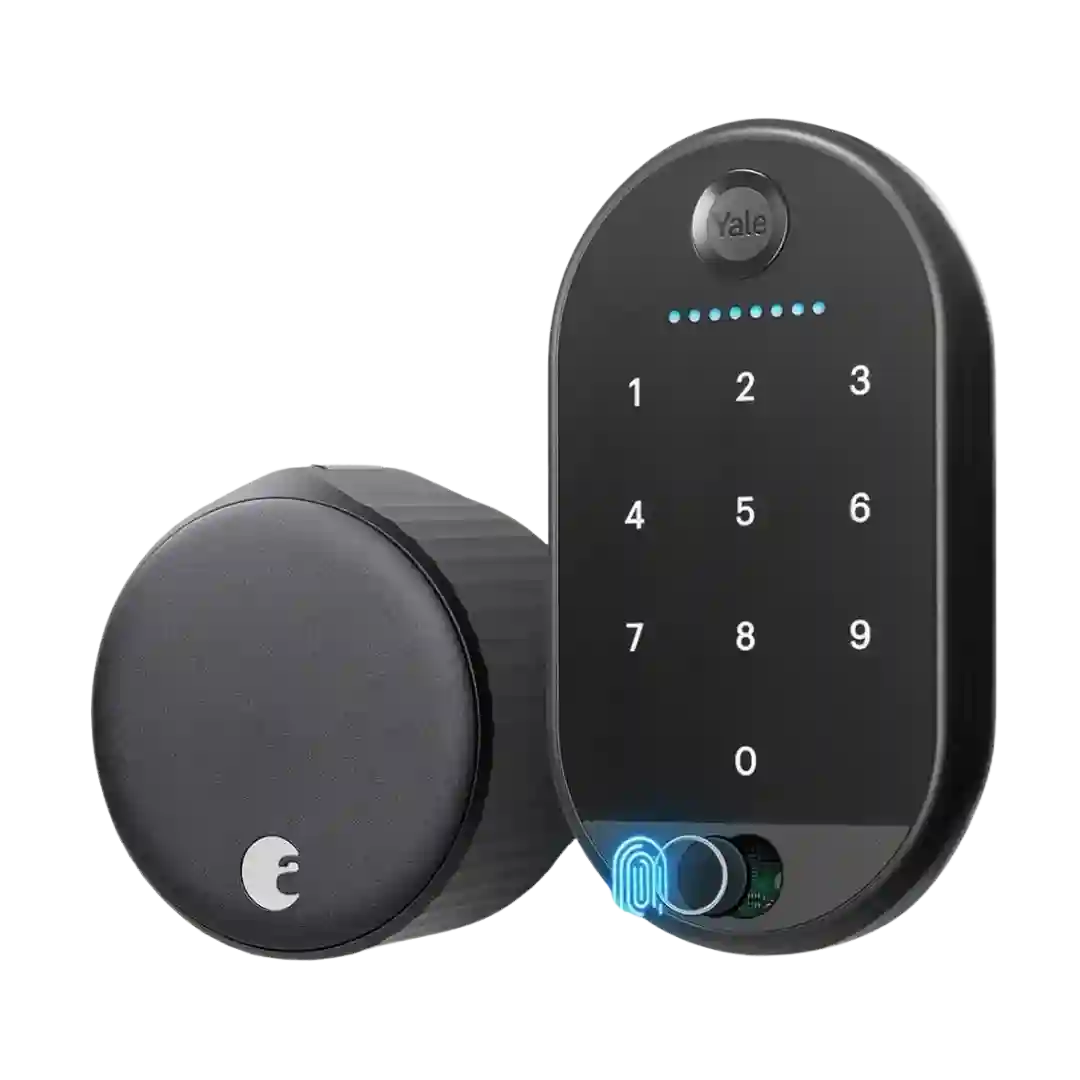
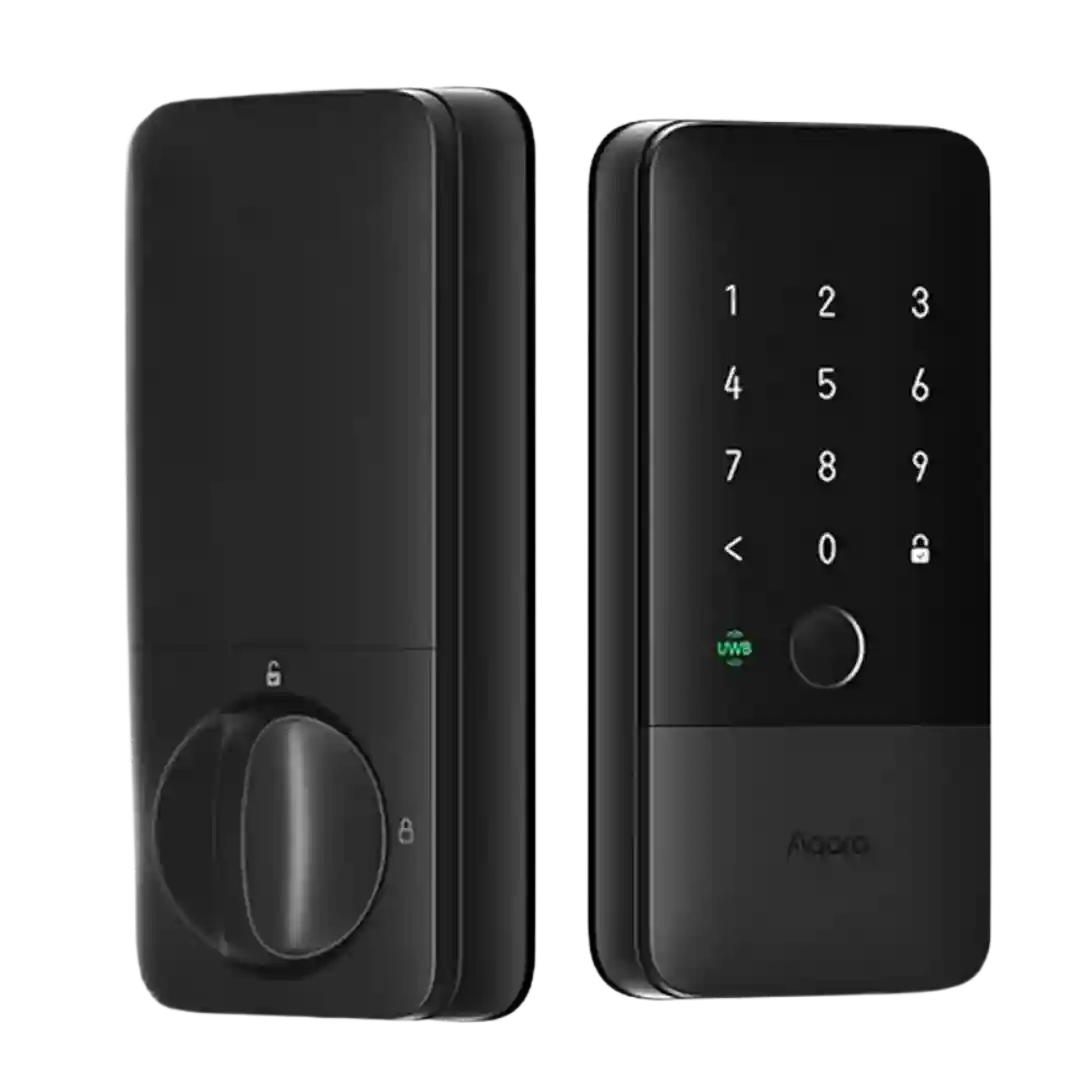
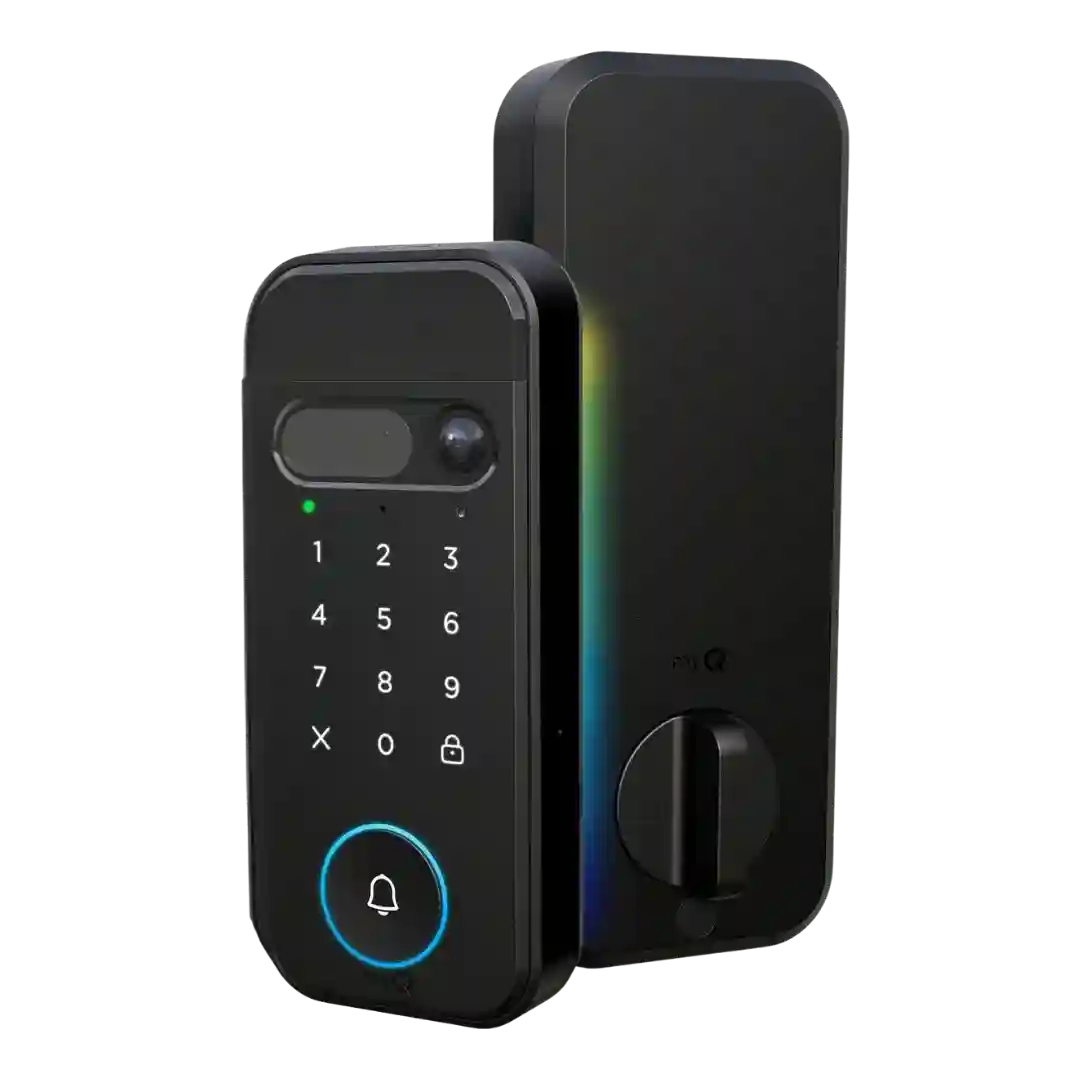
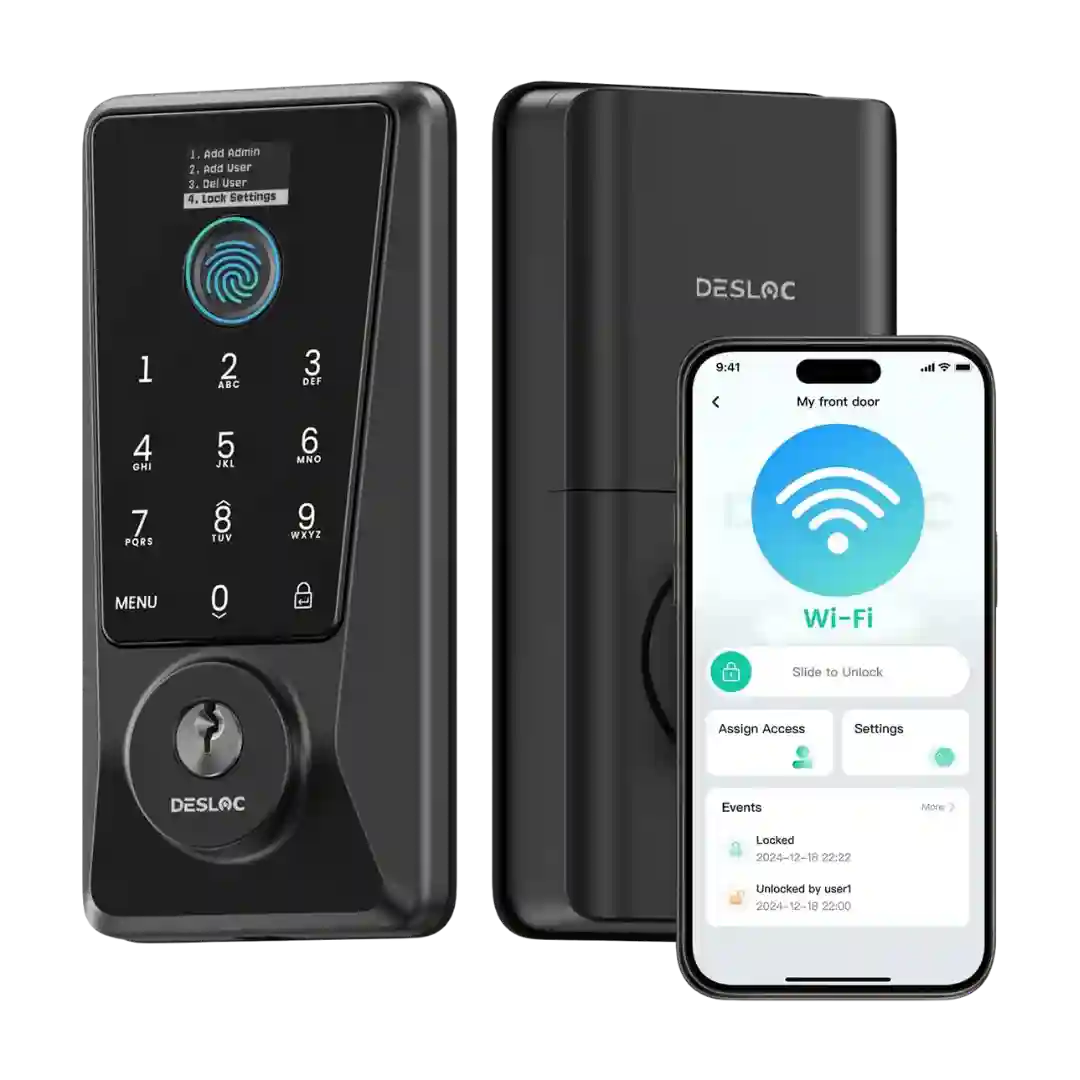
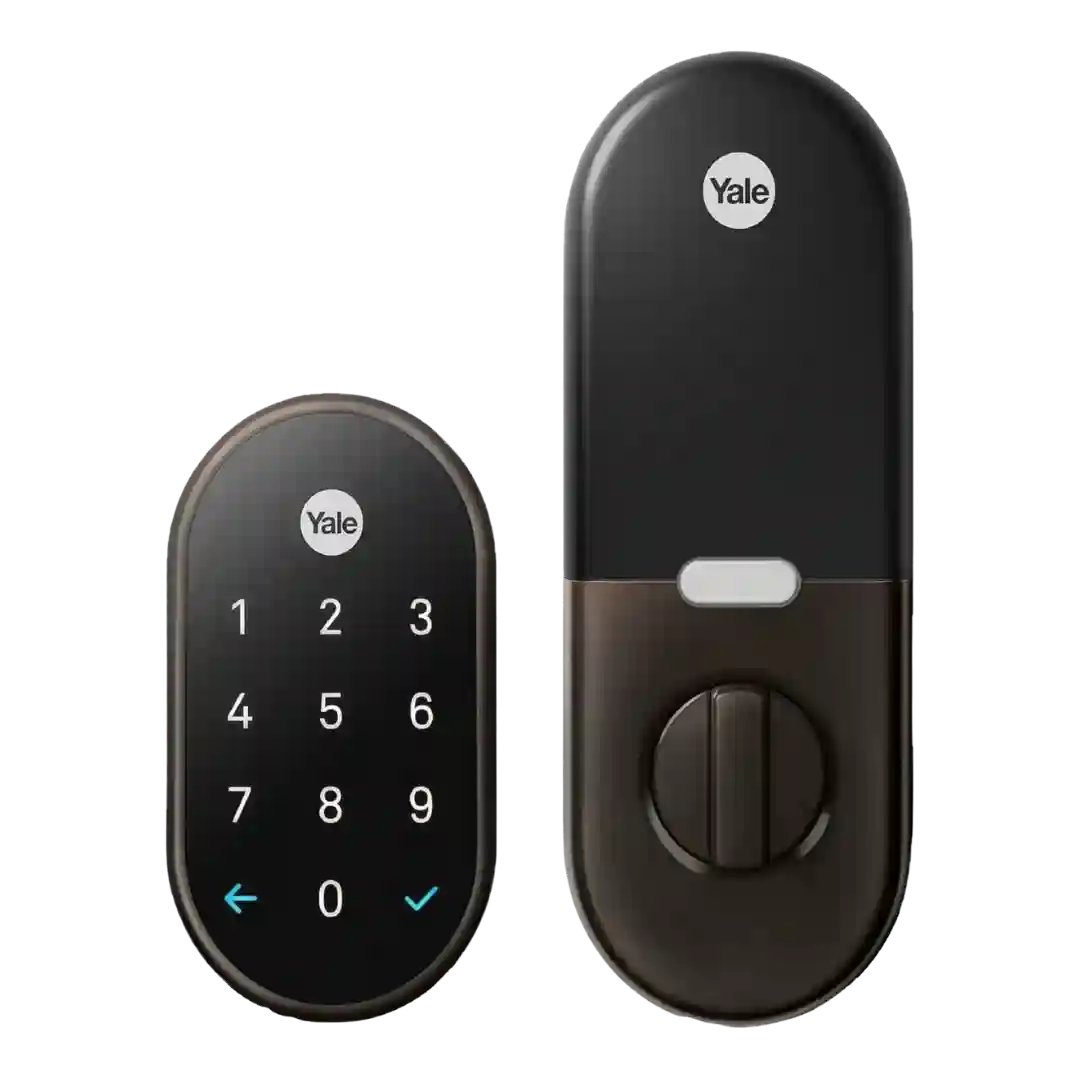
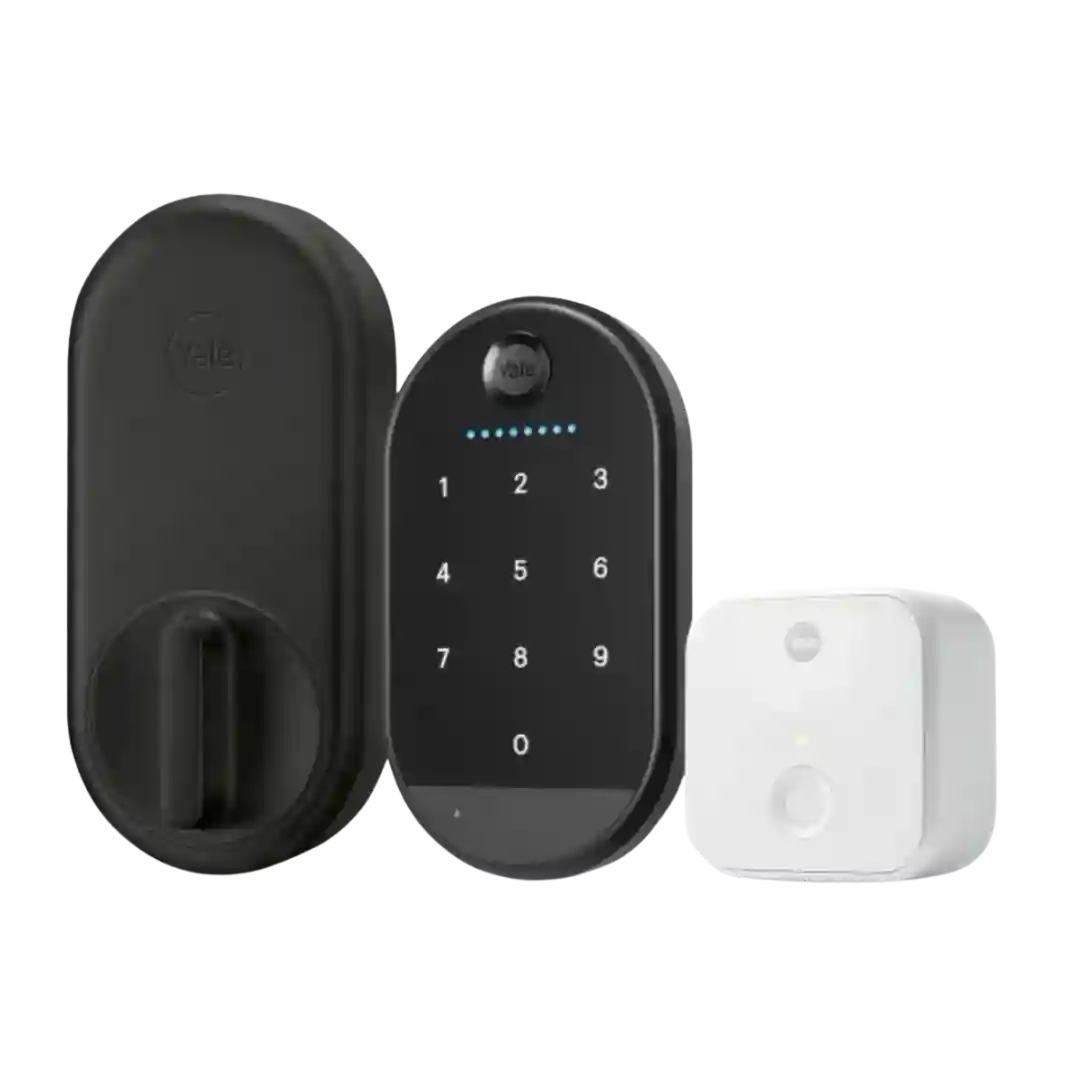
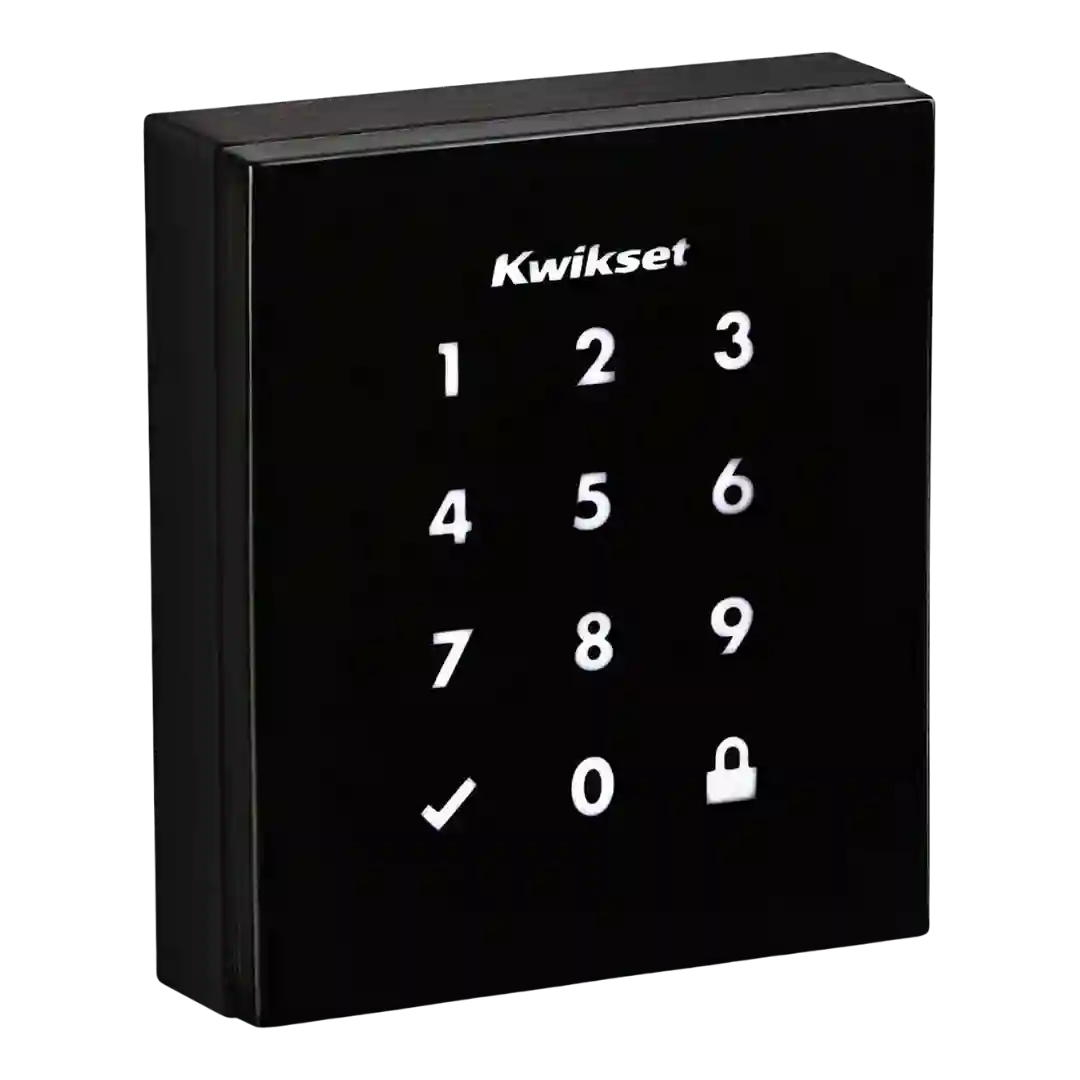
Most reviewers describe installation as a standard deadbolt swap that takes about 10 minutes, with clear steps and included hardware. A few note minor setup hiccups (pairing, network, or HomeKit add flow), but overall onboarding is straightforward.
Installation is usually quick and straightforward for standard doors, often landing in the 10-20 minute range, though edge cases can require minor door work.
Installation is usually quick with a screwdriver and standard deadbolt holes; the snap-in/faceplate design helps one-person installs, but a few testers found alignment or juggling parts tricky on certain doors.
Most reviewers describe installation and calibration as quick and greatly improved over older SwitchBot locks, often taking just minutes with clear in-app guidance. Edge cases exist: some doors needed drilling, adapter kits, or fiddly latch/bracket alignment.
Installation is usually described as a fast DIY swap (often 5–20 minutes) with strong app/manual guidance. A key caveat appears in one expert review: the DL110 can be more sensitive to strike plate alignment than many locks, requiring adjustment for best performance.
Installation is usually described as straightforward (often around 15–20 minutes) with app-based video guidance, though it involves extra wiring compared to simpler locks. A few reviewers experienced early firmware/setup hiccups or needed recalibration after install.
Physical installation is commonly described as quick and straightforward for a full deadbolt replacement, often taking only a few minutes for experienced installers. Software setup and platform pairing are more variable, with some reviewers reporting repeated connection or onboarding friction.
Most reviewers found installation straightforward for standard deadbolts, with clear in-app tutorials and a required calibration step. Older doors sometimes need drilling or chiseling for a smooth bolt throw.
Most reviewers found installation quick with basic tools, but doors that are tight, have nonstandard cutouts, or mismatched strike plates sometimes required sanding, drilling, or careful alignment to avoid binding.
Installation is generally described as quick and straightforward for standard single-cylinder deadbolts, with app-led calibration; a few reviews note instructions can be picture-heavy or require minor door/strike adjustments.
Installation is generally portrayed as quick DIY with included hardware, though one review notes minor tool-fit friction and occasional setup retries during onboarding or calibration.
Most reviewers describe a fast install (around 10 minutes) with clear in-app guidance and straightforward calibration, but a minority report setup friction such as app freezes, verification hassles, or door-trim/fitment tweaks that required rework.
Installation is often reported as a straightforward 10–15 minute swap for a standard deadbolt, with guided in-app setup, but one critical review cited poorly machined/jamming long bolts and lots of cable routing that can make assembly more frustrating than typical.
Most reviewers found installation similar to other full deadbolt replacements and generally manageable, but a few called out real-world friction: needing a second set of hands, long firmware updates, and careful mechanical alignment to avoid errors or motor strain.
Installation varies sharply by generation: Wi-Fi revisions are often described as much easier and faster than early versions, with some installs completing in under 10–30 minutes. Older versions are described as finicky, sometimes requiring tailpiece trimming and very careful screw tightness and alignment to avoid binding.
Installation is typically described as straightforward with clear instructions and app guidance. Some installers note cable management can be fiddly and door thickness edge cases may require extra care.
Installation is typically described as straightforward for a full deadbolt replacement, often quoted in the 15–45 minute range depending on door fit and experience. Minor pain points include tight wiring routes, small screws, and occasional door-prep quirks (latch recess/backset adjustments).
DIY installation is considered doable with clear instructions, but some doors may require drilling or extra strike/fitment work; careful alignment and cable connections matter.
Most reviewers found installation straightforward and comparable to swapping a standard deadbolt, but one hands-on test reported overly tight/stiff hardware that made mounting difficult and another noted a short internal cable that can complicate assembly.
Most reviewers find the physical install manageable with basic tools, especially on standard doors, and they like the guided voice/app setup. Still, multiple accounts describe alignment hassles, door-frame modifications, or app/hub setup errors.
Installation is generally DIY-friendly with good templates and guides, but several reviewers said the process can be lengthy and cable management inside the housing can be frustrating.
Installation is frequently described as DIY-friendly with templates and app walkthroughs, yet several reviewers still ran into alignment/fit issues, module seating mistakes, or DoorSense drilling that turned setup into a longer project.
Physical installation is often described as straightforward, but multiple reviews mention quirks like selecting the correct bolt set, juggling screw sizes, or needing a smaller screwdriver. App onboarding/pairing is a frequent pain point and is sometimes the hardest part of setup.
Installation experiences vary from quick (around 15 minutes) to frustrating; the app guidance helps, but the heavy hardware and documentation can make assembly and alignment harder than average.
Physical installation is often described as quick and beginner-friendly with in-app videos, but the overall setup can be longer due to calibration, DoorSense placement, and pairing the Wi-Fi bridge and keypad. Several reviewers report repeated errors or buggy calibration during onboarding.
Many reviewers found setup straightforward with good hardware options, but others ran into alignment issues, confusing instructions, or a tricky handing/calibration step that required rework.