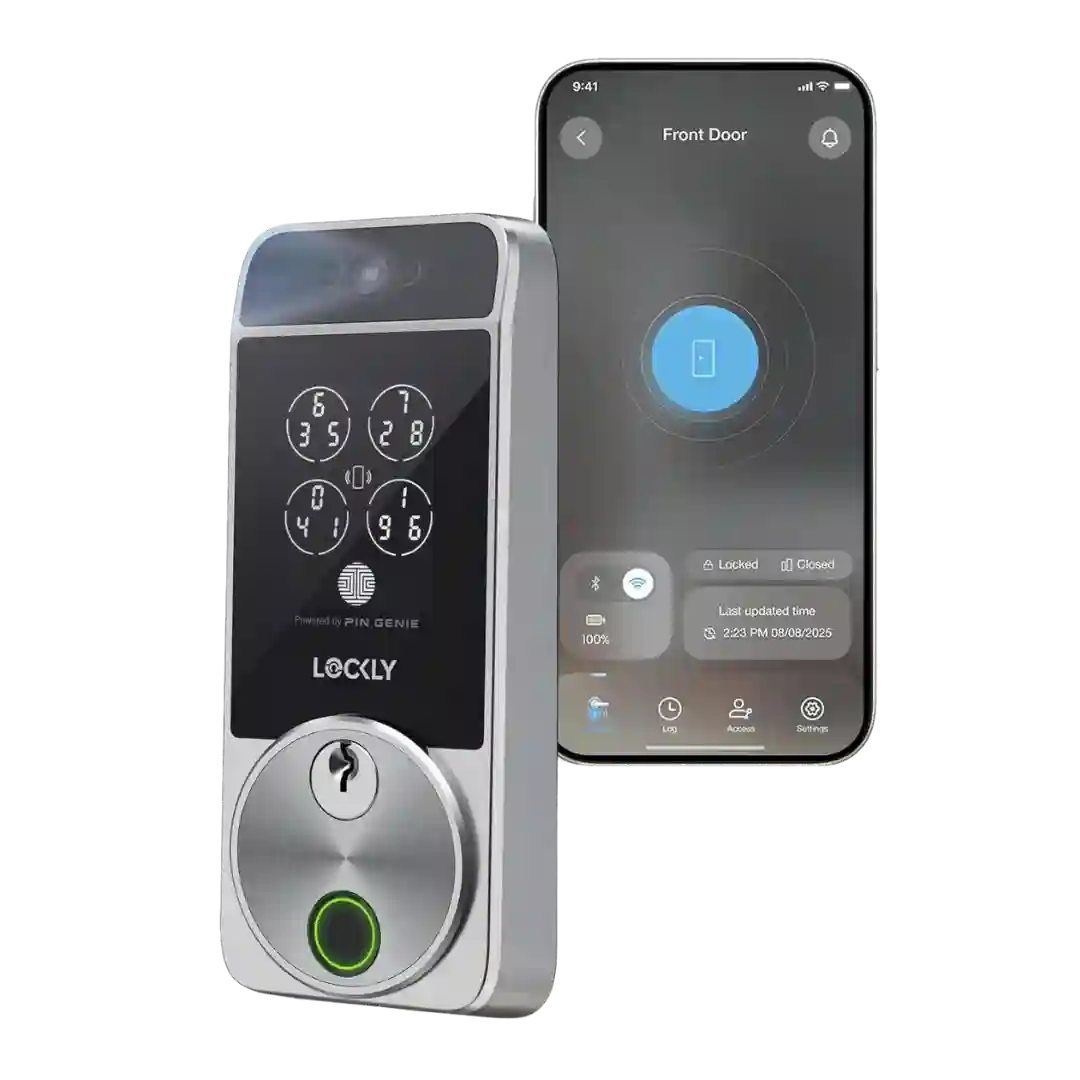
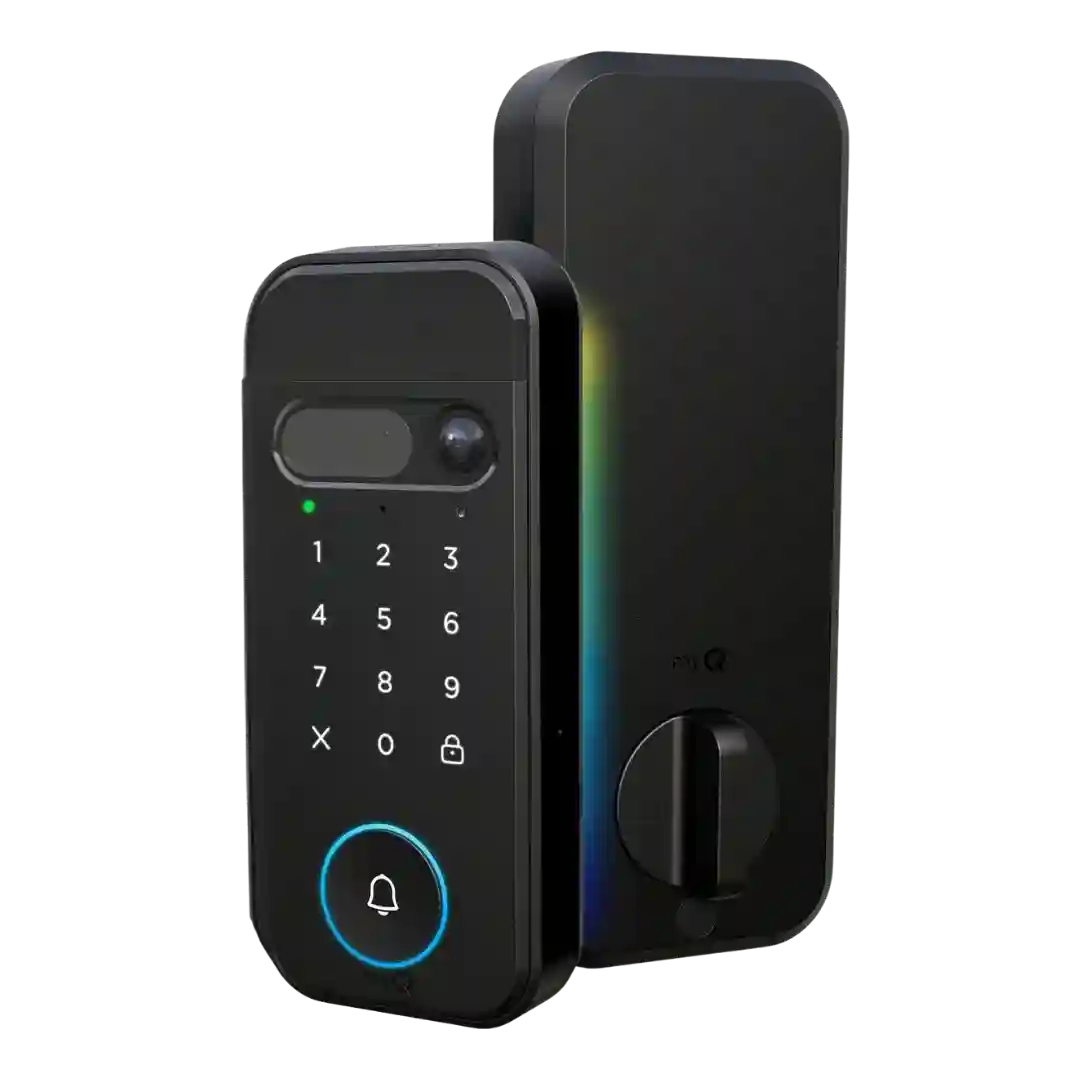
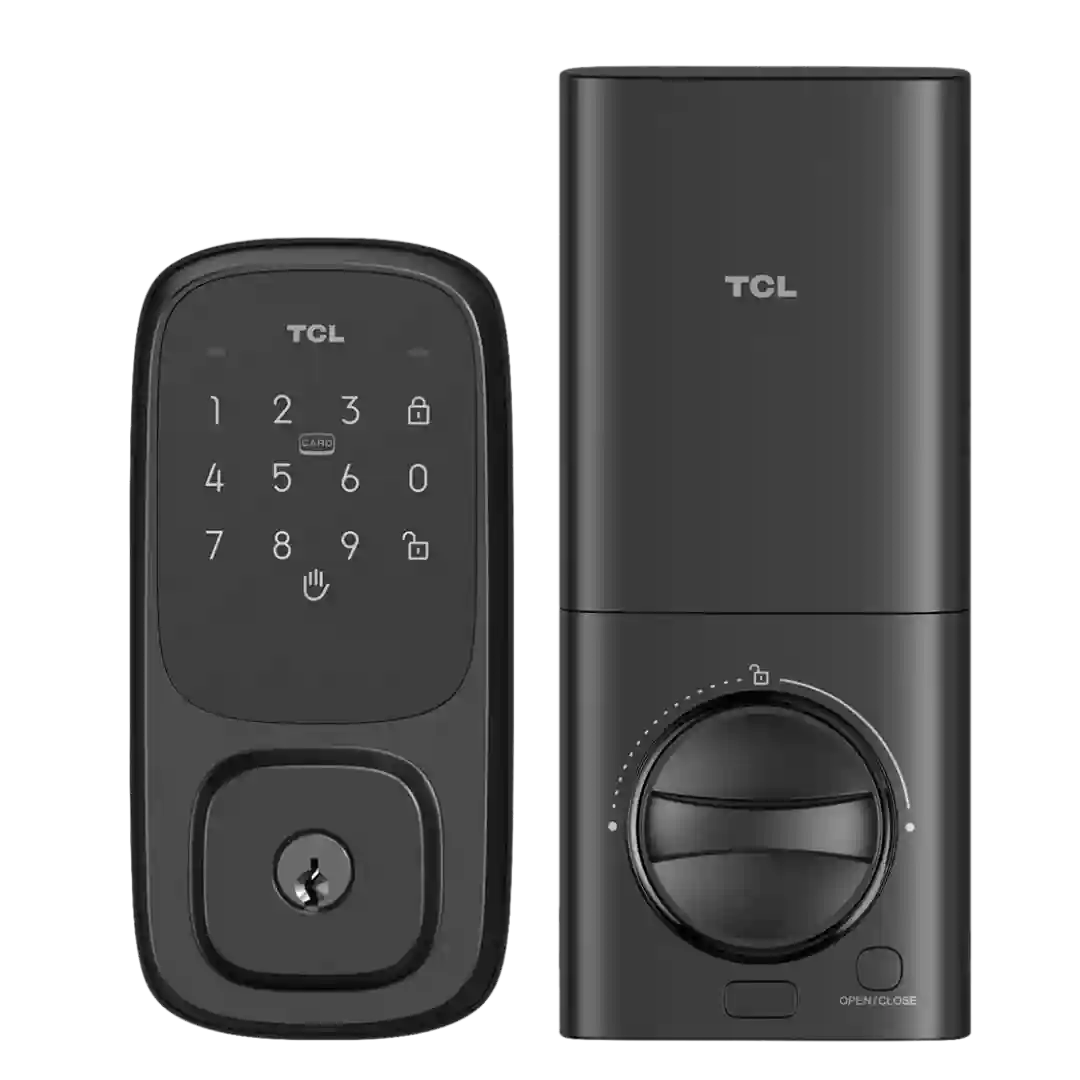
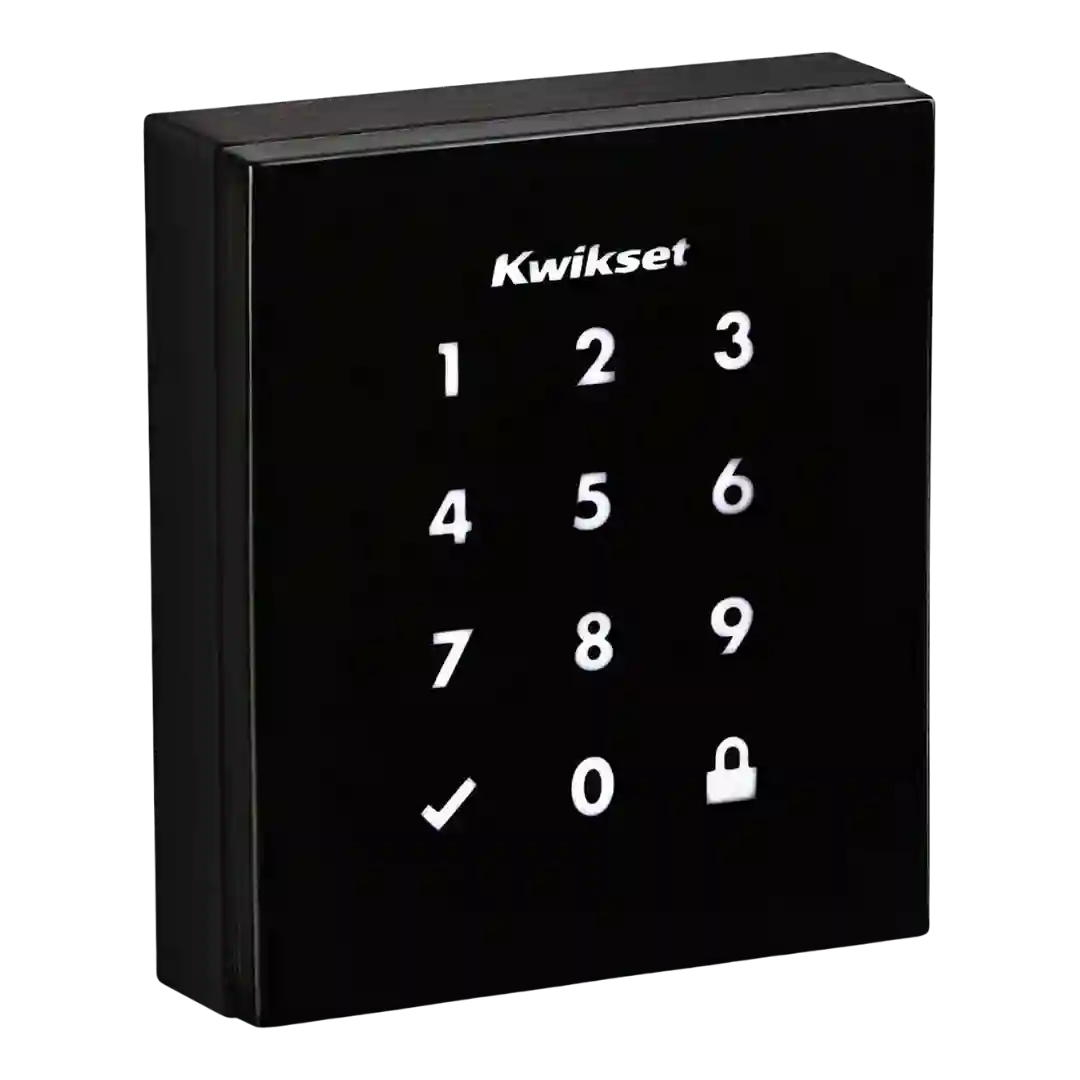
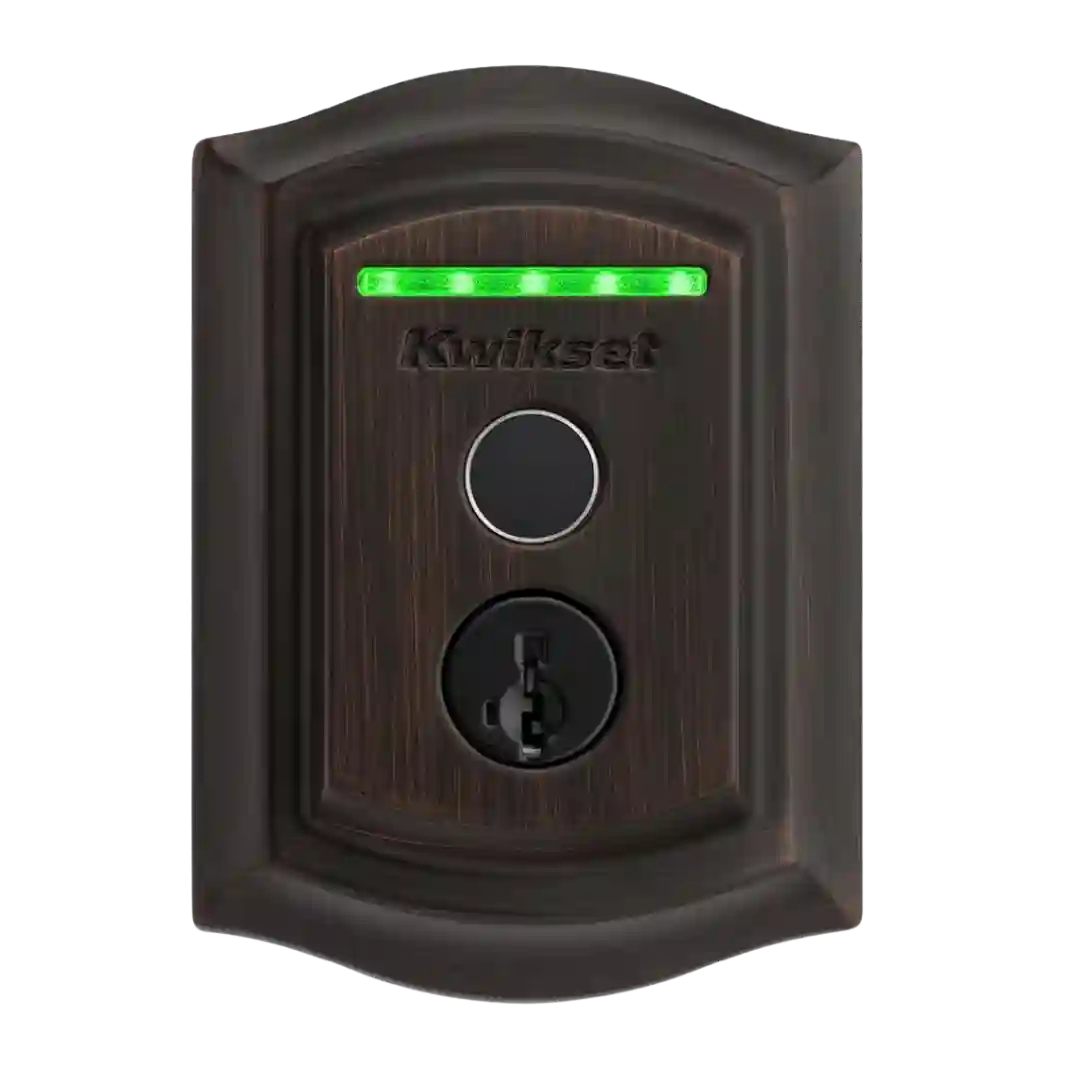
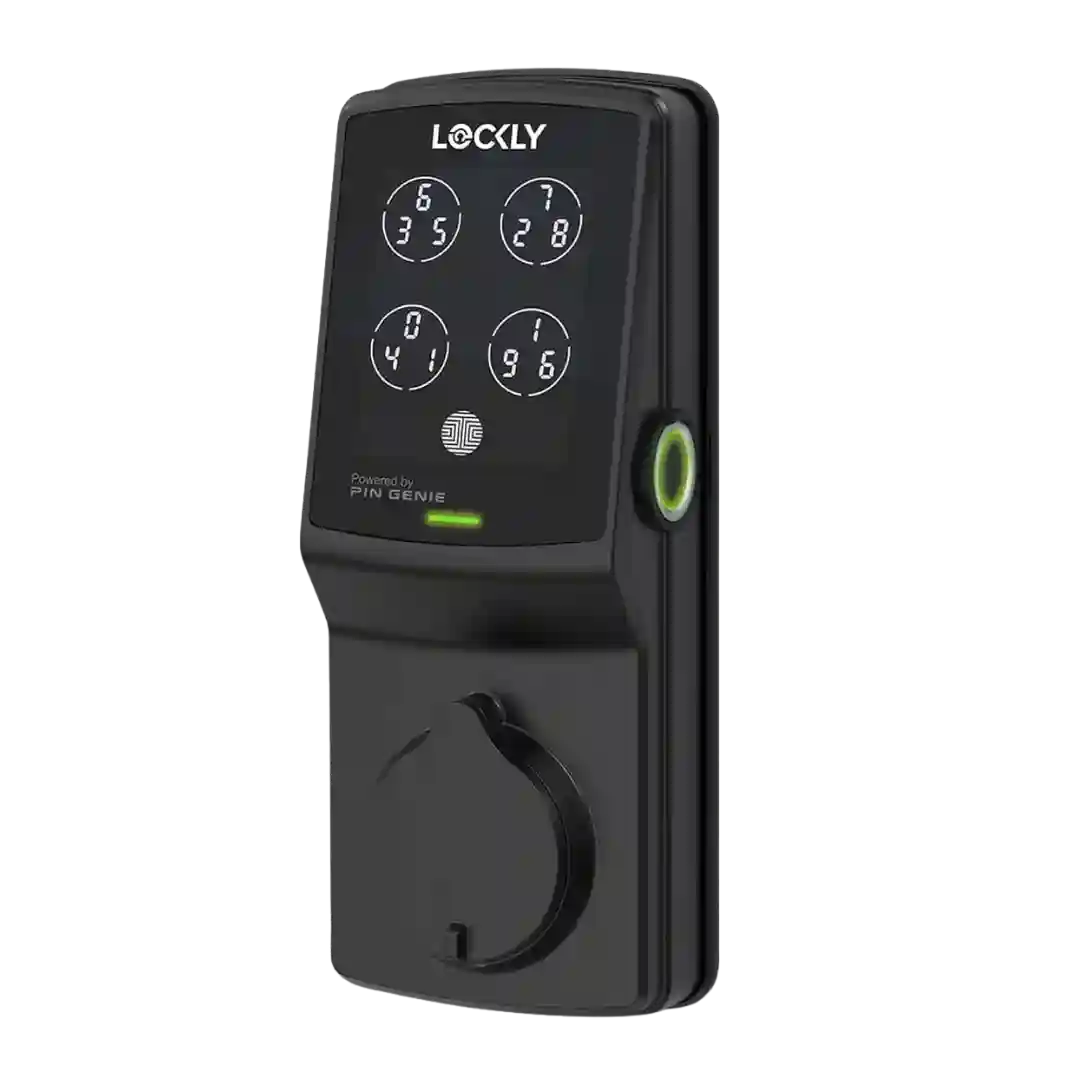
Notifications are praised in Apple Home, including alerts that can identify who unlocked via Home Key or specific access codes in some setups. Users value this for household tracking and automation triggers.
Notifications are repeatedly described as fast and dependable for lock/unlock events, alarms, and doorbell presses, with settings to tune what you receive.
Notifications for lock activity, door-ajar state, and battery status are generally reported as accurate when connectivity is set up properly. Some users note that ecosystem/bridge paths can introduce delays compared with direct app or keypad operation.
Reviews mention activity and security notifications, including alerts tied to failed attempts or tamper events, with no consistent complaints about delivery.
Notifications and alerts are frequently mentioned, including lock/unlock confirmations, door left open/unlocked warnings, and watch-based prompts that can even enable quick relocking. Some audio/alert behavior can be tuned with modes like Do Not Disturb in certain ecosystems.
Notifications are typically fast and useful, with human-focused motion alerts and quick access to live view or buffered clips. Some advanced alert types are described as dependent on adding a HomeBase.
Notifications are often praised for speed and detail, including alerts for lock/unlock events, user-specific code use, low battery, hub offline status, and in some cases tamper or repeated wrong-code attempts.
Notifications are frequently highlighted as useful, including alerts for lock/unlock events, specific user activity, and door-left-open states when the door sensor is used. Some reviewers appreciate fine-grained control over which alerts to receive.
Notifications are generally responsive and configurable (including per-user alerts), but at least one reviewer notes that certain security events such as repeated wrong-code attempts may appear in history without an immediate push alert.
Notifications are configurable and usually fast, but not perfect: a few reviewers saw delayed starts to recorded events, occasional missed motion/loitering triggers, or tradeoffs between faster alerts vs alerts that include thumbnails.
Notifications are often described as fast and informative (motion/doorbell/lock events), but at least one reviewer reported major notification failures that required support and factory resets, and another noted limited per-alert toggles in the app.
Notifications and alerts are commonly used for status awareness (locked/unlocked, abnormal events, and user activity), with some reviews highlighting customizable alert behavior.
Notifications and smart alerts are frequently described as timely and customizable (lock/unlock events, auto-lock events, door-ajar alerts, and user-specific actions), though one account complains about missed logging for a concerning event.
Notifications are generally appreciated for remote awareness (lock/unlock events and battery alerts). Some app workflows are criticized for requiring per-user notification rules rather than a simple global option, but overall alerting is seen as helpful for security and household monitoring.
Notifications are generally timely and helpful, covering events like lock/unlock actions, door-ajar status, and low-battery warnings. Some setups also allow alerts for bridge status, which helps catch connectivity issues.
Notifications are commonly referenced through Apple Home (alerts when the lock is used) and through activity updates in the Level app, though detail and consistency vary depending on connectivity and which app you rely on.
Notifications cover unlock events, door-not-locked warnings, and various alerts, with do-not-disturb controls available. Some long-term feedback mentions missed alerts or occasional incorrect status reporting in the app, often improving after updates.
Notifications are available for lock activity and some alarm states, but experiences vary: some reviewers wanted push alerts over email or found certain emergency emails unreliable.
Notifications and smart alerts cover events like manual lock/unlock, specific-user activity, auto-lock, and door-ajar warnings, but some reviewers report missed or delayed alerts and others get noisy Wi-Fi reconnect notifications.
Notifications are flexible (lock/unlock, auto-lock, and sometimes jam alerts), but they can be noisy, leading some users to dial them back or disable duplicates across apps.
You will get basic lock and motion notifications, but richer, context-aware alerts (what triggered motion) and video-related conveniences may require a subscription.
Notifications and alerts are available, including special/duress-type alerts in some coverage. However, the phrasing can be noisy or confusing, and notification usefulness depends on stable Wi-Fi and consistent event logging behavior.
The lock provides audio/LED indicators (including low-battery alerts) and hub apps can show lock state, but native, lock-specific push notifications are limited and platform-dependent.
Some reviews report reliable push alerts for lock events, but others describe missed or inconsistent notifications and limited insight into unsuccessful attempts (especially with many users on one account).