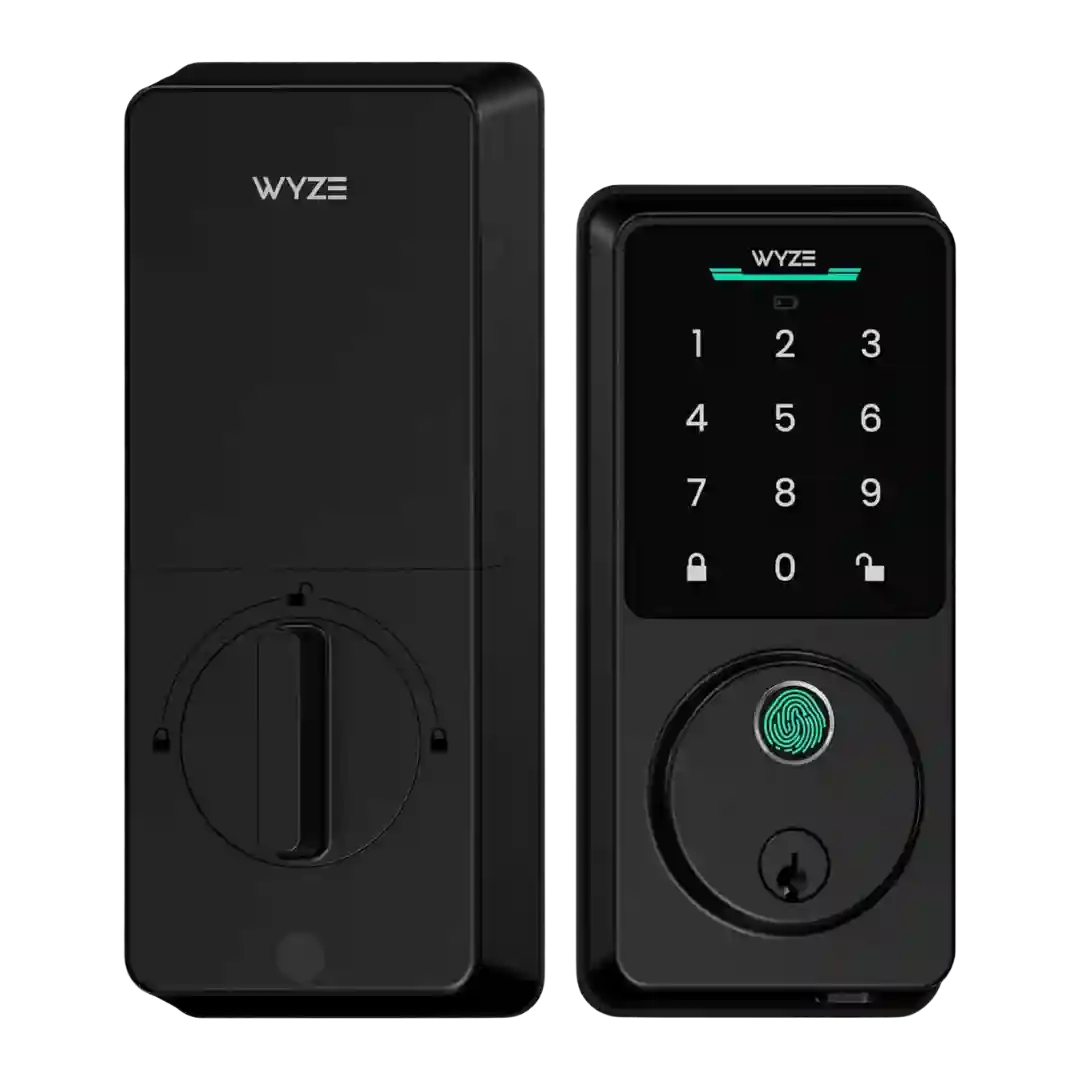
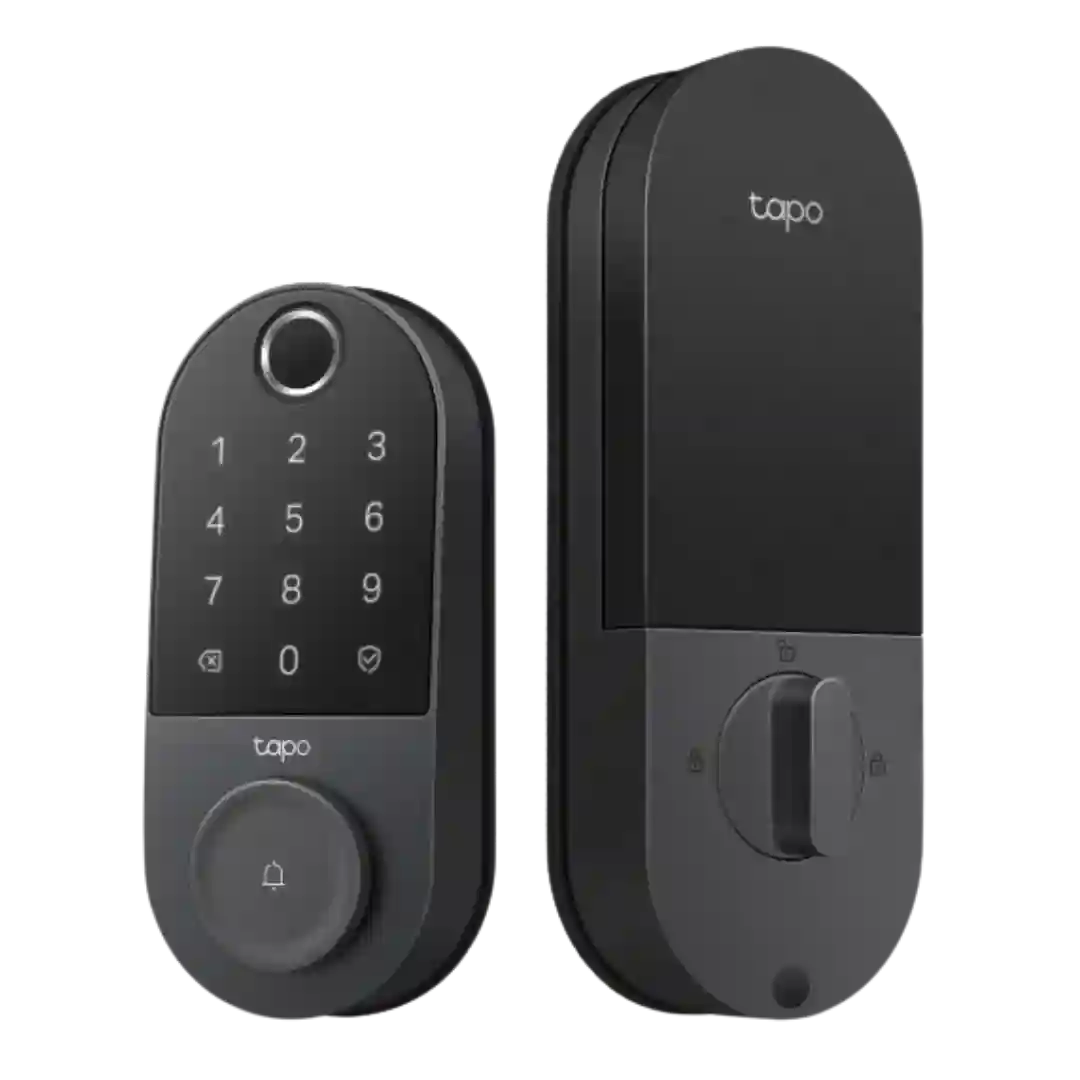
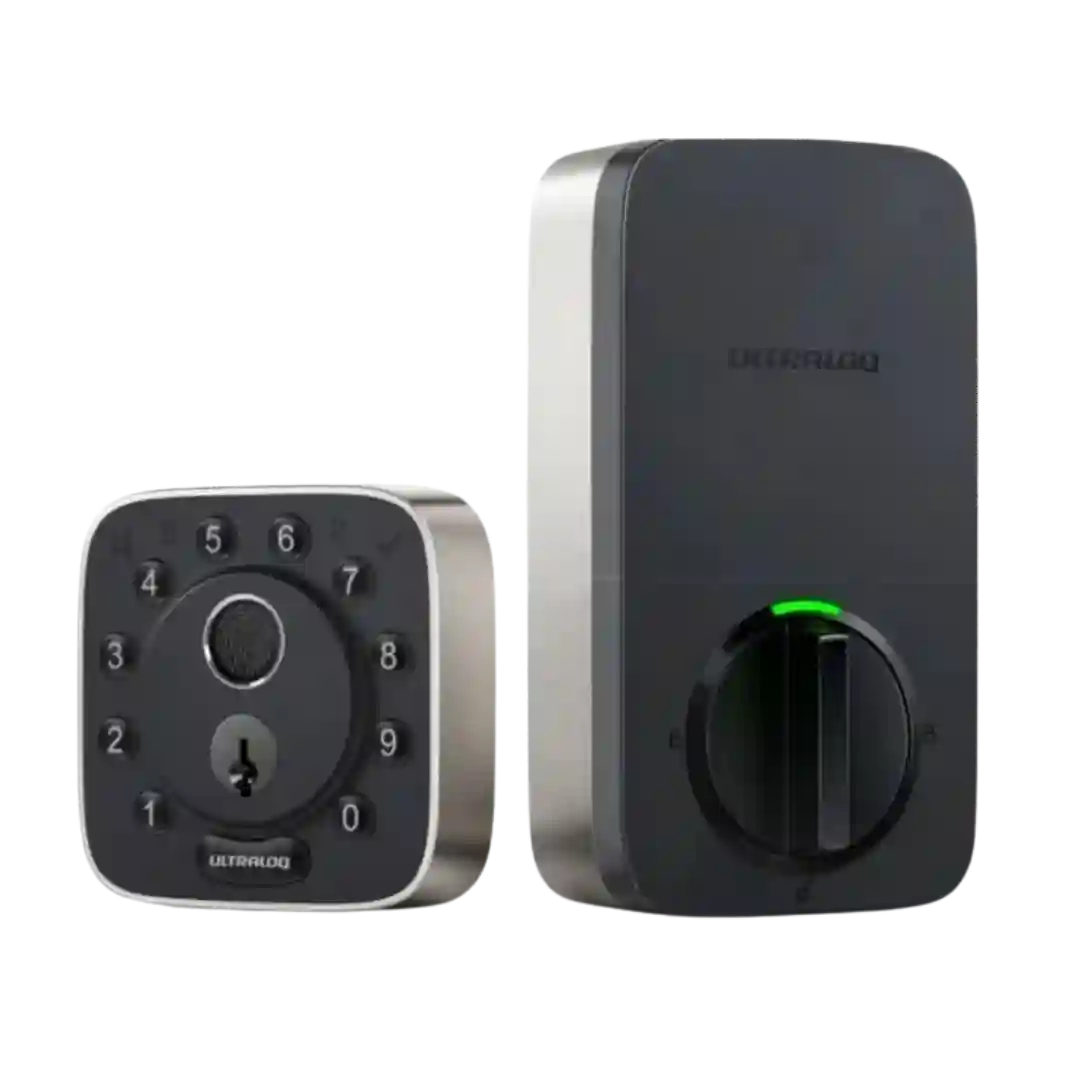
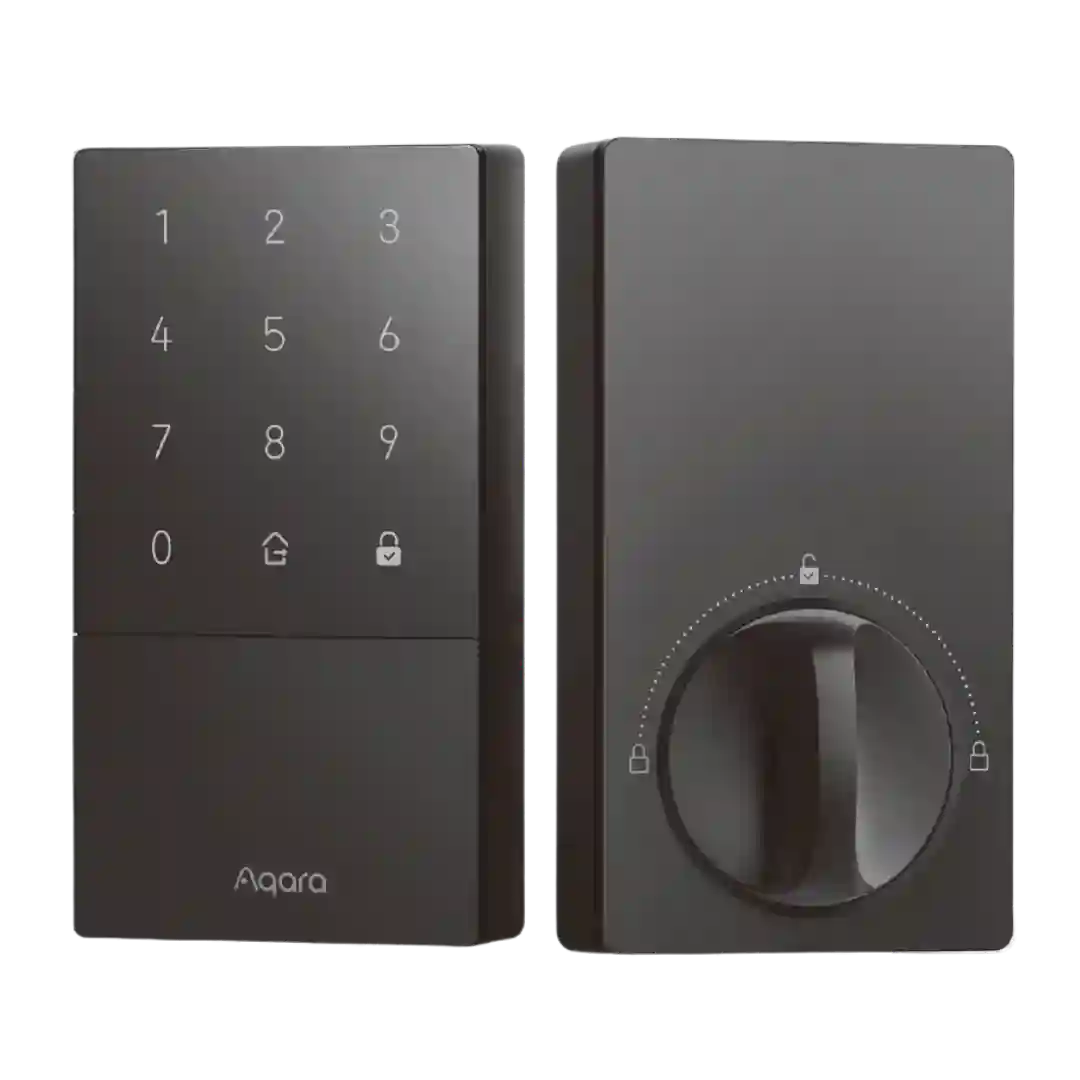
User access management is robust in reviews, including named users/profiles, per-user fingerprints/PINs, scheduling rules, and straightforward removal or modification in the app.
User management is described as flexible, supporting multiple user roles, schedules, and access methods per user (PIN, fingerprint, app). Reviewers routinely point to this as a standout for families and service-provider access.
User access management is a strong point, with support for multiple users, one-time codes, scheduled or periodic access, and code-specific automations in the Aqara ecosystem.
User management is a highlight: per-person profiles, scheduled or one-time access, and tying palm scans to users are repeatedly described as well implemented.
User access management is robust, supporting multiple users (and often multiple homes/locks), with options to tailor alerts and track who used the lock and when.
User management is a standout: reviewers mention per-user schedules, easy creation/deletion of codes, optional virtual keys for app-based users, and role-like admin control through master codes.
User access management is repeatedly praised: multiple roles (admin/normal/temporary), schedules, usage limits, and support for many users with PINs and fingerprints. This flexibility is a primary reason reviewers recommend it for families, offices, and rental properties.
User management is broadly praised, including multiple users, fingerprints, and configurable access windows. Reviewers emphasized that it’s easy to add or adjust access in the app.
User access management is repeatedly described as flexible, with role-based controls in Aqara and a more constrained but still practical set of limits in Matter-based ecosystems. For most households, the practical user and credential limits are viewed as sufficient.
User access management is generally well-regarded, allowing multiple user profiles and the ability to add/revoke faces, fingerprints, NFC cards, and codes. Capability and convenience improve significantly with keypad pairing and a properly configured hub ecosystem.
Access management is described as strong, with residents/guests and easy enable/disable of codes. Some reviewers note labeling and syncing differences between Apple Home and the Schlage app.
User access management is straightforward, typically distinguishing owners from guests and allowing either full app access or limited entry methods, making it practical for families and shared homes.
Access management is a strong point, with clear admin vs guest roles, time windows, recurring schedules, and revocation. Reviewers especially like the flexibility for service providers, visitors, and short-term use cases.
User and guest management is feature-rich, offering multiple access types and schedules, but the depth can feel like overkill and harder to administer for short-term visitors.
Supports up to 50 users with schedules by date and time, and reviewers highlight the ability to remove users remotely. Enrollment requires the person to be physically present at the lock because access is fingerprint-based.
User management is generally organized (multiple palms/fingerprints/PINs per user), but at least one reviewer criticized limited permission granularity, with full users effectively receiving always-on access.
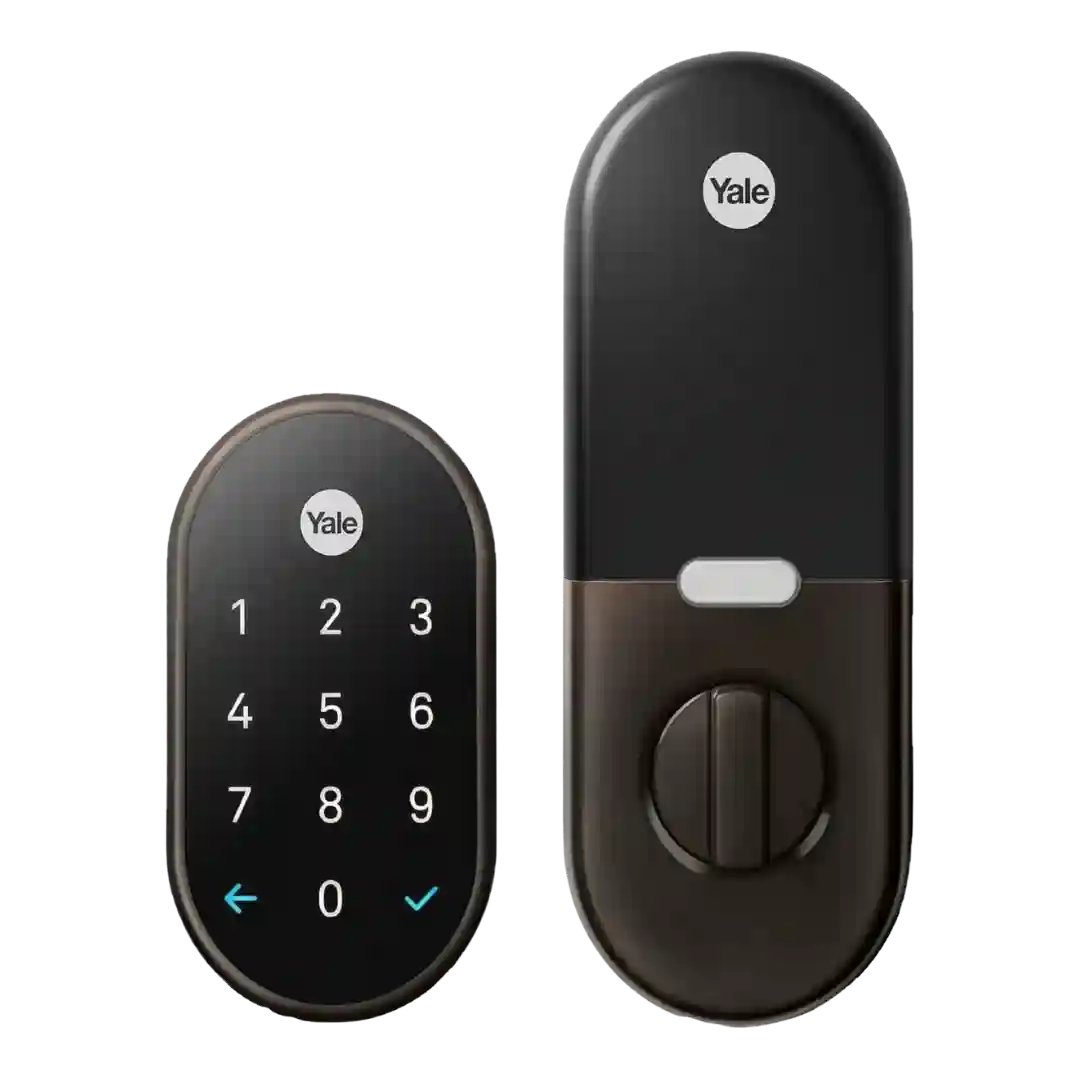
User management is generally flexible, allowing unique codes, schedules, and guest invites through the Nest app. A recurring drawback is that app-level sharing can require guests to have Nest accounts, and some testers report errors when creating managed codes.
User management is a strong point, with support for multiple users and methods (faces, fingerprints, PINs), though some reviewers found the workflow confusing at first until updates improved it.
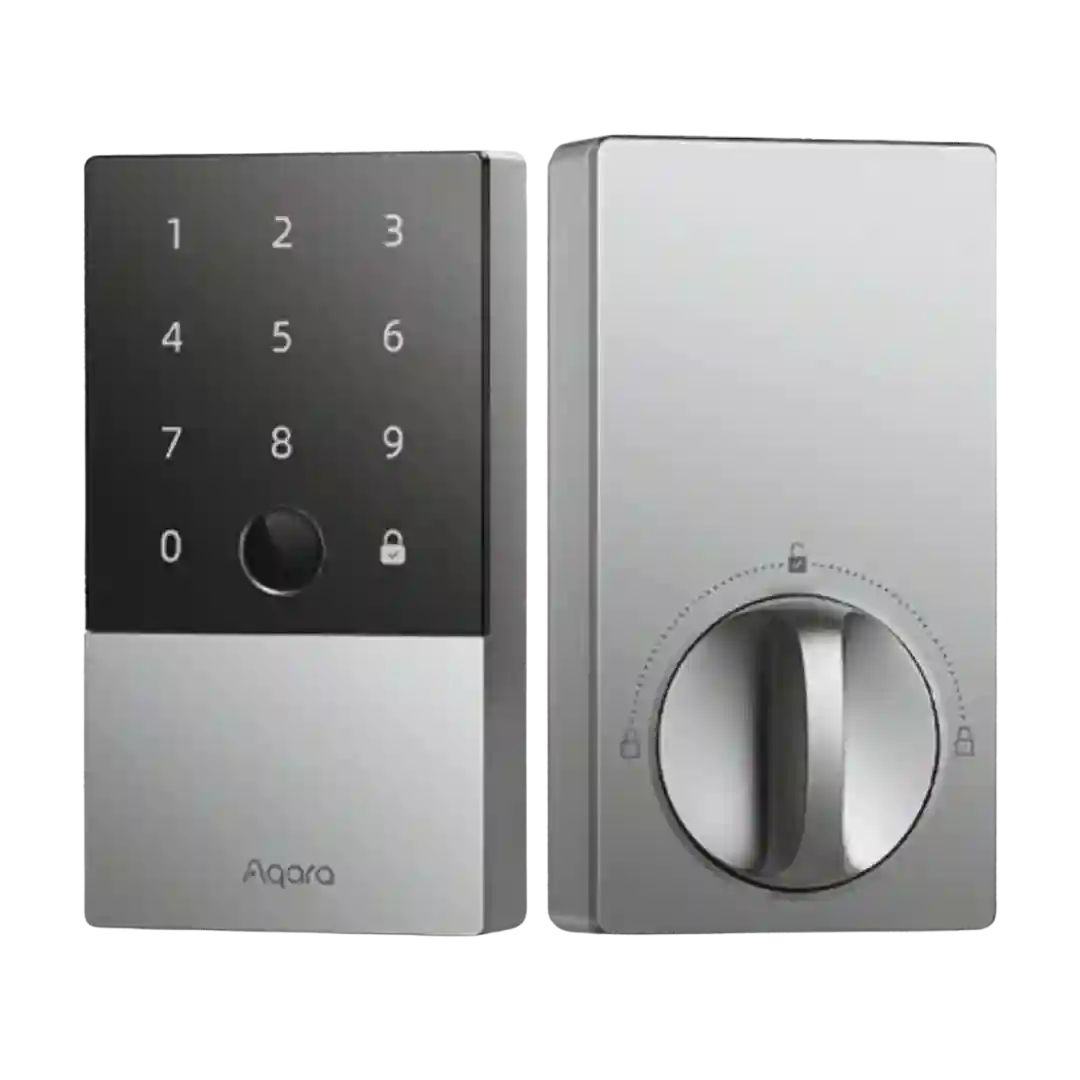
User management supports multiple users, fingerprints, passcodes, and (Aqara) NFC credentials with per-user limits. Apple Home's access management is simpler and may not expose the same scheduling and log detail.
User management supports inviting additional users and assigning access levels, with options to revoke or schedule access. Most reviews find it capable, though one YouTube review describes the flow as clunky and not always obvious.
You can add/remove PINs and use an optional master code, but advanced guest access controls (expiring or scheduled codes) are limited or unavailable on some models and hubs.