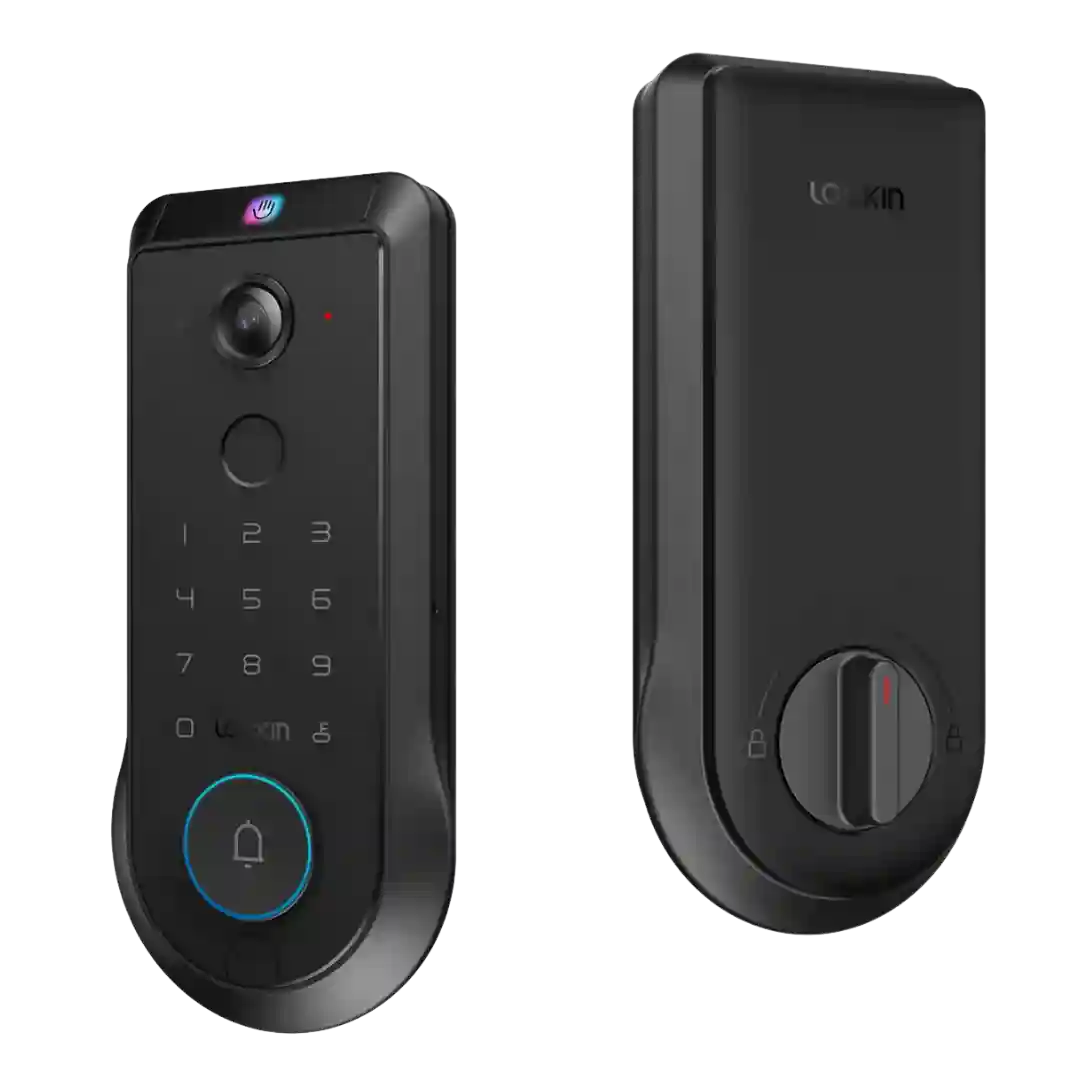
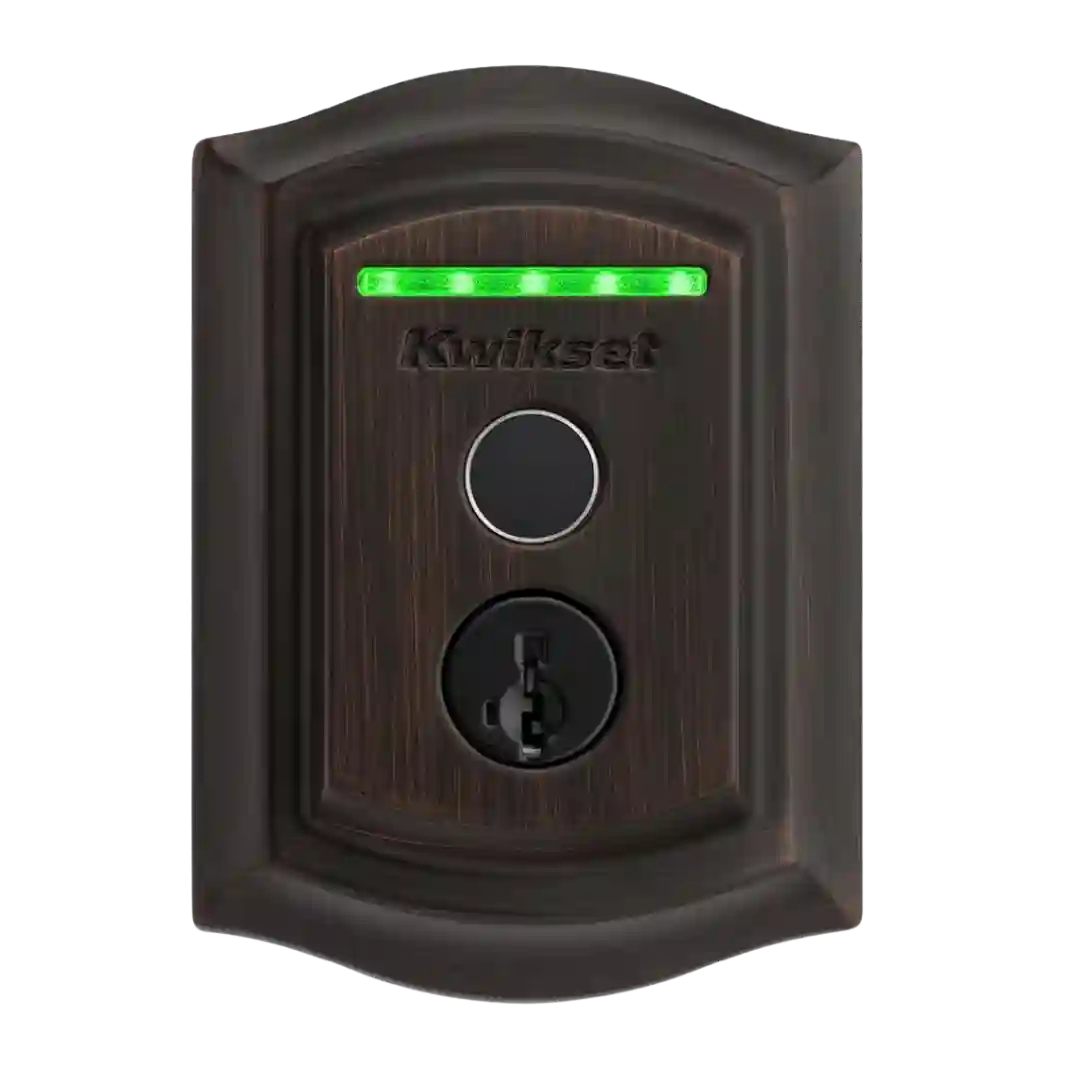
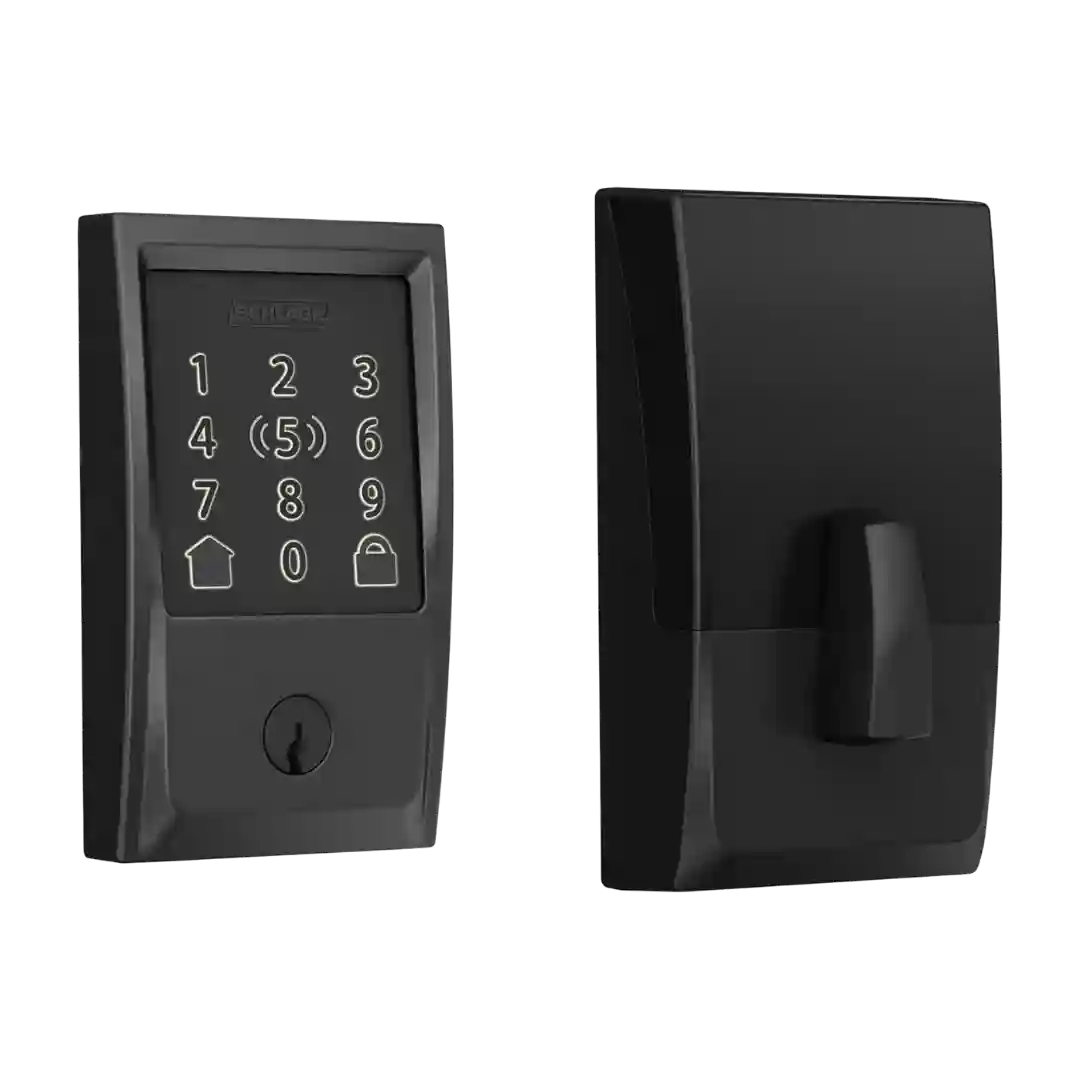
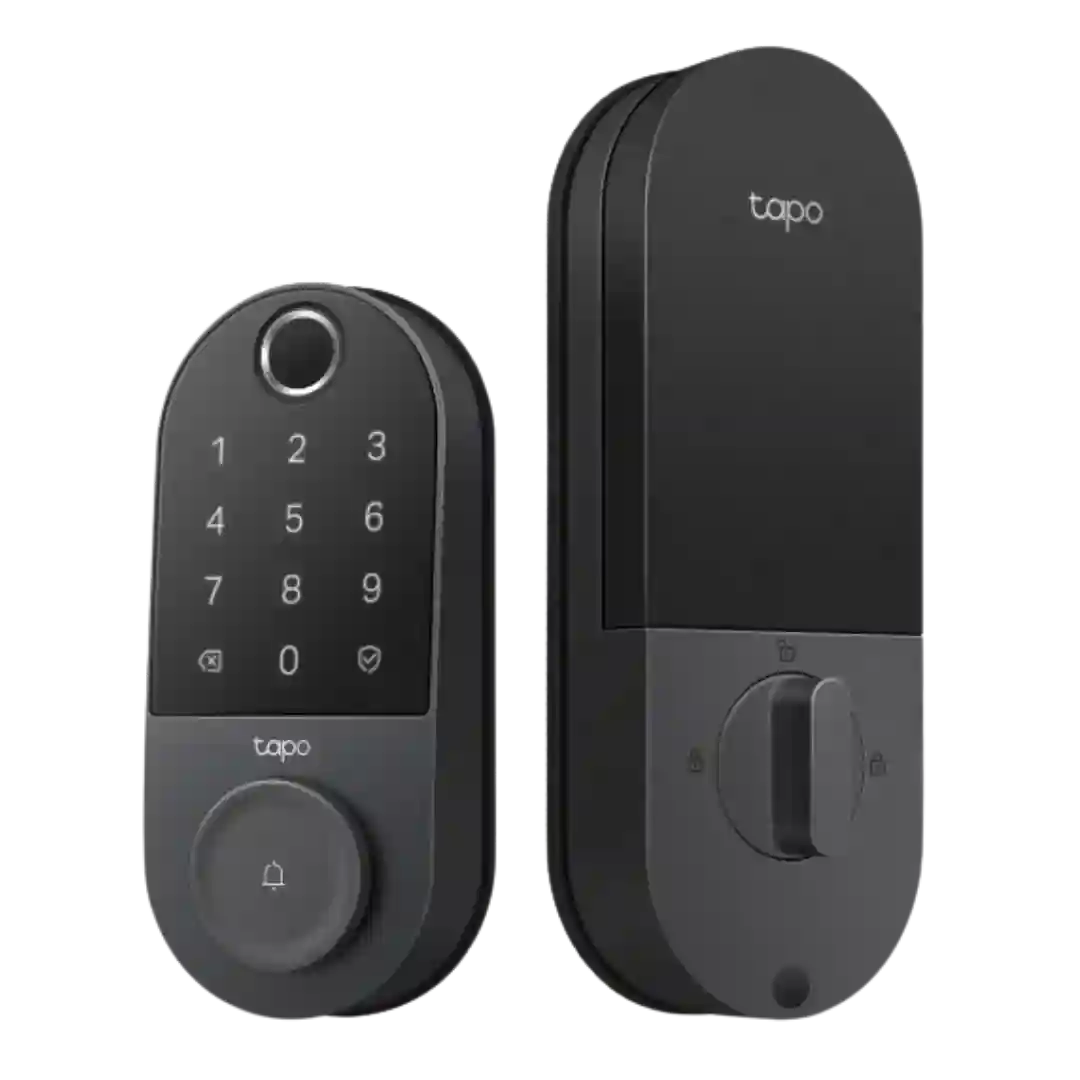
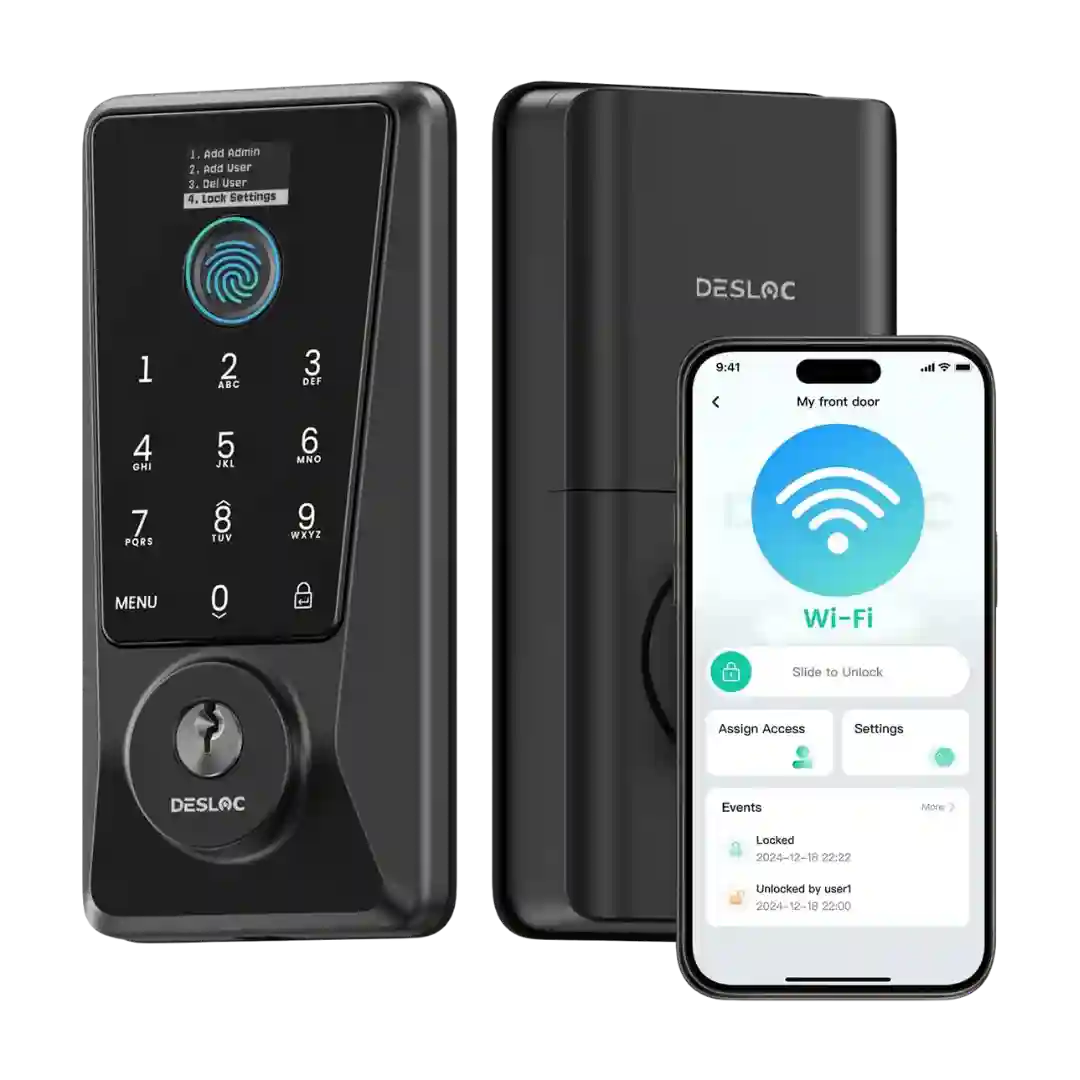
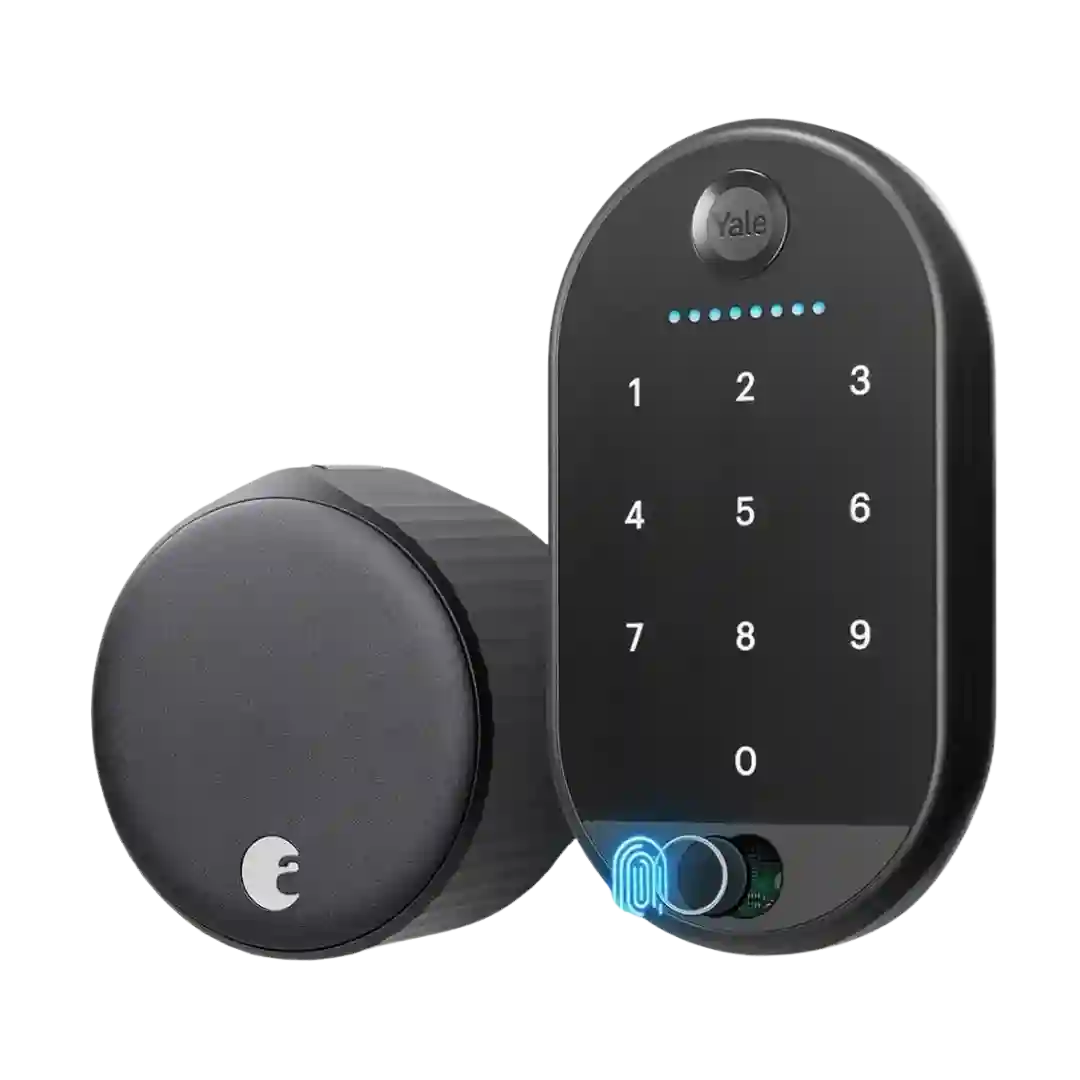
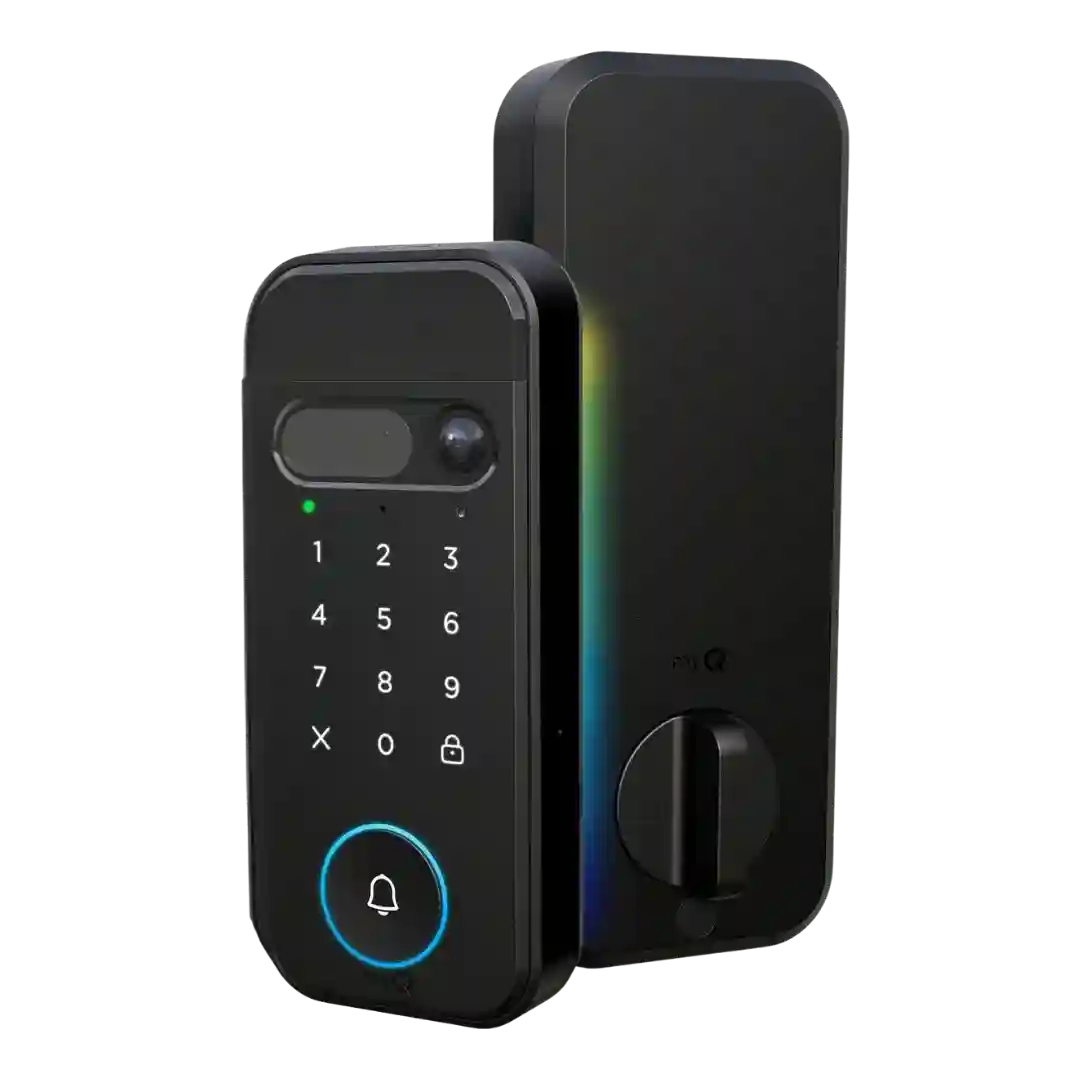
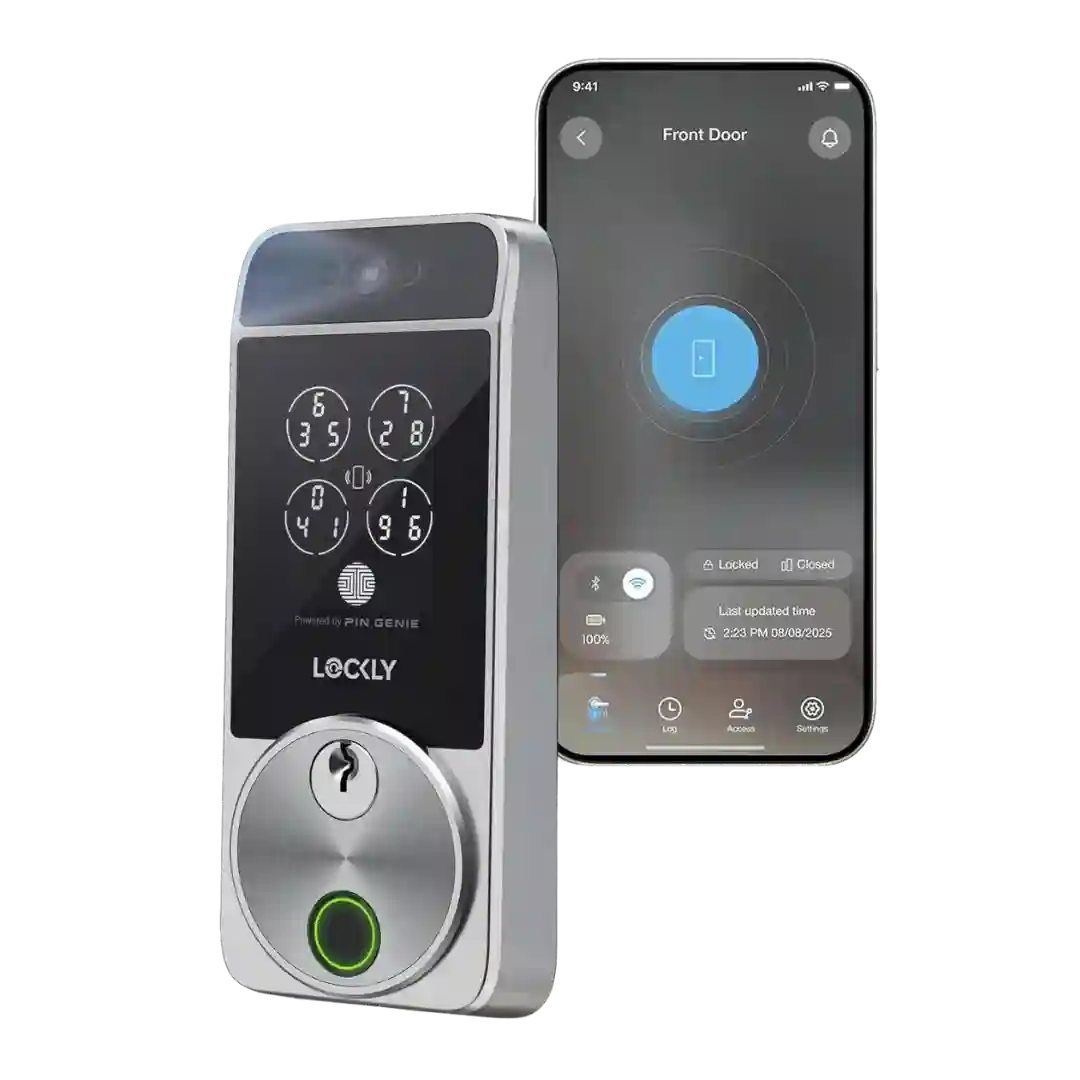
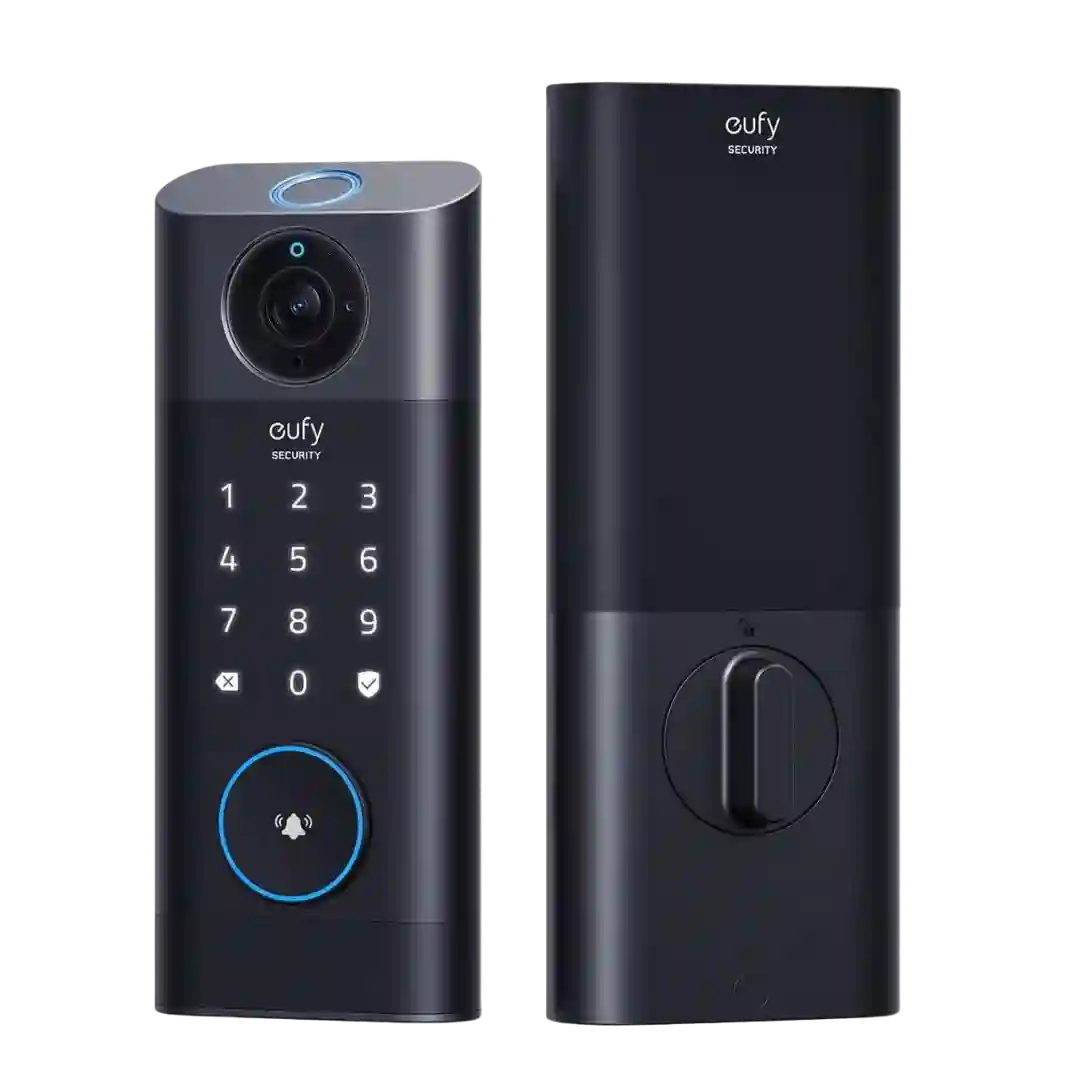
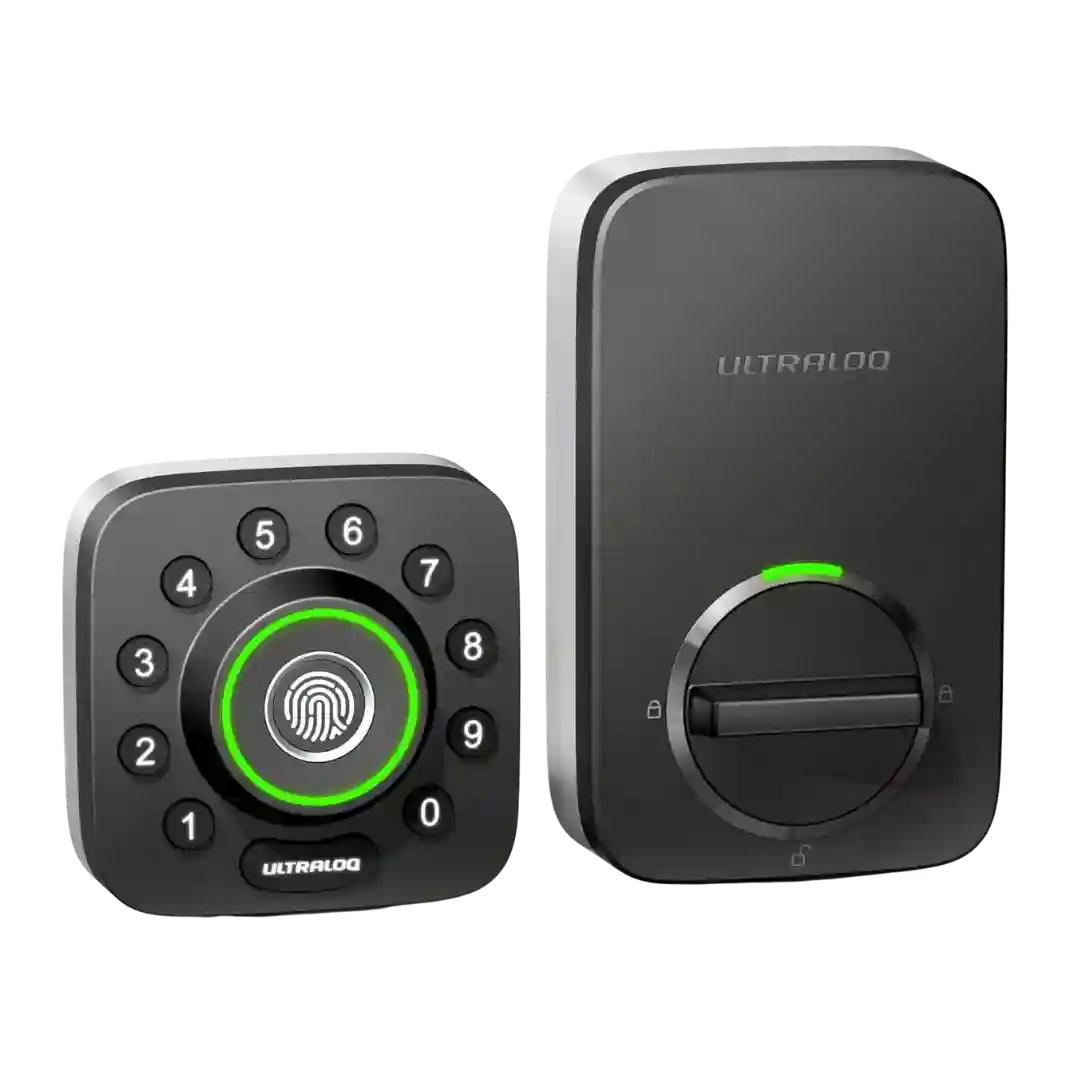
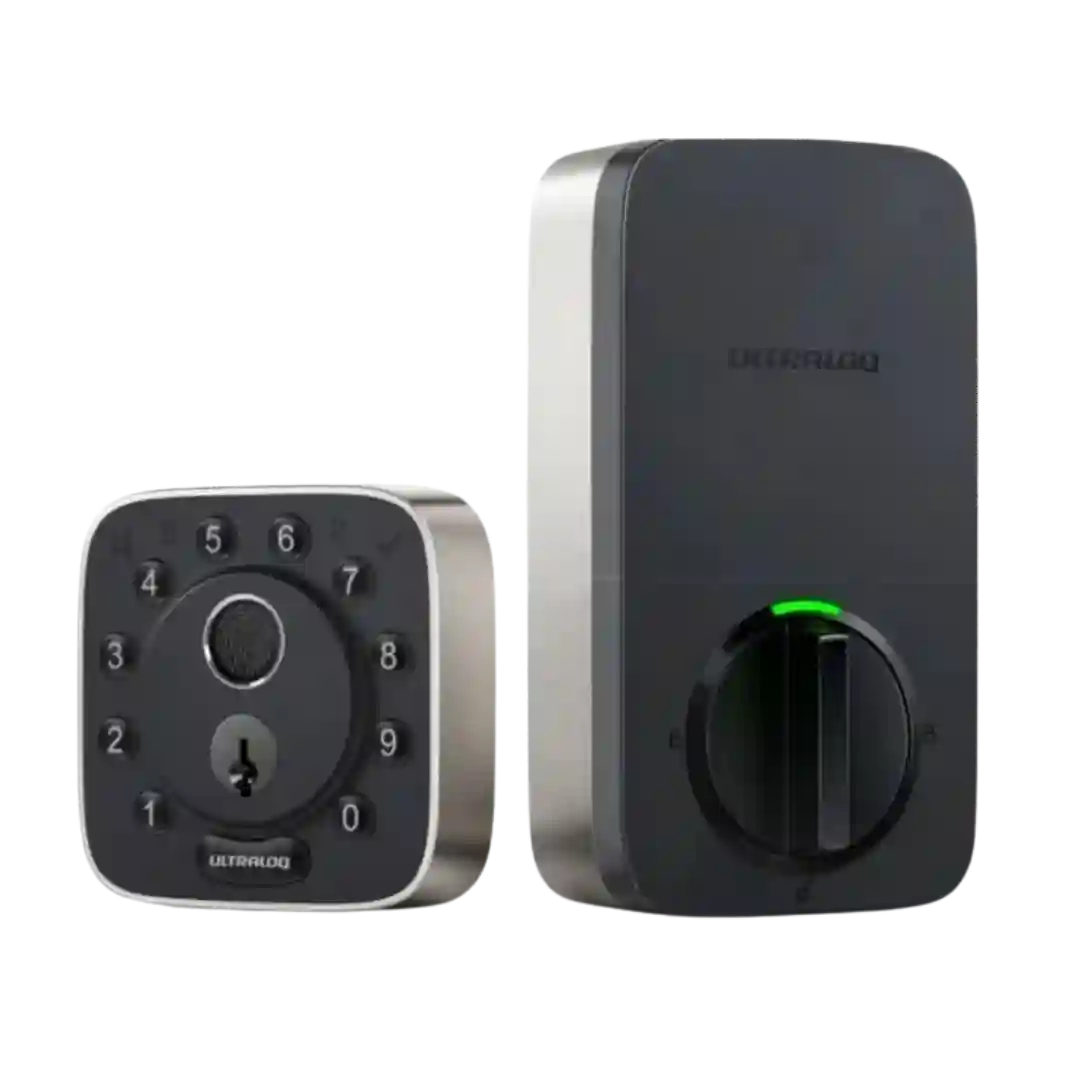
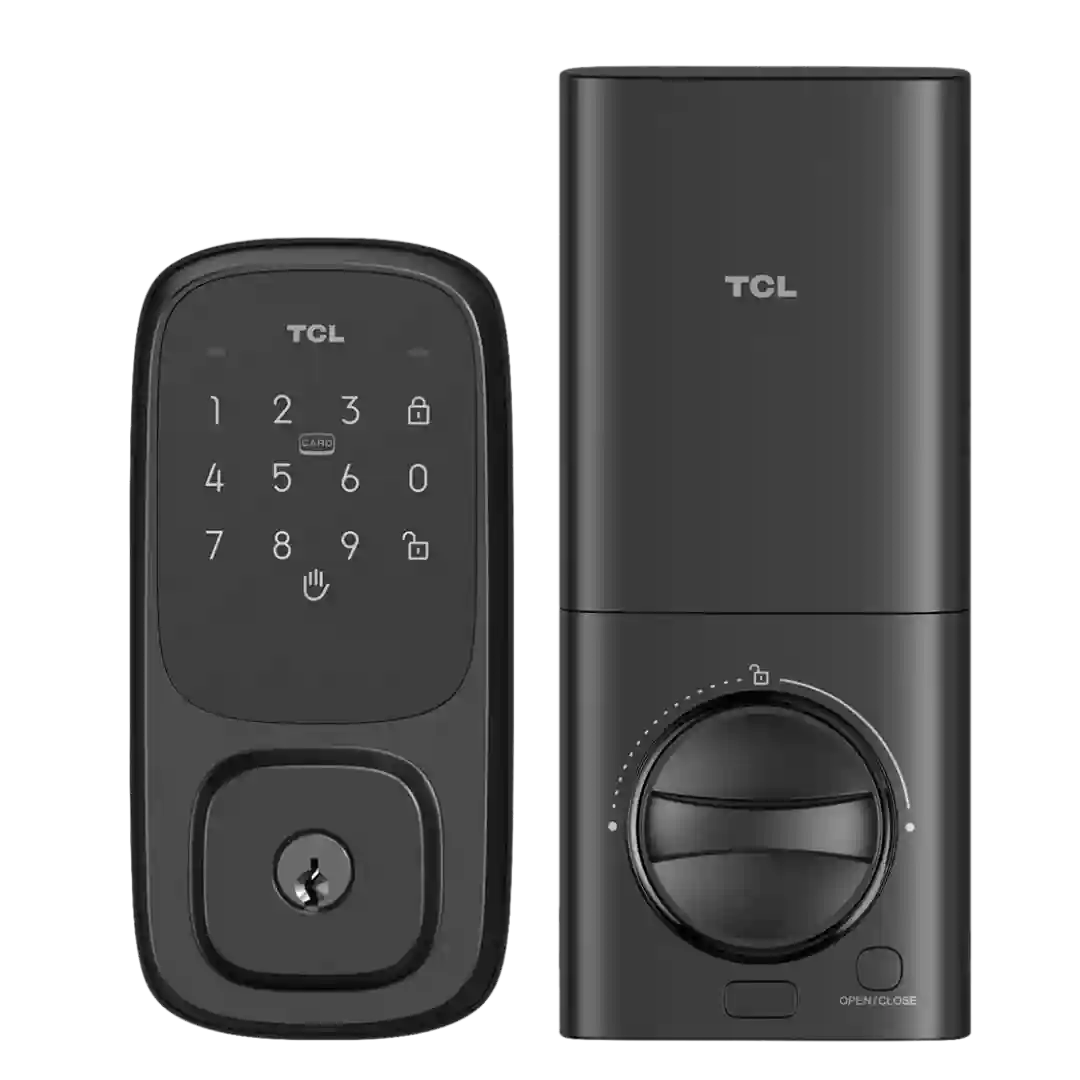
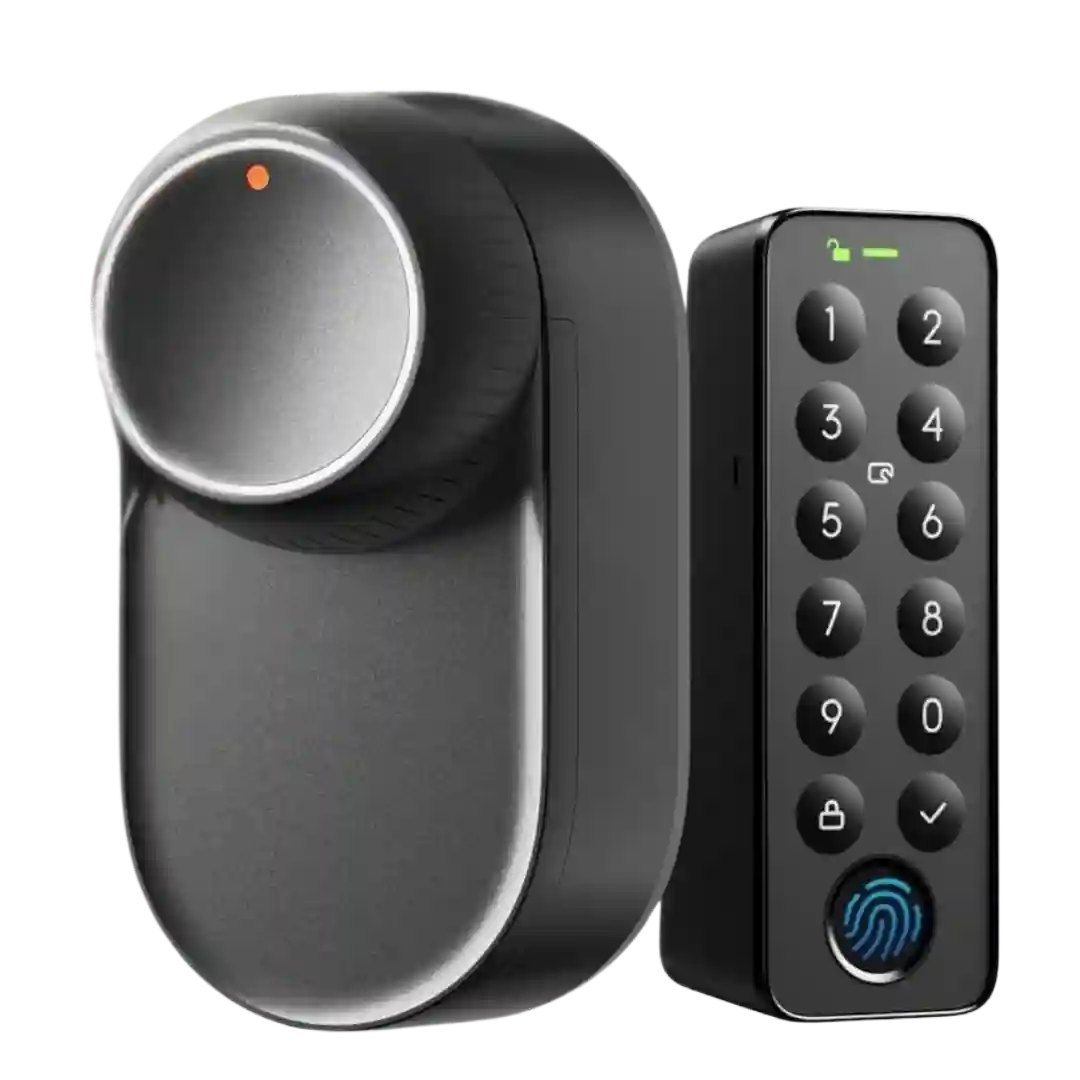
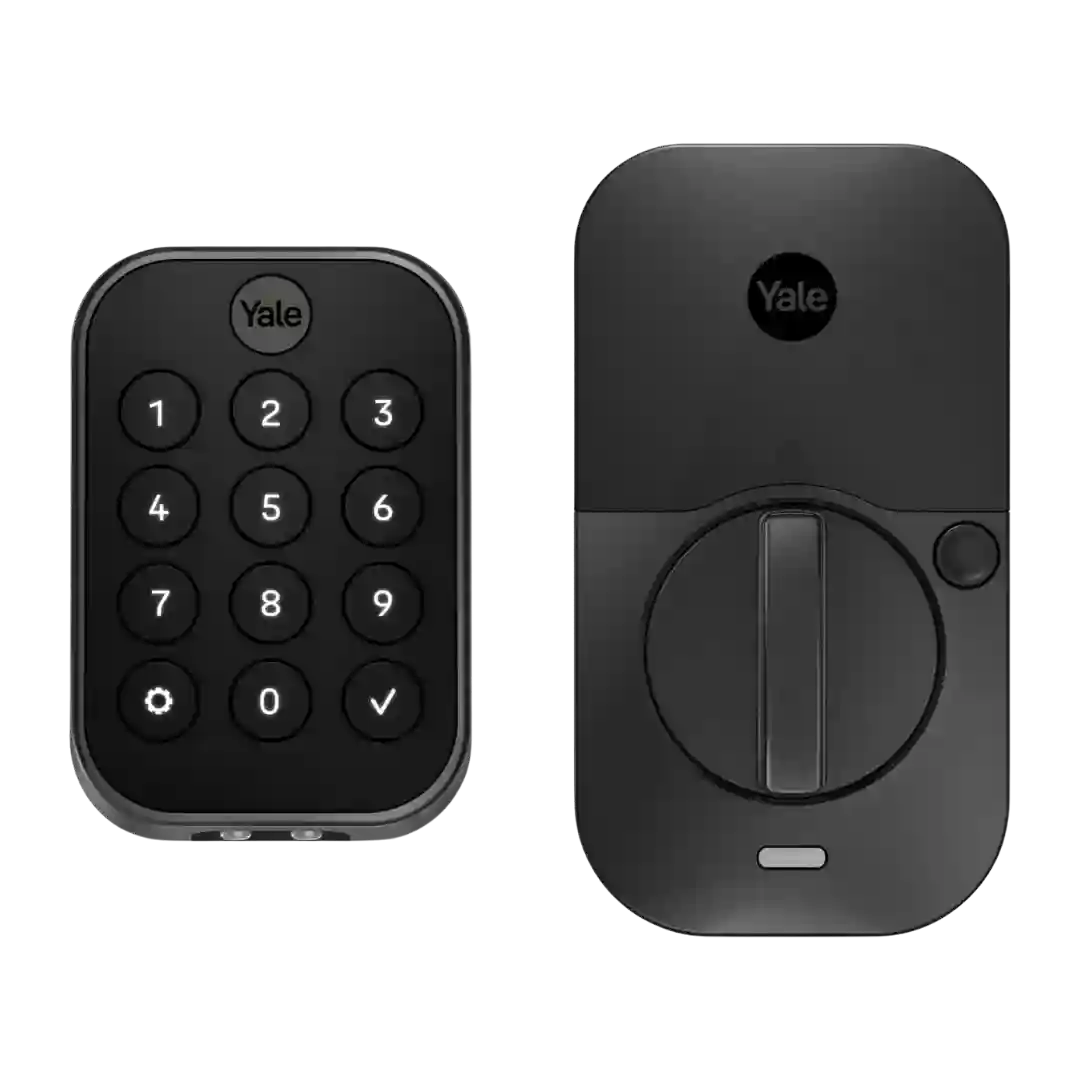
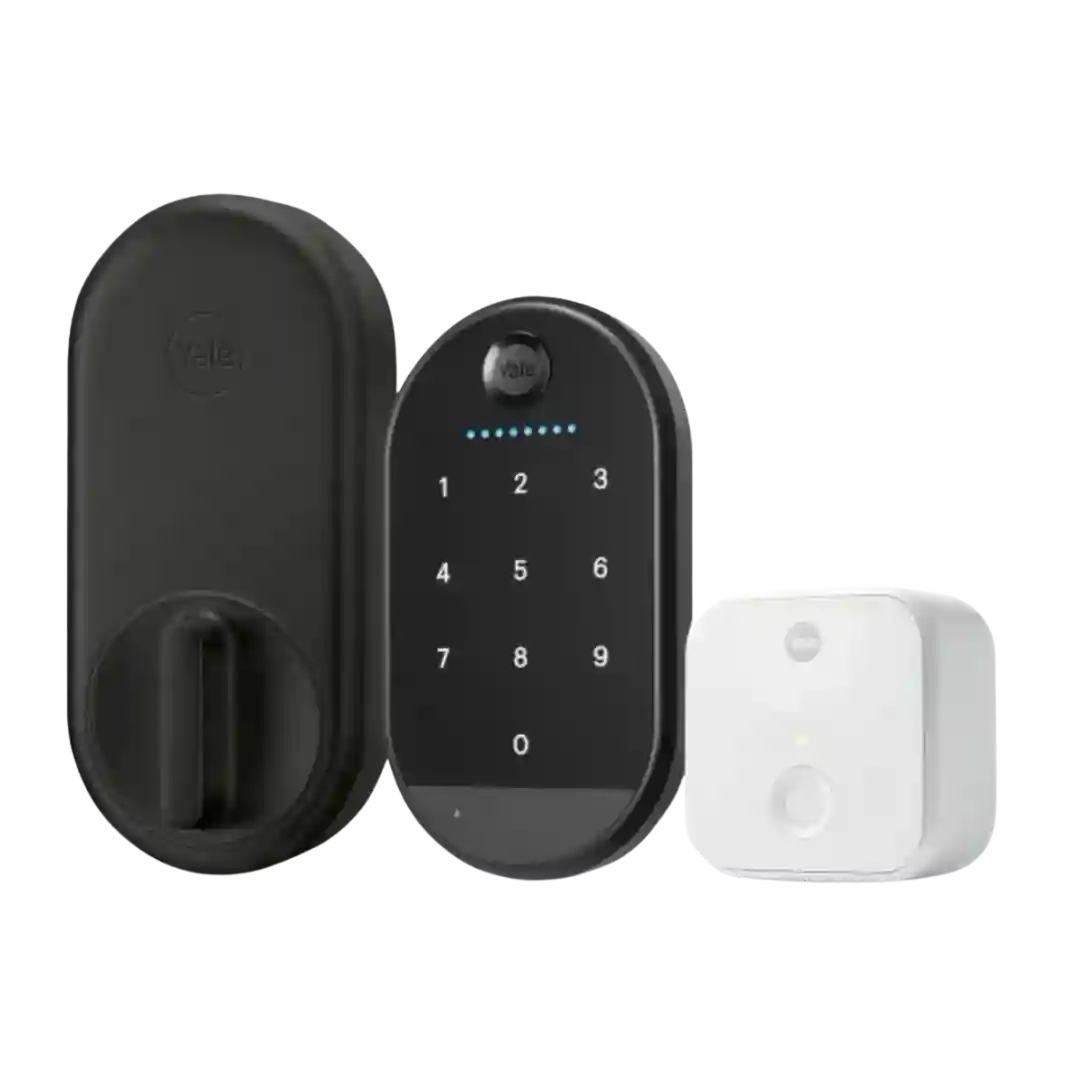
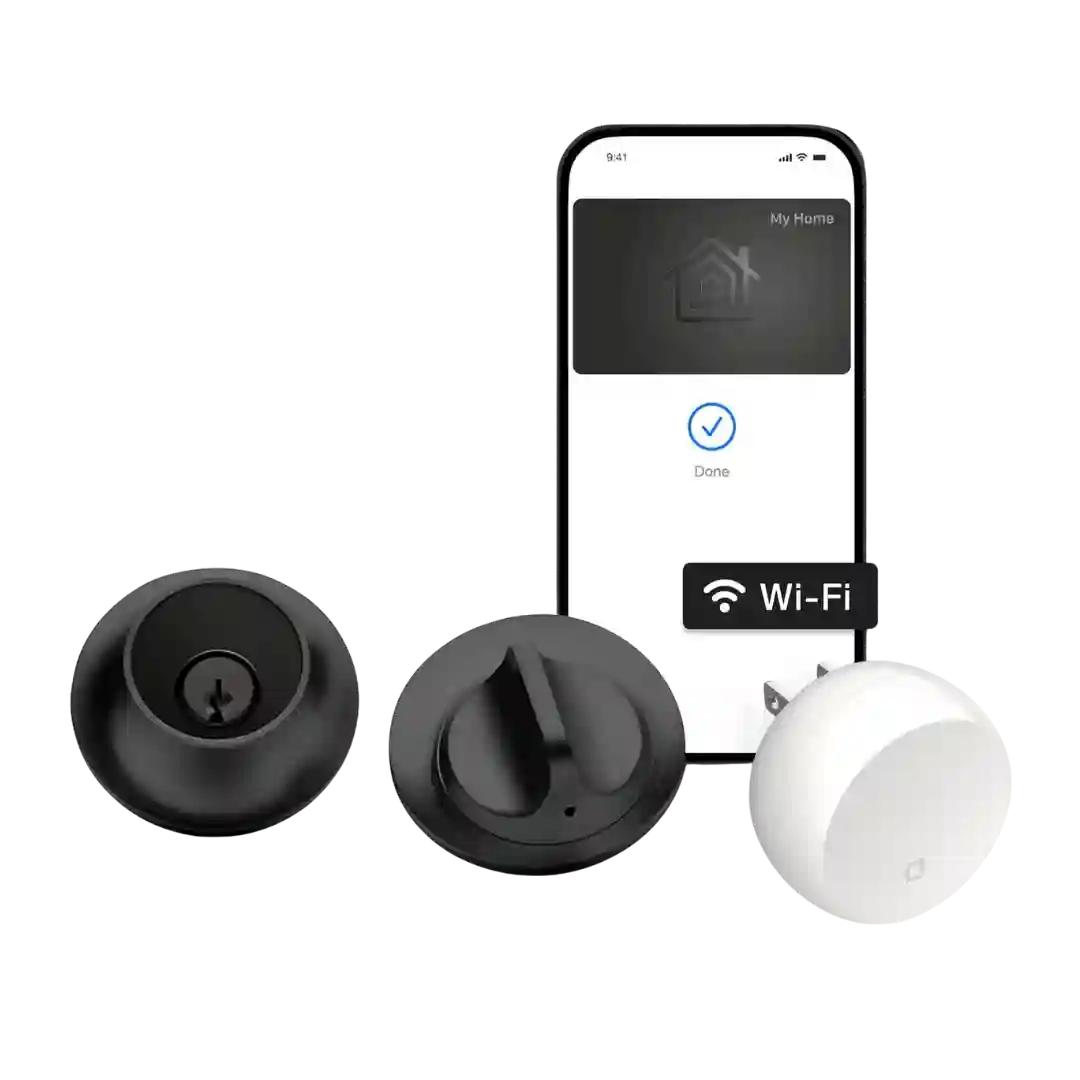
Built-in 2.4GHz Wi-Fi enables true remote control from anywhere; performance is generally reliable, though some users note occasional lag or weaker connections if the router signal is marginal.
Wi-Fi connectivity is typically stable, but multiple sources note the lock operates on 2.4GHz networks. Some marketing and reviewer notes cite Wi-Fi 6, yet practical guidance still centers on 2.4GHz setup and the lack of 5GHz support.
Built-in Wi-Fi enables remote control without extra hardware and is generally stable once connected. Several reviews note it prefers a 2.4GHz network and changing Wi-Fi can require a reset and re-enrolling users.
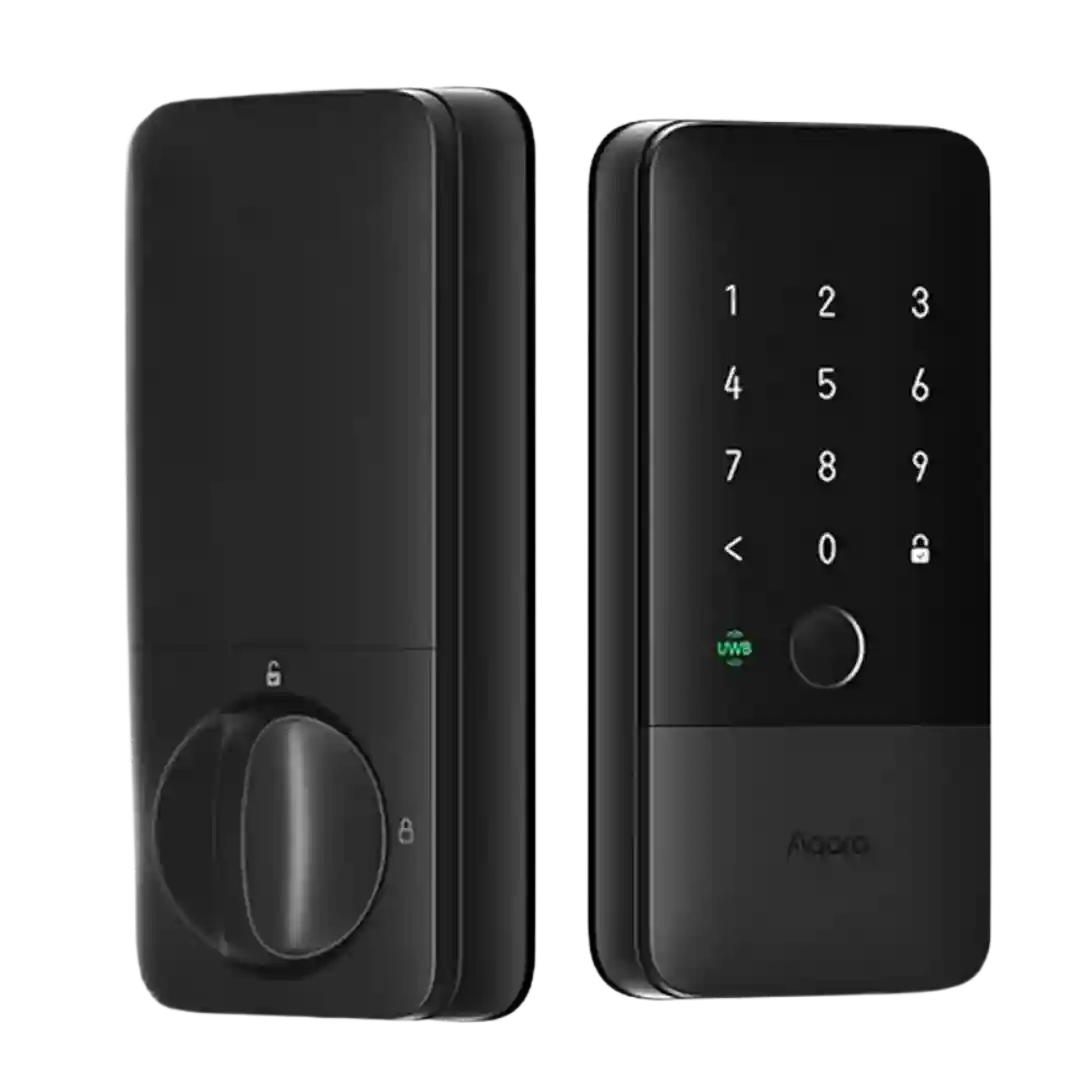
Built-in 2.4GHz Wi-Fi is consistently highlighted as a convenience because it avoids a separate bridge. Reviews generally describe stable remote-capable connectivity, with platform-specific hub requirements for Apple Home.
Wi-Fi remote control is consistently supported in demos and written reviews; some reviewers highlight power-saving options (such as scheduling Wi-Fi off at night) to reduce battery impact while keeping core remote features available when needed.
Built-in 2.4GHz Wi-Fi is a major advantage for remote access without extra hardware, but connection quality can affect responsiveness and battery use; updates and a Wi-Fi on/off toggle were noted as improvements in longer-term use.
Built-in Wi-Fi is repeatedly highlighted as the key upgrade for true remote control without an add-on bridge, but it can increase battery drain and, in one account, made setup more finicky with certain Wi-Fi environments.
Wi-Fi setup is app-driven and generally smooth, but one install walkthrough highlights 2.4GHz-only pairing and a firmware update step during onboarding.
Built-in 2.4GHz Wi-Fi enables remote control without a hub, but a few reviewers saw intermittent connectivity or early firmware hiccups; power-saving modes can reduce Wi-Fi use to extend battery life.
Wi-Fi is tied to the required bridge and is noted as 2.4GHz in at least one expert review. In general, connectivity is described as stable, with one review calling out distance guidance between lock, chime/bridge, and router.
Wi-Fi is a major convenience upgrade on built-in models, enabling remote access without extra hardware, but 2.4GHz-only requirements are a recurring pain point—especially for certain mesh setups. Strong signal and correct band selection are repeatedly emphasized for stable operation.
Wi-Fi behavior varies by model and experience: some versions are described as having built-in Wi-Fi, while at least one Matter-focused review states Wi-Fi is not integrated and may require an extra adapter. Some users also report Wi-Fi dropouts that make remote access unreliable.
Wi-Fi is core to the lock experience and is typically limited to 2.4GHz networks. Connectivity is usually fine once paired, but a notable concern raised in TCL lock coverage is occasional dropouts that can interrupt app-based control.
Wi-Fi connectivity isn’t native to the lock and is usually provided via a SwitchBot hub/bridge. Reviewers generally like having the option, but experience can depend on hub placement and network quality, and some ecosystems can feel slower than local keypad use.
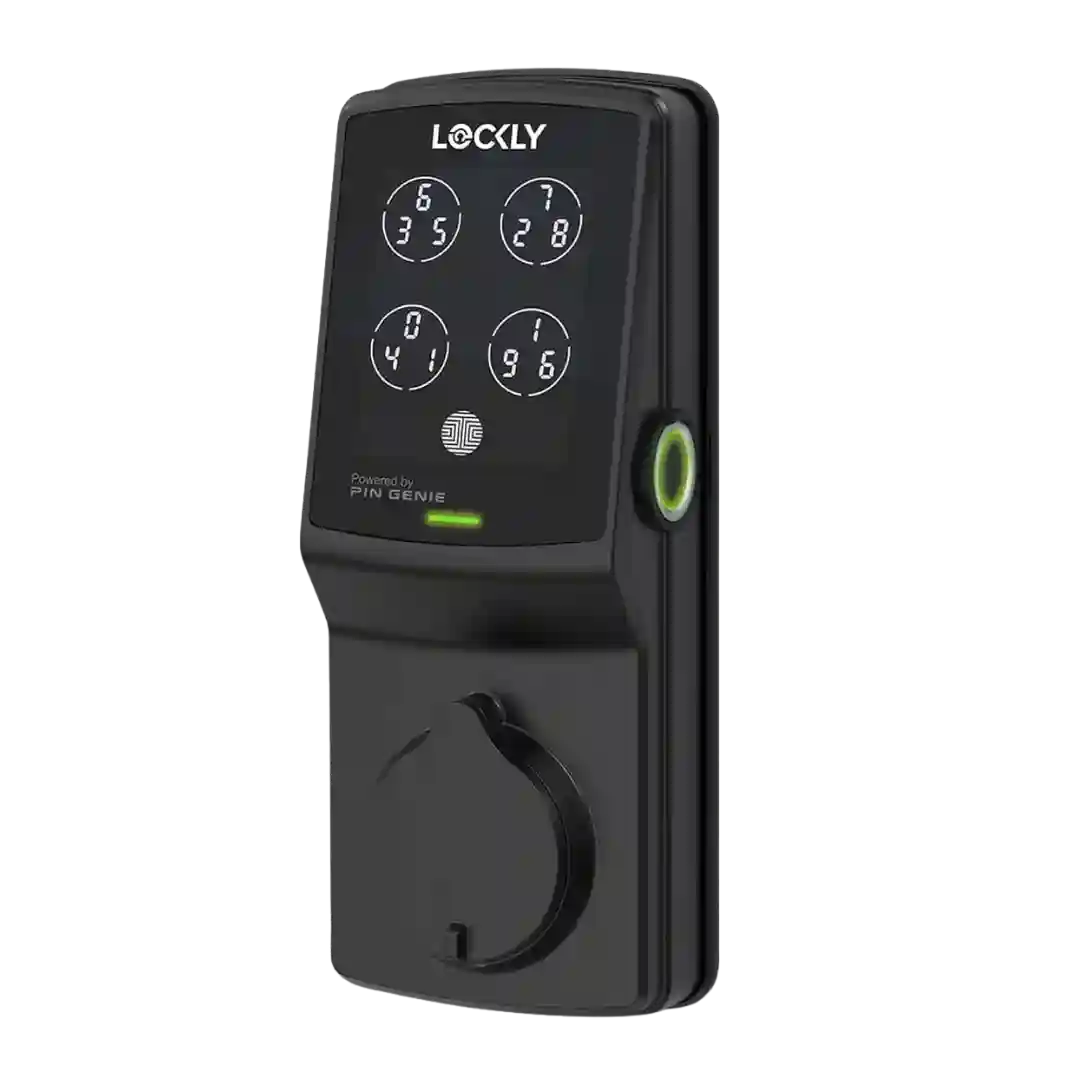
Wi-Fi (via the Smart Module or bundled models) unlocks true remote control and broader ecosystem support, but it can add setup complexity, occasional disconnect messages, and noticeably worse battery life compared with Bluetooth-only operation.
Wi-Fi connectivity is delivered through the bridge (typically on 2.4GHz networks). Once connected, many reviewers find remote control dependable, but multiple accounts describe initial pairing friction or placement constraints that can affect stability.
The lock does not include direct Wi-Fi, so remote control depends on a bridge or ecosystem hub. Reviews that used a Wi-Fi bridge generally liked the added reach, but complained about placement constraints and the one-bridge-per-lock reality in some setups.
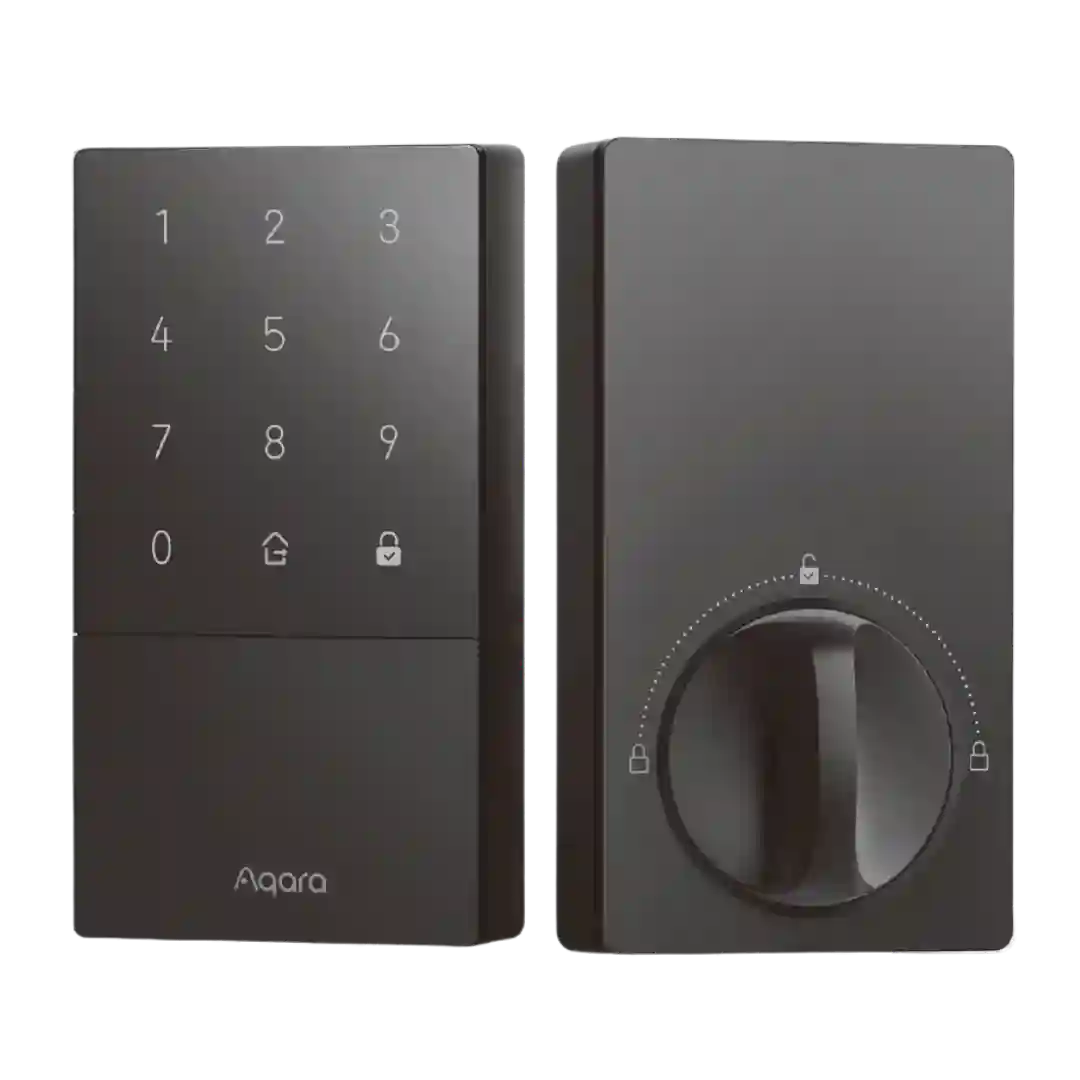
Most U50-focused reviews say there is no built-in Wi-Fi and that Wi-Fi-style remote/integration features depend on hubs; one included video appears to cover a different Aqara lock with built-in Wi-Fi, which can confuse expectations.
Wi-Fi is commonly referenced in comparisons: Thread is described as faster and more battery-friendly than typical Wi-Fi smart locks. The U400 is generally not treated as a Wi-Fi-first lock, so remote features are expected to come via Thread border routers or hubs instead of direct Wi-Fi.
There is no built-in Wi-Fi in the base lock; Wi-Fi connectivity is achieved through an add-on hub or bundled variant, which affects total cost and complexity.
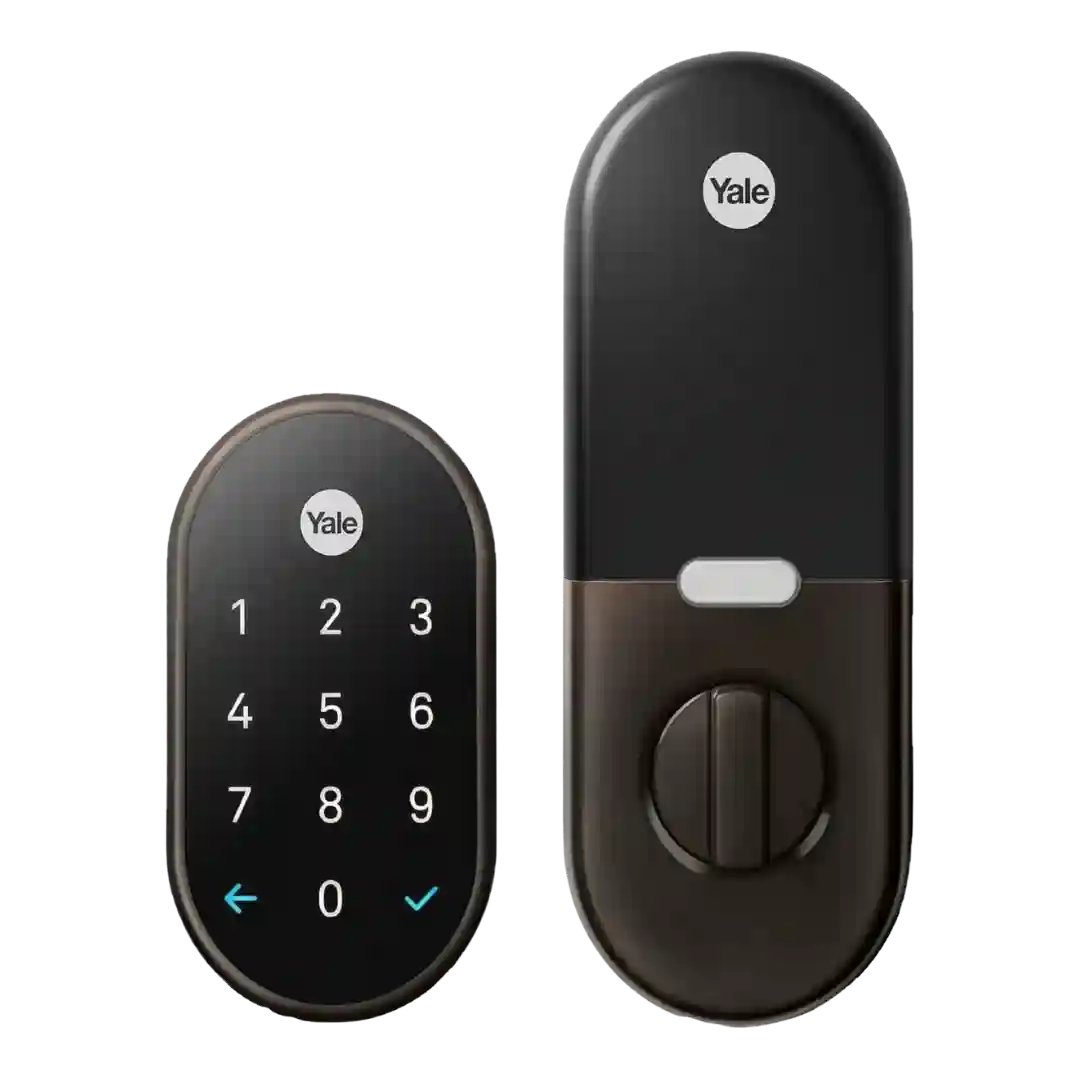
The lock itself typically lacks built-in Wi-Fi and relies on a Nest Connect/Nest Secure bridge for internet connectivity. When the bridge has a weak signal or struggles to stay connected, app access can become unreliable.
There is no built-in Wi-Fi radio, so the lock itself cannot connect directly to a router. Remote control and broader integrations rely on an Apple Home hub and/or an Aqara Zigbee hub acting as the bridge.