Best overall
Tapo Smart Door Lock DL110
4.4 overall score
Highest ranked product in this category by consolidated review score.
Highest ranked product in this category by consolidated review score.
Balances a strong score with broader review coverage.
Leads this category on a matching scored feature.
Leads this category on a matching scored feature.
Leads this category on a matching scored feature.
The strongest recurring feature across products in this category.
The lowest recurring feature score with enough category coverage.
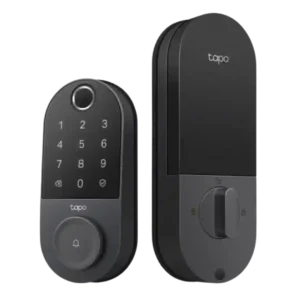
Choose the Tapo DL110 if you want fast fingerprint entry, strong app control, long battery life, and premium features under a lower price. Skip it if your door/strike alignment is...
Pros: Value and Price, Lock/unlock speed
Cons: Existing hardware reuse, Door compatibility (deadbolt fit)
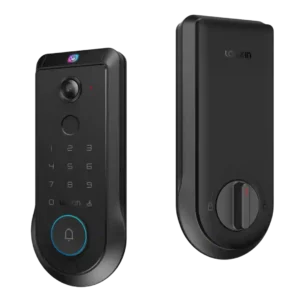
Choose the Lockin Veno Pro if you want touchless palm unlocking, local video storage, and one device for lock plus doorbell. Skip it if you need polished Matter features, discreet...
Pros: Lock/unlock speed, Wi-Fi
Cons: Feature additions via updates, Warranty and support
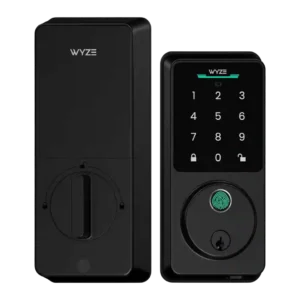
Choose the Wyze Lock Bolt v2 for low-cost Wi-Fi, fast fingerprint entry, and flexible codes. Skip it if you need Matter/HomeKit support, rechargeable batteries, or stronger door-sense behavior.
Pros: Lock/unlock speed, Keypad
Cons: Door-sense, Battery
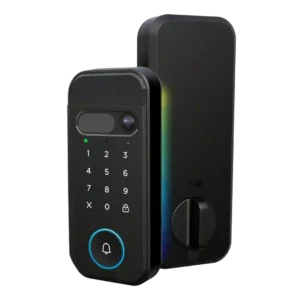
Choose it if you want a fast, camera-equipped smart lock with strong biometric options and myQ ecosystem control. Skip it if open smart-home integrations, subscription-free advanced alerts, or a basic...
Pros: Lock/unlock speed, Locking motor
Cons: Smart-home integration (Alexa, Google
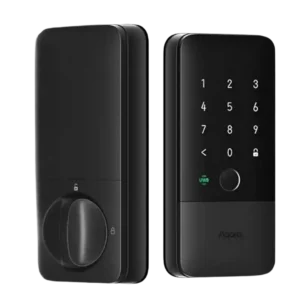
Choose the Aqara U400 if you want hands-free UWB unlocking, strong Apple Home integration, and many backup entry methods. Skip it if you dislike bulky smart-lock hardware or need a...
Pros: Locking reliability, Lock/unlock speed
Cons: Bluetooth, Physical attack resistance
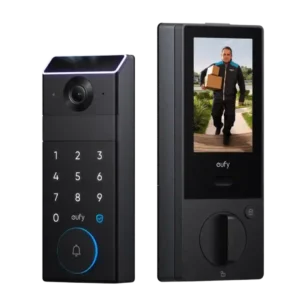
Choose the eufy FamiLock S3 Max if you want a premium all-in-one lock, doorbell, palm scanner, and indoor screen. Skip it if price, low-light video, Matter limits, or a screen/glass...
Pros: Lock/unlock speed, Locking reliability
Cons: Door compatibility (deadbolt fit), Hub requirement
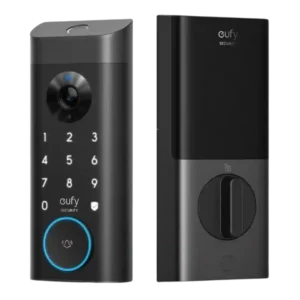
Good if you want one polished lock, camera, and doorbell with excellent fingerprint access. Skip it if short battery life, screen/storm doors, or a narrow camera view would frustrate you.
Pros: Lock/unlock speed, Security features (encryption)
Cons: Door-sense, Keyway quality
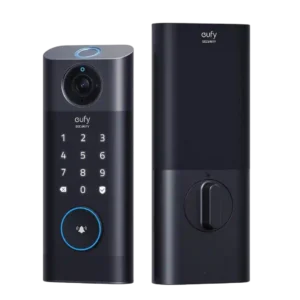
Good if you want one wireless lock, camera, doorbell, and fingerprint system. Skip it if you need HomeKit/Matter, a subtle doorbell button, or tolerance for imperfect door alignment.
Pros: Lock/unlock speed, Wi-Fi
Cons: Jam detection, Door compatibility (deadbolt fit)
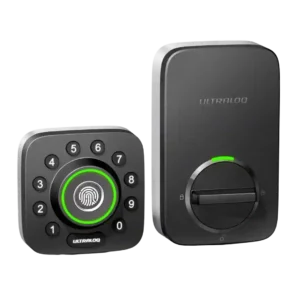
Best for fast fingerprint entry, flexible guest access, and strong smart-lock value. Skip it if you need HomeKit, Amazon Key, polished app behavior, or worry about 2.4 GHz Wi-Fi setup.
Pros: Locking reliability, Build quality and durability
Cons: Two-factor authentication availability, Backset compatibility
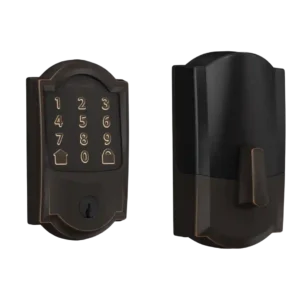
Choose the Schlage Encode if you want a sturdy, hub-free Wi-Fi deadbolt with strong codes, logs, and remote access. Skip it if you need geofencing, HomeKit/IFTTT, quiet motor noise, or...
Pros: Bluetooth, Hub requirement
Cons: Door-sense, Fingerprint
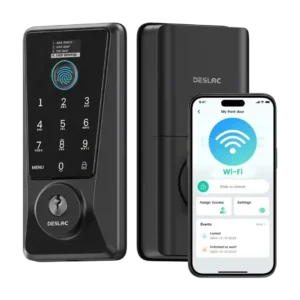
Choose the Desloc D110 Plus for a budget smart lock with fast fingerprint access, built-in Wi-Fi, and flexible codes. Skip it if you need Matter/HomeKit support, a door sensor, or...
Pros: Feature additions via updates, Locking reliability
Cons: Door-sense, Auto-relock after failed attempts
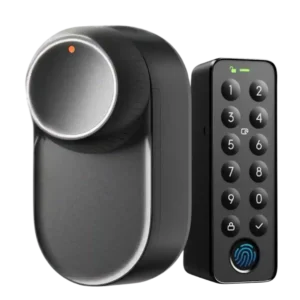
Best for easy retrofit setup, strong motor performance, battery backups, and many unlock methods. Skip it if you need hub-free Matter, dependable geofencing, Apple Home Key, or a full exterior...
Pros: App, Battery
Cons: Geofencing, Jam detection
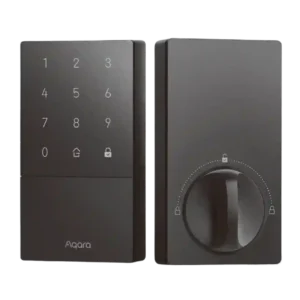
Choose the Aqara U50 for affordable HomeKey access, easy setup, strong keypad controls, and auto-lock. Skip it if you need built-in Wi-Fi, fingerprint unlocking, or hub-free advanced settings.
Pros: Access logs, Value and Price
Cons: Warranty and support, Wi-Fi
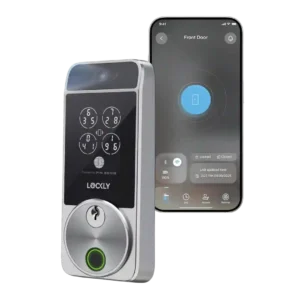
Choose the Lockly Visage if you want fast hands-free facial unlocking, Apple Home Key, and many backup access methods. Skip it if the price, exposed door sensor, app quirks, or...
Pros: Touchscreen, Hub requirement
Cons: Camera and doorbell performance, Door-sense
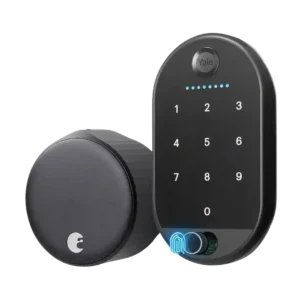
Best for an easy retrofit smart lock with strong app controls, integrations, notifications, and reliable locking. Skip it if you need long battery life, built-in keypad/fingerprint entry, or flawless auto-unlock/HomeKit...
Pros: Locking motor, Physical attack resistance
Cons: Fingerprint, Battery
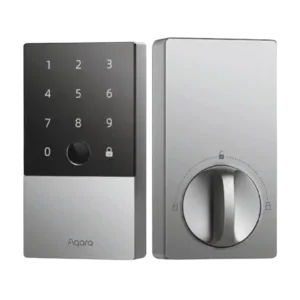
Choose the Aqara U100 for fast fingerprint access, HomeKit/Home Key, and strong feature value. Skip it if you need built-in Wi-Fi, simple re-keying, or rock-solid long-term app reliability.
Pros: Lock/unlock speed, Fingerprint
Cons: Keyway quality, Wi-Fi
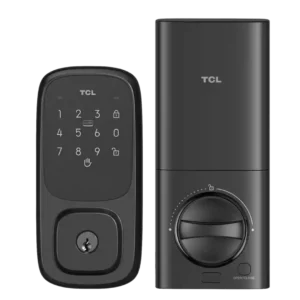
Choose the TCL D1 Pro for fast, reliable palm unlocking, many access methods, and good value. Skip it if you want a polished app, HomeKit/Matter support, geofencing, or door-sense awareness.
Pros: Wi-Fi, Hub requirement
Cons: Door-sense, Geofencing
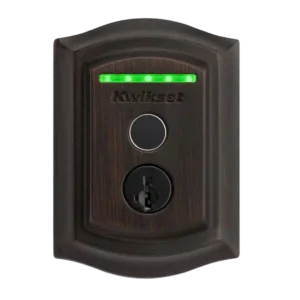
Choose the Kwikset Halo Touch if fingerprint entry, sturdy deadbolt hardware, and no-hub Wi-Fi matter most. Skip it if you need deep smart-home integrations, reliable failed-attempt alerts, geofencing, or safe...
Pros: Lock/unlock speed, Locking reliability
Cons: Auto-relock after failed attempts, Door compatibility (deadbolt fit)
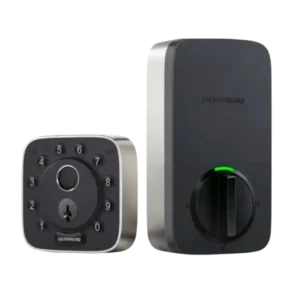
Choose the ULTRALOQ Bolt Fingerprint for fast fingerprint entry, easy installation, broad smart-home support, and strong access controls. Skip it if you need flawless Wi-Fi/app reliability, Home Key, Home Assistant,...
Pros: Weather resistance, User access management
Cons: Locking motor, Remote access
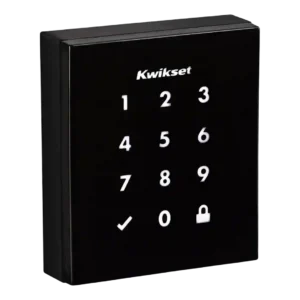
Choose the Kwikset Obsidian for a sleek keyless touchscreen lock with strong SecureScreen and Z-Wave routines. Skip it if you need built-in Wi-Fi, Bluetooth, HomeKit/Google support, a physical key, or...
Pros: Existing hardware reuse, Build quality and durability
Cons: Weather resistance, Locking motor
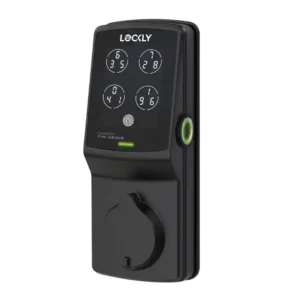
Choose Lockly Secure Plus for fast fingerprint entry, a secure rotating keypad, sturdy hardware, and flexible guest access. Skip it if you need built-in Wi-Fi, broad smart-home support, push notifications,...
Pros: Auto-lock, Touchscreen
Cons: Notifications, Smart-home integration (Alexa
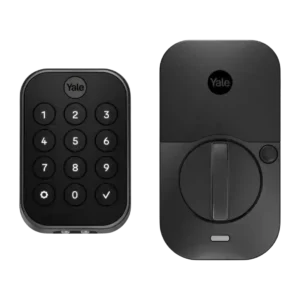
Choose the Yale Assure Lock 2 if you want a stylish smart lock with strong guest codes, access logs, and broad integrations. Skip it if Wi-Fi battery life, spotty connectivity,...
Pros: Lock/unlock speed, Guest Codes and Access
Cons: Backset compatibility, Warranty and support
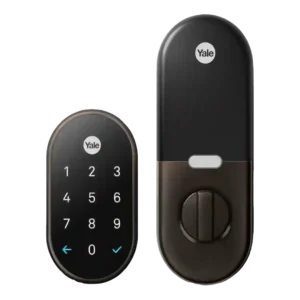
Choose the Google Nest x Yale if you want reliable keyless locking, strong Nest app control, and temporary codes. Skip it if you need broad Alexa/HomeKit integration, automatic unlock, or...
Pros: Weather resistance, Notifications
Cons: Door-sense, Bluetooth
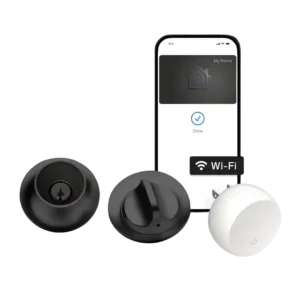
Choose the Level Lock+ if you want a discreet Apple-friendly smart lock with Home Key and flexible access. Skip it if you need built-in keypad/fingerprint access, stronger pick resistance, direct...
Pros: Industrial design, Build quality and durability
Cons: Pick/drill resistance (if rated), Keyway quality
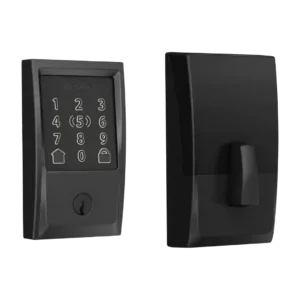
Best for Apple Home Key, fast unlocking, easy install, and strong HomeKit convenience. Skip it if you need fingerprint access, clear keypad visibility, simple app management, or predictable long battery...
Pros: Locking reliability, Lock/unlock speed
Cons: Weather resistance, Door-sense
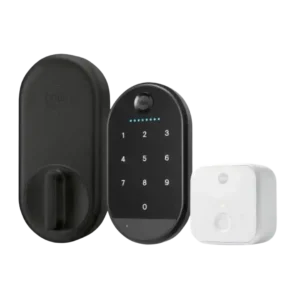
Choose the Yale Approach if you want an affordable retrofit lock with strong app controls and renter-friendly hardware reuse. Skip it if lock reliability, native Wi-Fi, HomeKit/Matter support, or a...
Pros: Key override reliability, Remote access
Cons: Warranty and support, Bluetooth