Best for Hub requirement
Schlage Encode Smart Lock
5.0 feature score
Highest scored product for this feature based on supporting review evidence.
Highest scored product for this feature based on supporting review evidence.
Balances feature score, supporting reviews, and overall product strength.
Has the broadest review evidence for this feature.
Strongest overall product among items with scored evidence for this feature.
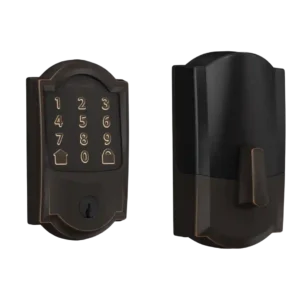
Multiple reviewers praise that Encode connects directly to Wi-Fi with no bridge or hub, which simplifies setup and ongoing use compared with add-on adapters.
Pros: Hub requirement, Physical attack resistance
Cons: Auto-unlock, Door-sense
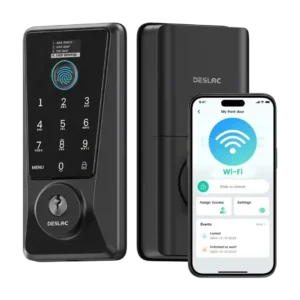
No hub or separate gateway is required for remote features because Wi-Fi is integrated.
Pros: Hub requirement, Backset compatibility
Cons: Door-sense, Smart-home integration (Alexa
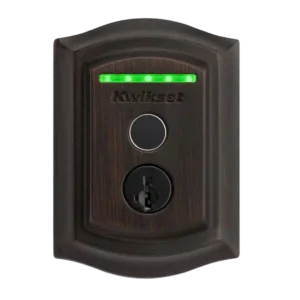
No hub is required; the lock connects directly to Wi-Fi for remote features.
Pros: Hub requirement, Locking motor
Cons: Auto-unlock, Door-sense
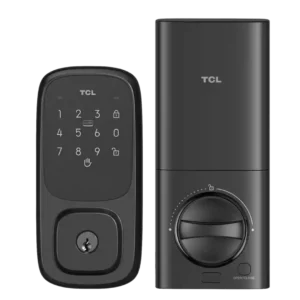
Built-in Wi-Fi is repeatedly highlighted as enabling remote control without a separate hub. Pairing is typically done to a 2.4GHz network.
Pros: Hub requirement, Door compatibility (deadbolt fit)
Cons: Door-sense, Geofencing
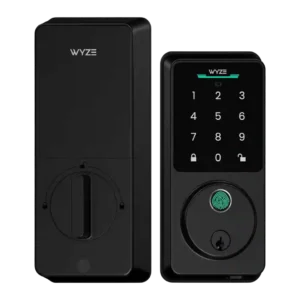
Multiple reviews explicitly emphasize no hub is required for Wi-Fi remote control, improving simplicity and total cost.
Pros: Hub requirement, Value and Price
Cons: Door-sense
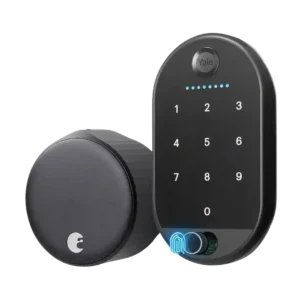
Because Wi-Fi is integrated, reviews emphasize there is no separate hub or bridge required for remote access, simplifying deployment compared with older generations that needed a plug-in module.
Pros: Existing hardware reuse, Hub requirement
Cons: Battery, Voice control
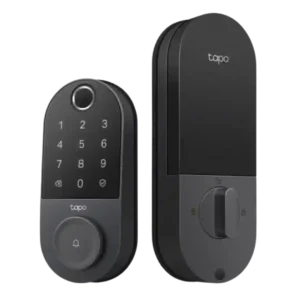
No mandatory hub is emphasized across reviews; optional accessories (like chimes or hubs) are discussed for convenience rather than basic functionality.
Pros: Value and Price, Lock/unlock speed
Cons: Geofencing
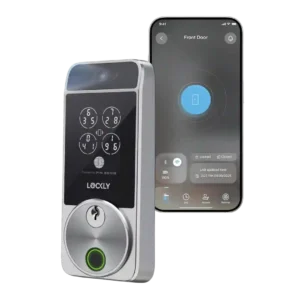
The Visage’s built-in Wi-Fi means no separate hub is required, a clear upgrade over older hub-dependent smart locks.
Pros: Auto-unlock, Lock/unlock speed
Cons: None
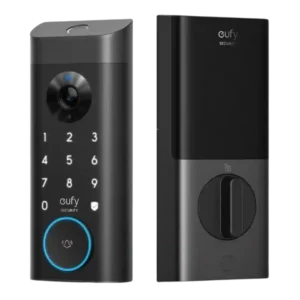
A hub is optional rather than required: the lock works on its own, while HomeBase 3 mainly adds AI features, storage flexibility, and ecosystem extras.
Pros: Locking reliability, Notifications
Cons: Door-sense, Geofencing
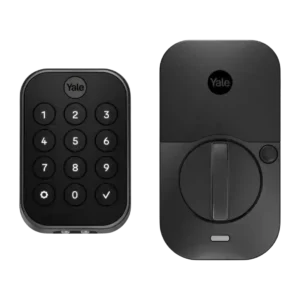
The modular design reduces hard hub dependence, but you still need the right path for your ecosystem: Wi-Fi for broad third-party integrations, or an Apple home hub for Bluetooth-only HomeKit...
Pros: Security features (encryption), Two-factor authentication availability
Cons: Warranty and support, Battery
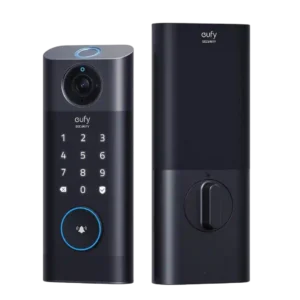
The required plug-in chime/bridge is a core part of the experience: it enables remote connectivity and local storage, and many liked having a loud indoor chime. Downsides include extra setup...
Pros: Lock/unlock speed, Access logs
Cons: Door-sense, Jam detection
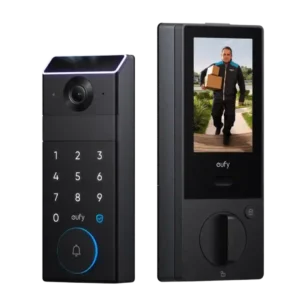
A hub is not required for basic operation and remote control over Wi-Fi, but a HomeBase is repeatedly positioned as the path to expanded storage and smarter alerts (such as...
Pros: Physical attack resistance, Weather resistance
Cons: Value and Price
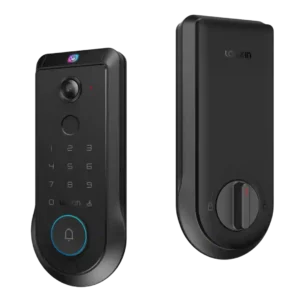
For ecosystem control, reviewers note you may need a Matter controller hub (or similar hub) to add the lock to platforms like Apple Home, Google Home, Alexa, or SmartThings; hub...
Pros: Door-sense, Key override reliability
Cons: Geofencing
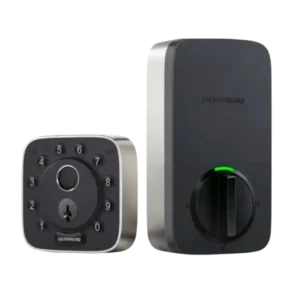
Hub needs depend on ecosystem and model. Some versions are described as not needing a dedicated hub for standard smart features, while Apple Home/Matter remote control can depend on a...
Pros: Backset compatibility, Guest Codes and Access
Cons: Keyway quality, Pick/drill resistance (if rated)
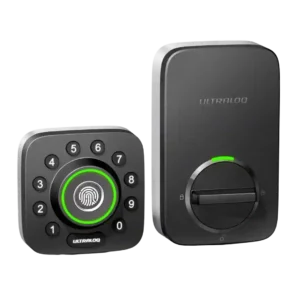
Hub/bridge needs depend on the version: built-in Wi-Fi models remove the bridge requirement, while older bundles require a bridge placed close to the door (often described as within about 10...
Pros: Door compatibility (deadbolt fit), Weather resistance
Cons: Two-factor authentication availability, Jam detection
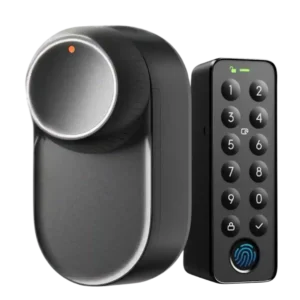
The hub is optional for basic local use but commonly required for the “full” experience (remote access, Matter, voice assistants, and broader smart-home integration). Multiple reviews frame this as the...
Pros: Existing hardware reuse, Battery
Cons: Finish durability, Auto-unlock
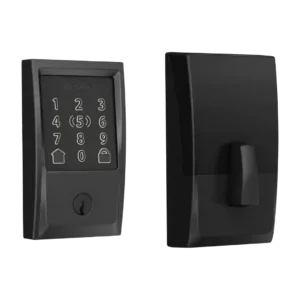
No third-party bridge is required for Wi-Fi, but Apple Home remote control typically needs a Home hub (Apple TV or HomePod). Thread performance also depends on having a Thread border...
Pros: Build quality and durability, Finish durability
Cons: Geofencing, Door-sense
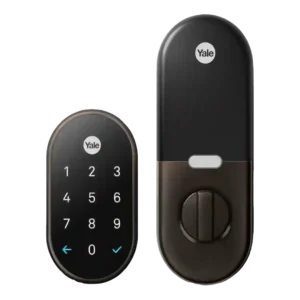
Remote features generally require a Nest Connect or Nest Secure hub, which adds cost and another device to place near the door. Reviewers often accept this as the price of...
Pros: Weather resistance, Warranty and support
Cons: Auto-unlock, Door-sense
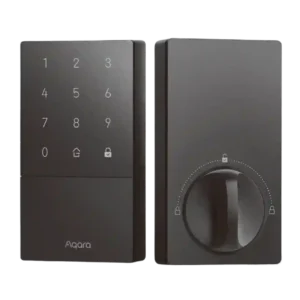
A hub is frequently recommended to unlock full functionality (broader integrations, Matter bridging, richer automations), but adds cost and can introduce placement or connectivity considerations.
Pros: Guest Codes and Access, User access management
Cons: Fingerprint, Warranty and support
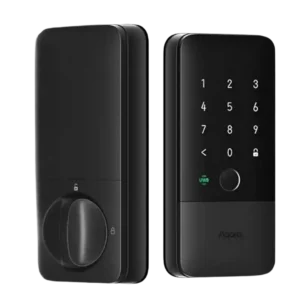
Hub requirements are a recurring caveat: most smart functionality needs a Thread border router, and Aqara-app remote control may require an Aqara hub.
Pros: Lock/unlock speed, Smart-home integration (Alexa
Cons: Physical attack resistance, Hub requirement
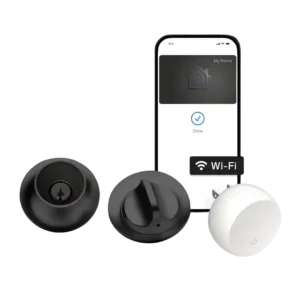
Hub/bridge needs are a recurring theme. Apple Home users get the cleanest remote experience with a Home hub, while non-Apple ecosystems often need Level Connect or other bridges and may...
Pros: Smart-home integration (Alexa, Google
Cons: Fingerprint, Door-sense
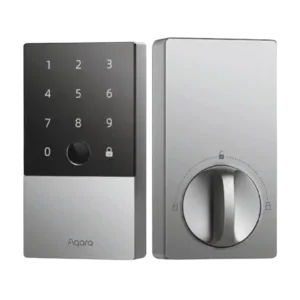
Hubs are optional for basic local use but commonly required for the best experience: Apple Home remote access needs a Home hub, and Matter/Alexa/Google/IFTTT and many remote features need an...
Pros: Locking motor, Backset compatibility
Cons: Wi-Fi, Keyway quality
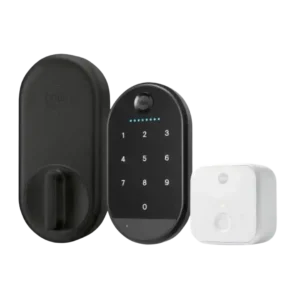
Remote access and voice features rely on a separate Wi-Fi bridge rather than built-in Wi-Fi. Reviews consistently call this a convenience and reliability tradeoff because it needs an outlet near...
Pros: Existing hardware reuse, Access logs
Cons: Build quality and durability, Fingerprint
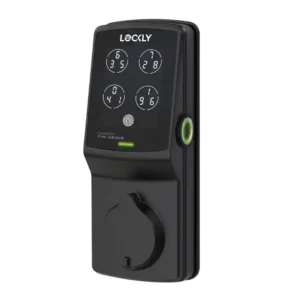
Out of the box the lock is Bluetooth-first, and multiple reviews note that a separate Wi-Fi hub is needed for remote control and voice assistants.
Pros: Fingerprint, Finish durability
Cons: Notifications, Smart-home integration (Alexa
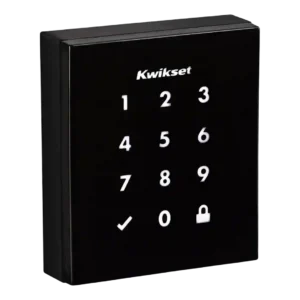
Most smart features require a compatible Z-Wave hub; without it, Obsidian behaves like a standalone keypad deadbolt.
Pros: Existing hardware reuse, Locking reliability
Cons: Key override reliability, Bluetooth