Best for User access management
Wyze Auto-Lock Bolt v2 Smart Lock
5.0 feature score
Highest scored product for this feature based on supporting review evidence.
Highest scored product for this feature based on supporting review evidence.
Balances feature score, supporting reviews, and overall product strength.
Has the broadest review evidence for this feature.
Strongest overall product among items with scored evidence for this feature.
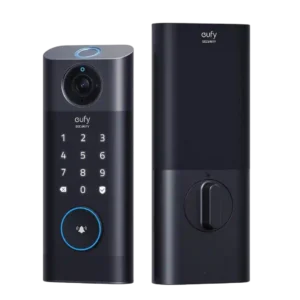
User management evidence was positive, especially around quickly adding additional users.
Pros: Lock/unlock speed, Wi-Fi
Cons: Jam detection, Door compatibility (deadbolt fit)
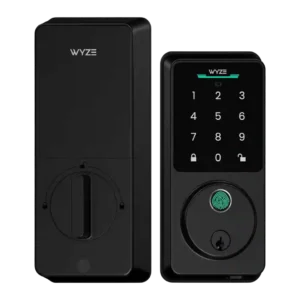
User access management receives strong praise for being intuitive and fast.
Pros: Lock/unlock speed, Keypad
Cons: Door-sense, Battery
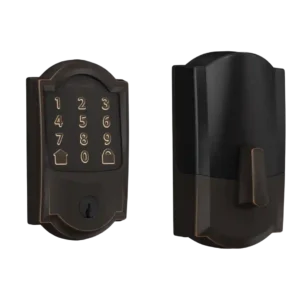
User management was praised for quick code creation, schedules, granular options, and caregiver/parent use cases.
Pros: Bluetooth, Hub requirement
Cons: Door-sense, Fingerprint
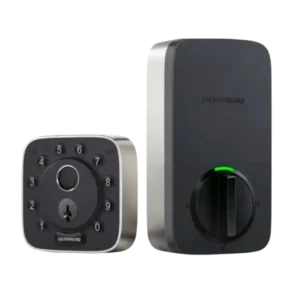
User access management was praised for scheduled codes, admin/normal/temporary roles, and flexible control over who can enter and when.
Pros: Weather resistance, User access management
Cons: Locking motor, Remote access
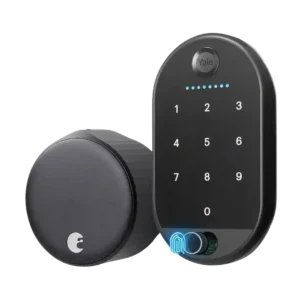
User access management was praised for free virtual keys and scheduled access codes.
Pros: Locking motor, Physical attack resistance
Cons: Fingerprint, Battery
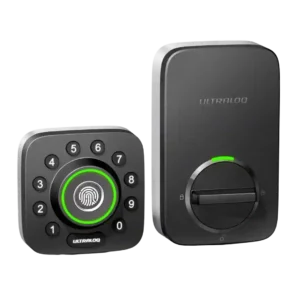
User access management was a standout for families and rentals, with reviewers praising individual profiles, schedules, temporary users, and revocable access.
Pros: Locking reliability, Build quality and durability
Cons: Two-factor authentication availability, Backset compatibility
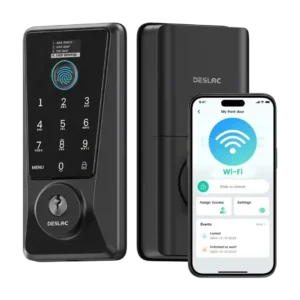
User access management was a strong point, with praise for simple schedules, temporary codes, and control over different users.
Pros: Feature additions via updates, Locking reliability
Cons: Door-sense, Auto-relock after failed attempts
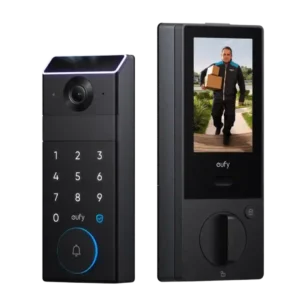
User access management was praised for making family access easy and supporting different time slots.
Pros: Lock/unlock speed, Locking reliability
Cons: Door compatibility (deadbolt fit), Hub requirement
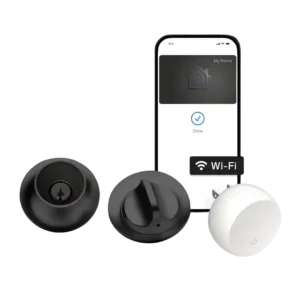
User access management was a strength, with reviewers praising flexible control over household members, guests, cards, and shared access.
Pros: Industrial design, Build quality and durability
Cons: Pick/drill resistance (if rated), Keyway quality
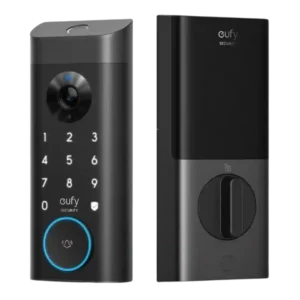
User access management scored well where reviewers valued adding users, codes, and fingerprints with access rules.
Pros: Lock/unlock speed, Security features (encryption)
Cons: Door-sense, Keyway quality
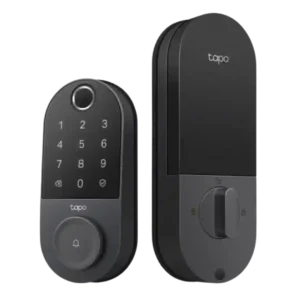
User management was praised for configurable people, fingerprints, PINs, schedules, and control over who can enter.
Pros: Value and Price, Lock/unlock speed
Cons: Existing hardware reuse, Door compatibility (deadbolt fit)
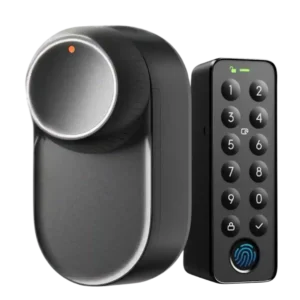
User access management was praised for detailed controls, temporary access, and adjustable authorizations, with one reviewer wanting finer scheduling.
Pros: App, Battery
Cons: Geofencing, Jam detection
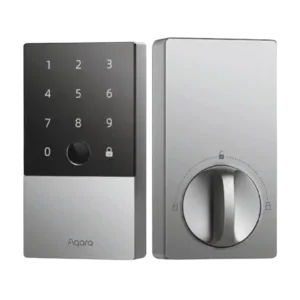
User access management was usually praised for clear controls, remote management, and multiple user types, despite app and code-management caveats.
Pros: Lock/unlock speed, Fingerprint
Cons: Keyway quality, Wi-Fi
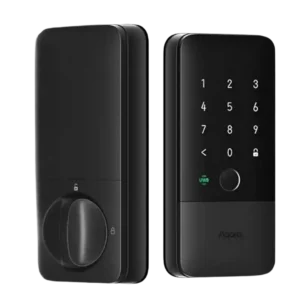
User access management was positively reviewed for adequate household limits, more granular Aqara controls, and approachable local fingerprint setup.
Pros: Locking reliability, Lock/unlock speed
Cons: Bluetooth, Physical attack resistance
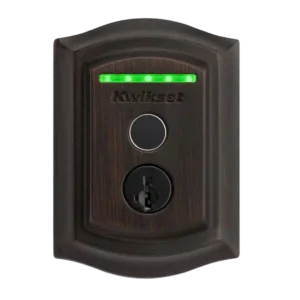
User management was useful for schedules and multiple people, but it was constrained by in-person fingerprint enrollment and, in one review, limited fingerprints per person.
Pros: Lock/unlock speed, Locking reliability
Cons: Auto-relock after failed attempts, Door compatibility (deadbolt fit)
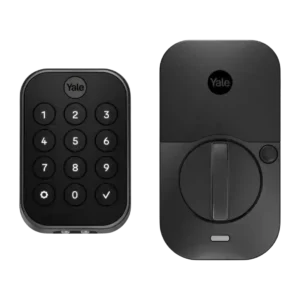
User management was strong overall, with app users, entry codes, schedules, and guest controls praised for families, visitors, and rental scenarios.
Pros: Lock/unlock speed, Guest Codes and Access
Cons: Backset compatibility, Warranty and support
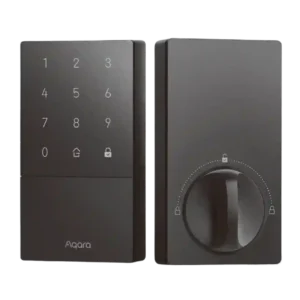
User management is useful for household and guest codes, though Apple Home controls were described as bare-bones compared with Aqara's app.
Pros: Access logs, Value and Price
Cons: Warranty and support, Wi-Fi
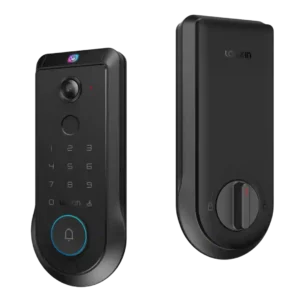
User access management is useful for families, but one review criticized the lack of partial access controls for regular users.
Pros: Lock/unlock speed, Wi-Fi
Cons: Feature additions via updates, Warranty and support
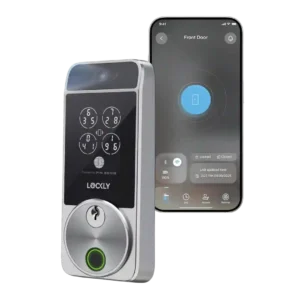
User access management was generally strong after app updates, but initial user setup could be confusing.
Pros: Touchscreen, Hub requirement
Cons: Camera and doorbell performance, Door-sense
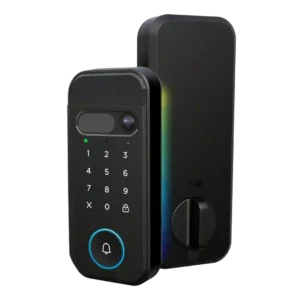
User access management was described as easy for users, PIN codes, and alerts.
Pros: Lock/unlock speed, Locking motor
Cons: Smart-home integration (Alexa, Google
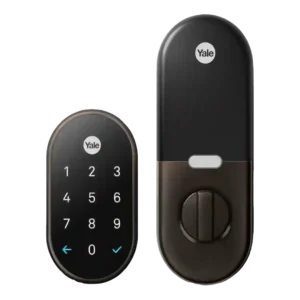
User access management was usually strong thanks to scheduled, revocable, and user-specific codes, but one review found app/account requirements and code-sharing glitches frustrating.
Pros: Weather resistance, Notifications
Cons: Door-sense, Bluetooth
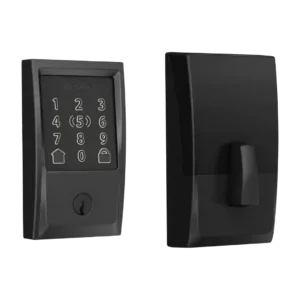
User access management was praised for admin keys and code toggles, but reviewers also reported Home app and Schlage app code-management limitations.
Pros: Locking reliability, Lock/unlock speed
Cons: Weather resistance, Door-sense
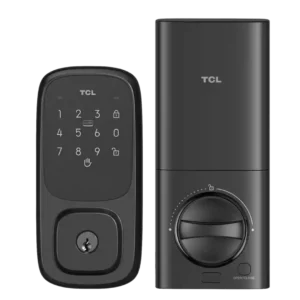
User access management is mixed: the lock supports multiple and temporary users, but Smart Life makes member setup feel clunky or confusing for some.
Pros: Wi-Fi, Hub requirement
Cons: Door-sense, Geofencing
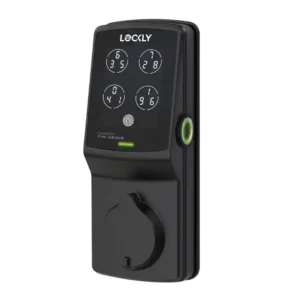
User access management is mixed, combining flexible access options with one strong complaint about difficult PIN assignment.
Pros: Auto-lock, Touchscreen
Cons: Notifications, Smart-home integration (Alexa
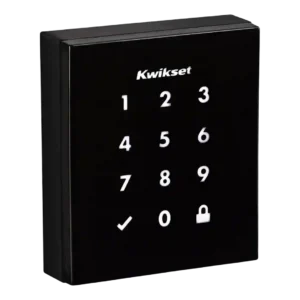
User access management varied sharply by version and platform, from strong scheduled and one-time code support to complaints about no expiring codes or no app-based code changes.
Pros: Existing hardware reuse, Build quality and durability
Cons: Weather resistance, Locking motor
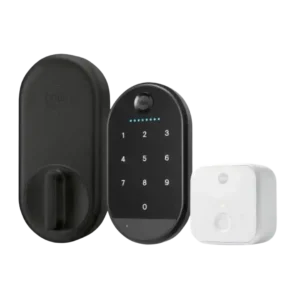
User access management split reviewers: one praised easy sharing and admin/guest levels, while another found adding users and saving codes clunky.
Pros: Key override reliability, Remote access
Cons: Warranty and support, Bluetooth