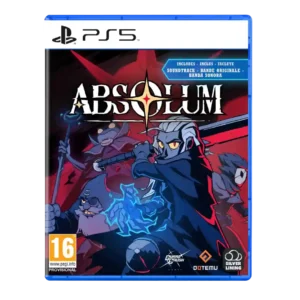
Menu usability received positive support for sleek, easy navigation.
Pros: mission design, world interactivity
Cons: quest design, endgame content
Menu usability received positive support for sleek, easy navigation.
Pros: mission design, world interactivity
Cons: quest design, endgame content

Menu usability is praised through the clean, easy-to-navigate interface that removes friction around fast travel and play.
Pros: graphics quality, environmental detail
Cons: bug frequency, dialogue quality

Menus and navigation are praised for being awesome and easier to use than prior collection workflows.
Pros: emotional impact, sound design
Cons: cross-play support, boss design
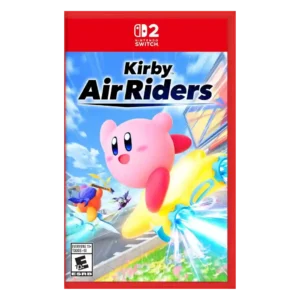
One review singled out the menus as sleek within a polished reward-heavy presentation.
Pros: flying mechanics, exploration quality
Cons: AI behavior, boss design

Menu usability was praised as simple and easy to navigate.
Pros: atmosphere, voice acting
Cons: world interactivity, camera behavior
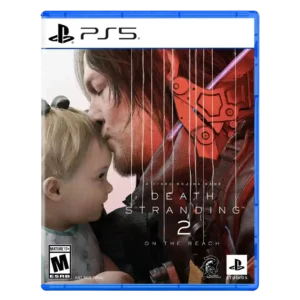
Menu usability is improved overall, especially radial menus and reworked menus, though some still found systems fiddly or clunky.
Pros: animation quality, facial animations
Cons: quest design, AI behavior
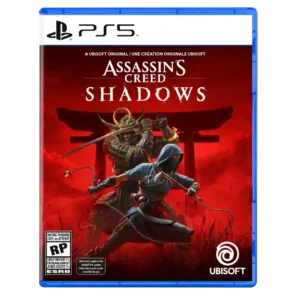
Menu usability is generally positive for clean systems, though character switching through menus was a noted friction point.
Pros: environmental detail, cross-save support
Cons: writing quality, enemy variety
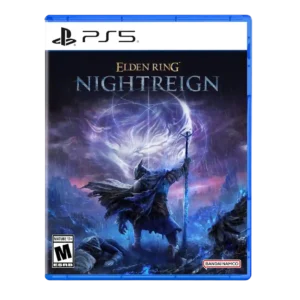
Menu usability improved post-launch through better relic filtering options.
Pros: emotional impact, visual effects quality
Cons: crash stability, cross-play support

Review evidence supported this attribute with mixed reviewer sentiment.
Pros: core gameplay loop, controls responsiveness
Cons: crash stability, cross-save support
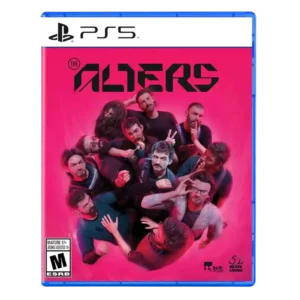
Menu usability was generally positive thanks to quality-of-life tools, though some reviewers found navigation old or menu-jumping cumbersome.
Pros: controls responsiveness, onboarding experience
Cons: crash stability, grind level
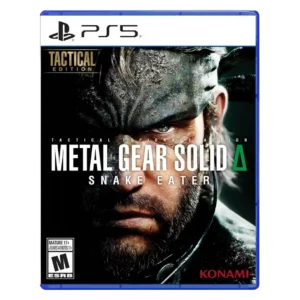
Menu usability improves through camo shortcuts, radial menus, and snappier access, though some reviews still criticize healing or control-menu friction.
Pros: world interactivity, sandbox freedom
Cons: crash stability, learning curve
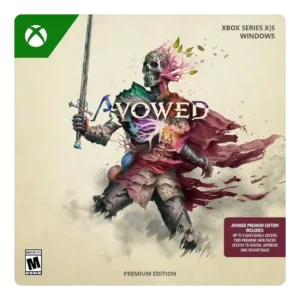
Menu and ability-wheel usability was mixed; some quality-of-life systems helped, but radial wheels and limited hotkeys disrupted combat for others.
Pros: tutorial quality, level design
Cons: stealth mechanics, endgame content
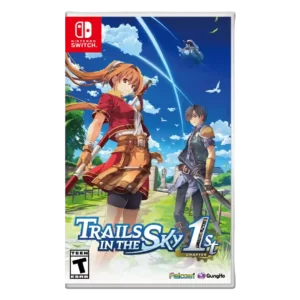
Menu usability was mixed, with praise for tracking but complaints about Arts/menu friction and inaccurate or issue-prone menus.
Pros: protagonist appeal, art direction
Cons: camera behavior, tutorial quality
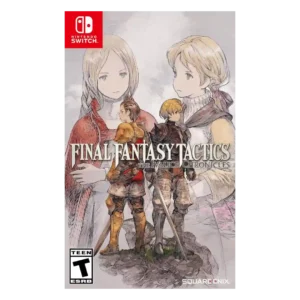
Menu usability improved in many places but still drew complaints for cumbersome navigation or small/hard-to-read text.
Pros: emotional impact, polish
Cons: bug frequency, crash stability
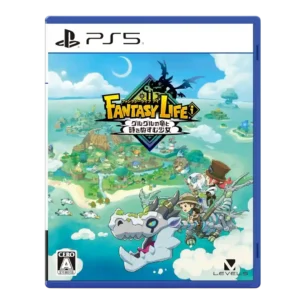
Menu usability is mixed: some systems become convenient, but quest/menu digging can feel taxing.
Pros: load times, crash stability
Cons: originality, voice acting
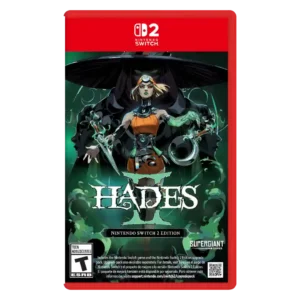
Menu usability has a small caveat: one reviewer struggled to locate item sub-menus, though it did not meaningfully hurt the experience.
Pros: skill tree depth, dialogue quality
Cons: emotional impact, economy and resource balance
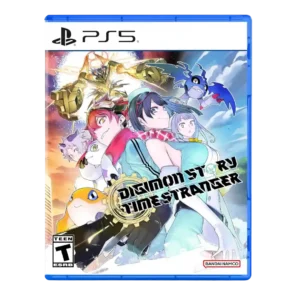
Menu usability was a major tradeoff, with streamlining praised but DigiFarm/evolution menu separation and training menuing often criticized.
Pros: atmosphere, world-building
Cons: HUD clarity, fast travel convenience
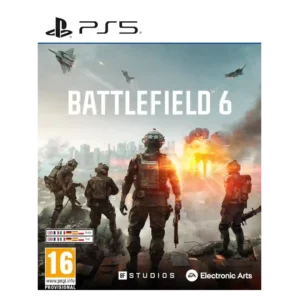
menu usability was mixed: some queue tools helped, but menus were also called unintuitive.
Pros: haptic feedback integration, performance optimization
Cons: pacing, microtransaction impact
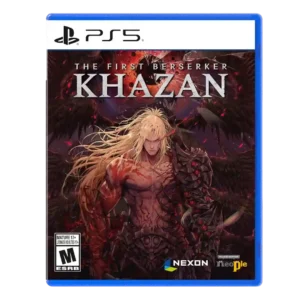
Menu usability is mixed: one loot process is streamlined, but other reviewers find respec and gear menus annoying or time-consuming.
Pros: core gameplay loop, controls responsiveness
Cons: mission design, learning curve
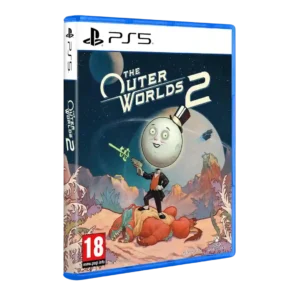
Menus and inventory drew mixed-to-negative reactions, especially inventory patience, UI bugs, and clutter.
Pros: world-building, mission design
Cons: mission variety, enemy variety
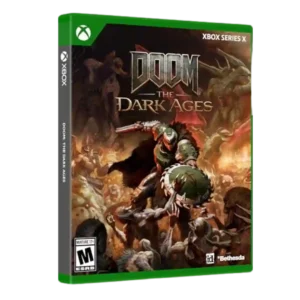
Menu usability was mixed, with one reviewer criticizing melee switching and another wanting clearer difficulty-slider explanations.
Pros: environmental detail, polish
Cons: camera behavior, value for money
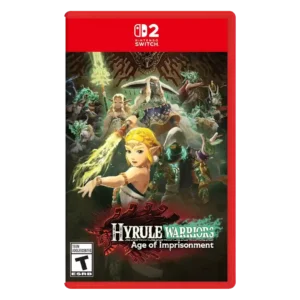
Menu usability was criticized in direct evidence for a long single-row menu.
Pros: animation quality, multiplayer design
Cons: save system reliability, companion AI
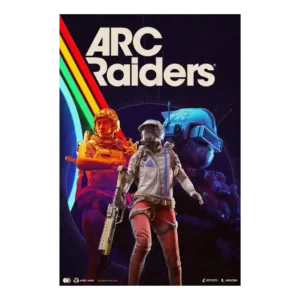
Menus and stash handling were one of the most common frustrations, especially on console and between raids.
Pros: frame rate stability, platform-specific feature support
Cons: voice acting, writing quality
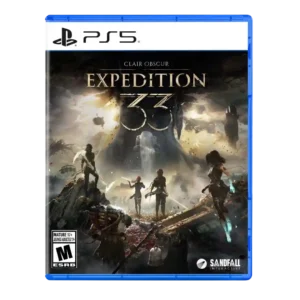
Menu usability was a repeated drawback, especially when managing long Picto and Lumina lists.
Pros: monetization fairness, microtransaction impact
Cons: platforming precision, menu usability
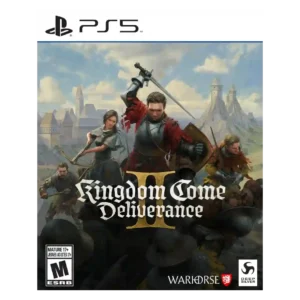
Menu usability was mixed to negative, with some praise for navigation but others calling the menu system dire or frustrating.
Pros: soundtrack quality, fun factor
Cons: checkpoint system, family friendliness
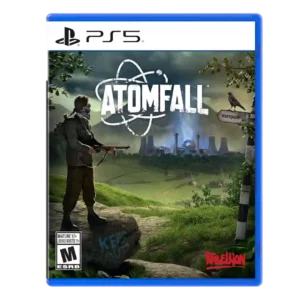
Menu usability was criticized for small issues adding up and for leads or clues not being organized well.
Pros: art direction, frame rate stability
Cons: boss design, camera behavior
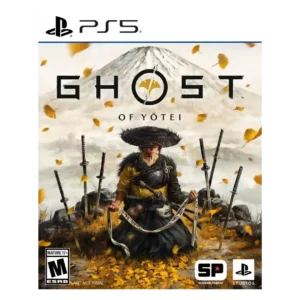
Menu usability has a specific criticism around a hard-to-see reticule and low-contrast text.
Pros: movement feel, environmental detail
Cons: puzzle design, age appropriateness
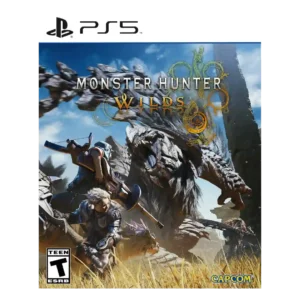
Menu usability was one of the weaker areas, with repeated complaints about confusing, buried, or hard-to-use menus.
Pros: art direction, cross-play support
Cons: dialogue quality, monetization fairness
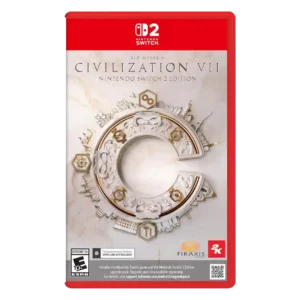
Menus were also divisive: a few reviewers liked simplified navigation, but many found menus painful, inconsistent, or poorly laid out.
Pros: animation quality, controls responsiveness
Cons: matchmaking quality, user interface design
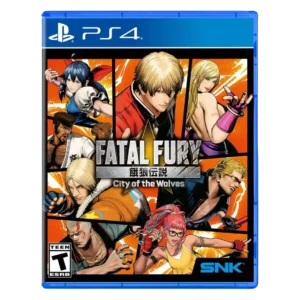
Menu usability is one of the clearest weak spots, especially online room menus and organization.
Pros: emotional impact, animation quality
Cons: enemy variety, server reliability
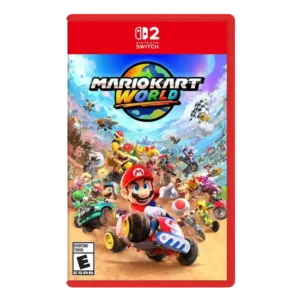
Menu usability was criticized, especially bloated or annoying character and costume selection screens.
Pros: animation quality, sound design
Cons: difficulty balance, AI behavior
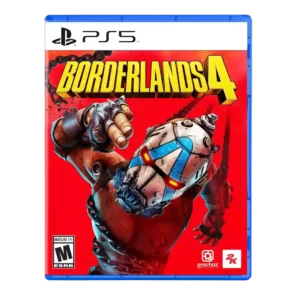
Menu usability is criticized for poor backpack design, annoying sorting, slow opening, and clunky loot-management steps.
Pros: sandbox freedom, art direction
Cons: polish, save system reliability
Menu usability was a recurring complaint, especially around messy inventory management, tiny icons, and awkward item handling.
Pros: voice acting, emotional impact
Cons: family friendliness, menu usability
Menu usability had a clear complaint from one reviewer who found the selected main-menu option hard to distinguish.
Pros: writing quality, checkpoint system
Cons: menu usability, user interface design
Menu navigation is often slower and more confusing than the shooting itself. The layout can become familiar with time, but familiarity does not fully solve the clutter and extra steps.
Pros: world interactivity, voice acting
Cons: menu usability, HUD clarity