#41
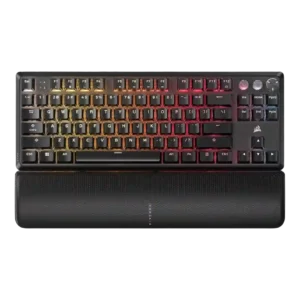
Best for fast wired gaming, deep RGB, sturdy construction, and profiles. Skip it if you need wireless freedom, quiet acoustics, hot-swap repairability, or a lower price.
Pros: per-key lighting control, key responsiveness
Cons: ease of switch replacement, battery life
#42
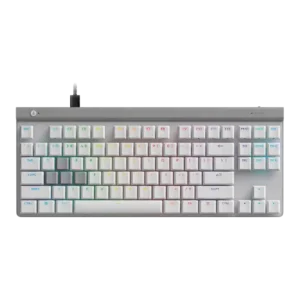
Best for low-profile competitive gaming, quiet switches, and deep actuation control. Skip it if you want wireless convenience, dedicated media controls, or a firmer typing feel.
Pros: key responsiveness, ergonomics
Cons: wireless performance, volume control
#43
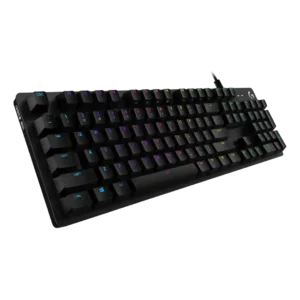
Good if you want a sturdy, understated full-size gaming keyboard with strong RGB and switch choices. Skip it if loud clicky keys, a thick non-detachable cable, USB 2.0 passthrough, or...
Pros: key spacing, key responsiveness
Cons: reliability, connectivity
#44
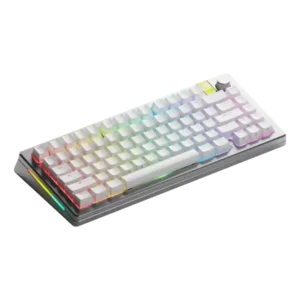
Choose the GMMK 3 Pro HE for premium customization, fast Hall effect gaming, and a heavy, polished build. Skip it if price, portability, software polish, or wrist-rest ergonomics matter most.
Pros: materials quality, customization options
Cons: reliability, actuation consistency
#45
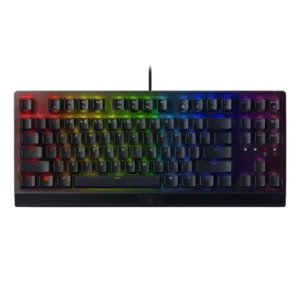
Best for sturdy wired gaming, responsive clicky typing, strong RGB customization, and handy volume/media controls. Skip it if you need quiet keys, wireless freedom, compact desk space, or a plush...
Pros: latency, durability
Cons: sound dampening, passthrough features
#46
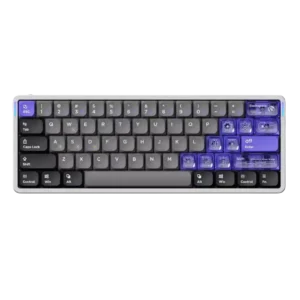
Good if you want a compact wired Hall Effect board with fast response, rich tuning, and strong typing feel. Skip it if you need wireless freedom, arrow/function keys, broader switch...
Pros: frame rigidity, rapid trigger support
Cons: switch options, legend visibility
#47
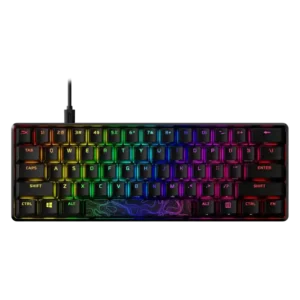
Best for a sturdy aluminum gaming keyboard with vivid RGB, responsive switches, and strong value. Skip it if you need polished software, wireless support, premium stock keycaps on every model,...
Pros: latency, actuation consistency
Cons: ease of switch replacement, reliability
#48
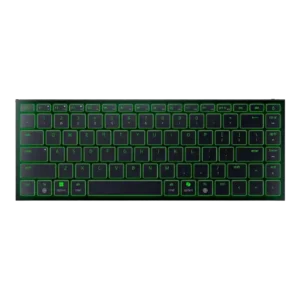
Good if you need a premium, ultra-slim travel keyboard with Mac-friendly shortcuts, sturdy build, and quiet typing. Skip it for competitive gaming, mechanical feel, adjustable ergonomics, or better value.
Pros: frame rigidity, size and form factor
Cons: sound dampening, per-key lighting control
#49
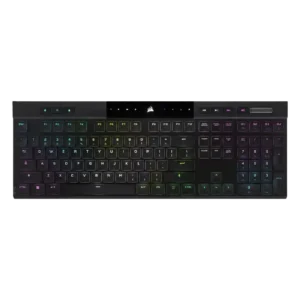
Good if you want an ultra-thin, premium wireless keyboard with strong typing, RGB, battery life, and responsiveness. Skip it if price, repairability, quieter acoustics, or traditional full-height switches matter more.
Pros: backlight brightness, actuation consistency
Cons: sound dampening, stabilizer quality
#50
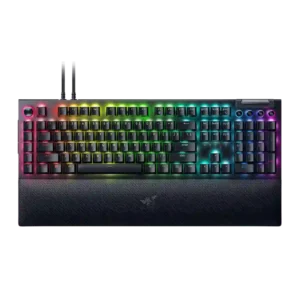
Best for a feature-packed, responsive Razer keyboard with strong macros, RGB and comfort. Skip it if desk space, quiet typing, wireless freedom, low software reliance or price matter more.
Pros: key stability, ease of switch replacement
Cons: compatibility, battery life
#51
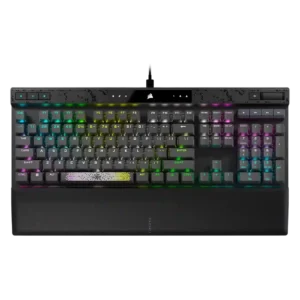
Good if you want deep actuation tuning, fast gaming response, strong RGB, and a plush wrist rest. Skip it if loud typing, full-size desk space, or paying premium prices bothers...
Pros: reliability, key responsiveness
Cons: desk space efficiency, wireless performance
#52
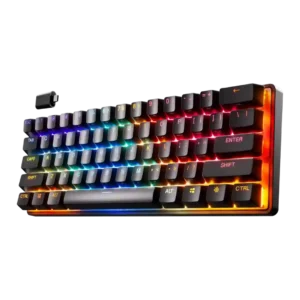
Best for fast, compact gaming with deep actuation tuning and strong wireless feel. Skip it if you need full-size keys, simple typing, hot-swap modding, or value-first pricing.
Pros: latency, key responsiveness
Cons: hot-swappable switches, ease of switch replacement
#53
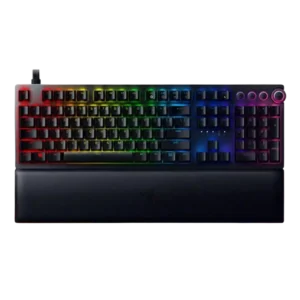
Good if you want premium build, deep actuation tuning, strong RGB and a plush wrist rest. Skip it if analog game support, loud keys, fixed cables or the high price...
Pros: per-key lighting control, wrist rest quality
Cons: polling rate, portability
#54
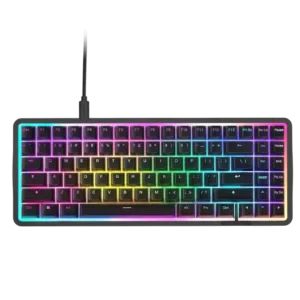
Best for fast Hall effect gaming, rich RGB, sturdy build, and a compact desk-friendly layout. Skip it if you need wireless, a wrist rest, dedicated controls, or better value.
Pros: latency, acoustics
Cons: passthrough features, wireless performance
#55
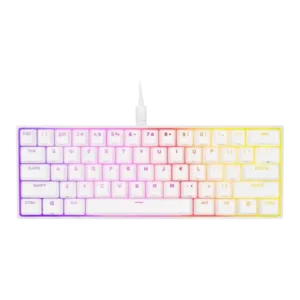
Best for a compact gaming board with strong RGB, software, and PBT keycaps. Skip it if pingy acoustics, awkward shortcuts, no hot-swap, or value versus cheaper 60% rivals matter most.
Pros: desk space efficiency, frame rigidity
Cons: sound dampening, ease of switch replacement
#56
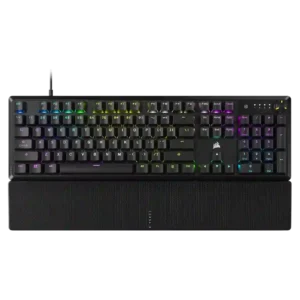
Good if you want a full-size wired keyboard with smooth, quiet typing, strong RGB, and good value. Skip it if you need a detachable cable, hot-swap switches, wireless freedom, or...
Pros: per-key lighting control, compatibility
Cons: ease of switch replacement, hot-swappable switches
#57
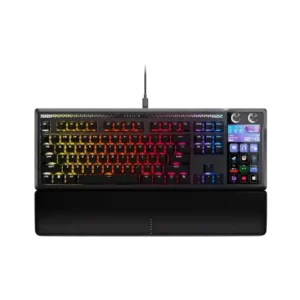
Choose it if you will truly use Stream Deck macros, dials, profiles, and premium typing every day. Skip it if price, desk space, software bugs, or reliability reports worry you.
Pros: customization options, ease of switch replacement
Cons: reliability, analog input support
#58
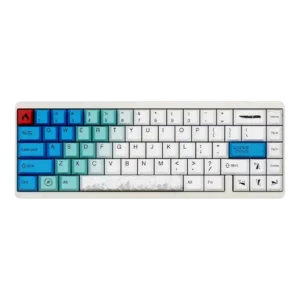
Choose the Varmilo Muse65 HE if you want a beautiful, heavy aluminum magnetic board with fast actuation, Rapid Trigger, and strong typing feel. Skip it if janky software, limited switch...
Pros: durability, key responsiveness
Cons: reliability, RGB customization
#59
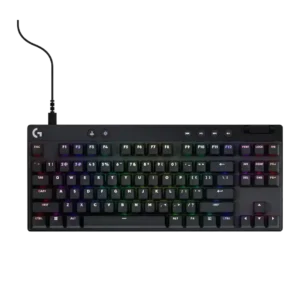
Best for sturdy compact gaming, fast Lightspeed wireless, and deep customization. Skip it if price, noisy keys, missing hot-swap, or 60% layout compromises matter most.
Pros: durability, per-key lighting control
Cons: noise level, sound dampening
#60
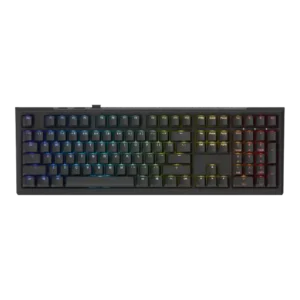
Best for a smooth, sturdy analog keyboard with excellent typing feel and sound. Skip it if you need polished software, long battery life, deep profiles, or top-tier esports features.
Pros: typing feel, key stability
Cons: profile management, wrist rest quality
#61
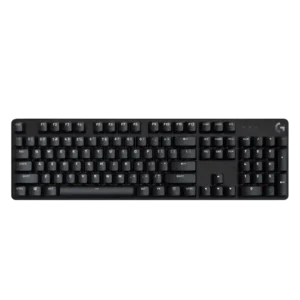
Good if you want a simple, sturdy, compact mechanical keyboard with PBT caps and white lighting. Skip it if you need smooth switches, macros, software, RGB, USB passthrough, or stronger...
Pros: durability, desk space efficiency
Cons: switch options, onboard memory