Menu usability received positive support for sleek, easy navigation.
Pros: mission design, world interactivity
Cons: quest design, endgame content
Menu usability received positive support for sleek, easy navigation.
Pros: mission design, world interactivity
Cons: quest design, endgame content
Menu usability is praised through the clean, easy-to-navigate interface that removes friction around fast travel and play.
Pros: graphics quality, environmental detail
Cons: bug frequency, dialogue quality

Menus and navigation are praised for being awesome and easier to use than prior collection workflows.
Pros: emotional impact, sound design
Cons: cross-play support, boss design
One review singled out the menus as sleek within a polished reward-heavy presentation.
Pros: flying mechanics, exploration quality
Cons: AI behavior, boss design

Menu usability was praised as simple and easy to navigate.
Pros: atmosphere, voice acting
Cons: world interactivity, camera behavior
Menu usability is improved overall, especially radial menus and reworked menus, though some still found systems fiddly or clunky.
Pros: animation quality, facial animations
Cons: quest design, AI behavior
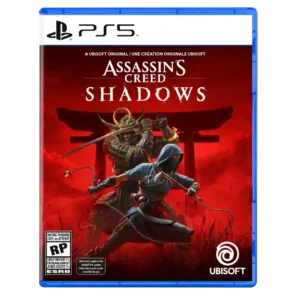
Menu usability is generally positive for clean systems, though character switching through menus was a noted friction point.
Pros: environmental detail, cross-save support
Cons: writing quality, enemy variety
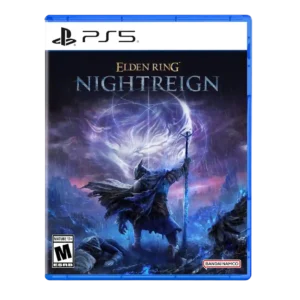
Menu usability improved post-launch through better relic filtering options.
Pros: emotional impact, visual effects quality
Cons: crash stability, cross-play support

Review evidence supported this attribute with mixed reviewer sentiment.
Pros: core gameplay loop, controls responsiveness
Cons: crash stability, cross-save support
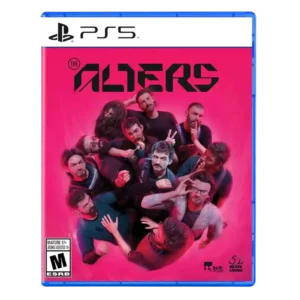
Menu usability was generally positive thanks to quality-of-life tools, though some reviewers found navigation old or menu-jumping cumbersome.
Pros: controls responsiveness, onboarding experience
Cons: crash stability, grind level
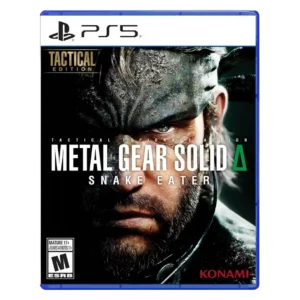
Menu usability improves through camo shortcuts, radial menus, and snappier access, though some reviews still criticize healing or control-menu friction.
Pros: world interactivity, sandbox freedom
Cons: crash stability, learning curve
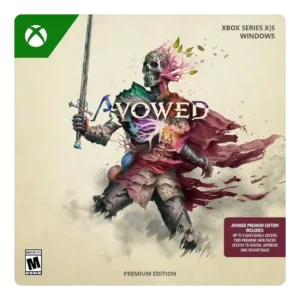
Menu and ability-wheel usability was mixed; some quality-of-life systems helped, but radial wheels and limited hotkeys disrupted combat for others.
Pros: tutorial quality, level design
Cons: stealth mechanics, endgame content
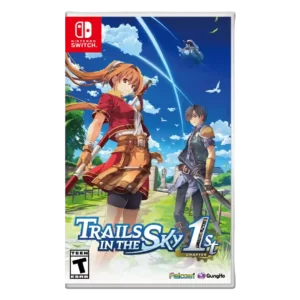
Menu usability was mixed, with praise for tracking but complaints about Arts/menu friction and inaccurate or issue-prone menus.
Pros: protagonist appeal, art direction
Cons: camera behavior, tutorial quality
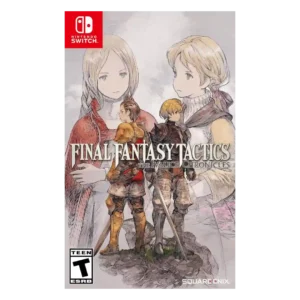
Menu usability improved in many places but still drew complaints for cumbersome navigation or small/hard-to-read text.
Pros: emotional impact, polish
Cons: bug frequency, crash stability
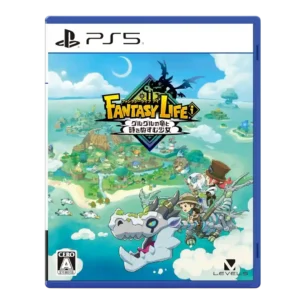
Menu usability is mixed: some systems become convenient, but quest/menu digging can feel taxing.
Pros: load times, crash stability
Cons: originality, voice acting
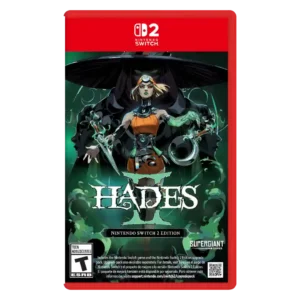
Menu usability has a small caveat: one reviewer struggled to locate item sub-menus, though it did not meaningfully hurt the experience.
Pros: skill tree depth, dialogue quality
Cons: emotional impact, economy and resource balance
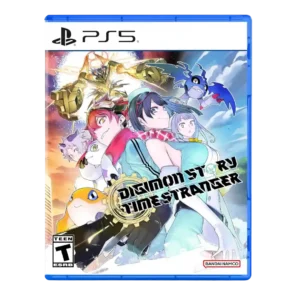
Menu usability was a major tradeoff, with streamlining praised but DigiFarm/evolution menu separation and training menuing often criticized.
Pros: atmosphere, world-building
Cons: HUD clarity, fast travel convenience
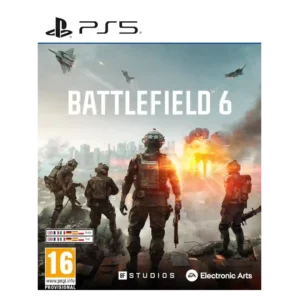
menu usability was mixed: some queue tools helped, but menus were also called unintuitive.
Pros: haptic feedback integration, performance optimization
Cons: pacing, microtransaction impact
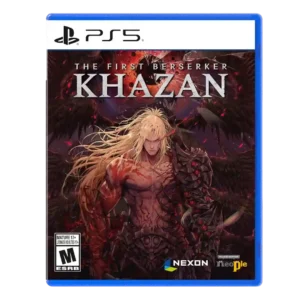
Menu usability is mixed: one loot process is streamlined, but other reviewers find respec and gear menus annoying or time-consuming.
Pros: core gameplay loop, controls responsiveness
Cons: mission design, learning curve
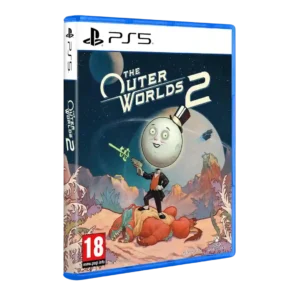
Menus and inventory drew mixed-to-negative reactions, especially inventory patience, UI bugs, and clutter.
Pros: world-building, mission design
Cons: mission variety, enemy variety
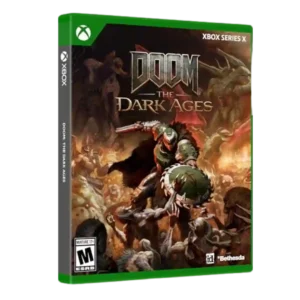
Menu usability was mixed, with one reviewer criticizing melee switching and another wanting clearer difficulty-slider explanations.
Pros: environmental detail, polish
Cons: camera behavior, value for money
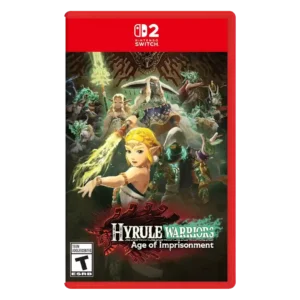
Menu usability was criticized in direct evidence for a long single-row menu.
Pros: animation quality, multiplayer design
Cons: save system reliability, companion AI
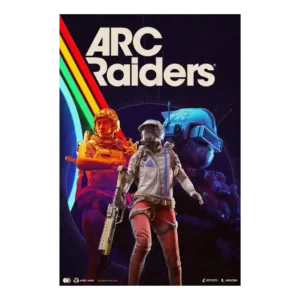
Menus and stash handling were one of the most common frustrations, especially on console and between raids.
Pros: frame rate stability, platform-specific feature support
Cons: voice acting, writing quality
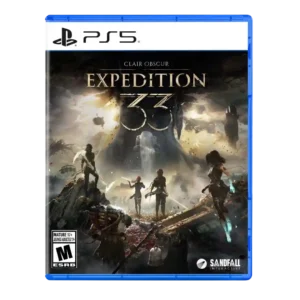
Menu usability was a repeated drawback, especially when managing long Picto and Lumina lists.
Pros: monetization fairness, microtransaction impact
Cons: platforming precision, menu usability
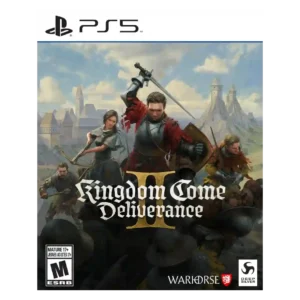
Menu usability was mixed to negative, with some praise for navigation but others calling the menu system dire or frustrating.
Pros: soundtrack quality, fun factor
Cons: checkpoint system, family friendliness
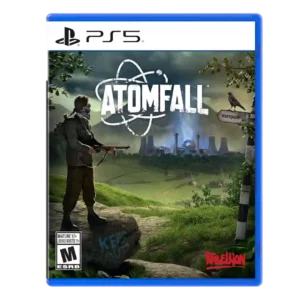
Menu usability was criticized for small issues adding up and for leads or clues not being organized well.
Pros: art direction, frame rate stability
Cons: boss design, camera behavior
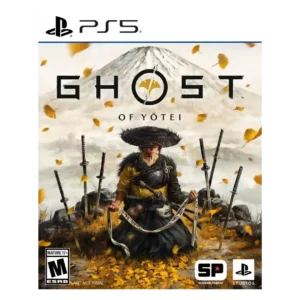
Menu usability has a specific criticism around a hard-to-see reticule and low-contrast text.
Pros: movement feel, environmental detail
Cons: puzzle design, age appropriateness
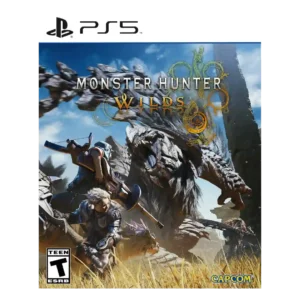
Menu usability was one of the weaker areas, with repeated complaints about confusing, buried, or hard-to-use menus.
Pros: art direction, cross-play support
Cons: dialogue quality, monetization fairness
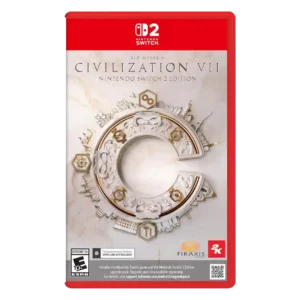
Menus were also divisive: a few reviewers liked simplified navigation, but many found menus painful, inconsistent, or poorly laid out.
Pros: animation quality, controls responsiveness
Cons: matchmaking quality, user interface design
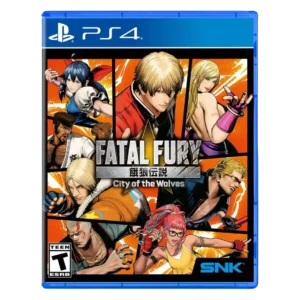
Menu usability is one of the clearest weak spots, especially online room menus and organization.
Pros: emotional impact, animation quality
Cons: enemy variety, server reliability
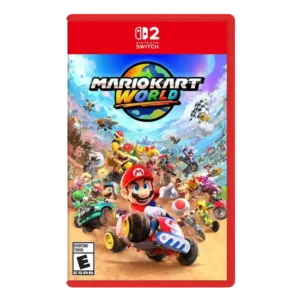
Menu usability was criticized, especially bloated or annoying character and costume selection screens.
Pros: animation quality, sound design
Cons: difficulty balance, AI behavior
Menu usability is criticized for poor backpack design, annoying sorting, slow opening, and clunky loot-management steps.
Pros: sandbox freedom, art direction
Cons: polish, save system reliability
Menu usability was a recurring complaint, especially around messy inventory management, tiny icons, and awkward item handling.
Pros: voice acting, emotional impact
Cons: family friendliness, menu usability
Menu usability had a clear complaint from one reviewer who found the selected main-menu option hard to distinguish.
Pros: writing quality, checkpoint system
Cons: menu usability, user interface design