Best for HUD clarity
007 First Light
5.0 feature score
Highest scored product for this feature based on supporting review evidence.
Highest scored product for this feature based on supporting review evidence.
Balances feature score, supporting reviews, and overall product strength.
Has the broadest review evidence for this feature.
Strongest overall product among items with scored evidence for this feature.
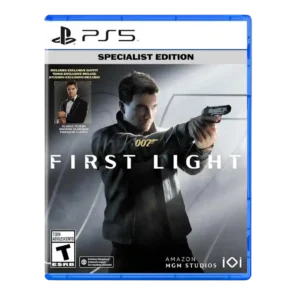
HUD clarity is praised for the watch-based interface being clean, pleasing, and on point.
Pros: level design, user interface design
Cons: AI behavior, facial animations

The HUD is praised for staying clear and readable, with useful indicators and markers that communicate threats and objectives without overwhelming the screen.
Pros: gameplay mechanics, boss design
Cons: age appropriateness, family friendliness
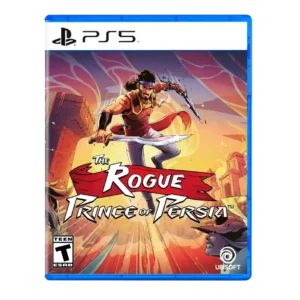
HUD clarity was strongly praised in one review that singled out visual clarity as excellent.
Pros: crash stability, HUD clarity
Cons: character development, visual effects quality
Status effects and active conditions are easy to understand at a glance, helping players manage several overlapping systems.
Pros: level design, world interactivity
Cons: performance optimization, menu usability
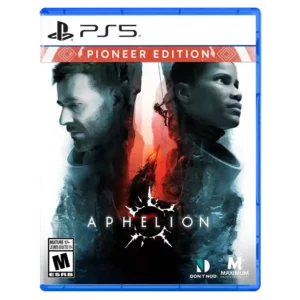
The minimal or absent HUD helps the frozen world feel immediate and cinematic without obscuring the action.
Pros: HUD clarity, onboarding experience
Cons: user interface design, menu usability

HUD and marker restraint are praised for keeping the view clear and helping exploration feel less like a checklist.
Pros: movement feel, environmental detail
Cons: puzzle design, age appropriateness
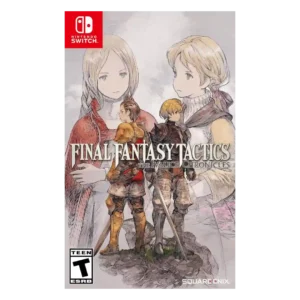
HUD clarity was strongly improved by turn-order displays, clearer stats, and visible tactical information.
Pros: emotional impact, polish
Cons: bug frequency, crash stability

HUD clarity is praised for proximity radar, split-time display options, and UI customization.
Pros: open-world design, replay value
Cons: dialogue quality, writing quality
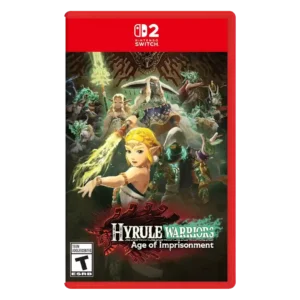
HUD clarity was praised through clear prompts and on-screen guidance, though broader tutorial flow could feel dense.
Pros: animation quality, multiplayer design
Cons: save system reliability, companion AI
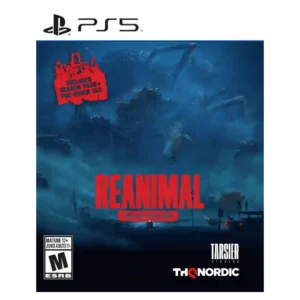
HUD clarity is praised for minimalism, with reviewers liking the absence of intrusive meters, minimaps, and prompts.
Pros: onboarding experience, environmental detail
Cons: family friendliness, movement feel
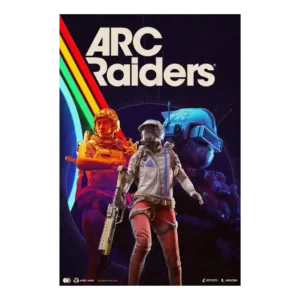
The sparse interface was praised for grounding the player in the world rather than overexplaining the action.
Pros: frame rate stability, platform-specific feature support
Cons: voice acting, writing quality
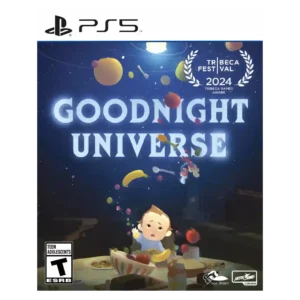
HUD clarity was praised in limited evidence, with power cues described as clear and not confusing.
Pros: side character depth, visual effects quality
Cons: user interface design, handheld play suitability
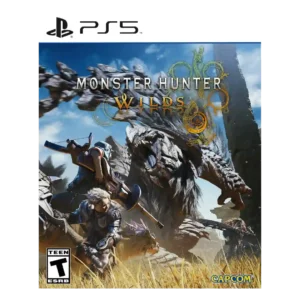
HUD clarity was praised where reviewers noted the ability to resize or disable individual UI elements.
Pros: art direction, cross-play support
Cons: dialogue quality, monetization fairness

HUD/readability evidence was limited but positive where reviewers emphasized clear visibility of ramps, rails, and collectibles at speed.
Pros: core gameplay loop, controls responsiveness
Cons: crash stability, cross-save support
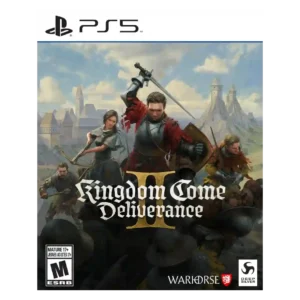
The adaptive HUD was praised for hiding unnecessary elements and improving immersion when information was not relevant.
Pros: soundtrack quality, fun factor
Cons: checkpoint system, family friendliness
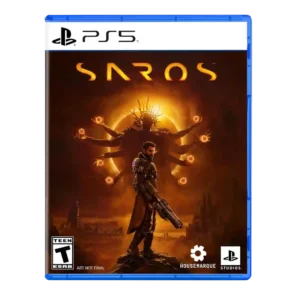
HUD/readability comments were positive but limited, emphasizing that the intense spectacle remained coherent and not visually confusing.
Pros: value for money, fun factor
Cons: map and navigation design, side character depth

Information screens are generally readable and helpful, though older layouts can feel cluttered compared with modern interfaces.
Pros: boss design, side character depth
Cons: monetization fairness, originality
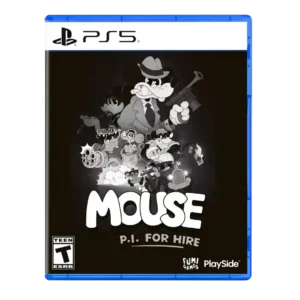
The compass, objective markers, and optional route guidance usually make goals easy to follow without cluttering the action. Dark gray prompts against the monochrome scenery can still be difficult to...
Pros: lore depth, user interface design
Cons: AI behavior, aiming precision
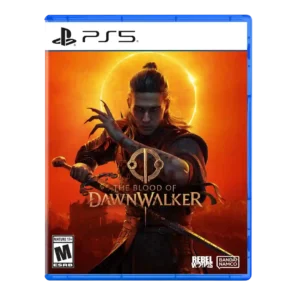
HUD clarity was supported by time-cost icons that help players understand when actions will advance the clock.
Pros: core gameplay loop, replay value
Cons: value for money, difficulty balance

HUD clarity gets limited positive evidence from trackable pinned Accolades.
Pros: controls responsiveness, movement feel
Cons: tutorial quality, animation quality
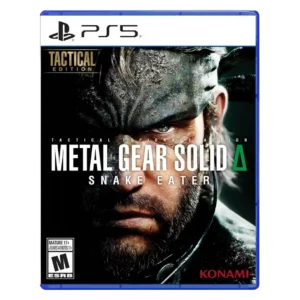
HUD clarity is praised in one review for moving key indicators so more of the screen is left open for visuals.
Pros: world interactivity, sandbox freedom
Cons: crash stability, learning curve
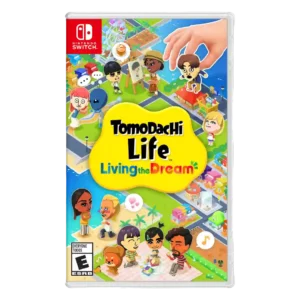
One review highlights the relationship chart as a helpful on-screen aid for understanding nearby Mii connections.
Pros: grind level, originality
Cons: social features, accessibility options
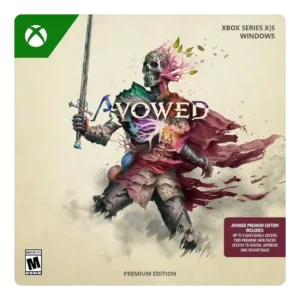
HUD clarity improved through options to reduce clutter, adjust opacity, and toggle display elements.
Pros: tutorial quality, level design
Cons: stealth mechanics, endgame content
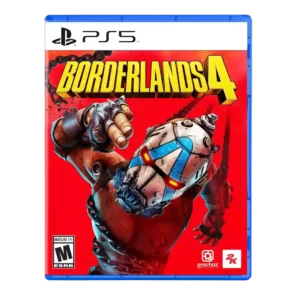
HUD clarity is mixed-to-positive, with a serviceable compass and optional radar helping situational awareness.
Pros: sandbox freedom, art direction
Cons: polish, save system reliability
Optional exploration tools can expose useful information and help track secrets, with flexible placement on screen. They arrive late and can make the display feel cluttered if too many are...
Pros: platforming precision, protagonist appeal
Cons: pacing, co-op experience
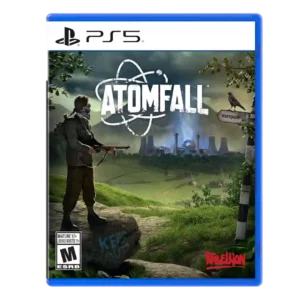
HUD clarity was mixed: one review praised the immersive minimal ammo check, while another wanted clearer ammo information when swapping weapons.
Pros: art direction, frame rate stability
Cons: boss design, camera behavior
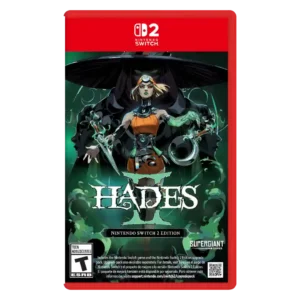
Readability is the main HUD concern, especially portable mode and late-game effect clutter that can make action hard to parse.
Pros: skill tree depth, dialogue quality
Cons: emotional impact, economy and resource balance
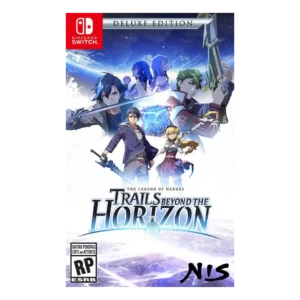
HUD clarity was mixed: the combat UI could be small and busy, while the in-game glossary was described as helpful.
Pros: facial animations, polish
Cons: grind level, stealth mechanics
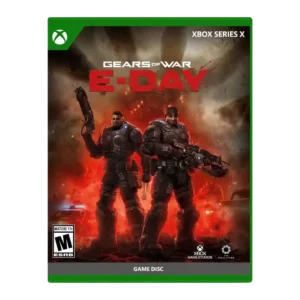
HUD clarity is mixed because the centered active reload display is disliked by one reviewer despite customization options.
Pros: emotional impact, art direction
Cons: value for money, platform-specific feature support
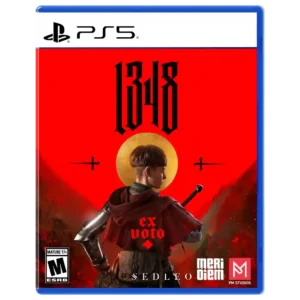
The minimal interface can complement the cinematic presentation, but another reviewer found the bright enemy health bars visually jarring and immersion-breaking.
Pros: visual effects quality, horror tension
Cons: aiming precision, stealth mechanics
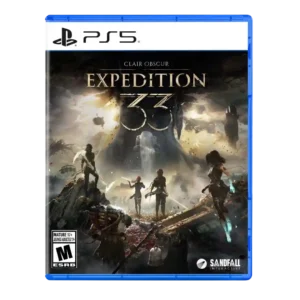
HUD clarity was a minor issue for one reviewer who struggled with small menu text on a TV.
Pros: monetization fairness, microtransaction impact
Cons: platforming precision, menu usability
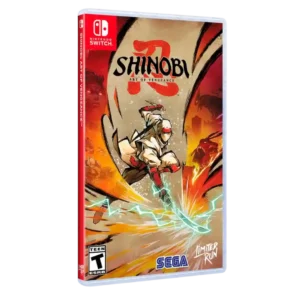
HUD clarity receives a mixed score because flashy combat effects can make the player lose track of the action.
Pros: graphics quality, environmental detail
Cons: bug frequency, dialogue quality
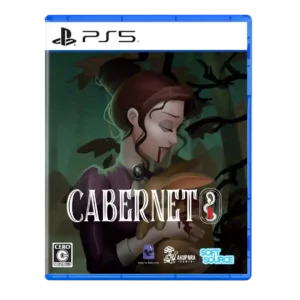
HUD clarity had limited negative support, with one reviewer wanting NPC locations added to reduce unnecessary searching.
Pros: accessibility options, protagonist appeal
Cons: frame rate stability, polish
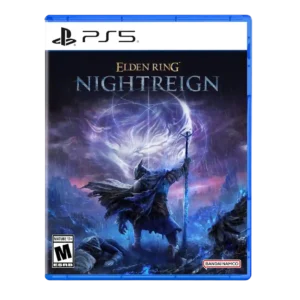
HUD clarity was a mild issue because the minimap presented a lot of information at once.
Pros: emotional impact, visual effects quality
Cons: crash stability, cross-play support
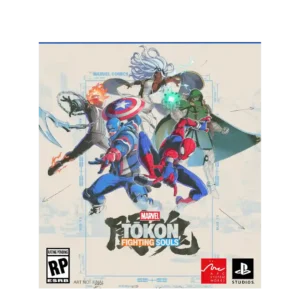
HUD clarity is flagged in later build impressions because the stylish combo gauge lacked visual feedback.
Pros: emotional impact, frame rate stability
Cons: server reliability, tutorial quality
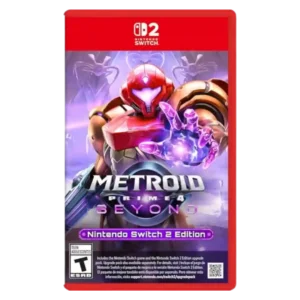
One review found scan-log clarity weakened by indistinct highlighting, making completion tracking more of a hassle than it needed to be.
Pros: world-building, frame rate stability
Cons: companion AI, upgrade system
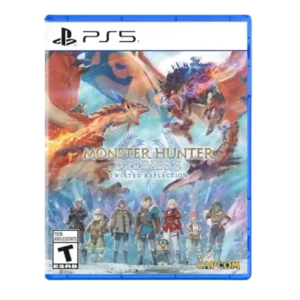
HUD clarity/accessibility was limited by subtitle size options that may not be large enough.
Pros: art direction, environmental detail
Cons: multiplayer design, accessibility options
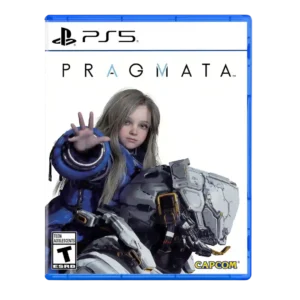
HUD clarity is a concern in one review, where collectible scanning created visual noise and clutter.
Pros: bug frequency, user interface design
Cons: HUD clarity, mission design

HUD clarity was criticized because cooldowns lacked an explicit timer.
Pros: atmosphere, voice acting
Cons: world interactivity, camera behavior
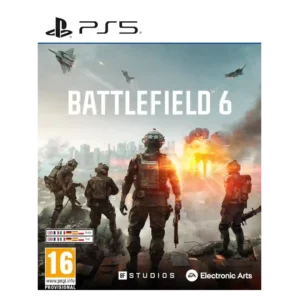
HUD clarity and visibility were criticized for weak indicators and hard-to-see enemies.
Pros: haptic feedback integration, performance optimization
Cons: pacing, microtransaction impact
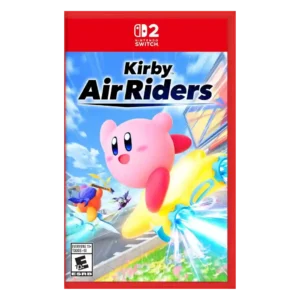
Visual readability drew criticism when chaos, spectacle, and cramped action made information hard to parse.
Pros: flying mechanics, exploration quality
Cons: AI behavior, boss design
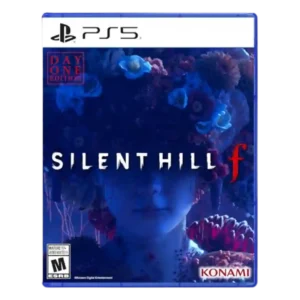
HUD clarity was criticized where the pop-up inventory exposed only tiny icons during stressful moments.
Pros: voice acting, emotional impact
Cons: family friendliness, menu usability
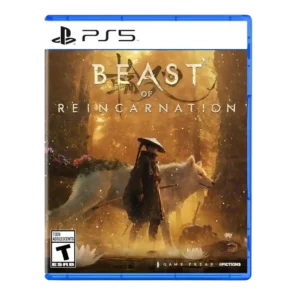
Important targeting information is not always communicated clearly. The missing vine reticle and unexplained combat meters can leave players unsure how a mechanic is supposed to work.
Pros: soundtrack quality, value for money
Cons: onboarding experience, aiming precision
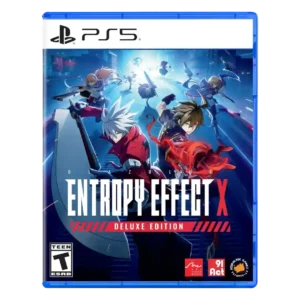
HUD clarity is a weakness in one review because the missing combo counter makes it harder to read perfect-clear performance.
Pros: movement feel, skill tree depth
Cons: menu usability, HUD clarity
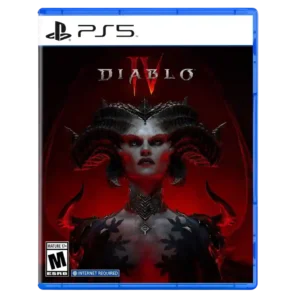
One reviewer criticized the inability to change the HP bar color while using Warlock resources.
Pros: lore depth, art direction
Cons: mission variety, protagonist appeal
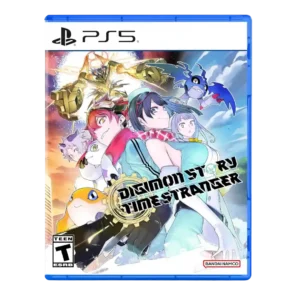
HUD clarity was criticized for frequent pop-ups, messages, and flashing information that made the screen feel crowded.
Pros: atmosphere, world-building
Cons: HUD clarity, fast travel convenience
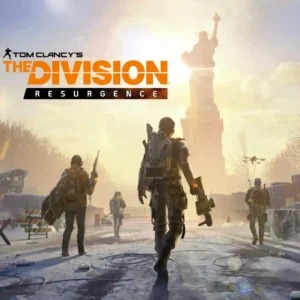
The small-screen HUD can become crowded during intense fights, making enemies, effects, and controls harder to track.
Pros: exploration quality, sandbox freedom
Cons: mission variety, companion AI
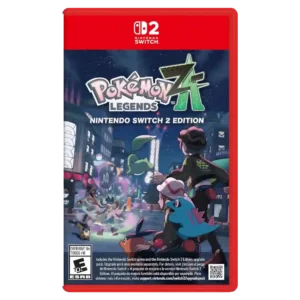
HUD clarity was criticized because battle information and feedback could move too fast or be hard to read.
Pros: crash stability, gameplay mechanics
Cons: AI behavior, monetization fairness
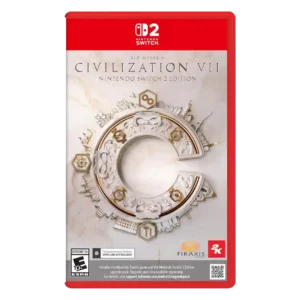
HUD and information clarity were frequent weaknesses, including missing information, hard-to-see tiles, and buried or microscopic details.
Pros: animation quality, controls responsiveness
Cons: matchmaking quality, user interface design
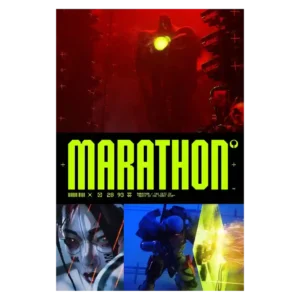
HUD readability has clear weaknesses, including very small text and objective markers that can be hard to spot. Those problems are especially costly when the game is already asking players...
Pros: world interactivity, voice acting
Cons: menu usability, HUD clarity