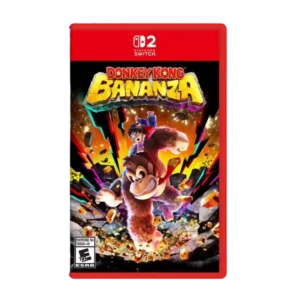
User interface design was praised for the helpful layer checklist that makes collectible tracking easier.
Pros: gameplay mechanics, world interactivity
Cons: economy and resource balance, enemy variety
User interface design was praised for the helpful layer checklist that makes collectible tracking easier.
Pros: gameplay mechanics, world interactivity
Cons: economy and resource balance, enemy variety
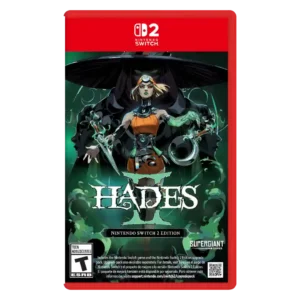
The interface receives praise for carrying the art direction into menus and buttons, putting Supergiant near the top of UI craft.
Pros: skill tree depth, dialogue quality
Cons: emotional impact, economy and resource balance
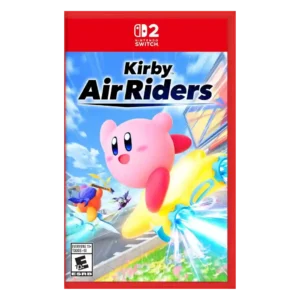
One reviewer praised the presentation, menus, UI, unlocks, sound, and graphics as beautiful.
Pros: flying mechanics, exploration quality
Cons: AI behavior, boss design
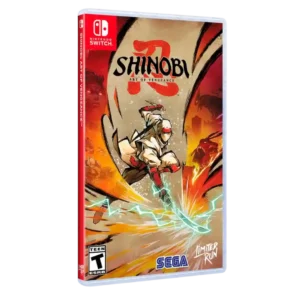
User interface design receives praise for being clean and easy to navigate.
Pros: graphics quality, environmental detail
Cons: bug frequency, dialogue quality
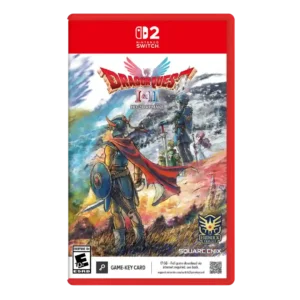
Interface changes, shortcut assignments, and UI overhaul were praised for making these old games easier to play.
Pros: visual effects quality, environmental detail
Cons: AI behavior, level design
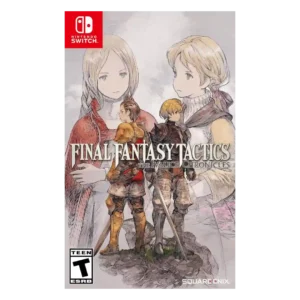
User interface design was one of the clearest improvements, bringing more information forward and modernizing menus.
Pros: emotional impact, polish
Cons: bug frequency, crash stability
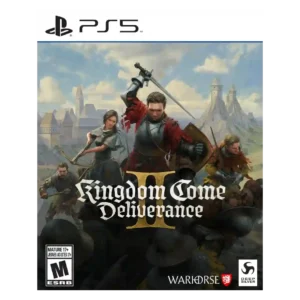
UI feedback was positive when reviewers discussed improved, adaptable, or visually polished interface presentation.
Pros: soundtrack quality, fun factor
Cons: checkpoint system, family friendliness
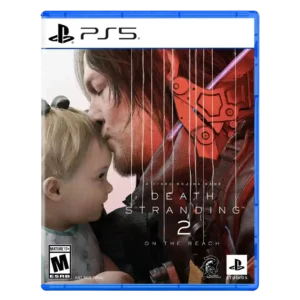
User interface design is praised for thoughtful fictional UI and a radial menu that makes road management easier.
Pros: animation quality, facial animations
Cons: quest design, AI behavior
User interface design was praised for easy navigation and a modern UI, though evidence was limited.
Pros: protagonist appeal, art direction
Cons: camera behavior, tutorial quality
The user interface is praised as sleek and easy to enter from the outset.
Pros: emotional impact, sound design
Cons: cross-play support, boss design
The customization interface is praised for letting players place and manage island objects quickly and efficiently.
Pros: load times, crash stability
Cons: originality, voice acting
User interface design has limited positive evidence around attractive mission HUD illustrations and attention to detail.
Pros: core gameplay loop, world interactivity
Cons: loot system, accessibility options
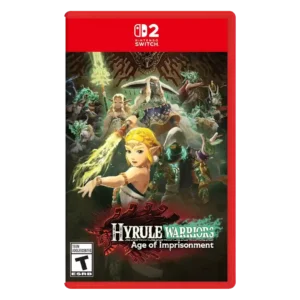
User interface design was mixed, with praise for faithful Zelda-style menus but other reviews criticizing map/interface clutter.
Pros: animation quality, multiplayer design
Cons: save system reliability, companion AI
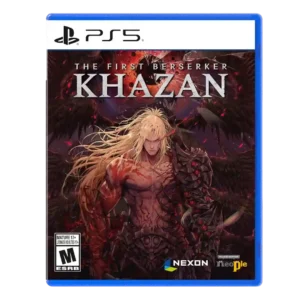
User interface design earns praise for an encyclopedia that explains abilities and systems.
Pros: core gameplay loop, controls responsiveness
Cons: mission design, learning curve

User interface design was praised for simple navigation and a fitting aesthetic touch.
Pros: atmosphere, voice acting
Cons: world interactivity, camera behavior
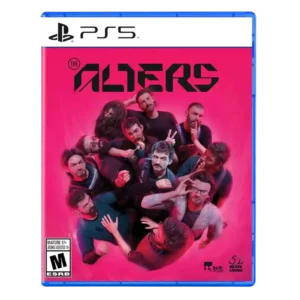
UI design was mostly praised as clean, tactile, and not intrusive, with some interface quirks noted.
Pros: controls responsiveness, onboarding experience
Cons: crash stability, grind level
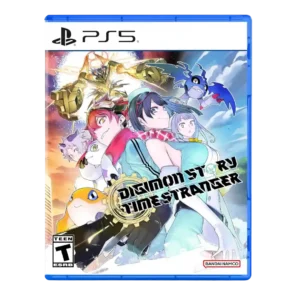
UI design was polarized: some reviewers called it clean and easy, while another strongly criticized clutter and constant pop-ups.
Pros: atmosphere, world-building
Cons: HUD clarity, fast travel convenience
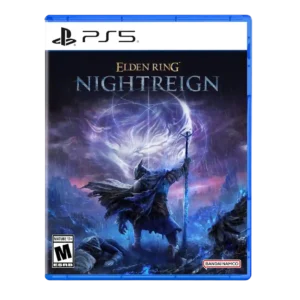
User interface design was considered streamlined in inventory and improved through later UI updates.
Pros: emotional impact, visual effects quality
Cons: crash stability, cross-play support
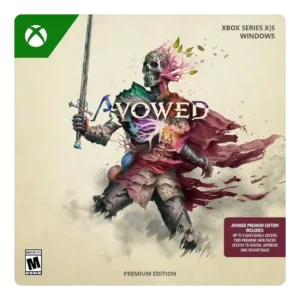
UI options such as text sizing and subtitles were appreciated as useful interface support.
Pros: tutorial quality, level design
Cons: stealth mechanics, endgame content
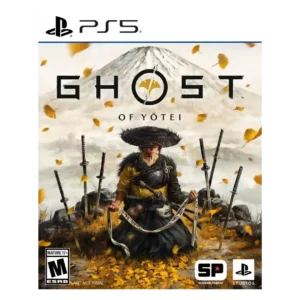
UI evidence is mixed: restrained maps and menus are praised, but one reviewer reports low-contrast text and hard-to-see map elements.
Pros: movement feel, environmental detail
Cons: puzzle design, age appropriateness
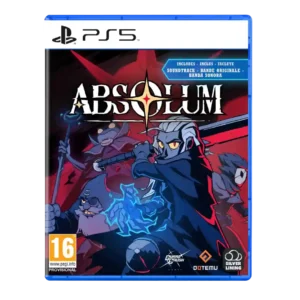
User interface design was mostly fine but received a handheld-specific caveat around small text and lack of font scaling.
Pros: mission design, world interactivity
Cons: quest design, endgame content
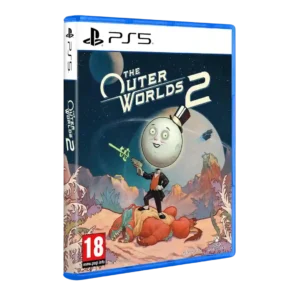
Interface design was split between a UI that stayed out of the way and a cluttered UI complaint.
Pros: world-building, mission design
Cons: mission variety, enemy variety
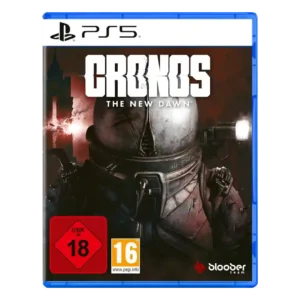
User interface and inventory usability drew mixed evidence, with some one-button convenience but repeated irritation around inventory management and reloading.
Pros: core gameplay loop, emotional impact
Cons: checkpoint system, bug frequency
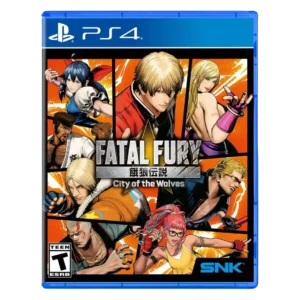
User interface design is divisive: some like the comic-book styling, while others criticize small text, weak UI, or barebones menus.
Pros: emotional impact, animation quality
Cons: enemy variety, server reliability
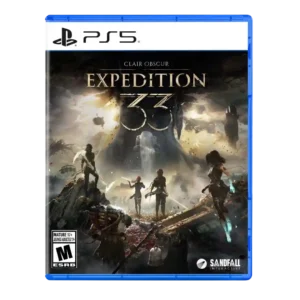
The user interface drew criticism for clutter and painful Picto/menu navigation despite stylish presentation.
Pros: monetization fairness, microtransaction impact
Cons: platforming precision, menu usability
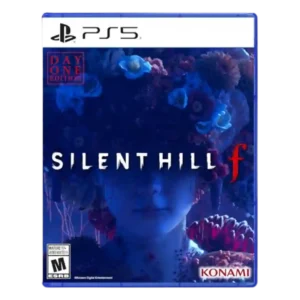
User interface design was split between praise for the journal’s care and criticism of poor organization in notes and collectibles.
Pros: voice acting, emotional impact
Cons: family friendliness, menu usability
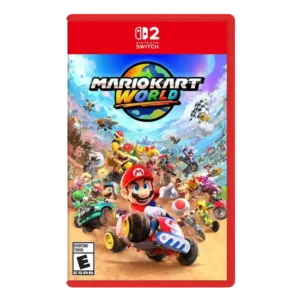
User interface design was mixed-to-negative, with complaints about missed music selection and underdeveloped online feature presentation.
Pros: animation quality, sound design
Cons: difficulty balance, AI behavior
Inventory UI was criticized for lacking search and customization even though basic grouping exists.
Pros: frame rate stability, platform-specific feature support
Cons: voice acting, writing quality
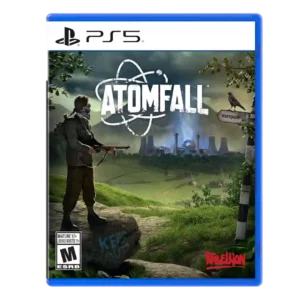
User interface design had limited negative evidence, with one reviewer saying full-screen menus broke immersion.
Pros: art direction, frame rate stability
Cons: boss design, camera behavior
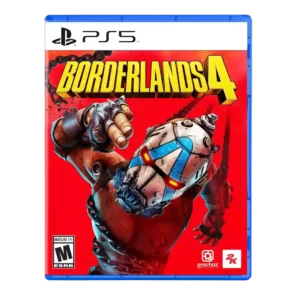
User interface design is one of the clearest pain points, criticized as poorly conceived, flat, slow, or a step backward despite one positive UI comparison note.
Pros: sandbox freedom, art direction
Cons: polish, save system reliability
Interface clarity was criticized where the game's visual language made interactable options or progress less obvious.
Pros: writing quality, checkpoint system
Cons: menu usability, user interface design
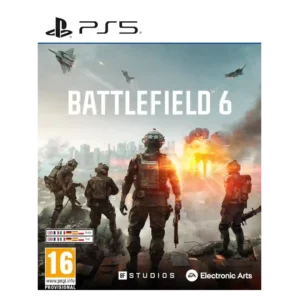
UI design was a common complaint, especially streaming-app-style menus and loadout screens.
Pros: haptic feedback integration, performance optimization
Cons: pacing, microtransaction impact
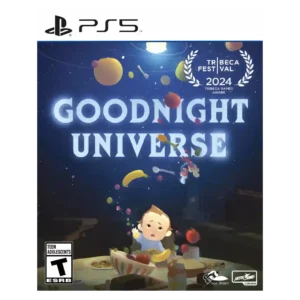
User interface design had a negative console/set-piece example where cursor text highlighting bogged down the experience.
Pros: side character depth, visual effects quality
Cons: user interface design, handheld play suitability
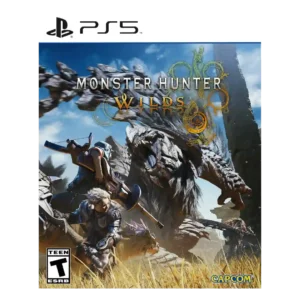
User interface design was criticized where radial menus felt unresponsive and UI friction recurred during repeated hunt cycles.
Pros: art direction, cross-play support
Cons: dialogue quality, monetization fairness
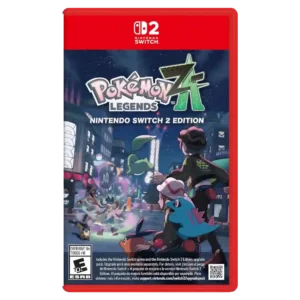
User interface design drew criticism where feedback during combat was hard to parse.
Pros: crash stability, gameplay mechanics
Cons: AI behavior, monetization fairness
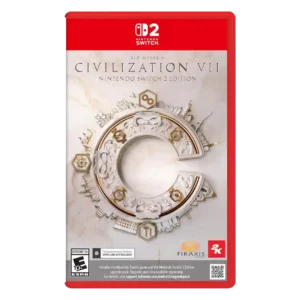
The user interface was the most repeated complaint, often described as inadequate, ugly, missing information, or confusing even when later improved.
Pros: animation quality, controls responsiveness
Cons: matchmaking quality, user interface design