Best for menu navigation
Garmin Bounce 2
5.0 feature score
Highest scored product for this feature based on supporting review evidence.
Highest scored product for this feature based on supporting review evidence.
Balances feature score, supporting reviews, and overall product strength.
Has the broadest review evidence for this feature.
Strongest overall product among items with scored evidence for this feature.
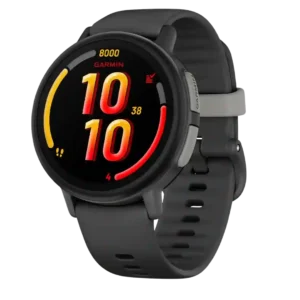
Children tend to learn the menus quickly, and the glance-based layout keeps essential information easy to reach.
Pros: Wi-Fi connectivity, cross-platform compatibility
Cons: charging convenience, third-party app support
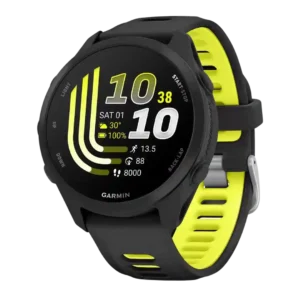
The refreshed Garmin interface makes menus smoother and faster to move through than on earlier entry-level models.
Pros: recovery insights, fitness tracking accuracy
Cons: ECG functionality, call handling
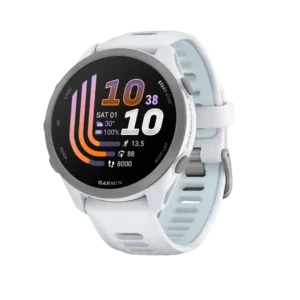
The updated menus move quickly and physical-button navigation is easy during workouts. A few controls, including the start action, can still feel ambiguous.
Pros: music controls, pairing reliability
Cons: LTE connectivity, ECG functionality
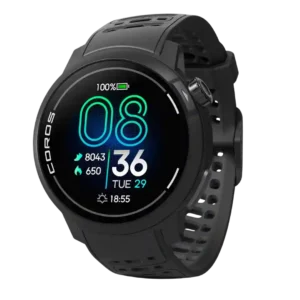
Menu navigation was praised as quick, simple, and intuitive, especially through the crown and minimal interface.
Pros: outdoor visibility, display quality
Cons: contactless payments, flashlight usefulness
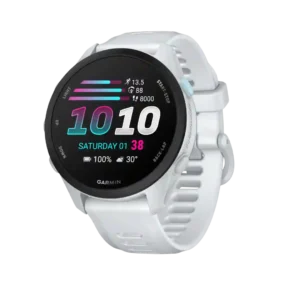
The five-button layout and cleaner software make menus easy to move through during workouts or daily use. Touch remains available for faster scrolling.
Pros: step counting accuracy, app ecosystem
Cons: Bluetooth connectivity, pairing reliability

Menu navigation benefited from the improved rotating crown, making scrolling through screens and menus easier.
Pros: blood oxygen tracking, step counting accuracy
Cons: LTE connectivity, calorie tracking usefulness
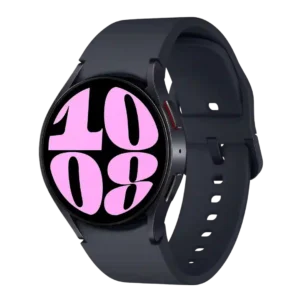
Menu navigation scored highly where reviewers liked the touch or rotating bezel and easy layouts, though long-term impressions noted some randomness or friction.
Pros: voice assistant quality, music controls
Cons: blood oxygen tracking, cross-platform compatibility
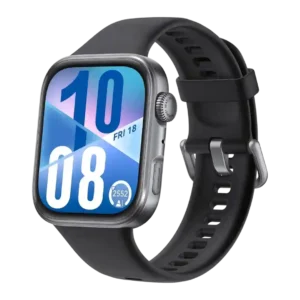
Menu navigation was praised for smooth scrolling, useful haptics, flexible layouts, and easy rearrangement.
Pros: step counting accuracy, menu navigation
Cons: voice assistant quality, contactless payments
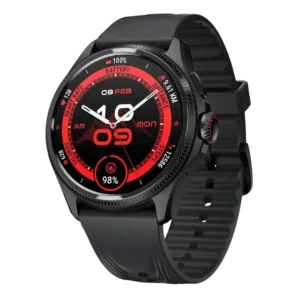
Menu navigation was praised when using the crown, especially for browsing menus and data without covering the screen.
Pros: menu navigation, battery life
Cons: ECG functionality, voice assistant quality
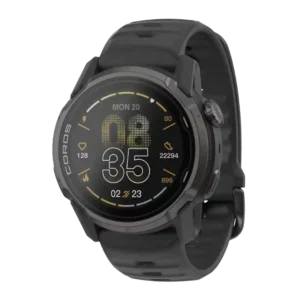
Menu navigation is considered easy and uncluttered by reviewers familiar with Coros.
Pros: reliability, battery life
Cons: LTE connectivity, flashlight usefulness
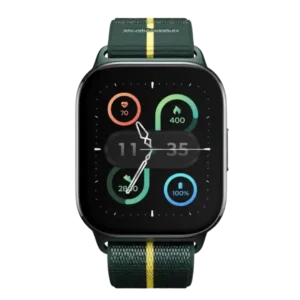
Menu navigation was a strength, described as snappy, low-fuss, and easy to understand.
Pros: software smoothness, menu navigation
Cons: contactless payments, stress tracking
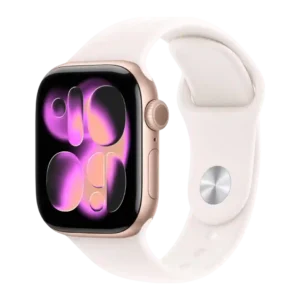
Menu navigation is praised as simple and easy, helped by the large touchscreen and straightforward controls.
Pros: ECG functionality, app ecosystem
Cons: cross-platform compatibility, recovery insights
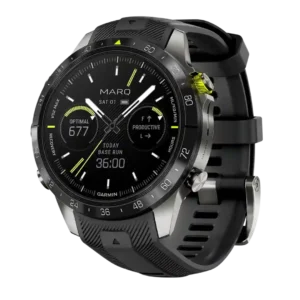
Menu navigation was praised in golf use, with reviewers saying mode switching and course menus were simple and fast.
Pros: pairing reliability, reliability
Cons: size options, call handling
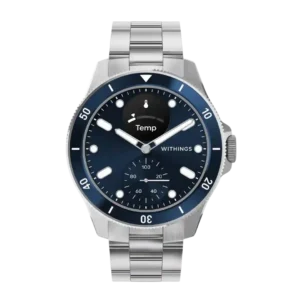
Menu navigation was praised as easy and intuitive through the rotating crown.
Pros: battery life, heart rate accuracy
Cons: third-party app support, GPS accuracy
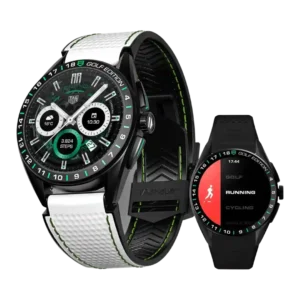
Menu navigation is strong thanks to the crown and pushers, which reviewers said made scrolling and control faster or more intuitive.
Pros: contactless payments, pairing reliability
Cons: LTE connectivity, call handling
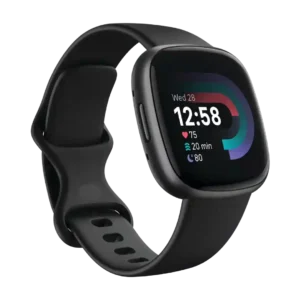
Menu navigation was generally easy, with reviewers praising simple, sleek navigation and a straightforward layout.
Pros: pairing reliability, user interface
Cons: third-party app support, music controls
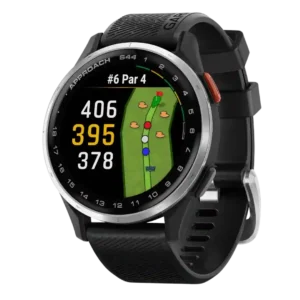
Menu navigation improved over older models thanks to the second button and clearly laid-out menus, making the watch easier to move through during play.
Pros: user interface, brightness
Cons: wellness insights, charging convenience
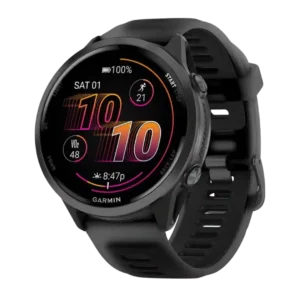
Menu navigation was praised for being intuitive, easier to navigate, and enjoyable to interact with after Garmin’s UI refresh.
Pros: charging speed, GPS accuracy
Cons: ECG functionality, smartphone notifications
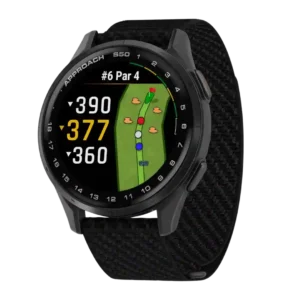
Menu navigation was generally easy to learn and intuitive, with reviewers saying they had little trouble moving through the watch’s features.
Pros: touchscreen responsiveness, health tracking accuracy
Cons: call handling, voice assistant quality
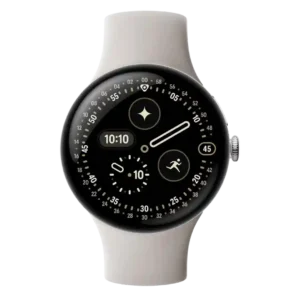
Menu navigation was usually easy and pleasant, especially with Wear OS 6 and the domed display.
Pros: step counting accuracy, charging speed
Cons: stress tracking, band quality
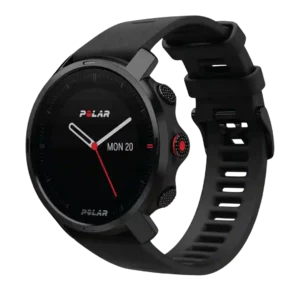
Menu navigation was usually described as simple or intuitive, especially when using the buttons.
Pros: materials quality, recovery insights
Cons: contactless payments, music controls
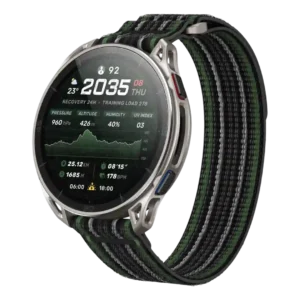
Menu navigation benefits from responsive menus, workout screens, and map display performance.
Pros: software smoothness, flashlight usefulness
Cons: sleep tracking accuracy, ECG functionality
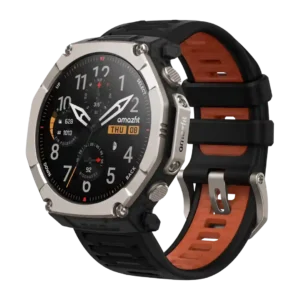
Menu navigation was praised as easy, helped by physical buttons and touchscreen control.
Pros: display quality, brightness
Cons: onboard music storage, size options
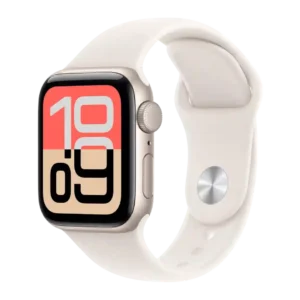
Menu navigation evidence was limited but positive, with one reviewer describing the basic home-screen and control flow as simple.
Pros: app ecosystem, operating system experience
Cons: cross-platform compatibility, ECG functionality
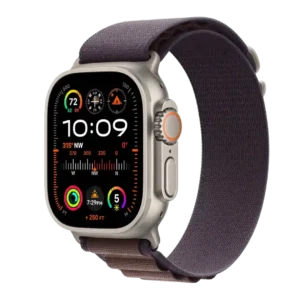
Menu navigation evidence was positive around Smart Stack surfacing useful information at the right time.
Pros: app ecosystem, smartwatch features
Cons: cross-platform compatibility, blood oxygen tracking
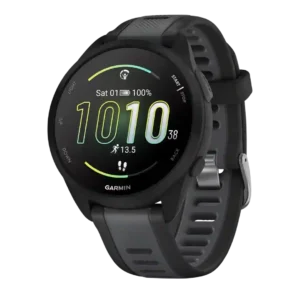
Menu navigation was considered intuitive after a short adjustment period.
Pros: smartphone notifications, watch face quality
Cons: music controls, Wi-Fi connectivity
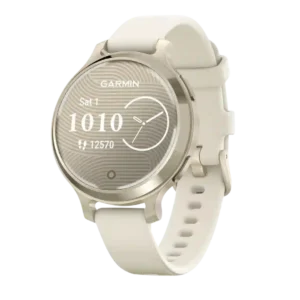
Menu navigation is viewed positively, with one reviewer describing swiping and app opening as smooth.
Pros: health tracking accuracy, blood oxygen tracking
Cons: ECG functionality, onboard music storage
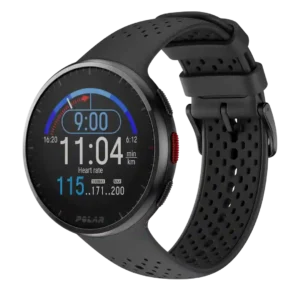
Menu navigation was easy once the reviewer learned the physical buttons.
Pros: workout tracking variety, activity auto-detection
Cons: onboard music storage, blood oxygen tracking
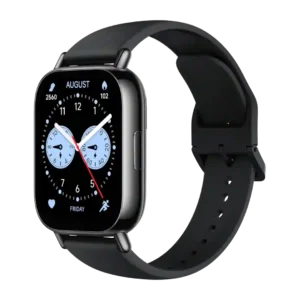
Menu navigation was praised in one review for being easier to use with large, touch-friendly tiles.
Pros: cross-platform compatibility, pairing reliability
Cons: third-party app support, contactless payments
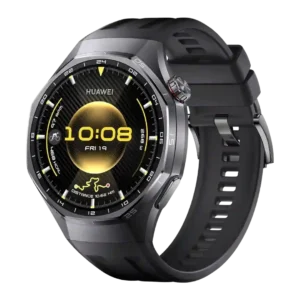
Menu navigation was strong where mentioned, especially the crown and recent-app navigation.
Pros: fitness tracking accuracy, display quality
Cons: voice assistant quality, LTE connectivity
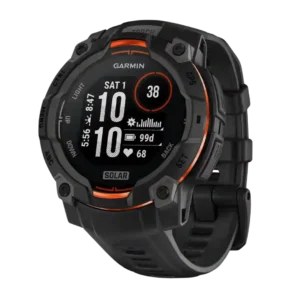
Menu navigation is mostly positive, with reviewers describing hike tracking and setup as simple or easy to learn.
Pros: customization options, charging speed
Cons: onboard music storage, voice assistant quality
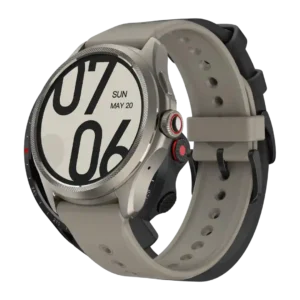
Menu navigation was helped by the crown and Wear OS layout, making app and tile access easy for reviewers.
Pros: contactless payments, battery life
Cons: voice assistant quality, LTE connectivity
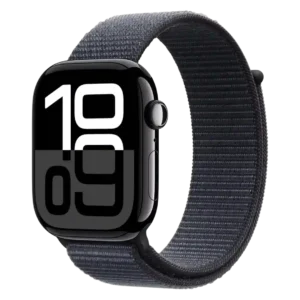
Menu navigation benefited from the revised workout layout and larger screen, making navigation, typing, and selections easier.
Pros: reliability, comfort
Cons: calorie tracking usefulness, mapping and navigation
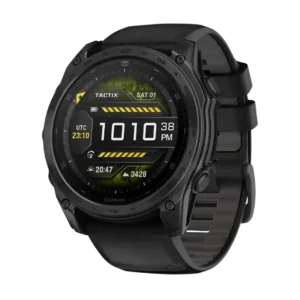
Menu navigation was described as more user-friendly and easy to learn, especially for users new to complex Garmin watches.
Pros: wellness insights, build quality
Cons: LTE connectivity, band quality
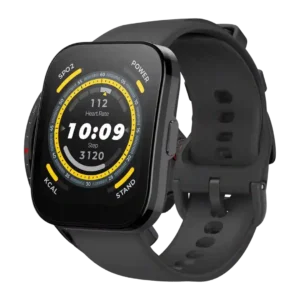
Menu navigation is praised in hands-on reviews as clear, intuitive, and easy to navigate.
Pros: comfort, touchscreen responsiveness
Cons: calorie tracking usefulness, onboard music storage
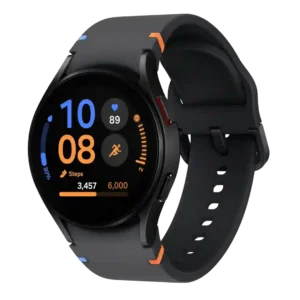
Menu navigation was generally praised as intuitive, responsive, and quick to scroll through.
Pros: materials quality, workout tracking variety
Cons: size options, cross-platform compatibility
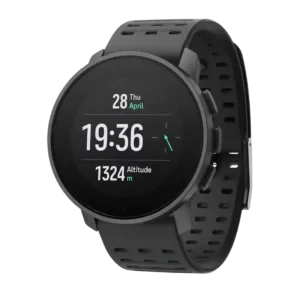
Menu navigation could be straightforward once learned, with several reviewers praising simple button logic and easy access to basic functions.
Pros: step counting accuracy, durability
Cons: voice assistant quality, contactless payments
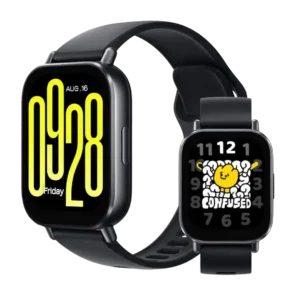
Menu navigation was praised as straightforward and well structured, with responsive UI behavior.
Pros: wellness insights, Bluetooth connectivity
Cons: contactless payments, third-party app support
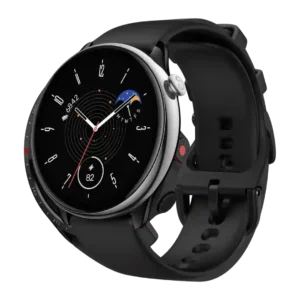
Menu navigation was praised as simple, reliable, snappy, and easy to understand.
Pros: pairing reliability, workout tracking variety
Cons: contactless payments, onboard music storage
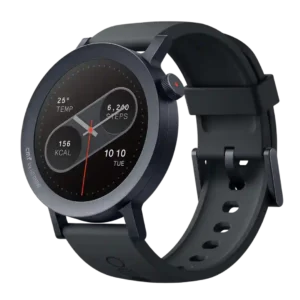
Menu navigation was generally good, with smooth interface movement and reliable swipe operation noted by reviewers.
Pros: pairing reliability, materials quality
Cons: data privacy, health tracking accuracy
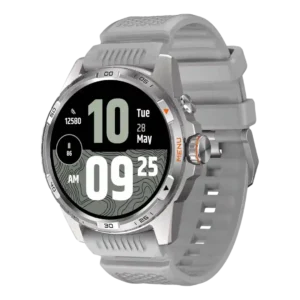
Menu navigation is mostly easy and clearly defined, with the crown and gestures making everyday use straightforward.
Pros: touchscreen responsiveness, software smoothness
Cons: ECG functionality, LTE connectivity
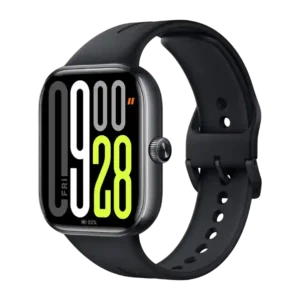
Menu navigation is generally easy, with praise for app finding, crown scrolling, and text-labeled icon layouts.
Pros: step counting accuracy, display quality
Cons: voice assistant quality, contactless payments
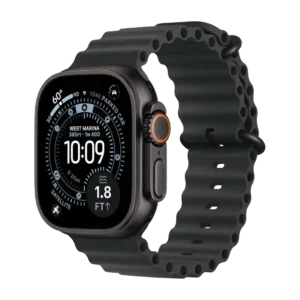
Menu navigation in the redesigned workout app was described as easier to use.
Pros: app ecosystem, watch face quality
Cons: cross-platform compatibility, size options
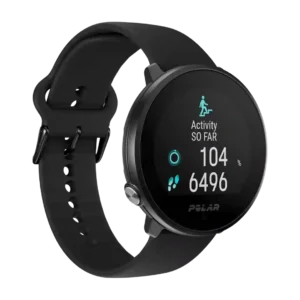
Menu navigation receives positive evidence from one reviewer who found the swipe-and-tap navigation easy.
Pros: app ecosystem, charging speed
Cons: call handling, contactless payments
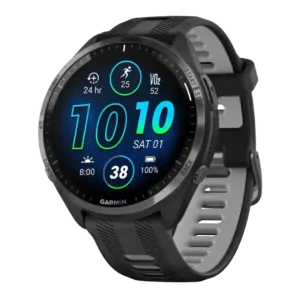
Menu navigation was generally easy once learned, with reviewers calling controls frictionless or easy to get used to.
Pros: water resistance, workout tracking variety
Cons: LTE connectivity, ECG functionality
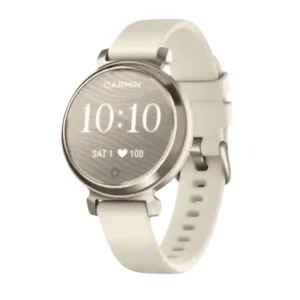
Menu navigation is usually described as straightforward or intuitive, though one reviewer notes a learning curve.
Pros: pairing reliability, wellness insights
Cons: ECG functionality, body temperature tracking
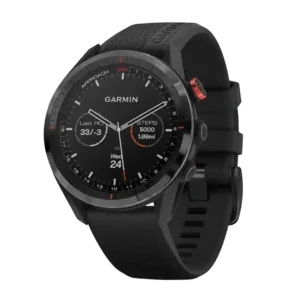
Menu navigation was mostly easy and intuitive, though one review found the mixed touch-and-button flow took some acclimation.
Pros: software smoothness, style and design
Cons: voice assistant quality, onboard music storage
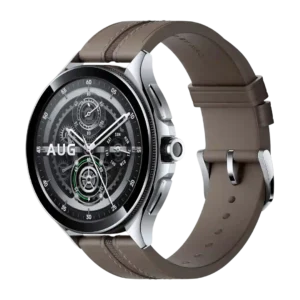
Menu navigation was mostly praised as easy or intuitive, especially with the rotating crown, though the experience was not universally perfect.
Pros: pairing reliability, outdoor visibility
Cons: ECG functionality, running power support
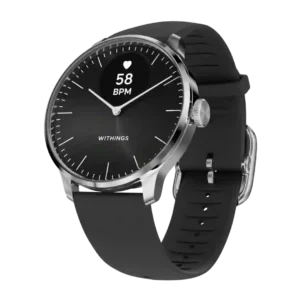
Menu navigation is generally positive, with reviewers finding the crown easy for scrolling once adjusted.
Pros: comfort, build quality
Cons: call handling, contactless payments
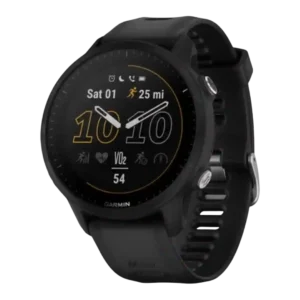
Menu navigation was mostly praised for easy access, fewer button presses, and intuitive control, with one complaint about extra shutdown confirmation.
Pros: outdoor visibility, charging speed
Cons: LTE connectivity, call handling