Best for smartphone notifications
Garmin Forerunner 165
5.0 feature score
Highest scored product for this feature based on supporting review evidence.
Highest scored product for this feature based on supporting review evidence.
Balances feature score, supporting reviews, and overall product strength.
Has the broadest review evidence for this feature.
Strongest overall product among items with scored evidence for this feature.
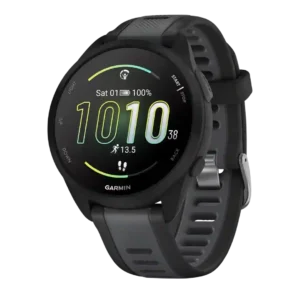
Smartphone notifications were described as reliable and easier to read on the AMOLED display.
Pros: smartphone notifications, watch face quality
Cons: music controls, Wi-Fi connectivity
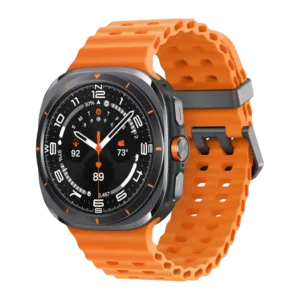
Notifications were generally useful and prompt in the scored evidence, helping the watch function as a less distracting phone extension.
Pros: build quality, software smoothness
Cons: stress tracking, blood oxygen tracking
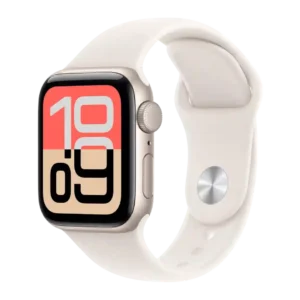
Notification handling was a major everyday strength, with reviewers praising call, text, and response convenience from the wrist.
Pros: app ecosystem, operating system experience
Cons: cross-platform compatibility, ECG functionality
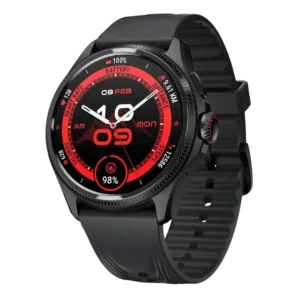
Smartphone notifications were a strength, with reviewers reporting prompt delivery, strong vibration, and no missed notifications.
Pros: menu navigation, battery life
Cons: ECG functionality, voice assistant quality
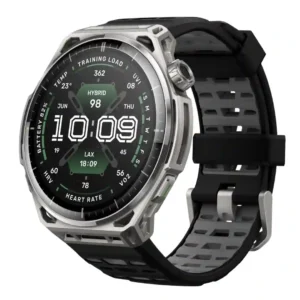
Notifications were reliable and easy to read on the large screen. Reply capabilities vary by phone platform.
Pros: battery life, watch face quality
Cons: activity auto-detection, LTE connectivity
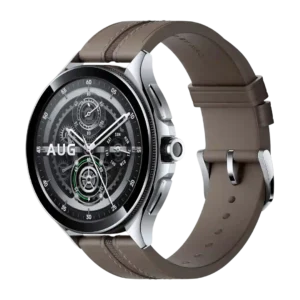
Smartphone notifications were consistently praised as easy to view, manage, reply to, or otherwise handle from the wrist.
Pros: pairing reliability, outdoor visibility
Cons: ECG functionality, running power support
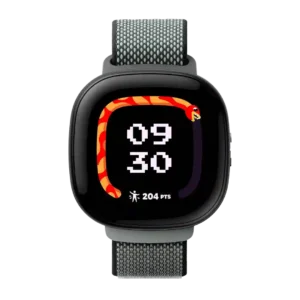
Notifications and messaging are useful for quick check-ins, and one reviewer’s child used the communication methods without trouble.
Pros: operating system experience, watch face quality
Cons: app ecosystem, third-party app support
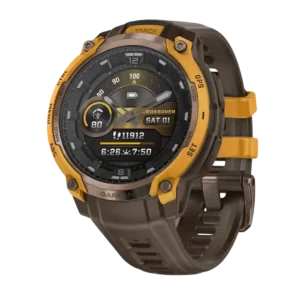
Smartphone notifications were viewed positively when restrained and practical, especially for checking messages and calls without phone use.
Pros: heart rate accuracy, GPS accuracy
Cons: onboard music storage, mapping and navigation
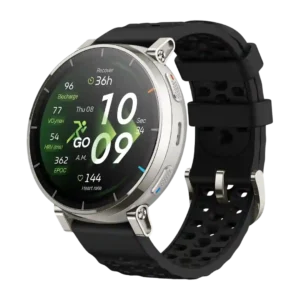
Smartphone notifications are strong on Android, with emojis, images, typed replies, voice-to-text, and quick responses, but evidence also notes Apple limitations elsewhere.
Pros: pairing reliability, brightness
Cons: Wi-Fi connectivity, Bluetooth connectivity
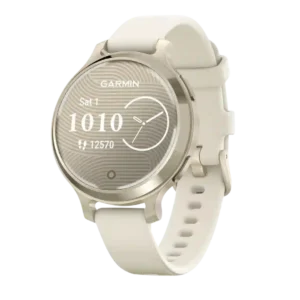
Smartphone notifications are considered helpful for quickly checking messages during outdoor activity.
Pros: health tracking accuracy, blood oxygen tracking
Cons: ECG functionality, onboard music storage
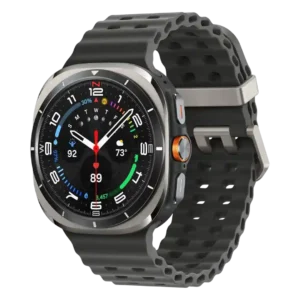
Notification handling is positive, with one reviewer noting detailed, useful notifications from the watch.
Pros: LTE connectivity, pairing reliability
Cons: antioxidant index, blood oxygen tracking
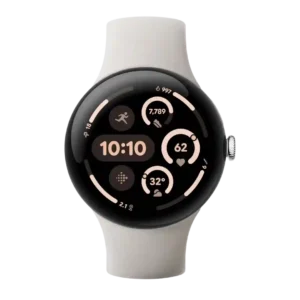
Notifications were consistently viewed as strong, with reviewers praising instant syncing, easy message handling, and excellent notification flow from an Android phone.
Pros: outdoor visibility, pairing reliability
Cons: calorie tracking usefulness, materials quality
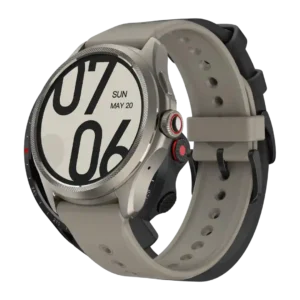
Notifications and messaging were generally smooth, with quick notification delivery and workable on-watch replies.
Pros: contactless payments, battery life
Cons: voice assistant quality, LTE connectivity
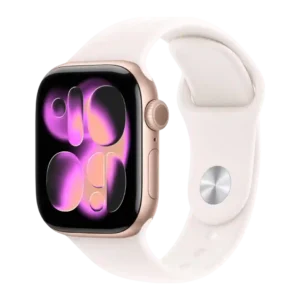
Notification handling is quick and useful, with wrist-flick dismissal praised as a convenient way to deal with alerts.
Pros: ECG functionality, app ecosystem
Cons: cross-platform compatibility, recovery insights
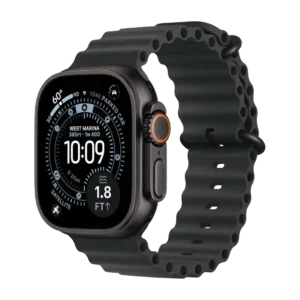
Notification handling benefited from wrist-flick and gesture improvements that reviewers found useful for dismissing alerts.
Pros: app ecosystem, watch face quality
Cons: cross-platform compatibility, size options
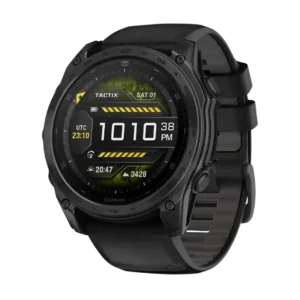
Notifications were treated as useful everyday smartwatch support, especially when paired with voice assistance or general connected features.
Pros: wellness insights, build quality
Cons: LTE connectivity, band quality
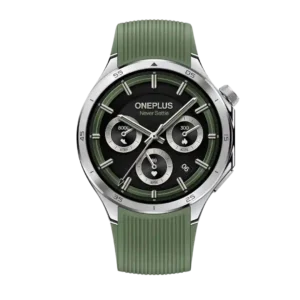
Notifications were generally prompt and useful, with large-screen readability and decent filtering options.
Pros: blood oxygen tracking, step counting accuracy
Cons: LTE connectivity, calorie tracking usefulness
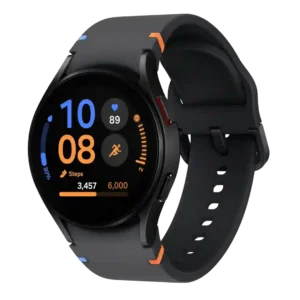
Notification handling was viewed positively, with prompt delivery, fluid interaction, and strong smartwatch notification support.
Pros: materials quality, workout tracking variety
Cons: size options, cross-platform compatibility
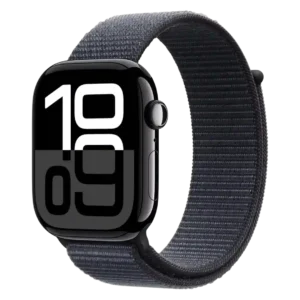
Notifications remained useful when limited to important communication, keeping glanceable alerts on the wrist.
Pros: reliability, comfort
Cons: calorie tracking usefulness, mapping and navigation
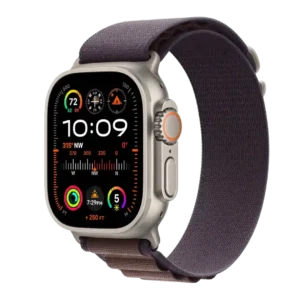
Smartphone notifications were useful, especially with Double Tap and fast notification replies, and reviewers treated them as part of the watch’s everyday strength.
Pros: app ecosystem, smartwatch features
Cons: cross-platform compatibility, blood oxygen tracking
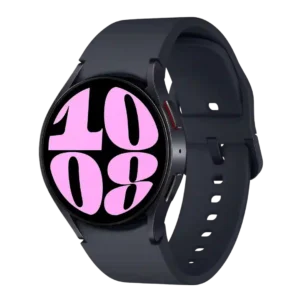
Notifications were praised for wrist-based convenience and readable, glanceable delivery.
Pros: voice assistant quality, music controls
Cons: blood oxygen tracking, cross-platform compatibility
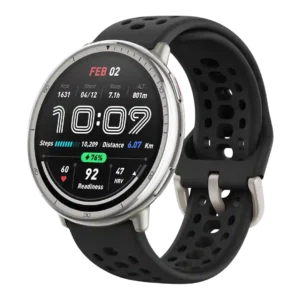
Notifications were generally reliable and well handled, with richer reply options depending on platform.
Pros: pairing reliability, value for money
Cons: stress tracking, onboard music storage
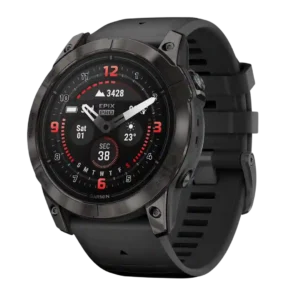
Smartphone notifications were viewed positively, mainly because they are readable and well supported on the AMOLED screen.
Pros: GPS accuracy, charging speed
Cons: ECG functionality, voice assistant quality
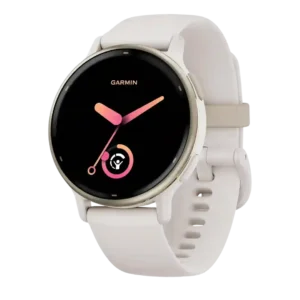
Smartphone notifications were a strength, especially near-seamless delivery and useful Android reply/image features.
Pros: fitness tracking accuracy, wellness insights
Cons: software smoothness, ECG functionality
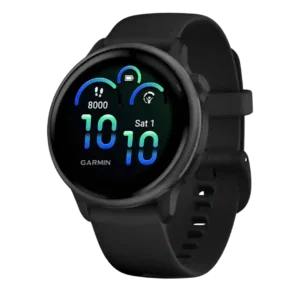
Notifications are good for basic smartwatch use, with reviewers finding them pleasant or just enough, though the experience is not equal to a full smartwatch.
Pros: software smoothness, comfort
Cons: LTE connectivity, voice assistant quality
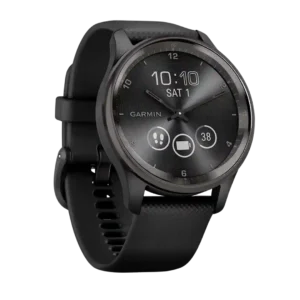
Smartphone notifications were a useful smartwatch strength across reviews, especially for reading messages, though platform limitations remained.
Pros: activity auto-detection, build quality
Cons: blood oxygen tracking, Bluetooth connectivity
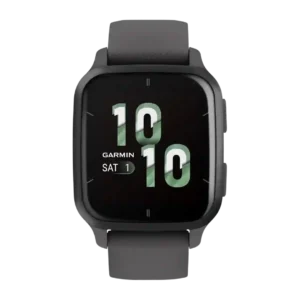
Notifications were generally viewed positively, with reviewers saying they arrived quickly, were readable, and worked across common message and social alerts.
Pros: charging speed, coaching features
Cons: ECG functionality, call handling
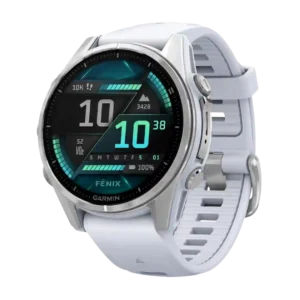
Smartphone notifications were viewed positively where tested, with orderly display and useful rich/photo notification support.
Pros: workout tracking variety, onboard music storage
Cons: LTE connectivity, value for money
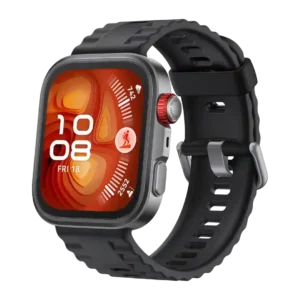
Smartphone notifications were useful for basic viewing and replies, but reviewers complained about limited actionability compared with richer Android or Apple/Wear OS behavior.
Pros: Bluetooth connectivity, calorie tracking usefulness
Cons: ECG functionality, flashlight usefulness
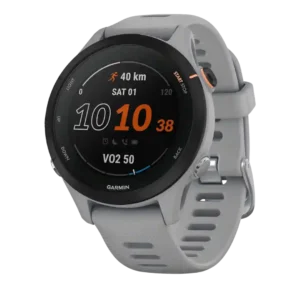
Notifications worked well despite the compact display, and one reviewer showed texts arriving clearly with quick-response options.
Pros: step counting accuracy, fit
Cons: blood oxygen tracking, charging convenience
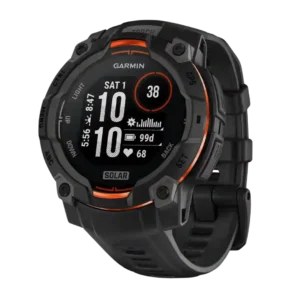
Smartphone notifications are useful but basic, with reviewers appreciating readable alerts while noting broader smartwatch limits.
Pros: customization options, charging speed
Cons: onboard music storage, voice assistant quality
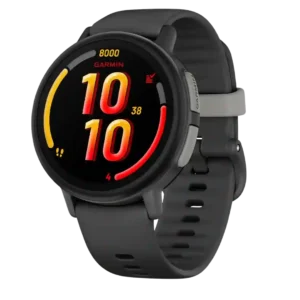
Boundary alerts automatically notify parents when a child enters or leaves a set area. They reduce the need to repeatedly open the app and check location.
Pros: Wi-Fi connectivity, cross-platform compatibility
Cons: charging convenience, third-party app support
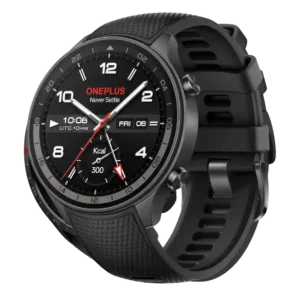
Notifications worked well enough for interactive replies on Wear OS, according to the available reviewer evidence.
Pros: software smoothness, charging speed
Cons: ECG functionality, safety features
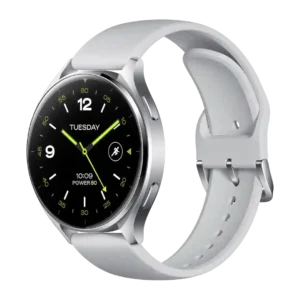
Notification handling was polarized: several reviewers found replies and mirroring reliable, while one highlighted Wear OS notification delays.
Pros: charging speed, Bluetooth connectivity
Cons: ECG functionality, recovery insights
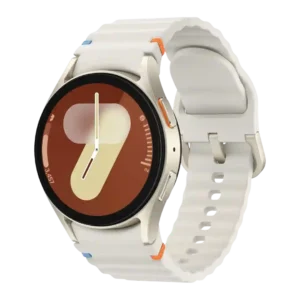
Notifications are usually strong and seamless, but some reviewers found notification behavior imperfect or too noisy without customization.
Pros: display quality, durability
Cons: cross-platform compatibility, antioxidant index
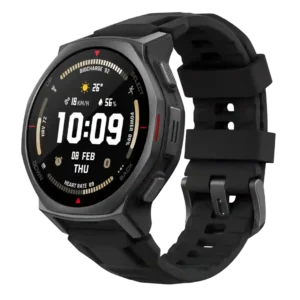
Smartphone notifications are mixed: they arrive reliably and can be useful, but reviewers criticized limited replies, missing rich interactions or excessive buzzing.
Pros: workout tracking variety, calorie tracking usefulness
Cons: LTE connectivity, ECG functionality
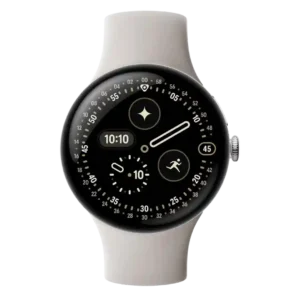
Notification handling was mixed: rich notifications and smart replies impressed some reviewers, while Google Home alerts, wake behavior, and visibility frustrated others.
Pros: step counting accuracy, charging speed
Cons: stress tracking, band quality
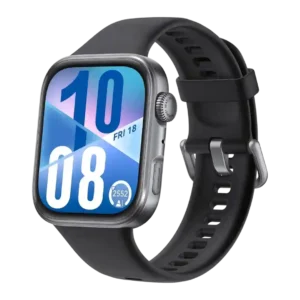
Notifications were useful for basic reading and replies on supported phones, but iOS limitations and missed notifications reduced consistency.
Pros: step counting accuracy, menu navigation
Cons: voice assistant quality, contactless payments
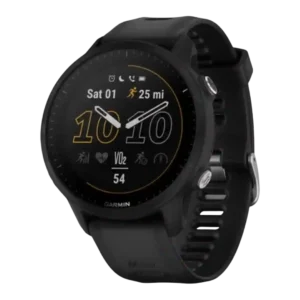
Smartphone notifications were useful for glanceable information, but iOS reply limitations and basic interaction kept scores moderate.
Pros: outdoor visibility, charging speed
Cons: LTE connectivity, call handling
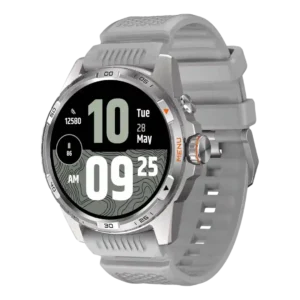
Notifications are useful and customizable overall, though one reviewer experienced unexplained vibrations.
Pros: touchscreen responsiveness, software smoothness
Cons: ECG functionality, LTE connectivity
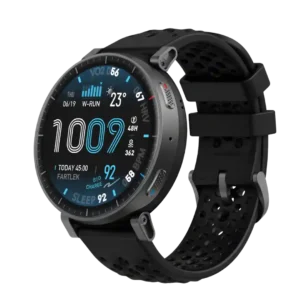
Notification handling was serviceable, with Android replies and modern app icons praised, but iPhone limitations held it back.
Pros: workout tracking variety, outdoor visibility
Cons: calorie tracking usefulness, safety features
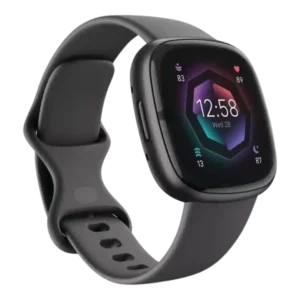
Smartphone notifications are generally useful and readable, but reviewers also complain about delayed or awkward notification behavior and platform limits.
Pros: pairing reliability, durability
Cons: music controls, Wi-Fi connectivity
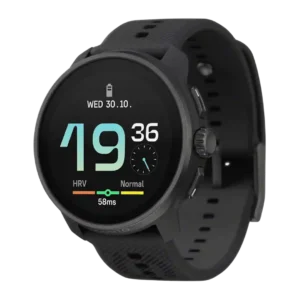
Smartphone notifications generally worked, though reviewers framed them as basic and often noted limited interaction beyond reading alerts.
Pros: workout tracking variety, value for money
Cons: blood oxygen tracking, contactless payments
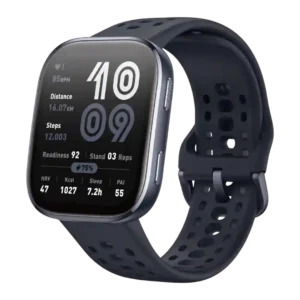
Notifications were useful and often reliable, but reply support was limited on iPhone and some notification features were uneven.
Pros: value for money, battery life
Cons: contactless payments, stress tracking
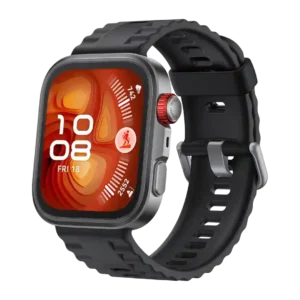
Notification handling was mixed: basic alerts and replies helped, but truncation, limited reply options and inconsistent iPhone features held it back.
Pros: software smoothness, durability
Cons: voice assistant quality, LTE connectivity
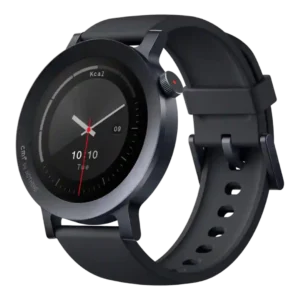
Notification handling was mixed: quick access and replies were useful, but syncing, language support, and clearing behavior frustrated some reviewers.
Pros: workout tracking variety, user interface
Cons: Wi-Fi connectivity, onboard music storage
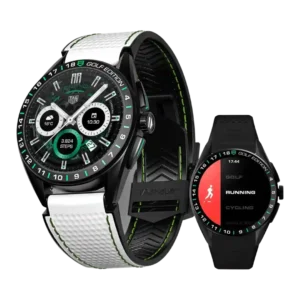
Notification handling is mixed: Android support can be interactive and instant, while iPhone support and alert reliability drew complaints.
Pros: contactless payments, pairing reliability
Cons: LTE connectivity, call handling
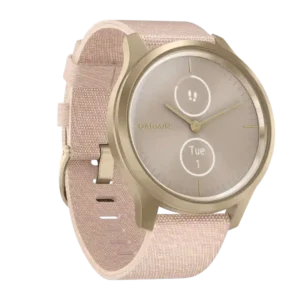
Notifications were useful for quick glances and replies, but reviews also reported app-specific failures, awkward layouts, and limited interaction.
Pros: style and design, comfort
Cons: outdoor visibility, coaching features
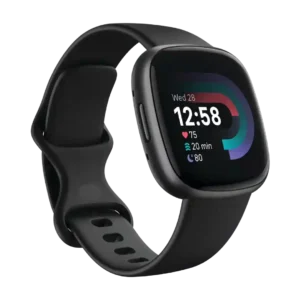
Notifications were readable and pleasant on the larger screen, but iPhone reply limits kept the feature from feeling fully smart.
Pros: pairing reliability, user interface
Cons: third-party app support, music controls
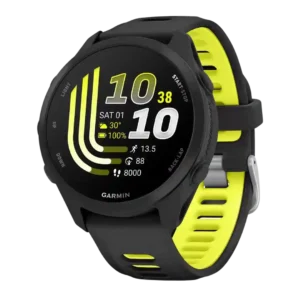
Notifications are useful for daily wear, but one tester found the buzzing overly reactive during workouts.
Pros: recovery insights, fitness tracking accuracy
Cons: ECG functionality, call handling