Best for user interface
Garmin Approach S44
4.9 feature score
Highest scored product for this feature based on supporting review evidence.
Highest scored product for this feature based on supporting review evidence.
Balances feature score, supporting reviews, and overall product strength.
Has the broadest review evidence for this feature.
Strongest overall product among items with scored evidence for this feature.
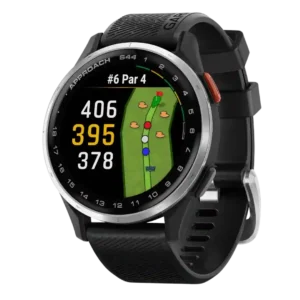
Reviewers found the interface intuitive, simple, and easy to use, especially for golfers who want essential features without being overwhelmed.
Pros: user interface, brightness
Cons: wellness insights, charging convenience
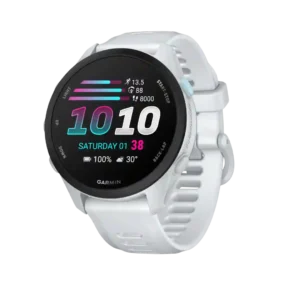
The updated interface is clean, polished, and easy to navigate. Key training information is faster to find than on older entry-level Garmin watches.
Pros: step counting accuracy, app ecosystem
Cons: Bluetooth connectivity, pairing reliability
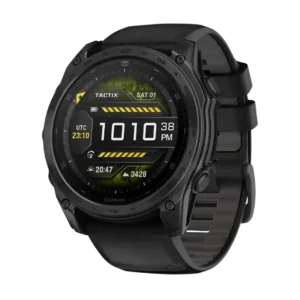
The user interface earned strong praise for being user-friendly, faster, and more elegant despite the huge amount of data available.
Pros: wellness insights, build quality
Cons: LTE connectivity, band quality
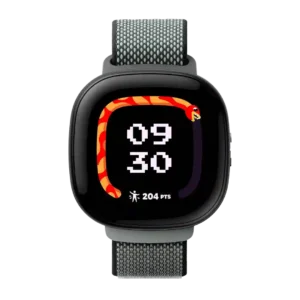
The user interface was praised as easier to use and genuinely intuitive, attractive, and functional.
Pros: operating system experience, watch face quality
Cons: app ecosystem, third-party app support
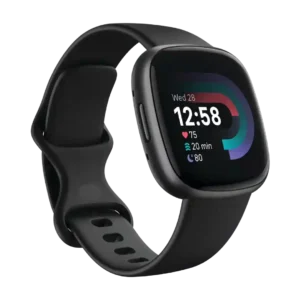
The user interface was one of Fitbit's strengths, repeatedly described as simple, understandable, and easy to learn.
Pros: pairing reliability, user interface
Cons: third-party app support, music controls
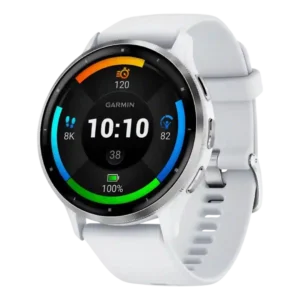
The user interface is a strength, with many reviewers praising intuitive layouts, easy navigation, useful shortcuts, and accessible watch data.
Pros: health tracking accuracy, software smoothness
Cons: LTE connectivity, mapping and navigation
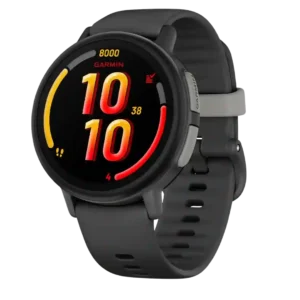
The basic interface is easy for children to learn and use. Simple menus and clear controls are praised even by some owners who dislike the connected services.
Pros: Wi-Fi connectivity, cross-platform compatibility
Cons: charging convenience, third-party app support
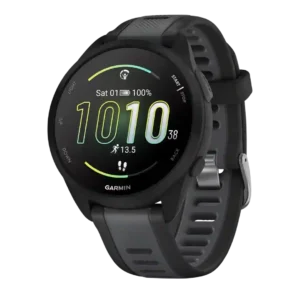
The interface was repeatedly described as simple, approachable, and easy to use.
Pros: smartphone notifications, watch face quality
Cons: music controls, Wi-Fi connectivity
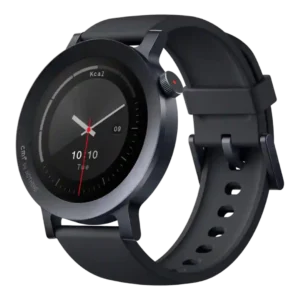
The user interface was widely praised for clarity, clean visuals, and ease of use.
Pros: workout tracking variety, user interface
Cons: Wi-Fi connectivity, onboard music storage
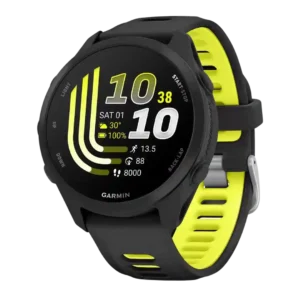
The updated UI is polished and easier to use, with quick access to settings and rich data. New Garmin users may still find the menu depth intimidating.
Pros: recovery insights, fitness tracking accuracy
Cons: ECG functionality, call handling
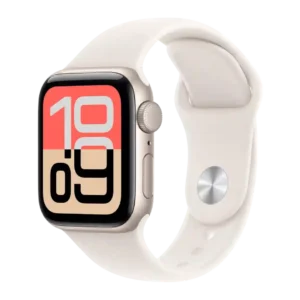
The user interface was praised as easy, cohesive, and fluid, with gestures and Smart Stack improving quick interactions.
Pros: app ecosystem, operating system experience
Cons: cross-platform compatibility, ECG functionality
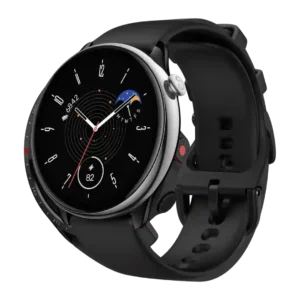
The user interface was considered easy to learn and understand, with reviewers emphasizing clean, lightweight, simple interactions.
Pros: pairing reliability, workout tracking variety
Cons: contactless payments, onboard music storage
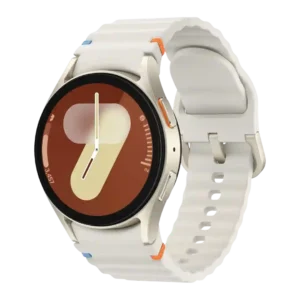
The user interface is praised as easy, awesome, and effortless to navigate.
Pros: display quality, durability
Cons: cross-platform compatibility, antioxidant index
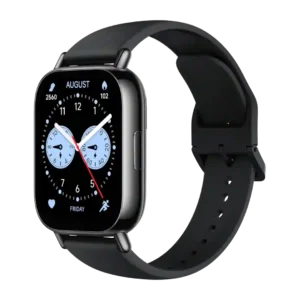
The user interface was generally praised as simple, smooth, and easy to use.
Pros: cross-platform compatibility, pairing reliability
Cons: third-party app support, contactless payments
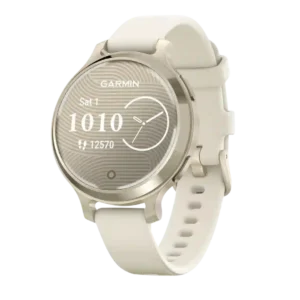
The user interface is praised as simple to learn and easy to swipe through.
Pros: health tracking accuracy, blood oxygen tracking
Cons: ECG functionality, onboard music storage
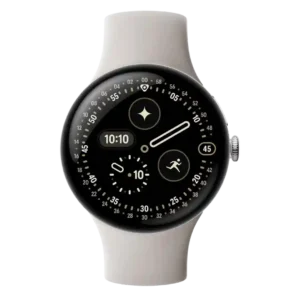
The user interface drew strong praise for fluidity, color, rounded layouts, and Material 3 Expressive polish.
Pros: step counting accuracy, charging speed
Cons: stress tracking, band quality
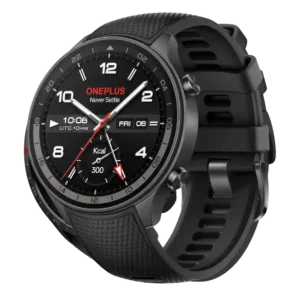
The interface was praised as straightforward, swift, clean, and fluid.
Pros: software smoothness, charging speed
Cons: ECG functionality, safety features
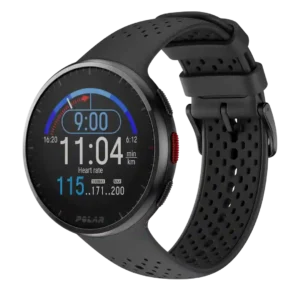
The user interface was described as simple, intuitive, and uncluttered by reviewers who liked its directness.
Pros: workout tracking variety, activity auto-detection
Cons: onboard music storage, blood oxygen tracking
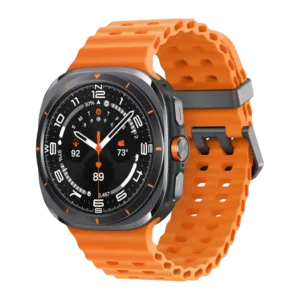
The user interface was praised by the reviewers who scored it, especially for refinement, tiles, and intuitive operation.
Pros: build quality, software smoothness
Cons: stress tracking, blood oxygen tracking
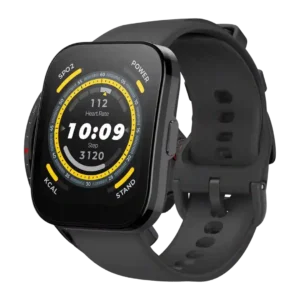
The watch interface is generally praised as intuitive, smooth, responsive, and well balanced.
Pros: comfort, touchscreen responsiveness
Cons: calorie tracking usefulness, onboard music storage
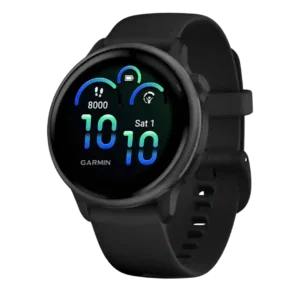
The user interface is a strong upgrade, with reviewers describing it as easier, more intuitive, and simple to use.
Pros: software smoothness, comfort
Cons: LTE connectivity, voice assistant quality
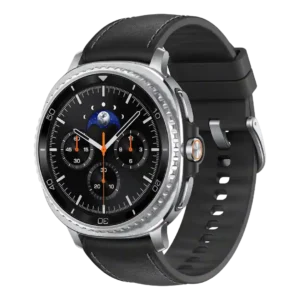
The user interface drew positive evidence for better organization, a useful Now Bar, cleaner notifications, and easy navigation.
Pros: third-party app support, heart rate accuracy
Cons: music controls, cross-platform compatibility
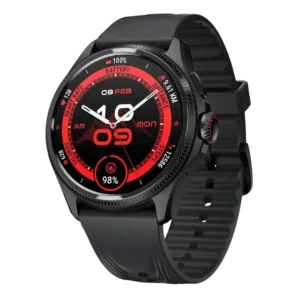
The user interface was generally clear, intuitive, and smooth, with reviewers praising both Wear OS navigation and Mobvoi’s consolidated TicHealth layout.
Pros: menu navigation, battery life
Cons: ECG functionality, voice assistant quality
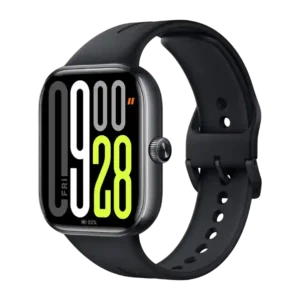
The user interface is generally easy and smooth, with straightforward layouts and good navigation for a budget watch.
Pros: step counting accuracy, display quality
Cons: voice assistant quality, contactless payments
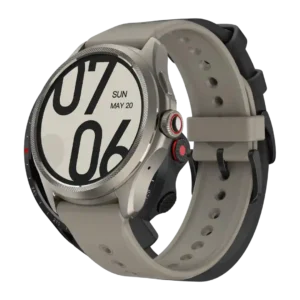
The interface was mostly praised as positive, breezy, or easy to use, though one reviewer found Mobvoi's health-app structure confusing.
Pros: contactless payments, battery life
Cons: voice assistant quality, LTE connectivity
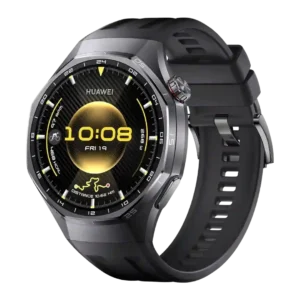
The interface was praised as simple, versatile and polished, with easy navigation through Huawei’s watch UI.
Pros: fitness tracking accuracy, display quality
Cons: voice assistant quality, LTE connectivity
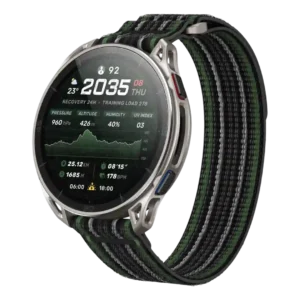
The on-watch interface makes good use of the larger screen and feels natural in the tested UI.
Pros: software smoothness, flashlight usefulness
Cons: sleep tracking accuracy, ECG functionality
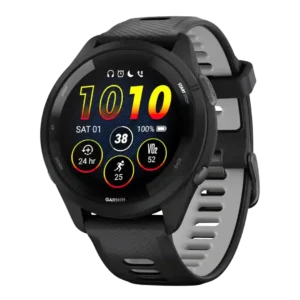
The user interface was mostly praised as intuitive, easy to use, and rich with on-watch data.
Pros: step counting accuracy, third-party app support
Cons: ECG functionality, LTE connectivity
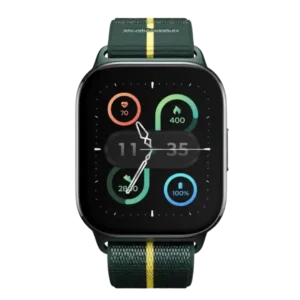
The interface was broadly praised as clean, easy, accessible, and simple, especially for beginners.
Pros: software smoothness, menu navigation
Cons: contactless payments, stress tracking
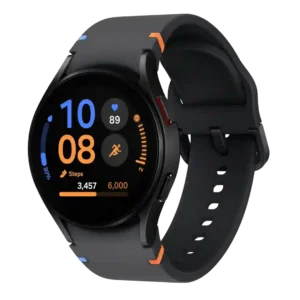
The interface was easy to use overall, with straightforward swipes, tiles, and fluid basic interactions.
Pros: materials quality, workout tracking variety
Cons: size options, cross-platform compatibility
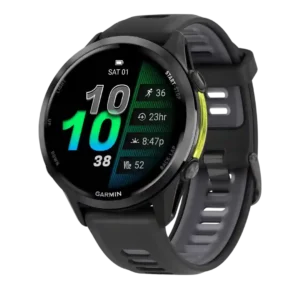
The user interface was generally considered easy or improved, but more complex reviewers still found parts of the layout overwhelming.
Pros: stress tracking, customization options
Cons: menu navigation, companion app quality
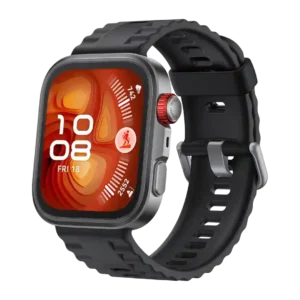
The user interface was praised as intuitive, refined and smooth.
Pros: software smoothness, durability
Cons: voice assistant quality, LTE connectivity
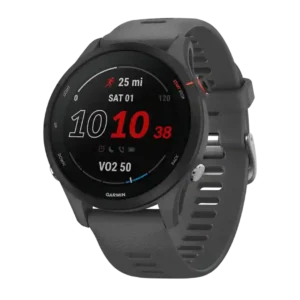
The interface was seen as useful and well-presented for workout summaries and glanceable data.
Pros: durability, cross-platform compatibility
Cons: stress tracking, app ecosystem
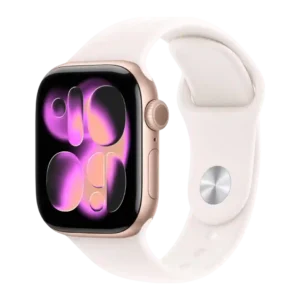
The interface is widely liked for ease of use and polish, though Liquid Glass reduced glanceability for some reviewers.
Pros: ECG functionality, app ecosystem
Cons: cross-platform compatibility, recovery insights
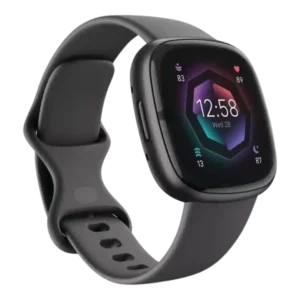
The user interface is mostly praised as cleaner, simpler, and more modern, with reviewers seeing it as a promising Fitbit OS redesign.
Pros: pairing reliability, durability
Cons: music controls, Wi-Fi connectivity
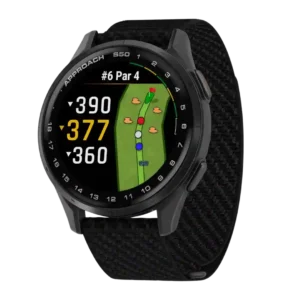
The user interface was mostly friendly and easy to use, though one reviewer called the golf features a bit complicated until learned.
Pros: touchscreen responsiveness, health tracking accuracy
Cons: call handling, voice assistant quality
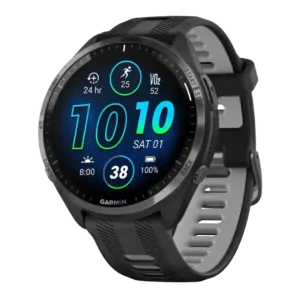
The interface was widely praised as easier, cleaner, more modern, and dramatically improved by AMOLED.
Pros: water resistance, workout tracking variety
Cons: LTE connectivity, ECG functionality
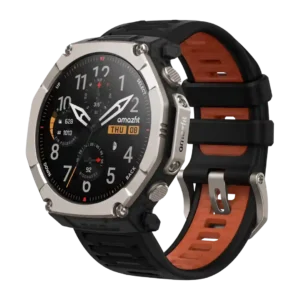
The user interface was generally easy to use, especially with the button/touch combination.
Pros: display quality, brightness
Cons: onboard music storage, size options
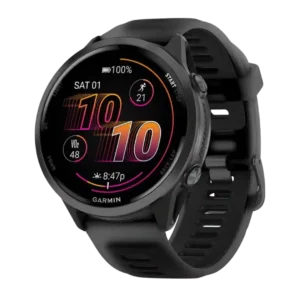
The user interface was generally easier, cleaner, and more useful, though some Garmin newcomers still found it clunkier than Apple.
Pros: charging speed, GPS accuracy
Cons: ECG functionality, smartphone notifications
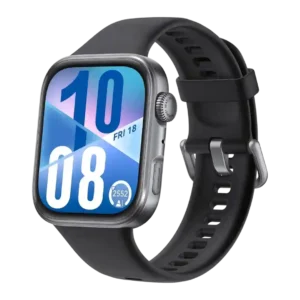
The user interface was mostly praised as smooth, fluid, and premium, but permissions and occasional quirks lowered the ceiling.
Pros: step counting accuracy, menu navigation
Cons: voice assistant quality, contactless payments
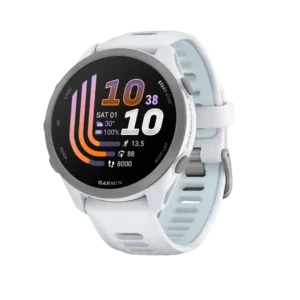
The on-watch experience is generally simple, polished, and easy to live with. Some features are buried in settings, so learning the full menu structure takes time.
Pros: music controls, pairing reliability
Cons: LTE connectivity, ECG functionality
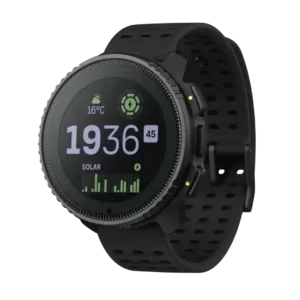
The user interface was generally considered easy or intuitive, despite some lag-related caveats.
Pros: battery life, durability
Cons: resume later function, ECG functionality
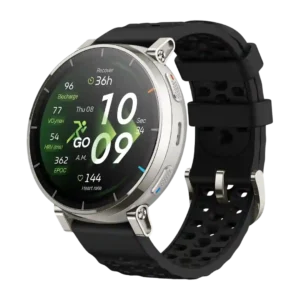
The user interface is mostly praised as smooth, beginner-friendly, and jargon-free, though translation quality is criticized in one German review.
Pros: pairing reliability, brightness
Cons: Wi-Fi connectivity, Bluetooth connectivity
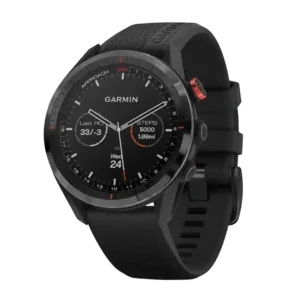
The user interface was generally considered intuitive and low-fuss after a short learning curve.
Pros: software smoothness, style and design
Cons: voice assistant quality, onboard music storage
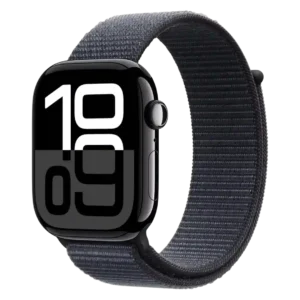
The interface was often described as useful and contextual, especially Smart Stack, while one reviewer complained menus are becoming cluttered.
Pros: reliability, comfort
Cons: calorie tracking usefulness, mapping and navigation
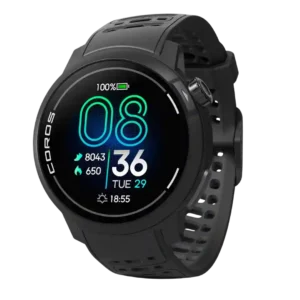
The user interface was generally intuitive and easy, though some reviewers wanted more polish and glanceable insight presentation.
Pros: outdoor visibility, display quality
Cons: contactless payments, flashlight usefulness
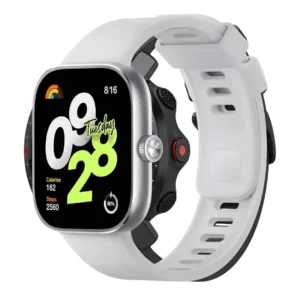
The user interface is generally praised as optimized, fluid, neat, and easy to understand on the larger square screen.
Pros: battery life, software smoothness
Cons: contactless payments, recovery insights
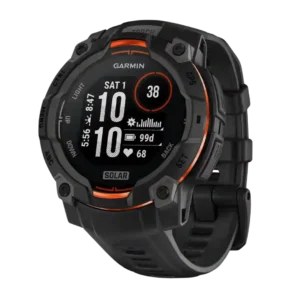
The user interface is generally easy and intuitive, helped by AMOLED presentation, though some menu navigation can feel slow.
Pros: customization options, charging speed
Cons: onboard music storage, voice assistant quality
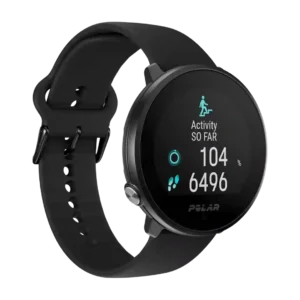
The user interface is usually praised for being clear and simple, though one reviewer felt the data presentation overcomplicated things.
Pros: app ecosystem, charging speed
Cons: call handling, contactless payments
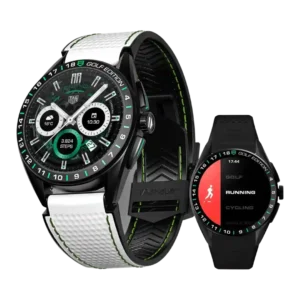
The user interface is mixed-positive: TAG's visual layer and sports UI impressed reviewers, but Wear OS layout felt disjointed to some.
Pros: contactless payments, pairing reliability
Cons: LTE connectivity, call handling