Best for backlight brightness
Alienware Pro Wireless Gaming Keyboard
4.9 feature score
Highest scored product for this feature based on supporting review evidence.
Highest scored product for this feature based on supporting review evidence.
Balances feature score, supporting reviews, and overall product strength.
Has the broadest review evidence for this feature.
Strongest overall product among items with scored evidence for this feature.
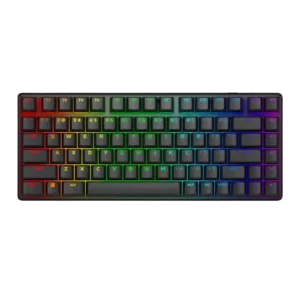
Lighting is described as bright and sharp, with reviewers noting stronger illumination than expected.
Pros: frame rigidity, materials quality
Cons: wrist rest quality, rapid trigger support
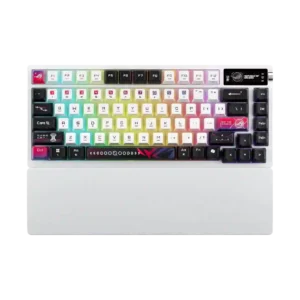
Reviews call the lighting bright and easily adjustable, with especially strong perceived brightness from the translucent keycaps.
Pros: connectivity, wireless performance
Cons: rapid trigger support, analog input support
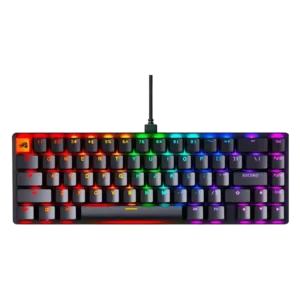
Backlighting is bright and vivid, helped by transparent switch housings and shine-through design.
Pros: frame rigidity, durability
Cons: actuation consistency
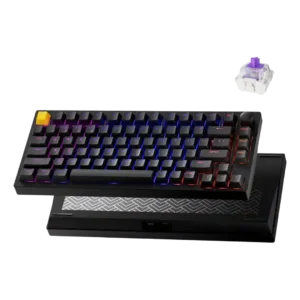
Shine-through, north-facing lighting is repeatedly described as bright and effective at illuminating the legends.
Pros: extra gaming features, rapid trigger support
Cons: per-key lighting control, layout options
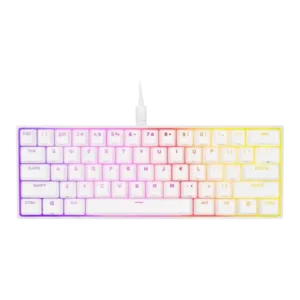
Multiple reviewers praised bright, vivid lighting and strong color output, though one noted the edge spill is not perfectly even.
Pros: desk space efficiency, portability
Cons: wrist rest quality, hot-swappable switches
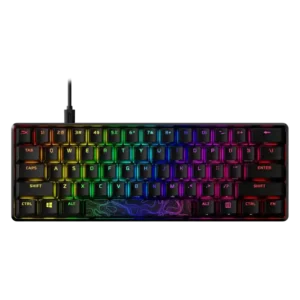
Backlight brightness was repeatedly praised as very bright, with several reviews noting multiple brightness levels.
Pros: frame rigidity, materials quality
Cons: wireless performance, hot-swappable switches
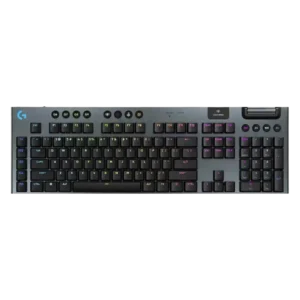
Backlight brightness is easy to adjust from the keyboard, with multiple levels and the option to turn lighting off completely.
Pros: customization options, latency
Cons: wrist rest quality, hot-swappable switches
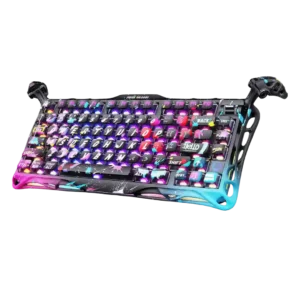
Brightness is strong where discussed, with reviewers calling the RGB bright and highlighting brightness controls in the web driver.
Pros: rapid trigger support, ease of switch replacement
Cons: wireless performance, connectivity
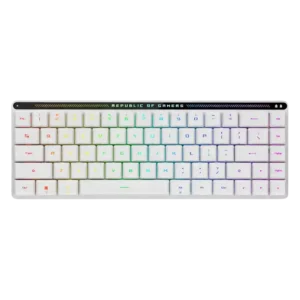
Backlight brightness is generally well regarded and easy to adjust, with multiple reviews noting bright lighting and direct brightness control through the touch interface.
Pros: noise level, battery life
Cons: wrist rest quality, hot-swappable switches
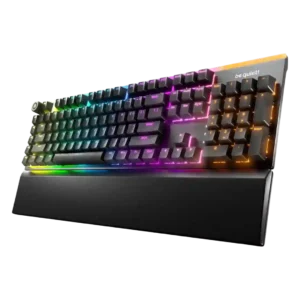
Reviews describe the lighting as bright and vivid overall, though one review says the underside lighting could be brighter.
Pros: acoustics, sound dampening
Cons: rapid trigger support, analog input support

Backlight brightness is described as adjustable, with lighting that can be dimmed or that shows up clearly in darker rooms.
Pros: key responsiveness, key stability
Cons: portability, switch options
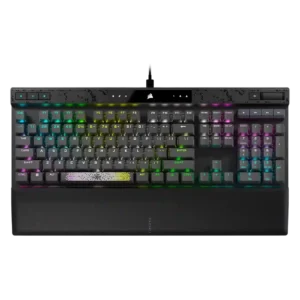
Backlighting is described as bright and visually strong, with at least one reviewer also calling the lighting presentation good-looking.
Pros: per-key lighting control, polling rate
Cons: passthrough features, wireless performance
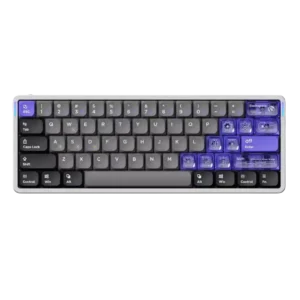
The south-facing RGB is described as bright and easy to notice, even without relying on shine-through legends.
Pros: polling rate, rapid trigger support
Cons: legend visibility, layout options
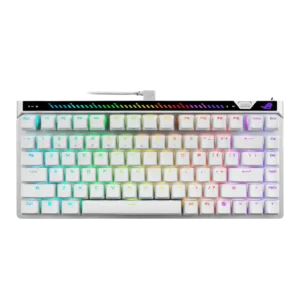
RGB backlighting is described as bright and evenly lit in the reviews that mention brightness directly.
Pros: latency, actuation consistency
Cons: analog input support, wrist rest quality
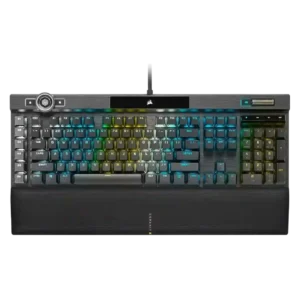
RGB brightness is described as extra bright, and the control wheel can adjust brightness directly.
Pros: key responsiveness, latency
Cons: hot-swappable switches, ease of switch replacement
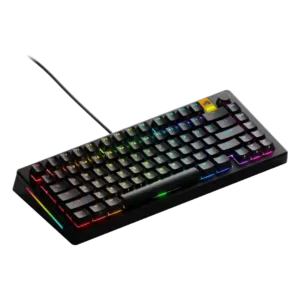
One review says the north-facing LEDs are powerful, giving the board strong backlight output.
Pros: customization options, hot-swappable switches
Cons: value for money, desk space efficiency

Reviewers explicitly call the lighting bright and praise the underglow effect.
Pros: frame rigidity, customization options
Cons: portability, switch options

Backlighting looks bright enough to stand out, but reviews frame it as balanced rather than overwhelming or overly flashy.
Pros: rapid trigger support, build quality
Cons: portability, switch options
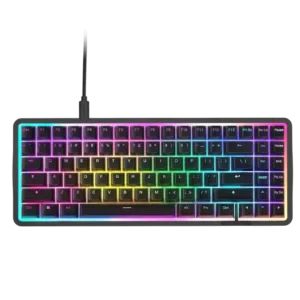
Backlight brightness is generally good, especially the perimeter light bar, though a few reviews find color matching or RGB behavior imperfect.
Pros: polling rate, sound dampening
Cons: passthrough features, wireless performance
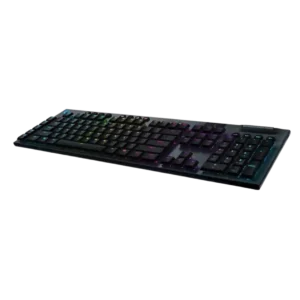
The backlight is bright enough to stand out in brighter rooms and includes multiple brightness levels for adjustment.
Pros: RGB customization, build quality
Cons: passthrough features, wrist rest quality
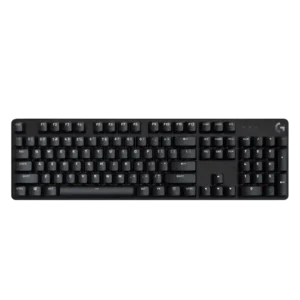
Reviewers consistently found the white backlight bright, with multiple brightness levels or intensity adjustment available.
Pros: materials quality, durability
Cons: per-key lighting control, wrist rest quality
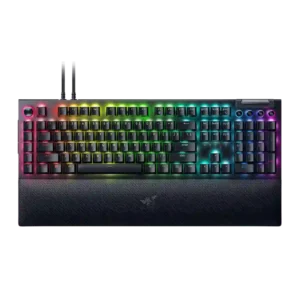
Brightness is strong and flexible enough to stand out in normal use, with reviewers specifically praising how bright and focused the lighting looks.
Pros: latency, customization options
Cons: hot-swappable switches, portability
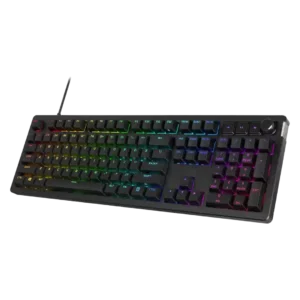
Brightness was viewed positively, with strong saturation and auto-adjusting backlighting noted in multiple reviews.
Pros: legend visibility, materials quality
Cons: wrist rest quality, ease of switch replacement
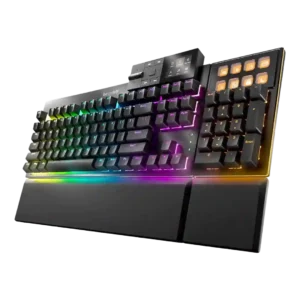
Brightness is adjustable, and reviewers note vivid lighting, though underglow intensity is not universally praised.
Pros: sound dampening, noise level
Cons: rapid trigger support, analog input support
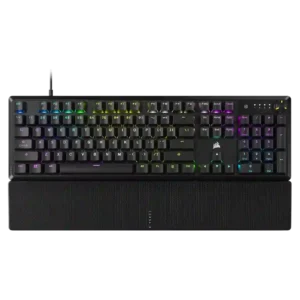
Backlighting is described as bright and adjustable, with controls for brightness in hardware and software.
Pros: per-key lighting control, typing feel
Cons: hot-swappable switches, ease of switch replacement
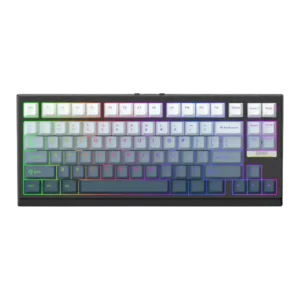
Backlighting was often described as bright, shine-through, or brighter than comparable boards, but one review said it looked uneven on larger keys.
Pros: polling rate, desk space efficiency
Cons: media controls
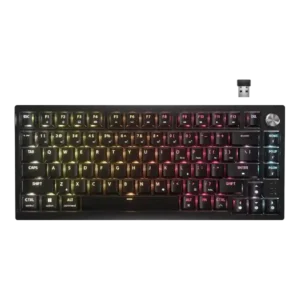
Backlighting is bright enough to stand out well around the keycaps, even though legends do not shine through.
Pros: hot-swappable switches, connectivity
Cons: wrist rest quality, switch options
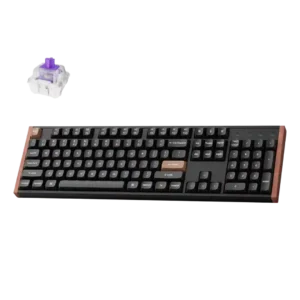
Reviews mention onboard brightness controls and say the lighting remains visible even under strong ambient light.
Pros: key responsiveness, latency
Cons: switch options, desk space efficiency
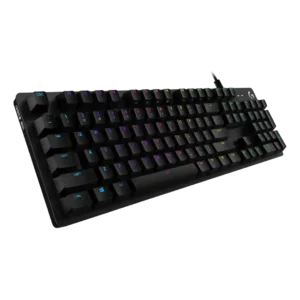
Backlighting can get bright and vivid, but reviews say it remains controlled rather than blinding.
Pros: key responsiveness, typing feel
Cons: wrist rest quality, portability
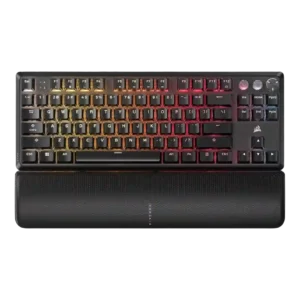
Brightness control is available directly on the board, with stepped adjustment for the backlight.
Pros: key responsiveness, onboard memory
Cons: hot-swappable switches, ease of switch replacement
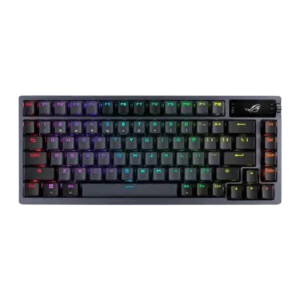
The backlighting and OLED brightness are easy to adjust, and reviewers found the board usable even with RGB set fairly high.
Pros: hot-swappable switches, gaming performance
Cons: passthrough features, wrist rest quality
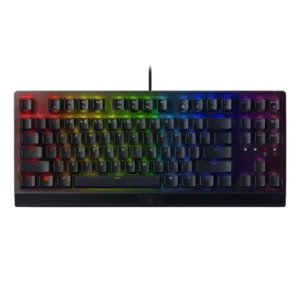
Backlight brightness is generally described as vibrant, but not every reviewer sees it as intense. One reviewer specifically calls it more toned down than a brighter competitor.
Pros: key responsiveness, latency
Cons: hot-swappable switches, passthrough features
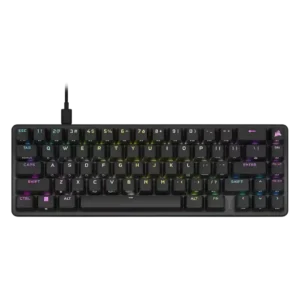
Brightness is adjustable and generally strong enough for visibility, though one review notes some visual blur and less-than-perfect punch.
Pros: profile management, onboard memory
Cons: hot-swappable switches, wrist rest quality
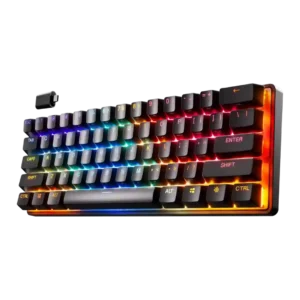
Brightness is serviceable to strong overall. One review found the RGB less than especially bright, while another said full brightness remained easy to see.
Pros: switch options, latency
Cons: hot-swappable switches, ease of switch replacement
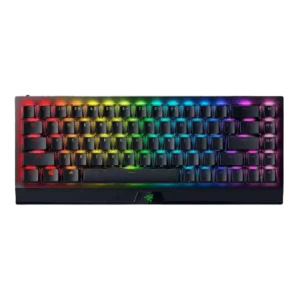
Brightness can be adjusted directly in software alongside other lighting settings and effects.
Pros: desk space efficiency, frame rigidity
Cons: passthrough features, stabilizer quality
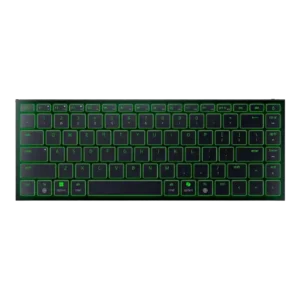
Brightness can be adjusted and is generally usable, but battery life drops sharply when the lighting is pushed high.
Pros: compatibility, portability
Cons: per-key lighting control, sound dampening
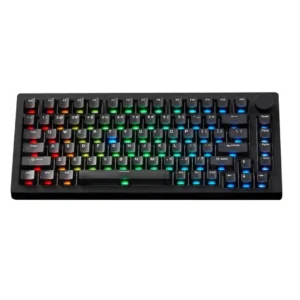
Lighting brightness was praised in some variants for strong vibrancy and diffusion, but one TMR review called the lighting not very bright and a weak point.
Pros: switch options, extra gaming features
Cons: portability, key spacing
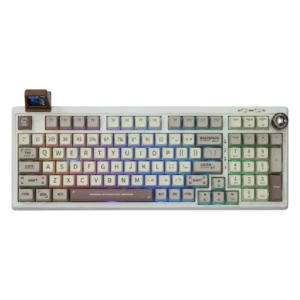
Lighting visibility is acceptable to good rather than extreme, with one review calling it plenty visible and another saying it is not especially strong.
Pros: key responsiveness, latency
Cons: actuation consistency, rapid trigger support
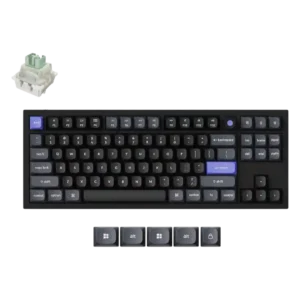
One direct review shows adjustable lighting brightness and notes the board can be run at full brightness.
Pros: polling rate, extra gaming features
Cons: portability, switch options
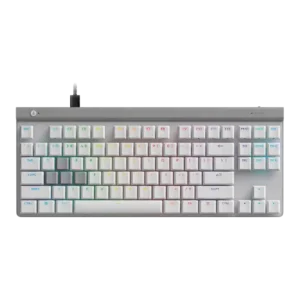
Backlighting is described as strong on the main keys, with bold, bright illumination in normal use.
Pros: latency, gaming performance
Cons: wireless performance, media controls
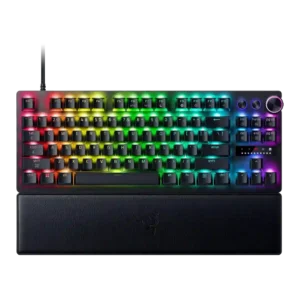
Backlight brightness is generally strong, especially on 8K variants, but one review found it dimmer than expected.
Pros: gaming performance, latency
Cons: passthrough features, hot-swappable switches
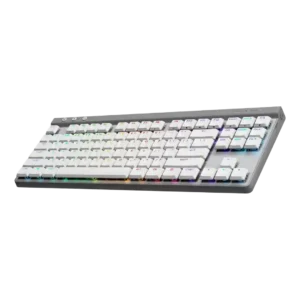
Backlighting is visible and generally attractive, but brightness is not class-leading and some reviews found it dimmer than top rivals.
Pros: macro customization, customization options
Cons: rapid trigger support, passthrough features
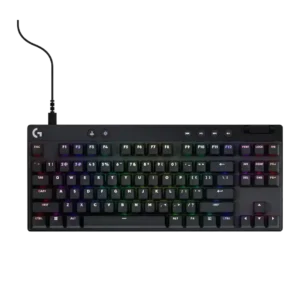
Brightness is generally good but inconsistent. Some reviews call the lighting bright or well covered, while others want more intensity or note incomplete coverage on longer legends.
Pros: analog input support, latency
Cons: sound dampening, value for money
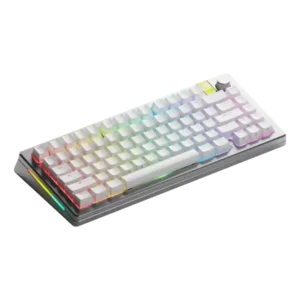
On at least one build, the backlighting was bright enough to illuminate the legends.
Pros: polling rate, rapid trigger support
Cons: reliability, portability
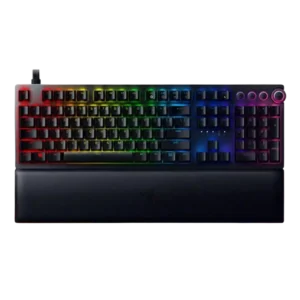
Lighting brightness is generally strong enough to create visible desk glow, but one review says the legends themselves can look dim with the stock keycaps.
Pros: RGB customization, frame rigidity
Cons: portability, legend visibility
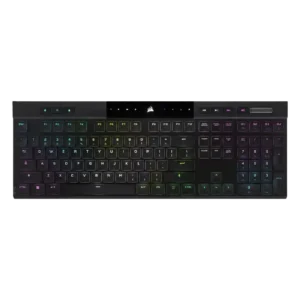
Backlight brightness is decent, but several reviews say it is less bright or vibrant than some competing or larger boards.
Pros: polling rate, RGB customization
Cons: hot-swappable switches, wrist rest quality
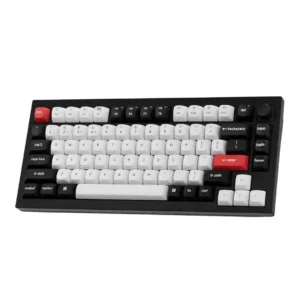
Backlighting is generally bright enough to look good under the caps, but at least one reviewer still wanted noticeably more brightness.
Pros: build quality, frame rigidity
Cons: portability, wrist rest quality
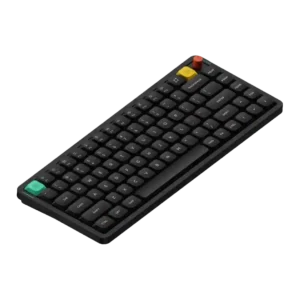
Brightness can be adjusted in software or shortcuts, but at least one review reports that brightness looks uneven across rows.
Pros: key responsiveness, compatibility
Cons: per-key lighting control, legend visibility
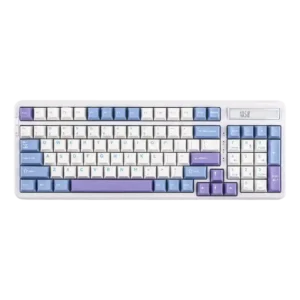
Brightness control is present and usually adequate, but one review finds the side underglow too weak to stand out much.
Pros: hot-swappable switches, ease of switch replacement
Cons: key spacing, legend visibility
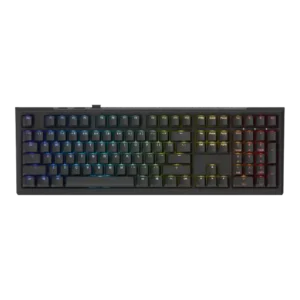
Backlight brightness is usable, but not a standout strength across reviews.
Pros: switch feel, key responsiveness
Cons: switch options, wrist rest quality