Best for sound dampening
be quiet! Dark Mount
4.9 feature score
Highest scored product for this feature based on supporting review evidence.
Highest scored product for this feature based on supporting review evidence.
Balances feature score, supporting reviews, and overall product strength.
Has the broadest review evidence for this feature.
Strongest overall product among items with scored evidence for this feature.
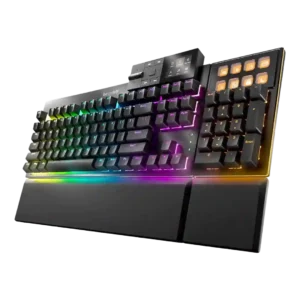
Multiple dampening layers meaningfully suppress resonance, echo, and harsh key noise.
Pros: sound dampening, noise level
Cons: rapid trigger support, analog input support
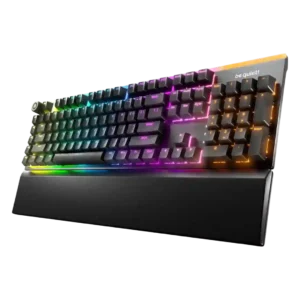
Reviews repeatedly credit the three-layer dampening design for suppressing reverb and resonance.
Pros: acoustics, sound dampening
Cons: rapid trigger support, analog input support
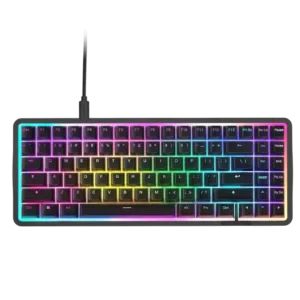
Sound dampening is well supported by references to foam, gasket mounting, tape mods, and layered construction.
Pros: polling rate, sound dampening
Cons: passthrough features, wireless performance
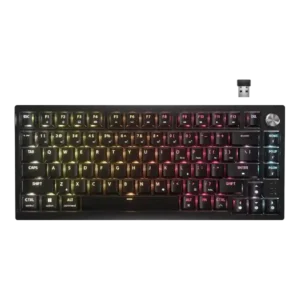
Dual sound-dampening layers are repeatedly credited for the quieter, fuller sound signature.
Pros: hot-swappable switches, connectivity
Cons: wrist rest quality, switch options

Reviews mention internal dampening and foam-based tuning that cut down ping and improve the overall sound profile.
Pros: frame rigidity, customization options
Cons: portability, switch options
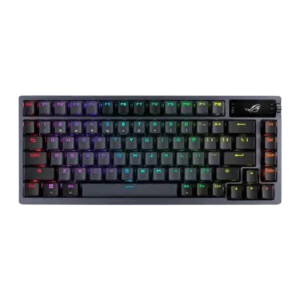
Sound dampening is excellent thanks to multiple foam and silicone layers that reduce ping, echo, and hollowness.
Pros: hot-swappable switches, gaming performance
Cons: passthrough features, wrist rest quality
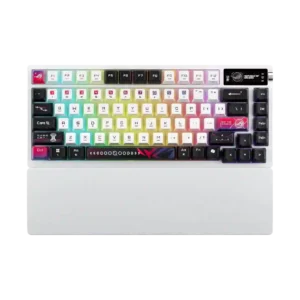
Multi-layer foam and silicone dampening is repeatedly cited as a major contributor to the refined stock sound.
Pros: connectivity, wireless performance
Cons: rapid trigger support, analog input support
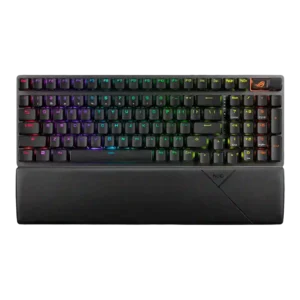
Foam, pads, and other dampening layers clearly reduce ping, echo, and hollowness according to multiple reviews.
Pros: polling rate, battery life
Cons: backlight brightness, legend visibility
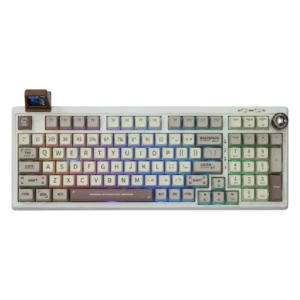
Foam and internal dampening are repeatedly credited with cutting hollowness, pinging, and harsh resonance.
Pros: key responsiveness, latency
Cons: actuation consistency, rapid trigger support
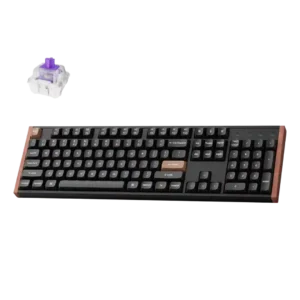
Multiple reviews explicitly mention acoustic foams or damping layers contributing to the board’s sound and feel.
Pros: key responsiveness, latency
Cons: switch options, desk space efficiency
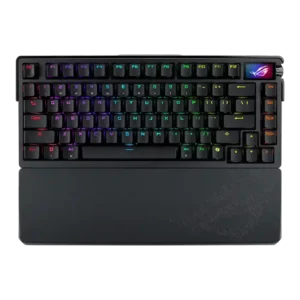
Reviews consistently reference multiple dampening layers and reduced ping or hollow echo.
Pros: build quality, frame rigidity
Cons: rapid trigger support, analog input support
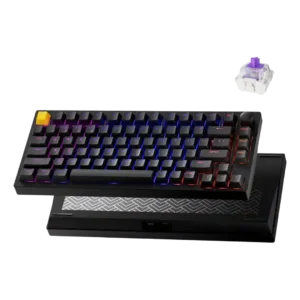
Reviews credit the gasket mount and internal sound-absorbing materials for the soft, damped sound.
Pros: extra gaming features, rapid trigger support
Cons: per-key lighting control, layout options

Sound dampening appears effective, with reviews citing double-gasket construction, padding, reduced resonance, and very low echo.
Pros: rapid trigger support, build quality
Cons: portability, switch options
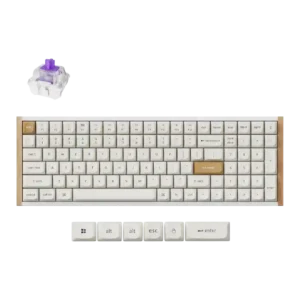
Several reviews mention foam, acoustic pads, or low rattle, suggesting effective sound dampening.
Pros: durability, customization options
Cons: per-key lighting control, backlight brightness
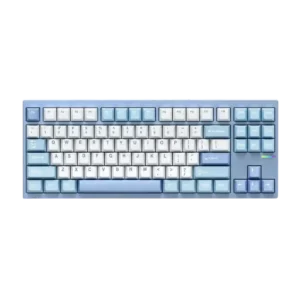
Internal foam and damping layers are specifically credited with reducing ping and cleaning up the typing sound.
Pros: durability, hot-swappable switches
Cons: portability, switch options
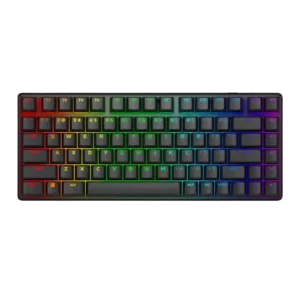
Internal dampening layers or foam reduce ping, hollow notes, and unwanted resonance.
Pros: frame rigidity, materials quality
Cons: wrist rest quality, rapid trigger support
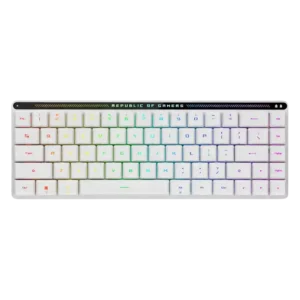
Sound dampening is a repeated design strength, with multiple reviews citing layered foam inside the case as a key reason for the quieter presentation.
Pros: noise level, battery life
Cons: wrist rest quality, hot-swappable switches
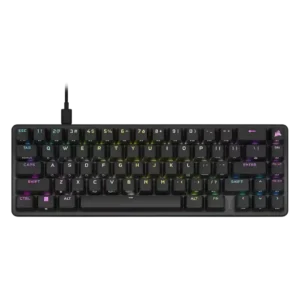
Most reviewers noticed the foam and dampening layers improving sound versus older Corsair boards.
Pros: profile management, onboard memory
Cons: hot-swappable switches, wrist rest quality
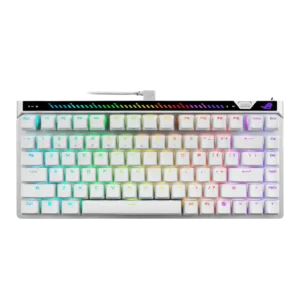
Internal dampening is a recurring positive, with multiple reviews pointing to layered foam and reduced resonance.
Pros: latency, actuation consistency
Cons: analog input support, wrist rest quality
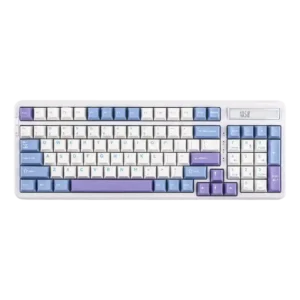
Multiple reviews credit the multilayer dampening and gasket construction for reducing vibration, hollowness, and harshness.
Pros: hot-swappable switches, ease of switch replacement
Cons: key spacing, legend visibility
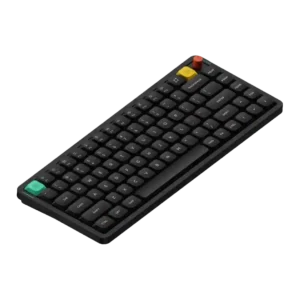
Gasket mounting and internal foam are repeatedly credited with reducing hollowness and harshness, materially improving how the board sounds and feels.
Pros: key responsiveness, compatibility
Cons: per-key lighting control, legend visibility
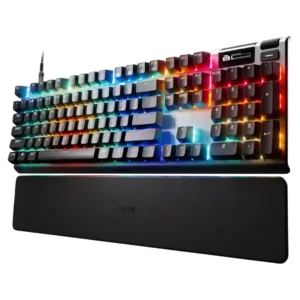
Sound dampening is a real improvement point, with multiple layers of foam or dampening material frequently credited for the quieter, fuller sound.
Pros: legend visibility, frame rigidity
Cons: passthrough features, analog input support

The sound tuning is credited to foam, gaskets, and other internal damping that reduce harshness and ping.
Pros: key responsiveness, key stability
Cons: portability, switch options
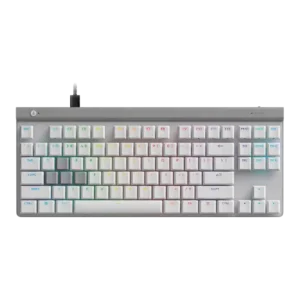
Dampening layers and a sound-dampened chassis help suppress echo and soften impact noise.
Pros: latency, gaming performance
Cons: wireless performance, media controls
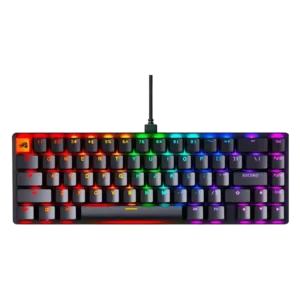
Internal case and PCB foam are repeatedly credited for reducing hollowness and sharpening the sound profile.
Pros: frame rigidity, durability
Cons: actuation consistency
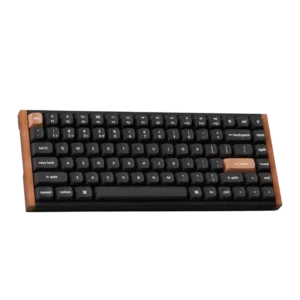
Multiple reviews explicitly credit foam, silicone, and other dampening layers for the keyboard’s controlled sound.
Pros: rapid trigger support, switch feel
Cons: switch options, portability
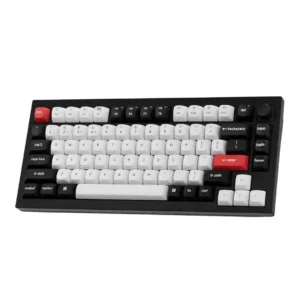
Sound dampening is a real strength thanks to foam, gaskets, and acoustic layers that reduce ping and soften the board’s overall sound.
Pros: build quality, frame rigidity
Cons: portability, wrist rest quality
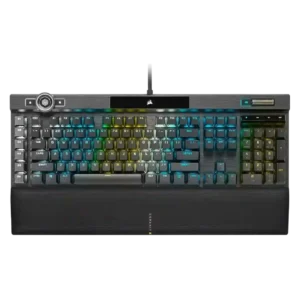
A few reviews say the K100 sounds more muted or damped than earlier Corsair boards, though this is not universal.
Pros: key responsiveness, latency
Cons: hot-swappable switches, ease of switch replacement
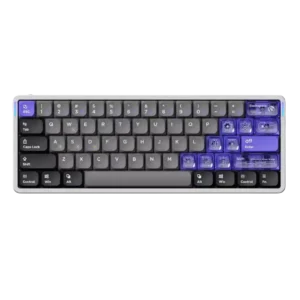
Foam and silicone layers are repeatedly credited with softening the board’s sound and giving it a more muted tone.
Pros: polling rate, rapid trigger support
Cons: legend visibility, layout options
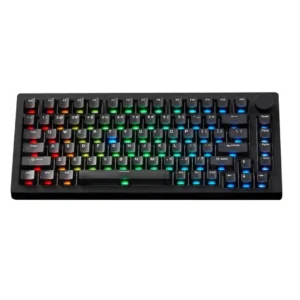
Sound dampening is well supported by foam, silicone, gaskets, and spacebar treatment, reducing resonance, ping, and hollow spacebar sound in several reviews.
Pros: switch options, extra gaming features
Cons: portability, key spacing
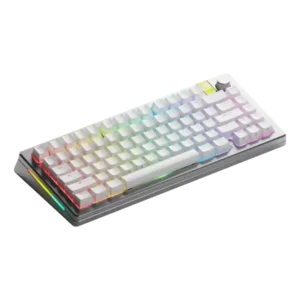
Reviews directly mention dampening materials and note that the frame and internals help deaden keystrokes and sound.
Pros: polling rate, rapid trigger support
Cons: reliability, portability
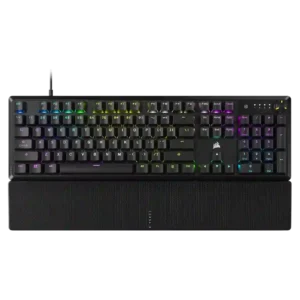
Sound dampening is one of the clearest strengths. Multiple reviews mention foam layers and reduced ping or resonance.
Pros: per-key lighting control, typing feel
Cons: hot-swappable switches, ease of switch replacement
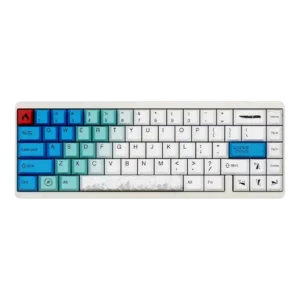
Reviews point to internal foam or multiple layers meant to improve the sound.
Pros: latency, polling rate
Cons: compatibility, software quality
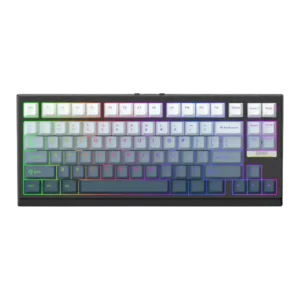
Sound dampening evidence was positive, with reviewers calling out dampened keys, spacebar foam, and internal foams shaping the sound.
Pros: polling rate, desk space efficiency
Cons: media controls
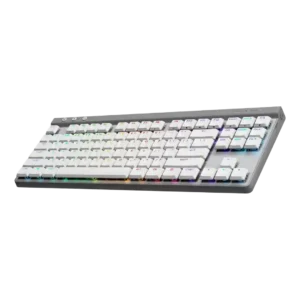
Foam and layered dampening are repeatedly cited as meaningful contributors to the quieter sound.
Pros: macro customization, customization options
Cons: rapid trigger support, passthrough features
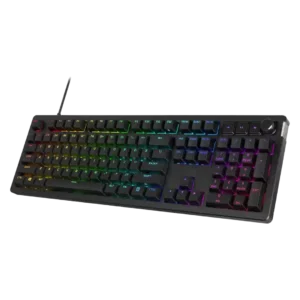
Sound dampening was a strength, with foam/gasket construction and dual-layer dampening repeatedly tied to cleaner sound and softer typing.
Pros: legend visibility, materials quality
Cons: wrist rest quality, ease of switch replacement
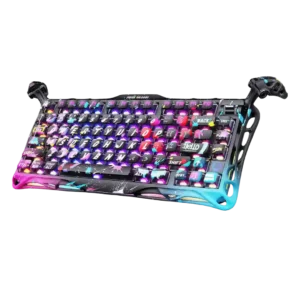
Sound dampening is well supported by foam layers, dampening pads, and case design that reviewers connect to a cleaner clacky sound.
Pros: rapid trigger support, ease of switch replacement
Cons: wireless performance, connectivity
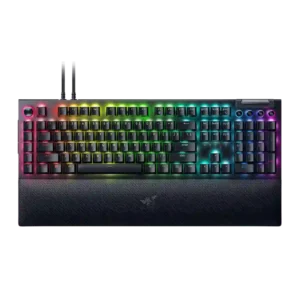
Sound dampening is a genuine plus, with multiple reviewers noticing that the internal foam cuts down ping, reverb, and harsher case noise.
Pros: latency, customization options
Cons: hot-swappable switches, portability
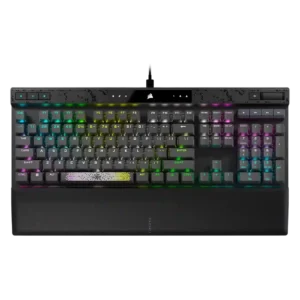
The sound-dampening setup is broadly seen as effective, though not always enough to make the board truly quiet.
Pros: per-key lighting control, polling rate
Cons: passthrough features, wireless performance
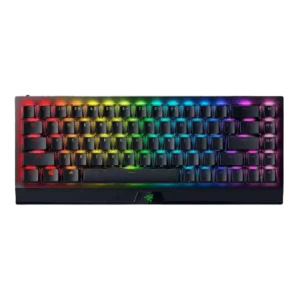
The Yellow switches’ dampers do reduce noise versus louder mechanical options, but they do not make the board truly silent.
Pros: desk space efficiency, frame rigidity
Cons: passthrough features, stabilizer quality
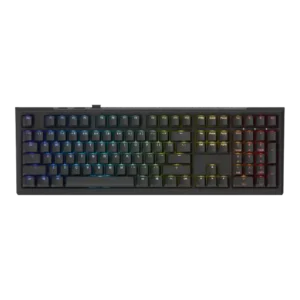
The dense internal foam and layered dampening clearly help suppress rattle and shape the sound.
Pros: switch feel, key responsiveness
Cons: switch options, wrist rest quality
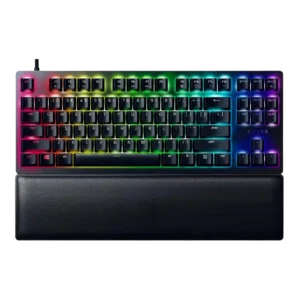
The added foam and damping changes are repeatedly noticed and usually credited with reducing hollowness, bottom-out noise, and overall harshness.
Pros: frame rigidity, per-key lighting control
Cons: analog input support, wireless performance
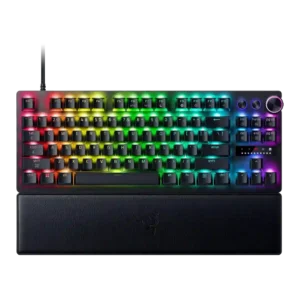
Sound damping improved on newer and 8K versions thanks to foam and added dampening, but reviews still do not place the keyboard among the best-sounding boards overall.
Pros: gaming performance, latency
Cons: passthrough features, hot-swappable switches
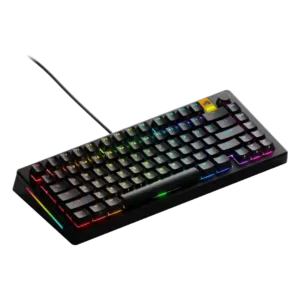
Sound dampening depends heavily on configuration. One review criticizes a thin foam layer, while others note internal damping or multi-layer foam and silicone inserts.
Pros: customization options, hot-swappable switches
Cons: value for money, desk space efficiency
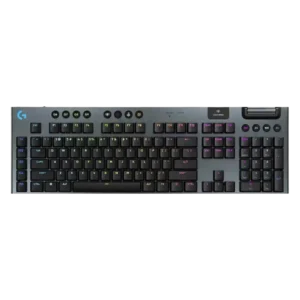
Sound dampening is only moderate because some reviews mention rattling, ping, or a lack of deeper sound tuning.
Pros: customization options, latency
Cons: wrist rest quality, hot-swappable switches
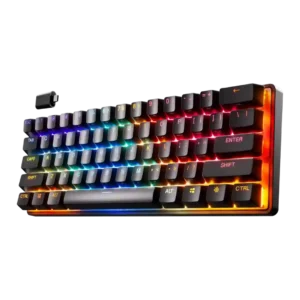
Sound dampening is only average, with one review specifically noting hollow-sounding impacts rather than a tightly muted profile.
Pros: switch options, latency
Cons: hot-swappable switches, ease of switch replacement
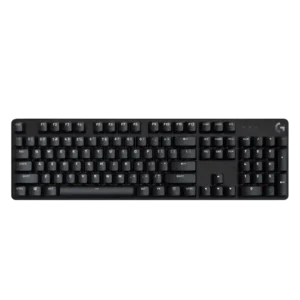
Sound control is mixed, with one review calling out ping while another praised the lack of echo or reverb.
Pros: materials quality, durability
Cons: per-key lighting control, wrist rest quality
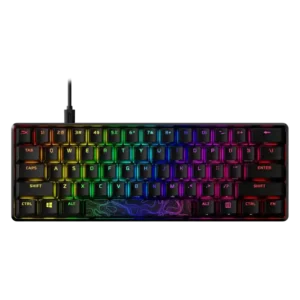
Sound dampening is limited, with reviewers noting no foam, under-lubed stabilizers, or little focus on sound and feel beyond the core gaming design.
Pros: frame rigidity, materials quality
Cons: wireless performance, hot-swappable switches
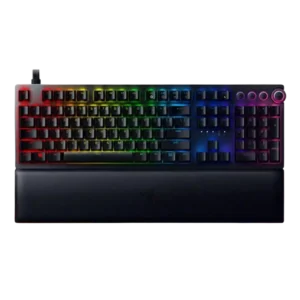
One review says the board does not damp sound very much, which contributes to a sharper clacking character.
Pros: RGB customization, frame rigidity
Cons: portability, legend visibility
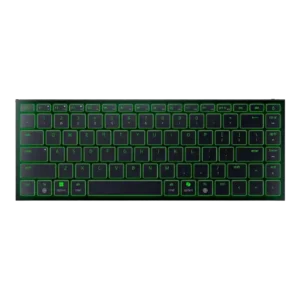
Sound dampening is not a strength; at least one review specifically calls out a harsher landing and missing dampening.
Pros: compatibility, portability
Cons: per-key lighting control, sound dampening