Best for volume control
Epomaker P65
5.0 feature score
Highest scored product for this feature based on supporting review evidence.
Highest scored product for this feature based on supporting review evidence.
Balances feature score, supporting reviews, and overall product strength.
Has the broadest review evidence for this feature.
Strongest overall product among items with scored evidence for this feature.
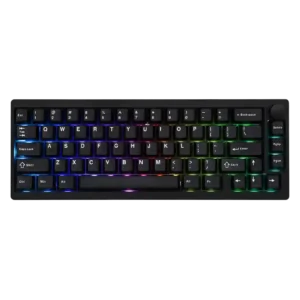
The metal knob is a standout convenience, offering smooth adjustment, tactile steps and a press-to-mute function.
Pros: frame rigidity, acoustics
Cons: rapid trigger support, analog input support
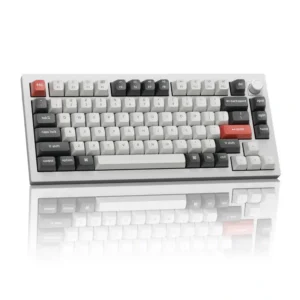
The redesigned metal knob is consistently praised as tactile, convenient, and easy to remap.
Pros: legend visibility, RGB customization
Cons: actuation consistency, rapid trigger support

Volume control was highly praised, with reviewers specifically calling the volume knob fantastic or amazing.
Pros: key stability, frame rigidity
Cons: portability, switch options
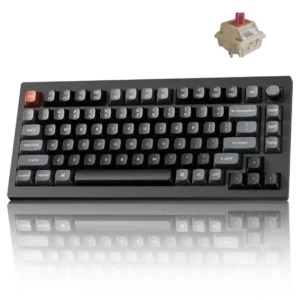
The clickable aluminum knob makes volume adjustment quick and satisfying, and it can be remapped for other functions.
Pros: key responsiveness, actuation consistency
Cons: rapid trigger support, analog input support
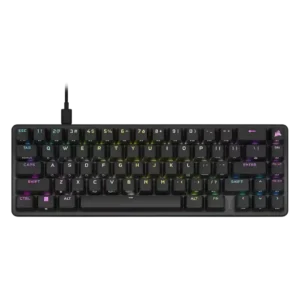
Volume control was praised for placement that made it easy to manipulate with one hand.
Pros: volume control, key responsiveness
Cons: wireless performance, wrist rest quality
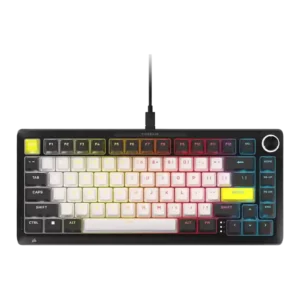
The rotary volume control was consistently praised as useful, tactile, clever, and easy to use.
Pros: per-key lighting control, durability
Cons: portability, noise level
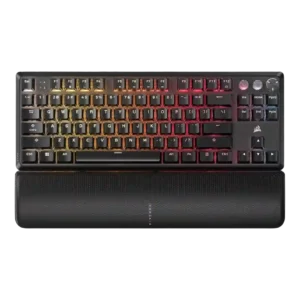
Volume control was a standout positive, with reviewers repeatedly praising smooth, grippy, accurate, tactile, or notchy rollers and knobs.
Pros: per-key lighting control, key responsiveness
Cons: ease of switch replacement, battery life

The volume wheel is a standout feature, widely praised for its feel and smoothness, with only minor complaints about delay or lack of tactility.
Pros: latency, polling rate
Cons: passthrough features, cable quality
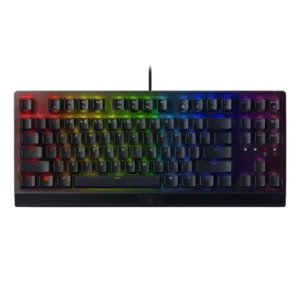
Volume control was one of the best-liked extras, with several reviewers calling the roller useful, handy, convenient, or life-giving.
Pros: latency, durability
Cons: sound dampening, passthrough features
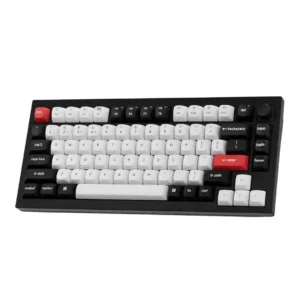
The rotary knob is generally well liked for volume and mute control, with praise for feel, usefulness, and tactile operation.
Pros: key stability, frame rigidity
Cons: profile management, reliability

The volume wheel is a highlight, repeatedly praised for smoothness, premium feel, strong resistance, and better feel than some competitors.
Pros: actuation consistency, key stability
Cons: hot-swappable switches, switch options
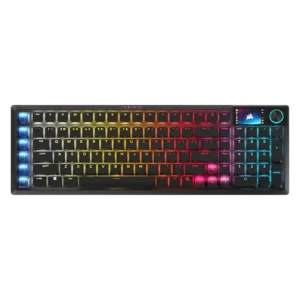
The textured rotary dial has clear steps and makes volume changes fast and precise. It can also be reassigned for brightness, scrolling, or zoom.
Pros: key stability, stabilizer quality
Cons: analog input support, rapid trigger support
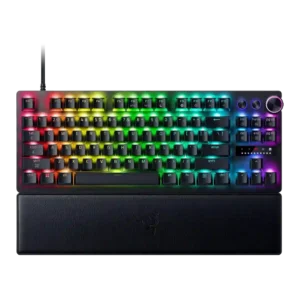
Volume control was usually praised for tactile grip, quality metal feel, or convenient dial operation.
Pros: key responsiveness, actuation consistency
Cons: switch options, hot-swappable switches
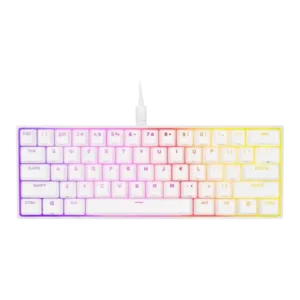
Volume control was praised as easy to reach through the secondary media controls.
Pros: desk space efficiency, frame rigidity
Cons: sound dampening, ease of switch replacement
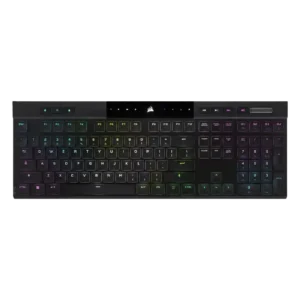
The volume roller/knob was consistently praised as smooth, convenient, satisfying, or even flawless.
Pros: backlight brightness, actuation consistency
Cons: sound dampening, stabilizer quality
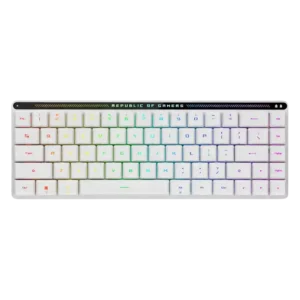
Volume control is generally useful and convenient through the touch panel, though one reviewer rated it only a decent interface.
Pros: reliability, typing comfort
Cons: cable quality, wrist rest quality
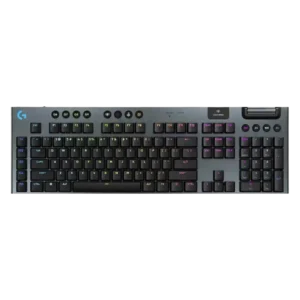
Volume control was consistently praised for the large smooth roller, its responsiveness, and its daily convenience.
Pros: stabilizer quality, latency
Cons: ease of switch replacement, hot-swappable switches

Volume control was generally praised for the knob feel and convenience, though one reviewer preferred a different knob placement.
Pros: build quality, extra gaming features
Cons: switch options, hot-swappable switches
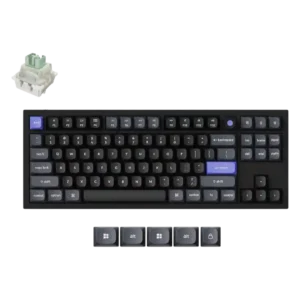
The volume knob drew an enthusiastic positive reaction from the reviewer.
Pros: key responsiveness, polling rate
Cons: switch options, portability
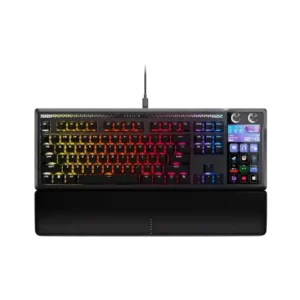
The dual dials are frequently praised for volume and audio control, especially for streamers and multitaskers. Owners like being able to manage separate audio sources directly from the keyboard.
Pros: customization options, ease of switch replacement
Cons: reliability, analog input support
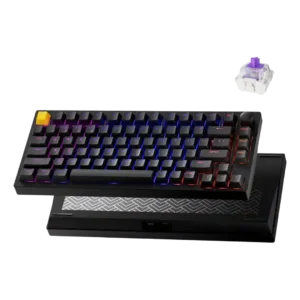
Volume control was positive because the knob could handle volume and be remapped to other functions.
Pros: frame rigidity, stabilizer quality
Cons: per-key lighting control, RGB customization
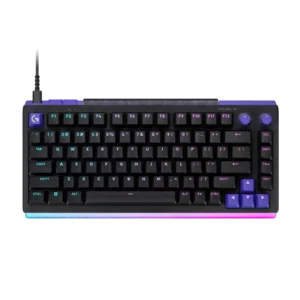
The dedicated volume dial is easy to find, pleasant to turn, and remappable. It is one of the most consistently appreciated everyday conveniences.
Pros: latency, RGB customization
Cons: actuation consistency, connectivity

The volume lever/flipper was generally liked for tactile feel and practical usefulness.
Pros: legend visibility, key responsiveness
Cons: connectivity, cable quality
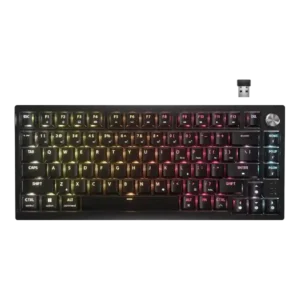
Volume control through the dial was liked and convenient, although reviewers noted mode limits and minor dial tolerance issues.
Pros: latency, durability
Cons: legend visibility, rapid trigger support
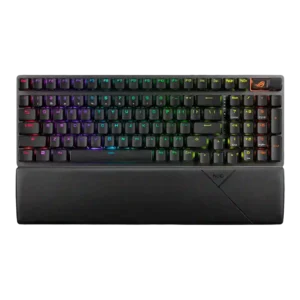
Volume control is positively reviewed, especially the roller implementation, which several reviewers enjoyed or found handy.
Pros: per-key lighting control, wireless performance
Cons: rapid trigger support, analog input support
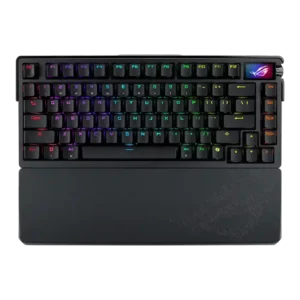
Volume control was positive but not deeply tested; reviewers liked the knob's practical volume function while noting some tactility caveats.
Pros: key spacing, reliability
Cons: rapid trigger support, analog input support
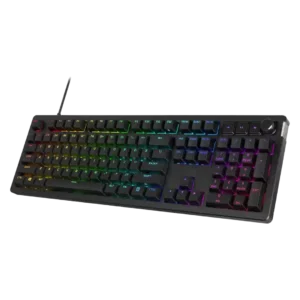
Volume control is generally good, with praise for tactile or notched feel, though Noisy Pixel wanted smoother rotation.
Pros: compatibility, legend visibility
Cons: wrist rest quality, cable quality
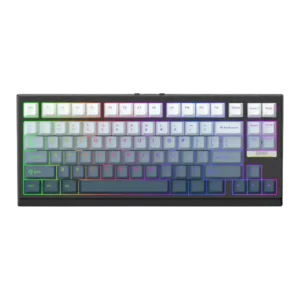
Volume control was mixed-to-positive: one reviewer missed a knob only mildly, while another found VIA remapping straightforward.
Pros: desk space efficiency, layout options
Cons: compatibility
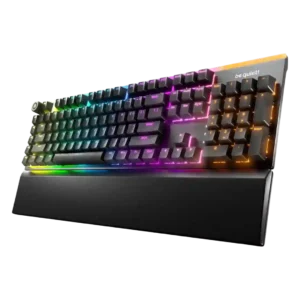
Volume control is praised for being accessible, satisfying, and easy to use through the knob/dial.
Pros: ease of switch replacement, acoustics
Cons: rapid trigger support, analog input support
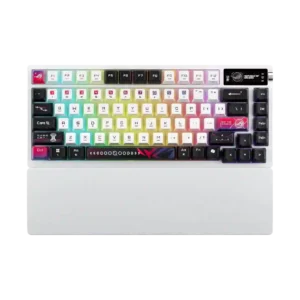
Volume control was useful for most reviewers, though the toggle implementation was less satisfying to some than a dedicated knob or roller.
Pros: latency, wireless performance
Cons: rapid trigger support, analog input support
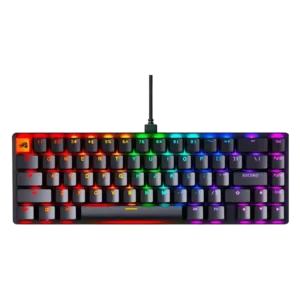
Volume control was usable through function-key commands, though the same review noted no physical volume roller or knob.
Pros: compatibility, key responsiveness
Cons: wrist rest quality, key spacing
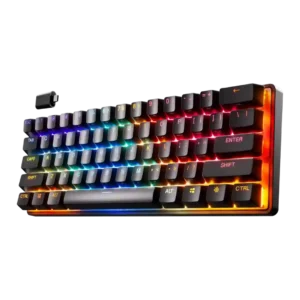
Volume control had limited but positive evidence from one review that called the printed shortcut/volume-control setup really nice.
Pros: latency, key responsiveness
Cons: hot-swappable switches, ease of switch replacement
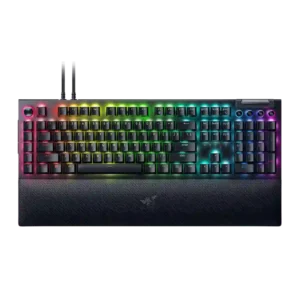
Volume control was usually convenient and tactile, though some reviewers wanted a press-to-mute wheel or found dial-based volume less convenient.
Pros: key stability, ease of switch replacement
Cons: compatibility, battery life
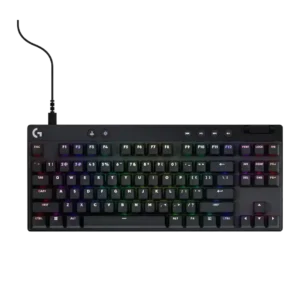
Volume control is usually appreciated as convenient, especially side rollers, though a few reviewers disliked placement or cheap feel.
Pros: durability, per-key lighting control
Cons: noise level, sound dampening
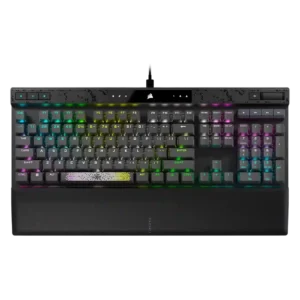
Volume control was generally praised for the dedicated wheel or premium roller feel, though one reviewer disliked the separate mute-button layout.
Pros: reliability, key responsiveness
Cons: desk space efficiency, wireless performance

Volume control is useful and often tactile, but the knob’s plasticky look and out-of-place design are repeated complaints.
Pros: noise level, acoustics
Cons: rapid trigger support, actuation consistency
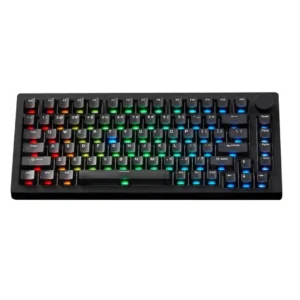
Volume control is mixed but generally useful: the knob can handle volume and mute, while one reviewer saw random volume inputs and another wanted more utility.
Pros: switch options, hot-swappable switches
Cons: portability, cable quality
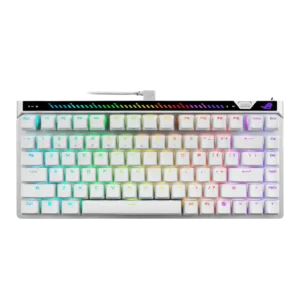
Volume control was useful but mixed because reviewers liked direct control while one wished the roller handled volume more naturally.
Pros: key responsiveness, latency
Cons: analog input support, wrist rest quality

Volume control was generally useful, but the small or recessed wheel hurt ergonomics on some models.
Pros: key responsiveness, durability
Cons: passthrough features, analog input support
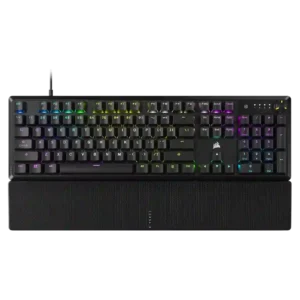
Volume control was generally useful through the dial, though some reviewers found the dial resistive or unreliable at fast scrolling.
Pros: per-key lighting control, compatibility
Cons: ease of switch replacement, hot-swappable switches
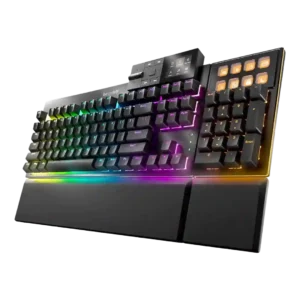
Volume control was mixed, with praise for feel and grip offset by criticism that the roller was imprecise or awkward.
Pros: key stability, per-key lighting control
Cons: analog input support, wireless performance
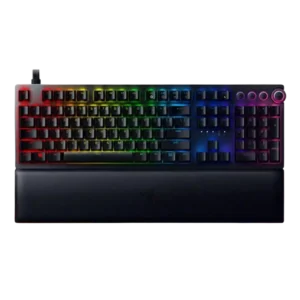
Volume control was praised by some for feel and convenience, while others disliked wobble, defaults, or the experience relative to the price.
Pros: per-key lighting control, wrist rest quality
Cons: polling rate, portability

Volume control was mixed: the physical knob felt premium, but remapping limitations frustrated one reviewer.
Pros: materials quality, customization options
Cons: reliability, actuation consistency
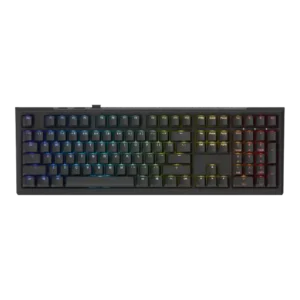
Volume control was present and sometimes appreciated as part of the simple control layout, though some reviews treated it as one of few dedicated controls.
Pros: typing feel, key stability
Cons: profile management, wrist rest quality
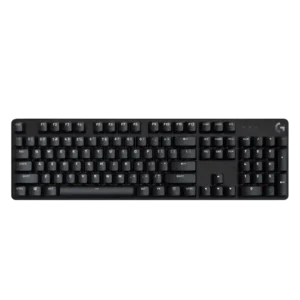
Volume control is mildly positive where mentioned, because reviewers note Fn-layer volume controls, but not dedicated hardware controls.
Pros: durability, desk space efficiency
Cons: switch options, onboard memory
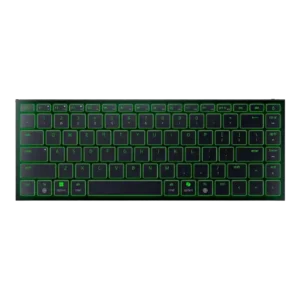
Volume control opinions split: Macworld liked one-hand Fn access, while a comparison reviewer disliked the volume placement.
Pros: frame rigidity, size and form factor
Cons: sound dampening, per-key lighting control
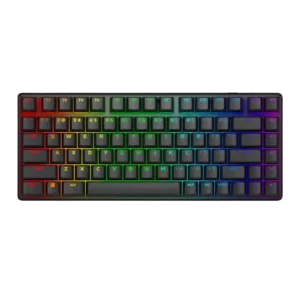
Volume control was mixed: dedicated buttons exist, but several reviewers missed a roller or knob and found quick access less ideal.
Pros: key stability, backlight brightness
Cons: rapid trigger support, wrist rest quality

Volume control was the most mixed feature: reviewers liked the knob’s usefulness and click feel, but repeatedly criticized wobble, looseness, and gimmicky behavior.
Pros: key responsiveness, typing feel
Cons: per-key lighting control, legend visibility
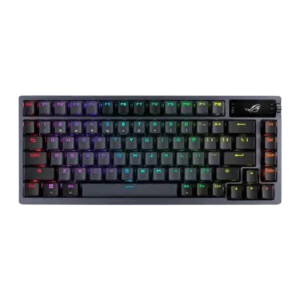
Volume control was mixed, with reviewers appreciating easy volume access but criticizing the rocker/knob as imprecise, finicky, or cumbersome.
Pros: durability, wireless performance
Cons: passthrough features, onboard memory
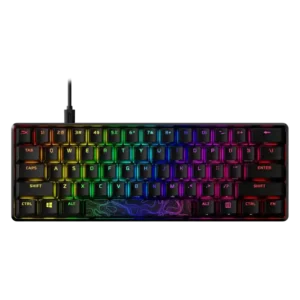
Volume control is split: full-size reviewers wanted a dial or wheel, while one long-term Core user praised the volume shortcut placement.
Pros: latency, actuation consistency
Cons: ease of switch replacement, reliability