Best for key spacing
Keychron Q1 HE
5.0 feature score
Highest scored product for this feature based on supporting review evidence.
Highest scored product for this feature based on supporting review evidence.
Balances feature score, supporting reviews, and overall product strength.
Has the broadest review evidence for this feature.
Strongest overall product among items with scored evidence for this feature.
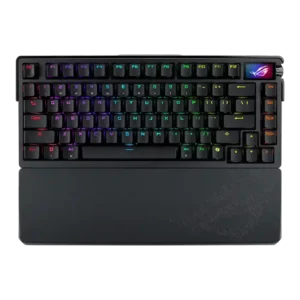
Key spacing had limited evidence but was praised as part of a very comfortable typing experience.
Pros: key spacing, reliability
Cons: rapid trigger support, analog input support
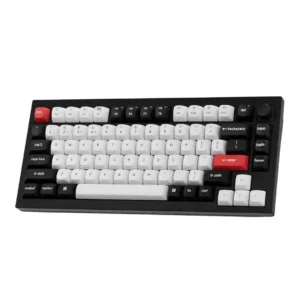
The only explicit spacing judgment is very positive, with one reviewer calling the key spacing just right.
Pros: key stability, frame rigidity
Cons: profile management, reliability
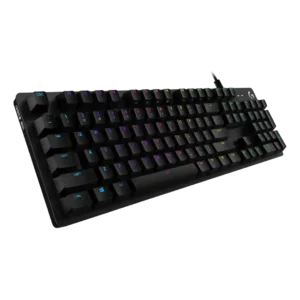
Key spacing receives strong praise from one reviewer who needed no adjustment and found it spot on.
Pros: key spacing, key responsiveness
Cons: reliability, connectivity
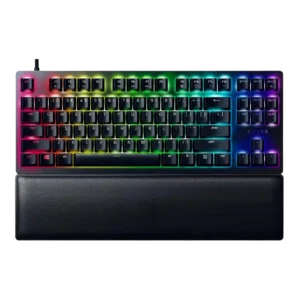
Key spacing received direct praise for avoiding a crowded feel despite the compact TKL design.
Pros: key stability, per-key lighting control
Cons: stabilizer quality, media controls
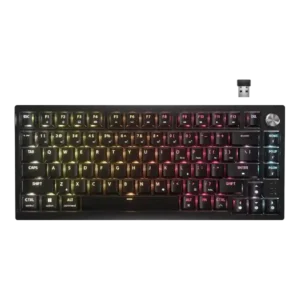
Key spacing evidence was limited but very positive, with one reviewer saying the keys felt naturally placed and reduced mis-hits.
Pros: latency, durability
Cons: legend visibility, rapid trigger support
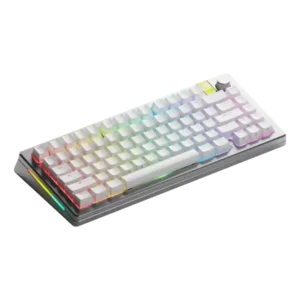
Key spacing received positive evidence from a reviewer who linked spacing to fast typing accuracy and few mistypes.
Pros: materials quality, customization options
Cons: reliability, actuation consistency
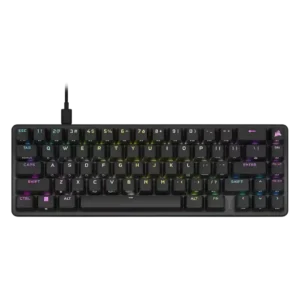
Key spacing was praised for avoiding a cramped feel and helping fingers move accurately across the compact deck.
Pros: volume control, key responsiveness
Cons: wireless performance, wrist rest quality

Key spacing was praised in the TKL layout because separated keys helped avoid accidental hits.
Pros: build quality, extra gaming features
Cons: switch options, hot-swappable switches
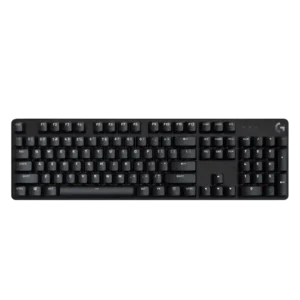
Key spacing receives limited positive evidence from one reviewer who found it comfortable for both typing and precision gameplay.
Pros: durability, desk space efficiency
Cons: switch options, onboard memory
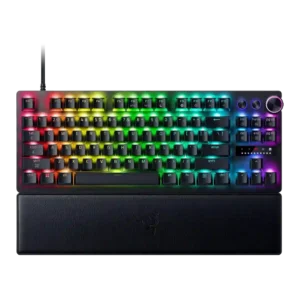
Key spacing was praised in the 8K TKL review for helping typing feel comfortable.
Pros: key responsiveness, actuation consistency
Cons: switch options, hot-swappable switches
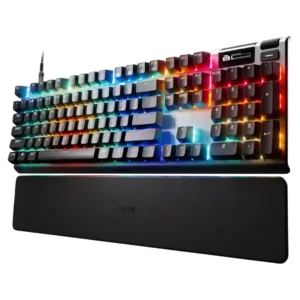
One reviewer found the key reach comfortable, with nothing too far to stretch.
Pros: key responsiveness, durability
Cons: passthrough features, analog input support
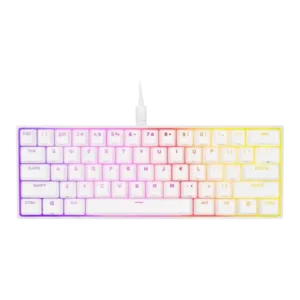
Key spacing was praised because the compact layout did not feel compressed and maintained comfortable distances.
Pros: desk space efficiency, frame rigidity
Cons: sound dampening, ease of switch replacement
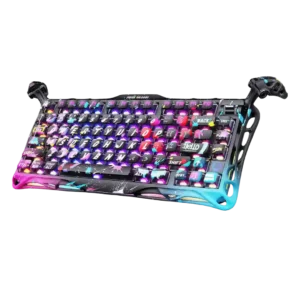
One reviewer praised the layout gaps and spacing for making arrow navigation easy by touch.
Pros: legend visibility, key responsiveness
Cons: connectivity, cable quality
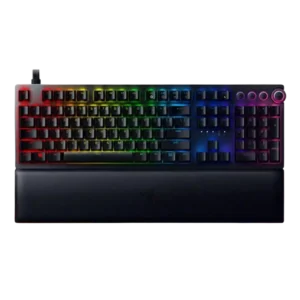
Key spacing had limited positive evidence, with one reviewer saying the well-spaced layout helped long gaming sessions.
Pros: per-key lighting control, wrist rest quality
Cons: polling rate, portability
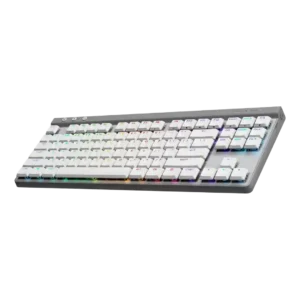
Key spacing was generally comfortable and familiar, with reviewers saying the standard layout avoided a steep learning curve.
Pros: latency, wireless performance
Cons: rapid trigger support, ease of switch replacement
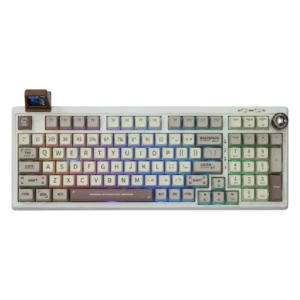
Key spacing is praised as roomy enough to avoid crowding while still compact enough to navigate efficiently.
Pros: noise level, acoustics
Cons: rapid trigger support, actuation consistency
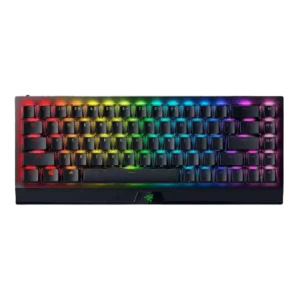
Key spacing was mostly praised for making inputs easier and avoiding distractions, with one review finding the keys slightly cramped.
Pros: per-key lighting control, backlight brightness
Cons: passthrough features, compatibility
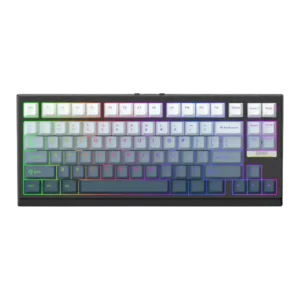
Key spacing was mixed but mostly positive, with some adjustment required on compact layouts while another reviewer praised proper key positioning.
Pros: desk space efficiency, layout options
Cons: compatibility
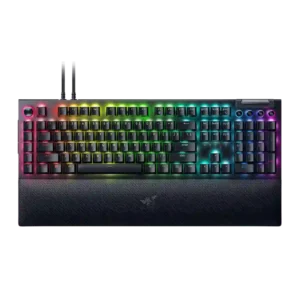
Key spacing evidence was positive, with reviewers saying the spacing reduced errors and let them play without looking down.
Pros: key stability, ease of switch replacement
Cons: compatibility, battery life
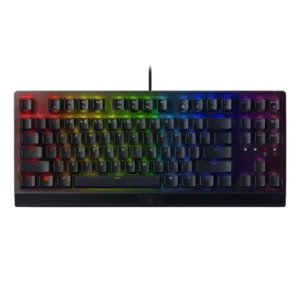
Key spacing had limited positive support, with one review crediting the standard shape and spacing for comfortable typing.
Pros: latency, durability
Cons: sound dampening, passthrough features
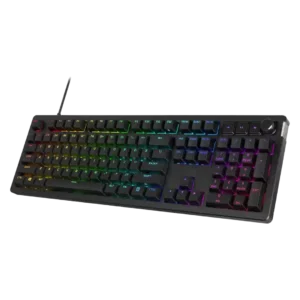
Key spacing is mostly positive, with one reviewer calling it perfect, though TechRadar disliked the subtle F/J bumps.
Pros: compatibility, legend visibility
Cons: wrist rest quality, cable quality
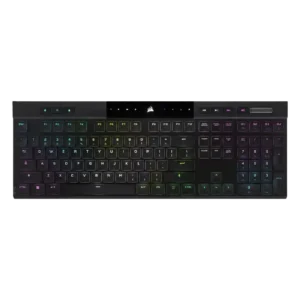
Only one review directly judged spacing, positively noting that extra space between keys helped finger positioning.
Pros: backlight brightness, actuation consistency
Cons: sound dampening, stabilizer quality
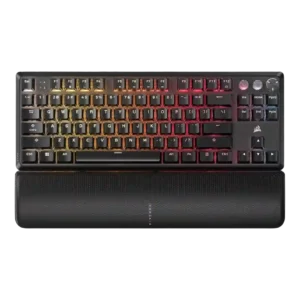
Key spacing had limited evidence, with one review saying the keys were well spaced despite some wobble.
Pros: per-key lighting control, key responsiveness
Cons: ease of switch replacement, battery life
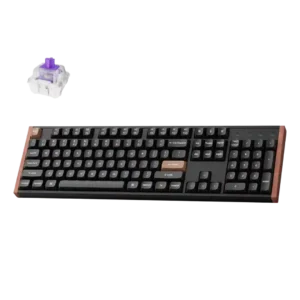
Key spacing was positively noted because the full-size layout let the function row be spaced evenly.
Pros: wireless performance, key responsiveness
Cons: switch options, desk space efficiency
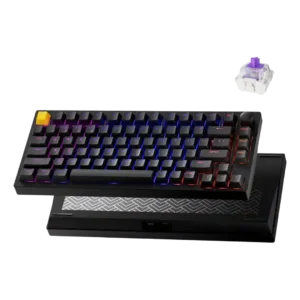
Key spacing was supported by the spacious tenkeyless/75% case, which reviewers found practical rather than cramped.
Pros: frame rigidity, stabilizer quality
Cons: per-key lighting control, RGB customization
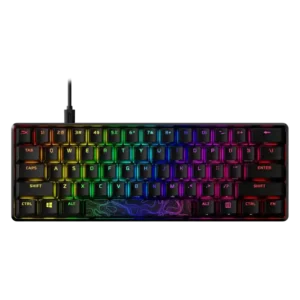
Key spacing is context-dependent: the 60% model can feel tightly packed, while other layouts are described as standard or not cramped.
Pros: latency, actuation consistency
Cons: ease of switch replacement, reliability
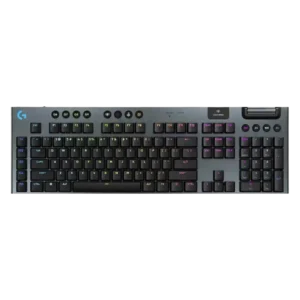
Key spacing was mixed: roomy spacing helped typing for some, while the left-side G keys and cramped TKL layout caused awkwardness for others.
Pros: stabilizer quality, latency
Cons: ease of switch replacement, hot-swappable switches
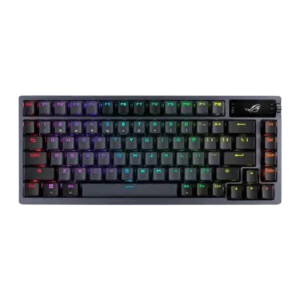
Key spacing opinions were split: some liked the 75% spacing and avoided 60% compromises, while others found the crammed F-row harder to hit accurately.
Pros: durability, wireless performance
Cons: passthrough features, onboard memory
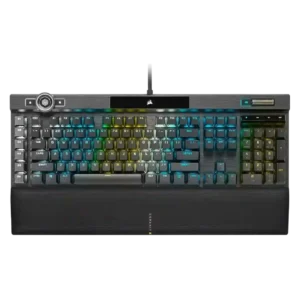
Key spacing is mixed, with praise for standard bottom-row spacing but complaints that the left G keys can cause reaches or accidental presses.
Pros: actuation consistency, key stability
Cons: hot-swappable switches, switch options
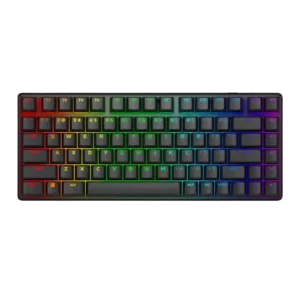
Key spacing drew mixed feedback: some reviewers struggled with cramped keys, while others praised smart spacing and avoided mis-presses.
Pros: key stability, backlight brightness
Cons: rapid trigger support, wrist rest quality
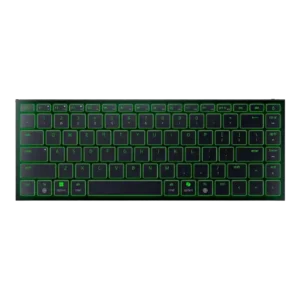
Key spacing drew mixed reactions: some reviewers liked the spacing and full-size keys, while others found the compact layout cramped or hard to navigate.
Pros: frame rigidity, size and form factor
Cons: sound dampening, per-key lighting control
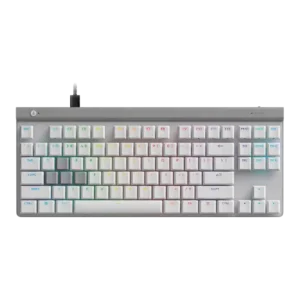
Key spacing split reviewers: one found the keys not cramped, while another reported missteps during fast gaming and typing.
Pros: key responsiveness, ergonomics
Cons: wireless performance, volume control
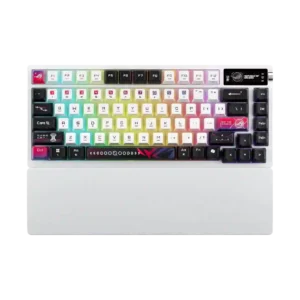
Key spacing had limited mixed evidence, with one first-impression review noting the smaller-feeling keys may require adjustment.
Pros: latency, wireless performance
Cons: rapid trigger support, analog input support
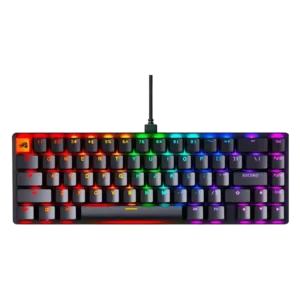
Key spacing was mixed because the compact layouts were usable for some reviewers but caused accidental presses or adjustment for others.
Pros: compatibility, key responsiveness
Cons: wrist rest quality, key spacing
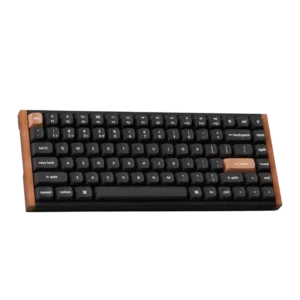
Key spacing was mixed, with smaller or tightly packed keys bothering some reviewers before they adjusted.
Pros: wrist rest quality, onboard memory
Cons: per-key lighting control, switch options
Key spacing is mixed: close keys helped one reviewer settle in, but another found them easier to hit accidentally.
Pros: latency, polling rate
Cons: passthrough features, cable quality
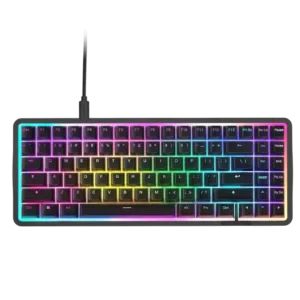
Key spacing was mixed: some reviewers found it cramped or squashed, while others said the keys were well-balanced and easy to adapt to.
Pros: latency, acoustics
Cons: passthrough features, wireless performance
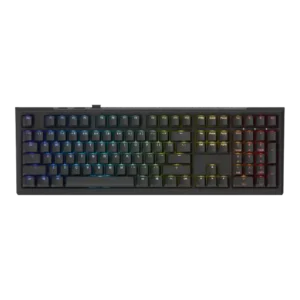
Key spacing was only directly judged in one review, which found the wider full-size spacing noticeable and mildly straining.
Pros: typing feel, key stability
Cons: profile management, wrist rest quality
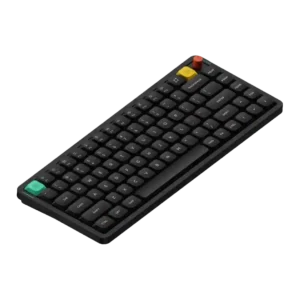
Key spacing had one mixed note: a reviewer’s speed and accuracy dipped briefly before adjustment.
Pros: key responsiveness, typing feel
Cons: per-key lighting control, legend visibility
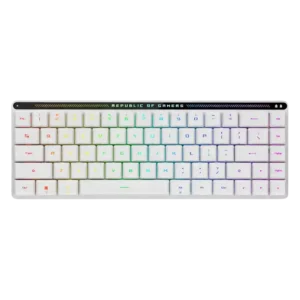
Key spacing is one of the main compromises, with reviewers citing cramped keys, accidental presses, and a short right Shift learning curve.
Pros: reliability, typing comfort
Cons: cable quality, wrist rest quality
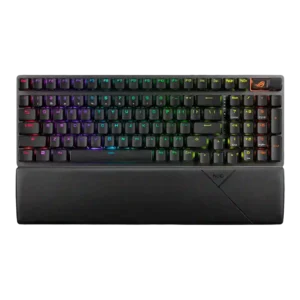
Key spacing is the most common layout complaint, with reviewers repeatedly noting cramped keys, adjustment time, or awkward muscle-memory changes.
Pros: per-key lighting control, wireless performance
Cons: rapid trigger support, analog input support
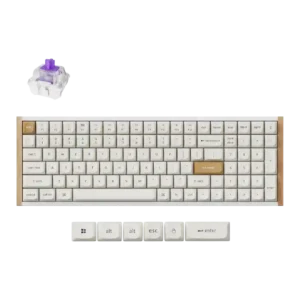
Key spacing was one of the clearest complaints, with several reviewers calling the 96% layout cramped, squished, or annoying to adjust to.
Pros: durability, rapid trigger support
Cons: per-key lighting control, stabilizer quality
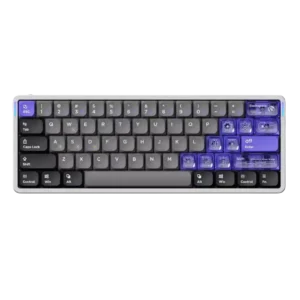
Key spacing was criticized by reviewers who felt the flat or wide keys could cause accidental presses or strange typing.
Pros: frame rigidity, rapid trigger support
Cons: switch options, legend visibility
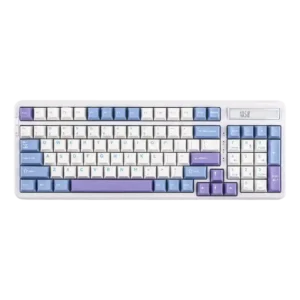
One reviewer criticized key spacing and navigation because the arrow area felt harder to locate and more cramped.
Pros: ease of switch replacement, typing feel
Cons: key spacing, layout options
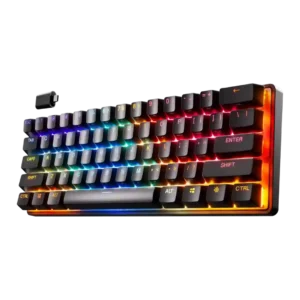
Key spacing was a negative adjustment point in the two scored reviews, where the keyboard felt unusually small or the keys felt too close.
Pros: latency, key responsiveness
Cons: hot-swappable switches, ease of switch replacement