Best for backlight brightness
HyperX Alloy Origins
5.0 feature score
Highest scored product for this feature based on supporting review evidence.
Highest scored product for this feature based on supporting review evidence.
Balances feature score, supporting reviews, and overall product strength.
Has the broadest review evidence for this feature.
Strongest overall product among items with scored evidence for this feature.
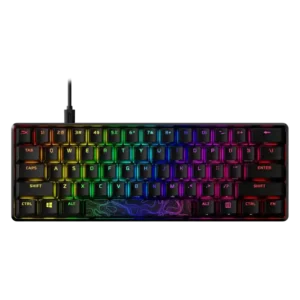
Backlight brightness is a major strength, with reviewers repeatedly describing the lighting as extremely bright or easy to adjust.
Pros: latency, actuation consistency
Cons: ease of switch replacement, reliability
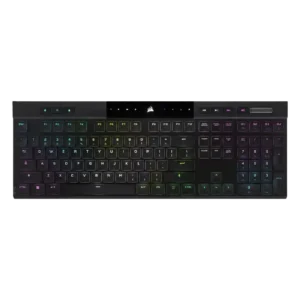
The two direct brightness judgments were strongly positive, with reviewers calling the RGB bright or much brighter than expected.
Pros: backlight brightness, actuation consistency
Cons: sound dampening, stabilizer quality
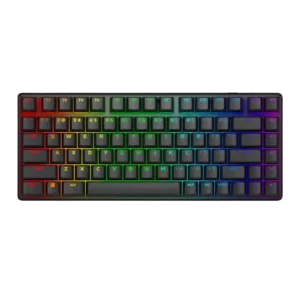
Backlight brightness had limited but very positive evidence, with the lighting described as crisp, bright, and even.
Pros: key stability, backlight brightness
Cons: rapid trigger support, wrist rest quality
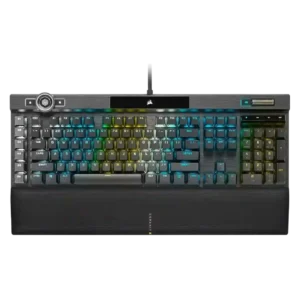
Backlight brightness is strongly praised where mentioned, especially by reviewers who call the lighting impressively bright.
Pros: actuation consistency, key stability
Cons: hot-swappable switches, switch options

The lighting comes through the keycaps cleanly and vividly, giving the board a bright look without reviewers calling it harsh.
Pros: polling rate, RGB customization
Cons: key stability, typing comfort
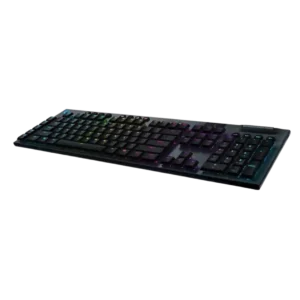
Reviewers generally found the backlighting bright, with praise for vivid illumination even when running wirelessly.
Pros: latency, polling rate
Cons: passthrough features, cable quality
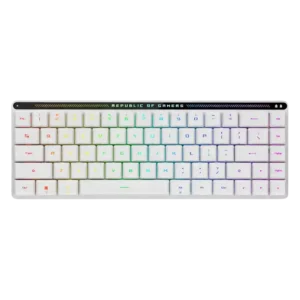
Backlighting is judged bright enough for low-light use, with one reviewer especially praising its daytime brightness.
Pros: reliability, typing comfort
Cons: cable quality, wrist rest quality
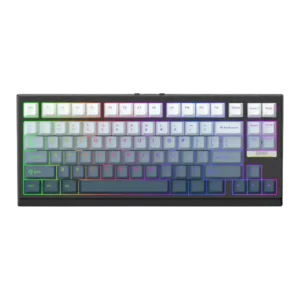
Backlight brightness was praised in most evidence as bright and usable in the dark, though the overall RGB quality had one unevenness complaint elsewhere.
Pros: desk space efficiency, layout options
Cons: compatibility
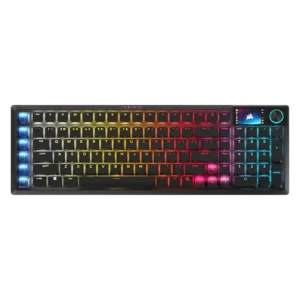
RGB output is bright and clearly visible even under strong room or video lighting, yet the white model can keep the glow soft rather than harsh.
Pros: key stability, stabilizer quality
Cons: analog input support, rapid trigger support
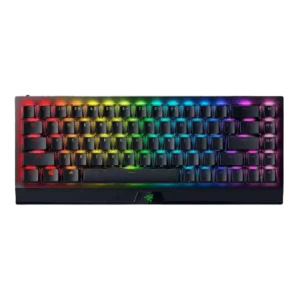
One review gave explicit positive evidence for brightness, describing the RGB as nice, bright, and vivid.
Pros: per-key lighting control, backlight brightness
Cons: passthrough features, compatibility
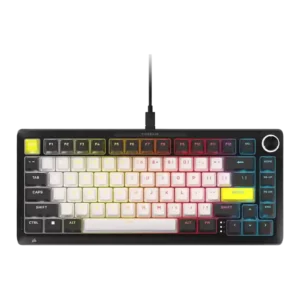
Brightness was judged strong enough for daylight visibility with readable legends.
Pros: per-key lighting control, durability
Cons: portability, noise level
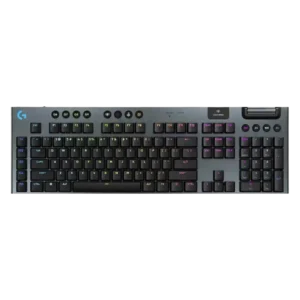
Backlighting brightness was praised as bright and useful, especially with per-key lighting, though it directly affected battery expectations.
Pros: stabilizer quality, latency
Cons: ease of switch replacement, hot-swappable switches
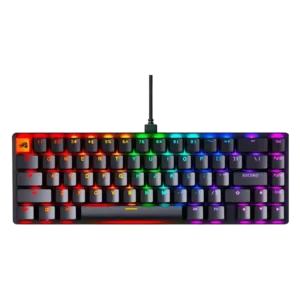
Backlight brightness was mostly praised as bright and vivid, though one reviewer found the ABS caps slightly subdued the effect.
Pros: compatibility, key responsiveness
Cons: wrist rest quality, key spacing
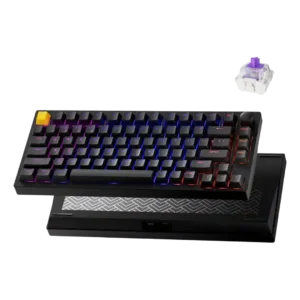
Backlight brightness was praised because the shine-through keycaps and north-facing lighting made legends clearly illuminated.
Pros: frame rigidity, stabilizer quality
Cons: per-key lighting control, RGB customization
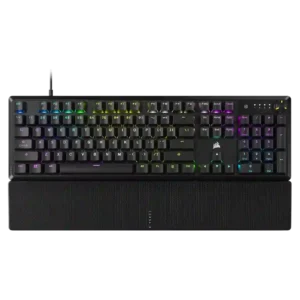
Backlight brightness earned positive remarks, with reviewers calling the lighting impressively bright or noting strong shine.
Pros: per-key lighting control, compatibility
Cons: ease of switch replacement, hot-swappable switches
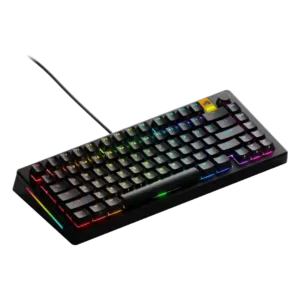
Backlighting was viewed positively, with powerful LEDs and transparent caps helping the RGB stand out.
Pros: RGB lighting quality, layout options
Cons: frame rigidity, value for money
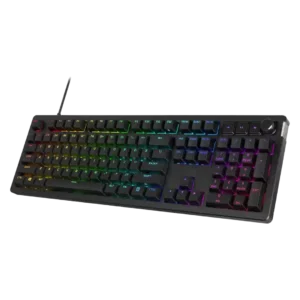
Backlight brightness is praised for strong saturation and non-dim maximum brightness without becoming irritating.
Pros: compatibility, legend visibility
Cons: wrist rest quality, cable quality
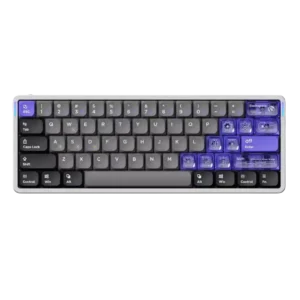
Backlight brightness was praised as bright and usable without being obnoxious.
Pros: frame rigidity, rapid trigger support
Cons: switch options, legend visibility
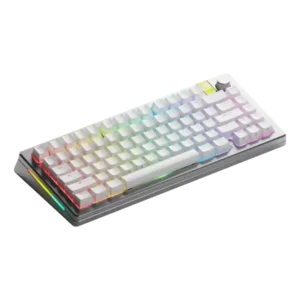
Backlight brightness received direct praise from a reviewer who described the lighting as bright.
Pros: materials quality, customization options
Cons: reliability, actuation consistency
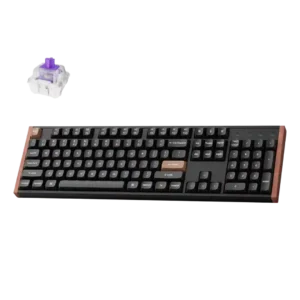
Backlight brightness was praised in one review because the RGB remained visible even under bright lighting.
Pros: wireless performance, key responsiveness
Cons: switch options, desk space efficiency

Backlight brightness received positive evidence from a reviewer who described the lighting as bright with excellent underglow.
Pros: cable quality, typing comfort
Cons: portability, switch options
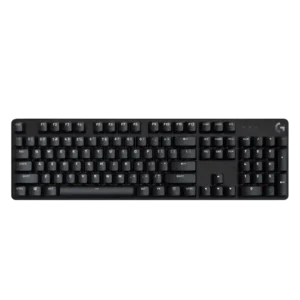
Backlight brightness is praised where discussed, with reviewers calling it bright, useful in the dark, or easy to see even in a sunlit room.
Pros: durability, desk space efficiency
Cons: switch options, onboard memory
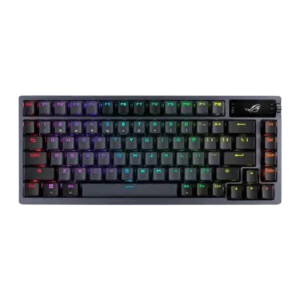
Backlighting was treated as useful and bright enough for dim conditions, with one reviewer praising illumination and another finding it helpful during load-shedding.
Pros: durability, wireless performance
Cons: passthrough features, onboard memory
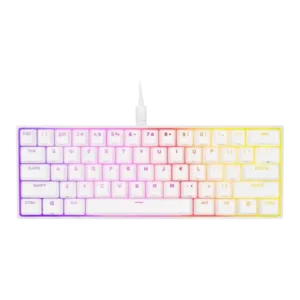
Backlight brightness earned positive marks, with reviewers praising vivid output and good white/light performance despite minor color caveats.
Pros: desk space efficiency, frame rigidity
Cons: sound dampening, ease of switch replacement
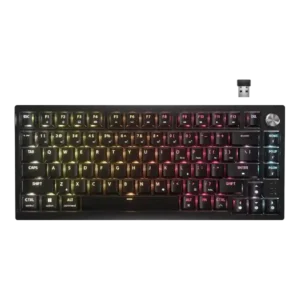
Reviewers generally found the lighting bright or visible around the caps, helped by the reflective plate, even though it does not shine through legends.
Pros: latency, durability
Cons: legend visibility, rapid trigger support
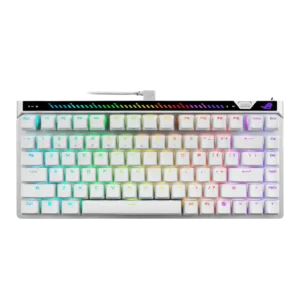
Backlight brightness was positively described as bright and vibrant.
Pros: key responsiveness, latency
Cons: analog input support, wrist rest quality
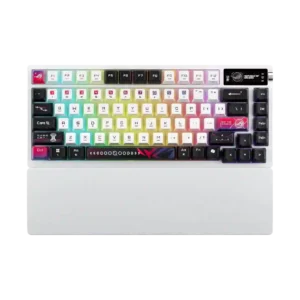
Backlight brightness split reviewers: several found it exceptional or very bright, while one reviewer felt the lighting was underwhelming.
Pros: latency, wireless performance
Cons: rapid trigger support, analog input support

Backlight brightness was generally positive because reviewers found it bright, dimmable, and controllable, though legend shine-through was still a separate caveat.
Pros: key stability, frame rigidity
Cons: portability, switch options
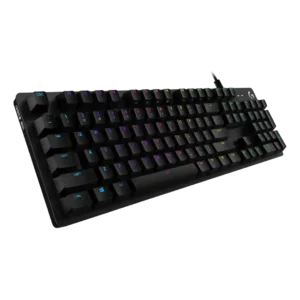
Backlight brightness is rated well because reviewers found it bright, clean, vibrant, or subtle without becoming blinding.
Pros: key spacing, key responsiveness
Cons: reliability, connectivity
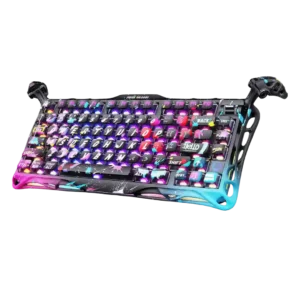
One reviewer said the RGB backlighting gets pretty bright.
Pros: legend visibility, key responsiveness
Cons: connectivity, cable quality
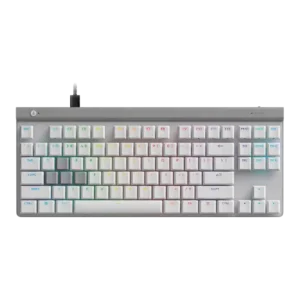
Backlight diffusion was judged clean in one hands-on review, though lighting criticism appeared more often around uneven legends than raw brightness.
Pros: key responsiveness, ergonomics
Cons: wireless performance, volume control
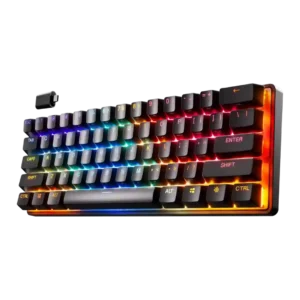
Backlight brightness was mostly praised for visibility and brightness, though one gaming-focused review noted the RGB was not the brightest.
Pros: latency, key responsiveness
Cons: hot-swappable switches, ease of switch replacement
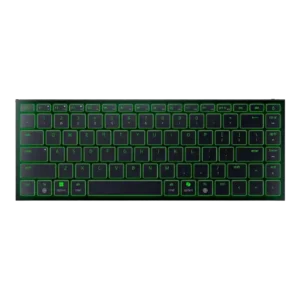
GamesRadar found the RGB strong enough that half brightness still looked fantastic, though this was discussed alongside battery impact.
Pros: frame rigidity, size and form factor
Cons: sound dampening, per-key lighting control
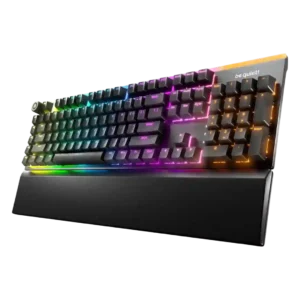
Backlighting is usually praised as bright and vivid, though some reviewers find the top bar jarring or the underside lighting too dim.
Pros: ease of switch replacement, acoustics
Cons: rapid trigger support, analog input support
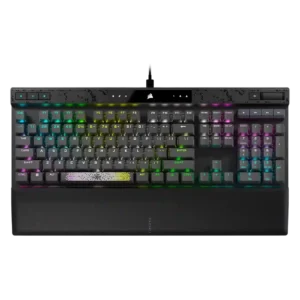
Backlighting was generally bright enough, with reviewers calling out bright RGB and visible lighting through the keycaps.
Pros: reliability, key responsiveness
Cons: desk space efficiency, wireless performance
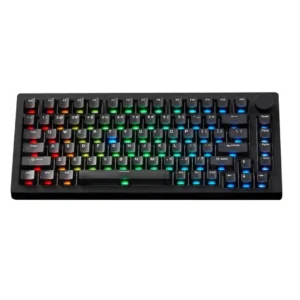
Backlight brightness is praised in several VIA/HE variants but criticized on one TMR setup as not bright enough for side legends.
Pros: switch options, hot-swappable switches
Cons: portability, cable quality
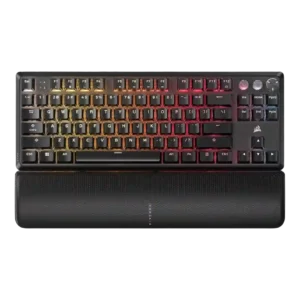
Backlight brightness evidence was limited but positive, with reviewers finding it visible without becoming distracting.
Pros: per-key lighting control, key responsiveness
Cons: ease of switch replacement, battery life
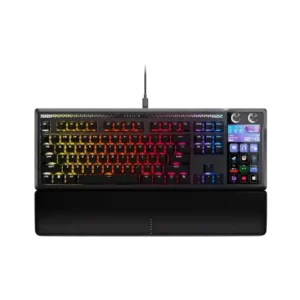
Brightness controls are available for the keyboard and display, and the LCD/lighting elements are considered clear enough in normal rooms. The control is useful, though not a major focus.
Pros: customization options, ease of switch replacement
Cons: reliability, analog input support
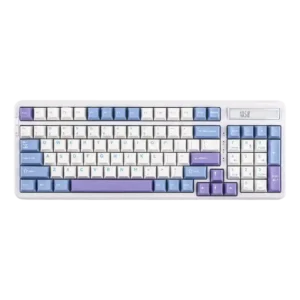
Backlight brightness was mostly praised as vibrant or bright enough, though one reviewer found the side underglow weak.
Pros: ease of switch replacement, typing feel
Cons: key spacing, layout options
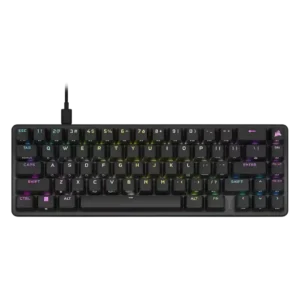
Backlighting was bright enough for low-light use and described as vibrant, with only minor caveats about presentation.
Pros: volume control, key responsiveness
Cons: wireless performance, wrist rest quality
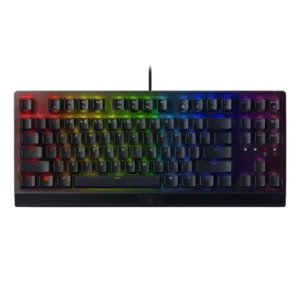
Backlight brightness drew mixed but mostly favorable comments, with vibrant Chroma praise balanced against one reviewer finding the lights more toned down.
Pros: latency, durability
Cons: sound dampening, passthrough features
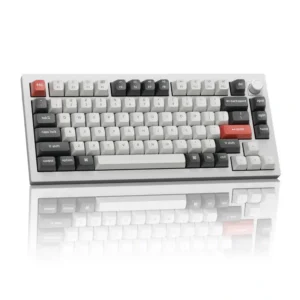
The RGB lighting gets fairly bright, though internal dampening absorbs some of the glow and prevents a completely even light cloud.
Pros: legend visibility, RGB customization
Cons: actuation consistency, rapid trigger support
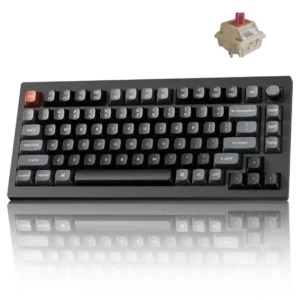
The lighting has strong intensity and saturated color, although the opaque keycaps prevent much of that brightness from reaching the legends.
Pros: key responsiveness, actuation consistency
Cons: rapid trigger support, analog input support
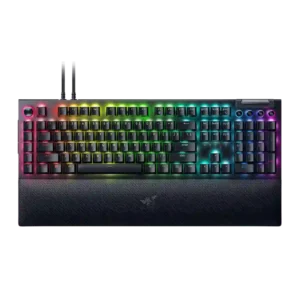
Backlighting was generally viewed as focused and granular, with reviewers noticing improved brightness control and stronger LED presentation.
Pros: key stability, ease of switch replacement
Cons: compatibility, battery life
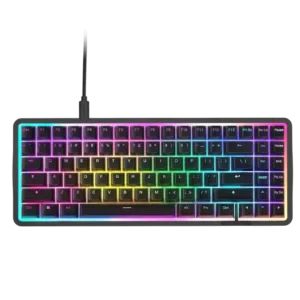
Backlighting was often bright and vivid, but some reviewers found perimeter brightness inconsistent or not as bright as expected.
Pros: latency, acoustics
Cons: passthrough features, wireless performance

Backlight brightness was viewed as restrained rather than intense, with reviewers describing it as not overly bright or not super bright.
Pros: build quality, extra gaming features
Cons: switch options, hot-swappable switches
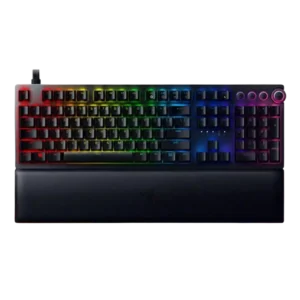
Backlight brightness was mixed: some found the lighting bright, colorful, or sharp, while others found legends dimmer than expected.
Pros: per-key lighting control, wrist rest quality
Cons: polling rate, portability
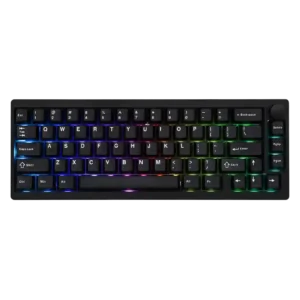
Lighting impressions vary: some reviewers found it bright and attractive, while others said the south-facing glow is muted behind the non-shine-through caps.
Pros: frame rigidity, acoustics
Cons: rapid trigger support, analog input support
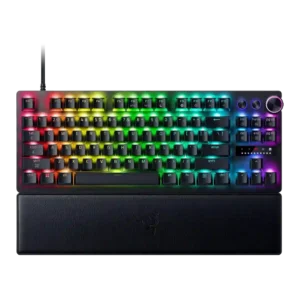
Backlight brightness was mixed: reviewers praised bright shine-through lighting, but one found the lighting dimmer than expected and another noted a whine.
Pros: key responsiveness, actuation consistency
Cons: switch options, hot-swappable switches
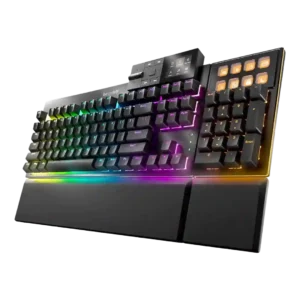
Backlight brightness feedback was mixed: reviewers liked brightness controls, but one noted the display-key brightness could not be adjusted.
Pros: key stability, per-key lighting control
Cons: analog input support, wireless performance