Best for per-key lighting control
Keychron Q1 Ultra 8K
5.0 feature score
Highest scored product for this feature based on supporting review evidence.
Highest scored product for this feature based on supporting review evidence.
Balances feature score, supporting reviews, and overall product strength.
Has the broadest review evidence for this feature.
Strongest overall product among items with scored evidence for this feature.
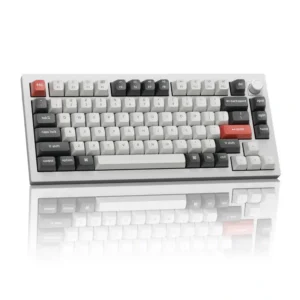
Each key can be colored independently, making it easy to highlight shortcuts, gaming controls, or custom layers.
Pros: legend visibility, RGB customization
Cons: actuation consistency, rapid trigger support
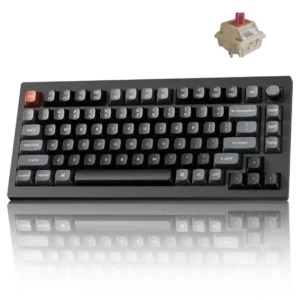
Every key can be individually lit, while Mix RGB adds two independently controlled zones for more elaborate combinations.
Pros: key responsiveness, actuation consistency
Cons: rapid trigger support, analog input support
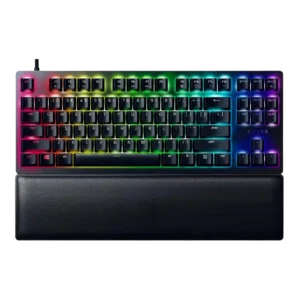
Per-key lighting control was positively covered where reviewers noted individual-key customization and per-key RGB support.
Pros: key stability, per-key lighting control
Cons: stabilizer quality, media controls
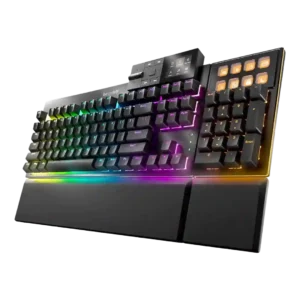
Per-key lighting control was positively noted where discussed, especially for custom areas, individual keys, and multi-layer lighting control.
Pros: key stability, per-key lighting control
Cons: analog input support, wireless performance
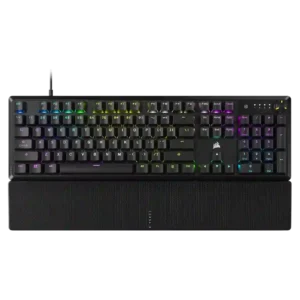
Per-key lighting control was praised where discussed, with reviewers noting individual key color control and granular lighting customization.
Pros: per-key lighting control, compatibility
Cons: ease of switch replacement, hot-swappable switches
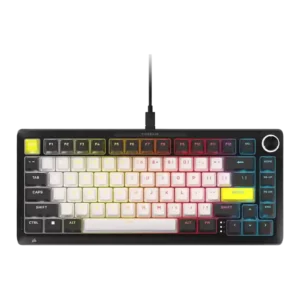
Per-key lighting control was viewed positively through detailed individual-key customization and programmable lighting.
Pros: per-key lighting control, durability
Cons: portability, noise level
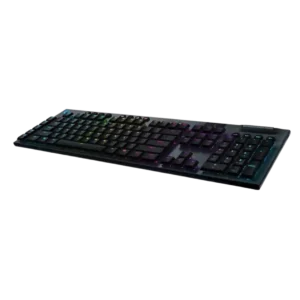
Per-key lighting control is praised when discussed, including fully programmable RGB and per-key color choices.
Pros: latency, polling rate
Cons: passthrough features, cable quality

Per-key RGB control is a clear plus, with both app and web control contributing to a highly customizable lighting setup.
Pros: polling rate, RGB customization
Cons: key stability, typing comfort
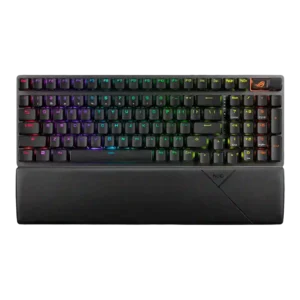
Per-key lighting control receives clear positive evidence from one review that described the customization as nearly endless.
Pros: per-key lighting control, wireless performance
Cons: rapid trigger support, analog input support
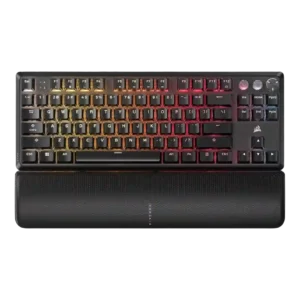
Per-key lighting control had limited but positive evidence, with one review emphasizing individual key color programming as part of the keyboard’s main appeal.
Pros: per-key lighting control, key responsiveness
Cons: ease of switch replacement, battery life
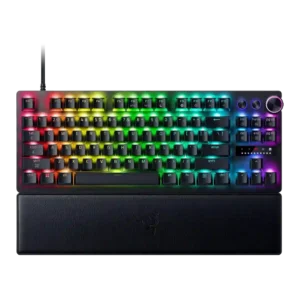
Per-key lighting control was specifically praised because lighting patterns can be applied on a per-key basis.
Pros: key responsiveness, actuation consistency
Cons: switch options, hot-swappable switches
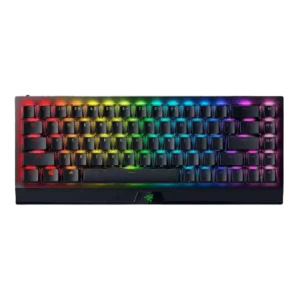
One review specifically praised per-key RGB control through Synapse, supporting a strong score for granular lighting control.
Pros: per-key lighting control, backlight brightness
Cons: passthrough features, compatibility
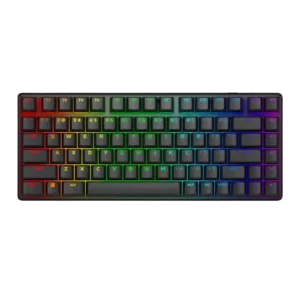
Per-key lighting control was positively received, with reviewers calling it well executed and easy to customize.
Pros: key stability, backlight brightness
Cons: rapid trigger support, wrist rest quality
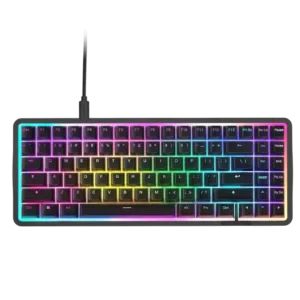
Per-key lighting control was praised as flexible, with reviewers highlighting per-key customization and command/category color coding.
Pros: latency, acoustics
Cons: passthrough features, wireless performance
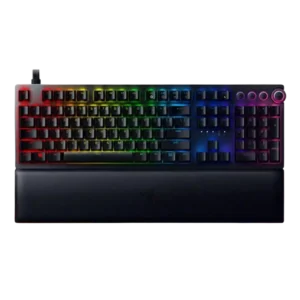
Per-key lighting control was praised when available, especially by reviewers who called per-key customization sublime or easy to configure.
Pros: per-key lighting control, wrist rest quality
Cons: polling rate, portability
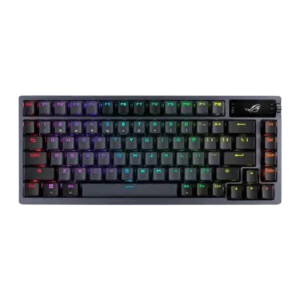
Per-key lighting control was positively supported by the ability to adjust the RGB backlight key by key.
Pros: durability, wireless performance
Cons: passthrough features, onboard memory
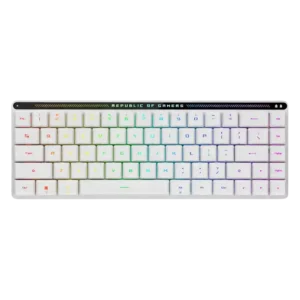
Per-key lighting control is supported positively by fully configurable RGB that can assign colors and patterns per key.
Pros: reliability, typing comfort
Cons: cable quality, wrist rest quality
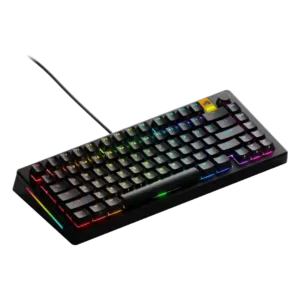
Per-key lighting control was supported by multiple reviews that liked individual-key or per-key RGB adjustment.
Pros: RGB lighting quality, layout options
Cons: frame rigidity, value for money
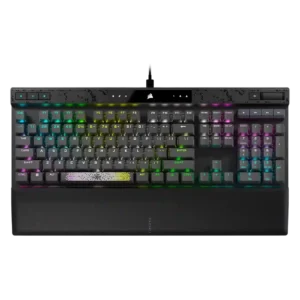
Per-key lighting control was praised where reviewers highlighted individually coloring keys, buttons, and icons.
Pros: reliability, key responsiveness
Cons: desk space efficiency, wireless performance
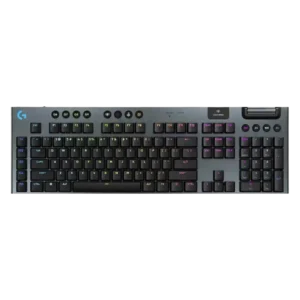
Per-key lighting control was well supported, with reviewers praising individual key lighting and detailed color control through G Hub.
Pros: stabilizer quality, latency
Cons: ease of switch replacement, hot-swappable switches
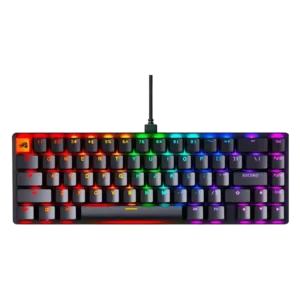
Per-key lighting control was viewed as a strong customization advantage, especially through software and individual-key lighting options.
Pros: compatibility, key responsiveness
Cons: wrist rest quality, key spacing
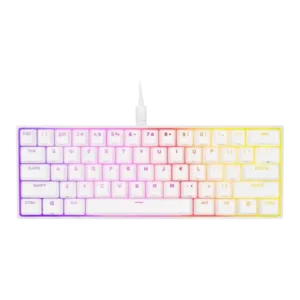
Per-key lighting control was well received, with reviewers praising granular illumination and layered customization.
Pros: desk space efficiency, frame rigidity
Cons: sound dampening, ease of switch replacement
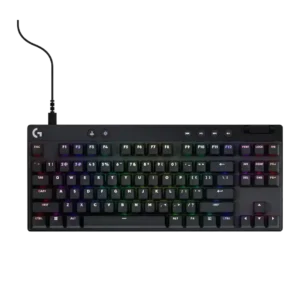
Per-key lighting control is a strength where reviewers praise easy per-key RGB, custom lighting, and G Hub control.
Pros: durability, per-key lighting control
Cons: noise level, sound dampening
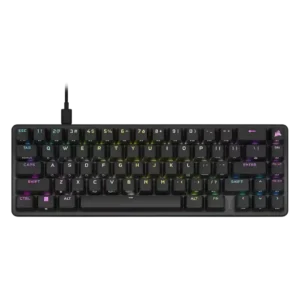
Per-key lighting control was viewed positively, with reviewers highlighting thorough per-key behavior and smooth movement across the keys.
Pros: volume control, key responsiveness
Cons: wireless performance, wrist rest quality
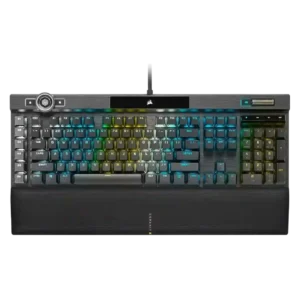
Per-key lighting control is positively noted in reviews that appreciate the individual key lighting and access to the keyboard's 44 lighting zones.
Pros: actuation consistency, key stability
Cons: hot-swappable switches, switch options
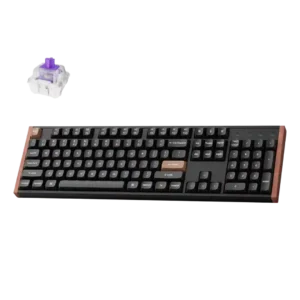
Per-key lighting control was praised where the reviewer specifically liked per-key RGB control.
Pros: wireless performance, key responsiveness
Cons: switch options, desk space efficiency
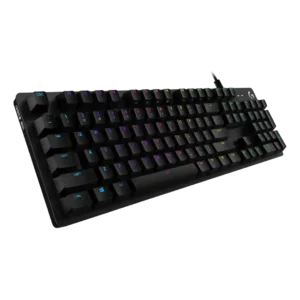
Per-key lighting control is praised in the IGN review for allowing individual key color selection.
Pros: key spacing, key responsiveness
Cons: reliability, connectivity
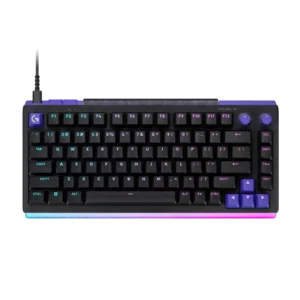
Per-key illumination covers almost all legends well, with only a few multi-character keys receiving uneven coverage.
Pros: latency, RGB customization
Cons: actuation consistency, connectivity
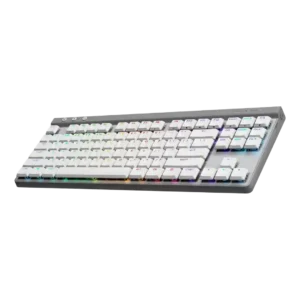
Per-key RGB control was cited as a meaningful gamer-friendly advantage over some alternatives.
Pros: latency, wireless performance
Cons: rapid trigger support, ease of switch replacement
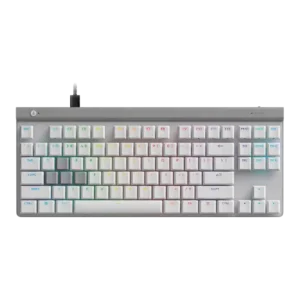
Per-key lighting control was positively described through G Hub, especially where RGB can be customized individually alongside actuation.
Pros: key responsiveness, ergonomics
Cons: wireless performance, volume control
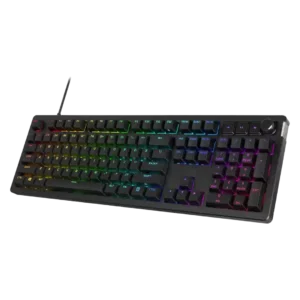
Per-key lighting control is generally well received, with reviewers noting individual key assignment and easier multi-key selection workflows.
Pros: compatibility, legend visibility
Cons: wrist rest quality, cable quality
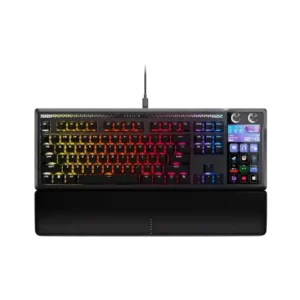
Per-key RGB is available and appreciated as part of the premium feature set. Reviewers mention it mainly as a customization strength rather than a central buying reason.
Pros: customization options, ease of switch replacement
Cons: reliability, analog input support
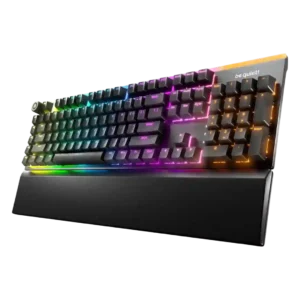
Per-key lighting control is praised for vivid individual-key control, custom zones, and layered effects.
Pros: ease of switch replacement, acoustics
Cons: rapid trigger support, analog input support
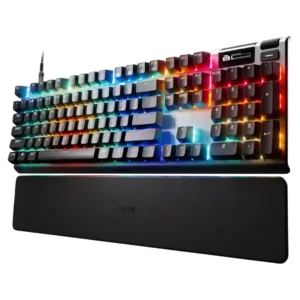
Per-key lighting control was useful and flexible, but some custom profiles required GG running in the background.
Pros: key responsiveness, durability
Cons: passthrough features, analog input support
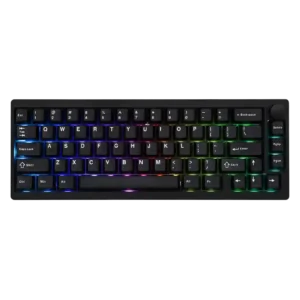
South-facing per-key LEDs can be configured through VIA, though the visible glow depends heavily on switch and keycap choice.
Pros: frame rigidity, acoustics
Cons: rapid trigger support, analog input support
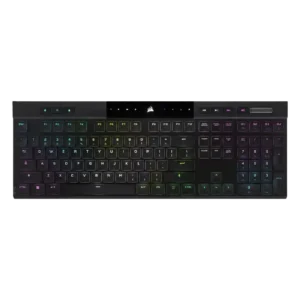
The one direct per-key lighting judgment was positive, with the reviewer appreciating configurable per-key RGB.
Pros: backlight brightness, actuation consistency
Cons: sound dampening, stabilizer quality
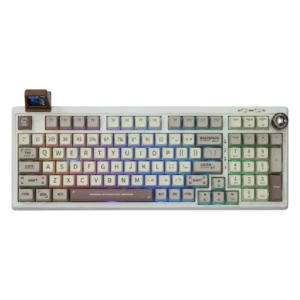
Per-key lighting control appears as a modern feature reviewers valued, though it is limited by opaque keycaps.
Pros: noise level, acoustics
Cons: rapid trigger support, actuation consistency
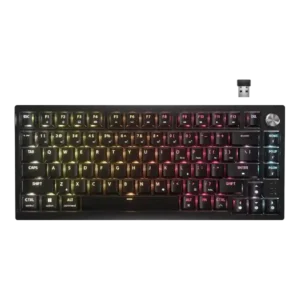
Per-key lighting control was mixed because wired/iCUE use unlocks stronger customization, while wireless mode limits patterns and layers.
Pros: latency, durability
Cons: legend visibility, rapid trigger support
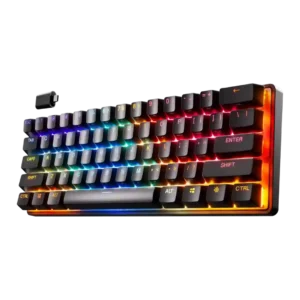
Per-key lighting control drew one strong praise for being fantastic and one criticism because the software section handling illumination was broken.
Pros: latency, key responsiveness
Cons: hot-swappable switches, ease of switch replacement
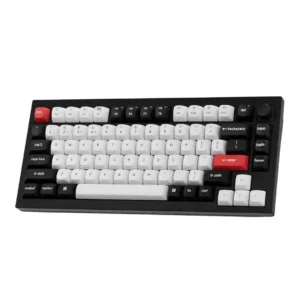
Per-key lighting control is limited; one reviewer noted that effects exist, but individual key RGB customization was not available through the app.
Pros: key stability, frame rigidity
Cons: profile management, reliability
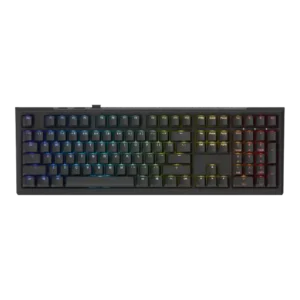
Per-key lighting control was present, yet one review found it limited to a single mode while another treated per-key adjustment as useful.
Pros: typing feel, key stability
Cons: profile management, wrist rest quality
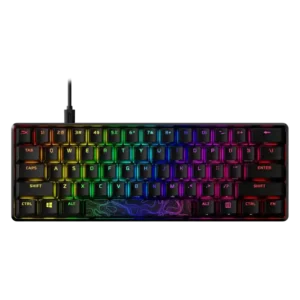
Per-key lighting control is supported, but one reviewer found the layered workflow slow and awkward for detailed per-key setups.
Pros: latency, actuation consistency
Cons: ease of switch replacement, reliability
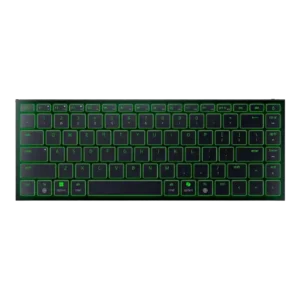
Per-key lighting control was a recurring limitation because reviewers noted single-zone RGB and no individual key effects.
Pros: frame rigidity, size and form factor
Cons: sound dampening, per-key lighting control
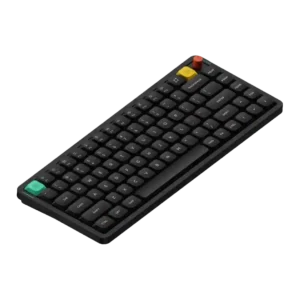
Per-key lighting control was a weakness because one reviewer explicitly found its absence disappointing.
Pros: key responsiveness, typing feel
Cons: per-key lighting control, legend visibility
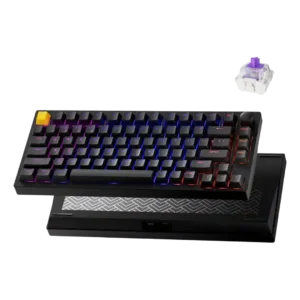
Per-key lighting control was a weak point because reviewers complained that true per-key RGB customization was missing.
Pros: frame rigidity, stabilizer quality
Cons: per-key lighting control, RGB customization
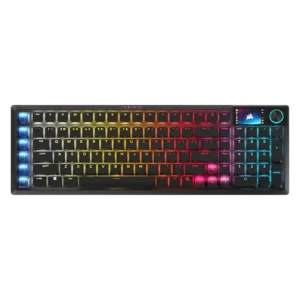
Although every key is illuminated, the current controls lack truly granular per-key combinations of color and effect, limiting advanced custom lighting designs.
Pros: key stability, stabilizer quality
Cons: analog input support, rapid trigger support
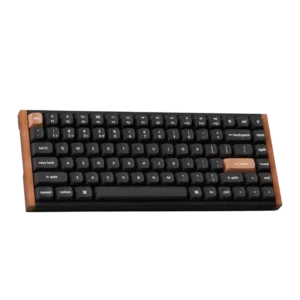
Per-key lighting control was specifically criticized in one review for not supporting individual key color selection.
Pros: wrist rest quality, onboard memory
Cons: per-key lighting control, switch options
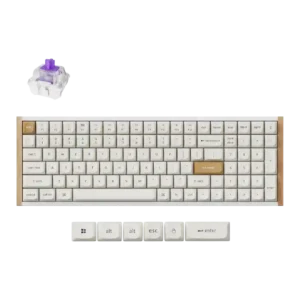
Per-key lighting control was criticized because one reviewer found no per-key lighting customization despite otherwise strong customization.
Pros: durability, rapid trigger support
Cons: per-key lighting control, stabilizer quality
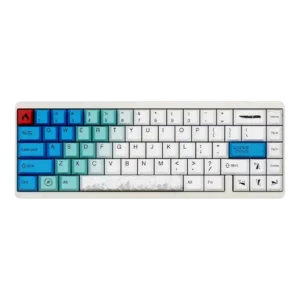
Per-key lighting control was criticized in one review because custom lighting changes did not appear to sync to the keyboard.
Pros: durability, key responsiveness
Cons: reliability, RGB customization
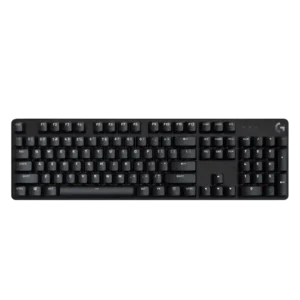
Per-key lighting control is criticized because one review specifically says players cannot color important keys such as WASD.
Pros: durability, desk space efficiency
Cons: switch options, onboard memory