Best for RGB customization
Keychron Q1 Ultra 8K
5.0 feature score
Highest scored product for this feature based on supporting review evidence.
Highest scored product for this feature based on supporting review evidence.
Balances feature score, supporting reviews, and overall product strength.
Has the broadest review evidence for this feature.
Strongest overall product among items with scored evidence for this feature.
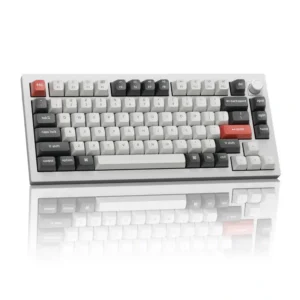
Keychron Launcher offers extensive color and pattern control, letting users create understated static looks or elaborate effects.
Pros: legend visibility, RGB customization
Cons: actuation consistency, rapid trigger support

RGB customization is rich, with presets and per-key lighting giving users plenty of room to build a flashy or personalized look.
Pros: polling rate, RGB customization
Cons: key stability, typing comfort
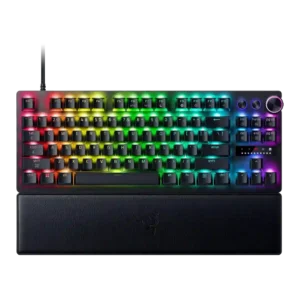
RGB customization was praised for seemingly endless options through Chroma and Synapse.
Pros: key responsiveness, actuation consistency
Cons: switch options, hot-swappable switches
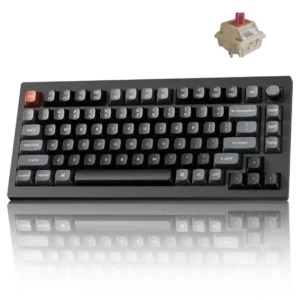
More than 20 effects, per-key control, and two independent Mix RGB zones provide unusually deep lighting customization.
Pros: key responsiveness, actuation consistency
Cons: rapid trigger support, analog input support
RGB customization is a major strength, with praise for extensive effects, per-key control, downloadable designs, and broad color options.
Pros: latency, polling rate
Cons: passthrough features, cable quality
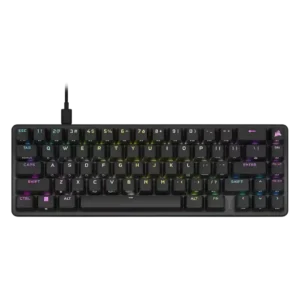
RGB customization was a strength, with reviewers praising iCUE presets, effects, and the breadth of lighting options.
Pros: volume control, key responsiveness
Cons: wireless performance, wrist rest quality
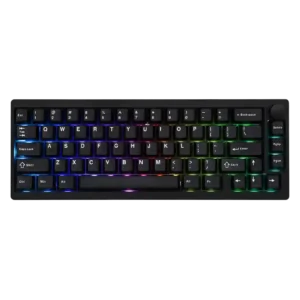
VIA offers adjustable colors, patterns and brightness, with enough control for either subtle static lighting or brighter effects.
Pros: frame rigidity, acoustics
Cons: rapid trigger support, analog input support
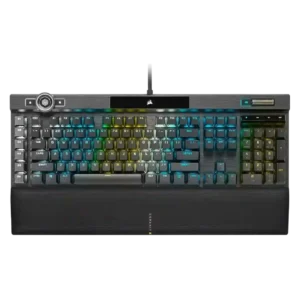
RGB customization is considered extensive, with praise for per-key control, many lighting zones, and deep reworking options, though software complexity can slow the process.
Pros: actuation consistency, key stability
Cons: hot-swappable switches, switch options
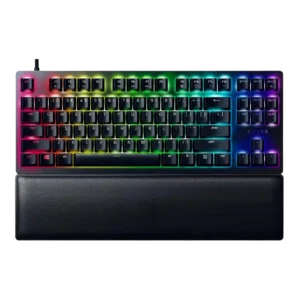
RGB customization was praised as extensive, with Synapse and Chroma offering abundant lighting effects and profile-level control.
Pros: key stability, per-key lighting control
Cons: stabilizer quality, media controls
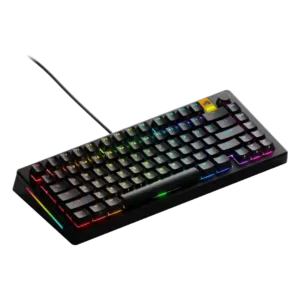
RGB customization was praised for Core-based control, individual-key color options, and layered per-key lighting effects.
Pros: RGB lighting quality, layout options
Cons: frame rigidity, value for money
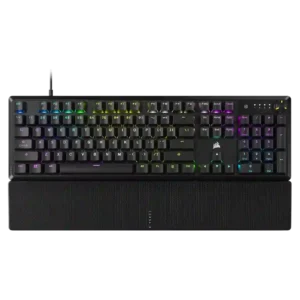
RGB customization was a major positive, with reviewers highlighting deep iCUE control, effects, per-zone options, and ecosystem integration.
Pros: per-key lighting control, compatibility
Cons: ease of switch replacement, hot-swappable switches
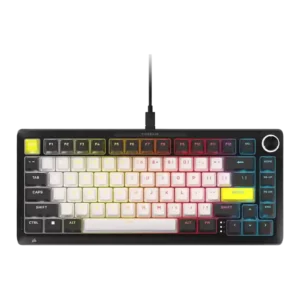
RGB customization was praised for detailed control, per-key programmability, and broad aesthetic tuning.
Pros: per-key lighting control, durability
Cons: portability, noise level
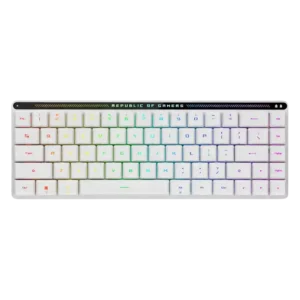
RGB customization is praised where tested, with a reviewer highlighting many lighting-effect options in Armoury Crate.
Pros: reliability, typing comfort
Cons: cable quality, wrist rest quality
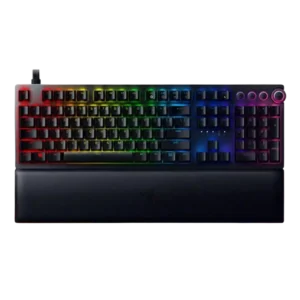
RGB customization received strong praise through Synapse and Chroma, especially for color control, profiles, and Razer’s broader lighting ecosystem.
Pros: per-key lighting control, wrist rest quality
Cons: polling rate, portability

RGB customization was praised for adjustable brightness, effects, speed, and color selection.
Pros: key stability, frame rigidity
Cons: portability, switch options
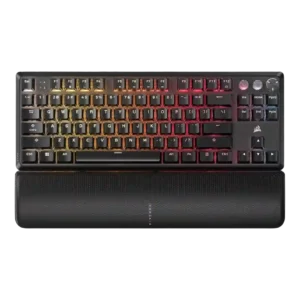
RGB customization was a major strength, with reviewers praising iCUE control, layers, profiles, individual color control, and broad lighting flexibility.
Pros: per-key lighting control, key responsiveness
Cons: ease of switch replacement, battery life
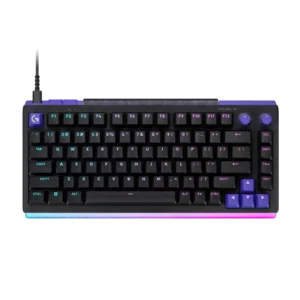
G Hub offers extensive color, pattern, brightness, and light-bar control, often down to individual zones or LEDs. Reviewers found the system both flexible and easy to personalize.
Pros: latency, RGB customization
Cons: actuation consistency, connectivity
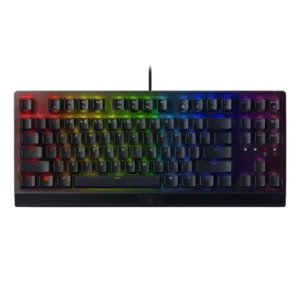
RGB customization was consistently praised through Razer Chroma and Synapse controls, with reviewers noting flexible profiles, custom effects, and game-integrated lighting.
Pros: latency, durability
Cons: sound dampening, passthrough features
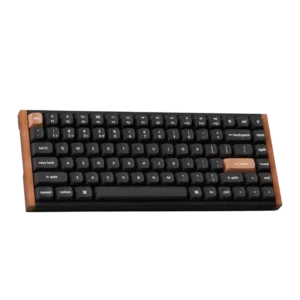
RGB customization was praised for plentiful modes and settings, even when lighting visibility itself was not always ideal.
Pros: wrist rest quality, onboard memory
Cons: per-key lighting control, switch options
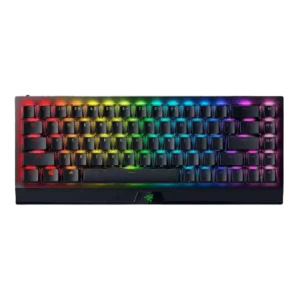
RGB customization was a clear strength, with reviewers noting broad Chroma color options, effects, sync, and onboard or software-based control.
Pros: per-key lighting control, backlight brightness
Cons: passthrough features, compatibility
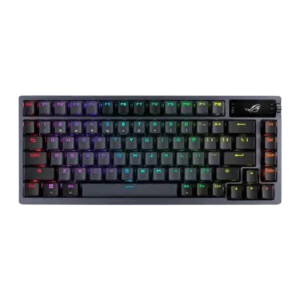
RGB customization was praised for per-key control, presets, custom effects, and broad adjustment options.
Pros: durability, wireless performance
Cons: passthrough features, onboard memory
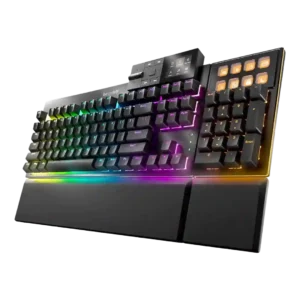
RGB customization was widely praised for deep software control, per-key effects, layers, presets, and web or app configuration.
Pros: key stability, per-key lighting control
Cons: analog input support, wireless performance
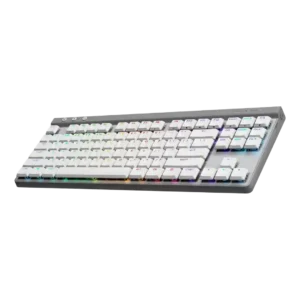
RGB customization was a strong point, with reviewers highlighting per-key color, effects, animations, presets, and deep G Hub control.
Pros: latency, wireless performance
Cons: rapid trigger support, ease of switch replacement
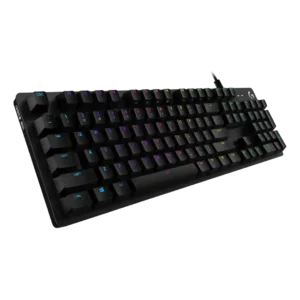
RGB customization is a major strength, with reviewers praising lighting software, many effects, per-game effects, and Screen Sampler-style controls.
Pros: key spacing, key responsiveness
Cons: reliability, connectivity
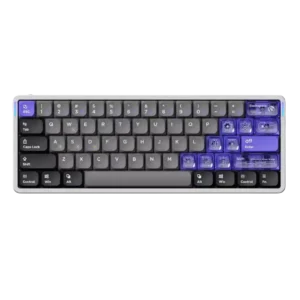
RGB customization was viewed positively, with reviewers liking the available effects, side lighting, and web-based lighting controls.
Pros: frame rigidity, rapid trigger support
Cons: switch options, legend visibility
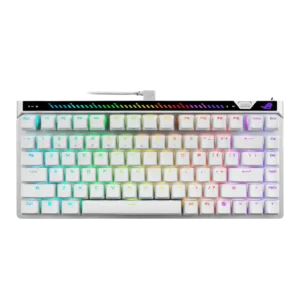
RGB customization was praised through customizable lighting and software control.
Pros: key responsiveness, latency
Cons: analog input support, wrist rest quality

RGB customization was received positively, especially lighting effects that react to key presses and the praised Pixel Rain-style effect.
Pros: build quality, extra gaming features
Cons: switch options, hot-swappable switches
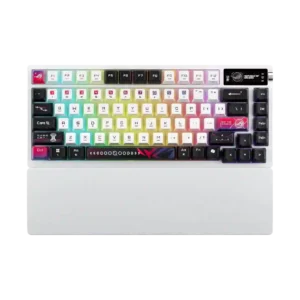
RGB customization had limited but positive support, with one reviewer highlighting bold color behavior and preset variety.
Pros: latency, wireless performance
Cons: rapid trigger support, analog input support

RGB customization was praised in the context of full RGB control and customization through the software.
Pros: cable quality, typing comfort
Cons: portability, switch options
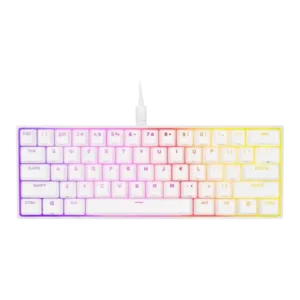
RGB customization was strongly praised for onboard effects, iCUE layers, per-key control, and flexible lighting profiles.
Pros: desk space efficiency, frame rigidity
Cons: sound dampening, ease of switch replacement
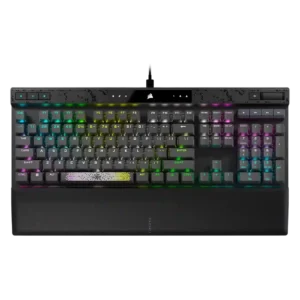
RGB customization was consistently strong, with reviewers praising layered effects, per-key color control, and broad iCUE lighting options.
Pros: reliability, key responsiveness
Cons: desk space efficiency, wireless performance
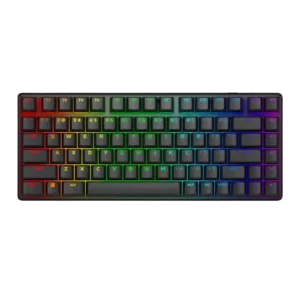
RGB customization was generally praised as easy and flexible, though software quality sometimes limited the broader customization experience.
Pros: key stability, backlight brightness
Cons: rapid trigger support, wrist rest quality
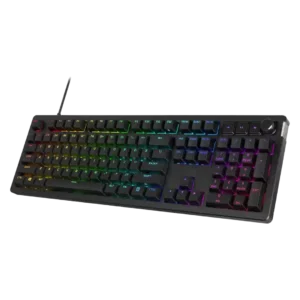
RGB customization is a strength, with reviewers liking layered effects, presets, per-user patterns, and broad software control.
Pros: compatibility, legend visibility
Cons: wrist rest quality, cable quality
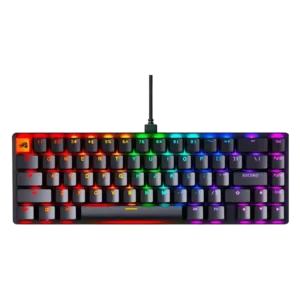
RGB customization was praised for software effects, presets, layers, and per-key or individual color control, with some platform limitations noted separately.
Pros: compatibility, key responsiveness
Cons: wrist rest quality, key spacing
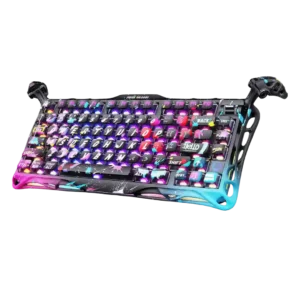
RGB customization was viewed favorably through dual-system personalization, many effects, and customizable modes.
Pros: legend visibility, key responsiveness
Cons: connectivity, cable quality
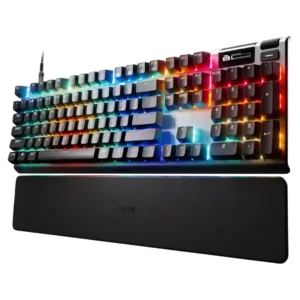
RGB customization was a clear strength, with per-key control and many effects praised, though some reviewers found setup less straightforward.
Pros: key responsiveness, durability
Cons: passthrough features, analog input support
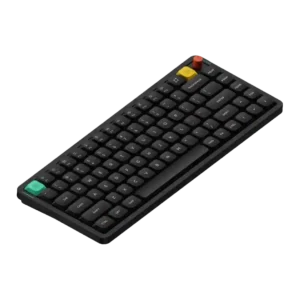
RGB customization was positively covered through software-based control of backlighting and effects.
Pros: key responsiveness, typing feel
Cons: per-key lighting control, legend visibility
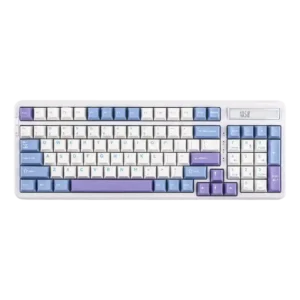
RGB customization was consistently treated as a strength, with reviewers praising effects, brightness controls, modes and easy software control.
Pros: ease of switch replacement, typing feel
Cons: key spacing, layout options
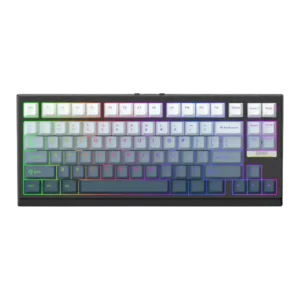
RGB customization was praised for matching setups, turning off cleanly, and fitting the rest of a desk setup.
Pros: desk space efficiency, layout options
Cons: compatibility
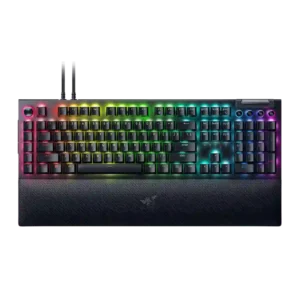
RGB customization was a consistent Razer strength, with reviewers praising complex-to-simple controls, Chroma syncing, and game-reactive lighting.
Pros: key stability, ease of switch replacement
Cons: compatibility, battery life
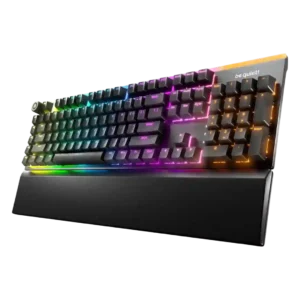
RGB customization is broadly praised for layers, colors, Dynamic Lighting support, and broad software control, with some preset-selection complaints.
Pros: ease of switch replacement, acoustics
Cons: rapid trigger support, analog input support
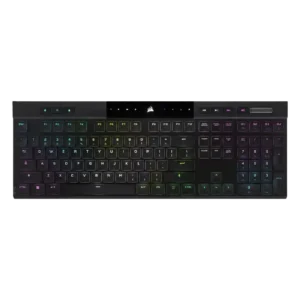
RGB customization was praised for layered effects, deep controls, and playful flexibility.
Pros: backlight brightness, actuation consistency
Cons: sound dampening, stabilizer quality
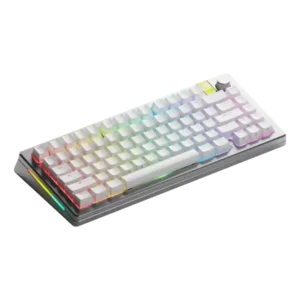
RGB customization was viewed positively, with reviewers noting multiple lighting options, full customization, and useful real-time effect previews.
Pros: materials quality, customization options
Cons: reliability, actuation consistency
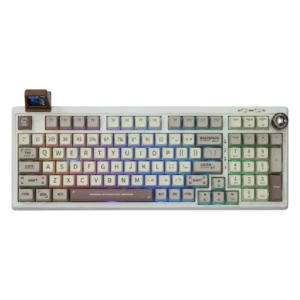
RGB customization is considered useful and reasonably flexible through the driver, with both per-key control and effect customization mentioned positively.
Pros: noise level, acoustics
Cons: rapid trigger support, actuation consistency
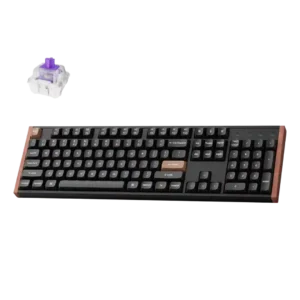
RGB customization was positively received for many options and a broad color selector, though rainbow-style effects were too much for one reviewer.
Pros: wireless performance, key responsiveness
Cons: switch options, desk space efficiency
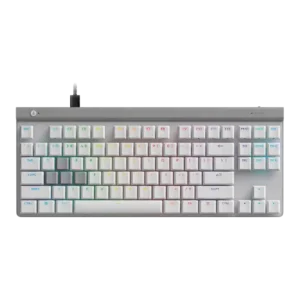
RGB customization was generally praised through G Hub, though one reviewer disliked needing software for even small lighting tweaks.
Pros: key responsiveness, ergonomics
Cons: wireless performance, volume control
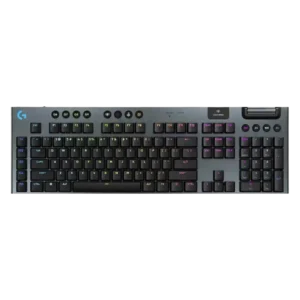
RGB customization was strong overall, with many lighting effects and per-key options, but some reviewers found G Hub lighting tools limited or underwhelming.
Pros: stabilizer quality, latency
Cons: ease of switch replacement, hot-swappable switches
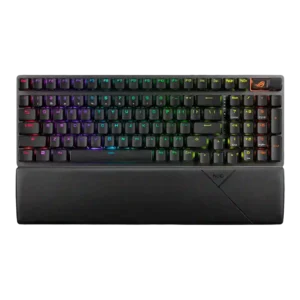
RGB customization is viewed positively, with reviewers noting per-key control, effects, color customization, and software-based sync options.
Pros: per-key lighting control, wireless performance
Cons: rapid trigger support, analog input support
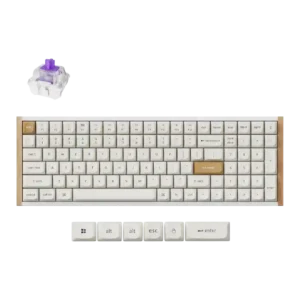
RGB customization was useful but not perfect: reviewers liked RGB controls and effects, while one noted whole-board color control instead of per-key control.
Pros: durability, rapid trigger support
Cons: per-key lighting control, stabilizer quality
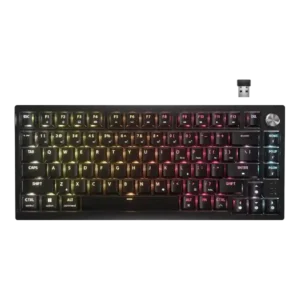
RGB customization was often praised through iCUE and onboard presets, but reviewers disliked reduced wireless customization and non-shine-through caps.
Pros: latency, durability
Cons: legend visibility, rapid trigger support