Best for switch options
MonsGeek M1 V5 HE
4.8 feature score
Highest scored product for this feature based on supporting review evidence.
Highest scored product for this feature based on supporting review evidence.
Balances feature score, supporting reviews, and overall product strength.
Has the broadest review evidence for this feature.
Strongest overall product among items with scored evidence for this feature.
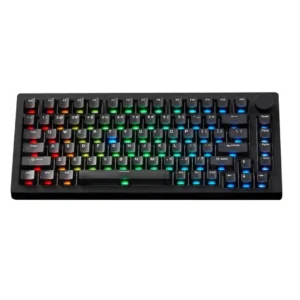
Reviewers consistently value the switch ecosystem, especially the TMR model's ability to mix magnetic and mechanical switches and the availability of multiple Akko options.
Pros: switch options, hot-swappable switches
Cons: portability, cable quality
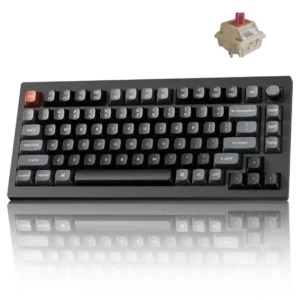
Red, Brown, and Banana stock choices cover linear and tactile preferences, and broad MX-style hot-swap compatibility greatly expands the available alternatives.
Pros: key responsiveness, actuation consistency
Cons: rapid trigger support, analog input support
Reviewers appreciate having linear, tactile, and clicky options, with several noting the variants help match user preference.
Pros: latency, polling rate
Cons: passthrough features, cable quality
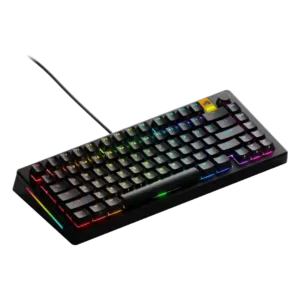
Reviewers liked the variety of HE switch choices, including tactile/clicky options and samples, with several calling the switch ecosystem unusually flexible.
Pros: RGB lighting quality, layout options
Cons: frame rigidity, value for money
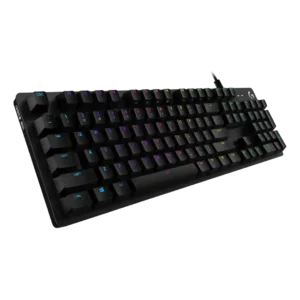
Reviewers repeatedly value having multiple switch choices, with several praising Logitech for offering tactile, linear, and clicky options.
Pros: key spacing, key responsiveness
Cons: reliability, connectivity
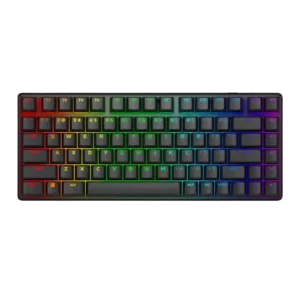
Switch flexibility was praised because reviewers noted support for 3-pin and 5-pin alternatives, giving owners room to change the stock feel.
Pros: key stability, backlight brightness
Cons: rapid trigger support, wrist rest quality
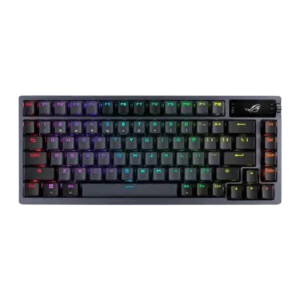
Switch options were supported by reviewer praise for a wide range of compatible switch choices and multiple NX switch variants.
Pros: durability, wireless performance
Cons: passthrough features, onboard memory
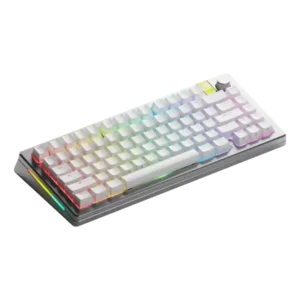
Switch choice was a major strength, with reviewers valuing multiple HE feedback styles and the ability to move between MX and Hall effect options.
Pros: materials quality, customization options
Cons: reliability, actuation consistency
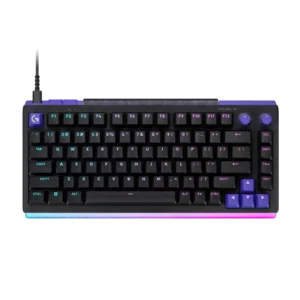
The ability to combine standard three- or five-pin mechanical switches with TMR analog switches is the product’s defining advantage. It offers rare flexibility without forcing users to abandon familiar mechanical...
Pros: latency, RGB customization
Cons: actuation consistency, connectivity
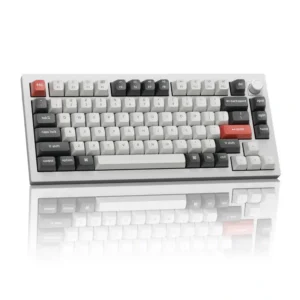
Red, Brown, and Banana variants cover gaming, mixed use, and stronger tactility, and the hot-swap design makes alternatives easy. The Brown option drew the harshest criticism.
Pros: legend visibility, RGB customization
Cons: actuation consistency, rapid trigger support
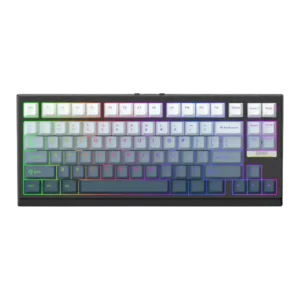
Switch choice was praised in the budget-focused review, especially the Creamy Jade option for users who prefer a softer aesthetic.
Pros: desk space efficiency, layout options
Cons: compatibility
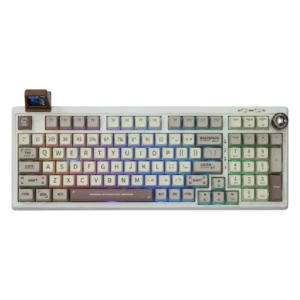
Switch choice is a recurring strength: reviewers praised the range of stock options and the ability to choose quieter, tactile, or more conventional linear switches.
Pros: noise level, acoustics
Cons: rapid trigger support, actuation consistency
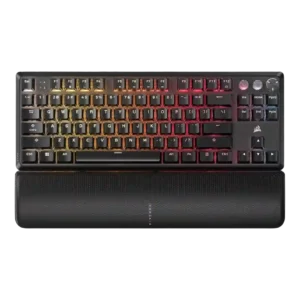
Switch selection was a consistent strength, with reviewers praising the range of Cherry MX options, though one review noted that some versions offered fewer variants.
Pros: per-key lighting control, key responsiveness
Cons: ease of switch replacement, battery life
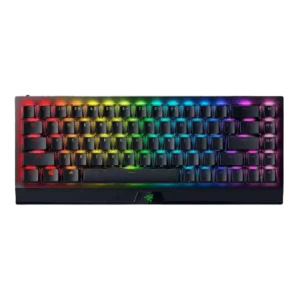
The Green and Yellow switch choices were viewed positively because they suit different typing and gaming preferences, though reviewers did not describe a wider switch ecosystem.
Pros: per-key lighting control, backlight brightness
Cons: passthrough features, compatibility
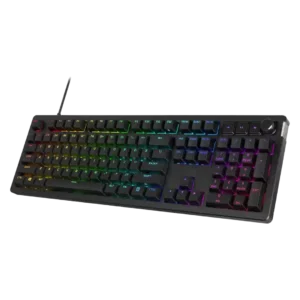
Switch choice is positive but limited: reviewers appreciated linear/tactile options and replaceable kits, with most praise tied to the ability to tune feel.
Pros: compatibility, legend visibility
Cons: wrist rest quality, cable quality
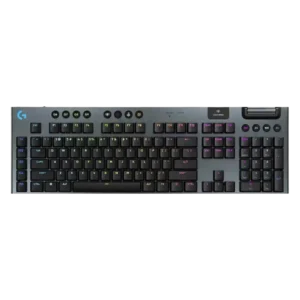
Switch options were appreciated for offering tactile, linear, and clicky choices, though buyers must choose before purchase.
Pros: stabilizer quality, latency
Cons: ease of switch replacement, hot-swappable switches
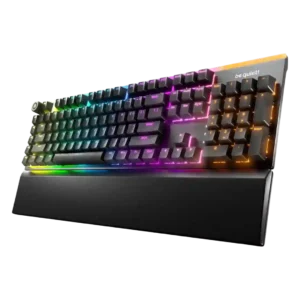
Switch options are viewed positively because linear and tactile choices cover preferences, though options remain narrower than enthusiast boards.
Pros: ease of switch replacement, acoustics
Cons: rapid trigger support, analog input support
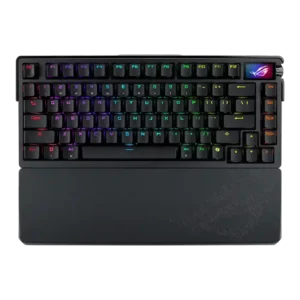
Switch options were viewed positively because reviewers noted NX Snow, NX Storm, and mechanical switch choice, though evidence centered on available feel preferences rather than deep testing of every option.
Pros: key spacing, reliability
Cons: rapid trigger support, analog input support
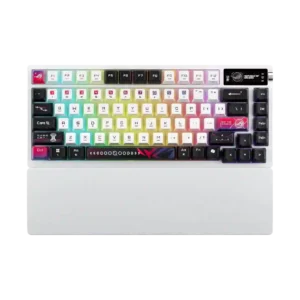
Switch choice received limited but positive coverage, with reviewers noting the option between tactile/clicky and smooth linear ROG NX V2 switches.
Pros: latency, wireless performance
Cons: rapid trigger support, analog input support
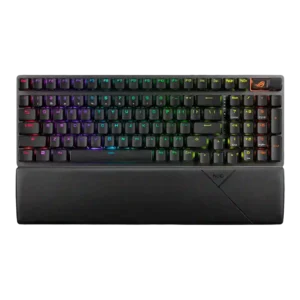
Evidence on switch options is limited, but the available reviewer sentiment says buyers choosing between the Snow and Storm styles should be happy either way.
Pros: per-key lighting control, wireless performance
Cons: rapid trigger support, analog input support
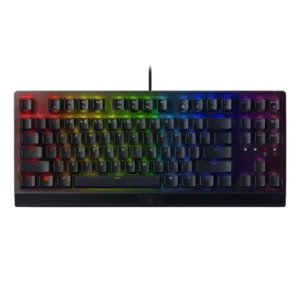
Switch choice was seen as useful because Green and Yellow options suit different preferences, but several reviewers wished the lineup offered broader switch variety.
Pros: latency, durability
Cons: sound dampening, passthrough features
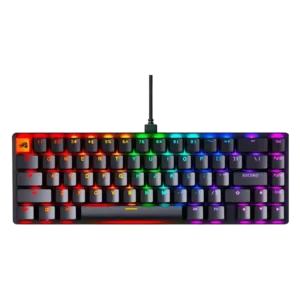
Switch choice was praised through barebones and hot-swap flexibility, but several reviewers criticized the limited prebuilt factory option.
Pros: compatibility, key responsiveness
Cons: wrist rest quality, key spacing
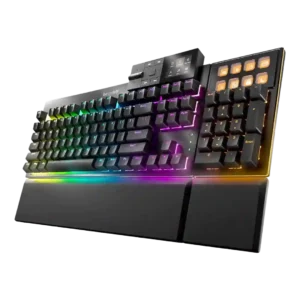
Switch choice was seen as adequate but somewhat limited: reviewers liked the silent linear and tactile options, while one wanted a wider default selection.
Pros: key stability, per-key lighting control
Cons: analog input support, wireless performance
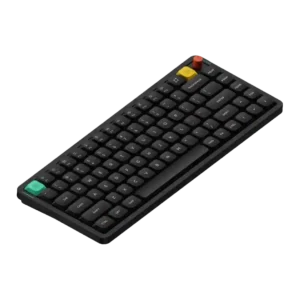
Switch choice was mixed: reviewers appreciated having linear, tactile, and silent options, but several found the lineup limited or less adventurous than before.
Pros: key responsiveness, typing feel
Cons: per-key lighting control, legend visibility
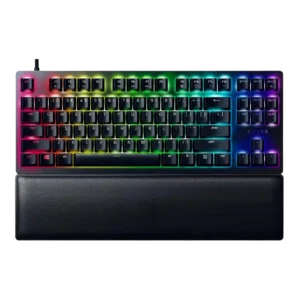
The red and purple switch choices gave buyers options, though opinion strongly favored the quieter red linears while clicky or silent-linear feel split reviewers.
Pros: key stability, per-key lighting control
Cons: stabilizer quality, media controls
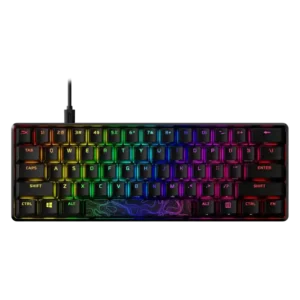
Switch choice is appreciated across the lineup, but smaller variants receive criticism when they ship with only linear switches or delayed tactile/clicky options.
Pros: latency, actuation consistency
Cons: ease of switch replacement, reliability
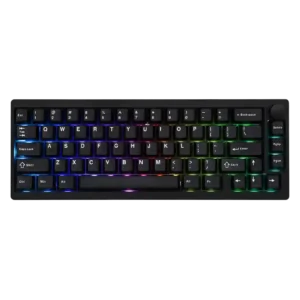
Buyers can choose Zebra or Wisteria linears, but there are no stock tactile, clicky or silent choices; hot-swap support partly offsets that limitation.
Pros: frame rigidity, acoustics
Cons: rapid trigger support, analog input support
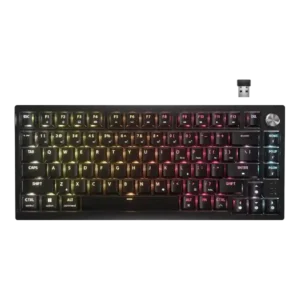
Switch options were a recurring weakness because the base board ships only with linear MLX Reds, even though hot-swap mitigates that limitation.
Pros: latency, durability
Cons: legend visibility, rapid trigger support
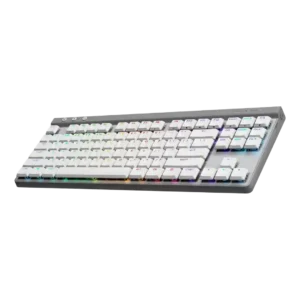
Switch options were limited in one review's view because the G515 lacks a clicky option and offers only tactile or linear.
Pros: latency, wireless performance
Cons: rapid trigger support, ease of switch replacement
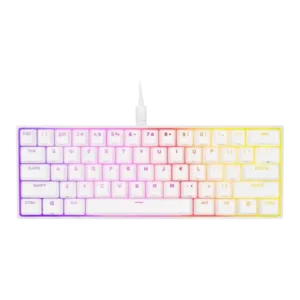
Switch options were viewed as serviceable but limited, with reviewers noting linear Cherry choices while questioning the lack of OPX/optical or broader options.
Pros: desk space efficiency, frame rigidity
Cons: sound dampening, ease of switch replacement

Switch choice was the clearest limitation: one reviewer wanted tactile options at checkout, while another wanted to try tactiles despite liking the included switches.
Pros: value for money, customization options
Cons: cable quality, portability
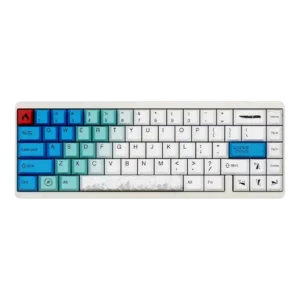
Switch choice was divisive: one review criticized the limited options, while another felt the available Gateron choices were strong.
Pros: durability, key responsiveness
Cons: reliability, RGB customization
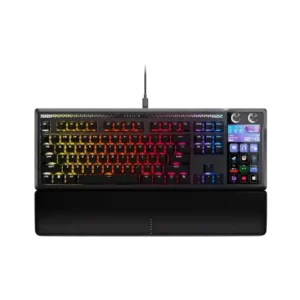
Out of the box, the switch choice is limited to the MLX Pulse linear switch. Hot-swap support softens that limitation because buyers can install compatible mechanical switches later.
Pros: customization options, ease of switch replacement
Cons: reliability, analog input support
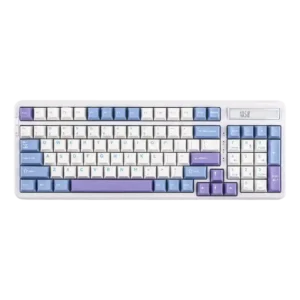
Stock switch variety was a recurring limitation: reviewers noted the board mainly offers two similar linear choices, even though one review liked both options.
Pros: ease of switch replacement, typing feel
Cons: key spacing, layout options
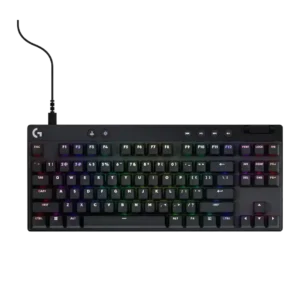
Switch options are broad on some GX models but criticized on proprietary or closed switch ecosystems.
Pros: durability, per-key lighting control
Cons: noise level, sound dampening
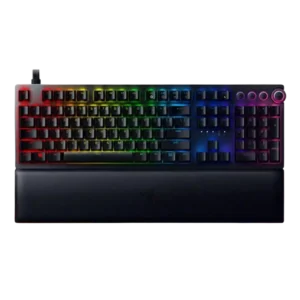
Switch variety drew criticism because the analog implementation effectively means linear switches, with reviewers wishing for tactile feedback or finding that limitation disappointing.
Pros: per-key lighting control, wrist rest quality
Cons: polling rate, portability
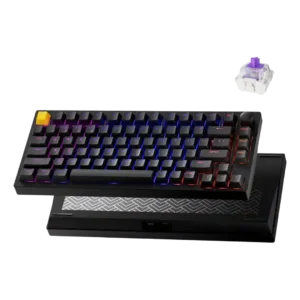
Switch options were mixed to negative: some magnetic variants are supported, but reviewers repeatedly criticized the limited compatible-switch ecosystem.
Pros: frame rigidity, stabilizer quality
Cons: per-key lighting control, RGB customization
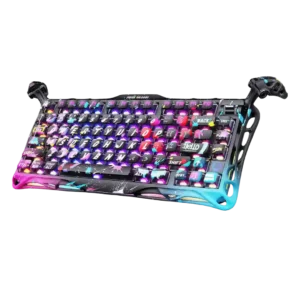
Switch choice was a limitation: reviewers noted Hall-effect switches are restricted to linears and wished for more stock options.
Pros: legend visibility, key responsiveness
Cons: connectivity, cable quality
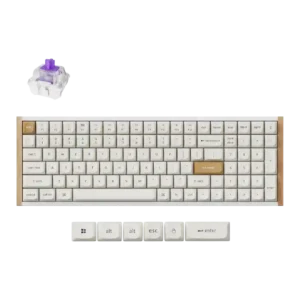
Switch options were a repeated weakness because reviewers emphasized limited compatibility with specific magnetic double-rail switches.
Pros: durability, rapid trigger support
Cons: per-key lighting control, stabilizer quality
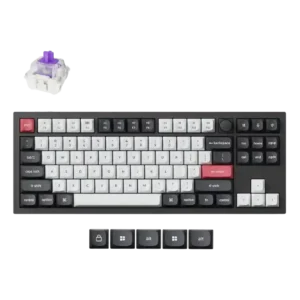
Switch choice was the clearest hardware limitation: reviewers noted one included switch set or proprietary magnetic-switch compatibility as disappointing or limiting.
Pros: build quality, extra gaming features
Cons: switch options, hot-swappable switches
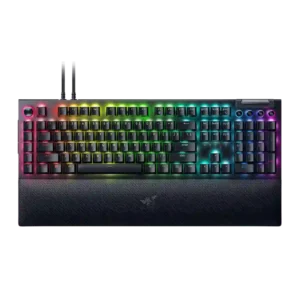
Switch options were a recurring weakness where reviewers wanted tactile, linear, or more checkout choices, especially on expensive or Pro models.
Pros: key stability, ease of switch replacement
Cons: compatibility, battery life
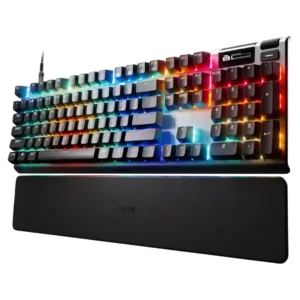
Switch choice drew mixed reactions: reviewers praised the Hall-effect base but criticized limited hardware versatility and mixed switch types on some keys.
Pros: key responsiveness, durability
Cons: passthrough features, analog input support
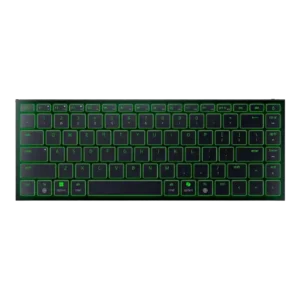
Switch options were a limitation because the Joro is not mechanical, which reviewers said may deter buyers who want that feel.
Pros: frame rigidity, size and form factor
Cons: sound dampening, per-key lighting control
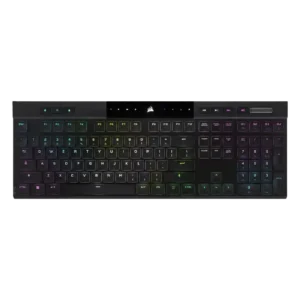
Switch options scored low because a long-term reviewer wanted a linear version and felt limited to the tactile switches.
Pros: backlight brightness, actuation consistency
Cons: sound dampening, stabilizer quality
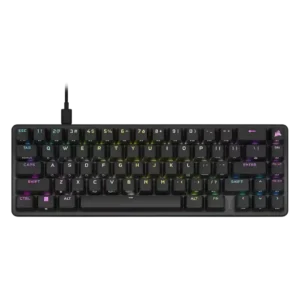
Switch choice was a limitation: reviewers liked the OPX feel but noted the narrow proprietary switch path for buyers who want broader switch variety.
Pros: volume control, key responsiveness
Cons: wireless performance, wrist rest quality
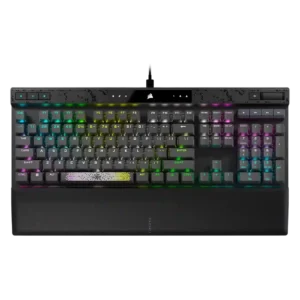
Switch options were weak because one reviewer specifically disliked the lack of tactile or clicky alternatives.
Pros: reliability, key responsiveness
Cons: desk space efficiency, wireless performance
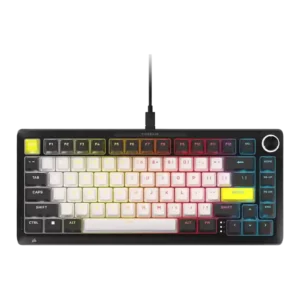
Switch-option evidence was limited and negative because standard MX tactile and clicky switches are not usable on the Hall Effect PCB.
Pros: per-key lighting control, durability
Cons: portability, noise level
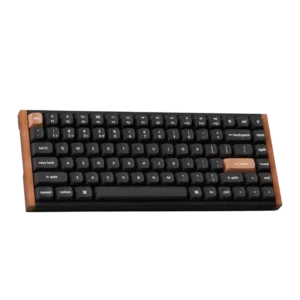
Switch options were the most consistent limitation because compatibility is restricted to a small set of linear Gateron double-rail magnetic switches.
Pros: wrist rest quality, onboard memory
Cons: per-key lighting control, switch options
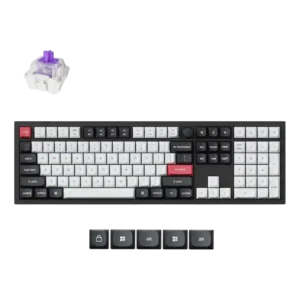
Switch options were the clearest customization weakness because reviewers repeatedly criticized the limited Hall Effect switch compatibility.
Pros: key stability, frame rigidity
Cons: portability, switch options
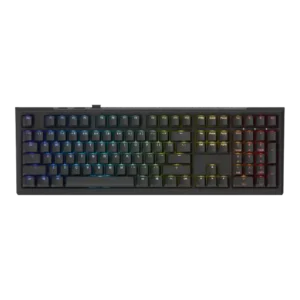
Switch options were a recurring limitation: the board uses proprietary Ducky inductive switches, with few or no alternatives, although one reviewer described multiple switch options positively.
Pros: typing feel, key stability
Cons: profile management, wrist rest quality