Best for typing comfort
ASUS ROG Azoth Extreme
4.9 feature score
Highest scored product for this feature based on supporting review evidence.
Highest scored product for this feature based on supporting review evidence.
Balances feature score, supporting reviews, and overall product strength.
Has the broadest review evidence for this feature.
Strongest overall product among items with scored evidence for this feature.
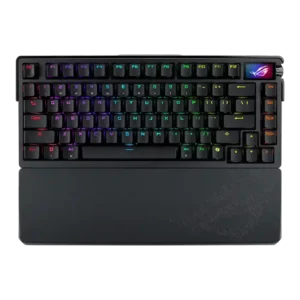
Typing comfort is very strong, with reviewers calling the board comfortable for rapid typing and long sessions.
Pros: typing comfort, wireless performance
Cons: rapid trigger support, analog input support
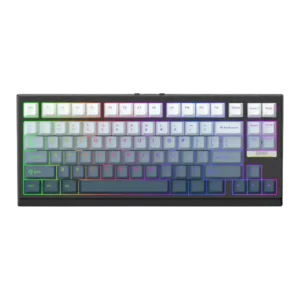
Typing comfort is strong, with reviewers reporting long-session comfort, no discomfort, and easy typing.
Pros: polling rate, ease of switch replacement
Cons: wrist rest quality, media controls
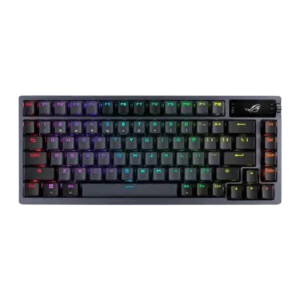
Typing comfort is strong where reviewers focus on cushioned feel, pleasant travel, and long-form typing satisfaction.
Pros: hot-swappable switches, connectivity
Cons: passthrough features, wrist rest quality
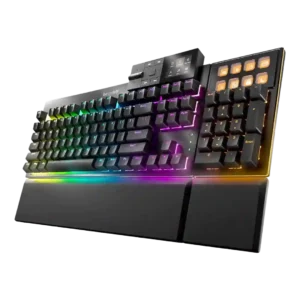
Typing comfort is strong, with reviewers describing comfortable long sessions, cushioned feel, and satisfying typing.
Pros: acoustics, noise level
Cons: rapid trigger support, analog input support
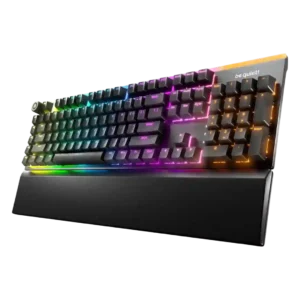
Typing comfort is very strong, especially for writers and long sessions, due to quiet switches, supportive ergonomics, and cushioned feel.
Pros: key stability, noise level
Cons: rapid trigger support, analog input support
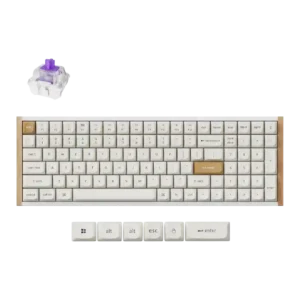
Typing comfort is mostly favorable, especially for long sessions, although cramped right-side keys may affect some users.
Pros: rapid trigger support, customization options
Cons: per-key lighting control, media controls
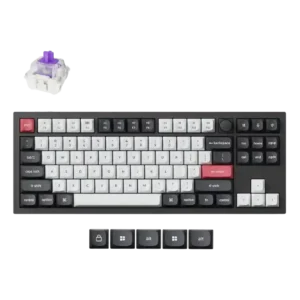
Typing comfort was consistently strong, with reviewers reporting soft keycaps, little fatigue, and comfortable typing after adjustment.
Pros: rapid trigger support, typing feel
Cons: switch options, portability
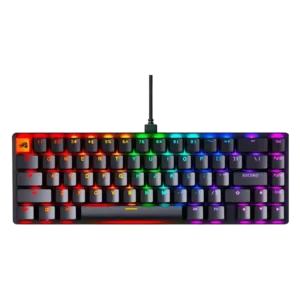
Typing comfort is high, with reviewers describing smooth, comfortable, and enjoyable long-form typing.
Pros: hot-swappable switches, typing feel
Cons: wrist rest quality, actuation consistency
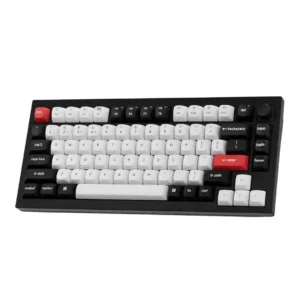
Typing comfort is very strong, with reviewers describing comfortable long sessions, easy typing, and a pleasant typing angle.
Pros: frame rigidity, build quality
Cons: portability, per-key lighting control
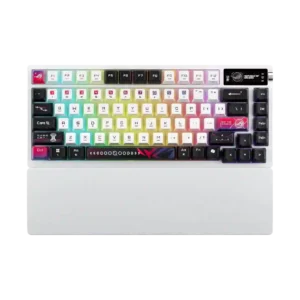
Typing comfort was strong where mentioned, with reviewers calling it comfortable, pleasant, and suitable for long sessions.
Pros: battery life, hot-swappable switches
Cons: rapid trigger support, analog input support
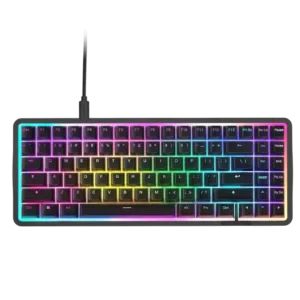
Typing comfort is mostly strong for long typing sessions, helped by PBT caps and soft switch feel.
Pros: polling rate, sound dampening
Cons: passthrough features, wireless performance
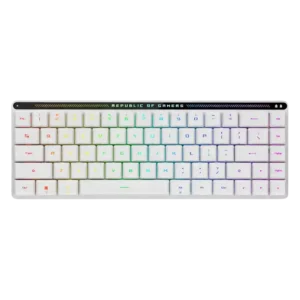
Typing comfort was praised over long sessions, with reviewers citing low key height, reduced hand strain, and less effort while typing.
Pros: latency, reliability
Cons: rapid trigger support, wrist rest quality
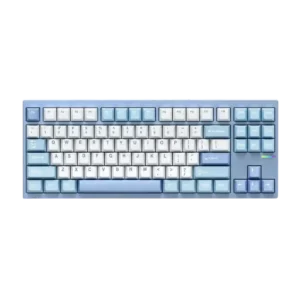
Typing comfort is strong, with reviewers citing soft/bouncy feel, a comfort focus, and a generally pleasant typing experience.
Pros: hot-swappable switches, frame rigidity
Cons: portability, cable quality
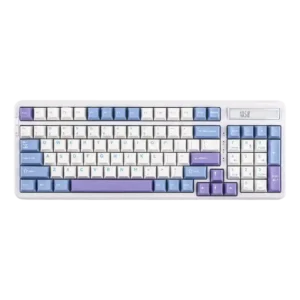
Typing comfort is a highlight, with reviewers describing long sessions as comfortable, cushioned, and easy on the fingers.
Pros: polling rate, hot-swappable switches
Cons: key spacing, switch options
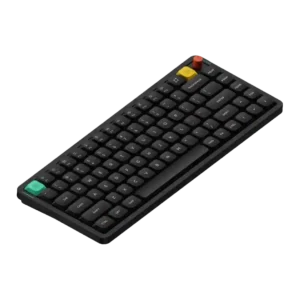
Reviewers repeatedly found long sessions comfortable, cushioned, and pleasant.
Pros: typing feel, layout options
Cons: rapid trigger support, per-key lighting control
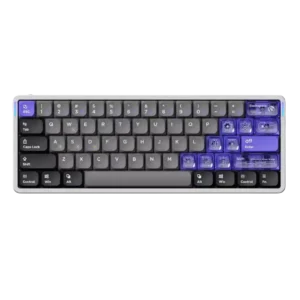
Typing comfort was praised by reviewers who called it super-comfy or comfortable to type on, especially with the low height and smooth switches.
Pros: gaming performance, polling rate
Cons: wireless performance, battery life
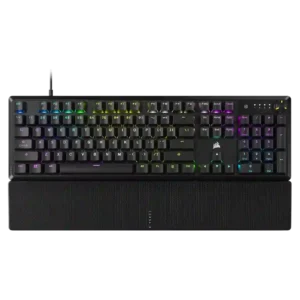
Typing comfort is broadly positive, especially for extended typing, though comfort depends on tolerance for the switch feel and wrist rest.
Pros: per-key lighting control, RGB customization
Cons: analog input support, hot-swappable switches
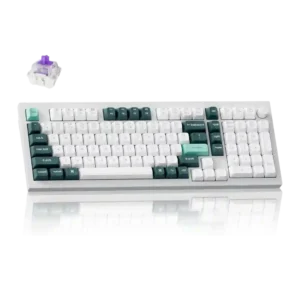
Typing comfort is strong overall, with reviewers reporting low fatigue, pleasant bounce, and improved typing or productivity after tuning actuation.
Pros: build quality, frame rigidity
Cons: portability, switch options
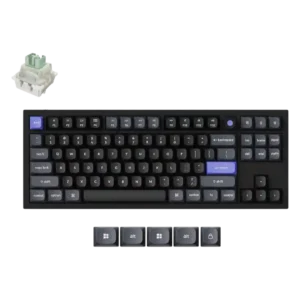
Typing comfort is good after adjustment, with shaped keycaps and finger-hugging profiles called out.
Pros: latency, polling rate
Cons: portability, switch options
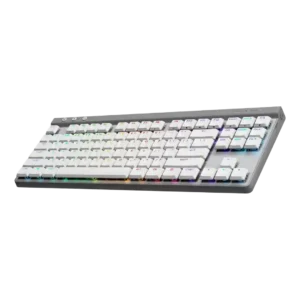
Typing comfort was consistently strong after adjustment, with reviewers calling the board easy, comfortable, and pleasant for long writing or work sessions.
Pros: macro customization, latency
Cons: hot-swappable switches, passthrough features
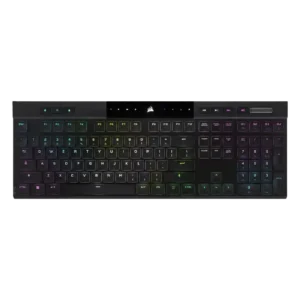
Typing comfort is mostly positive, especially for low-profile or chiclet fans, but some reviewers needed adjustment or preferred taller conventional switches.
Pros: extra gaming features, onboard memory
Cons: hot-swappable switches, ease of switch replacement
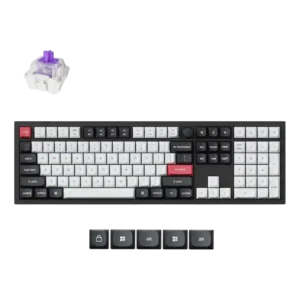
Typing comfort was generally positive, though one reviewer noted hand fatigue from the heavier key feel.
Pros: key stability, frame rigidity
Cons: portability, switch options
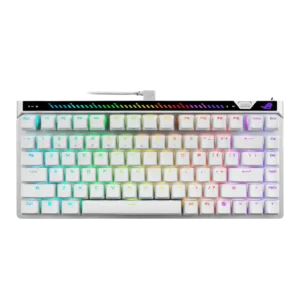
Typing comfort is strong, with low fatigue and comfort during long sessions.
Pros: gaming performance, latency
Cons: battery life, analog input support
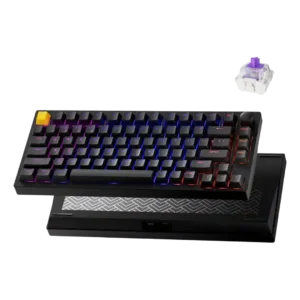
Typing comfort was rated highly due to light force, Cherry-profile keycaps, and a more cushioned feel for longer work sessions.
Pros: desk space efficiency, connectivity
Cons: per-key lighting control, layout options
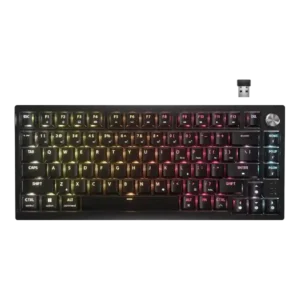
Typing comfort was mostly excellent, although one review found prolonged use worse without a wrist rest.
Pros: hot-swappable switches, connectivity
Cons: rapid trigger support, legend visibility
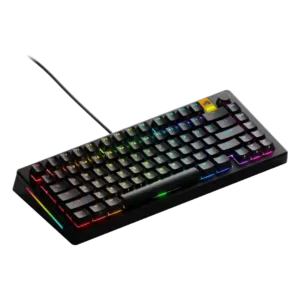
Typing comfort was generally positive, with reviewers citing accurate typing, cushioned feel, and a strong out-of-box typing experience.
Pros: customization options, hot-swappable switches
Cons: value for money, desk space efficiency
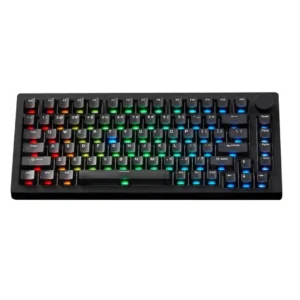
Typing comfort is positive overall, with reviewers describing comfortable speed, soft typing, and impressive feel, though it remains switch-dependent.
Pros: switch options, extra gaming features
Cons: portability
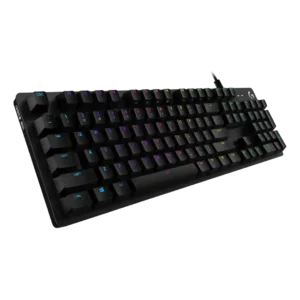
Typing comfort was mostly positive, especially around easy adjustment and long typing sessions, though edge and switch preferences affect comfort.
Pros: key spacing, per-key lighting control
Cons: wrist rest quality, reliability
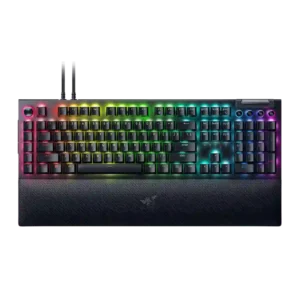
Typing comfort is generally strong, especially for long sessions and productivity, though one Green-switch review wanted more cushioning.
Pros: latency, RGB customization
Cons: battery life, size and form factor
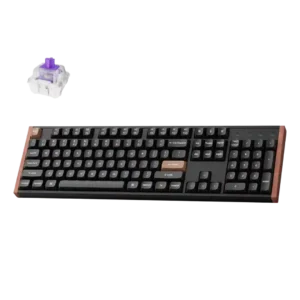
Typing comfort was positive overall, helped by the full-size work layout, comfortable typing angle, and hand comfort.
Pros: extra gaming features, sound dampening
Cons: desk space efficiency, portability
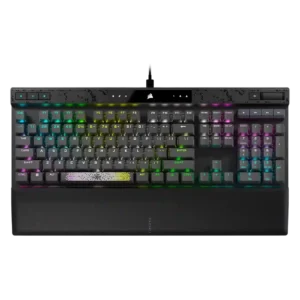
Typing comfort was generally good with the wrist rest and smooth switches, but long typing sessions and noise created caveats for some reviewers.
Pros: frame rigidity, actuation consistency
Cons: passthrough features, wireless performance
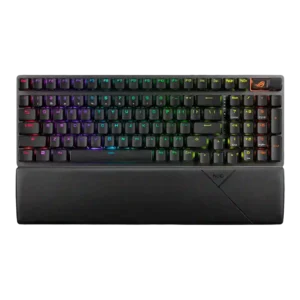
Typing comfort was generally strong, with comfort during long work sessions and wrist support offset by some layout-related work complaints.
Pros: latency, battery life
Cons: rapid trigger support, software quality
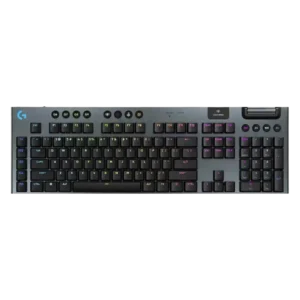
Typing comfort is usually positive, especially with roomy layouts or low profile, though cramped TKL layout and adaptation issues appear in some reviews.
Pros: stabilizer quality, frame rigidity
Cons: hot-swappable switches, ease of switch replacement
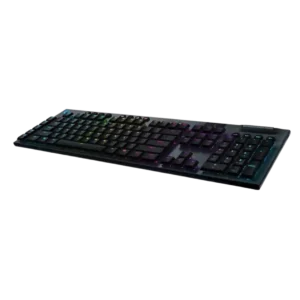
Typing comfort is usually positive, with comfortable fingertip support and low-profile feel, but one review found the travel hard to adapt to.
Pros: polling rate, key responsiveness
Cons: passthrough features, wrist rest quality
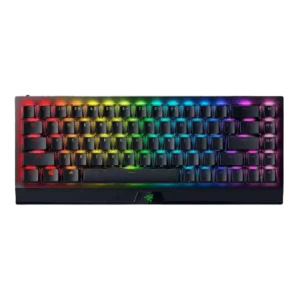
Typing comfort was mostly good once adjusted, though compact-layout learning curves and wrist angle concerns kept it from being universal.
Pros: per-key lighting control, gaming performance
Cons: passthrough features, stabilizer quality
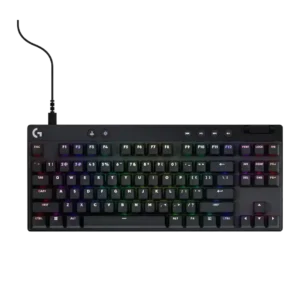
Typing comfort is positive in the few direct mentions, with reviewers calling the TKL comfortable and one 60% model low enough to use without a palm rest.
Pros: analog input support, frame rigidity
Cons: wrist rest quality, stabilizer quality
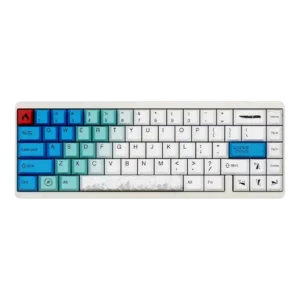
Typing comfort is positively supported by soft PBT keycaps and comfort during long typing sessions.
Pros: materials quality, polling rate
Cons: portability, software quality
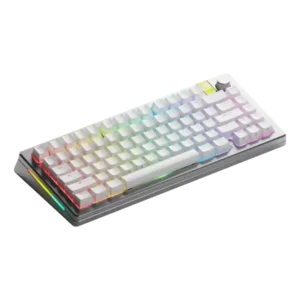
Typing comfort is generally strong once configured well, but fixed angle and wrist-rest needs limit comfort for some users.
Pros: size and form factor, customization options
Cons: passthrough features, portability
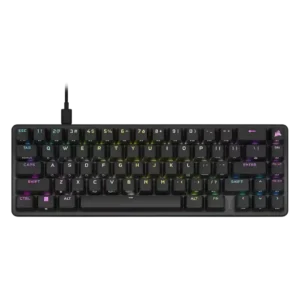
Typing comfort is generally good once set up, with reviewers pointing to tilt, comfort, and switch feel, though ergonomics vary by user.
Pros: profile management, durability
Cons: wireless performance, analog input support
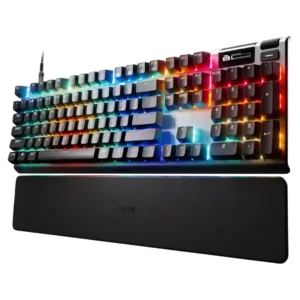
Typing comfort was strong for several reviewers, though one wireless review disliked the tall keycaps and productivity typing feel.
Pros: customization options, sound dampening
Cons: passthrough features, ease of switch replacement
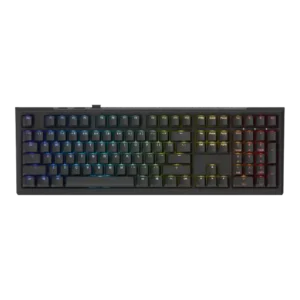
Typing comfort is generally positive, especially for long typing and hybrid work, though the full-size layout can create some strain.
Pros: key stability, typing feel
Cons: wrist rest quality, profile management
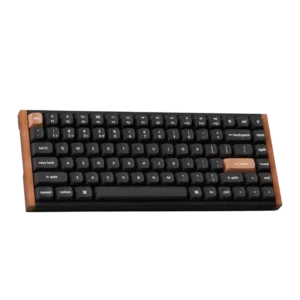
Typing comfort is mostly positive because of smooth switches and reduced fatigue, but taller height caused discomfort for some reviewers.
Pros: rapid trigger support, switch feel
Cons: per-key lighting control, switch options
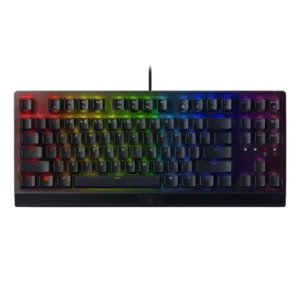
Typing comfort is mostly positive, with reviewers praising gentle keys, enjoyable use and longer-session comfort despite some positioning concerns.
Pros: latency, per-key lighting control
Cons: hot-swappable switches, wireless performance
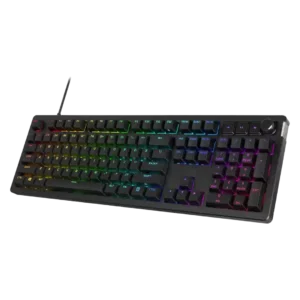
Typing comfort was generally positive on the 75% model and damped gasket design, but harsh keystrokes or missing wrist support hurt comfort for some.
Pros: legend visibility, materials quality
Cons: wrist rest quality, ease of switch replacement
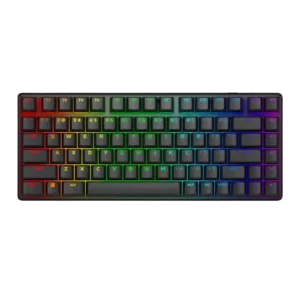
Typing comfort was mostly positive for long sessions, but compact layout choices made touch typing and productivity less ideal for some reviewers.
Pros: backlight brightness, latency
Cons: rapid trigger support, wrist rest quality
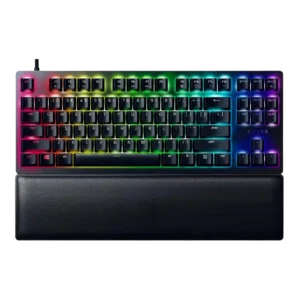
Typing comfort improved for at least one reviewer when using the soft wrist rest, especially during longer typing sessions.
Pros: key responsiveness, frame rigidity
Cons: analog input support, wireless performance
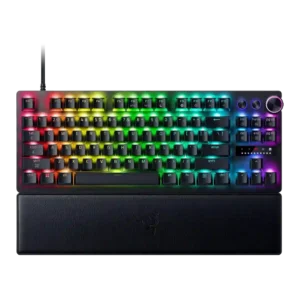
Typing comfort is mixed; adjustable actuation helps, but several reviewers found everyday writing less comfortable or more frustrating than gaming.
Pros: layout options, key responsiveness
Cons: wireless performance, passthrough features
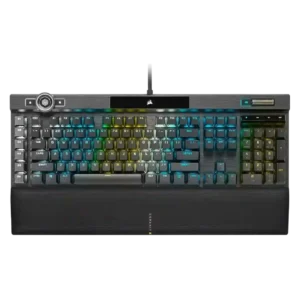
Typing comfort is mostly positive when acclimated, but several reviewers note the sensitive switches can be unforgiving or require posture support.
Pros: frame rigidity, key stability
Cons: analog input support, hot-swappable switches
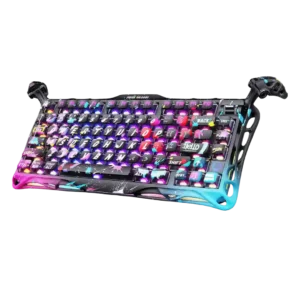
Typing comfort is generally good due to light switches, but one review’s rough keycap complaint lowers the ceiling.
Pros: switch feel, key responsiveness
Cons: wireless performance, connectivity
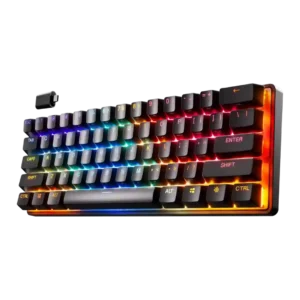
Typing comfort is mixed: some reviewers love the compact feel and smooth typing, while others dislike the tiny layout or linear feel for writing.
Pros: wireless performance, latency
Cons: wrist rest quality, hot-swappable switches