Best for macro customization
Razer BlackWidow V4 Pro
4.9 feature score
Highest scored product for this feature based on supporting review evidence.
Highest scored product for this feature based on supporting review evidence.
Balances feature score, supporting reviews, and overall product strength.
Has the broadest review evidence for this feature.
Strongest overall product among items with scored evidence for this feature.
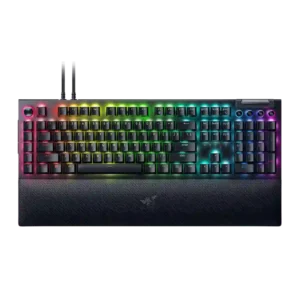
Macro customization is the product's defining strength, with repeated praise for eight macro keys, Command Dial functions, remapping and productivity/game profiles.
Pros: latency, RGB customization
Cons: battery life, size and form factor
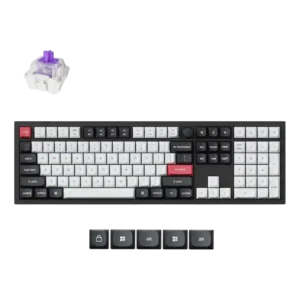
Macro customization was strong, with reviewers describing complex macros and easy custom macro setup.
Pros: key stability, frame rigidity
Cons: portability, switch options
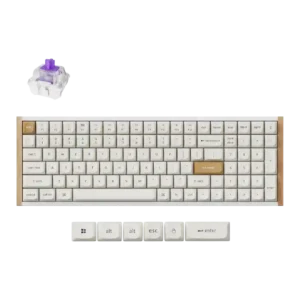
Macro customization is robust, with reviewers highlighting multi-action keys, four-stage commands, and extensive macro possibilities.
Pros: rapid trigger support, customization options
Cons: per-key lighting control, media controls
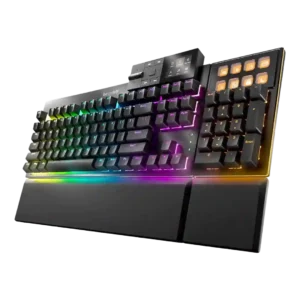
Macro customization is broad, covering keyboard macros, display keys, shortcuts, app launches, and numpad functions.
Pros: acoustics, noise level
Cons: rapid trigger support, analog input support
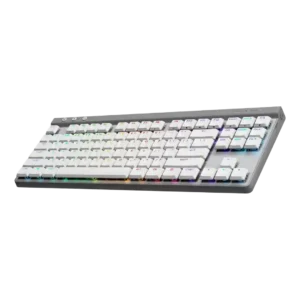
Macro customization was one of the most supported strengths, with reviewers repeatedly citing KEYCONTROL, G-Shift, profiles, and up to 15 functions per key.
Pros: macro customization, latency
Cons: hot-swappable switches, passthrough features
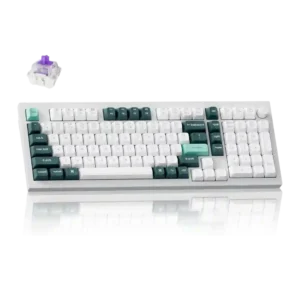
Macro customization is strong, with multiple reviews citing up to four actions per key, macro recording, and one-key multiple commands.
Pros: build quality, frame rigidity
Cons: portability, switch options
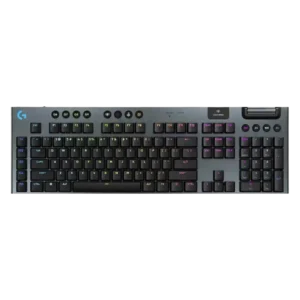
Macro customization is a major strength, with G keys, KEYCONTROL, and remappable commands repeatedly highlighted for gaming and productivity.
Pros: stabilizer quality, frame rigidity
Cons: hot-swappable switches, ease of switch replacement
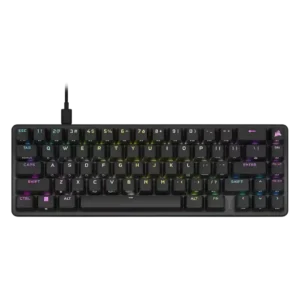
Macro customization is extensive, with hardware and software macro assignment mentioned across many reviews.
Pros: profile management, durability
Cons: wireless performance, analog input support
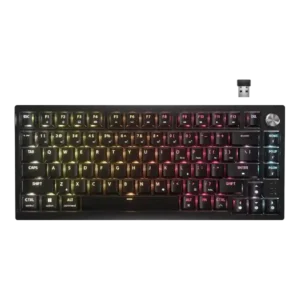
Macro customization was strong, with iCUE and shortcuts supporting remaps, macros, app launches, and key assignments.
Pros: hot-swappable switches, connectivity
Cons: rapid trigger support, legend visibility
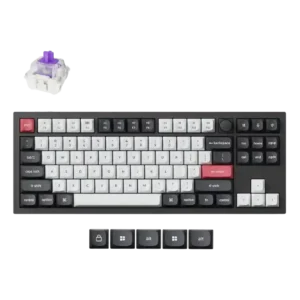
Macro customization is well supported through the web software and multi-actuation key behavior.
Pros: rapid trigger support, typing feel
Cons: switch options, portability
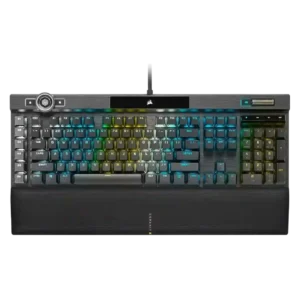
Macro customization is strong thanks to dedicated G keys, full-keyboard remapping, Stream Deck integration, and programmable actions.
Pros: frame rigidity, key stability
Cons: analog input support, hot-swappable switches
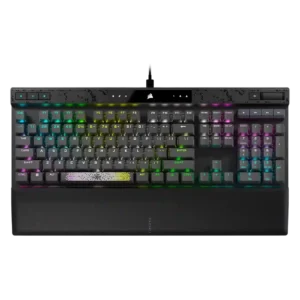
Macro customization was strong, with reviewers noting remapping, macros, two actions per key, and tournament mode disabling custom macros.
Pros: frame rigidity, actuation consistency
Cons: passthrough features, wireless performance
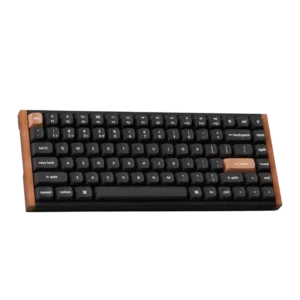
Macro customization is supported through the app and magnetic multi-action behavior, with reviewers noting macros and multi-command setup.
Pros: rapid trigger support, switch feel
Cons: per-key lighting control, switch options
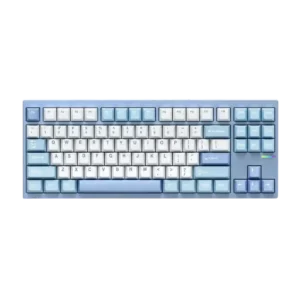
Macro customization is supported through VIA/QMK-style remapping and the ability to create complex macros.
Pros: hot-swappable switches, frame rigidity
Cons: portability, cable quality
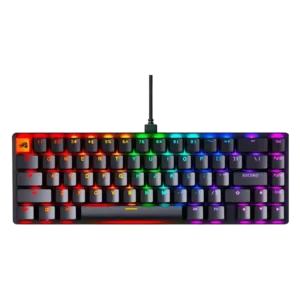
Macro customization is strong, with reviewers citing key remapping, macro creation, and multi-layer assignments.
Pros: hot-swappable switches, typing feel
Cons: wrist rest quality, actuation consistency
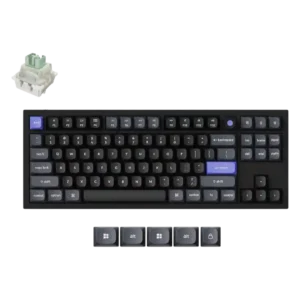
Macro customization is broad and useful, though one review notes manual mouse-click insertion as a limitation.
Pros: latency, polling rate
Cons: portability, switch options
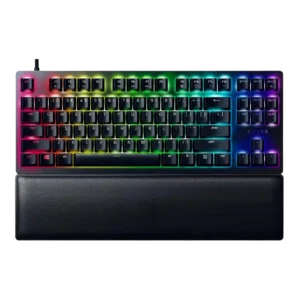
Macro customization was strong, with reviewers noting programmable keys, on-the-fly macro recording, and key-level function changes.
Pros: key responsiveness, frame rigidity
Cons: analog input support, wireless performance
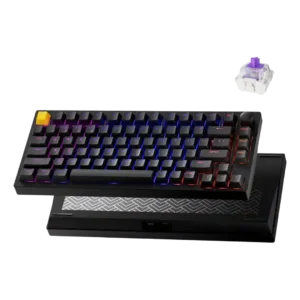
Macro support was praised across software features, including recorded macros and multi-action assignments.
Pros: desk space efficiency, connectivity
Cons: per-key lighting control, layout options
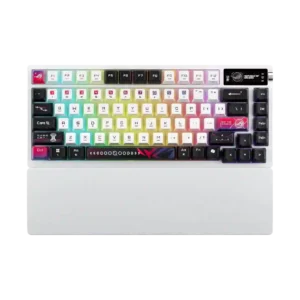
Macro support is present through Armoury Crate, Gear Link, and FN or software customization according to multiple reviewers.
Pros: battery life, hot-swappable switches
Cons: rapid trigger support, analog input support
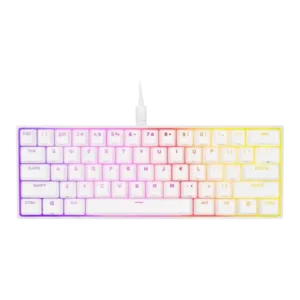
Macro customization was a major strength, appearing in both iCUE and hardware controls with onboard macro recording, remapping, and profile-based assignments.
Pros: desk space efficiency, polling rate
Cons: wrist rest quality, hot-swappable switches
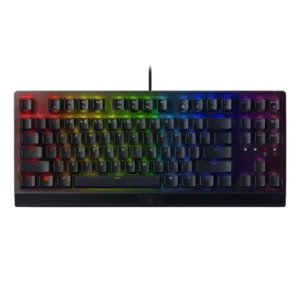
Macro customization is a strong point, with Synapse, Hypershift and on-the-fly recording repeatedly supporting key remapping and macros.
Pros: latency, per-key lighting control
Cons: hot-swappable switches, wireless performance
Macro customization is well supported through G keys, F-key assignments, on-the-fly recording and G Hub profile tools.
Pros: polling rate, key responsiveness
Cons: passthrough features, wrist rest quality
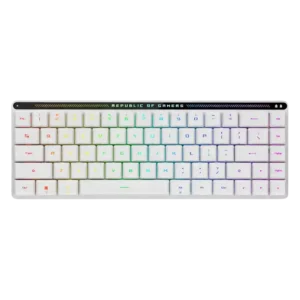
Macro customization was well supported through on-the-fly recording, programmable keys, touch-panel macros, and software configuration.
Pros: latency, reliability
Cons: rapid trigger support, wrist rest quality
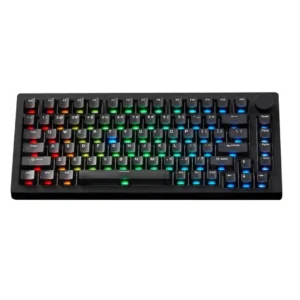
Macro customization is well supported through VIA or web tools, with multiple reviewers explicitly mentioning macro creation or recording.
Pros: switch options, extra gaming features
Cons: portability
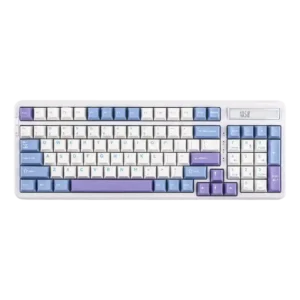
Macro customization is a clear software strength, with reviews citing macro recording, mouse-click detection, and easy setup.
Pros: polling rate, hot-swappable switches
Cons: key spacing, switch options
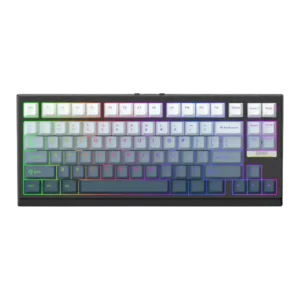
Macro customization is well supported through software, function-layer controls, VIA remapping, and anti-accidental-trigger settings.
Pros: polling rate, ease of switch replacement
Cons: wrist rest quality, media controls
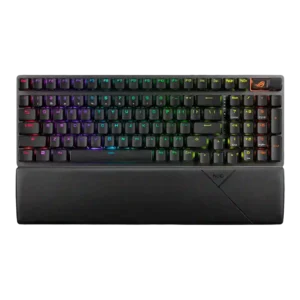
Macro customization was supported through Armoury Crate, on-the-fly macro recording, wheel programming, and shortcut assignment.
Pros: latency, battery life
Cons: rapid trigger support, software quality
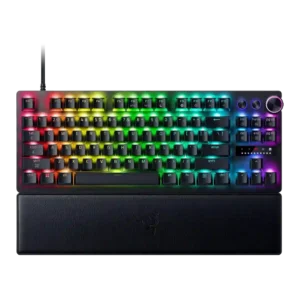
Macro customization is strong, with multiple reviews citing macro recording, remapping, shortcut assignment, and programmable media controls.
Pros: layout options, key responsiveness
Cons: wireless performance, passthrough features
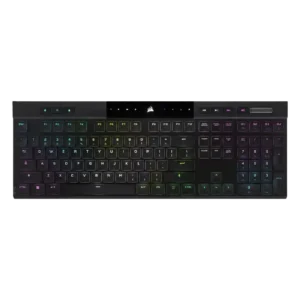
Macro customization is strong through dedicated G keys, key remapping, app launching, shortcuts, Stream Deck-related uses, and iCUE programming.
Pros: extra gaming features, onboard memory
Cons: hot-swappable switches, ease of switch replacement
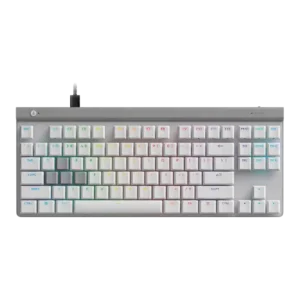
Macro customization was strong through G Hub remapping, macros, multi-action keypresses, and layered inputs.
Pros: sound dampening, key responsiveness
Cons: wireless performance, volume control
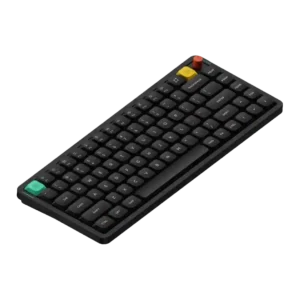
Macro support is consistently available through NuPhy.io and related software controls.
Pros: typing feel, layout options
Cons: rapid trigger support, per-key lighting control
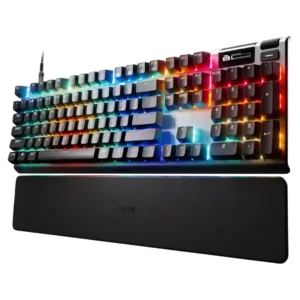
Macro customization was well supported through GG, OLED/menu controls, key bindings, and custom keystroke settings.
Pros: customization options, sound dampening
Cons: passthrough features, ease of switch replacement
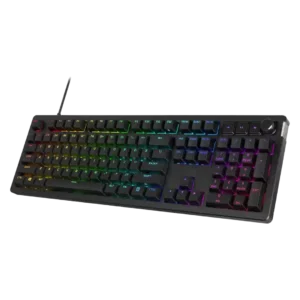
Macro customization was supported through NGENUITY, including macro recording, key remapping, and function assignment.
Pros: legend visibility, materials quality
Cons: wrist rest quality, ease of switch replacement
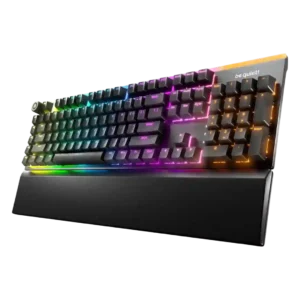
Macro customization is a strength, with reviews citing programmable macro keys, remapping, FN-layer edits, and custom macro creation.
Pros: key stability, noise level
Cons: rapid trigger support, analog input support
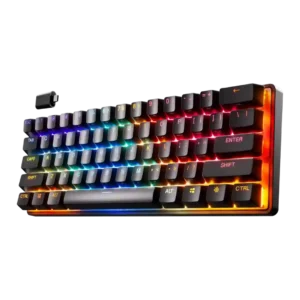
Macro customization is strong, with reviewers noting macro assignment, dual-action mapping, and broad key-binding control.
Pros: wireless performance, latency
Cons: wrist rest quality, hot-swappable switches
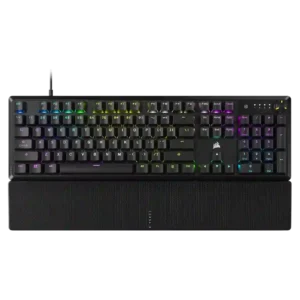
Macro customization is strong in iCUE, with many reviews noting key remapping, shortcuts, macros, and programmable keys.
Pros: per-key lighting control, RGB customization
Cons: analog input support, hot-swappable switches
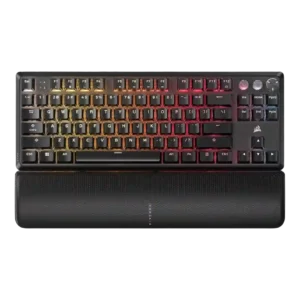
Macro customization was strong, with onboard recording, programmable keys, remapping, and easy assignment mentioned across reviews.
Pros: onboard memory, rapid trigger support
Cons: passthrough features, wireless performance
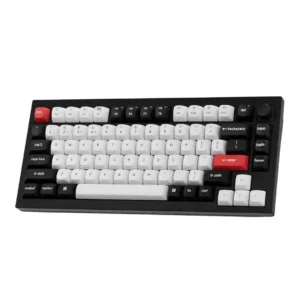
Macro customization is strong overall, with support for macros, multiple commands per key, and task-specific programming, though one interface was called awkward.
Pros: frame rigidity, build quality
Cons: portability, per-key lighting control
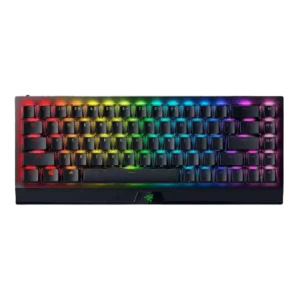
Macro customization was strong for a compact board, with Fn layers, M-key functions, onboard recording, and Synapse remapping.
Pros: per-key lighting control, gaming performance
Cons: passthrough features, stabilizer quality
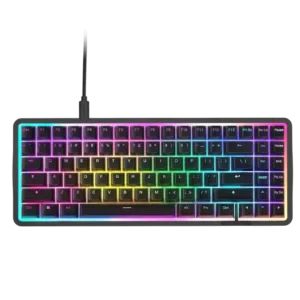
Macro customization is supported through CAM remapping and macro creation, although the board lacks dedicated macro keys.
Pros: polling rate, sound dampening
Cons: passthrough features, wireless performance
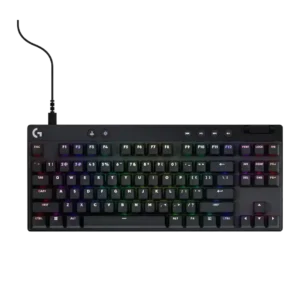
Macro customization is a major strength on newer models, especially Keycontrol and G-Shift layers, though older models are limited mostly to function keys.
Pros: analog input support, frame rigidity
Cons: wrist rest quality, stabilizer quality
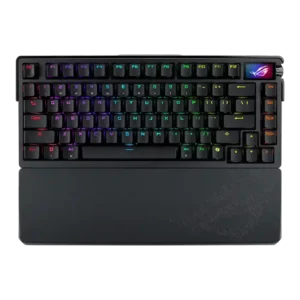
Macro customization is supported through on-the-fly macro recording and software macro options.
Pros: typing comfort, wireless performance
Cons: rapid trigger support, analog input support
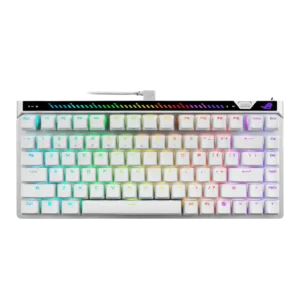
Macro customization is supported through software and profile controls, with review evidence also noting macro recording support.
Pros: gaming performance, latency
Cons: battery life, analog input support
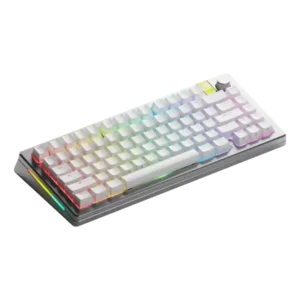
Macro customization is supported through Core software and keybinding tools, though software polish varies.
Pros: size and form factor, customization options
Cons: passthrough features, portability
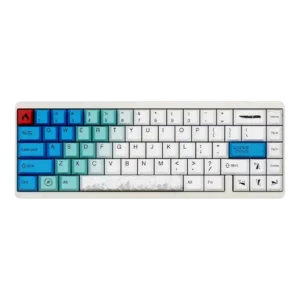
Macro customization is supported in several software walkthroughs, with reviewers showing macros and remapping options.
Pros: materials quality, polling rate
Cons: portability, software quality
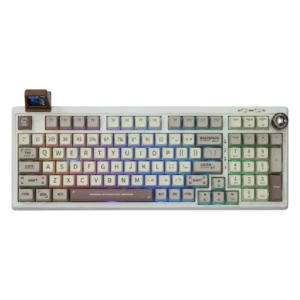
Macro customization is supported through Epomaker's driver and appears in multiple reviews alongside remapping and RGB controls.
Pros: noise level, hot-swappable switches
Cons: rapid trigger support, legend visibility
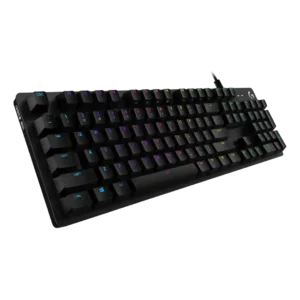
Macro customization is supported through Logitech software, with reviews noting macro recording or programmable macros.
Pros: key spacing, per-key lighting control
Cons: wrist rest quality, reliability
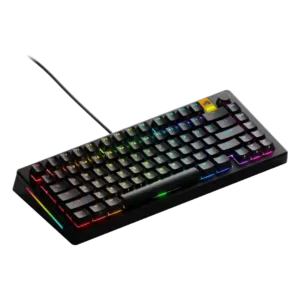
Macro customization was well supported through Core remapping and macro tools, though one review reported forgotten macros.
Pros: customization options, hot-swappable switches
Cons: value for money, desk space efficiency
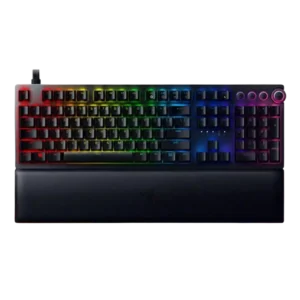
Macro customization is strong through Synapse, onboard controls, and programmable keys, but there are no dedicated macro keys.
Pros: per-key lighting control, build quality
Cons: sound dampening, portability
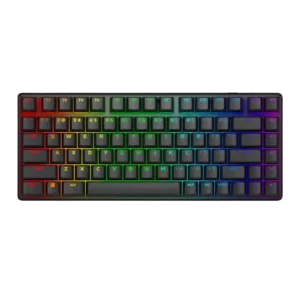
Macro support exists through Alienware software, but reviewers described the software feature set as basic or limited in places.
Pros: backlight brightness, latency
Cons: rapid trigger support, wrist rest quality