Best for profile management
Corsair K70 PRO
4.9 feature score
Highest scored product for this feature based on supporting review evidence.
Highest scored product for this feature based on supporting review evidence.
Balances feature score, supporting reviews, and overall product strength.
Has the broadest review evidence for this feature.
Strongest overall product among items with scored evidence for this feature.
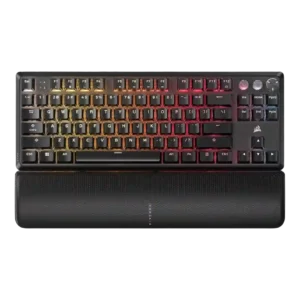
Profile management was a strength, with repeated praise for onboard profiles, game/typing setups, and saved settings without running software.
Pros: per-key lighting control, key responsiveness
Cons: ease of switch replacement, battery life
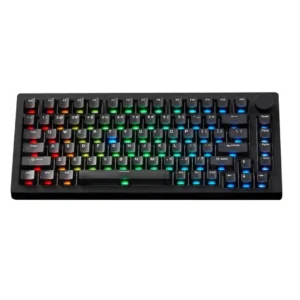
Profile management gets limited but positive evidence, especially quick profile switching that one reviewer explicitly loved.
Pros: switch options, hot-swappable switches
Cons: portability, cable quality
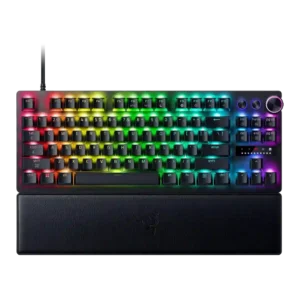
Profile management was praised for saved gaming and general-use profiles, onboard custom profiles, and quick switching between work and game actuation.
Pros: key responsiveness, actuation consistency
Cons: switch options, hot-swappable switches
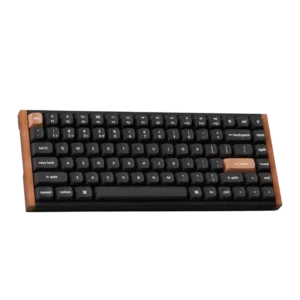
Profile management was positive, with reviewers valuing locally stored profiles and separate typing/gaming setups.
Pros: wrist rest quality, onboard memory
Cons: per-key lighting control, switch options
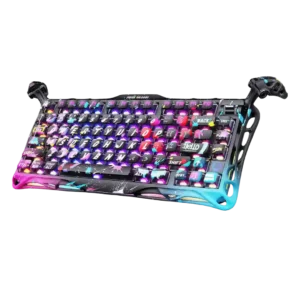
One reviewer found profile switching easy.
Pros: legend visibility, key responsiveness
Cons: connectivity, cable quality
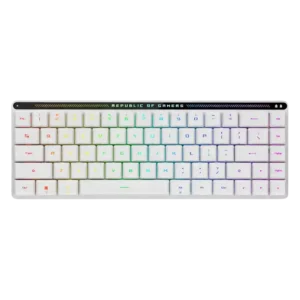
Profile management is positive, with reviewers noting five or six profiles and customization that can carry between devices.
Pros: reliability, typing comfort
Cons: cable quality, wrist rest quality
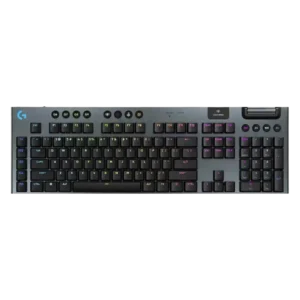
Profile management was generally useful for app and game-specific setups, but some dependence on G Hub remained a limitation.
Pros: stabilizer quality, latency
Cons: ease of switch replacement, hot-swappable switches
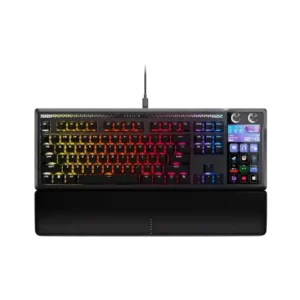
Profiles and pages are a major strength once configured, including app-specific setups and hardware-mode fallbacks. Setup takes some time, but reviewers like the flexibility.
Pros: customization options, ease of switch replacement
Cons: reliability, analog input support
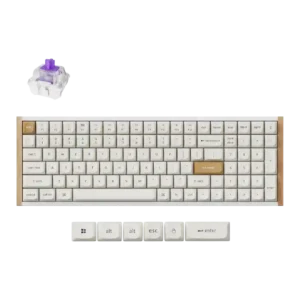
Profile management was praised for storing multiple gaming/work or Windows/macOS profiles.
Pros: durability, rapid trigger support
Cons: per-key lighting control, stabilizer quality
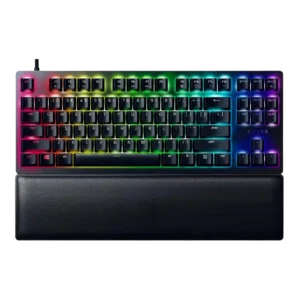
Profile management was consistently praised, especially for game-specific profiles and onboard/hybrid memory.
Pros: key stability, per-key lighting control
Cons: stabilizer quality, media controls
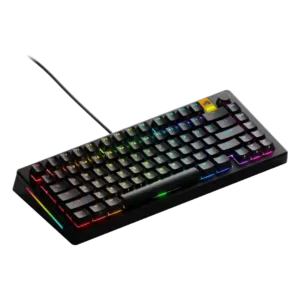
Profile management was praised for handy physical switching and game-specific profile support.
Pros: RGB lighting quality, layout options
Cons: frame rigidity, value for money
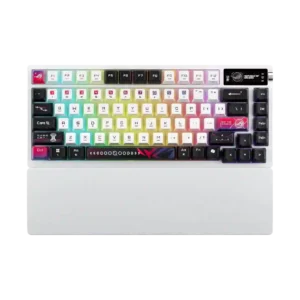
Profile management had limited positive evidence, with one reviewer saying profile switching was quick and easy.
Pros: latency, wireless performance
Cons: rapid trigger support, analog input support
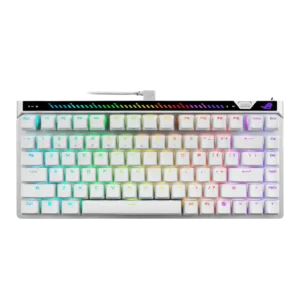
Profile management was praised for cloud saving and usefulness across multiple systems.
Pros: key responsiveness, latency
Cons: analog input support, wrist rest quality
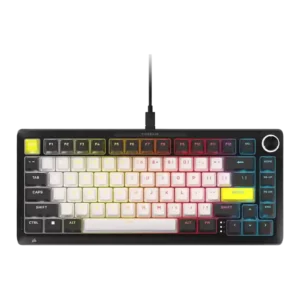
Profile management earned positive evidence from the keyboard retaining saved onboard profiles when disconnected.
Pros: per-key lighting control, durability
Cons: portability, noise level
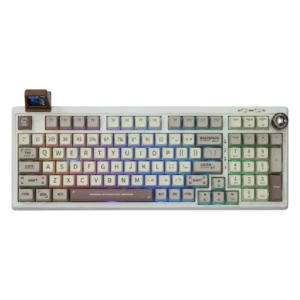
Profile management was directly praised in one review as intuitive inside the Epomaker driver workflow.
Pros: noise level, acoustics
Cons: rapid trigger support, actuation consistency
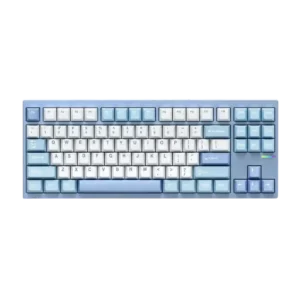
Profile management was supported by the ability to store customizations on the keyboard so settings persist across devices.
Pros: value for money, customization options
Cons: cable quality, portability
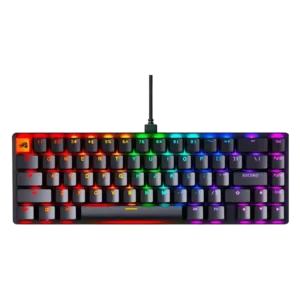
Profile management was praised where tested, especially saving multiple profiles for different uses through software or onboard memory.
Pros: compatibility, key responsiveness
Cons: wrist rest quality, key spacing
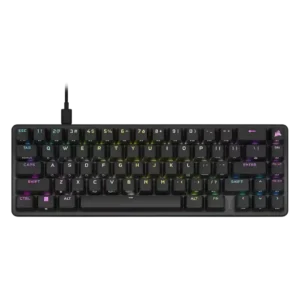
Profile handling was praised for onboard profile storage and the ability to configure many setups.
Pros: volume control, key responsiveness
Cons: wireless performance, wrist rest quality
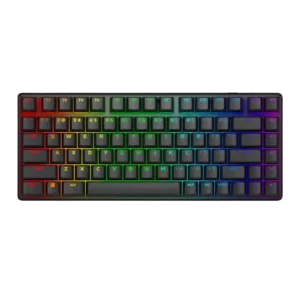
Profile management was often praised for quick switching and onboard presets, but one review found expected profile controls missing at the time of writing.
Pros: key stability, backlight brightness
Cons: rapid trigger support, wrist rest quality
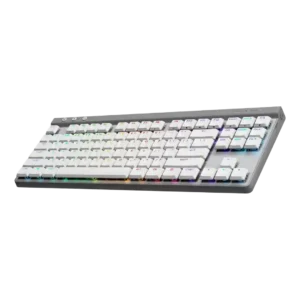
Profile management was viewed positively, with reviewers liking per-game or per-app profiles, shared presets, and onboard profile storage.
Pros: latency, wireless performance
Cons: rapid trigger support, ease of switch replacement
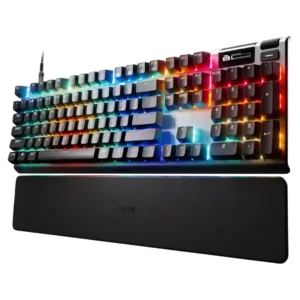
Profile management was useful through QuickSet, presets, and OLED controls, but five always-loaded profiles and clunky menus created friction.
Pros: key responsiveness, durability
Cons: passthrough features, analog input support
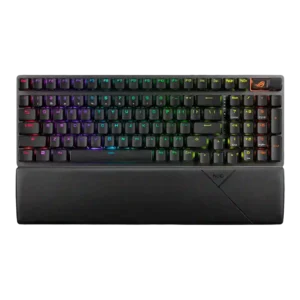
Profile management is positive where discussed, especially because profiles can be tweaked for games and used after software setup.
Pros: per-key lighting control, wireless performance
Cons: rapid trigger support, analog input support
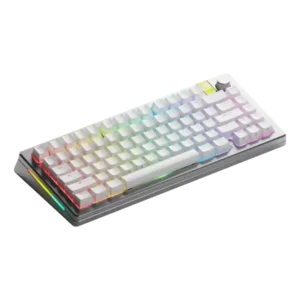
Profile management was praised in one review as easy to use for setting profiles by use case.
Pros: materials quality, customization options
Cons: reliability, actuation consistency
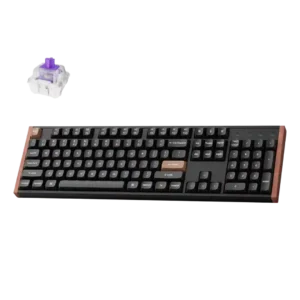
Profile management was praised through the ability to store two layouts onboard for multi-platform use.
Pros: wireless performance, key responsiveness
Cons: switch options, desk space efficiency
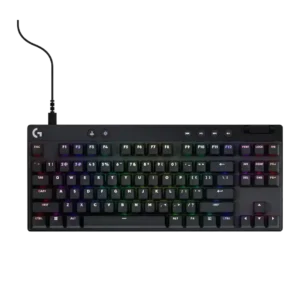
Profile management is useful through saved onboard profiles, game profiles, and quick profile switching, though onboard limits appear on some models.
Pros: durability, per-key lighting control
Cons: noise level, sound dampening
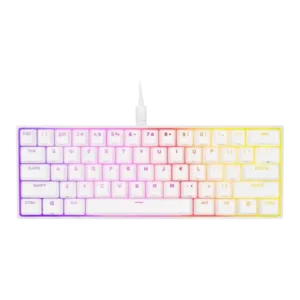
Profile management was powerful but not always simple, with praise for travel-ready profiles and criticism of complicated hardware-profile handling.
Pros: desk space efficiency, frame rigidity
Cons: sound dampening, ease of switch replacement
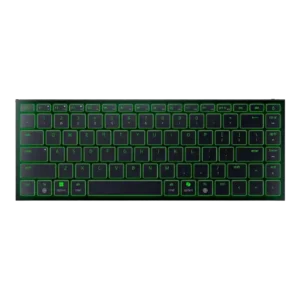
Profile management was helpful through onboard profiles, although one reviewer still found broader customization flexibility limited.
Pros: frame rigidity, size and form factor
Cons: sound dampening, per-key lighting control
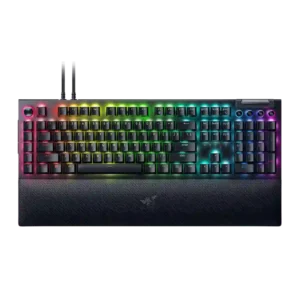
Profile management was useful for switching setups and game-linked profiles, though some functions still depended on Synapse or required manual management.
Pros: key stability, ease of switch replacement
Cons: compatibility, battery life
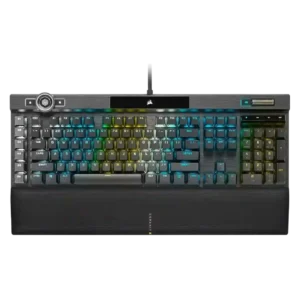
Profile management is capable but can be overwhelming; reviewers praise large onboard profile capacity while noting the profile system can become complex.
Pros: actuation consistency, key stability
Cons: hot-swappable switches, switch options
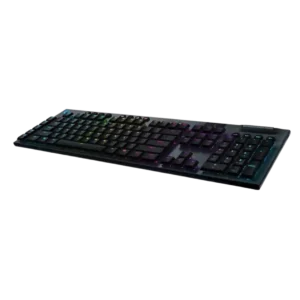
Profile switching is useful, but one reviewer found the onboard profile workflow counterintuitive.
Pros: latency, polling rate
Cons: passthrough features, cable quality
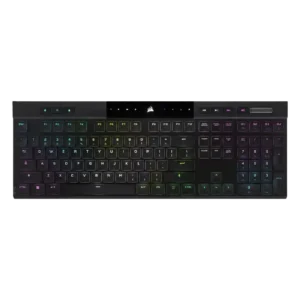
One reviewer praised profile management because settings could travel between systems without being reset.
Pros: backlight brightness, actuation consistency
Cons: sound dampening, stabilizer quality

Profiles are useful in Synapse, including game-oriented presets that can be selected with Fn shortcuts.
Pros: polling rate, RGB customization
Cons: key stability, typing comfort
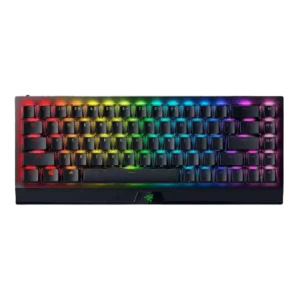
Profile management was helpful thanks to onboard/local profiles, though one review found toggling profiles unintuitive and onboard behavior limited.
Pros: per-key lighting control, backlight brightness
Cons: passthrough features, compatibility
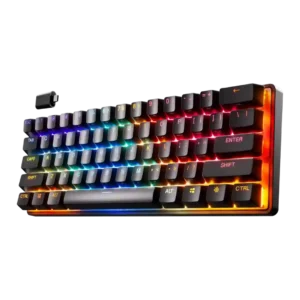
Profile management was useful but not seamless, with praise for onboard/game/device profiles and a caveat that Bluetooth profile swapping takes time to learn.
Pros: latency, key responsiveness
Cons: hot-swappable switches, ease of switch replacement
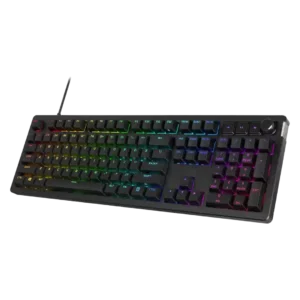
Profile management is mixed: onboard/profile switching is praised, but Tom's Hardware and How-To Geek found profile or lighting control limitations.
Pros: compatibility, legend visibility
Cons: wrist rest quality, cable quality
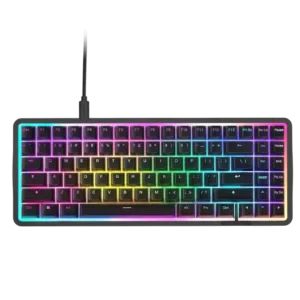
Profile management was useful overall, especially onboard profiles, though one reviewer wanted savable custom presets beyond included ones.
Pros: latency, acoustics
Cons: passthrough features, wireless performance
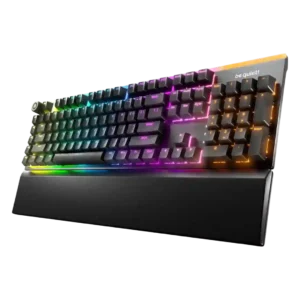
Profile management is mostly positive where IO Center profiles are discussed, but one reviewer reports confusion between hardware and software profiles.
Pros: ease of switch replacement, acoustics
Cons: rapid trigger support, analog input support
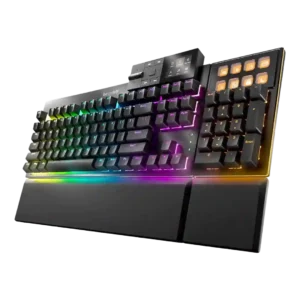
Profile management was useful but imperfect, with onboard/browser profile handling praised and profile switching or web limitations criticized.
Pros: key stability, per-key lighting control
Cons: analog input support, wireless performance
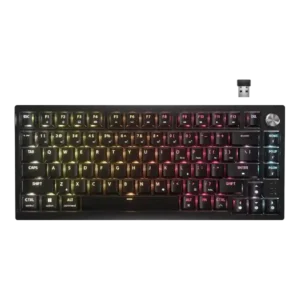
Profile management was useful for switching setups, but opinions were mixed because onboard limits and preset behavior constrain software-free use.
Pros: latency, durability
Cons: legend visibility, rapid trigger support
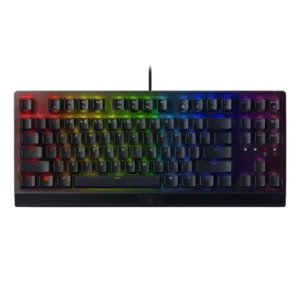
Profile management was mixed: onboard/profile customization was convenient in positive reviews, but one long-term reviewer reported profiles going missing.
Pros: latency, durability
Cons: sound dampening, passthrough features
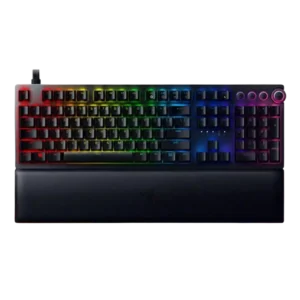
Profile management was useful but imperfect, with onboard/profile support praised while RGB memory limits and lack of grouping drew complaints.
Pros: per-key lighting control, wrist rest quality
Cons: polling rate, portability
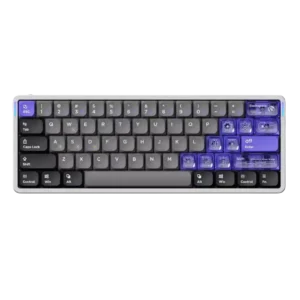
Profile management was mixed: the physical switch was appreciated, but the three-profile limit was a possible deal-breaker.
Pros: frame rigidity, rapid trigger support
Cons: switch options, legend visibility
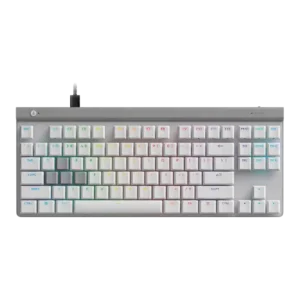
Profile management was mixed: reviewers liked profile features, but several criticized cumbersome onboard saving or unreliable automatic switching.
Pros: key responsiveness, ergonomics
Cons: wireless performance, volume control
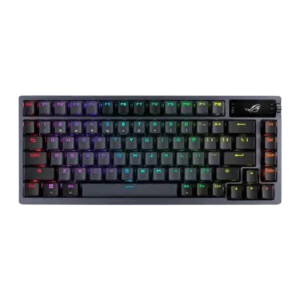
Profile management was split between easy profile swapping in one review and serious profile-reset problems tied to Armoury Crate in another.
Pros: durability, wireless performance
Cons: passthrough features, onboard memory
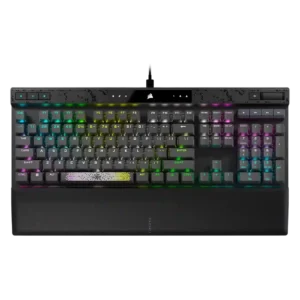
Profile management was mixed: one reviewer liked setting up profiles, while another criticized iCUE for not saving changes properly.
Pros: reliability, key responsiveness
Cons: desk space efficiency, wireless performance
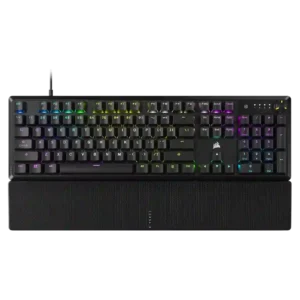
Profile management was a weakness in the cited reviews, mainly because software and onboard profiles could be awkward or disconnected.
Pros: per-key lighting control, compatibility
Cons: ease of switch replacement, hot-swappable switches
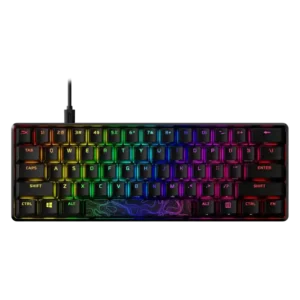
Profile management is useful in theory, but evidence includes sync failures, unresponsive presets, and a three-profile limitation.
Pros: latency, actuation consistency
Cons: ease of switch replacement, reliability
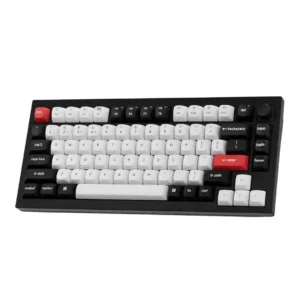
Profile management is a weak point in the scored evidence because PCWorld criticized the lack of automatic per-game profiles.
Pros: key stability, frame rigidity
Cons: profile management, reliability
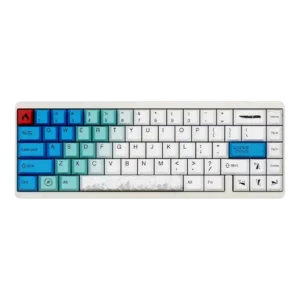
Profile management was criticized because one reviewer could not find a way to set different profiles.
Pros: durability, key responsiveness
Cons: reliability, RGB customization
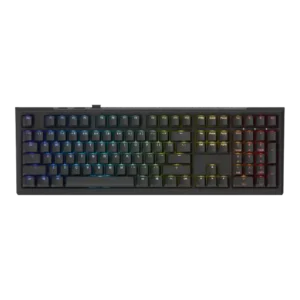
Profile management was one of the biggest pain points in earlier reviews, with later updates improving the Mini through dual-profile support.
Pros: typing feel, key stability
Cons: profile management, wrist rest quality